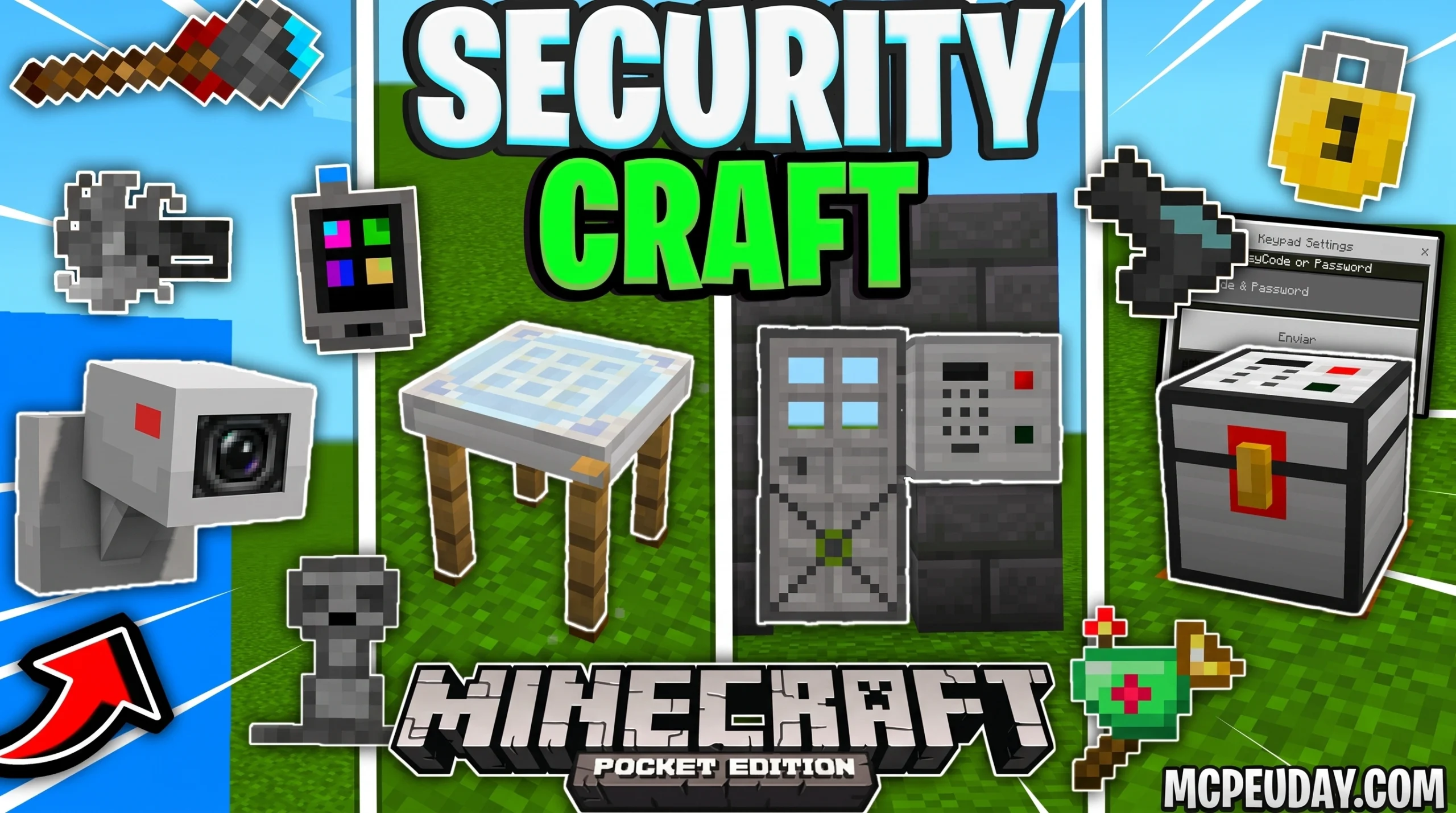
The SecurityCraft Bedrock Addon: Everything You Need to Know Before Downloading
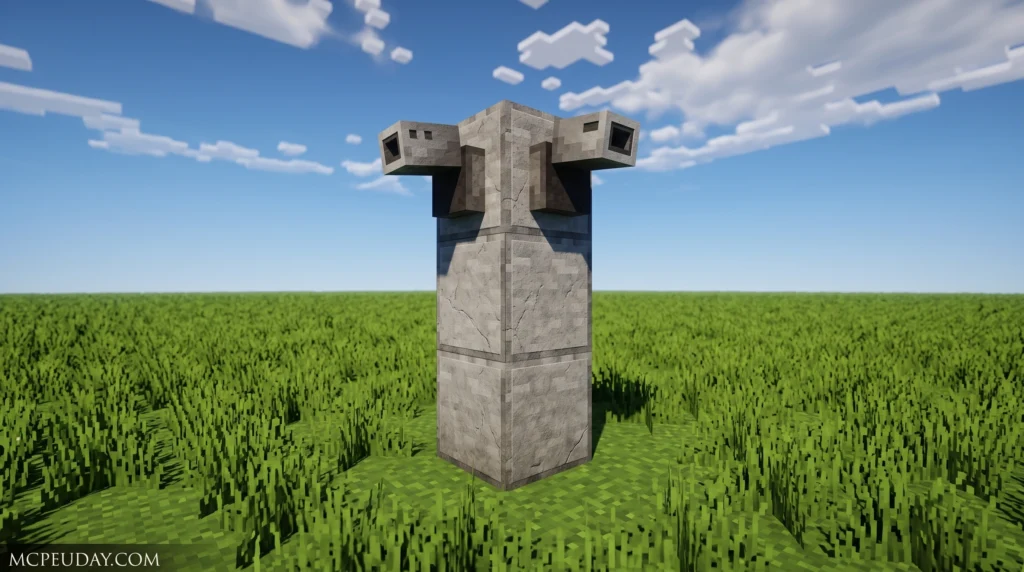
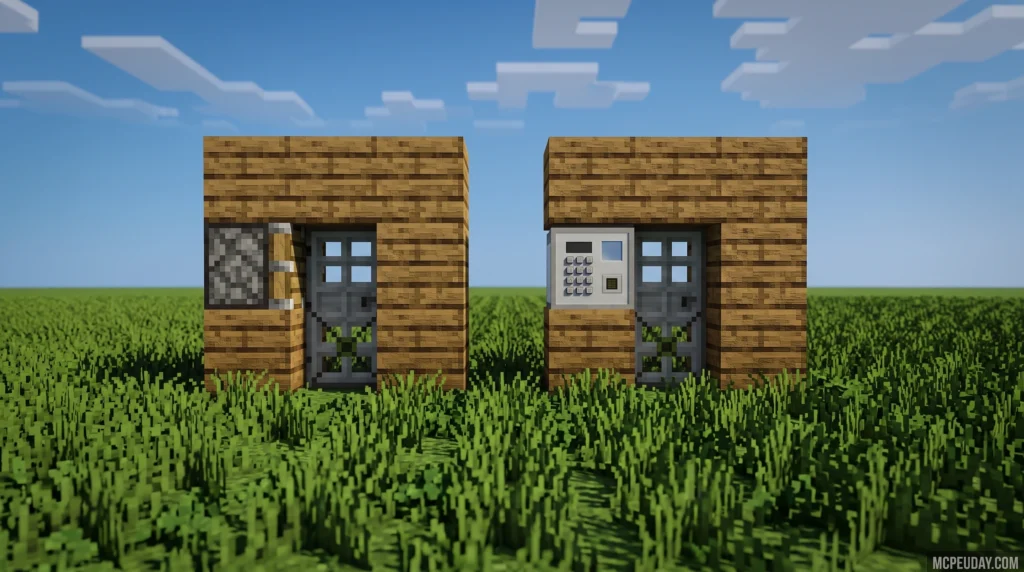
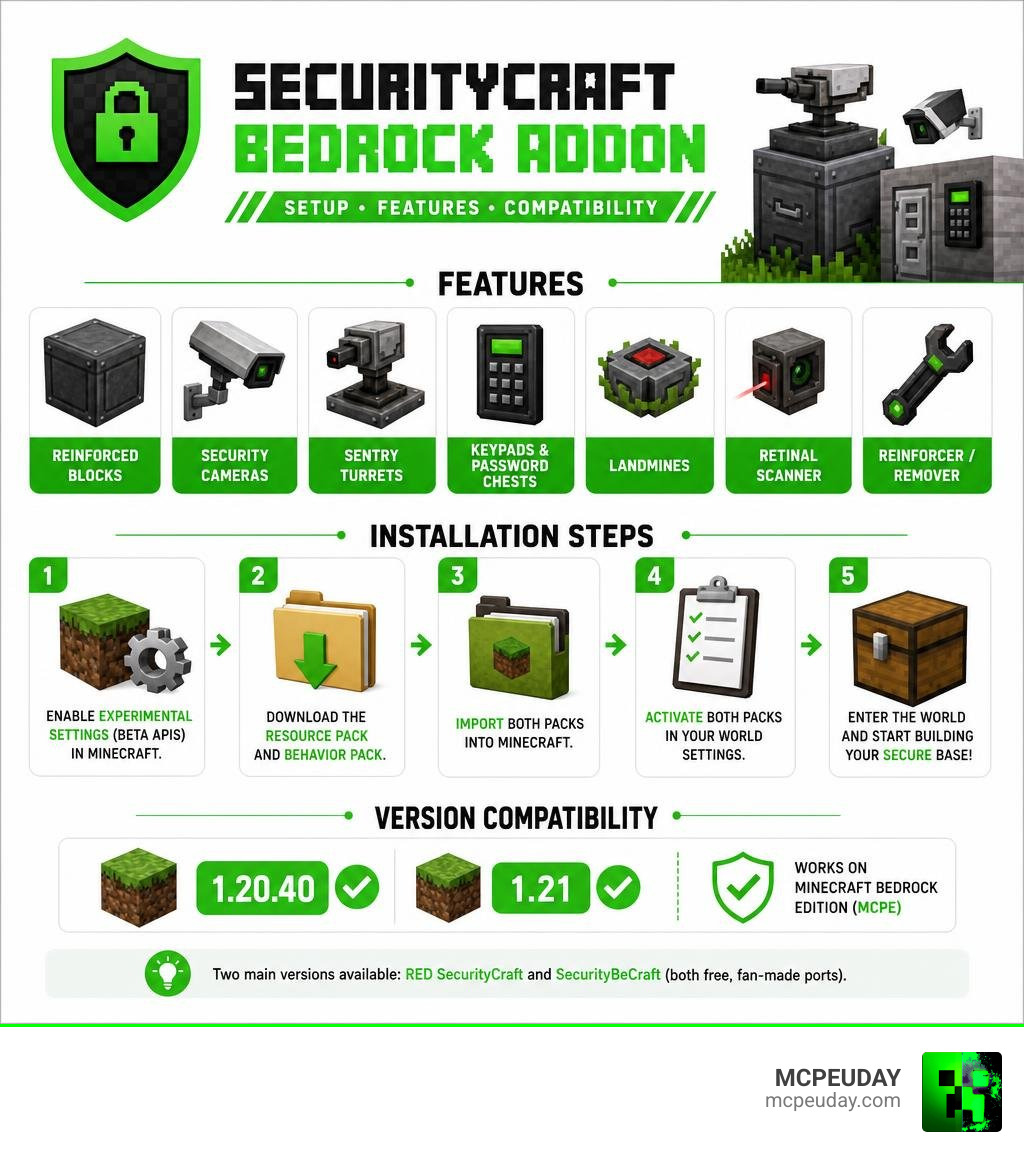
The SecurityCraft Bedrock Addon is an unofficial port of the popular Java mod originally created by Geforce132, bringing advanced base-protection tools like reinforced blocks, security cameras, turrets, keypads, and landmines to Minecraft Bedrock Edition (MCPE).
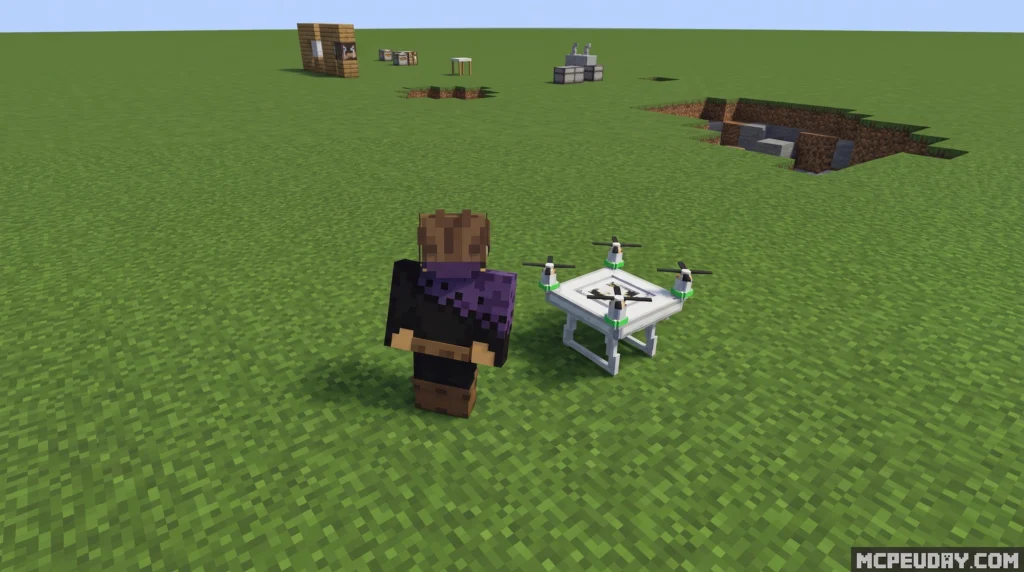
Quick answer for what it includes:
- Reinforced Blocks – explosion-resistant blocks only the owner can break
- Security Cameras + Tablet – place cameras and monitor your base remotely
- Sentry Turrets – automated defense that attacks mobs or players
- Keypads and Password Chests – lock doors and storage behind secret codes
- Landmines – invisible traps that detonate on contact
- Retinal Scanner – emits a redstone signal when the owner looks at it
- Universal Block Reinforcer/Remover – the core tools for managing your security setup
To use it, you need to enable Beta APIs (experimental settings) in Minecraft, then install both the Resource Pack and Behavior Pack. It supports Minecraft 1.20.40 and 1.21.
There are two main versions available: RED SecurityCraft (on CurseForge, with 78,345 downloads) and SecurityBeCraft (also on CurseForge). Both are free fan-made ports — not official Mojang or Geforce132 releases.
The Java version of SecurityCraft has over 94 million downloads, making it one of the most popular Minecraft mods ever made. The Bedrock port brings those same security mechanics to mobile and console players — though with some limitations due to how Bedrock’s addon system works compared to Java’s modding API.
Below, we’ll walk you through every feature, how to install it safely, and how to avoid the fake or broken versions floating around.
What is the SecurityCraft Bedrock Addon?
For years, Java players have enjoyed absolute peace of mind thanks to the original SecurityCraft mod. In June 2026, Bedrock players no longer have to feel left out. The SecurityCraft Bedrock Addon is a dedicated recreation designed specifically for Minecraft Bedrock Edition. It introduces a comprehensive defensive ecosystem to shield your hard-earned bases from griefers, nosy friends, and hostile mobs.
Whether you are hosting a faction server or just want to secure your private survival world, this addon gives you the high-tech tools necessary to build an impenetrable fortress. If you enjoy expanding your survival experience, you might also want to explore our Category/Mod Addons page for more game-changing tools.
Java Mod vs. Bedrock Port Differences
While the Bedrock port does an incredible job of translating Java mechanics, there are some fundamental differences due to engine limitations:
- API Constraints: The Bedrock version relies heavily on Minecraft’s Beta APIs. Because of this, certain complex mechanics from Java are simplified.
- UI and Interaction: Menu navigation and password inputs are adapted for touchscreens and controllers.
- Feature Parity: Some blocks, like the Laser Block, may serve primarily as crafting materials in Bedrock, whereas they have active beam mechanics in Java.
- Performance: The Bedrock version is highly optimized to ensure mobile devices and consoles do not experience severe frame drops when multiple turrets are active.
Official Developers and Licensing of the SecurityCraft Bedrock Addon
It is vital to understand that the Bedrock addons are unofficial ports. The original Java masterpiece was created by Geforce132. You can view the original Java project at the Security Craft – Minecraft Mods – CurseForge page.
The Bedrock versions, such as RED SecurityCraft and SecurityBeCraft, are built by talented community developers who port these features under open-source guidelines or with explicit community permission. Always download from official community platforms to support these creators and avoid malicious copycats.
Core Features and Security Mechanics
Protecting your base goes far beyond putting a wooden door on your dirt hut. The SecurityCraft Bedrock Addon introduces a multi-layered defense system. For players who love intense survival scenarios, combining these defense tools with the True Survival Addon creates the ultimate post-apocalyptic bunker experience.
Reinforced Blocks and Ownership Systems
The foundation of any good security system is structural integrity.
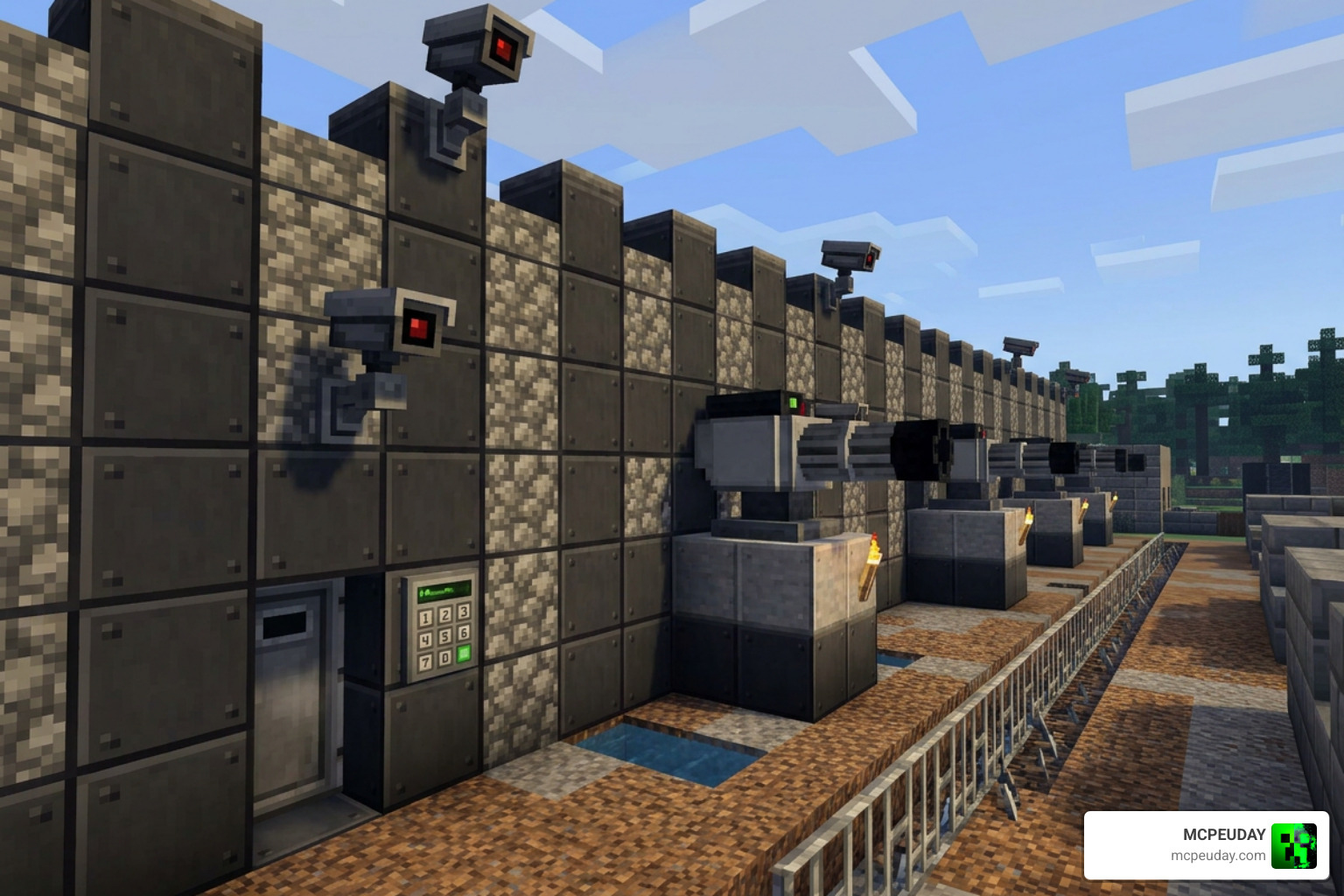
- Universal Block Reinforcer: This tool allows you to upgrade standard vanilla blocks into reinforced variants. These blocks are highly resistant to explosions (including Creepers and TNT).
- Ownership System: When you place a reinforced block, you are registered as its sole owner.
- Universal Block Remover: Only the registered owner can break these reinforced blocks using this specialized tool. If another player attempts to break your security blocks, nothing will happen!
Surveillance Cameras, Turrets, and Mines
If passive defense isn’t enough, you can go on the offensive:
- Security Cameras: Place these around your perimeter and name them uniquely (e.g., Main Gate, Vault). By using the Security Tablet, you can cycle through your camera feeds in real-time to spy on intruders.
- Sentry Turrets: These automated defensive units can be tamed using a Padlock. Once tamed, you can interact with them to configure their targeting parameters—setting them to attack only monsters, attack all entities, or turn off entirely.
- Landmines: These traps are virtually invisible to intruders. If an unwanted guest steps within range, they detonate instantly. You can safely defuse landmines using shears or wire cutters from a safe distance.
Keypads, Passwords, and Remote Access Tools
Keep your valuables locked tight with advanced locking mechanisms:
- Keypad Chests and Doors: Interact with these blocks to set a unique passcode. Once configured, players must enter the correct code to gain access. These chests automatically lock themselves five seconds after being closed.
- Retinal Scanners: A high-tech alternative to keypads. This block will emit a redstone signal the moment its owner looks directly at it.
- Mine Remote Access Tool: This handy device allows you to remotely arm, disarm, or detonate your placed mines from a safe distance.
Comparing Versions: RED SecurityCraft vs. SecurityBeCraft
To help you decide which version is right for your world, we have put together a quick comparison of the two primary ports available on CurseForge.
| Feature / Metric | RED SecurityCraft | SecurityBeCraft |
|---|---|---|
| CurseForge Downloads | 78,345 | Varied by release |
| Average Rating | 4.1 / 5 | 4.3 / 5 |
| Primary Focus | Feature parity with Java | Simplified UI and stability |
| Keycard Reader Levels | Yes (up to 5 levels) | Simplified passcode system |
| Experimental APIs Required | Yes (Beta APIs) | Yes |
Feature Comparison of SecurityCraft Bedrock Addon Forks
The RED SecurityCraft port is highly praised for keeping up with advanced mechanics like keycard readers and remote mine tools. You can download this specific version directly from the [RED] SecurityCraft v1.4.0 – Minecraft Bedrock Addons – CurseForge page.
On the other hand, SecurityBeCraft is known for streamlined performance, making it excellent for low-end mobile devices. You can find it on the SecurityBeCraft – Minecraft Bedrock Addons – CurseForge page. If you want to pair your security system with a massive world expansion, we highly recommend checking out the Better On Bedrock Addon 1 21 Best Survival Expansion For Mcpe to give your turrets plenty of custom mobs to shoot at!
How to Safely Download and Install the Addon
Downloading files online always requires caution. Avoid third-party storefront apps that promise “one-click mod installs” but instead fill your device with ads or fail to load. Stick to trusted sources like CurseForge or our guides here at MCPEUDAY. If you enjoy building grand complexes to secure, check out the Better Structures Addon to generate amazing pre-built bases.
System Requirements and Experimental Settings
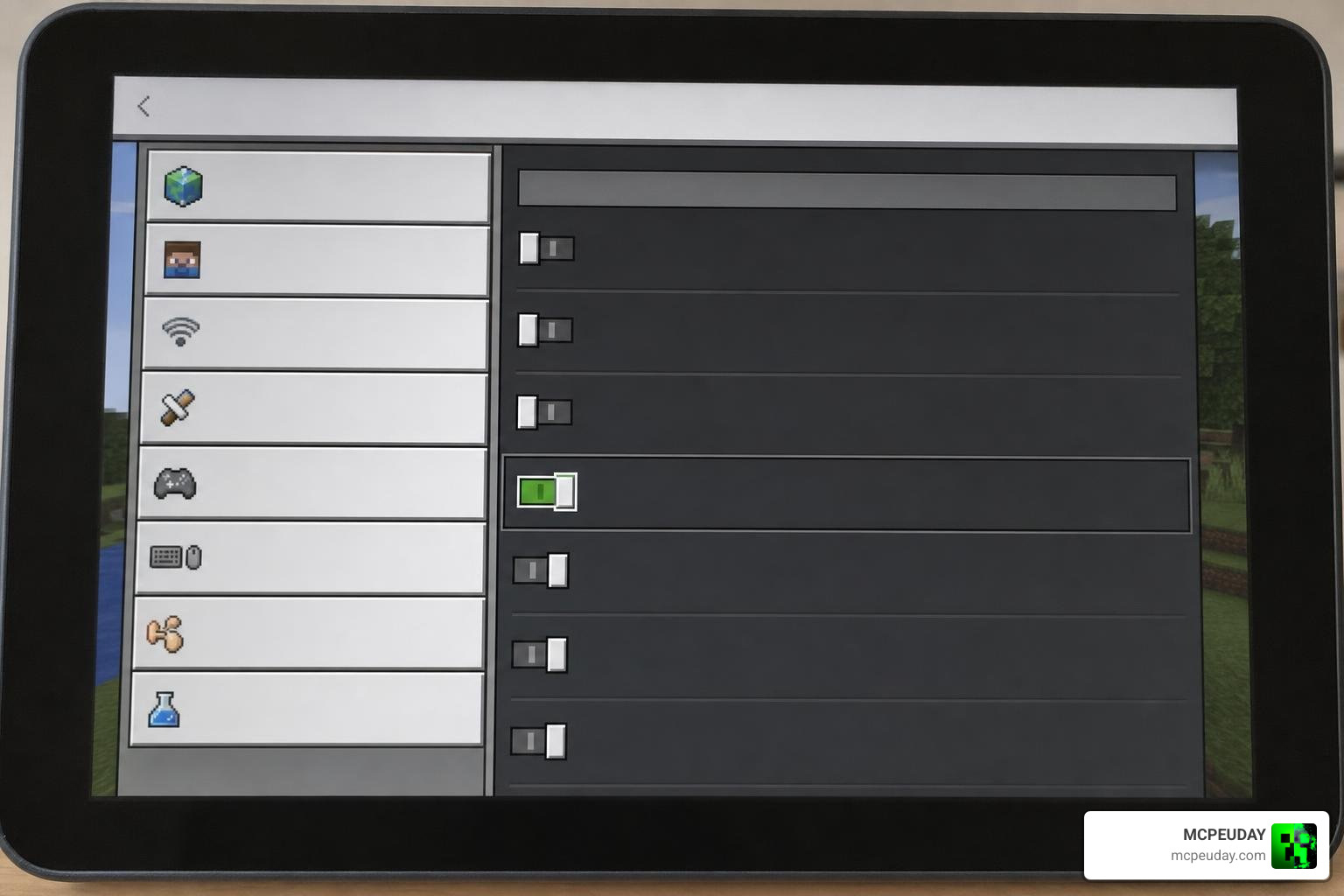
Because this addon uses custom scripting, Minecraft requires you to toggle experimental features. If you skip this step, the custom blocks will either be completely invisible or fail to register in your crafting menu.
- Supported Versions: Minecraft Bedrock 1.20.40 up to 1.21+.
- Required Toggles: You must enable Beta APIs and Experimental Gameplay in your world settings before loading the world.
Step-by-Step Installation Guide
- Download the Resource Pack (.mcpack) and Behavior Pack (.mcpack) from a verified source.
- Double-click or tap the downloaded files to automatically import them into Minecraft.
- Create a new world or edit an existing one.
- Go to Experiments and toggle Beta APIs to ON.
- Under Resource Packs, activate the SecurityCraft Resource Pack.
- Under Behavior Packs, activate the SecurityCraft Behavior Pack.
- Start your world and craft your very first Security Table to get started!
For players who want to build their security perimeters at lightning speed, we recommend using the Effortless Building Addon alongside this mod.
Troubleshooting Common Issues and Compatibility
While these addons are incredibly fun, they can sometimes run into issues, especially when paired with other complex mods. If you experience performance drops, consider installing the Bedrock Essentials Addon to help optimize your game’s UI and general performance.
- Invisible Blocks: This is almost always caused by forgetting to turn on the Beta APIs in your world settings. Double-check your world edit menu!
- Multiplayer Desync: If other players cannot see the camera feeds, make sure the host has a stable internet connection and that all players have downloaded the world’s resource pack upon joining.
- Block Removal Lockout: If you forget your keypad password, you cannot recover it. You will need to use the Universal Block Remover (as the owner) to break the device and replace it.
Frequently Asked Questions about SecurityCraft Bedrock
Can I use SecurityCraft Bedrock Addon in multiplayer worlds?
Yes! Both RED SecurityCraft and SecurityBeCraft fully support multiplayer. The ownership system ensures that only the player who placed a security block or tamed a turret can control or remove it, making it perfect for multiplayer servers.
What should I do if the addon blocks are bugged or invisible?
Ensure your Minecraft version is compatible (1.20.40 or 1.21). If the version matches, delete the packs from your storage cache, redownload them, and ensure Beta APIs are toggled on before entering the world.
Is SecurityCraft Bedrock Addon compatible with other survival addons?
Generally yes, but conflicts can occur if other addons modify the same player interaction scripts. Always test your addon combination in a creative test world before applying them to your main survival world.
Conclusion
At MCPEUDAY, we believe that every player deserves a safe place to store their hard-earned diamonds. The SecurityCraft Bedrock Addon bridges the gap between Java and Bedrock, giving you all the high-tech surveillance and defense tools you could ever need.
Ready to discover more amazing additions for your mobile or console worlds? Head over to our https://mcpeuday.com/category/mcpe-bedrock/ category to find the latest verified downloads, custom maps, and gameplay expansions!
3 thoughts on “SecurityCraft Bedrock Addon (26.x, 1.21) – MCPE/Bedrock Mod”