The One Addon That Makes Bedrock Survival Actually Fun
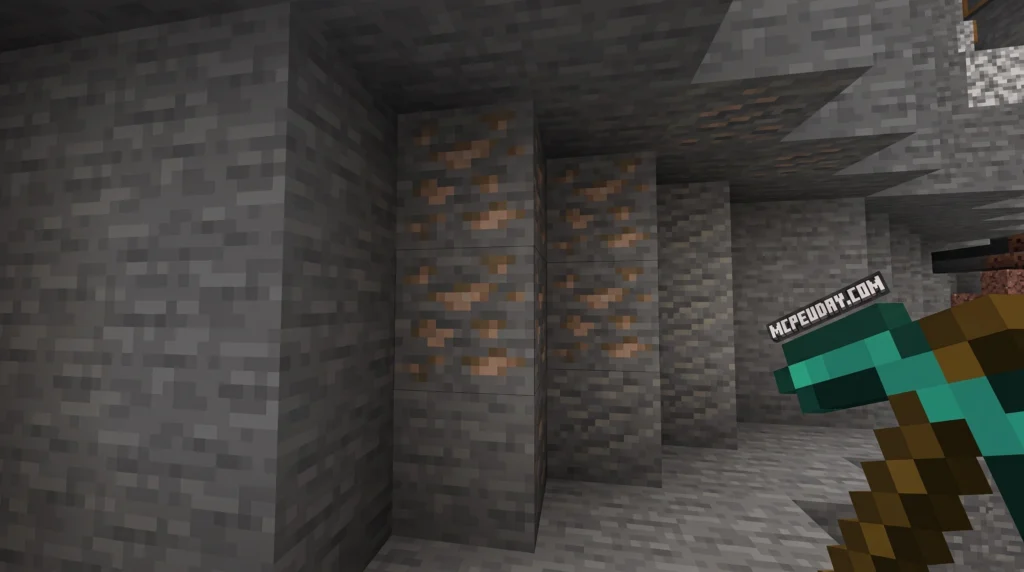
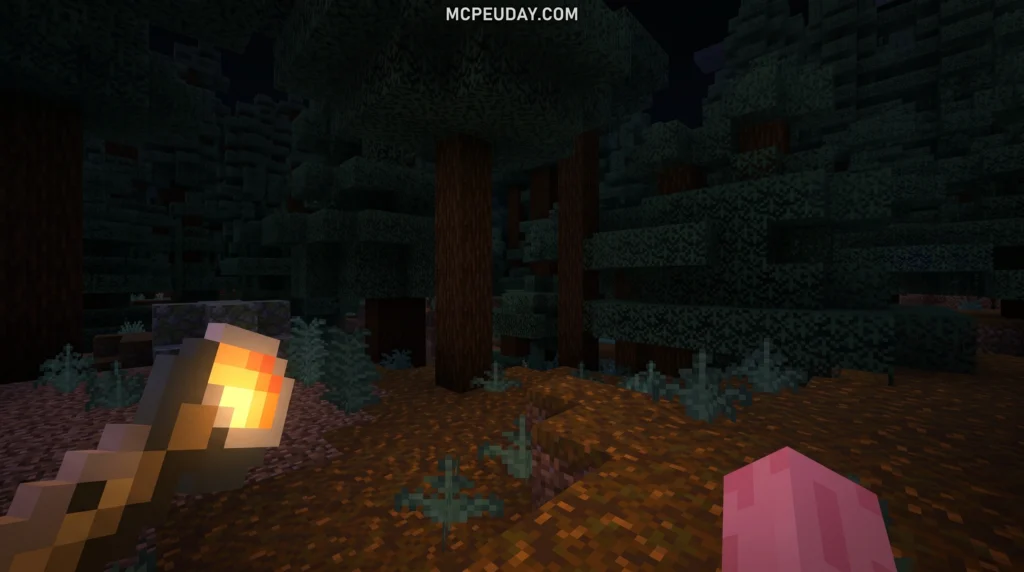
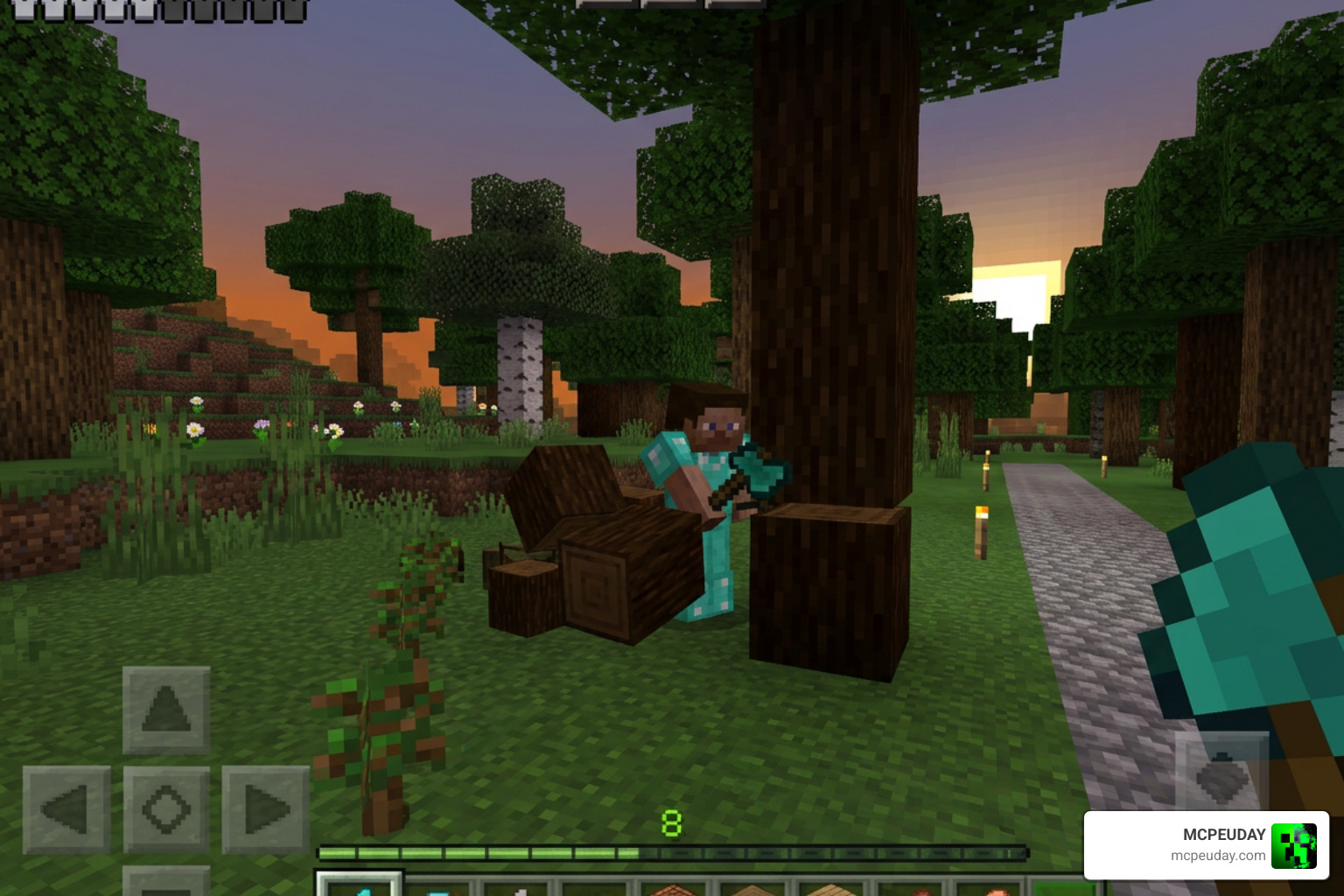
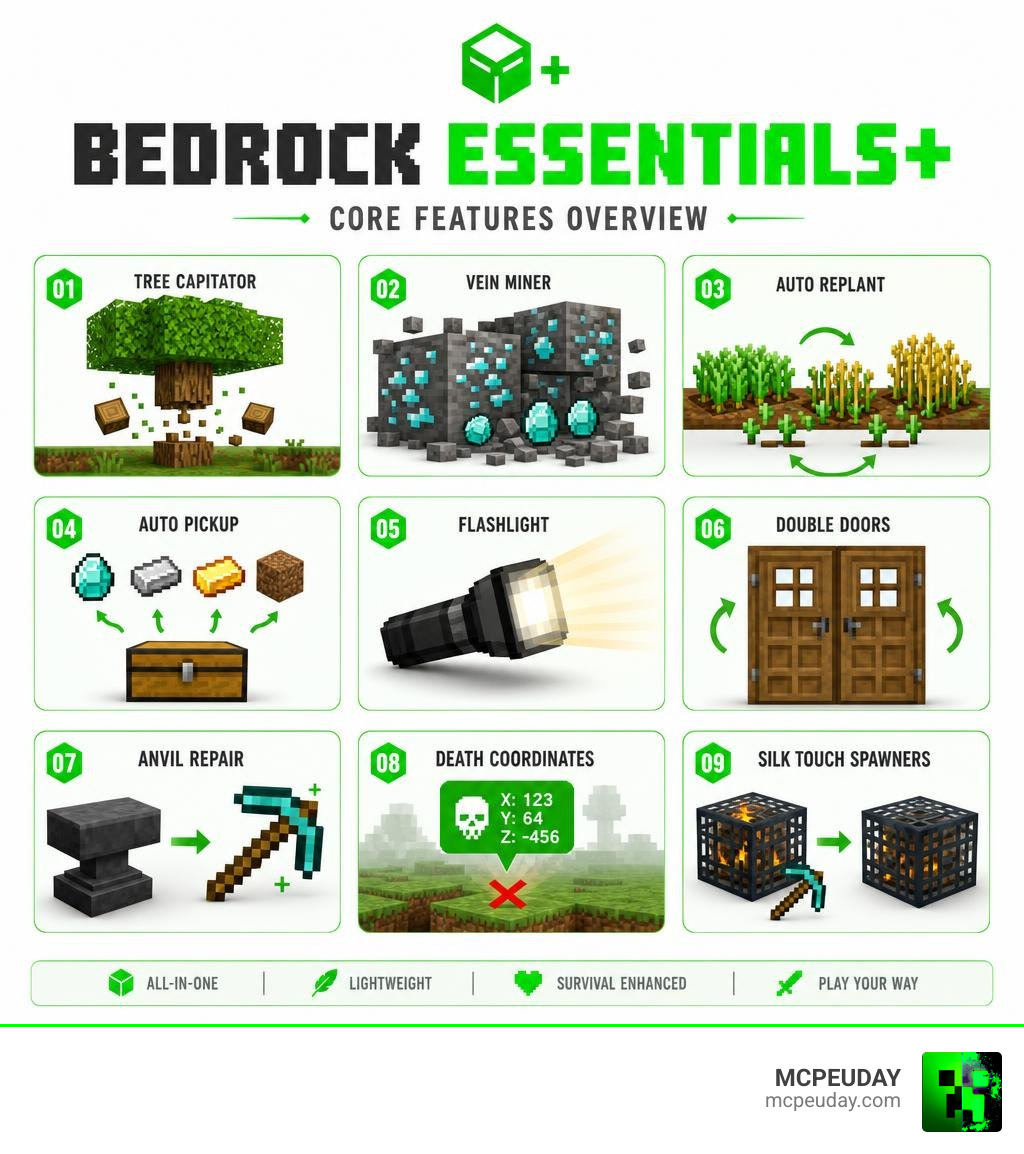
The Bedrock Essentials+ Addon is an all-in-one quality-of-life pack for Minecraft Bedrock Edition that bundles features like Tree Capitator, Vein Miner, Auto Replant, Auto Pickup, Flashlight, Double Doors, Anvil Repair, and Death Coordinates into a single lightweight file.
Quick answer — here’s what Bedrock Essentials+ gives you:
- Tree Capitator — sneak while chopping to fell an entire tree instantly
- Vein Miner — sneak while mining to collect a full ore vein at once
- Auto Replant — crops replant themselves automatically after harvesting
- Auto Pickup — use
/pickup enableto collect items without walking over them - Flashlight — craftable light source for exploring dark areas
- Double Doors — click one door to open both at the same time
- Anvil Repair — repair tools at an anvil without losing them
- Death Coordinates — see exactly where you died so you can recover your items
- Silk Touch Spawners — mine mob spawners and keep them with Silk Touch
It’s free, it’s tiny (just 28.41 KB), and it has racked up nearly 950,000 downloads on CurseForge alone — which tells you everything about how useful players find it.
If you’ve ever felt like vanilla Bedrock survival wastes too much of your time on repetitive tasks — running back to a tree stump, replanting every crop by hand, or dying and losing your gear forever — this addon fixes all of that in one install.
What is the Bedrock Essentials+ Addon?
At its heart, the Bedrock Essentials+ – Addons – CurseForge is an all-in-one utility pack designed specifically for Minecraft Bedrock Edition. Instead of forcing players to search for, download, and configure a dozen different behavior packs to get a comfortable survival setup, this community-developed addon combines the best quality-of-life features into a single optimized package.
Created by the talented developer Gao, this mod streamlines your survival world by eliminating the tedious chores that often slow down the late-game experience. Whether you are playing on a phone in Jaipur, a console in the US, or a PC in Russia, this addon works seamlessly across devices to make your Minecraft worlds feel modern and polished.
Core Features of the Bedrock Essentials+ Addon
The addon is packed with features that feel so natural you will wonder why they are not in the vanilla game already. Here are the core highlights:
- Silk Touch Spawners: In the latest updates, you can finally pick up and relocate mob spawners. Simply use a pickaxe enchanted with Silk Touch, and the spawner is yours to place wherever you like.
- Health Bar Displays: Keep track of your enemies and pets with clean, non-intrusive health bars displayed above mobs.
- XP Bank: Store your hard-earned experience safely so you do not lose it all when taking a surprise bath in a lava pool.
- Flashlight Recipe and Dynamic Lighting: Craft a portable flashlight using basic survival resources to light up dark caves. If you love realistic lighting, this pairs beautifully with the Better Dynamic Light Addon for Minecraft Bedrock 1.21 1.20 Realistic Lighting Mod for MCPE.
- Offhand Functionality: Hold and use utilities in your offhand, which is a massive upgrade for Bedrock players. For full Java-like dual-wielding, you can also check out the Doublehands Functional Offhand Like Java Addon.
Supported Minecraft Versions and Download StatsXX
As of June 2026, the addon has achieved immense popularity. It currently boasts 949,008 total downloads on CurseForge and continues to grow daily. The creator, Gao, has maintained active updates, with the latest release coming out just 25 days ago.
The pack size is incredibly optimized at just 28.41 KB for version 1.8.1, meaning it will not lag your device or take up valuable storage space. It is fully compatible with Minecraft Bedrock versions 1.21.132, 26.0, 26.0.02, 26.3, 26.10, and several other versions, ensuring that players on almost any modern update can enjoy it.
Enhancing Survival with Automation Features
Manual labor is fine for your first day in Minecraft, but once you have established a base, chopping down giant spruce trees block-by-block gets old very quickly. The addon introduces smart automation mechanics that respect your time.
Tree Capitator and Vein Miner Mechanics
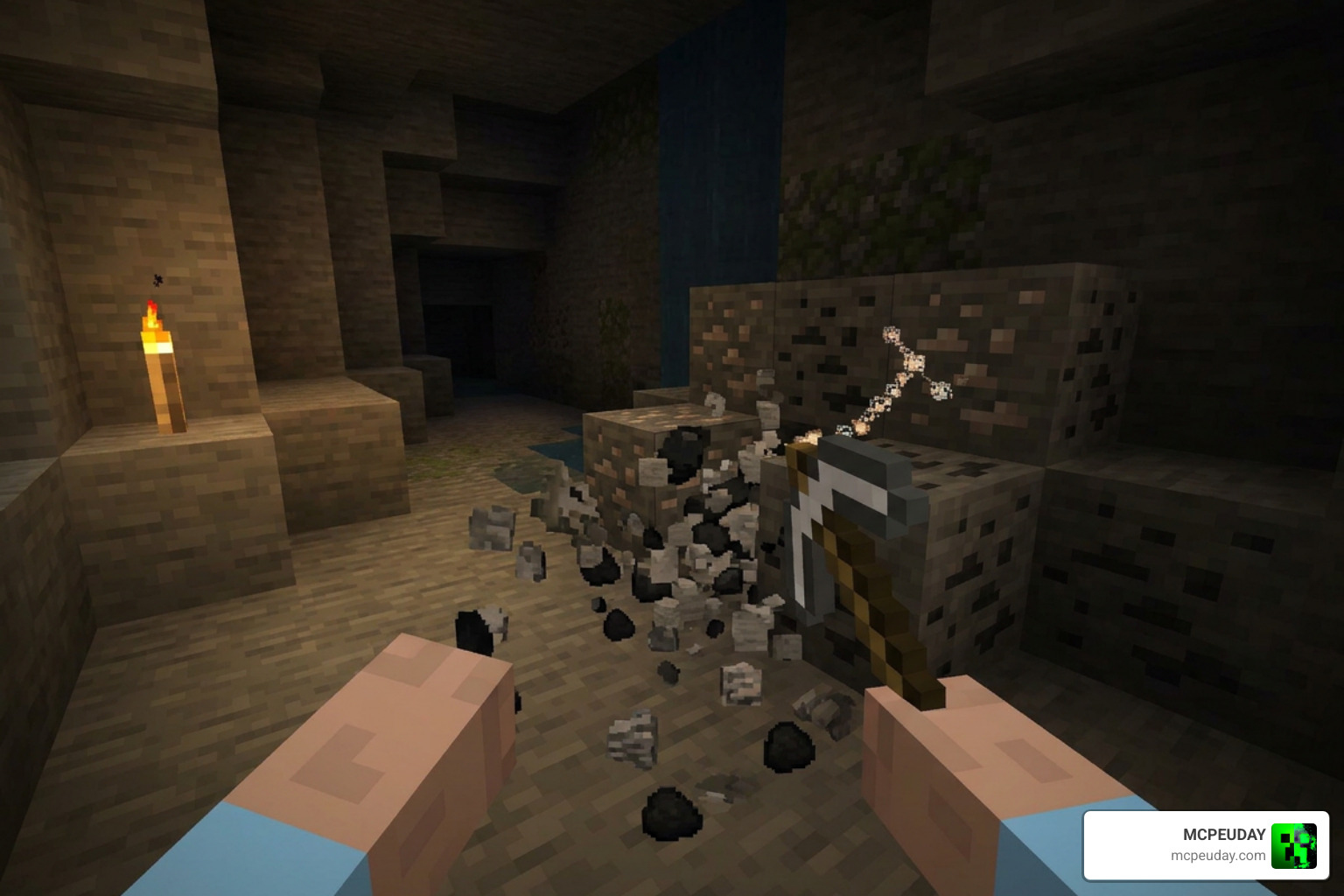
The Tree Capitator and Vein Miner systems in this pack are incredibly intuitive. Instead of working automatically on every single block—which could ruin your custom wooden house build—they are bound to the sneak key.
When you want to fell an entire tree, simply crouch and chop the bottom log with an axe. The entire tree will burst into items instantly. The same goes for mining; crouching while mining an ore block activates the Vein Miner, breaking the entire connected vein of coal, iron, or diamonds in one swing while preserving your Fortune and Silk Touch enchantments. For players who want a dedicated mining-only tool, we also host the Ultimate Vein Miner Addon on our platform.
Auto Replant and Farming Automation
Farming is another area where this addon shines. With the Auto Replant module active, harvesting a fully grown crop automatically replants a seed in its place. You can also use the right-click harvest feature to gather crops instantly without breaking the plant itself. This saves you from having to constantly hold seeds and manually click every single block of tilled dirt, giving you maximum farming efficiency in seconds.
Why Choose Bedrock Essentials+ over Vanilla Survival?
Vanilla survival has its charm, but it also has plenty of limitations that can turn a fun gaming session into a grind. Let us compare how this addon transforms the basic game mechanics:
| Feature | Vanilla Minecraft | Bedrock Essentials+ |
|---|---|---|
| Chopping Trees | Must break every single wood block individually | Break the bottom block while sneaking to drop the whole tree |
| Mining Ores | Mine blocks one-by-one, which takes ages | Mine entire veins instantly while crouching |
| Farming | Break crop, select seed, plant seed manually | Right-click to harvest; crops replant themselves automatically |
| Double Doors | Must open each door separately or use redstone | Click one door to open both simultaneously |
| Losing Gear | Items despawn in 5 minutes in unloaded chunks | A secure gravestone holds your items until you return |
While there are paid alternatives on the Minecraft Marketplace—such as the “Essentials” addon by Unlinked which costs 490 Minecoins and holds a 4.8-star rating—the community version of Bedrock Essentials+ by Gao is completely free, highly customizable, and requires no Minecoins to enjoy.
Installation, Configuration, and Commands
Getting started with the addon is incredibly straightforward. Because it is highly optimized, you do not need to deal with complicated setup procedures.
How to Configure the Bedrock Essentials+ Addon
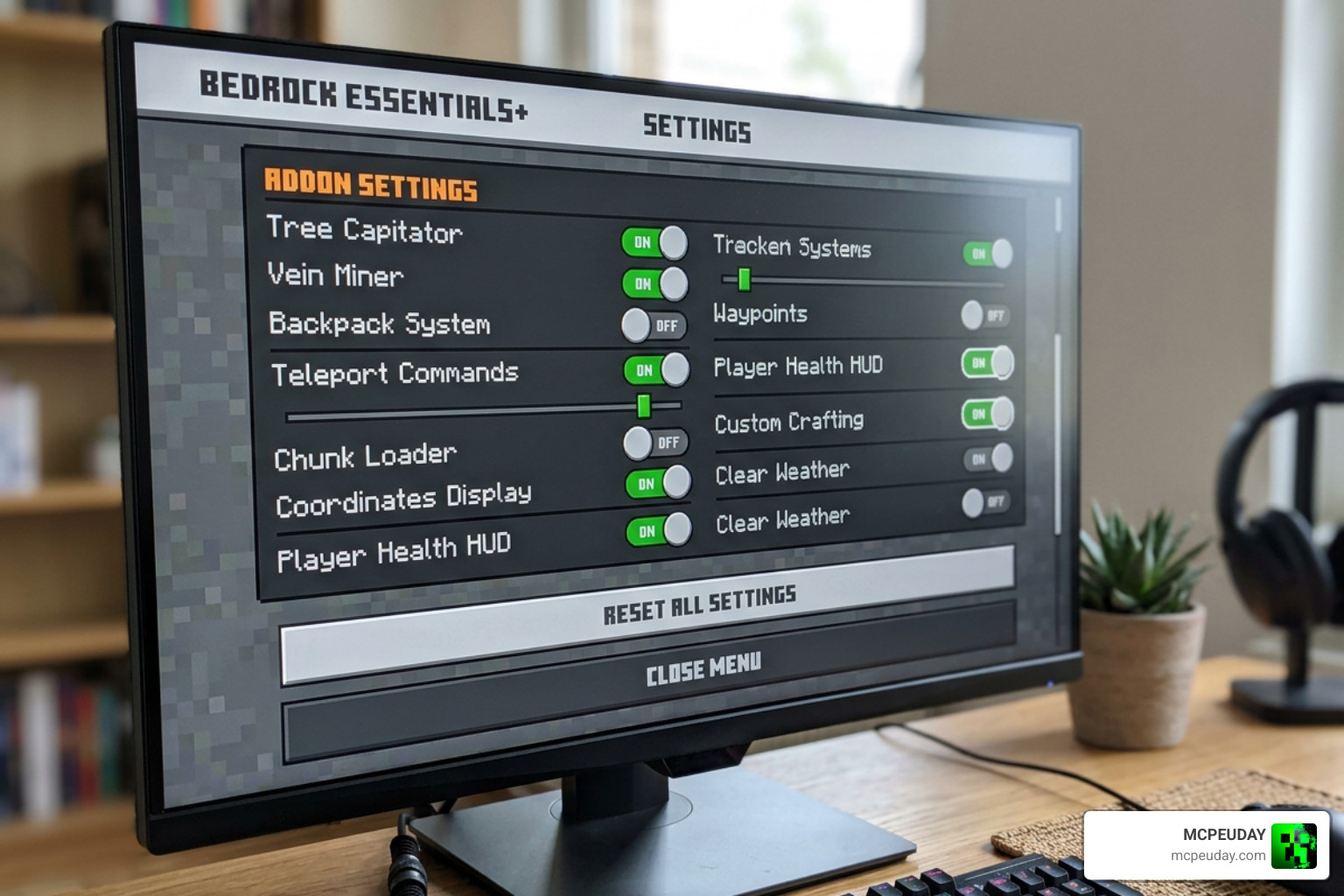
Once you download the behavior and resource packs, activate them in your world settings. To configure the addon to your liking, open your in-game chat and type the command /es:config.
This will bring up a custom user interface where you can toggle individual modules on or off using simple sliders. If your device starts to struggle during heavy mining sessions, you can enable the built-in Performance Mode. This smart system monitors your game’s frame rate and temporarily pauses heavy modules if lag is detected, restoring them automatically once your performance stabilizes.
Essential Commands and Utilities
The addon comes with several helpful chat commands to control your experience:
- /pickup enable and /pickup disable: Toggle the auto-pickup feature. When enabled, items you mine or harvest fly directly into your inventory instead of floating on the ground.
- /es:home: Set home points and teleport back to your base instantly.
- /es:pvp: Quickly toggle player-versus-player combat on or off in multiplayer worlds.
Additionally, the addon features a built-in Death Coordinates system. If you prefer a visual gravestone that holds your items safely where you died, it pairs perfectly with the Death Grave Coords Addon for the ultimate safety net.
Compatibility, Performance, and Multiplayer Support
One of the best aspects of Bedrock Essentials+ is its lightweight code. It is fully compatible with multiplayer worlds, dedicated servers, and local co-op play.
If you want to build a truly massive survival experience, this addon works brilliantly alongside larger world expansions. We highly recommend pairing it with the Better on Bedrock Addon 1.21 Best Survival Expansion for MCPE or the updated Better on Bedrock v1.2.1 Addon to create the ultimate Bedrock survival package.
Cross-Play and Server Integration
For server administrators running cross-play networks using Geyser and Floodgate, managing Bedrock players can sometimes be tricky. To make things easier, you can use companion plugins like Spigot – BedrockEssentialsNO – Bedrock UI Addon for EssentialsX | SpigotMC – High Performance Minecraft Software . This tool replaces standard text-based chat commands with clean, clickable Bedrock UI forms and buttons, making teleportation and server commands incredibly easy for mobile and console players.
Frequently Asked Questions
Does the Bedrock Essentials+ Addon disable achievements?
No! Because this addon is built using standard game behaviors and does not rely on experimental scripting APIs, you can keep your achievements enabled in your survival worlds while enjoying these quality-of-life upgrades.
Do I need to enable Experimental Gameplay toggles?
No experimental toggles or Beta APIs are required to run this addon. You can simply download the pack, apply the behavior and resource packs to your world settings, and start playing right away.
How does the Gravestone module work in multiplayer?
When you die, a secure gravestone is generated at your exact death coordinates. This stone snapshots your inventory into a secure structure file, ensuring your items will not despawn even if the chunk is unloaded or other players are nearby. Only you can unlock your grave to retrieve your gear, keeping your items safe from thieves.
Conclusion
The Bedrock Essentials+ Addon is the ultimate quality-of-life upgrade for any Minecraft Bedrock player. By combining essential mechanics like Vein Miner, Tree Capitator, and Auto Replant into a single, lag-free pack, it removes the boring chores of survival and lets you focus on what makes the game fun: building, exploring, and adventuring.
Ready to upgrade your world? Explore more Minecraft Bedrock Addons on our site today to find the perfect mods, graphics, and gameplay expansions for your next adventure!
2 thoughts on “Bedrock Essentials+ Addon (26.x, 1.21) – MCPE/Bedrock Mod”