Stop Losing Your Items After Every Death in Minecraft Bedrock
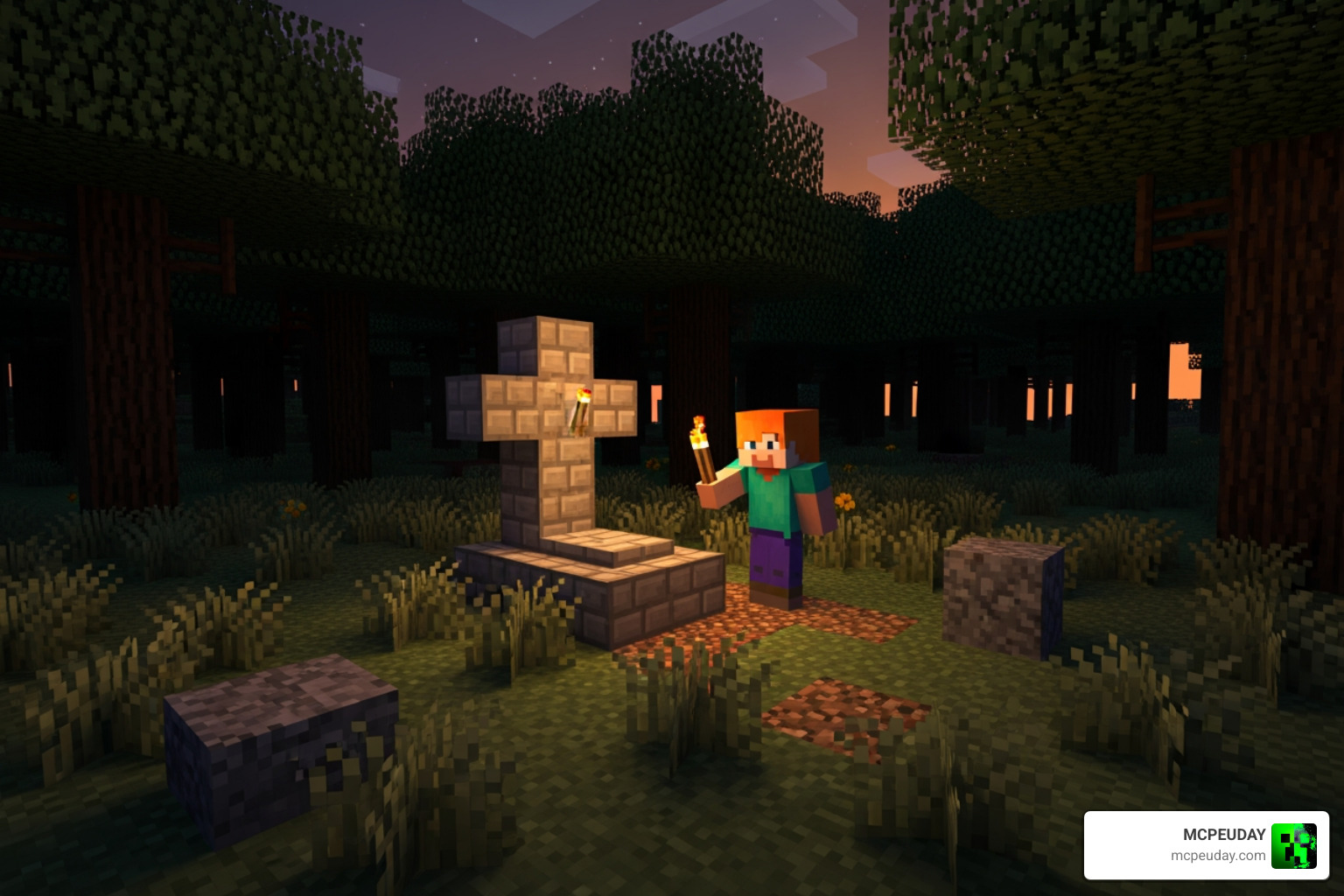
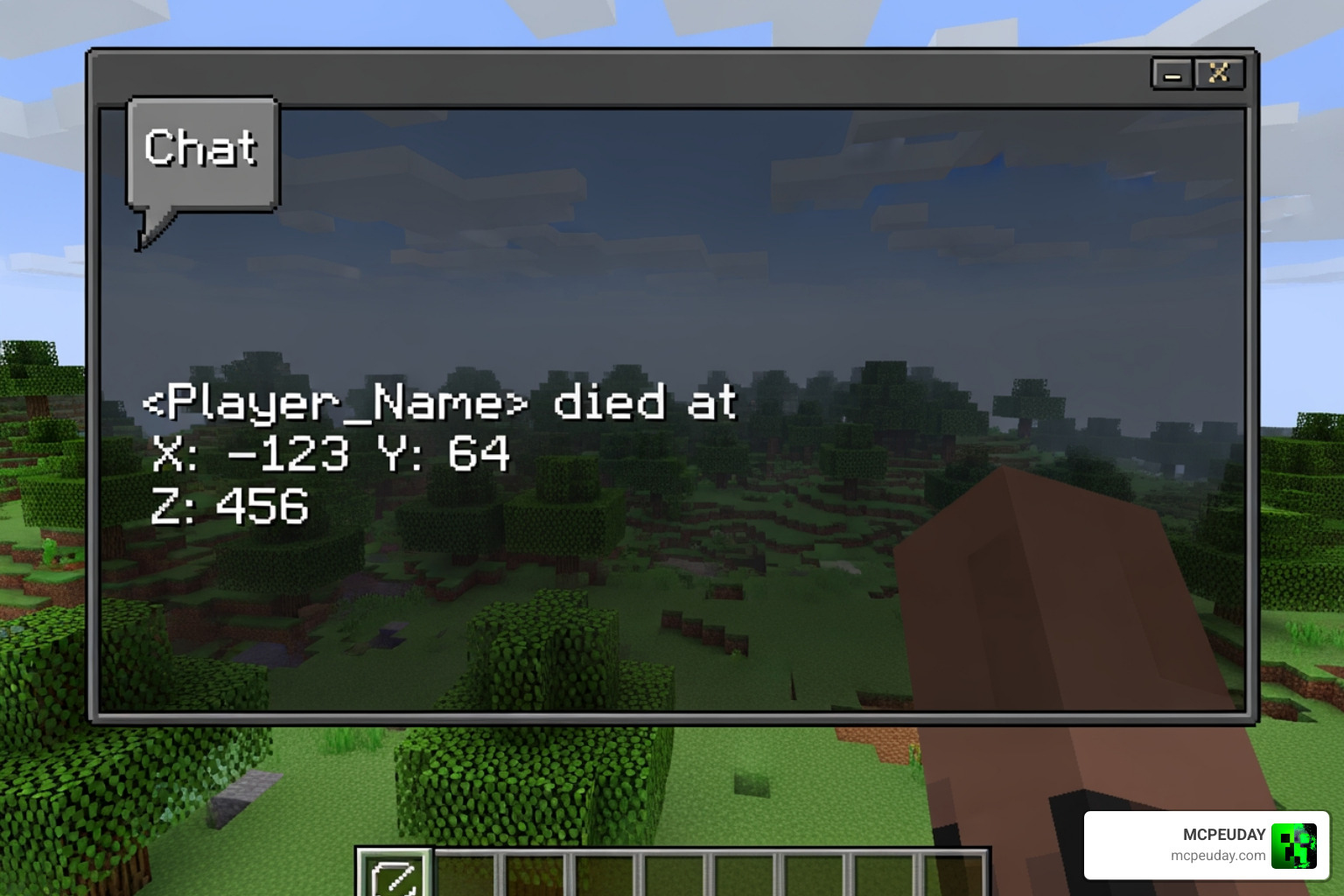
The Death Grave and Coords Addon (26.x, 1.21) for MCPE/Bedrock automatically places a gravestone at the spot where you die and sends your exact coordinates to chat — so you can find your way back and recover everything.
Quick answer for what this addon does:
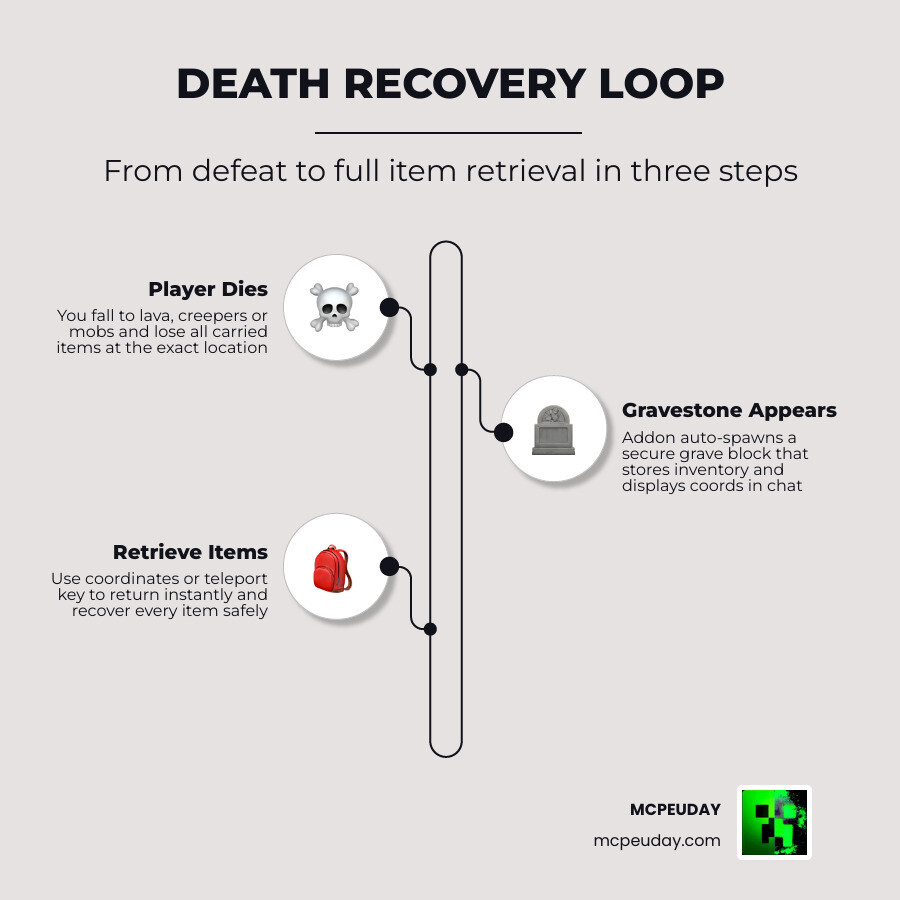
- You die → a gravestone block spawns at your death location
- Coordinates appear in your chat so you know exactly where to go
- Your items are stored safely inside the grave (no more losing gear to lava or despawning)
- Optional gravestone key lets you teleport straight back to your last death point
- Works on mobile, Windows, console, Realms, and LAN multiplayer
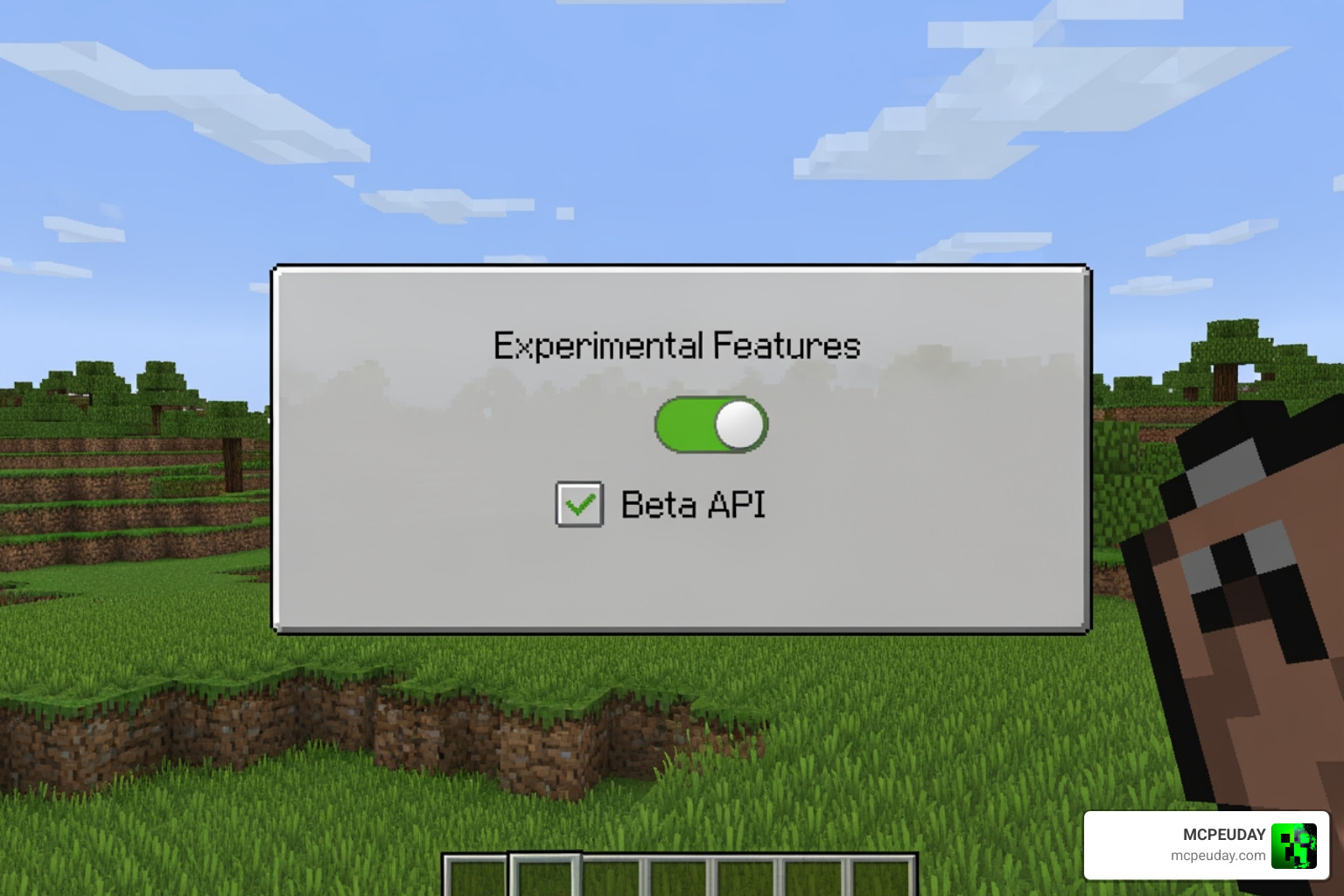
It supports Minecraft Bedrock 1.21 and has been updated through version 26.x as of May 2026. You need to enable the Beta API experimental feature in your world settings for it to work.
Losing a full set of diamond armor to a creeper explosion — or watching your gear sink into lava — is one of the most painful moments in survival Minecraft. This addon is built to make sure that never has to ruin your session again.
What is the Death Grave and Coords Addon (26.x, 1.21) – MCPE/Bedrock?
In the vast, unpredictable world of Minecraft Bedrock, death is often just a misstep away. Whether you’re exploring deep caves or building towering structures, the Death Grave and Coords Addon (26.x, 1.21) – MCPE/Bedrock acts as your ultimate survival insurance policy. This utility mod transforms the frustrating experience of “item hunting” into a streamlined recovery mission.
At its core, the addon automates two critical tasks. First, it logs your precise X, Y, and Z coordinates the moment your health hits zero. Second, it generates a physical “Gravestone” block. This block acts like a secure chest, holding every single item from your inventory, including your precious armor and off-hand items.
We know how devastating it is to lose gear in a pool of lava. Fortunately, this addon is designed with item security in mind. By encasing your loot within a block, it prevents items from burning or despawning after the standard five-minute timer. If you are looking to secure your next adventure, you can Download Death Grave and Coords Addon (26.x, 1.21) on MCPEUDAY to ensure your hard-earned progress is never truly lost.
The version 26.x updates have been specifically optimized for the 1.21 “Tricky Trials” ecosystem, ensuring that new blocks and mechanics don’t interfere with the grave’s spawning logic. It is a lightweight, essential addition for anyone who prefers the “Survival” experience without the “Heartache” experience.
Key Features of the Gravestone & Death Coordinates Addon
What makes the Death Grave and Coords Addon (26.x, 1.21) – MCPE/Bedrock stand out among thousands of other utility mods? It’s the combination of simplicity and reliability. With over 54,000 downloads on major platforms, the community has clearly found this to be a “must-have” tool.
One of the most praised features is the Coordinate Display. Instead of having to remember to write down your location or keep your “Show Coordinates” setting on at all times, the addon pushes a private message to your chat. This message contains the exact location of your grave. This is particularly helpful when you are mining at the Best Y Level for Diamonds in Minecraft Ultimate Guide to Finding Diamonds Fast and suddenly find yourself overwhelmed by mobs in the deep dark.
Here is a breakdown of why this addon is a game-changer:
- Multiplayer Compatibility: On servers and Realms, the graves are “personal.” This means if you and a friend both fall in battle, your items won’t get mixed up.
- Realms Support: Unlike some heavy mods, this addon is performance-optimized, making it stable enough to run on official Minecraft Realms without causing lag.
- Safe Retrieval: Once you reach your grave, simply interacting with it (or breaking it, depending on the version) will return your items directly to your inventory.
Automatic Grave Creation in Death Grave and Coords Addon (26.x, 1.21) – MCPE/Bedrock
The magic happens the second you see the “You Died!” screen. The addon scans the ground at your feet and places a gravestone block. This isn’t just a decorative feature; it is a functional storage unit.
In vanilla Minecraft, items drop as “entities.” Entities are prone to floating away, falling into fire, or simply disappearing if you don’t make it back in time. The gravestone converts those entities into a “block” state. Blocks don’t despawn. This gives you all the time in the world to craft a new pickaxe, gather some food, and make the trek back to your death site at your own pace.
Teleportation and the Gravestone Key
For those who want an even faster recovery, the addon offers a “Gravestone Key” feature. This is an optional mechanic that adds a layer of convenience for players who don’t want to spend twenty minutes walking back to a distant woodland mansion.
When you respawn, you can receive a special key. By using this item, you are instantly teleported to the coordinates of your last death. This “Instant Return” feature is a favorite for casual players and those testing out dangerous builds. If you’re curious about the technical setup for these types of “death chests,” checking out a How To Setup Graves (Death Chests) On Your Minecraft (Tutorial) can give you a visual guide on how these mechanics integrate into the Bedrock engine.
How to Install the Addon on Minecraft 1.21 and 1.26
Installing the Death Grave and Coords Addon (26.x, 1.21) – MCPE/Bedrock is straightforward, but it does require a few specific steps to ensure the Bedrock engine recognizes the custom scripts.
Before you start, you should decide which version of the addon fits your playstyle. There are generally two files available:
| Feature | Gravestone Key Version | Standard (No-Key) Version |
|---|---|---|
| Grave Spawning | Yes | Yes |
| Chat Coordinates | Yes | Yes |
| Teleportation | Yes (via Key) | No |
| Difficulty Level | Casual / Easy | Classic Survival |
| File Type | .mcaddon | .mcaddon |
Steps for Installation:
- Download: Get the .mcaddon file for your specific version (1.21 or 1.26).
- Import: Open the file. Your device should automatically launch Minecraft and import the pack.
- Experimental Toggles: This is the most important part! You must go into your World Settings and enable Beta API. Without this, the gravestone cannot “read” your inventory.
- Age Verification: In some regions, like the UK, players might encounter new prompts when accessing online features or certain downloads. For more on this, see Minecraft Age Verification Goes Live in the UK What it Means for Players in 2026.
Activating Death Grave and Coords Addon (26.x, 1.21) – MCPE/Bedrock in World Settings
Once the pack is imported, you need to apply it to your world.
- Resource Packs: Select the Gravestone & Death Coordinates resource pack and click “Activate.”
- Behavior Packs: Do the same for the behavior pack. Usually, activating one will automatically prompt the other to activate.
- Global Resources: If you want the coordinates to show up in every world you join (that you own), you can apply the resource pack to your Global Resources in the main settings menu.
Compatibility and Troubleshooting for Bedrock Players
One of the most common questions we get is: “Will this break my other mods?” Generally, the Death Grave and Coords Addon (26.x, 1.21) – MCPE/Bedrock is very friendly with other survival packs. Because it triggers specifically upon the player’s death event, it doesn’t constantly drain CPU or RAM.
However, if you are running a heavily modded game—perhaps you’ve even managed to bridge the gap between platforms as mentioned in Minecraft and Hytale Crossplay is Now Real Thanks to a Wild New Mod—you should always check your load order.
Troubleshooting Tips:
- Grave Not Spawning: Double-check that “Beta API” and “Holiday Creator Features” are toggled ON in the Experimental menu.
- Inventory Missing: Ensure you have enough space in your inventory when you break the grave. If your inventory is full, the items will drop on the ground.
- Multiplayer Issues: If playing on a LAN server, make sure the host has the “Require players to accept resource packs” option checked. For more tips on setting up these environments, check our guide on How to Play Multiplayer on Minecraft Java 2026 Guide LAN Servers Realms Mods.
Frequently Asked Questions about Death Graves
Does this addon work on Minecraft Realms?
Yes! We have tested this addon on official Bedrock Realms. It works perfectly because it uses the standard Bedrock scripting API. Each player on the Realm will have their own unique gravestones, so there is no risk of a “loot vacuum” where one player accidentally takes another’s items.
Why didn’t my gravestone appear after death?
The most likely culprit is the Beta API setting. If this is turned off, the addon cannot detect the “death event” properly. Additionally, if you die in a location where a block cannot be placed (like inside a solid block or at the very top of the world height limit), the grave might fail to spawn. Always check your chat for the coordinates; if the coordinates appeared but the grave didn’t, your items likely dropped normally.
Can I use this with other survival addons?
Absolutely. We recommend pairing this with backpack mods or waypoint mods. It is fully compatible with most survival-focused packs found on MCPEUDAY. Just ensure that no other mod you are using completely overwrites the “player_die” animation or logic, as this might cause a conflict.
Conclusion
At MCPEUDAY, our goal is to make your Minecraft experience as smooth and enjoyable as possible. The Death Grave and Coords Addon (26.x, 1.21) – MCPE/Bedrock is a prime example of a tool that removes the “grind” of item loss while keeping the stakes of survival intact.
As we move through 2026, the Bedrock modding scene is more vibrant than ever. Whether you’re looking for utility like this or something more atmospheric like the Best Minecraft Horror Mods for Java & Bedrock 2026 Guide, we have you covered.
Don’t let a single “You Died” screen ruin hours of mining and crafting. Download the addon today, enable those experimental toggles, and explore the Overworld with the confidence that your gear is always safe. Happy mining!
1 thought on “Death Grave & Coords Addon (26.x) for Minecraft Bedrock 1.21 – Never Lose Items After Death Again”