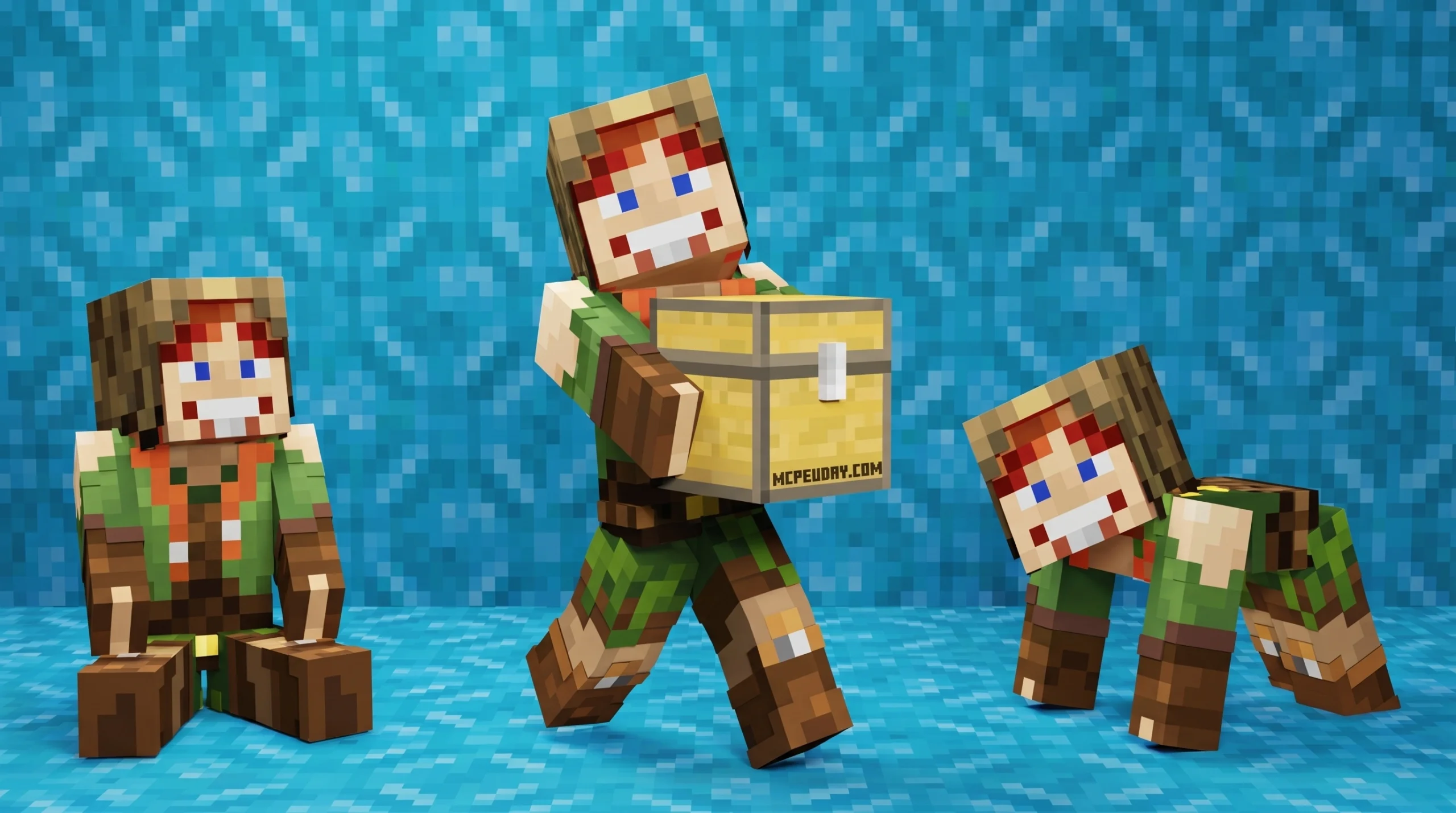
What the More Body Actions + Pickup & Carry ADDON Actually Does
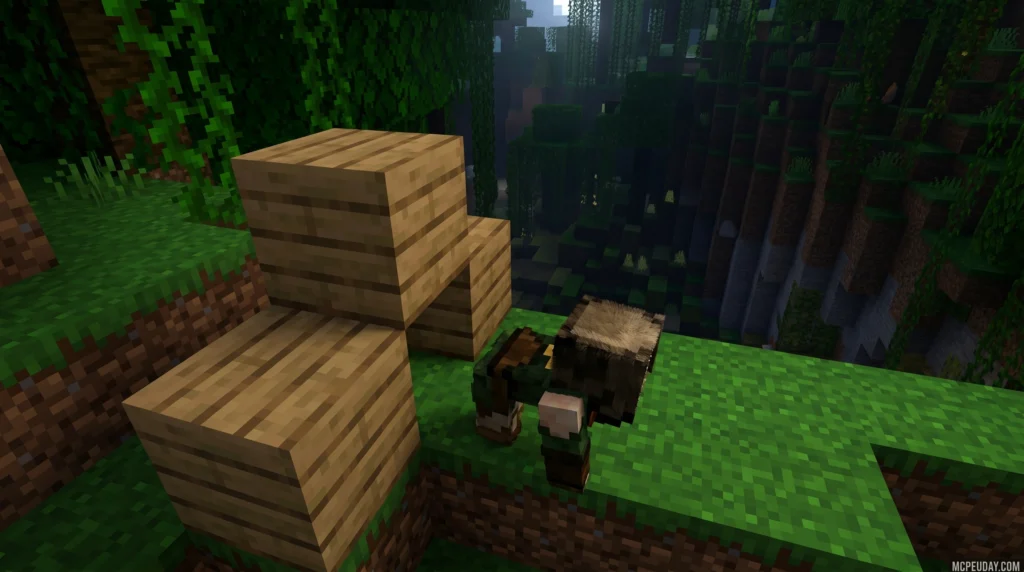
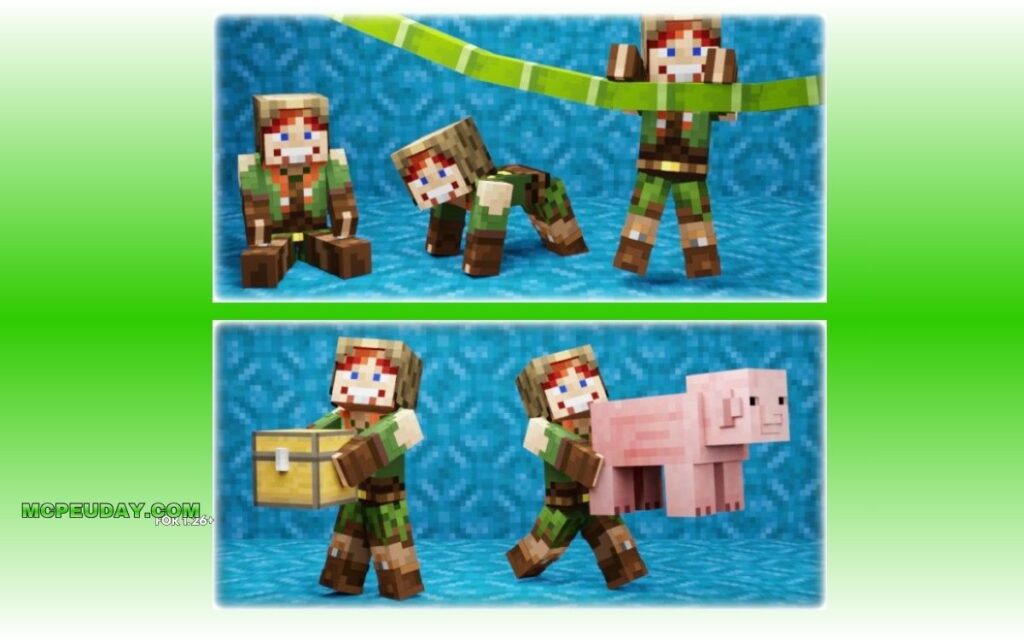
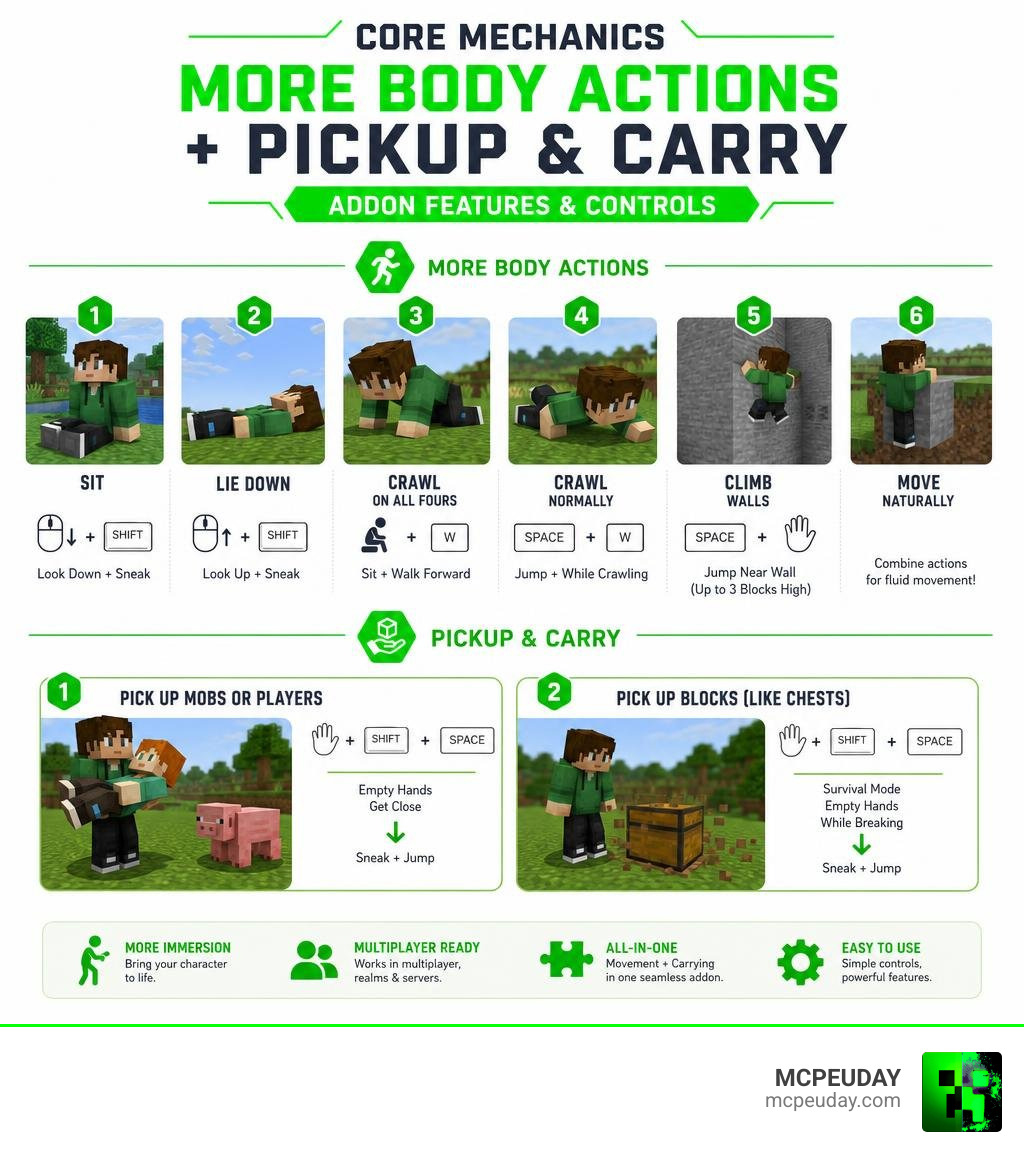
The More Body Actions + Pickup & Carry ADDON is a Minecraft Bedrock addon that lets you sit, lie down, crawl, climb walls, and physically carry mobs, players, and blocks — all in one package.
Here’s a quick summary of what it adds:
- Sit — look down and sneak
- Lie down — look up and sneak
- Crawl on all fours — sit, then walk forward
- Crawl normally — jump while on all fours
- Climb walls — jump near a wall with empty hands (up to 3 blocks high)
- Pick up mobs or players — empty hands, get close, sneak + jump
- Pick up blocks (like chests) — survival mode, empty hands, sneak + jump while breaking
It combines two previously separate, incompatible addons into one. That means you get both movement and carrying features without conflicts between packs.
The addon has racked up over 4.4 million downloads and supports Minecraft Bedrock versions up to 1.21.90 (as of June 2026). It requires the Beta APIs experiment to be enabled, and it works in multiplayer, Realms, and on servers — with a few extra setup steps.
If you’ve ever wanted your Minecraft character to feel more alive and interactive, this addon is one of the most downloaded ways to do it on Bedrock.
Core Features and Overview of the More Body Actions + Pickup & Carry ADDON
For a long time, Bedrock players had to choose between having realistic movement options or having the ability to pick up entities. Since both types of mods historically modified the same player files, using them together was a recipe for game crashes and broken animations.
The More Body Actions + Pickup & Carry ADDON solves this by unifying both systems into a single, cohesive framework. Across CurseForge and other Bedrock platforms, the combined pack has reached over 4.4 million total downloads (with 647,087 direct downloads on CurseForge alone) and holds a solid 3.6 out of 5 user rating.
It is designed to support 26 different stable Minecraft versions, including 1.21.71, 1.21.72, 1.21.73, 1.21.80, and 1.21.90. This means you do not need to run unstable beta or preview builds of the game to enjoy these features.
If you are looking for the original files and community discussions, check out the More Body Actions + Pickup & Carry! – Minecraft Bedrock Addons page. For a deeper dive into the standalone movement features, you can also read our More Body Actions Addon v26 1 21 for Minecraft PE Full Guide Features How to Use tutorial.
Movement Controls in More Body Actions + Pickup & Carry ADDON
The movement mechanics in this addon completely change how you explore your world. The player’s physical collision box dynamically scales down when crawling, meaning you can easily squeeze through 1-block or even 0.5-block holes.
Here are the precise controls to execute each body action:
- Sitting: Look as far down as possible and press your sneak button. If you click on stairs while holding an item, your character will sit on them like chairs!
- Lying Down: Look as far up as possible and press your sneak button. This allows you to lie on beds without initiating the night-skipping sleep cycle, or simply roleplay.
- Crawling on All Fours: First, initiate the sitting position (look down and sneak). Once seated, simply walk forward.
- Standard Crawling: While crawling on all fours, press the jump button to transition into a flat, military-style crawl.
- Camera Adjustments: The addon features dynamic first-person camera positioning. Your camera height smoothly drops to match your actual physical eye level when sitting, lying down, or crawling.
For players who want an even more realistic perspective, combining this with a first-person visual mod can be incredibly immersive. Learn more about modifying your camera perspective in our Dynamic First Person Model Addon 26 x 1 21 Realistic MCPE Gameplay Guide.
Wall Climbing and Grasping Physics
Climbing walls is a game-changer for navigating steep mountain ranges or escaping tight situations. However, it is not an automatic “spider-climb” ability; it follows realistic physical rules:
- Free Hands: You must have both your mainhand and offhand completely empty.
- Angle of Approach: You must approach a vertical wall, look slightly upward at an angle between 30 and 85 degrees, and press the jump button.
- Height Restrictions: The wall must not exceed 3 blocks in height.
- Fatigue Timer: To prevent infinite hanging, there is a built-in fatigue timer. By default, you can hold onto a wall for up to 15 seconds (with a minimum configurable value of 3 seconds) before your character automatically lets go and detaches.
- Sneak Rule: Do not hold the sneak button while attempting to climb, as sneaking disables the wall-grasp mechanic.
If you are looking for other ways to overhaul the visual flow of your character’s movements, check out the New Player Animation Addon 26 x 1 21 Realistic Movement Mod for MCPE for fully updated animation assets.
Mastering the Pickup & Carry Mechanics
The second half of this addon introduces the ability to lift and carry objects. This is incredibly helpful for moving villagers, relocating farm animals, or transporting filled chests.
The table below breaks down the requirements for carrying entities versus blocks:
| Feature | Hands Required | Game Mode | Sneak Required? | Additional Rules |
|---|---|---|---|---|
| Carry Mobs / Players | Both Hands Empty | Survival or Creative | Yes (Sneak + Jump) | Target must be close; drops in deep water or from high falls. |
| Carry Blocks | Both Hands Empty | Survival Mode Only | Yes (Sneak + Jump) | Must break the block; requires 0.5 blocks of free air space above. |
Carrying Mobs and Players
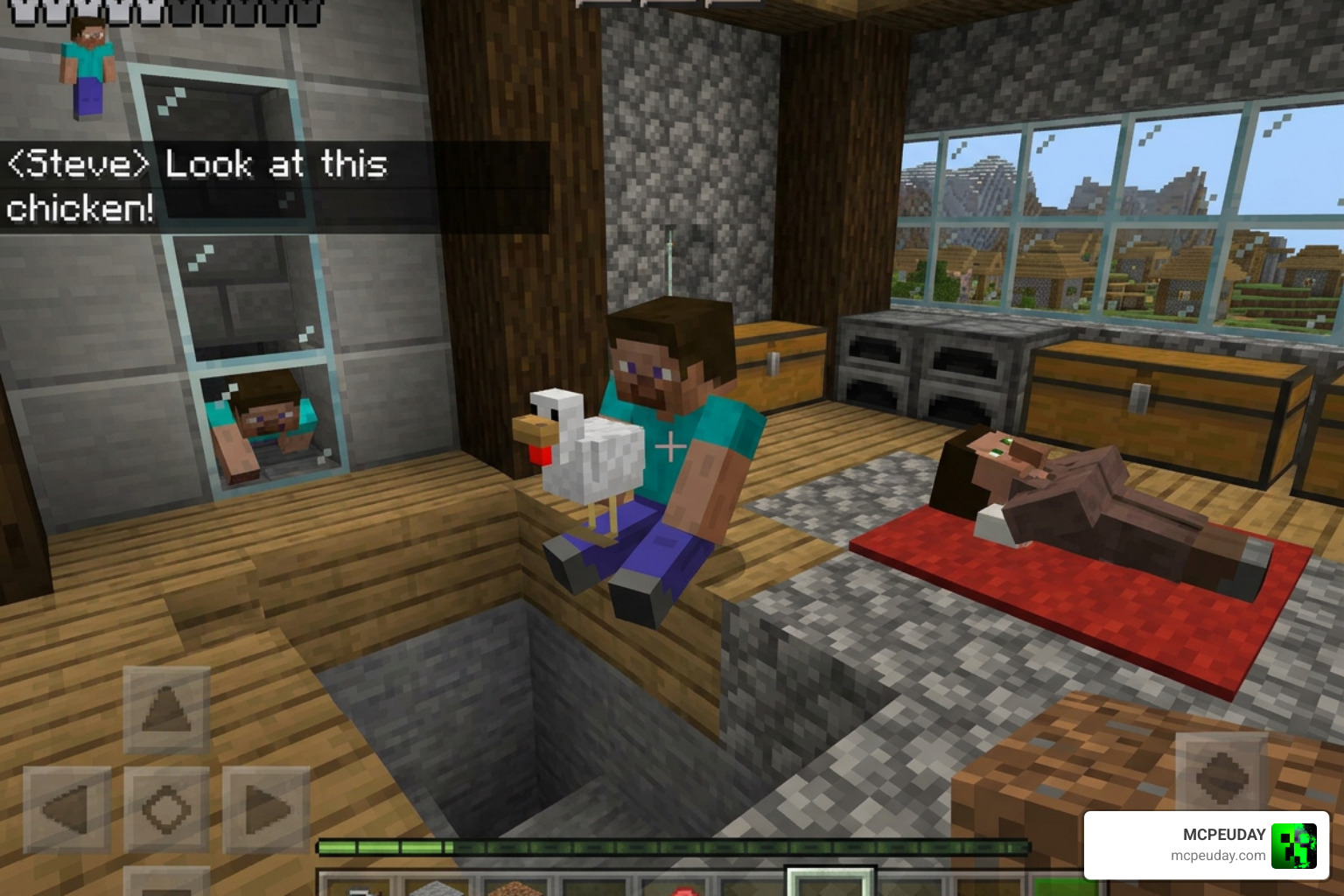
To pick up another player or a mob (like a cow, sheep, or villager), approach them with empty hands. Get close, look directly at your target, and press Sneak + Jump. Your character will lift them onto your shoulders!
While carrying an entity, smart collision detection prevents you from clipping through walls. However, you must be careful:
- Deep Water: Jumping into deep water will cause you to drop whatever or whoever you are carrying.
- High Falls: Falling from a significant height will automatically force you to drop your carried target due to the impact.
Transporting Blocks with Inventories
One of the most practical features of the More Body Actions + Pickup & Carry ADDON is the ability to move blocks that contain inventories without breaking them and spilling their contents. This works on:
- Chests (fully loaded with items)
- Furnaces
- Dispensers
- Droppers
- Shulker Boxes (if enabled in settings)
To pick up a block, you must be in Survival Mode with empty hands. Stand close to the block (but do not stand directly on top of it), and execute a Sneak + Jump command while simultaneously breaking the block.
Note: There must be at least 0.5 blocks of free air space directly above the block for the pick-up action to succeed.
Installation Guide and Experimental Settings
Because this addon uses custom scripting, getting it installed requires turning on certain experimental toggles in your world settings.
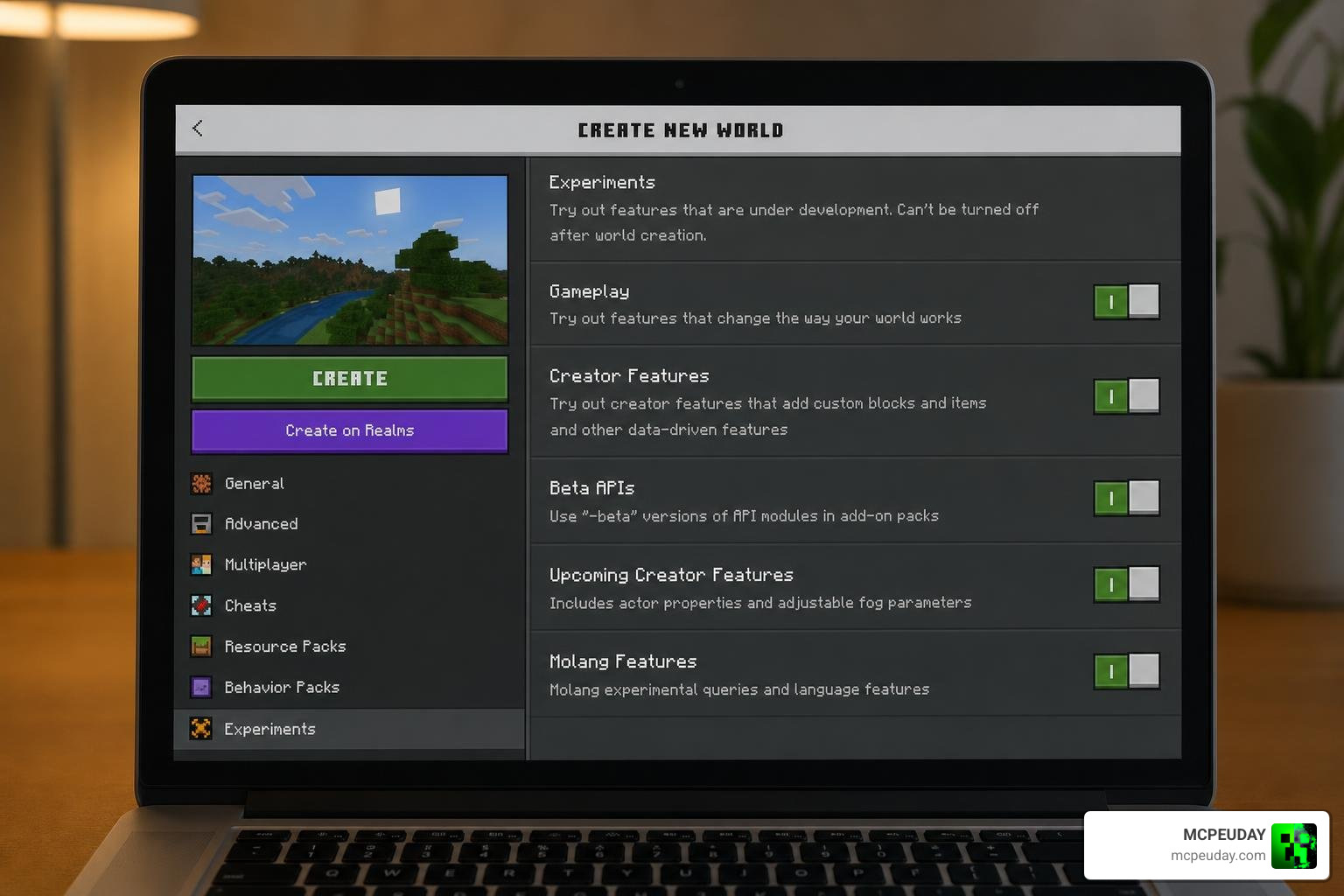
Follow these steps to set it up:
- Download both the Behavior Pack (BP) and Resource Pack (RP) files.
- Open the files to automatically import them into Minecraft.
- Create a new world or go to the settings of an existing world.
- Navigate to the Behavior Packs section and activate the pack. Ensure the matching Resource Pack is also active.
- Scroll down to the Experiments tab and toggle on Beta APIs.
- Load into your world and enjoy!
For more gameplay-changing extensions like this, browse our complete list of tools in the Category Mod Addons section.
How to Install More Body Actions + Pickup & Carry ADDON on Realms and Servers
Using this addon on multiplayer servers or Realms is fully supported, but you cannot always activate the experiments directly on a live server.
For Minecraft Realms:
- Download your Realm’s world file to your local device.
- Open the local world settings, enable the Beta APIs experiment, and apply both the Resource and Behavior packs.
- Test the world locally to ensure the animations work.
- Upload the world file back to your Realm.
For Dedicated Servers (like Aternos): Ensure your hosting provider supports script execution (Beta APIs). If the addon works locally but not on your server, try toggling the experimental gameplay options off and on again in your server panel. Be aware that some server hosts struggle with Unicode characters in file names, so verify your addon files are named cleanly.
Troubleshooting, Compatibility, and FAQs
Why does my body rotate in first-person but not third-person?
When you sit down in first-person, your camera and body model might rotate, but other players viewing you in third-person will see you facing forward. This is a known visual bug caused by limitations in how Minecraft Bedrock handles custom player rotations, and there is currently no engine-level fix.
Why isn’t the addon working on my multiplayer server?
If the addon works in singleplayer but fails on a server, the host likely has “Beta APIs” disabled or does not support script execution. Double-check your server configuration files to ensure experimental scripts are allowed.
Is this addon compatible with other player.json mods?
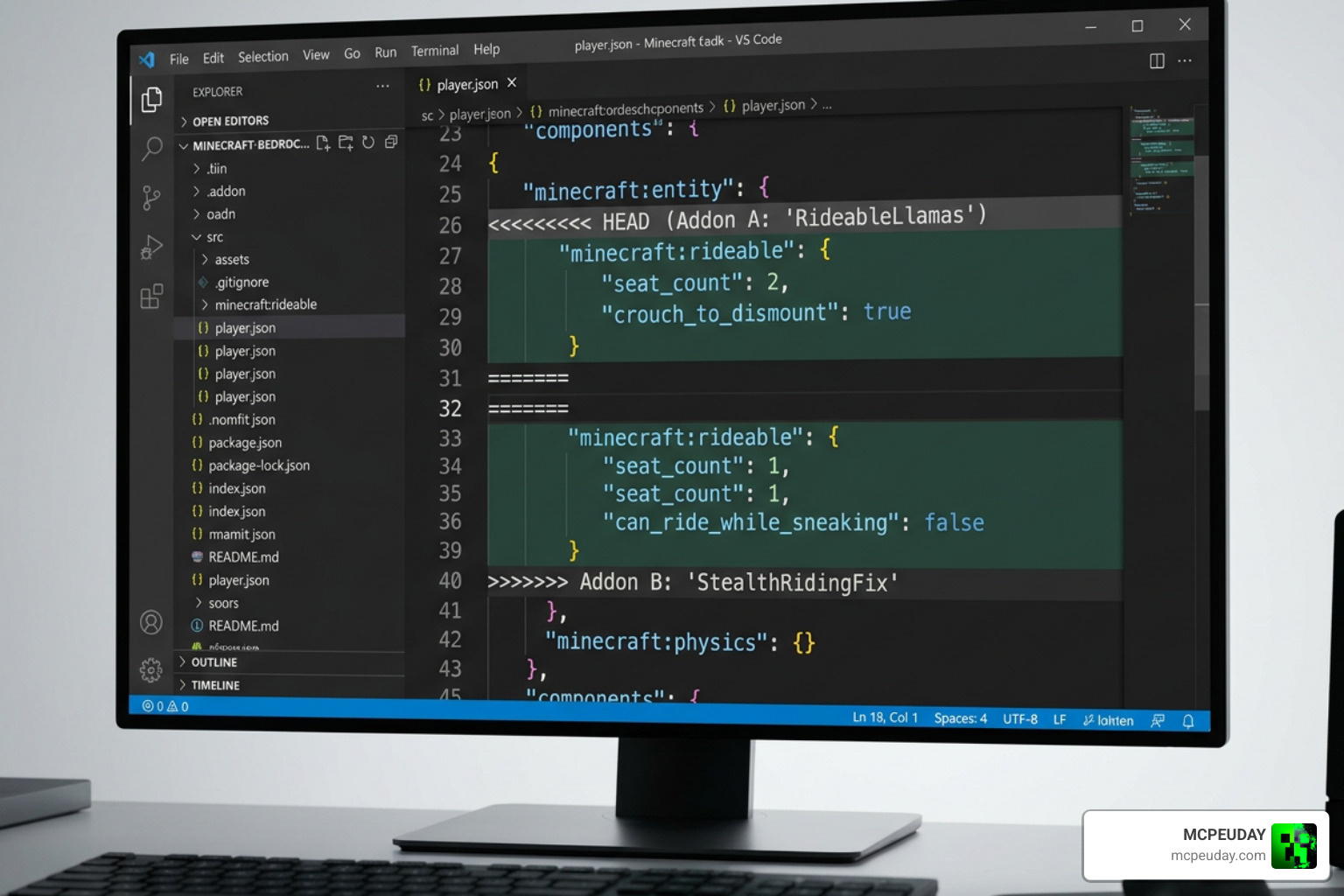
Because this addon alters player movement, it modifies the player.json file. If you run other addons that also modify player.json (such as custom animation packs or complex combat overhauls), they will conflict. Only one of the addons will load properly.
Conclusion
The More Body Actions + Pickup & Carry ADDON is a must-have for Bedrock players looking to inject a dose of realism and utility into their worlds. Whether you are crawling through hidden 1-block pathways, climbing steep cliffs, or hauling fully loaded chests across your base, this unified pack makes your game feel incredibly dynamic.
We at MCPEUDAY are dedicated to bringing you the highest quality, most up-to-date resources for Bedrock Edition. If you want to expand your survival experience even further, take a look at our list of the 5 best minecraft bedrock gun mods for survival pvp 2026!