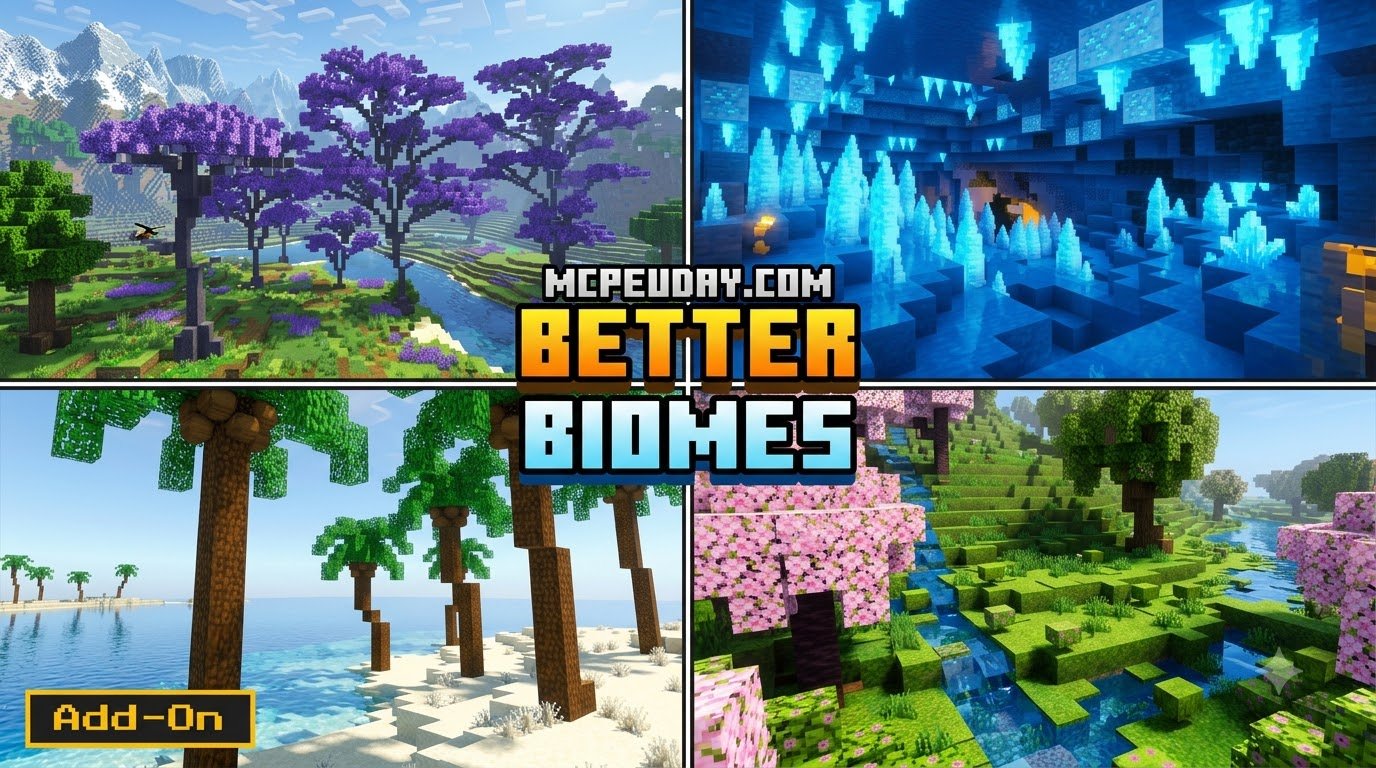
Scroll down to D0vvnl0ad
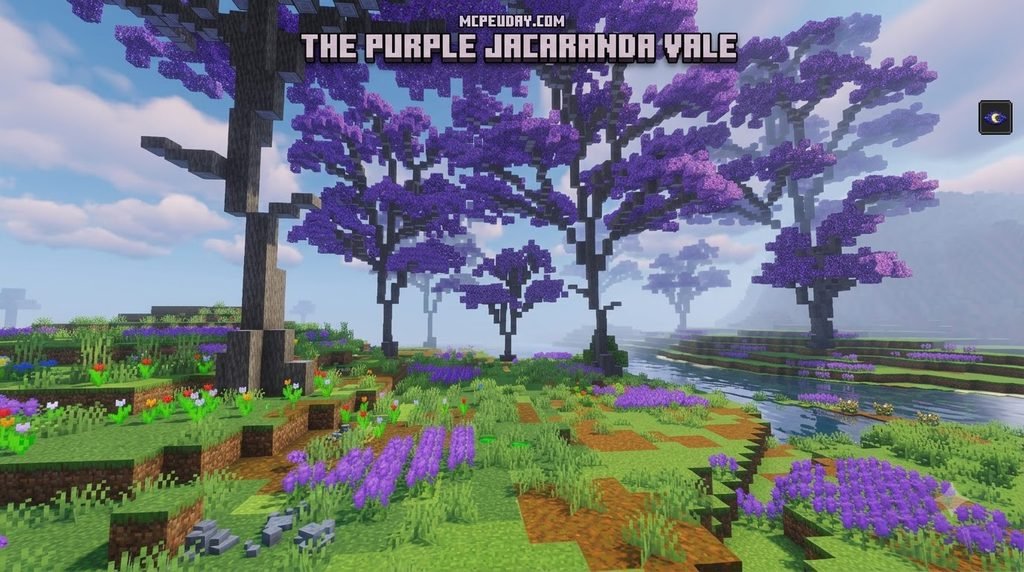
What the Better Biomes Addon Changes in Minecraft PE/Bedrock
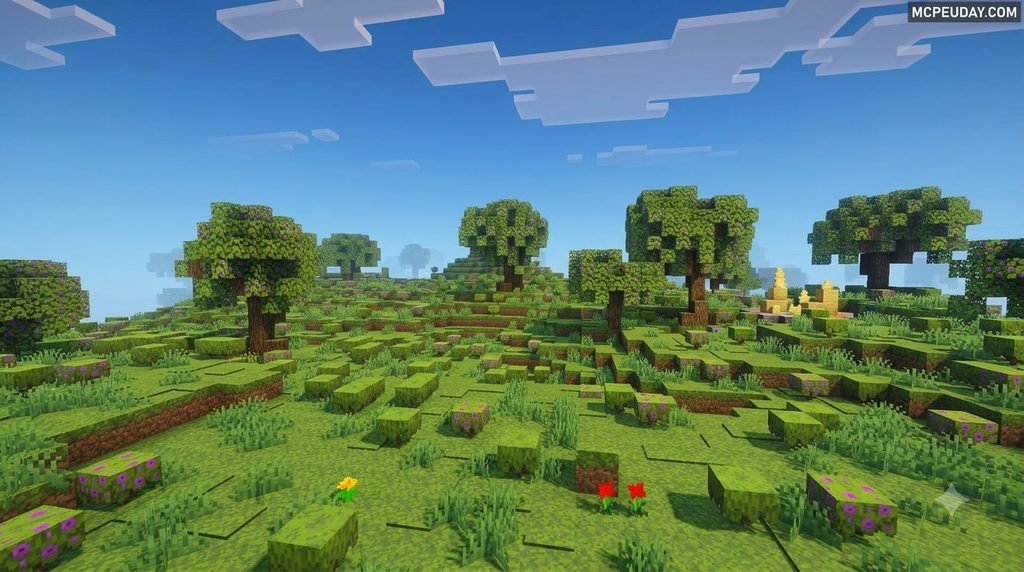
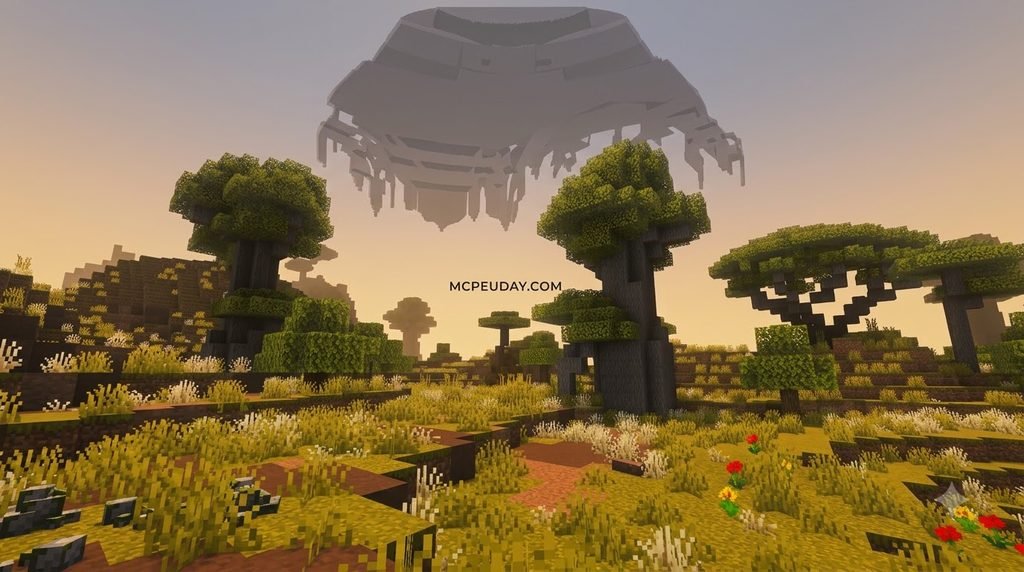
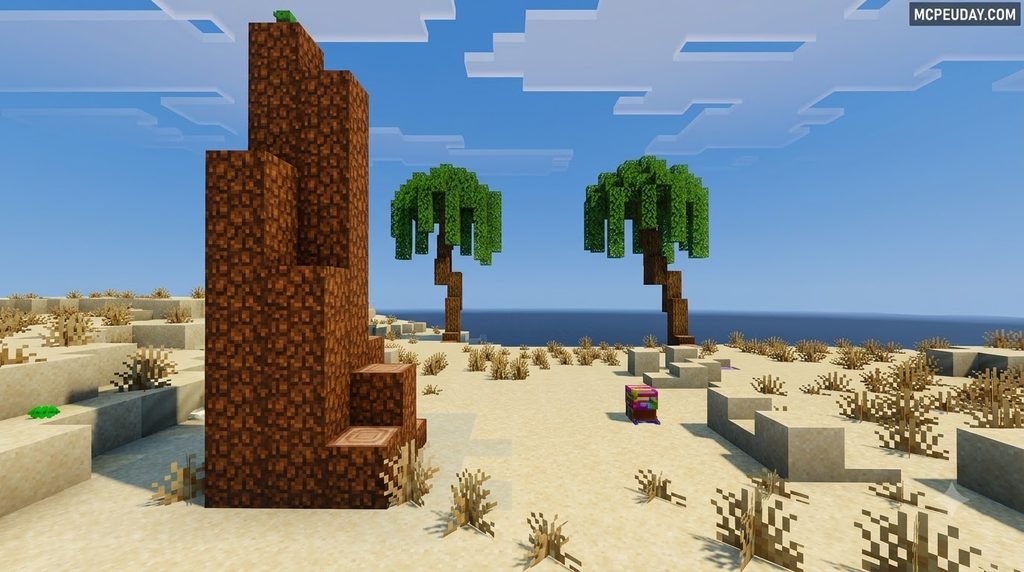
Better Biomes is a Minecraft PE/Bedrock add-on that makes biomes look more varied. Before you install it, check that the download supports your game version, import the .mcaddon file, and activate its packs in a new world. Back up any world you want to keep.
One important distinction: the 57 biomes, climate zones, and Skylands world type described in some guides belong to a separate Better Terrain Addon, not the Bedrock Better Biomes download. I’m UDAY GAMER, and I’ll help you sort out what this add-on offers and how to get it running.
This add-on reworks how terrain, vegetation, and biome transitions appear in Bedrock Edition. Instead of abrupt shifts between deserts and snowy plains, you get smoother climate-grouped regions that make exploration feel more natural. Dense forests, layered ground flora, and custom tree shapes replace the repetitive vanilla landscapes, while optimized generation keeps performance stable on mobile devices and consoles. Whether you are building a survival base or simply wandering through new chunks, the Better Biomes Addon gives every journey a fresh sense of discovery.
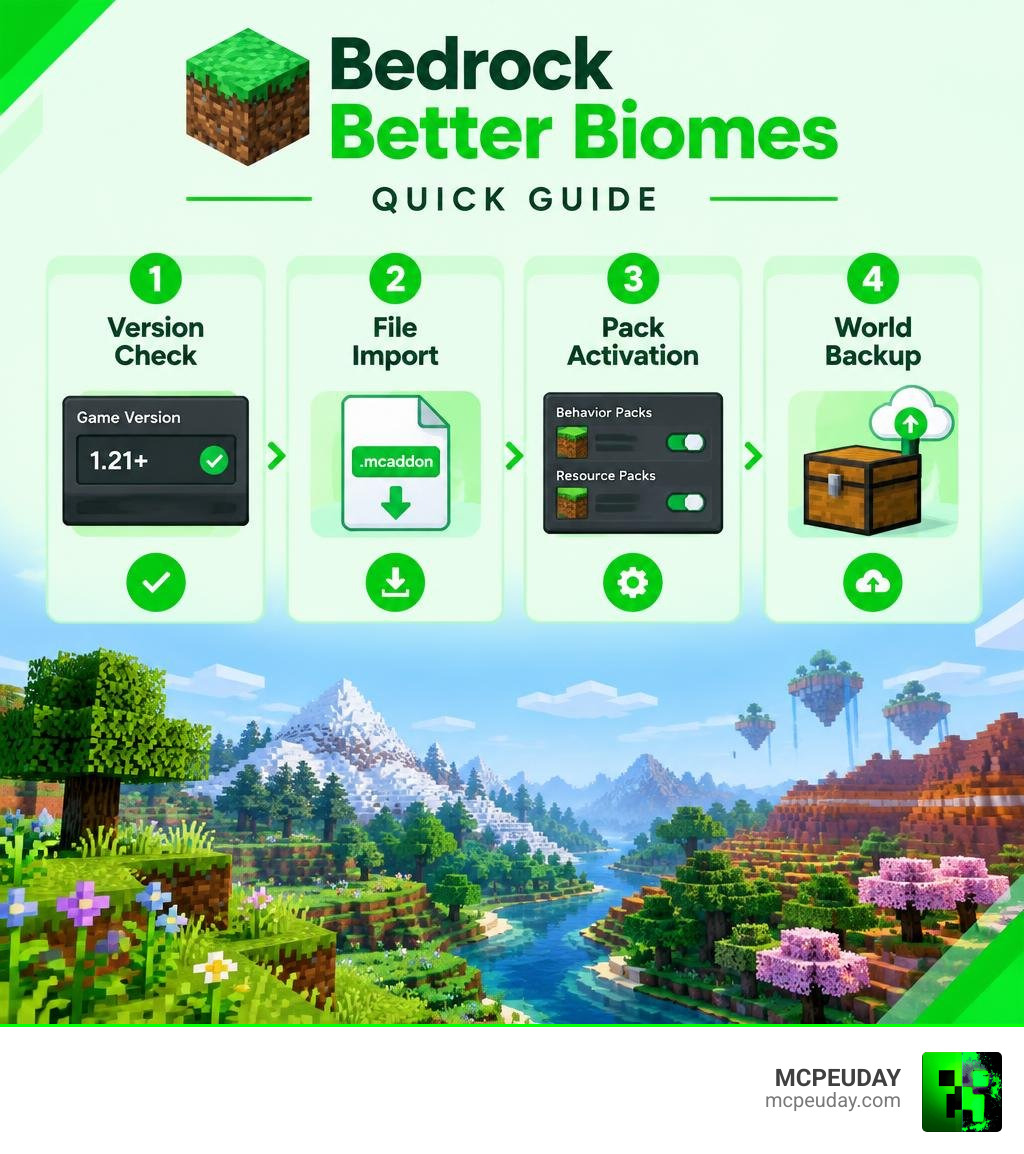
What is the Better Biomes Addon for Minecraft PE/Bedrock?
Default terrain in Bedrock Edition can quickly feel repetitive. You climb a hill, spot another flat plains biome, and realize you have seen this exact landscape dozens of times before. We love vanilla Minecraft, but its standard world generation often leaves builders and survival explorers wanting richer landscapes.
The Better Biomes Addon addresses this by re-engineering nature. While players frequently compare it to massive overhauls, this pack focuses on visual coherence, dense vegetation, and logical biome transitions that make exploring feel rewarding again.
| Feature | Vanilla Bedrock Generation | Better Biomes Addon |
|---|---|---|
| Biome Transitions | Abrupt (e.g., deserts next to snow) | Smoothed and climate-grouped |
| Vegetation Density | Sparse tree clusters and flat grass | Layered plants, unique trunks, custom ground flora |
| World Types | Standard, Flat | Customized terrain presets and distinct styles |
| Performance Impact | Minimal baseline | Optimized for mobile devices and consoles |
Climate Zones and Generation Mechanics
A frustrating part of standard generation is random temperature placement, such as an icy tundra cutting directly into an arid savanna. To solve this, generation logic organizes biomes into realistic temperature clusters:
- Snowy & Cold Zones: Snowy plains, frozen peaks, and alpine springs group together.
- Temperate Zones: Dense oak forests, flower meadows, and river valleys flow naturally into one another.
- Tropical & Arid Zones: Badlands, warm deserts, and lush jungles form expansive regional zones.
If you enjoy diverse landscape systems, combining these generation tweaks with other wilderness addons creates even more variety to discover. The climate clustering also reduces the jarring biome borders that can break immersion, so each new region feels like a deliberate part of the world rather than a random patchwork.
Custom World Types and Deco Variants
Beyond standard survival landscapes, world generation settings allow players to explore alternative terrain profiles:
- Better Terrain: An improved survival canvas featuring rolling hills, realistic rivers, and deeper valleys.
- Beta Terrain: A nostalgic option that recreates the steeper cliffs and iconic heights of early Minecraft alpha/beta world generators.
- Skylands: A floating-island preset with deep drop-offs and unique resource distribution.
- Deco Integration: Adding complementary decoration packs unlocks exclusive biome variants, custom tree shapes, and distinct environmental props.
These presets give you control over the kind of world you want to explore. Whether you prefer the grounded feel of rolling hills or the high-risk reward of floating islands, the addon makes it easy to generate a landscape that matches your playstyle.
New Biomes, Flora, and Environmental Features
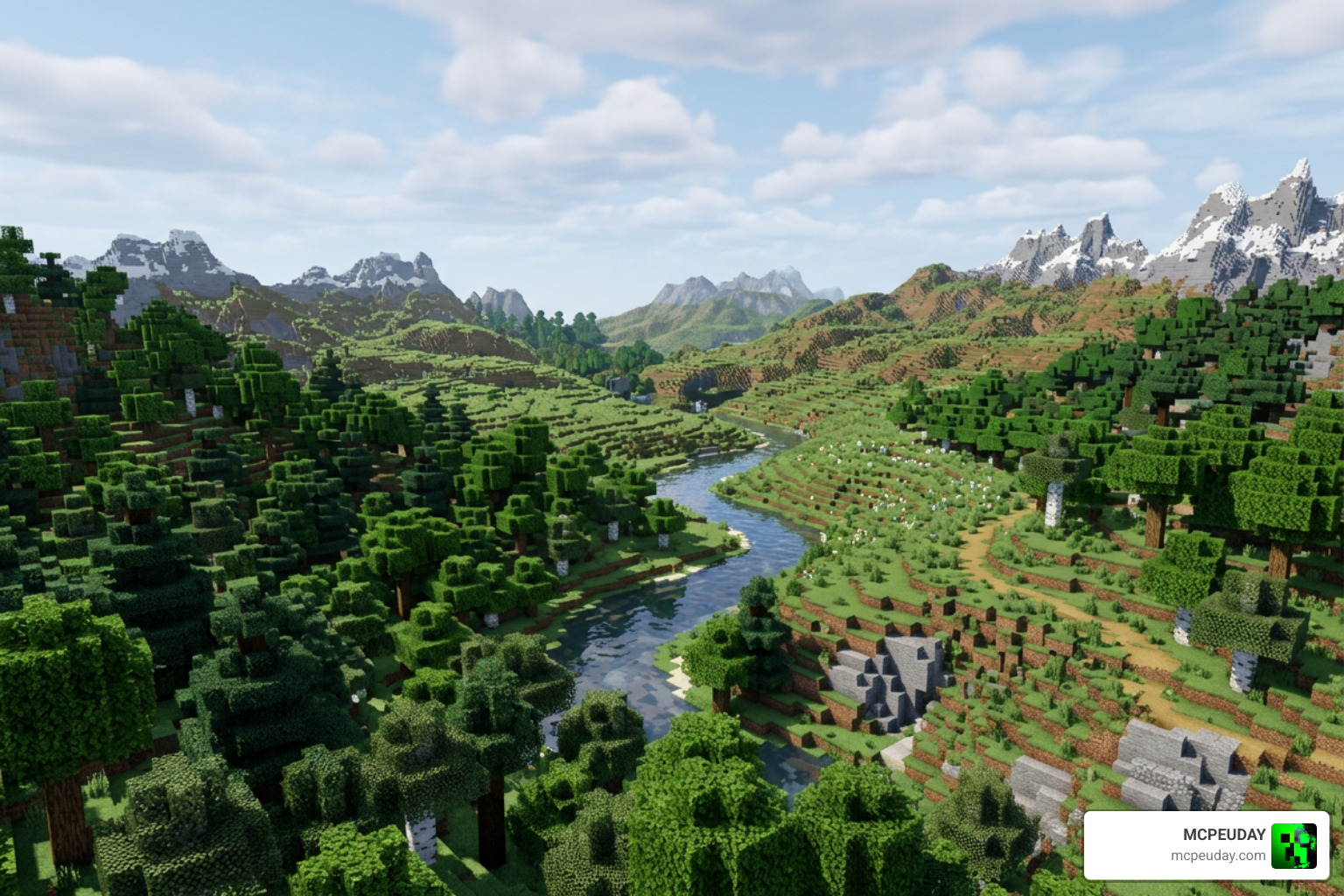
Exploring newly generated chunks reveals refreshed natural environments. From icy springs surrounded by frosted pine needles to sprawling marshlands, each area feels distinct. Visual updates pair naturally with foliage-focused packs to give leaf canopies and undergrowth extra depth.
Unique Vegetation and Tree Models
Trees in the Better Biomes environment feel less like simple block columns and more like organic forest giants. Using realistic branch layouts and customized foliage models, forests feel dense and immersive.
- Cherry and Baobab Formations: Wide, branching canopies that offer distinct silhouettes against the horizon.
- Refined Desert Flora: Scaled desert vegetation and custom cacti models that break up flat sand dunes.
- Wild Crops and Undergrowth: Dense reed patches along shorelines, hidden pumpkin hollows, and wild melon patches tucked into tropical valleys.
These vegetation changes do more than add visual variety. Denser undergrowth creates natural cover for survival gameplay, while custom tree shapes make it easier to navigate and recognize different regions at a glance. The result is a world that feels alive without sacrificing the core Minecraft experience.
Structure Spawns and Village Generation
World structures integrate seamlessly into the modified terrain. Villages generate on leveled plateaus rather than generating cliff-side paths or buried doorways. Whether you are hunting for desert temples or testing out top village seeds for Minecraft, structures retain full functionality with functional villager job sites and loot chests.
Because terrain generation is smoother, structures like temples, outposts, and villages appear in more logical locations. This makes exploration more rewarding and reduces the frustration of finding a village half-buried in a hillside or a desert temple floating over a ravine.
How to Install and Configure the Addon
Installing the addon is straightforward because Bedrock uses self-installing packages.
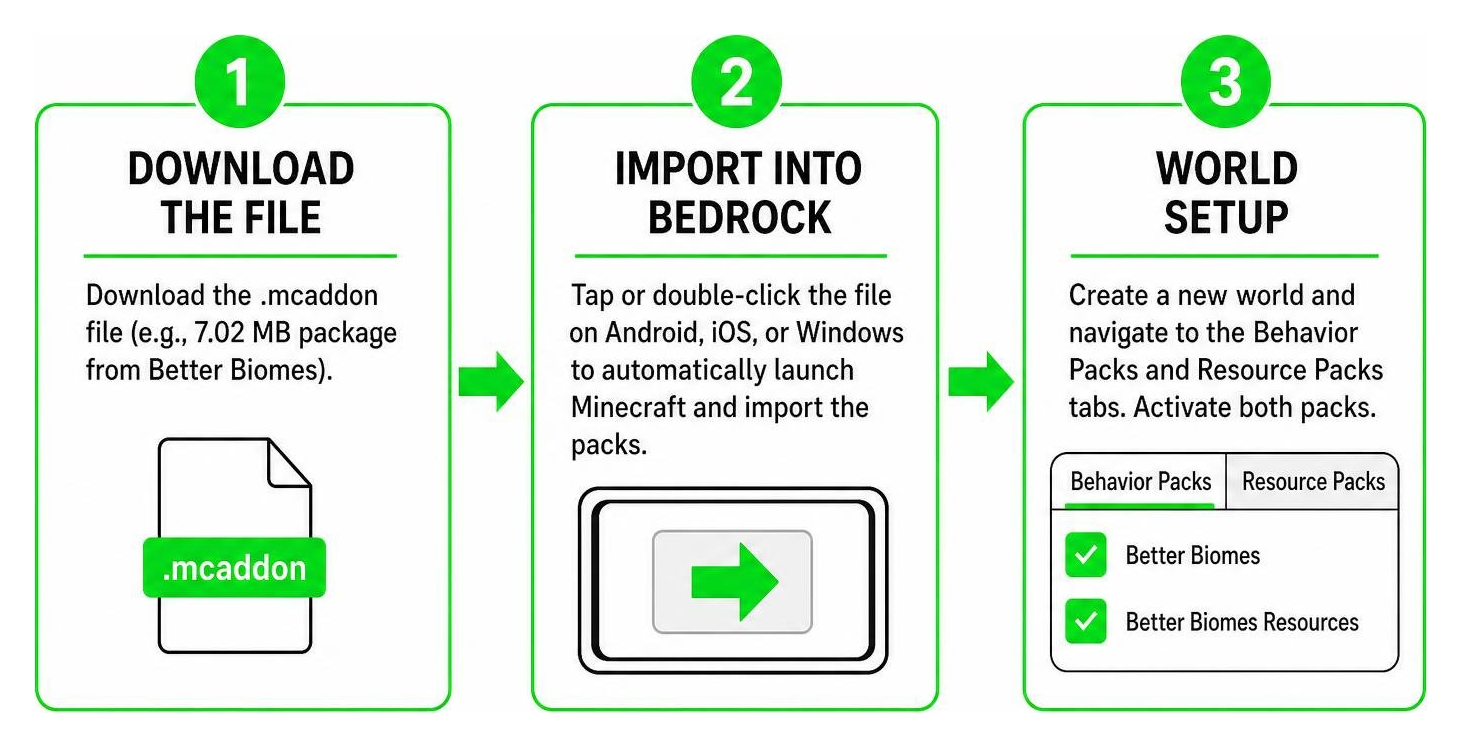
Installing the Better Biomes Addon for Minecraft PE/Bedrock
- Download the File: Download the
.mcaddonfile from a trusted source. - Import into Bedrock: Tap or double-click the file on Android, iOS, or Windows to automatically launch Minecraft and import the packs.
- World Setup: Create a new world and navigate to the Behavior Packs and Resource Packs tabs. Activate both packs.
- Enable Experimental Toggles: Under world settings, toggle Beta APIs and Custom Biomes / Holiday Creator Features on so the world engine loads custom geometry properly.
- Pair with Complementary Mods: You can stack this addon alongside wildlife expansions for a complete wilderness makeover.
Before you start, make sure your game version matches the addon release. Using an outdated or mismatched version can cause script engine errors or missing textures. If you are updating from an older version of the addon, delete the previous pack files first to avoid duplicate resource conflicts.
World Generator String Configuration
Advanced world generation strings let you fine-tune the terrain to match your survival playstyle:
- Climates (true/false): Keeps temperature smoothing active so hot and cold biomes do not clash.
- OceanSize (1-10): Sets ocean boundaries, allowing you to choose between massive continents or archipelagos.
- BiomeSize (1-8): Adjusts biome scale; larger values require more travel time between biomes, which pairs well when exploring the best Minecraft seeds in 2026.
These generator options are especially useful for players who want a specific type of world. For example, lowering OceanSize creates more landmass for large building projects, while increasing BiomeSize gives each region more room to develop its own identity. Experiment with different values in a test world before committing to a long-term survival save.
Compatibility, Performance, and Troubleshooting
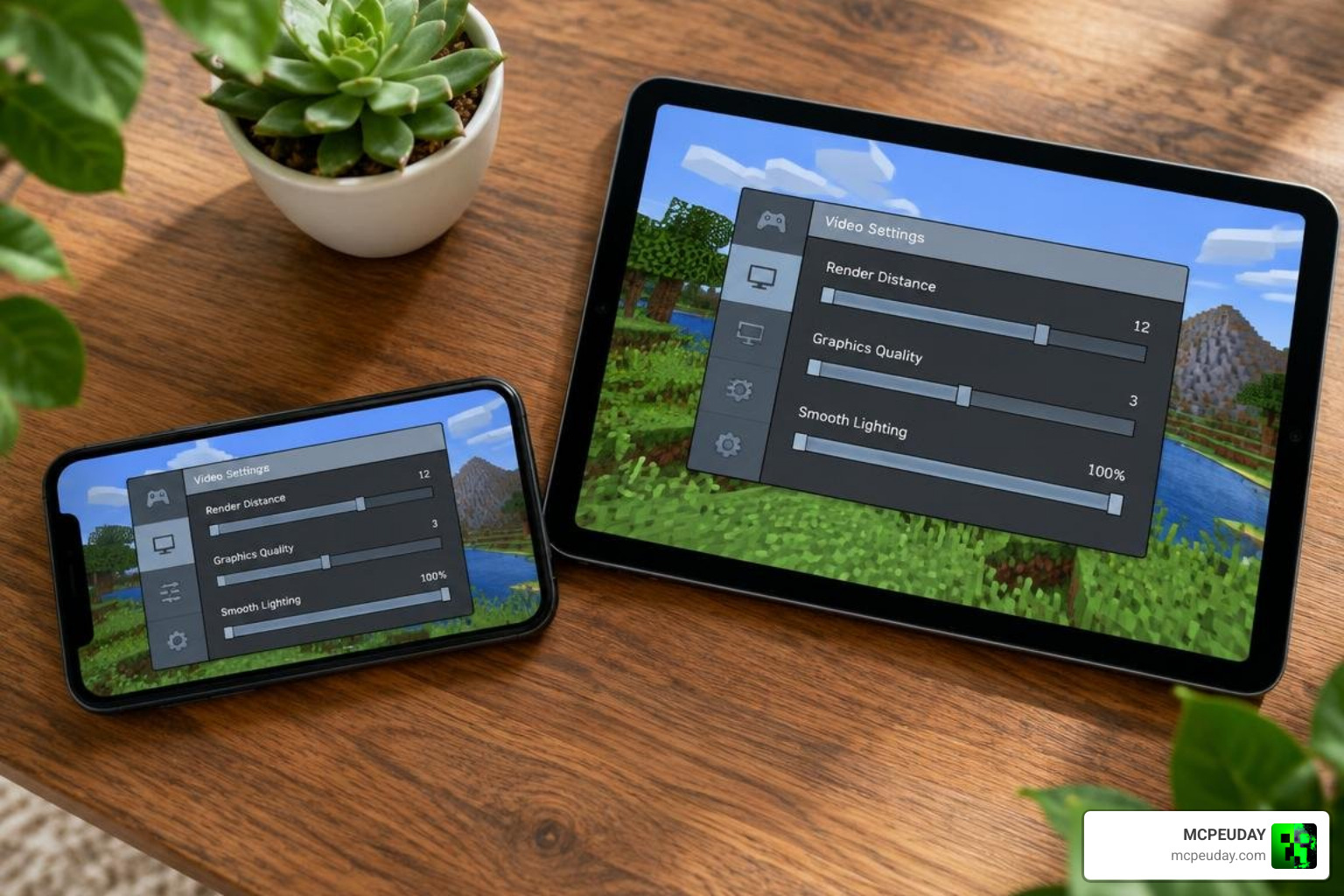
Running world generation overhauls requires careful resource management, especially on mobile devices. Combining the mod with lightweight texture updates helps preserve high framerates during world generation.
Performance Optimization with the Better Biomes Addon for Minecraft PE/Bedrock
To keep chunk loading smooth on budget phones and tablets, use these settings:
- Lower your simulation distance to 4 chunks in world settings.
- Set your render distance between 8 and 12 chunks on mobile hardware.
- Turn off Fancy Leaves and Render Clouds if you notice frame drops during rapid exploration.
- Clear your device cache before generating new terrain chunks.
- Close background apps to free up memory before launching Minecraft.
- Use a lower graphics preset if your device struggles with dense vegetation.
These steps are especially important when exploring newly generated terrain, where the game is actively building chunks and placing custom vegetation. If you play on a console or higher-end PC, you can often keep higher render distances without issues, but mobile players should prioritize stability over visual detail.
Troubleshooting Common Glitches and Missing Textures
- Missing Textures (Black & Purple Blocks): Ensure the resource pack is prioritized above other packs in the global resource list.
- Abrupt Chunk Borders: Occurs when loading existing worlds created before the addon was installed. Always generate fresh worlds for smooth borders.
- Multiplayer Visual Issues: When hosting dedicated Bedrock servers, ensure Require Players to Accept Resource Packs is turned on so all clients load custom tree and foliage textures properly.
- Version Mismatch Errors: If the addon was built for a different Bedrock version, update your game or download the matching addon release to avoid script engine failures.
- Pack Not Activating: Double-check that both the behavior pack and resource pack are enabled in the world settings, and that experimental toggles are turned on.
Frequently Asked Questions
Which Minecraft Bedrock versions support the Better Biomes Addon?
The addon supports modern Bedrock versions, including 26.0 through 26.30. Always verify that your base game version matches the release build to prevent script engine errors. If you are unsure which version you have, check the bottom of the main menu or your device’s app store listing before downloading.
Does Better Biomes add custom mobs and craftable items?
The core addon focuses strictly on environmental generation, flora models, and terrain layouts. It maintains full compatibility with vanilla survival mechanics and standard mob drops. You will not find new weapons, armor, or crafting recipes in the base pack, but you can pair it with other addons if you want additional mobs or items.
Can I use Better Biomes in existing worlds without corrupting chunks?
While old chunks will not corrupt, traveling into new areas will create harsh wall-like borders where the new generation begins. Creating a dedicated new save file is the best way to ensure consistent terrain. Before making any changes, back up your existing world so you can restore it if you decide the new generation is not what you wanted.
Conclusion
The Better Biomes Addon revitalizes exploration in Minecraft Bedrock. By combining logical climate transitions, detailed tree shapes, and distinct terrain presets, every survival journey feels like a genuine adventure. Whether you are building a mountain fortress, mapping a sprawling jungle, or simply looking for a fresh world to explore, this addon gives you a richer canvas to work with.
Visit our mod directory at MCPEUDAY to explore the best Minecraft Bedrock mods and addons, and start building in your transformed world today.