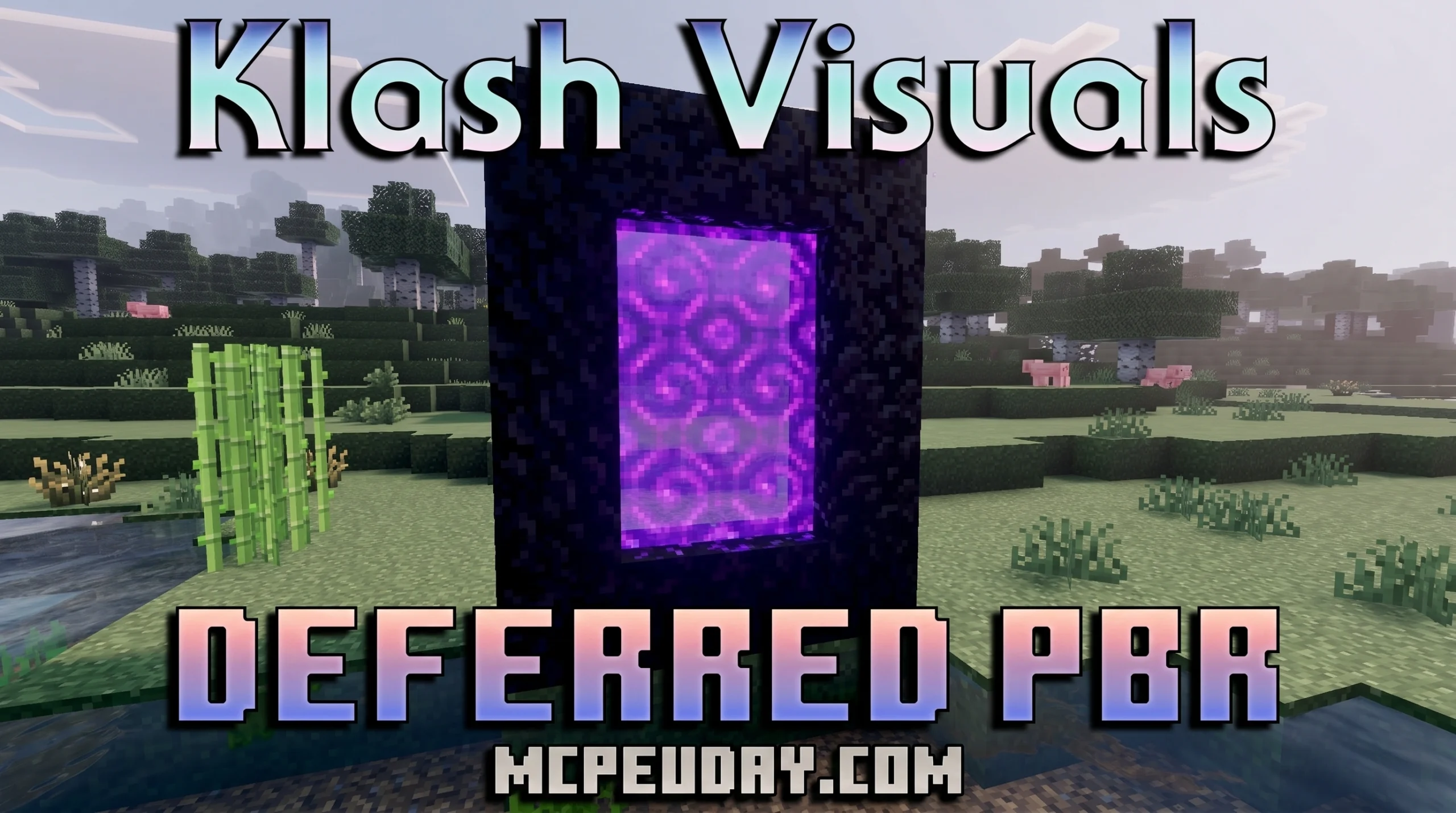
What the Klash Visuals Deferred PBR Shader Does for Minecraft Bedrock
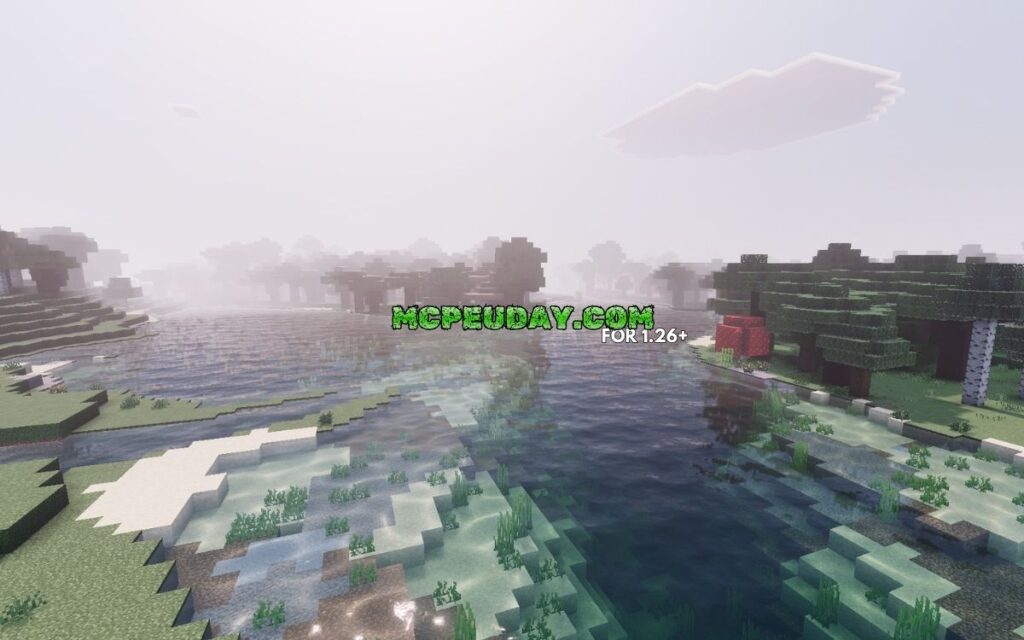
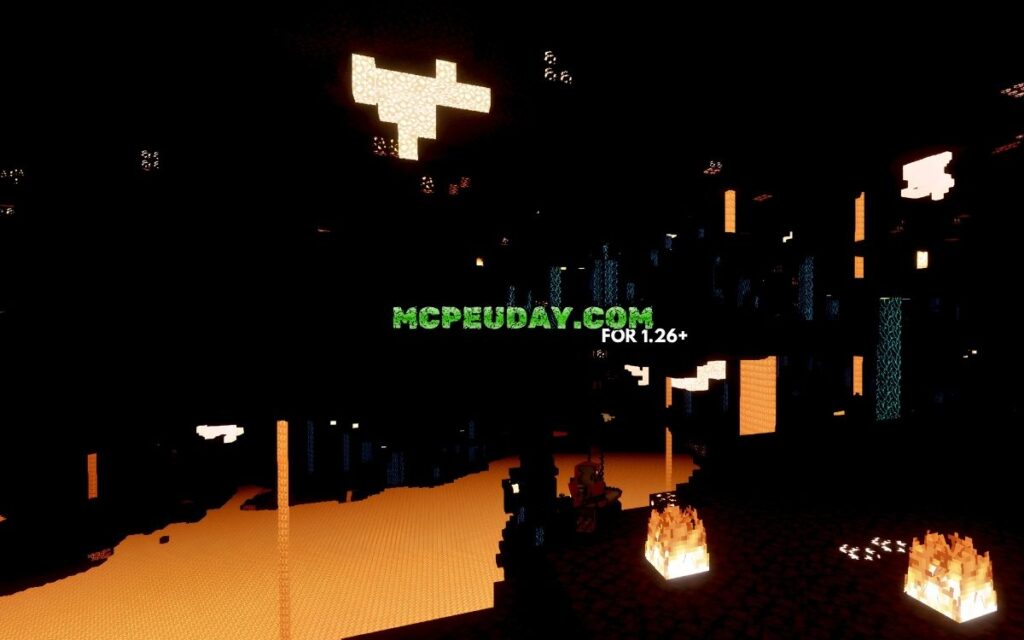
The Klash Visuals Deferred PBR Shader is one of the most downloaded deferred rendering shaders available for Minecraft Bedrock Edition right now. Here’s a quick summary:
- What it is: A Minecraft Bedrock shader that uses deferred PBR (Physically Based Rendering) to overhaul lighting and visuals
- Who made it: Created by K3013, who has over 110,800 total downloads across 10 projects
- Downloads: The Klash Deferred project has hit 86,500+ downloads, making it far more popular than competing options
- Supported versions: Minecraft Bedrock 1.21.x and 26.x (including sub-versions like 26.23, 26.21, 26.20)
- File size: 10 MB (26.x) and 9 MB (1.21.x)
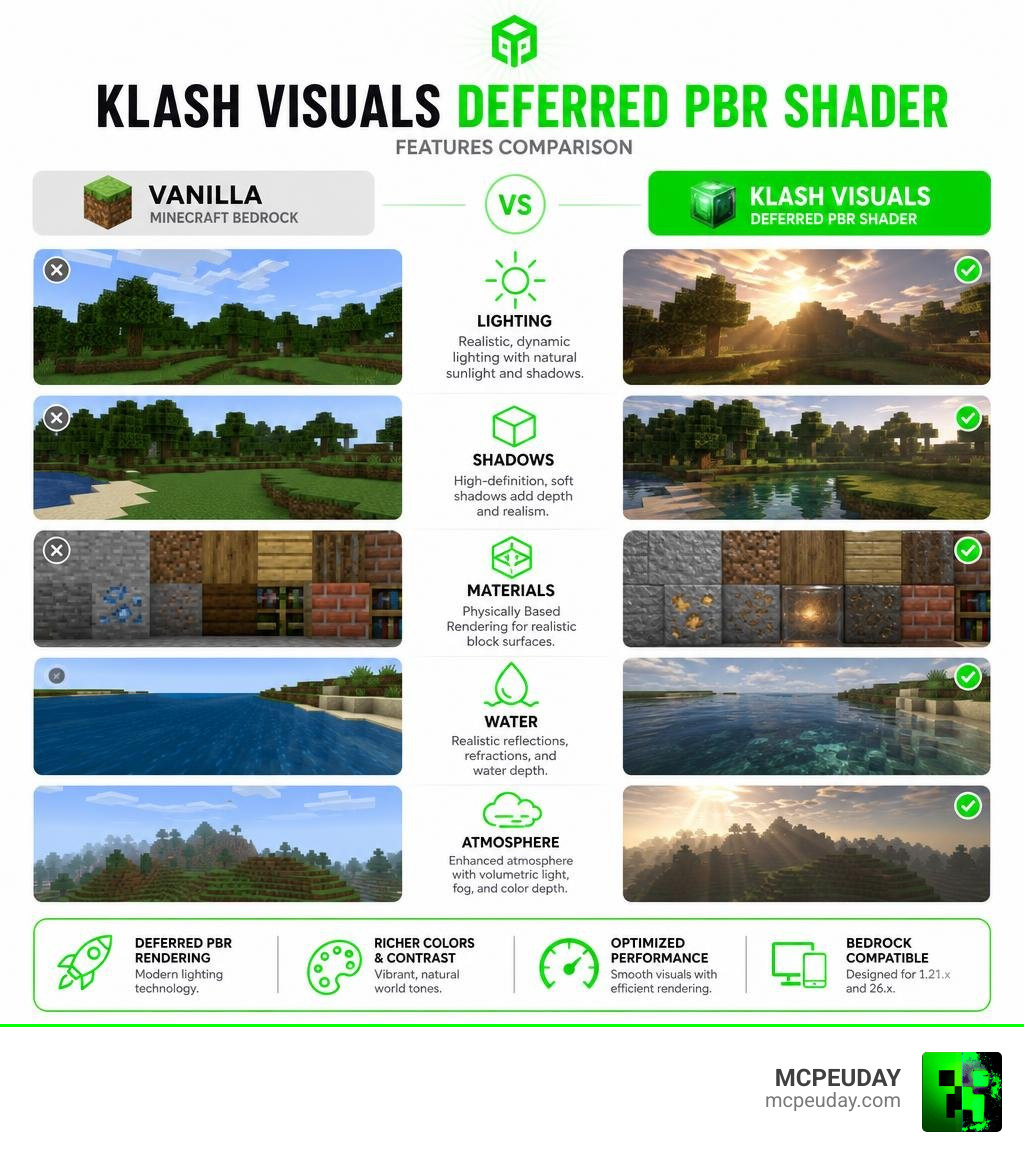
- Key visual upgrades: High-definition shadows, colored lighting, sunlight filtering through leaves, and realistic block surfaces
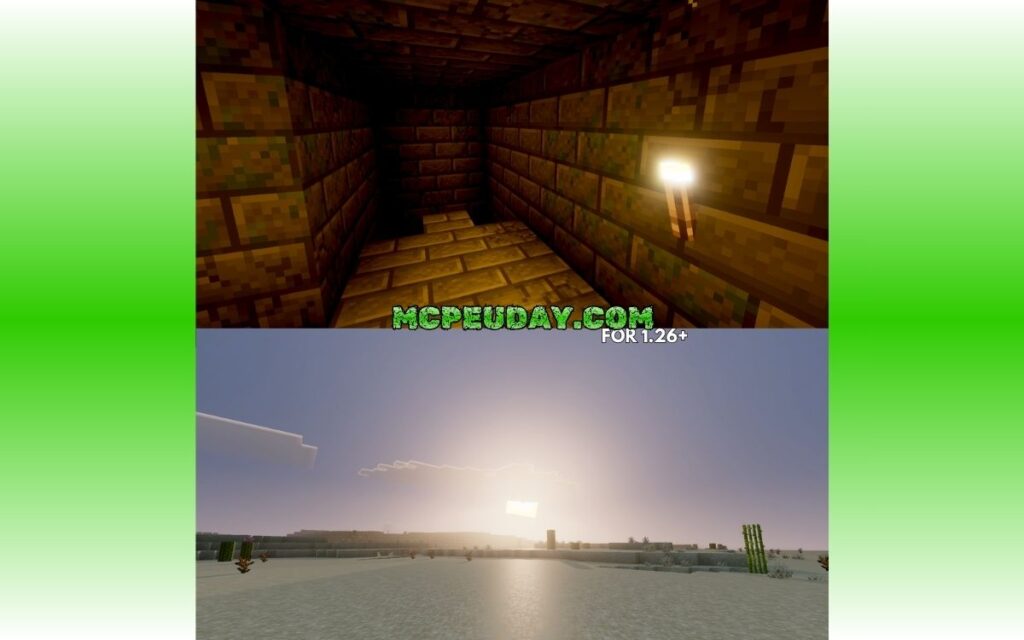
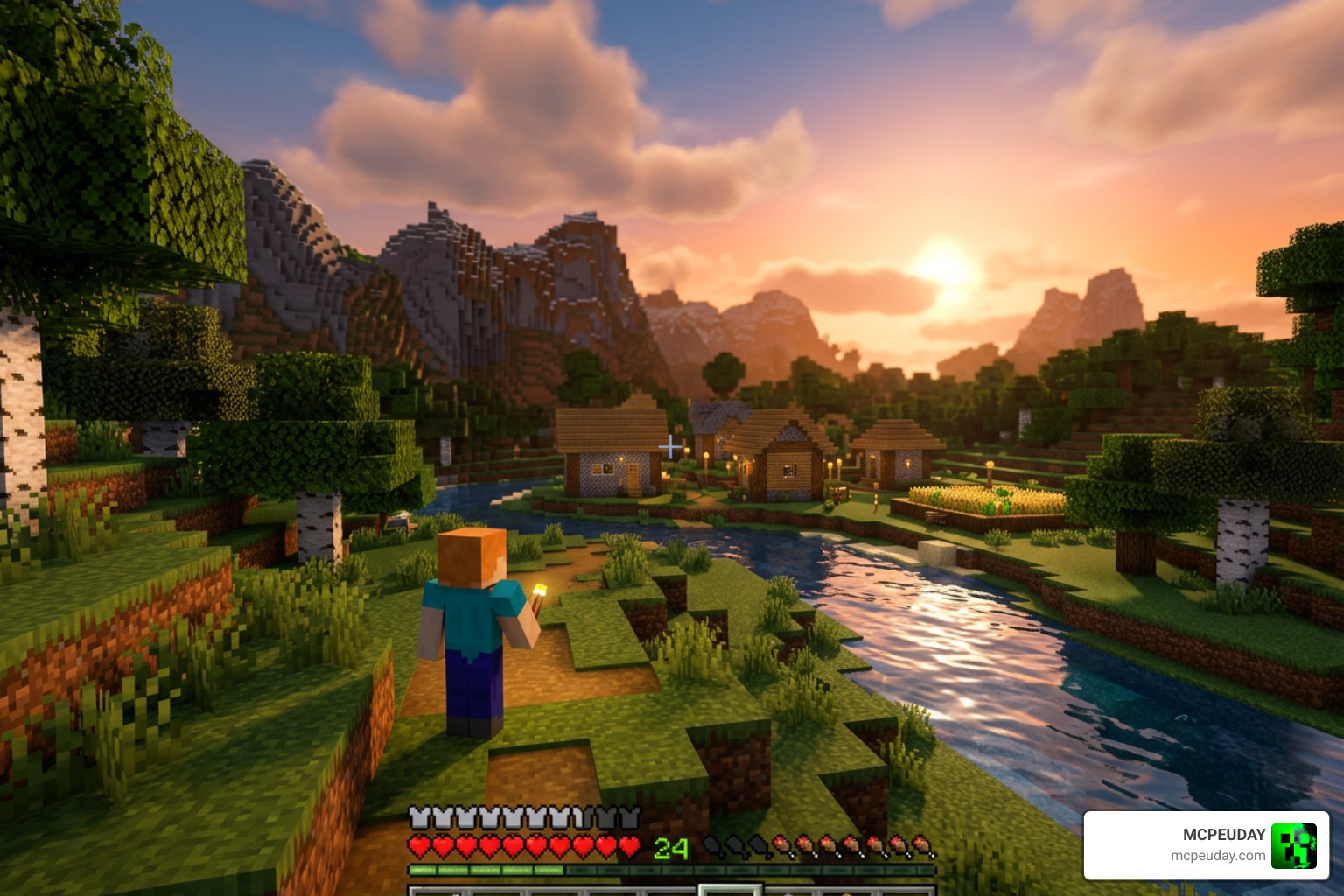
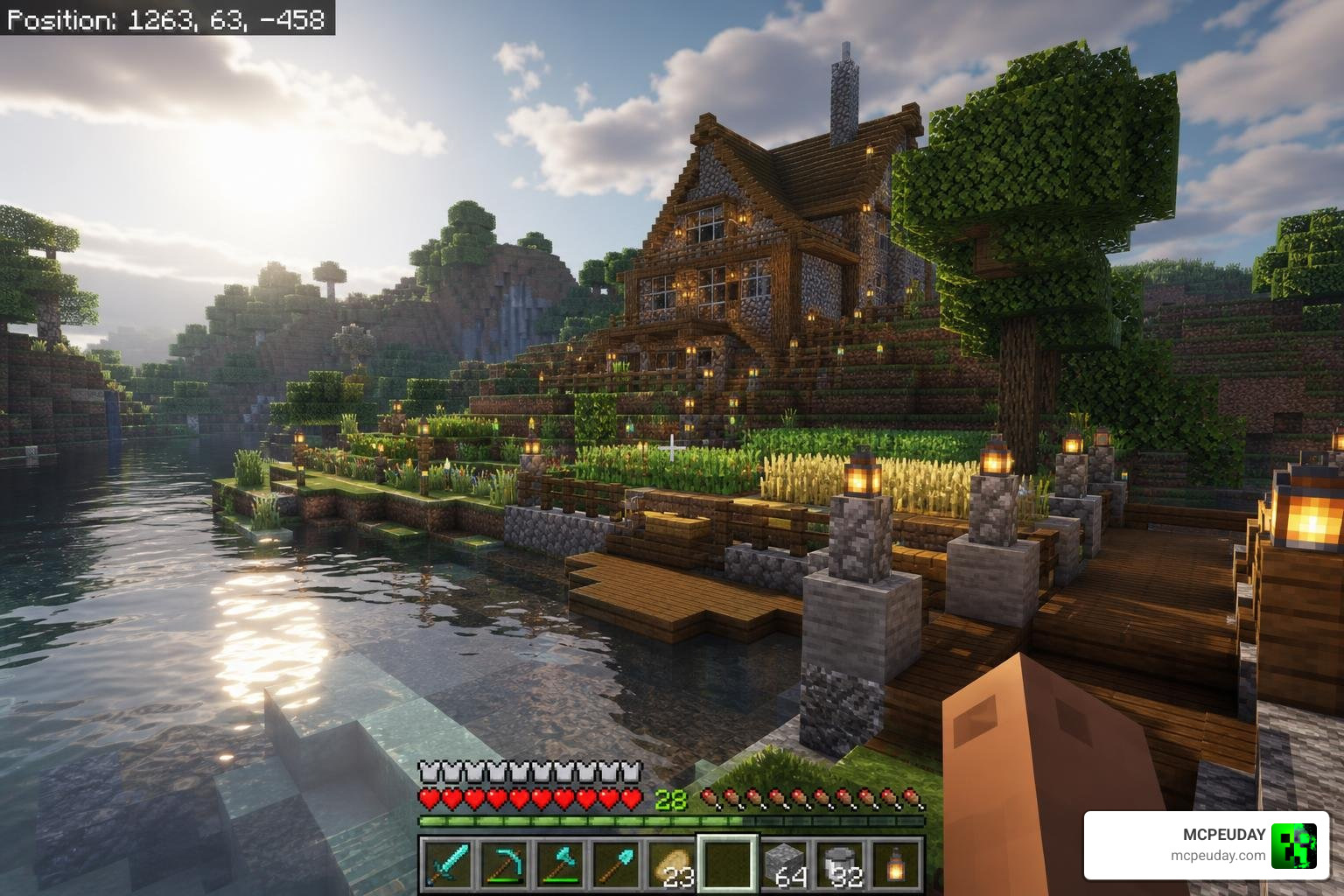
If you’ve ever wanted Minecraft to look genuinely cinematic — with sunlight pouring through a birch forest or a single torch casting warm, colored light down a stone corridor — this shader delivers exactly that.
Minecraft’s default visuals are simple by design. But with Bedrock’s Render Dragon engine now supporting deferred rendering, shaders like this one can push the game’s lighting into territory that feels almost photorealistic. The gap between vanilla Minecraft and a PBR-enabled world is hard to overstate once you see it.
What is the Klash Visuals Deferred PBR Shader?
At its core, the Klash Visuals Deferred PBR Shader is a cutting-edge visual modification designed to take advantage of Bedrock’s modern Render Dragon engine. Developed by the highly active community creator K3013, this shader package completely replaces the old, flat lighting system with a dynamic, physically accurate alternative.
For years, Bedrock players on Windows, Android, and iOS were left out of the advanced shader loops enjoyed by Java Edition players. However, with the introduction of official deferred rendering capabilities in Minecraft Bedrock, creators like K3013 have been able to build incredible graphics pipelines. You can read more about how this fits into the wider shader ecosystem in our guide to the Top 5 Best Realistic Shaders for MCPE.
The shader works by utilizing a deferred lighting pipeline. Instead of rendering each block and calculating its light immediately (which is incredibly taxing on your hardware), the game engine saves various block properties—like depth, roughness, and color—into separate layers. It then calculates the lighting all at once as a post-processing step. The result is beautiful, realistic lighting that doesn’t completely tank your frame rate. If you want to check out the project files directly, you can visit the Klash Visuals Deferred PBR Shader (26.x, 1.21) – 9Minecraft page.
Key Features of Klash Visuals Deferred PBR Shader
When you load up a world with Klash Visuals Deferred PBR Shader enabled, you will immediately notice several massive upgrades:
- High-Definition Shadows: Gone are the days of blocky, static shadow circles beneath mobs. Shadows are now soft, dynamic, and physically accurate, stretching and fading depending on the angle of the sun or moon.
- Colored Lights: Light sources in Minecraft are no longer just plain white or yellow. A redstone torch emits a deep red glow, while soul fire casts an eerie blue light across your builds, blending seamlessly where light paths cross.
- Biome-Specific Lighting: The atmosphere shifts depending on where you stand. Deserts feel blindingly bright and dry, while deep swamps look foggy, moody, and humid.
- Leaf Sunlight Filtering: As you walk through dense forests, you will see shafts of light (crepuscular rays) filtering realistically through the leaves.
- Physically Based Rendering (PBR): Blocks are no longer just flat textures. Iron blocks reflect light like real metal, wet mud glistens in the rain, and rough stone blocks catch light on their uneven edges.
If you are looking to browse other visual upgrades, be sure to check out our dedicated Category Shaders page for more options.
Technical Breakdown of Deferred PBR Rendering
To truly appreciate what the Klash Visuals Deferred PBR Shader is doing, we have to look under the hood. Traditional rendering engines use a “forward rendering” pipeline, which calculates lighting for every single polygon on screen. If you have 20 light sources in a room, the engine has to calculate those light interactions over and over again.
Deferred rendering completely flips this process.
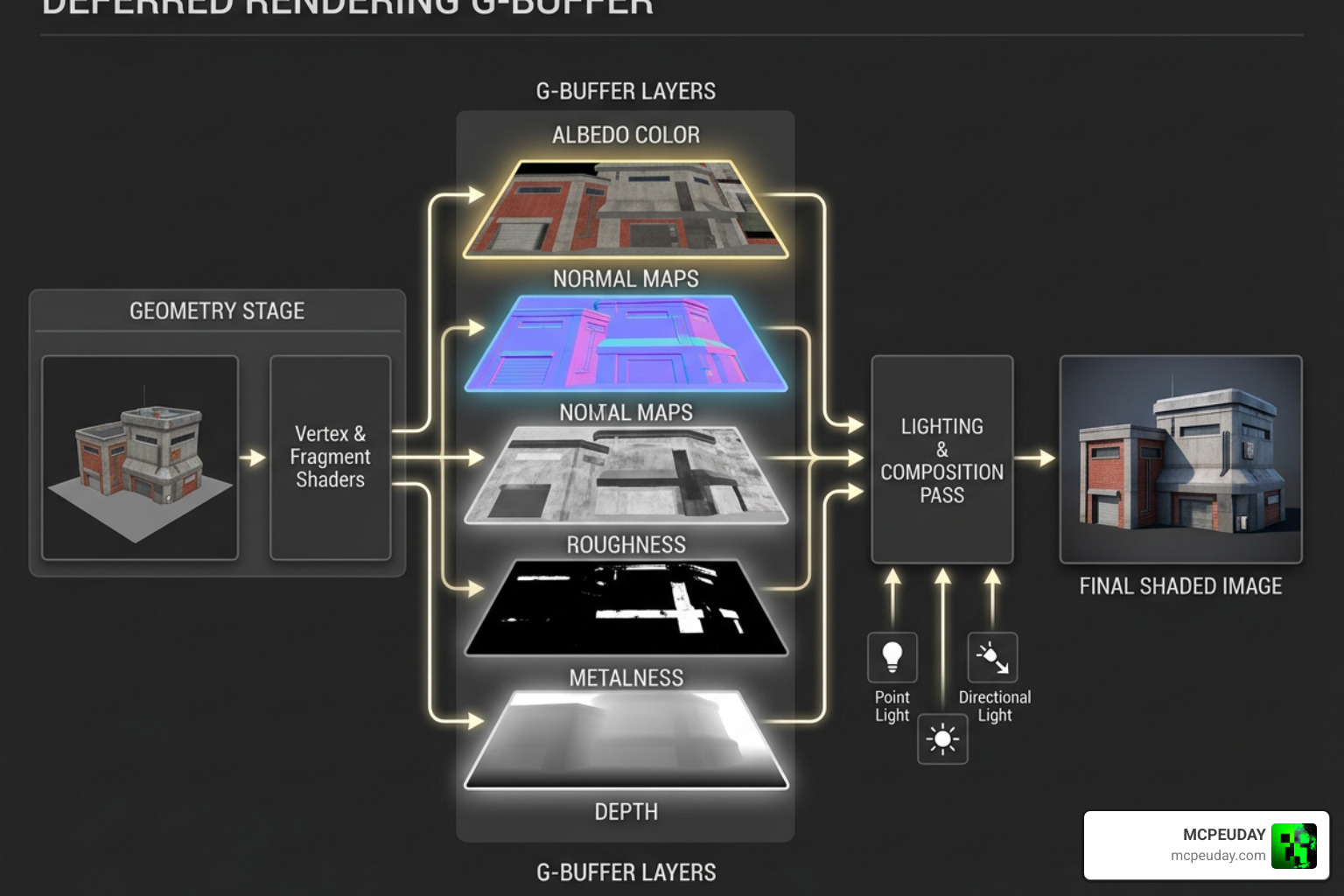
In a deferred rendering setup, the engine utilizes a G-Buffer (Geometry Buffer). This buffer splits the visual data of your screen into multiple textures:
- Albedo (Color): The base color of the blocks.
- Normal Maps: The 3D physical depth details of a block’s surface.
- Roughness/Metalness: How shiny, smooth, or metallic a block is.
- Depth: How far away objects are from the camera.
Once these maps are generated, the lighting is computed in a separate pass. This technical approach is widely utilized in modern game development. For instance, projects like the stripe2933/vk-deferred Vulkan pipeline and the martianovdev/Defold-BRDF-Deferred-Rendering-V2 engine demonstrate how G-buffers store roughness and normals to calculate complex BRDF (Bidirectional Reflective Distribution Function) light interactions.
Similarly, advanced implementations like the Kermalis/HybridRenderingEngine show how combining deferred techniques with clustered light culling allows games to handle dozens of dynamic lights without crashing performance. By implementing these same concepts inside Minecraft Bedrock, Klash Visuals brings high-end graphics engine technology straight to your blocky worlds.
How the Klash Visuals Deferred PBR Shader Optimizes Performance
You might think that all of these calculations would make your game run like a slideshow. Fortunately, the Render Dragon engine is built to handle deferred rendering efficiently, especially on modern devices.
By utilizing transient attachments and optimized memory pathways (especially on tile-based mobile GPUs), the Klash Visuals Deferred PBR Shader minimizes the amount of memory bandwidth it consumes. It only renders light volumes where they actually affect the screen, meaning a torch hidden behind a wall won’t waste your graphics card’s processing power. To see how this shader holds up on real-world mobile devices and consoles, check out our Best Render Dragon Shaders for MCPE 1.21 Tested on Real Devices 2026 Guide.
Compatibility, System Requirements, and Comparison
Before downloading, it is important to understand what hardware you need. Because deferred rendering is a heavy-duty feature, your device must support Bedrock’s “Deferred Technical Preview” graphics toggle.
System Requirements
- Windows PC: Requires a dedicated graphics card (NVIDIA GTX 10-series/RTX or AMD Radeon RX-series) with up-to-date drivers.
- Android Devices: Requires a modern processor (Snapdragon 8 Gen 1 or newer, or equivalent) supporting GLES 3.2 / Vulkan.
- iOS Devices: Requires Apple A14 Bionic chip or newer (iPhone 12/iPad Air 4 and up).
Shader Comparison Table
To give you an idea of where Klash Visuals stands in June 2026, here is how it compares to other popular Bedrock shader options:
| Shader Name | Creator | Total Downloads | Key Features | Performance Impact |
|---|---|---|---|---|
| Klash Visuals Deferred PBR | K3013 | 86,500+ | Dynamic colored lights, leaf filtering, custom biome atmospheres | Medium to High |
| Seraphic Deferred PBR Resurrected | K3013 (orig. 0x4a4b) | 4,898 | High-fidelity block textures, classic soft lighting style | High |
| Luma Shader | Community | ~15,000 | Vibrant colors, fantasy theme, bright nights | Medium |
| ChatGPT Generated Shader | Community | 1,900 | Basic code structure, lightweight, highly experimental | Low |
While options like the Seraphic Deferred PBR resurected – Minecraft Bedrock Texture Packs offer incredible high-fidelity texture support, Klash remains the absolute king of downloads and general stability. You can compare more of these options in our review of the Best Shaders for MCPE 1.21 2026 Top 3 Realistic Minecraft PE Shaders.
How to Download and Install the Shader
Ready to transform your game? Follow our simple step-by-step installation guide to get the Klash Visuals Deferred PBR Shader up and running.
Step 1: Download the Files
First, download the correct version of the shader for your game. The file size is roughly 10 MB for the 26.x version and 9 MB for the 1.21.x version. Make sure to download the .mcpack file for the easiest installation.
Step 2: Import to Minecraft
- On Windows: Double-click the downloaded
.mcpackfile. Minecraft will automatically open and import the shader. - On Android/iOS: Use a file manager app to open the
.mcpackfile with Minecraft. Alternatively, copy the file and paste it into yourcom.mojang/resource_packsfolder.
Step 3: Enable Experimental Features
For deferred shaders to work, you must turn on the experimental graphics options:
- Open Minecraft and go to Settings > Creator.
- Enable the Enable Developer Mode toggle if visible.
- When creating or editing a world, scroll down to the Experiments tab and turn on Render Dragon Features for Creators (or the Deferred Technical Preview toggle).
Step 4: Activate the Resource Pack
- Go to Settings > Global Resources (or activate it directly on your specific world under Resource Packs).
- Select Klash Visuals Deferred PBR from your list of active packs and click Activate.
- Launch your world!
If you run into performance issues or want to try different styles, take a look at our list of the 3 Best Shaders for Minecraft 1.21 Ultra Realistic Smooth FPS Stunning Graphics for alternative setups.
Frequently Asked Questions about Minecraft Bedrock Shaders
Is Klash Visuals Deferred PBR Shader compatible with Minecraft PE on mobile?
Yes! As long as your Android or iOS device meets the hardware requirements and you are running Minecraft Bedrock 1.21.x or 26.x. That older budget phones may struggle to maintain a stable 60 FPS, so we recommend turning down your render distance if you experience lag.
Do I need an RTX graphics card to run deferred PBR shaders?
No! Unlike ray-tracing (RTX) packs, which require dedicated hardware RT cores, deferred PBR shaders run on the Render Dragon engine using standard rasterization pipelines. This means GTX cards, AMD cards, and modern mobile processors can run these effects without needing an RTX-branded GPU.
Why are my textures flat or not showing PBR effects?
If your blocks still look flat and don’t reflect light, make sure you have activated a PBR-compatible texture pack alongside the shader. The shader provides the lighting engine, but it needs blocks with normal and roughness maps to show off the reflections. Also, double-check that your game’s video settings are set to “Deferred Technical Preview” under the Graphics tab.
Conclusion
The Klash Visuals Deferred PBR Shader represents a massive leap forward for Minecraft Bedrock graphics. By harnessing the power of deferred rendering, K3013 has given players a way to experience stunning, volumetric lighting, colored torches, and realistic reflections without needing a high-end ray-tracing rig.
If you want to keep your game looking absolutely top-tier as we move through 2026, this is a must-have in your resource pack library. For more recommendations and detailed performance guides, head over to our comprehensive guide on the Best Shaders for MCPE 1.21 2026 Top 3 Realistic Minecraft PE Shaders. Happy mining!
