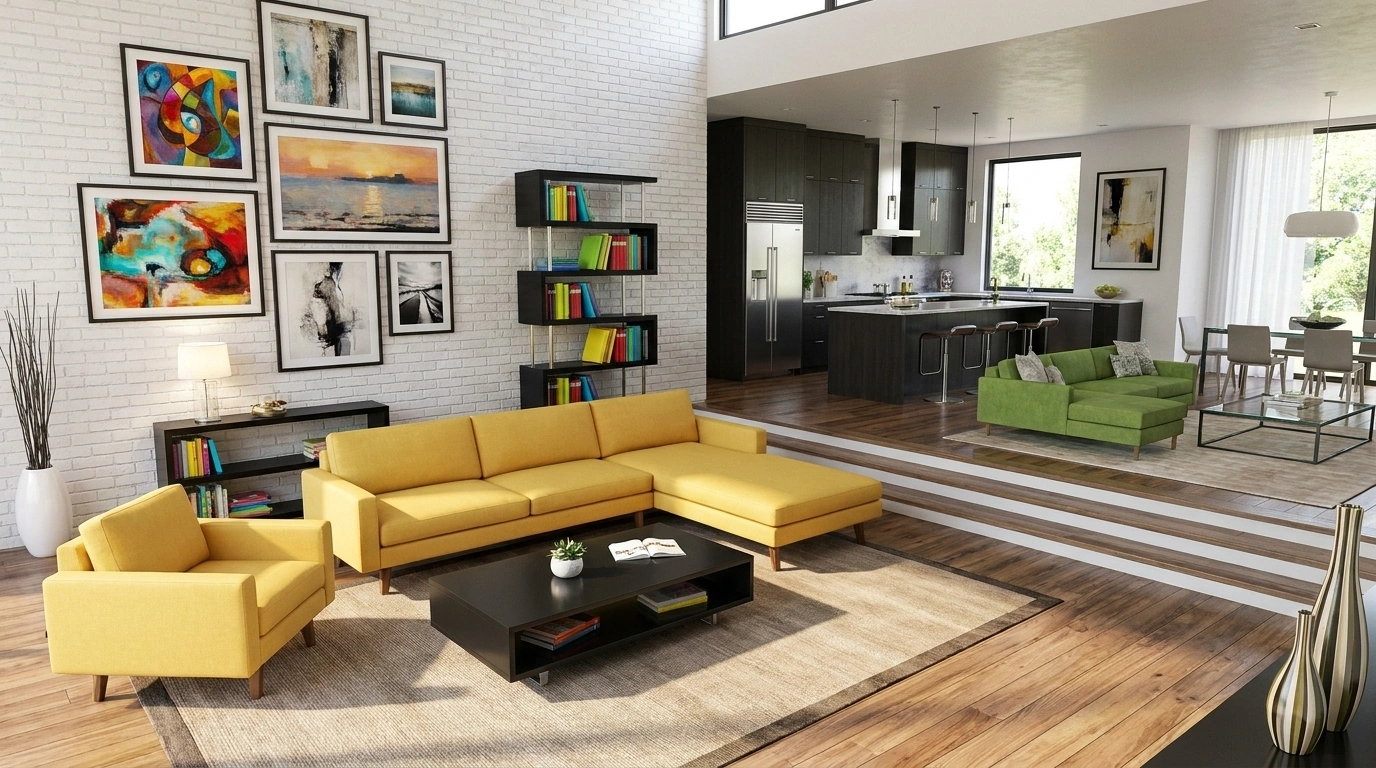
Why the Modern Furniture Addon (26.x, 1.21) Is a Must-Have for Minecraft Bedrock Builders
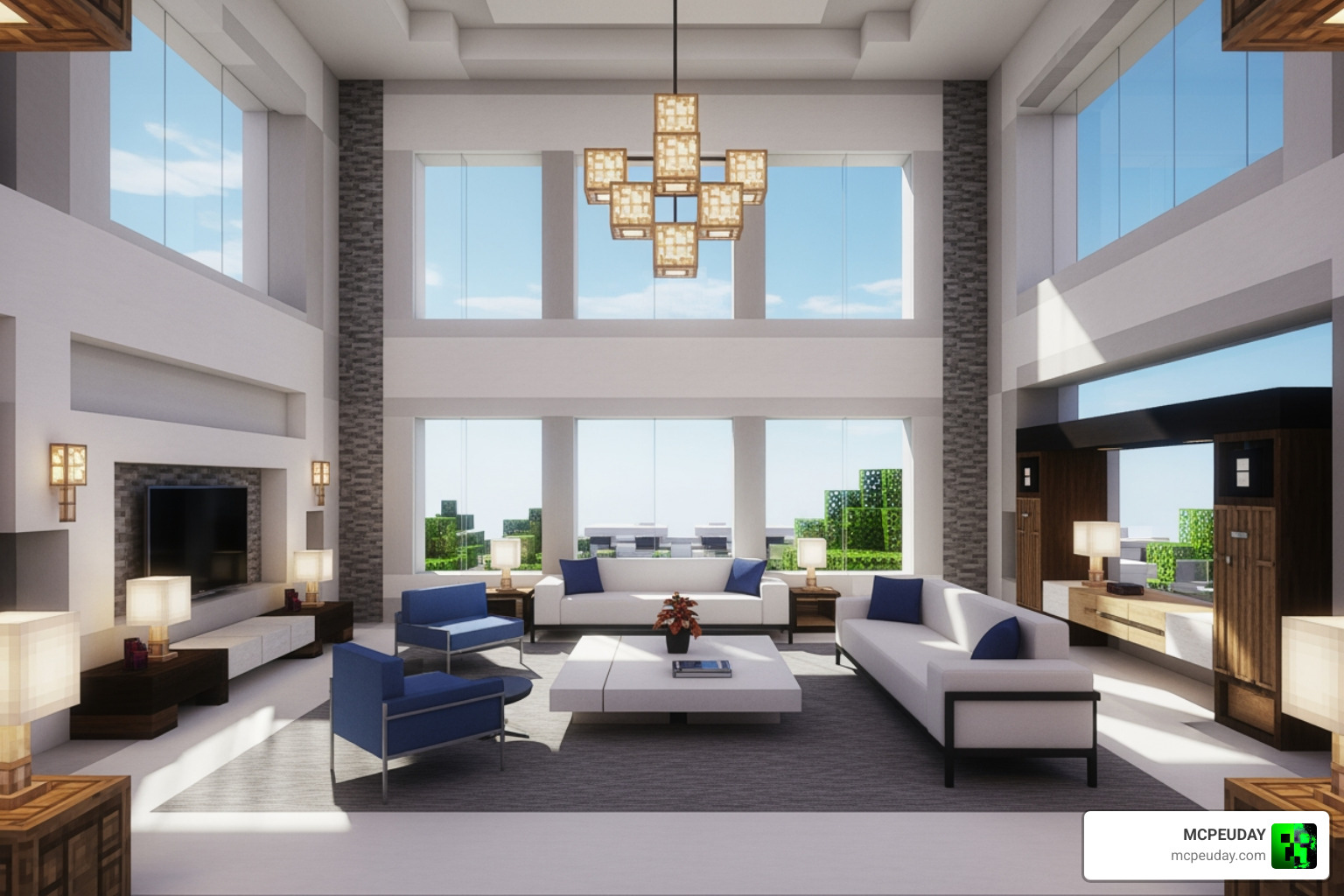
The Modern Furniture Addon (26.x, 1.21) – MCPE/Bedrock Mod transforms your empty Minecraft homes into fully furnished, realistic living spaces — and downloading it takes just a few simple steps.
Quick answer — how to get it:
- Download the Behavior Pack (.mcpack) and Resource Pack (.mcpack) files
- Tap each file to auto-import into Minecraft Bedrock
- Create or open a world and activate both packs
- Enable any required experimental toggles
- Use a Stonecutter + clay to craft furniture in survival, or browse the decoration tab in creative
If your Minecraft house still feels empty — just bare walls and floor slabs pretending to be a couch — you’re not alone. Vanilla Minecraft was never built for interior design.
That’s exactly what this addon fixes.
The Modern Furniture Addon adds over 750 furniture blocks and 300+ unique items with multiple color variants, covering every room from your kitchen to your bathroom. Sofas, TVs, computers, bathtubs, shelves — it’s all here. And it works in both survival and creative mode, so you don’t have to cheat to decorate.
It’s compatible with Minecraft Bedrock versions 1.21.x (including 1.21.132, 1.21.121, and 1.21.120), so it’s fully up to date as of May 2026.
Key Features of the Modern Furniture Addon (26.x, 1.21) – MCPE/Bedrock Mod
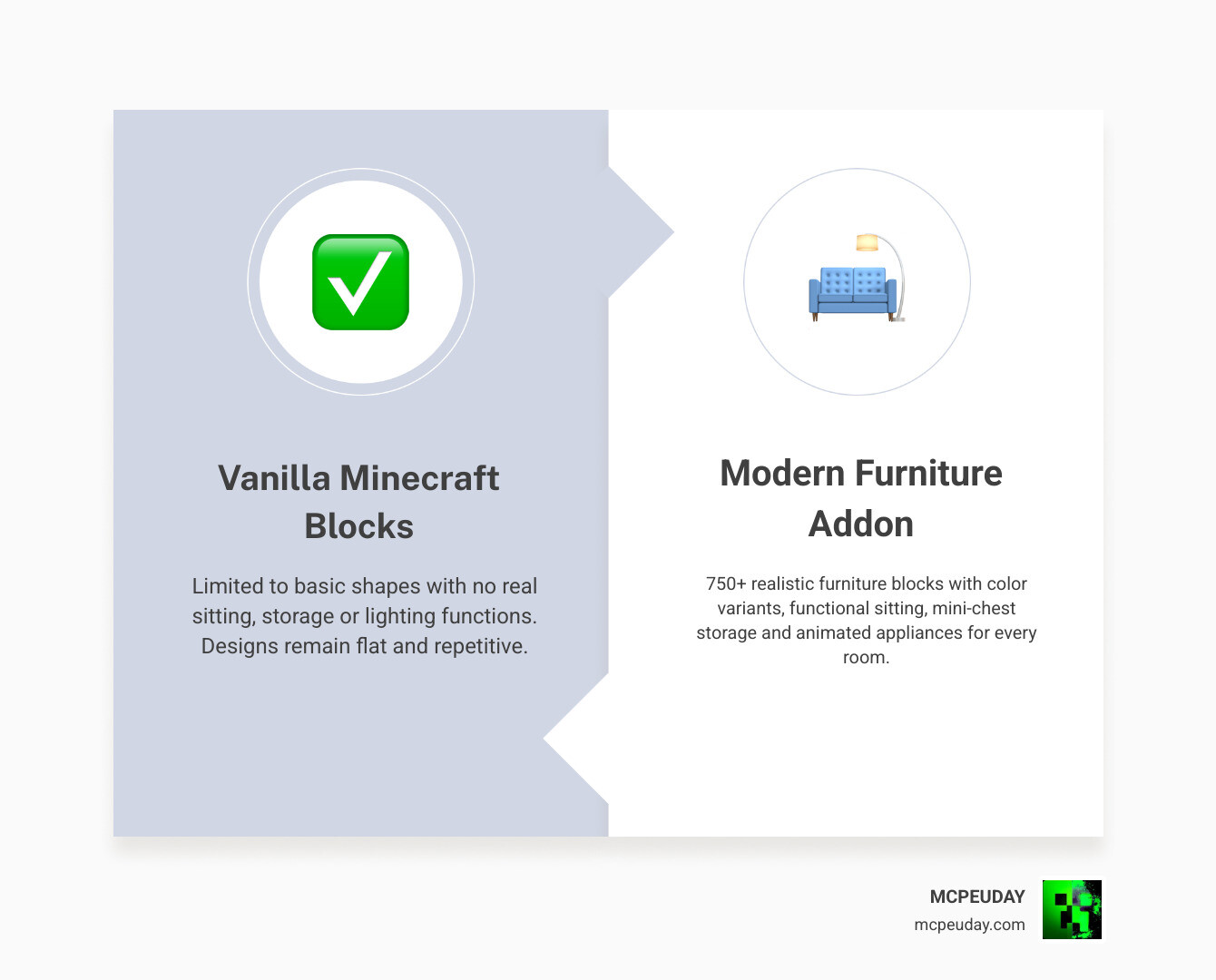
When we talk about the Modern Furniture Addon (26.x, 1.21) – MCPE/Bedrock Mod, we aren’t just talking about a few new blocks. This is a massive overhaul of how we think about interior spaces. With over 750 furniture blocks and pieces, the variety is staggering. Whether you are looking for a sleek minimalist look or something more “lived-in,” this mod delivers.
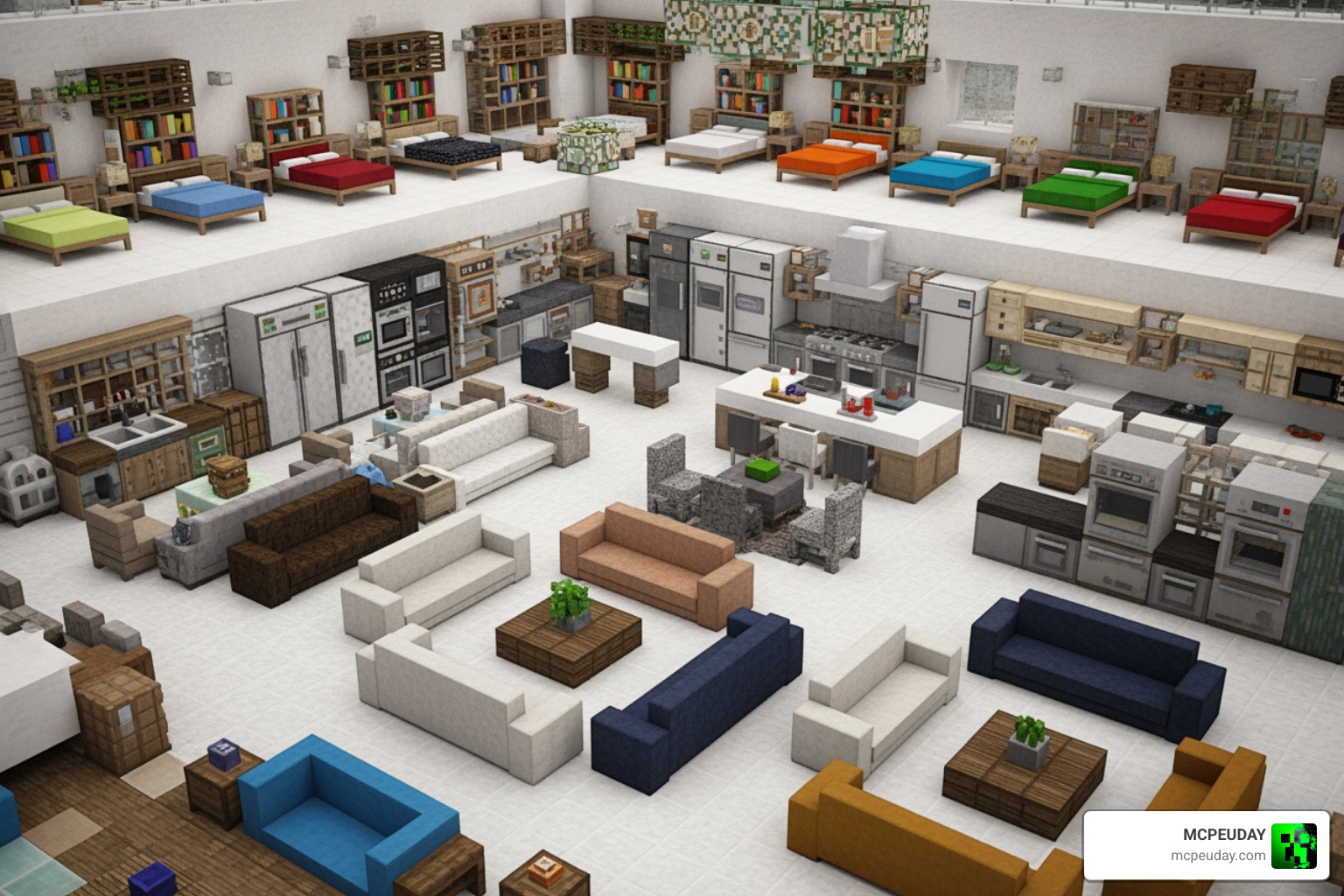
One of the standout features is the sheer number of color variants. Most items aren’t just one-and-done; they come in multiple shades to match your specific palette. You can find everything you need to build a dream home, including:
- Living Room: Sofas, armchairs, HD TVs, coffee tables, and radios.
- Kitchen: Ovens, fridges, freezers, sinks, and modular cabinets.
- Bedroom: Modern beds, wardrobes, and nightstands.
- Office: Laptops, monitors, gaming chairs, and keyboards.
- Bathroom: Bathtubs, toilets, and showers.
Unlike many older mods that just added “statues” that looked like furniture, the Modern Furniture | +750 BLOCKS pack focuses on functionality. Many of these pieces actually work! You can sit on chairs, store items in mini-chests, and even toggle lights.
If you are looking for the absolute Best MCPE Decoration Mod, this is the gold standard for 2026.
Comparison: Decorative vs. Functional Furniture
| Category | Decorative Examples | Functional Examples |
|---|---|---|
| Seating | Decorative Stools | Sit-able Sofas & Gaming Chairs |
| Storage | Shelves & Racks | Functional Cabinets & Mini-chests |
| Lighting | Ceiling Lamps | Interactive Switches & Wall Lights |
| Electronics | Static Monitors | Animated TVs & Computers |
| Outdoor | Garden Vases | Functional BBQ Grills & Benches |
Interactive Features of the Modern Furniture Addon (26.x, 1.21) – MCPE/Bedrock Mod
Interaction is what breathes life into a build. In this addon, the furniture isn’t just “dead” geometry.
- Sitting System: You can actually sit on the sofas and chairs. No more standing on top of your furniture like a weirdo!
- Storage Solutions: Items like the mini-chest and certain cabinets provide actual inventory space, helping you keep your modern kitchen organized.
- Lighting and Switches: You can turn lamps on and off. For those who want even more immersion, we recommend pairing this with the Better Dynamic Light Addon for MCPE to see your furniture glow realistically.
- Animated Appliances: Certain blocks like fans or electronics feature subtle animations that make your house feel occupied.
Aesthetic Styles and Customization
We love that this addon doesn’t force you into one single “look.” While “Modern” is in the name, the variety of textures and models allows you to branch out into several popular styles:
- Cottagecore: Use the wooden variants and floral decorations for a cozy, rustic vibe.
- Kawaii/Cute: Opt for the pink and pastel color variants to create a soft, aesthetic room.
- Minimalist: Stick to the white, black, and grey palettes for a high-end luxury apartment feel.
If you enjoy mixing and matching styles, you might also want to check out the Modblockte Furniture Addon to expand your catalog even further.
How to Obtain and Craft Furniture in Survival Mode
A common complaint with furniture mods is that they are “Creative only.” This addon breaks that trend. It is fully survival-friendly, meaning you can earn your decorations through gameplay rather than commands.
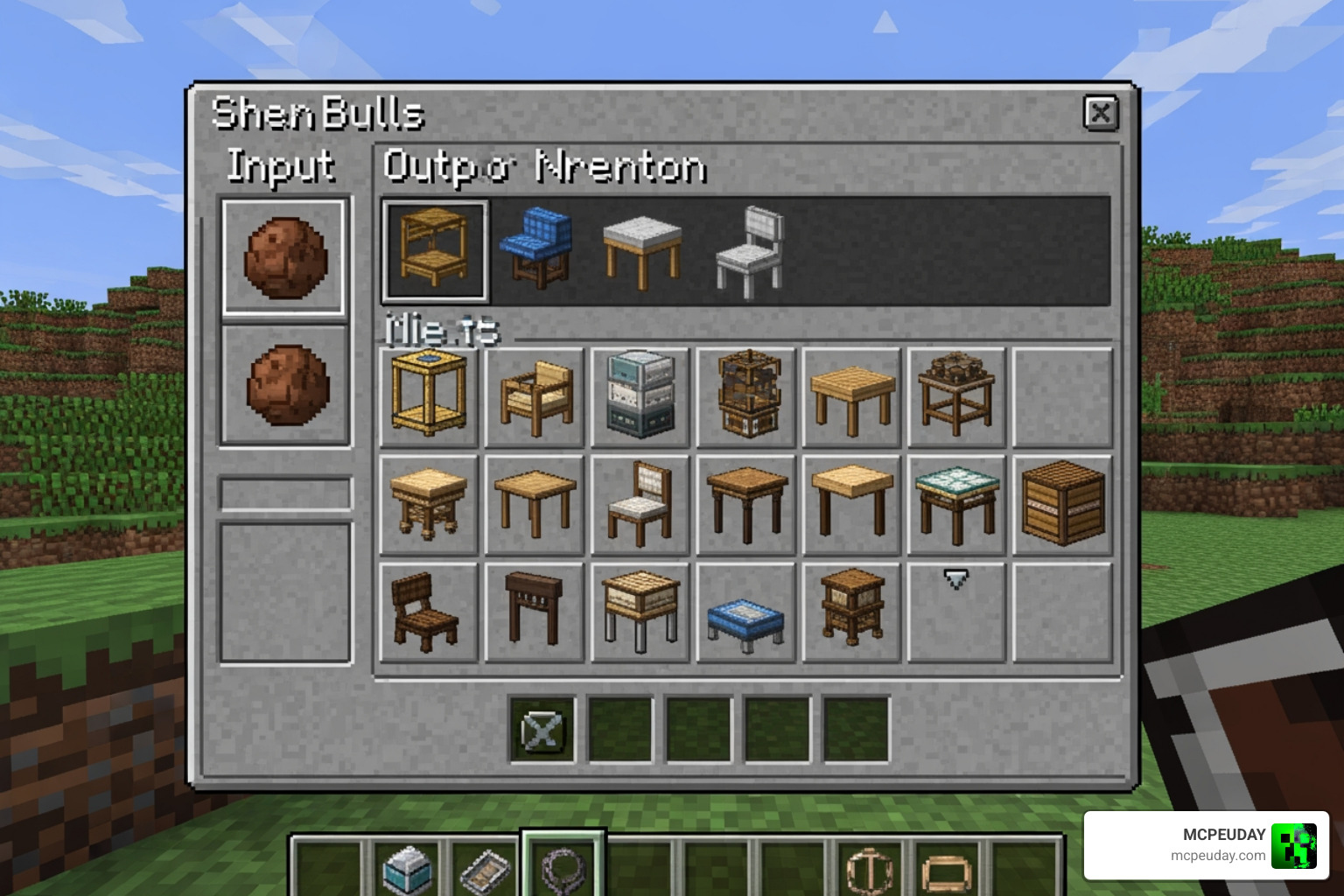
Survival Crafting in the Modern Furniture Addon (26.x, 1.21) – MCPE/Bedrock Mod
The crafting system is incredibly clever and keeps your crafting table from getting cluttered with hundreds of recipes. Everything revolves around the Stonecutter and Clay.
Step-by-Step Survival Crafting:
- Collect Clay: Dig up clay balls from rivers or swamps.
- Use the Stonecutter: Place a clay ball into the Stonecutter.
- Pick a Category: You will see various “Furniture Boxes” (e.g., Kitchen Box, Bathroom Box). Select the one you want.
- Unpack: Take that Furniture Box and put it back into the Stonecutter. This will “unpack” it, allowing you to choose the specific piece of furniture (like a fridge or a chair) that you want.
This method is great because it makes furniture feel like a legitimate part of your progression. While you’re out mining for resources with the More Ores Add-on, don’t forget to grab some clay for your home renovation!
For those building high-end bases, we also suggest looking into the More Armour Addon so you look just as stylish as your house while defending your property.
Creative Mode and Commands
If you’re a creative builder who just wants to get straight to the decorating, you have two easy options:
- Decoration Tab: Most items are neatly categorized within the standard creative inventory under the “Construction” or “Items” tabs.
- Commands: You can use the
/givecommand for specific items. The prefix for this addon isf:. For example, typing/give @p f:sofa_modernwill hand you a sofa immediately.
This is perfect for testing layouts before committing to them in your survival world or when using the Better Structures Addon to fill out custom-spawned buildings.
Installation Guide for Minecraft Bedrock 1.21
Installing the Modern Furniture Addon (26.x, 1.21) – MCPE/Bedrock Mod is straightforward, but you must follow the steps exactly to ensure the models and textures load correctly.
Installation Steps:
- Download the Packs: Ensure you have both the Resource Pack (RP) and the Behavior Pack (BP).
- Import to Minecraft: Open the
.mcpackfiles. Minecraft should automatically launch and say “Import Started.” - World Settings: Create a new world or edit an existing one.
- Activate Packs: Go to “Resource Packs” and activate the Modern Furniture pack. Do the same under “Behavior Packs.”
- Enable Experiments: This is the most important step! You must toggle on “Holiday Creator Features,” “Upcoming Creator Features,” and “Molang Features” (or “Beta API”) depending on your specific sub-version of 1.21.
- Launch: Start your world and enjoy your new furniture!
To make your modern world look even better, we highly recommend installing the Better Foliage Addon alongside it. The realistic leaves and grass provide the perfect backdrop for a modern villa.
Requirements and Compatibility
- Version Support: This addon is optimized for 1.21.x. It has been tested on 1.21.132 and 1.21.121.
- Platform: Works on Android, iOS, Windows 10/11, and Xbox (Bedrock Edition).
- Performance Tip: If you see “invisible” blocks or “update” textures, try clearing your addon cache in the Minecraft storage settings and re-importing the packs.
- Cross-Mod Compatibility: It works well with most other addons. If you are building a castle instead of a villa, you might prefer the Medieval Structures Addon, but for anything contemporary, this furniture pack is king.
Frequently Asked Questions about Modern Furniture Addon (26.x, 1.21) – MCPE/Bedrock Mod
Does this addon cause lag on mobile devices?
Generally, no! The creator has optimized the models to stay within “vanilla-plus” parameters. This means they look detailed but don’t have millions of polygons that would crash a phone. However, if you place 500 interactive TVs in one room, you might see a dip in frame rates.
Can I use this furniture mod on Minecraft Realms?
Yes! You can use this on Realms. Just make sure that when you upload the world to the Realm, both the Resource and Behavior packs are active and that “Require players to accept resource packs” is checked.
How do I change the color of the furniture?
In Survival mode, you can select the specific color variant directly from the Stonecutter when unpacking a Furniture Box. In Creative, the different color variants appear as separate items in the inventory.
Conclusion
At MCPEUDAY, we’ve seen a lot of decoration mods come and go, but the Modern Furniture Addon (26.x, 1.21) – MCPE/Bedrock Mod remains the most comprehensive and user-friendly option for Bedrock players in 2026. Its unique blend of survival-friendly crafting and high-quality models makes it an essential download for anyone tired of living in a house made of dirt and wooden stairs.
Whether you’re designing a high-tech gaming room or a peaceful garden patio, this addon provides the tools to make your vision a reality. And remember, a well-furnished house needs a good defense! While you’re upgrading your home, why not upgrade your arsenal too? Download the best Minecraft Bedrock gun mods to keep your new modern villa safe from unwanted guests.
Happy building, and we’ll see you in the next update!