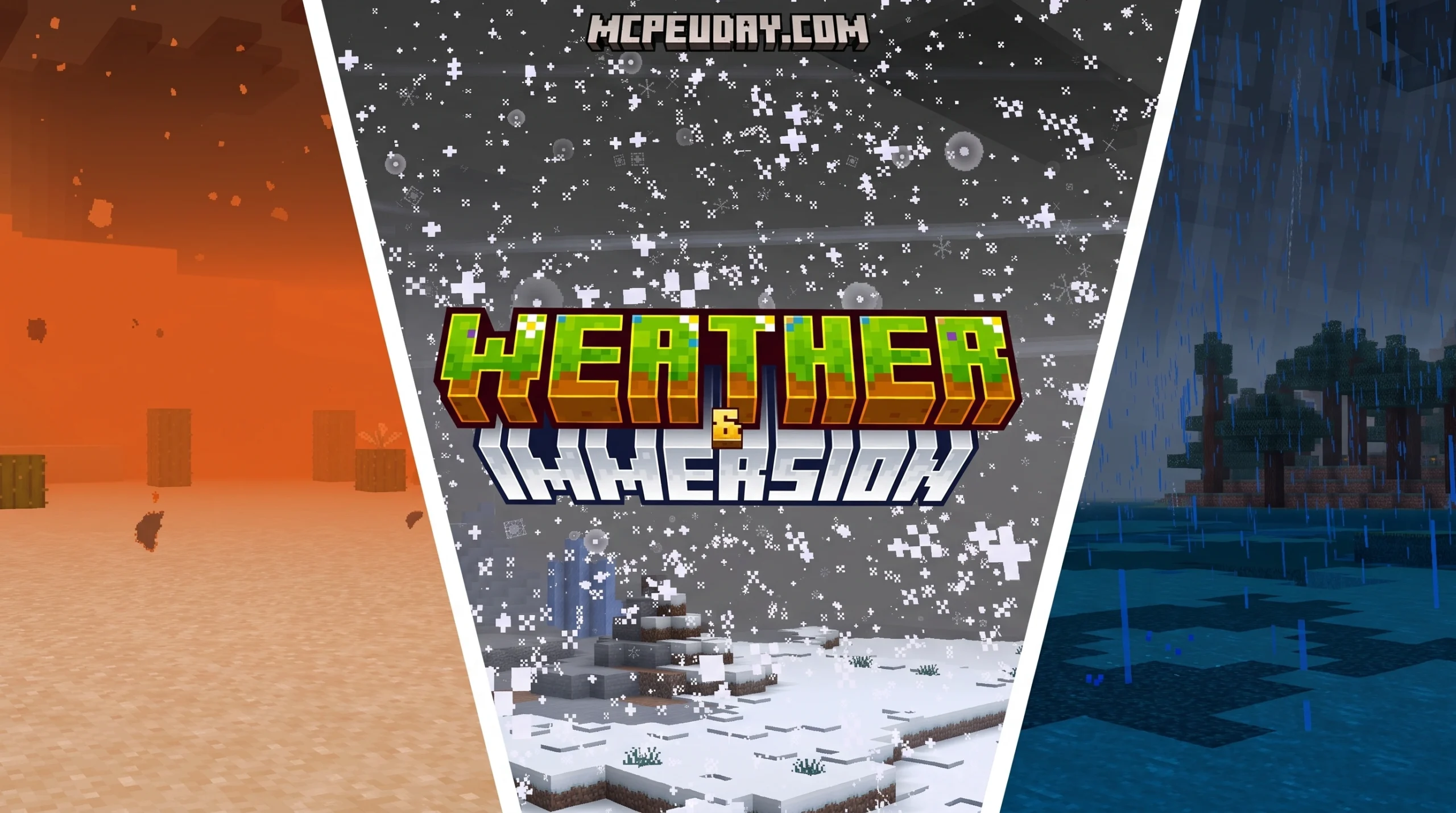
What the Weather Immersion Addon Actually Does (And Why Players Love It)

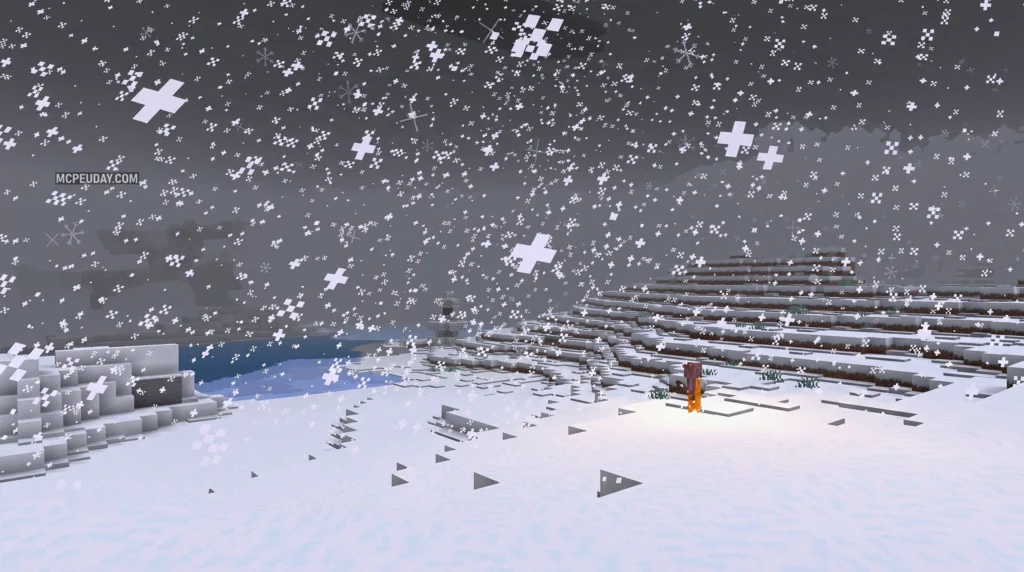
The Weather Immersion Addon is a World of Warcraft addon designed to make the game’s weather feel alive — adding muffled indoor sounds during rainstorms, screen color overlays, accessory reminders, and even a data-collection almanac to track weather across zones.
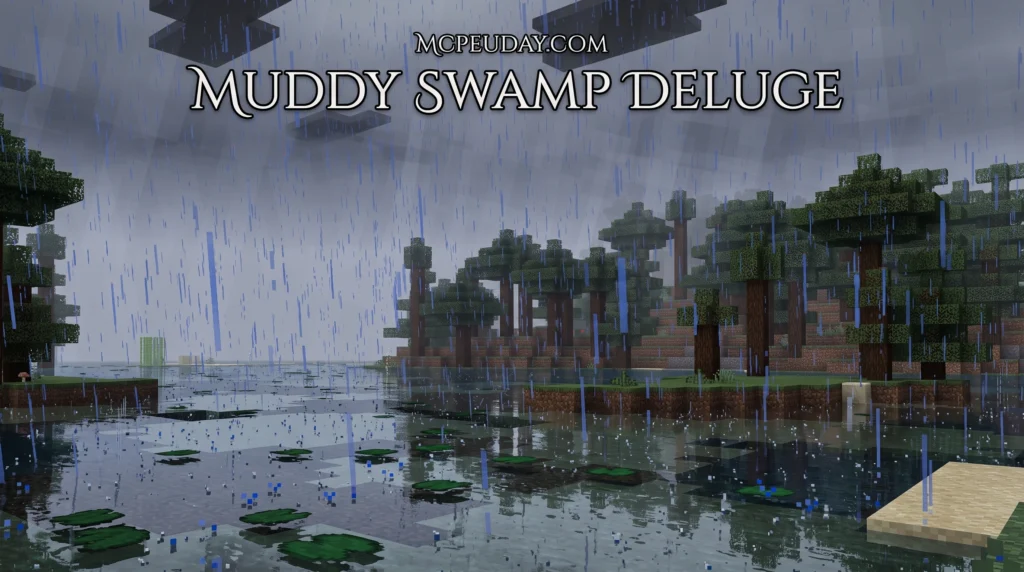
Here’s a quick look at what it offers:
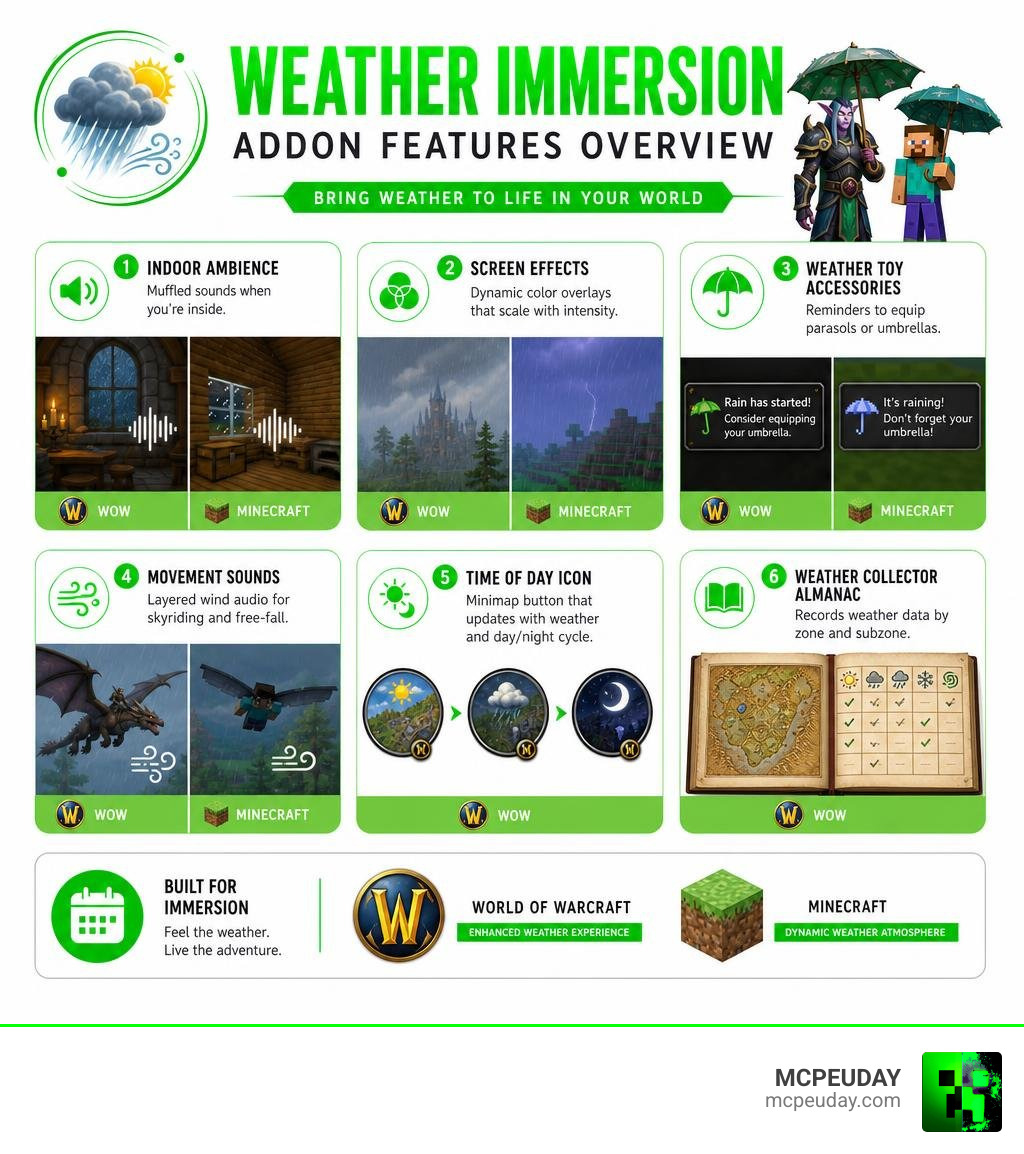
- Indoor Ambience — muffled rain, snow, and sandstorm sounds when you’re inside
- Screen Effects — dynamic color overlays that scale with weather intensity
- Weather Toy Accessories — popup reminders to equip parasols or umbrellas when rain starts
- Movement Sounds — layered wind audio for skyriding and free-fall
- Time of Day Icon — a minimap button that updates with current weather and day/night cycle
- Weather Collector Almanac — records weather data by zone and subzone for tracking patterns
Built by developer keyboardturner, the addon sits at version 0.0.7c for WoW 12.0.7 as of July 2026, with 12 archived releases and a 47MB file size. It also integrates with TRP3 so roleplay-specific features like accessory reminders only trigger when you’re flagged as In Character.
Whether you play on WoW or Minecraft, the idea is the same — weather should feel like something, not just look like moving pixels in the background.
What is the Weather Immersion Addon?
At its core, the Weather Immersion Addon is a client-side modification for World of Warcraft that completely transforms how environmental elements affect your gameplay. Rather than treating weather as a simple visual toggle, this addon treats it as a living, breathing part of the world. Developed by the community member keyboardturner, the addon is hosted and developed openly on GitHub, which you can explore at the keyboardturner/Weather repository.
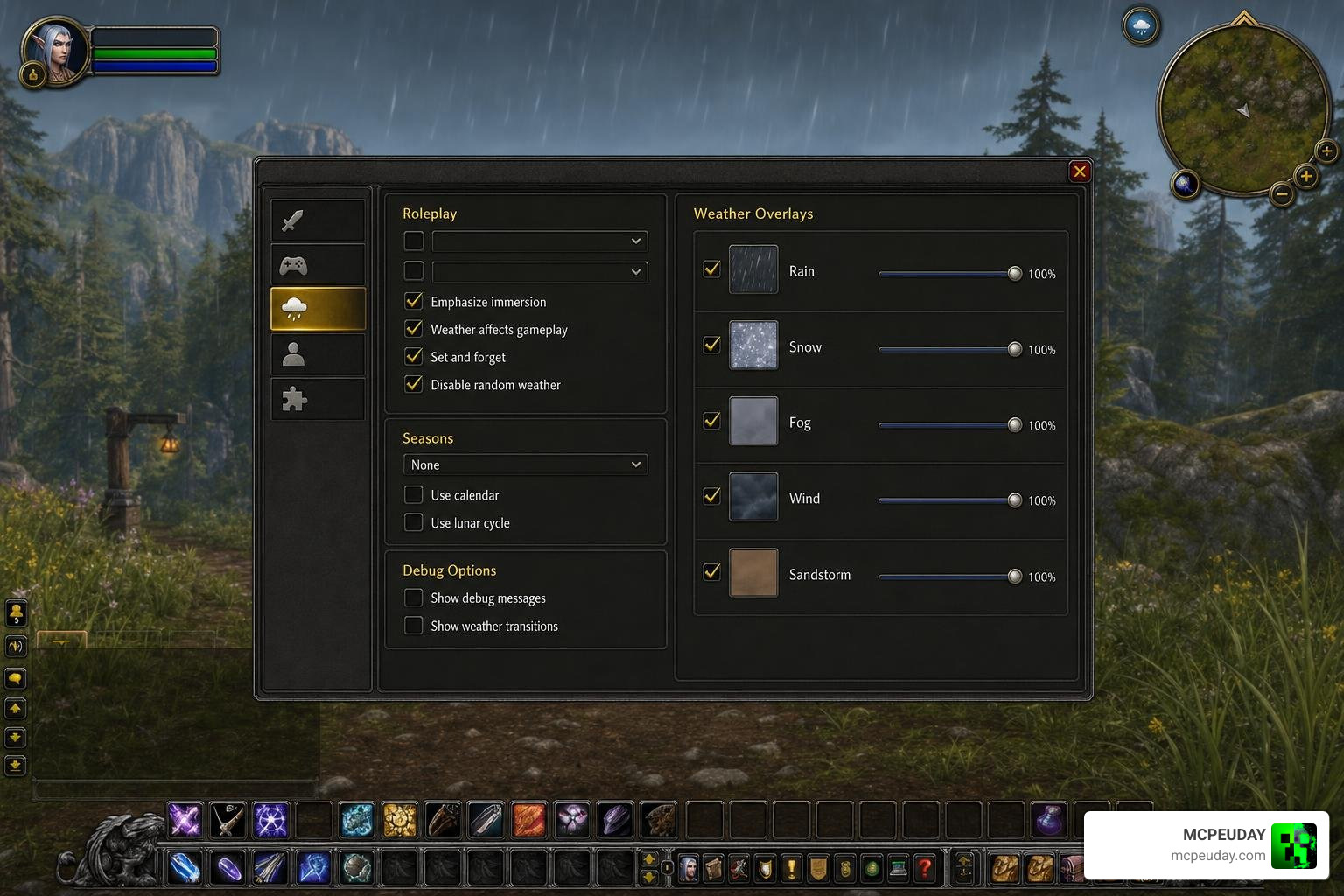
Core Features of the Weather Immersion Addon
The addon operates on three main fronts: audio enhancement, visual overlays, and roleplay convenience. By downloading the addon through platforms like Weather – Wago Addons , you gain access to an array of smart features. These include muffled indoor acoustics during storms, screen color grading that shifts dynamically with the storm’s intensity, and automatic toy reminders that prompt you to pull out a parasol when the heavens open.
Supported Languages and Slash Commands
To make this tool accessible to players worldwide, keyboardturner built extensive localization support into the system. The addon supports multiple languages, including Spanish, German, French, Italian, Portuguese, Russian, Korean, Chinese, and Japanese.
Players can access the configuration menu using localized slash commands that match their native language client:
/weather(English)/clima(Spanish/Portuguese)/wetter(German)/météo(French)
Evolution of the Weather Immersion Addon
The addon has seen rapid, iterative development. Released in its early forms during the spring of 2026, the addon quickly progressed through various alpha and beta versions. By the release of version 0.0.7c for WoW retail version 12.0.7, the developer resolved several critical bugs and expanded weather classification.
For instance, the chaotic “Firestorm” weather type is now fully supported and classified separately from standard rain or sandstorms. If you are looking for alternative ways to modify the default environmental behaviors of the game, you might also look at projects like Dynamic Weather – Immersive, realistic, changing weather for all zones! – World of Warcraft Addons – CurseForge .
Where to Download and File Specifications
The complete package for the Weather Immersion Addon spans a total of 47MB across its 12 archived releases (stretching from version 0.0.1 to 0.0.7b). This file size is primarily due to the high-quality, custom audio assets used for muffled indoor environments and wind layering. These versions were actively archived and updated between May 14, 2026, and June 20, 2026.
Deep Dive into WoW Weather Immersion Features
To appreciate why this addon has captured the attention of the roleplay and immersion communities, we have to look under the hood at how its unique systems interact.
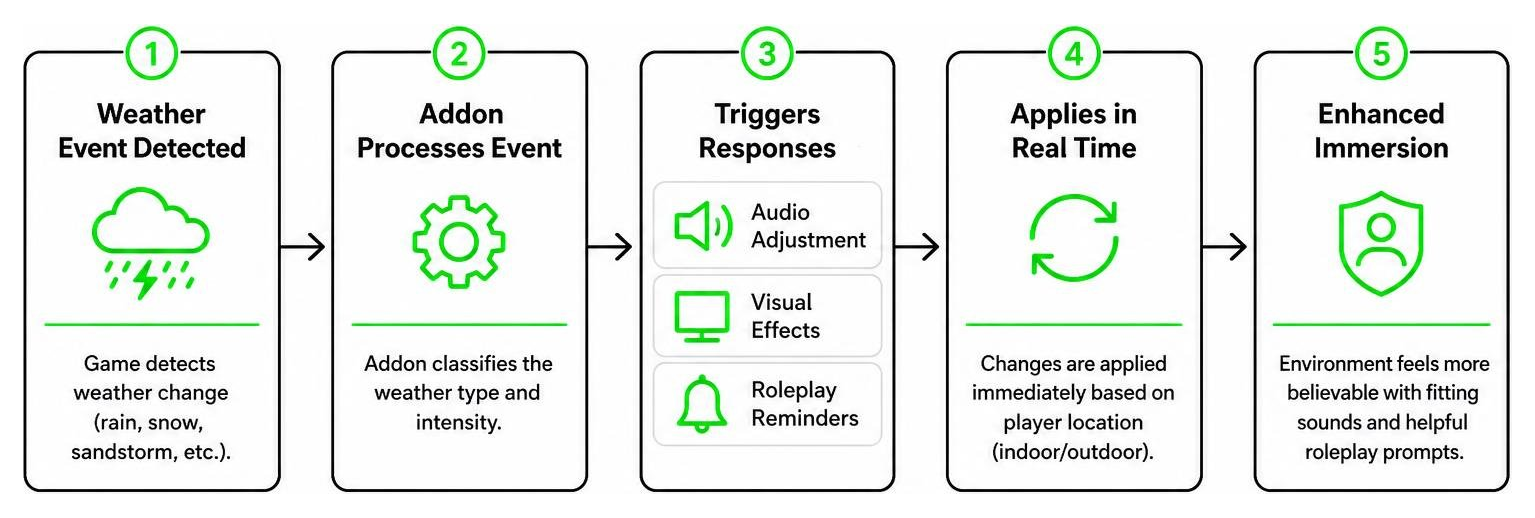
For a detailed look at the files and community discussions, you can check out Weather : RolePlay, Music Mods : World of Warcraft AddOns .
Indoor Ambience and Screen Effects
Have you ever stood inside a cozy tavern in Hearthglen while a massive downpour raged outside, only to find the rain sounded exactly the same indoors as it did outdoors? The Weather Immersion Addon fixes this by introducing muffled ambient audio. When your character steps under a roof during rain, snow, or sandstorms, the high frequencies of the storm are filtered out, leaving a realistic, low-frequency rumble.
Visually, the addon uses subtle screen color overlays. If you are caught in a heavy sandstorm, your screen will take on a warm, dusty hue. Crucially, the opacity of these overlays scales dynamically with the actual intensity of the weather, preventing the effect from becoming blinding or intrusive.
Weather Toy Accessories and TRP3 Integration
One of the most charming elements of this addon is its toy accessory reminder system. When it starts raining, a small popup appears, prompting you to equip an umbrella or a parasol from your toy box. The author humorously notes in the documentation that parasols might not be the most practical defense against a freezing rainstorm, but tells us to “deal with it” for the sake of fashion!
For roleplayers, the addon integrates seamlessly with Total RP 3 (TRP3). You can configure the accessory reminders to only trigger when your character is actively flagged as “In Character” (IC), preventing annoying popups from cluttering your screen during serious dungeon runs or raids.
Movement Sounds and the Time of Day Icon
Movement audio is also overhauled. When your character is in a free-fall or utilizing the skyriding system, the addon plays layered wind audio. This wind sound dynamically scales with your actual flight speed, making high-speed dives feel incredibly fast. Additionally, a custom minimap button acts as a Time of Day icon, updating visually to reflect the current weather and the server’s day-night cycle.
How the Weather Collector Almanac Works
For the data lovers out there, the optional Weather_Collector module is a dream come true. When enabled, this module quietly records weather observations as you travel.
- Data Tracking: It logs the zone, subzone, time, and weather type.
- Searchable Database: You can open the Almanac tab to search and filter your historical weather observations.
- Data Management: If your database gets too cluttered, you can easily delete specific subzone records by holding Ctrl + Shift + Right Click over the entry.
Customization and Settings Toggles
We love options, and this addon provides plenty. The configuration menu features individual volume sliders, allowing you to balance the indoor ambience against the game’s default sound channels. You can also customize the notification sounds for accessory reminders—choosing from options like ship bells or alarm clocks—and toggle screen effects on or off depending on the type of instance you are in (such as battlegrounds or dungeons).
Comparing Weather Immersion Across Games: WoW vs. Minecraft
Immersion is not exclusive to World of Warcraft. In fact, our community at MCPEUDAY is incredibly passionate about bringing these exact environmental details over to Minecraft!
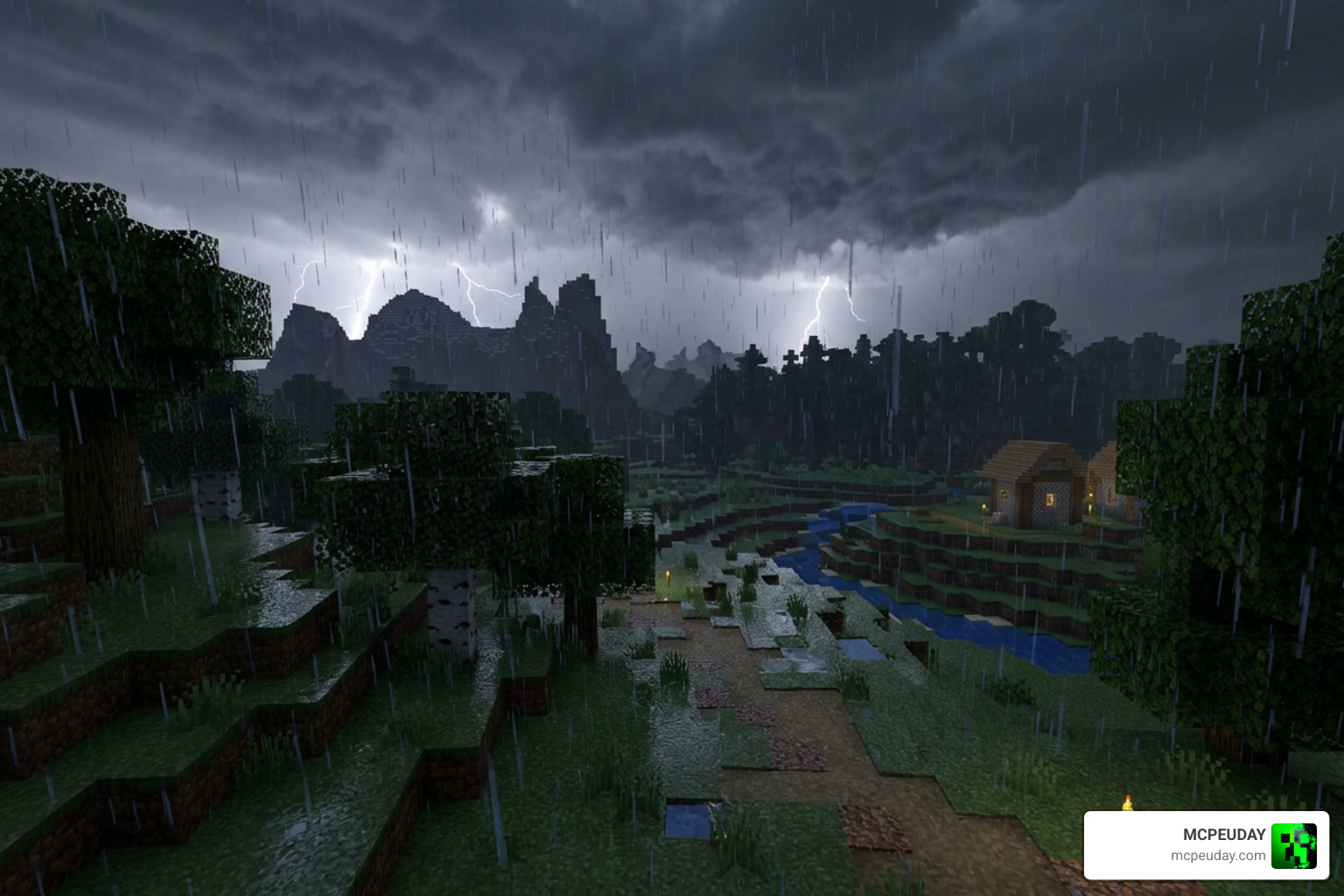
Whether you are playing WoW or setting up a custom Minecraft world, there are amazing tools available to make your environment feel real. Let’s compare how weather immersion is achieved in both games:
| Feature | World of Warcraft (Weather Addon) | Minecraft PE / Java (Mods & Shaders) |
|---|---|---|
| Acoustic Changes | Muffled indoor sounds for rain, snow, and sandstorms | Custom sound engines via texture packs and shaders |
| Visual Intensity | Dynamic screen color overlays with scaling opacity | Enhanced particle densities and custom skybox transitions |
| Interactive Elements | Reminders to equip parasols or umbrellas | Physical weathering of blocks, splashing water, and leaf particles |
| Data & Tracking | Weather Collector Almanac with searchable zone histories | In-game weather cycles, local difficulty scaling, and seasonal mods |
If you want to experience this level of environmental depth in Minecraft, we highly recommend checking out some of our featured guides. You can start by upgrading your visual experience with the Better Weather Texture Pack or the Better Rain Addon. For those who want realistic storm rendering, the Better Rain Shader is a fantastic choice.
If you are looking for extreme weather events like tornadoes and intense wind systems, don’t miss our comprehensive Protomanly Weather Mod 2026 Best Minecraft Tornado Weather Mod Download Guide. For a look at how Minecraft Java mods handle physical block weathering and realistic rain accumulation, you can watch the Immersive Weathering [Minecraft Mod Showcase 1.20.1] showcase on YouTube.
Frequently Asked Questions about Weather Immersion
How do I track weather observations?
To track weather patterns, make sure you have the optional Weather_Collector module enabled in your addon list. As you play, the addon will automatically log weather states. You can view, search, and sort these records by zone, subzone, or weather type directly within the Almanac tab in the settings menu.
What happens to reminders during combat?
The addon features built-in combat suppression. If you enter combat, any pending accessory reminders or popups are instantly hidden to ensure your screen remains clear. Once combat ends, the reminders will resume safely if the weather conditions are still met.
Which weather types are supported?
The addon supports all standard Blizzard weather types, including light, medium, and heavy variations of rain, snow, and sandstorms. It also fully supports the Firestorm weather type. For those interested in server-side weather management, projects like the AzerothCore module at hermensbas/modweathervibe show how developers are creating evolving, season-aware weather profiles for custom game servers.
Conclusion
The Weather Immersion Addon is an absolute must-have for World of Warcraft players who value atmospheric depth and roleplay detail. By blending smart audio design, dynamic screen grading, and clever toy integration, it turns simple weather shifts into memorable gameplay moments.
At MCPEUDAY, we love exploring how mods and addons can breathe new life into our favorite virtual worlds. If you enjoy atmospheric, spooky, or deeply immersive setups, be sure to Explore the best Minecraft horror mods for Java and Bedrock in our 2026 guide to find your next great gaming adventure!