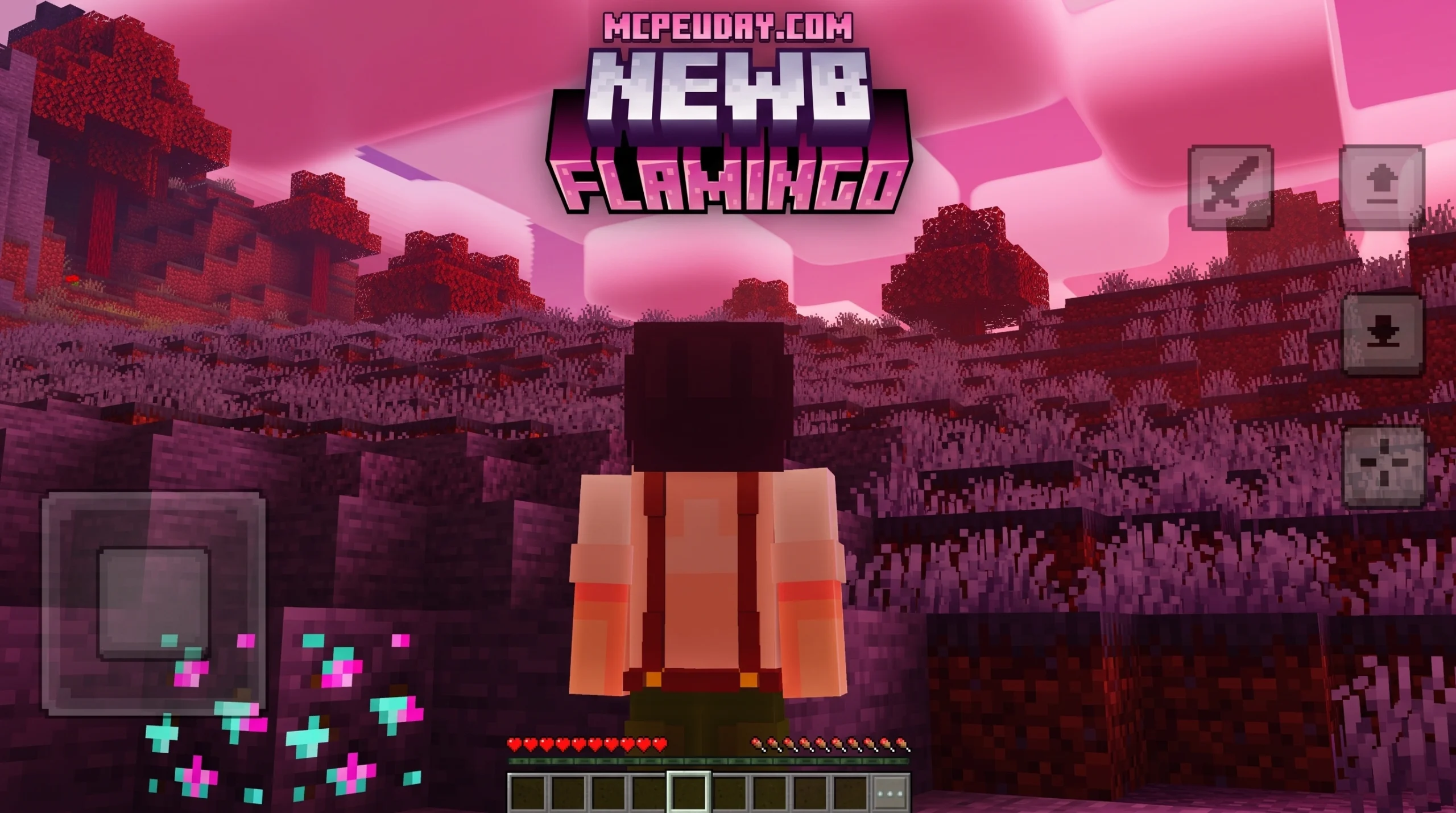
What the Newb x Flamingo Shader Does and Why Players Love It
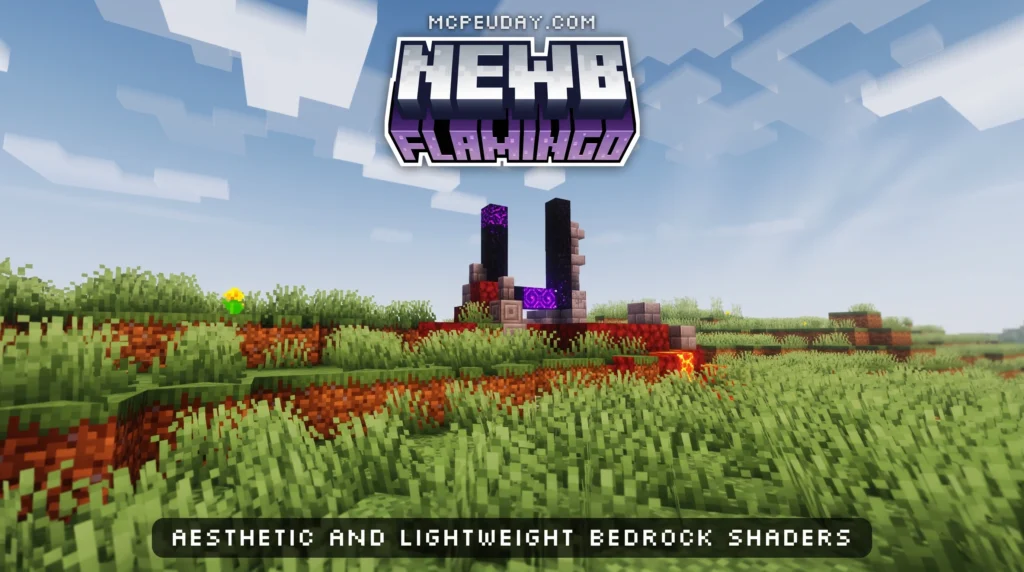
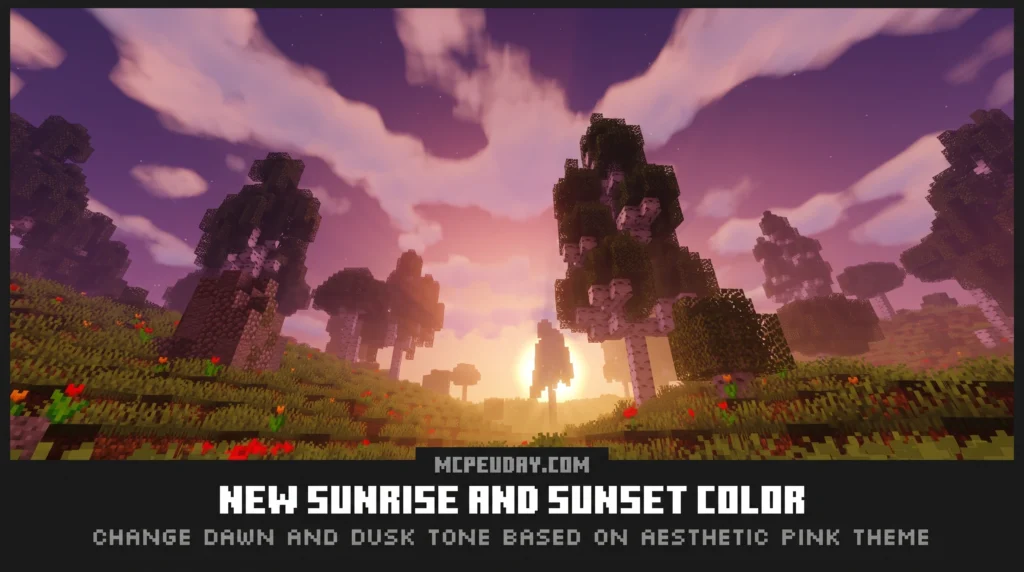
The Newb x Flamingo Shader is a lightweight, aesthetic shader pack for Minecraft Bedrock Edition that transforms the Overworld with pink and purple tones, glowing skies, and soft atmospheric lighting — all without killing your FPS.
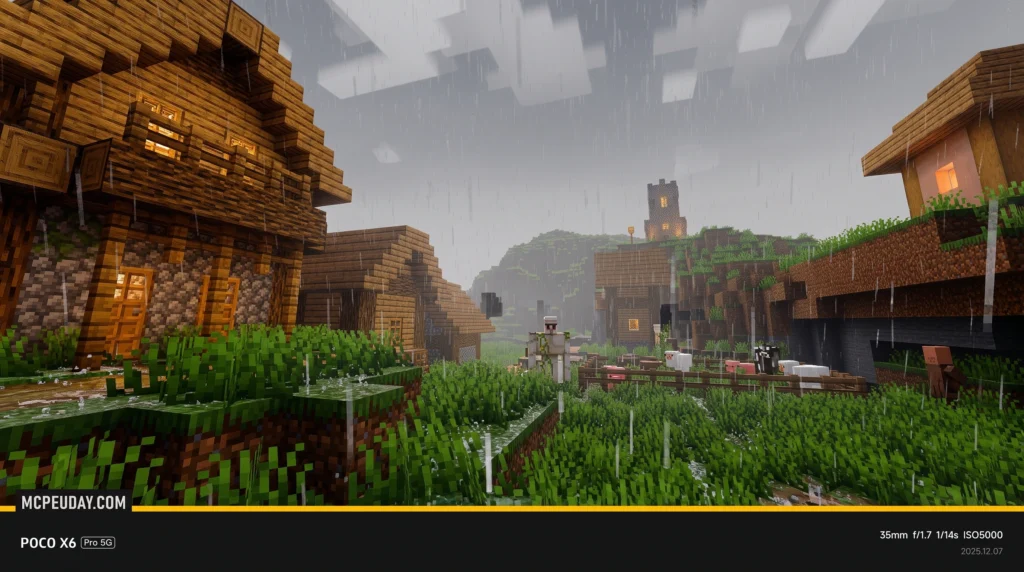
Quick answer for what it offers:
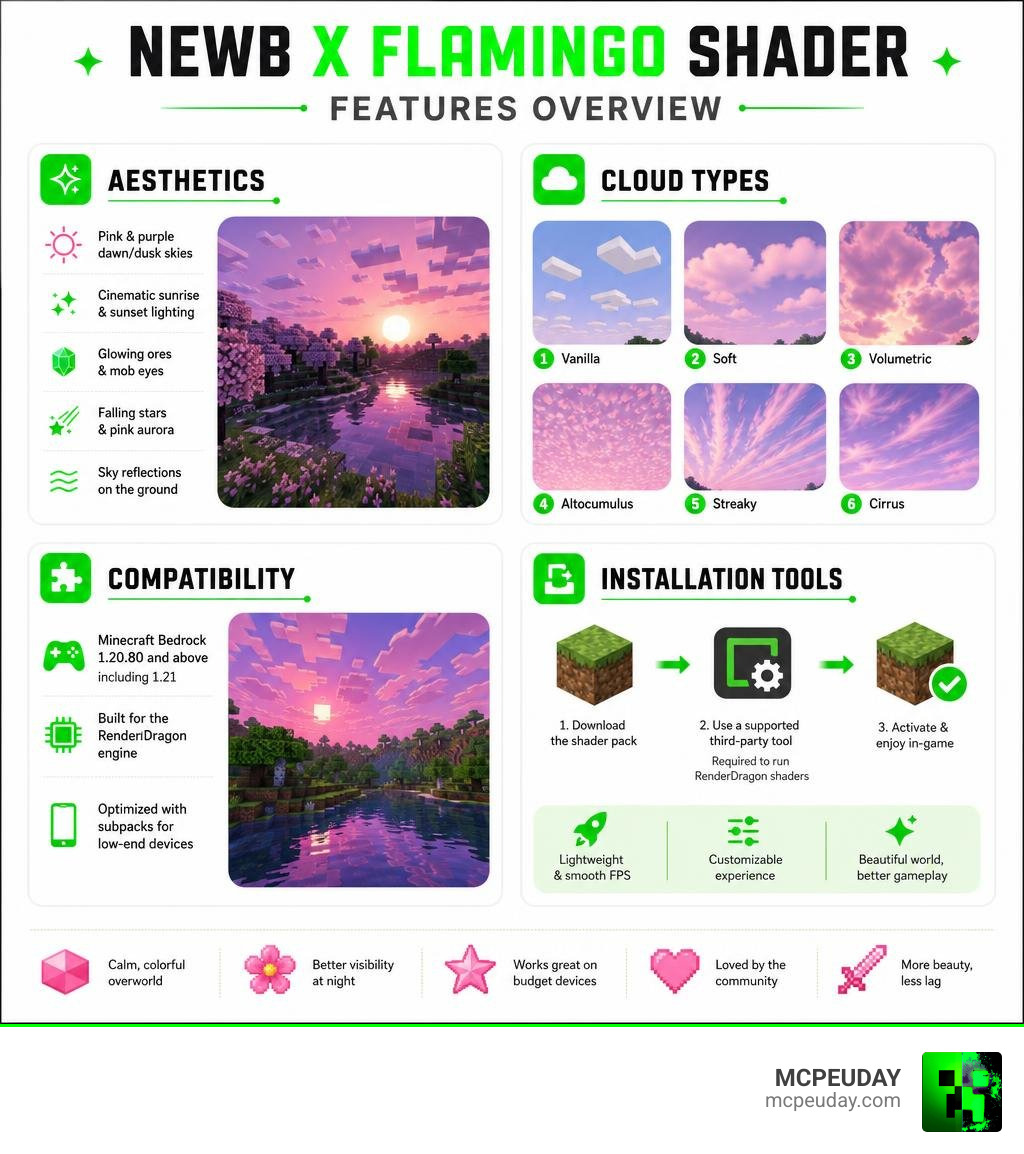
- Pink and purple dawn/dusk skies with cinematic sunrise and sunset lighting
- 6 cloud style options ranging from soft vanilla clouds to volumetric and altocumulus styles
- Glowing ores and mob eyes for better visibility at night
- Falling stars and pink aurora effects after dark
- Sky reflections on the ground during sunrise and sunset
- Subpacks for low-end devices so it runs smoothly even on budget Android phones
- Compatible with Minecraft Bedrock 1.20.80 and above, including 1.21
It is modified from the Newb X Legacy shader and runs on the RenderDragon engine. That means it requires a third-party tool like MB Loader or BetterRenderDragon to work — it will not load in a standard, unpatched Minecraft client.
With over 139,500 downloads across platforms and a 3.9 out of 5 rating from community voters, it has become one of the more popular Newb shader variants for players who want a calmer, more colorful Minecraft world without sacrificing performance.
What is the Newb x Flamingo Shader?
The Newb x Flamingo Shader is a custom visual overhaul built specifically for the Minecraft Bedrock Edition RenderDragon engine. As many veteran Bedrock players know, Mojang’s transition to the RenderDragon engine originally broke traditional GLSL shaders. In response, brilliant community developers created the Newb X Legacy project—a successor designed to bring gorgeous, lightweight shaders back to modern Bedrock versions.
The Flamingo variant takes the robust foundation of Newb X Legacy and infuses it with a dreamy, stylized color palette. Instead of aiming for stark realism, it focuses on a soft, warm aesthetic that enhances your survival worlds. It heavily targets the Overworld dimension, giving your daily adventures a cozy, cinematic feel.
If you are eager to jump in and experience this gorgeous aesthetic yourself, you can read our detailed setup guide and grab the files directly from the Newb x Flamingo Shader for MCPE 1.21 Bedrock Edition Download Now page.
Why Choose Newb x Flamingo Shader for Low-End Devices
One of the biggest hurdles when choosing a Bedrock shader is performance. Many packs that offer realistic water and dynamic lighting will reduce your frame rate to a crawl, especially on mobile devices.
The Newb x Flamingo Shader is meticulously optimized. It utilizes clever rendering tricks, such as three-step cloud processing, to keep the game running smoothly. If you are playing on a budget Android phone or an older tablet, this pack is designed to preserve your precious FPS.
If you want to compare it with other performance-friendly options, we highly recommend checking out the Newb x Ale Shader for Minecraft PE Bedrock Best Realistic Shader for Low End Devices or exploring the ultra-smooth performance of the Newb x Unwind Shader for Minecraft Ultra Realistic Graphics Smooth FPS Stunning Visuals.
Comparison with Other Newb Variants
The Newb family has several popular offshoots, each catering to a different visual preference:
- Newb x Flamingo: Focuses on a desaturated, pink-and-purple aesthetic, warm daytime lighting, and cozy twilight vibes.
- Newb x Dawn: Focuses on bright, golden morning tones and high-contrast daylight. You can find more details at Newb x Dawn Shader for MCPE 1.21 Bedrock Edition Download Now.
- Newb x Stars: Tailored for night-sky enthusiasts, offering incredibly detailed, dynamic star fields and cosmic backdrops. Learn more about it at Newb x Stars Shader for Minecraft PE MCPE Ultra Realistic Graphics FPS Friendly Stunning Night Sky.
Visual Features of the Newb x Flamingo Shader
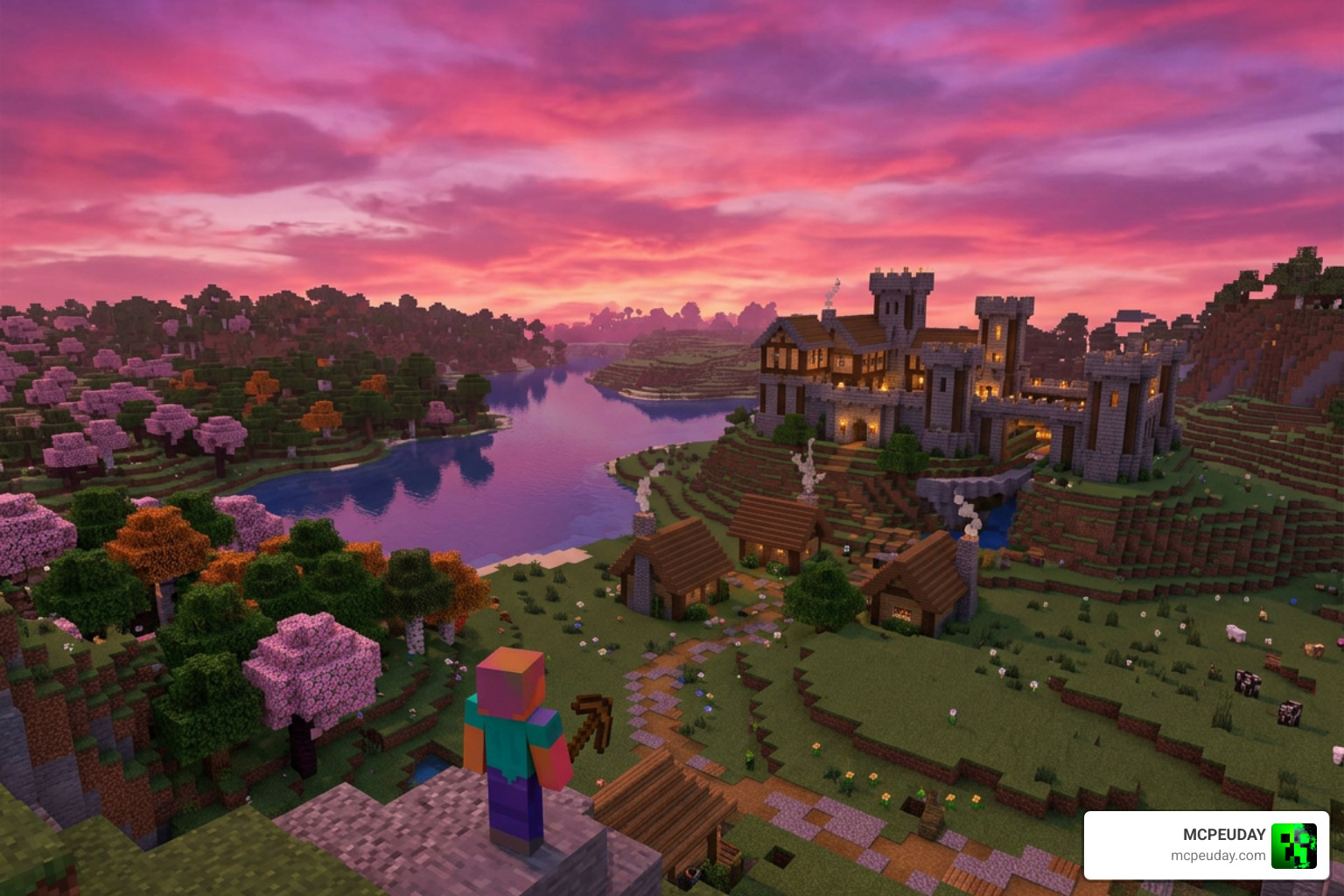
The visual charm of the Newb x Flamingo Shader lies in its color grading and environmental effects. The world feels softer, brighter, and far more immersive without losing the classic blocky charm of vanilla Minecraft.
Key visual highlights include:
- Pink & Purple Dawn/Dusk Sky: Sunrises and sunsets paint the horizon in beautiful pastel hues.
- Warm Lighting: Torchlight and sunlight cast a soft, welcoming glow across your builds.
- Custom Fog: Smoothly blending atmospheric fog adds incredible depth to landscapes.
- Sky Reflections: During twilight hours, you will notice subtle sky reflections on wet ground surfaces.
Atmospheric Skies and Night Vibes
Nighttime in Minecraft can often feel dark and boring, but this pack completely reimagines it. When the sun goes down, the sky comes alive with a stunning pink aurora and gentle falling stars.
These features create a soothing, mystical atmosphere perfect for late-night building sessions. For players who love pairing these cozy night skies with realistic light casting, we recommend reading the Newb x Ambient Shader for Minecraft Ultra Realistic Lighting Smooth FPS Boost 2026 Guide.
Glowing Effects and Water Reflections
Exploring caves and dark forests is much more satisfying with this pack. It introduces glowing ores, making valuable resources stand out in the dark, and bright hostile mob eyes that warn you of approaching danger.
Additionally, you will enjoy natural-looking water reflections, gently waving foliage, and swinging lanterns. To see how these features stack up against the absolute peak of Bedrock realism, check out the Newb x Dragon Complementary Shader the Ultimate Minecraft Shader for Realistic Graphics.
Compatibility and Installation Guide
As of July 2026, the Newb x Flamingo Shader is fully compatible with Minecraft Bedrock 1.20.80 through the latest 1.21+ updates. Because it is built for the RenderDragon engine, you cannot simply import it as a standard resource pack and expect it to work. You must use specific third-party tools to patch your game client so it can read custom shader materials. For official information about Minecraft Bedrock Edition platforms and updates, you can also visit the official Minecraft website.
To understand why these patches are necessary and how they work, read our comprehensive Newb x Supplementary Shader for Minecraft Ultra Realistic Lighting Water FPS Friendly Graphics 2026 Guide.
How to Install Newb x Flamingo Shader on Android and Windows
Android Installation (Via MB Loader)
Since the old “Minecraft Patched” APK method was discontinued around version 1.21.60, the community has pivoted to MB Loader, which is much easier to use with the official Google Play Store version of Minecraft.
- Download the Newb x Flamingo
.mcpackfile from our verified links. - Download and install the MB Loader app on your Android device.
- Open MB Loader and import the shader pack.
- Launch Minecraft through the MB Loader interface to activate the custom rendering engine.
- Go to your global resources, activate the pack, and customize your subpack settings!
Windows Installation (Via BetterRenderDragon)
To run custom RenderDragon shaders on Windows, you will need a tool like BetterRenderDragon or Matject to enable MaterialBinLoader.
- Install BetterRenderDragon according to its setup instructions.
- Place the compiled shader materials into your game folder.
- Import the
.mcpackfile into Minecraft. - Set your in-game graphics settings for optimal compatibility.
For a deeper dive into version-specific setups, check out our guide on the Newb x Memories Build Shader 26 x 1 21 MCPE Bedrock Shader.
iOS and Linux Installation Methods
While Android and Windows have the most straightforward tools, players on other platforms still have great options:
- iOS: You can run the shader using modified IPA installers like Hynis.
- Linux / Steam Deck: Players using the flatpak
mcpelaunchercan install themcpelauncher-materialbinloader-modto load the compiled shader materials.
If you are looking for alternative high-performance options on these systems, look at the Newb x LMI Shader for Minecraft PE 2026 Ultra Realistic Graphics Smooth FPS Boost.
Performance Optimization and Subpacks
The Newb x Flamingo Shader includes several subpack options that you can toggle in the resource pack settings menu. These allow you to customize your balance of visual quality and performance.

| Subpack Name | Cloud Style | Performance Impact | Recommended For |
|---|---|---|---|
| No Wave & No Fog | None / Vanilla | Extremely Low | Ultra low-end devices |
| No Wave | Soft / Stratus | Very Low | Budget mobile devices |
| Vanilla Clouds | Standard Minecraft | Low | Balanced gameplay |
| Rounded Clouds | Smooth, rounded shapes | Medium | Mid-range devices |
| Volumetric Clouds | 3D, layered clouds | High | High-end mobile & PC |
Recommended In-Game Settings:
For the shader to render perfectly, we recommend configuring your video settings as follows:
- Beautiful Sky: ON
- Smooth Shading: ON
- Clouds: ON (unless using No Wave subpack)
- Fancy Graphics: ON
- In-Game Brightness: 10% to 90% (adjust to your room lighting)
Frequently Asked Questions about Bedrock Shaders
Does Newb x Flamingo Shader work on Android without Windows support?
Yes! The core releases of this shader are highly optimized for Android mobile devices. While Windows is supported through BetterRenderDragon, mobile-first optimization remains the primary focus of the Flamingo variant.
Will Newb x Flamingo Shader affect FPS on mobile devices?
It can slightly lower your frame rate if you use the heavy “Volumetric Clouds” subpack. However, if you switch to “No Wave” or “Vanilla Clouds,” you will experience virtually identical performance to the unshaded vanilla game.
Can Newb x Flamingo Shader run in the regular game client?
No, it cannot run in a completely vanilla, unpatched game client downloaded straight from the store without helper tools. You must launch the game using MB Loader (Android) or BetterRenderDragon (Windows) for the shader to render.
Conclusion
The Newb x Flamingo Shader is an absolute masterpiece for players who want a cozy, colorful, and highly atmospheric Minecraft Bedrock experience. By prioritizing a gorgeous pink-and-purple palette alongside clever performance optimizations, it delivers stunning visuals that even older mobile devices can handle.
We at MCPEUDAY are committed to bringing you the safest downloads, clearest installation guides, and best resources for your favorite sandbox game. If you are ready to explore even more incredible visual upgrades, don’t miss our curated list of the Best Shaders for MCPE 1.21 2026!