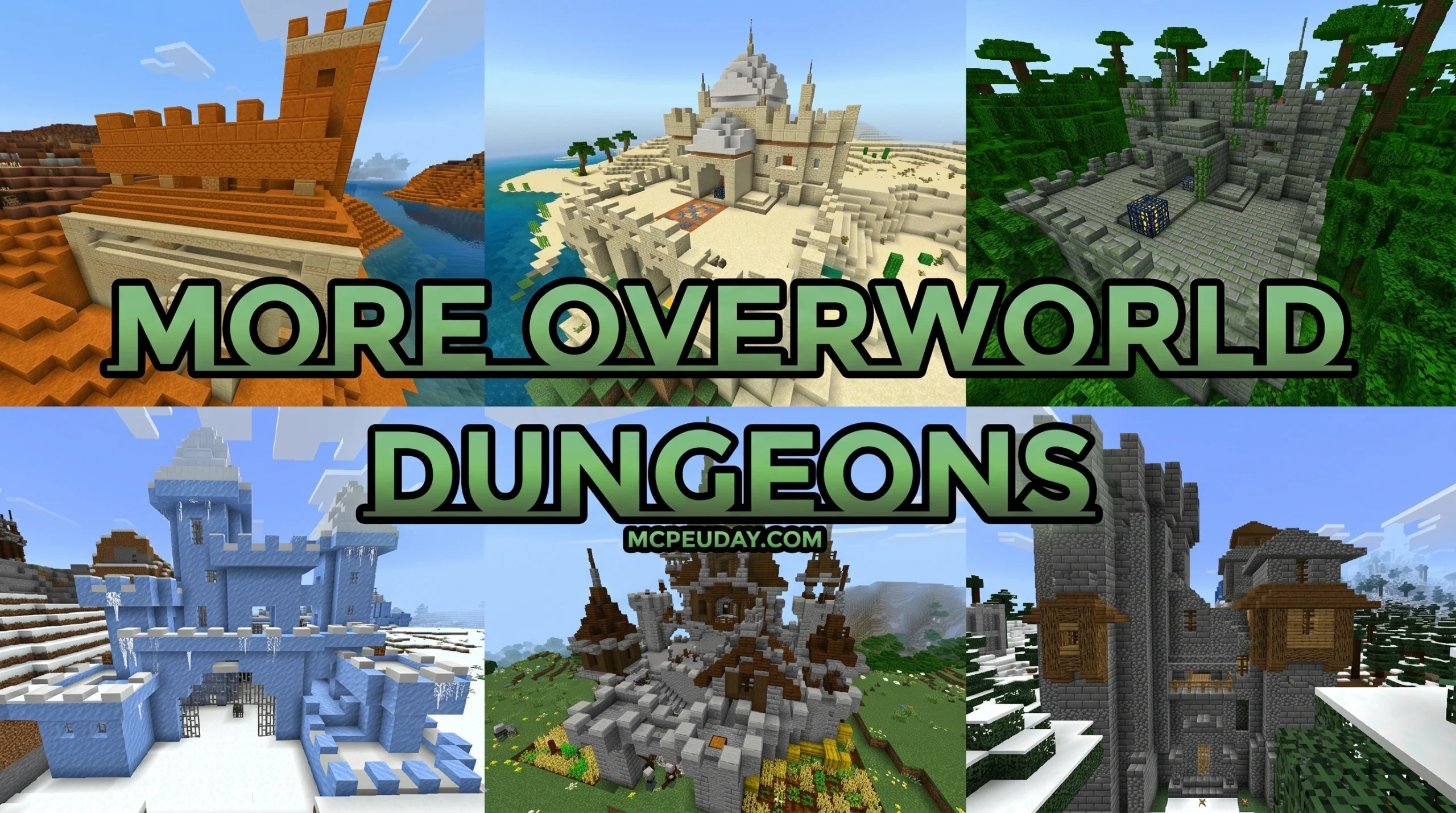
Why the More Overworld Dungeons ADDON Is the Exploration Upgrade Bedrock Needs
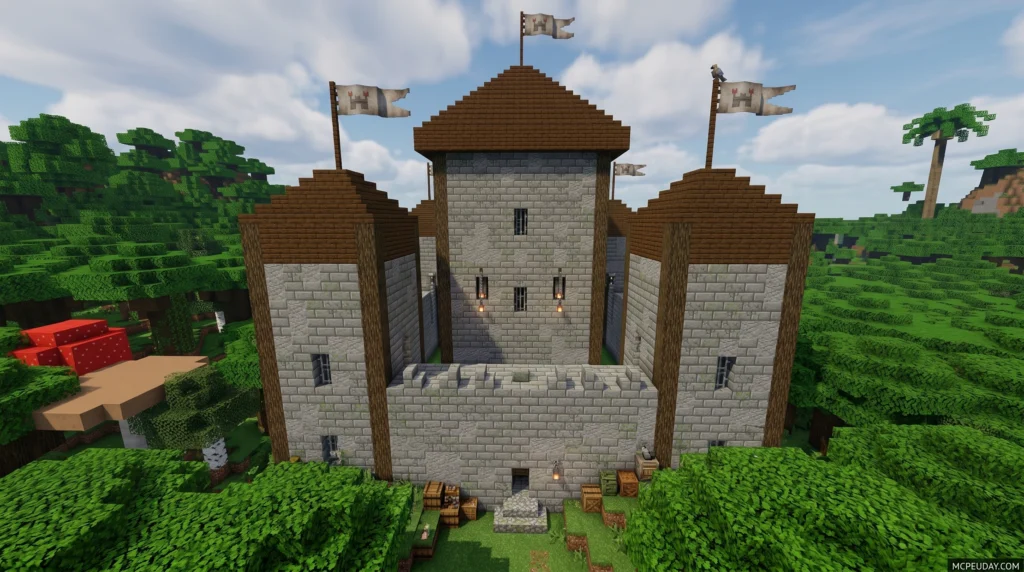
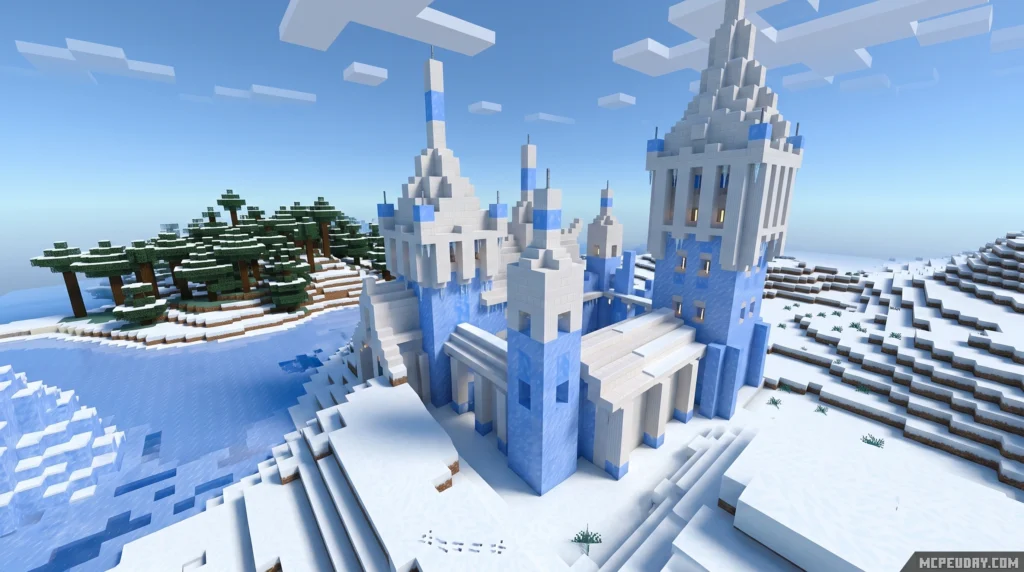
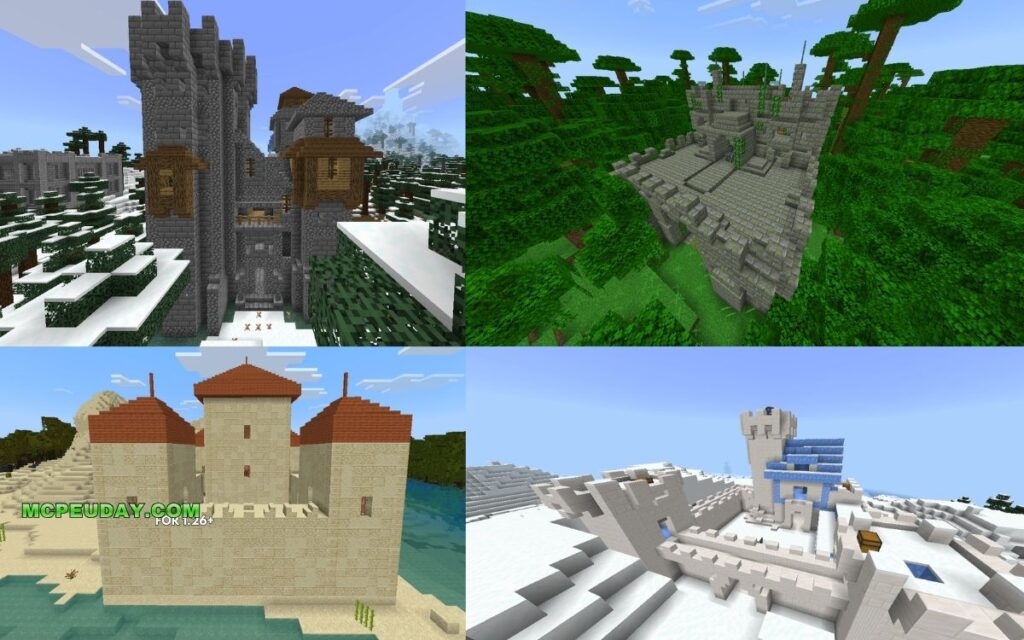
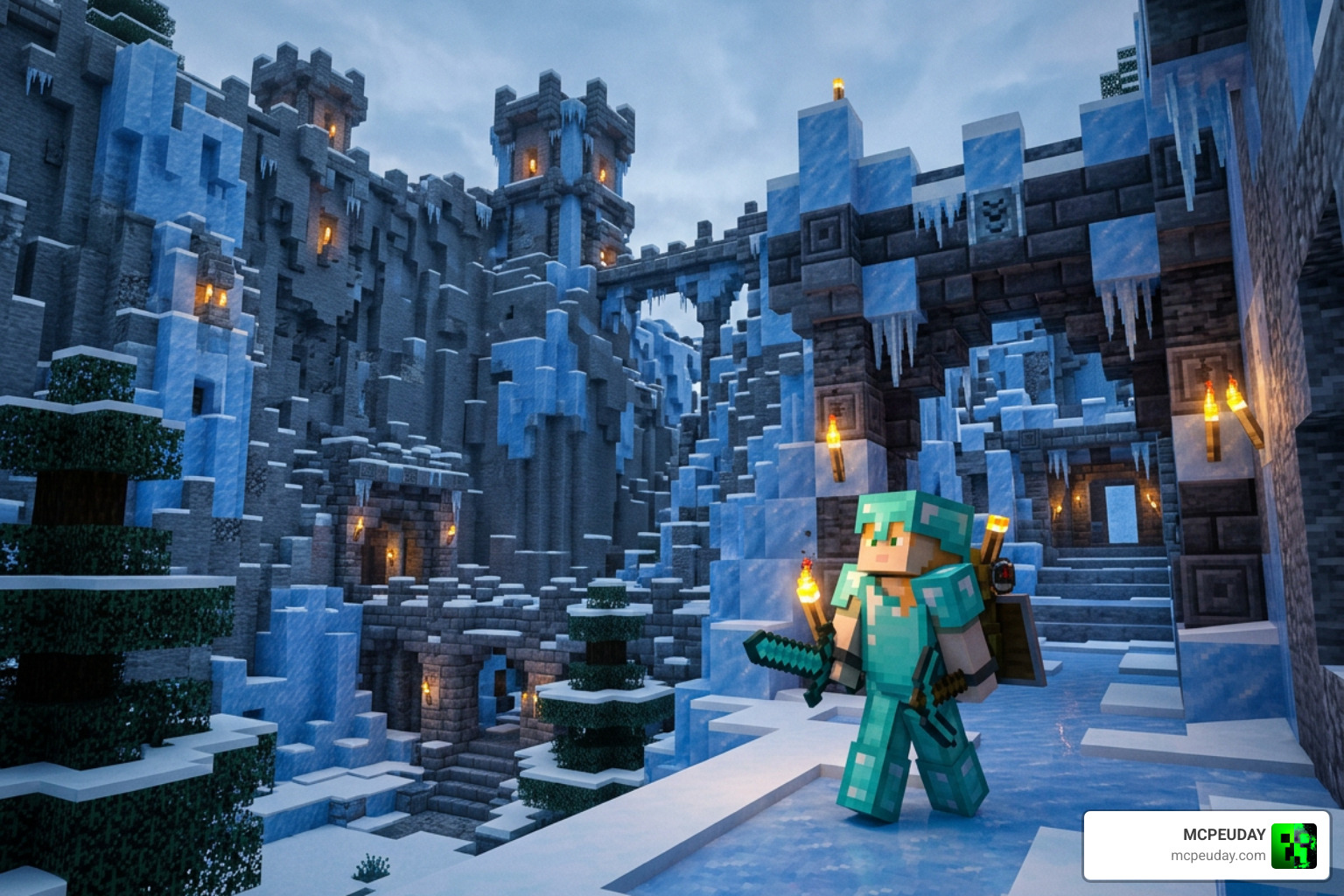
The More Overworld Dungeons ADDON transforms Minecraft Bedrock Edition’s Overworld by adding 27 new biome-specific structures — from icy fortresses to jungle temples — giving every biome a real reason to explore.
Quick answer at a glance:
- What it adds: 27 new structures across Overworld biomes (plus 14 Nether and 14 End structures in the full bundle)
- Structure types: Desert Temples, Frozen Fortresses, Jungle Temples, Badlands Temples, Illager Strongholds, and Monster structures
- Mobs inside: Strays, Husks, Bogged, Zombies, Illagers, and more — all themed to their biome
- Platform: Minecraft Bedrock Edition (Android, Windows, iOS)
- File format: .mcpack download (~565 KB)
- Downloads so far: 680+
Vanilla Minecraft’s Overworld is massive, but after a few hours it can start to feel samey. You’ve seen one plains village, you’ve seen them all. This addon fixes that by dropping handcrafted, biome-matched dungeons right into the world — each one filled with themed enemies and loot chests worth fighting for.
The catch? Finding them isn’t always easy. Dungeons generate at a balanced rate, meaning you might explore for 30 minutes and only stumble across two entrances naturally. That’s where knowing where and how to look makes all the difference.
What is the More Overworld Dungeons ADDON?
At its core, the More Overworld Dungeons ADDON is a major gameplay overhaul designed specifically for Bedrock Edition players who crave the thrill of discovery. Instead of cluttering your world with random, out-of-place blocks, this addon introduces beautifully designed dungeons that look like they were built by Mojang itself.
By utilizing the native features of Introducing add-ons | Minecraft , this mod integrates seamlessly with your existing world generation. It takes clear inspiration from the action-packed combat of About Dungeons II , scaling the difficulty of the mobs and the quality of the loot chests to match the size and complexity of each structure. Whether you are fighting off packs of zombies in a dark forest or dodging traps in a sandy tomb, each dungeon offers a unique combat puzzle to solve.
Biome Distribution in the More Overworld Dungeons ADDON
To keep exploration feeling natural, the structures are strictly biome-specific. You won’t find a snowy fortress melting in the middle of a desert, nor will you stumble upon a red sandstone temple in a lush jungle. The creators used biome-authentic materials to ensure visual cohesion.
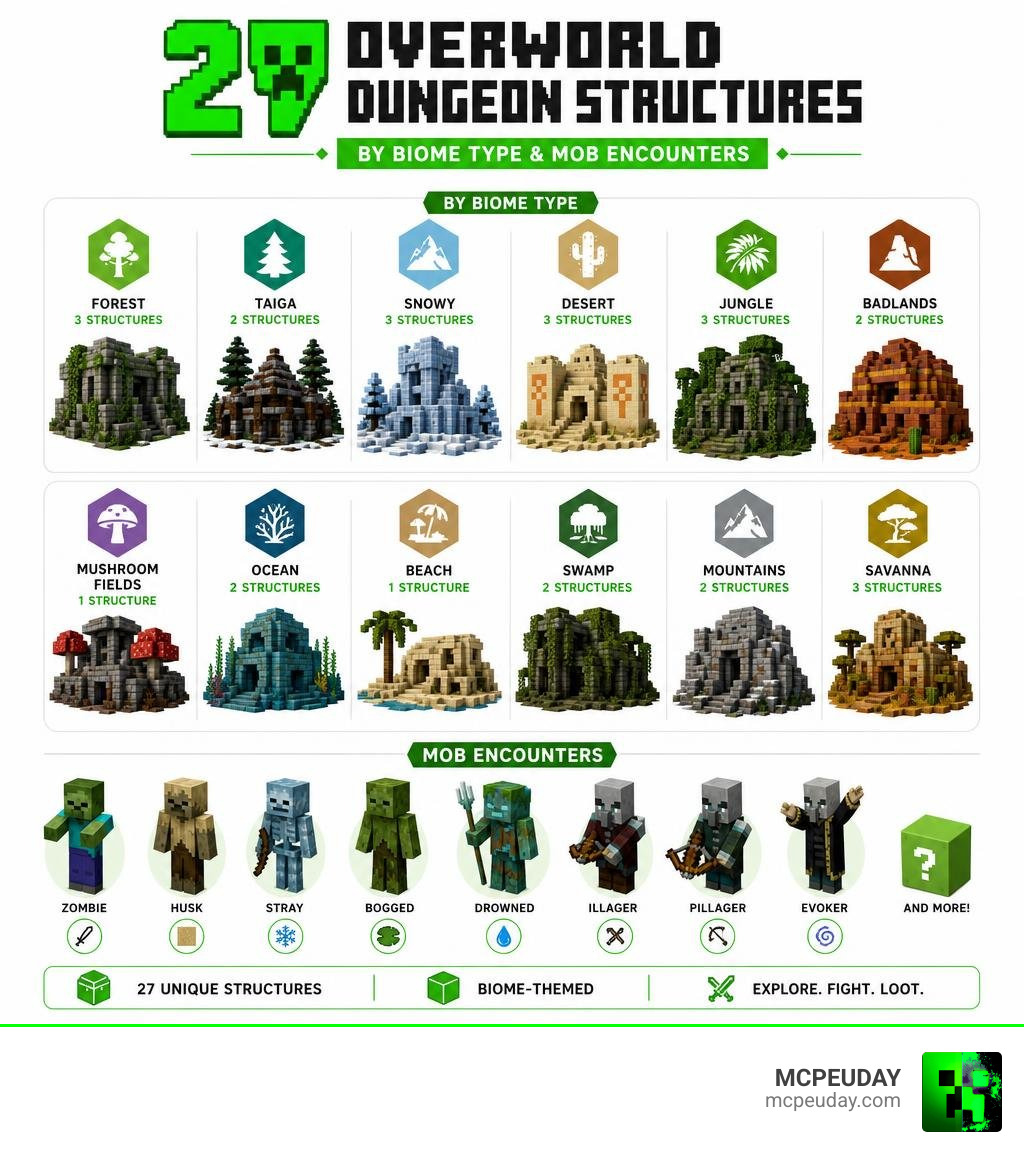
Here is how the 27 Overworld structures are distributed across the different biomes:
| Biome Type | Structure Name | Count | Key Materials Used |
|---|---|---|---|
| Frozen / Snowy / Cold | Frozen Fortresses | 3 | Packed Ice, Blue Ice, Snow Bricks |
| Deserts | Desert Temples | 3 | Sandstone, Chiseled Sandstone |
| Jungles | Jungle Temples | 3 | Mossy Cobblestone, Vines, Mud |
| Badlands (Mesa) | Badlands Temples | 3 | Red Sandstone, Terracotta |
| Dark Forest / Taiga | Illager Strongholds | 7 | Dark Oak, Cobblestone, Deepslate |
| Various | Monster Structures | 3 | Cracked Stone Bricks, Cobweb |
| Total Overworld | All Biomes | 27 | Biome-Coherent Palettes |
How to Install the More Overworld Dungeons ADDON
Getting this addon up and running in your world is incredibly simple. Because it is packaged as a lightweight .mcpack file (only about 564.73 KB), it won’t bog down your device’s performance.
- Download the official
.mcpackfile directly to your device. - Double-click or tap the downloaded file to automatically import it into Minecraft Bedrock Edition.
- Create a new world (or edit an existing one) and navigate to the Behavior Packs and Resource Packs settings to activate the addon.
- Crucial Step: Make sure to enable “Beta APIs” and “Upcoming Creator Features” in your world’s Experiments tab to ensure the custom structures generate properly!
7 Clever Ways to Find Dungeons and Structures In-Game
Because the generation rates are perfectly balanced to prevent your world from looking like a cluttered mess, you might have to do some real tracking to find these hidden treasures. In fact, players often run into the classic RPG dilemma of wanting a map overlay, similar to the discussions around a Need WoW Addon: Location of all Dungeons (instances) on the Map .
While Minecraft doesn’t have an automatic dungeon-finder map, we have put together seven clever strategies to help you hunt down these structures efficiently.
1. Search Biome-Specific Environments for Custom Materials
The easiest way to spot a dungeon from a distance is to train your eyes to look for blocks that do not naturally form in large, geometric patterns.
- In Deserts: Keep an eye out for tall sandstone pillars or half-buried chiseled sandstone blocks.
- In Frozen Wastes: Look for large mounds of packed ice or blue ice that rise higher than the surrounding snow drifts.
- In Jungles: Watch for massive cobblestone structures covered in vines and mossy blocks.
Because these structures use biome-authentic materials, they blend in perfectly at a glance, but their sharp angles and unnatural heights will give them away to an observant explorer.
2. Target Dark Forests for Illager Strongholds
If you want the highest chance of finding a dungeon quickly, head straight for the Dark Forest or Taiga biomes. Out of the 27 Overworld structures, 7 are Illager Strongholds.
These sprawling, dark-wood fortresses generate relatively frequently in dense forest biomes. Be highly prepared before you step inside, though. These strongholds are heavily guarded by hostile mobs, including Illagers, Vindicators, and Evokers. The combat is tough, but the high-tier loot chests hidden deep within their basements make the battle entirely worth it.
3. Use Creative Mode and Locate Commands for Balanced Spawns
If you are setting up a multiplayer server or simply want to preview the structures without spending hours traveling, you can use built-in game cheats to locate them.
Since the generation rates are balanced (with only a couple of entrances appearing in a standard 30-minute survival run), you can speed up the process:
- Open your world with cheats enabled.
- Switch to Creative Mode using
/gamemode creative. - Use the locate command:
/locate structureto find the nearest custom dungeon coordinates. - Teleport directly to the location to inspect the build and test the mob spawns.
4. Track Down Dimension-Spanning Portals for Nether and End Dungeons
Did you know the More Overworld Dungeons ADDON is actually part of a massive 55-dungeon bundle? If you have conquered the Overworld, it is time to build your portals and take the fight to other dimensions.
- The Nether (14 Structures): Look for massive Piglin Strongholds in the Crimson Forests, or dangerous hostile dungeons filled with Wither Skeletons and Blazes in the Soul Sand Valleys and Warped Forests.
- The End (14 Structures): Once you defeat the Ender Dragon, explore the outer islands. You will find massive dungeons constructed out of purpur and end stone, guarded by Shulkers, Zombies, and Wither Skeletons.
5. Hunt for Monster Structures in Cold and Desert Biomes
If you are looking for a quick combat challenge, keep an eye out for the 3 specialized Monster structures. These smaller, trap-filled ruins are designed around specific mob spawns.
In frozen biomes, these structures are packed with Strays that will slow you down with tipped arrows. In deserts, you will face endless waves of Husks. Navigating these mini-dungeons requires quick reflexes, but they are an excellent source of biome-specific mob drops and early-game gear.
6. Compare with Alternative Structure Mods
If you love the More Overworld Dungeons ADDON but want to expand your world even further, we host several incredible alternative addons on our platform. Here is how they compare:
- Better Structures Addon: Great for adding general life to the world, including small ruins, campsites, and minor landmarks.
- Medieval Structures Addon 1 26 1 21 Transform Your Minecraft World With Realistic Medieval Builds: Perfect if you prefer a classic, rustic castle aesthetic with highly detailed building designs.
- Structures Arises Remake Addon 26 X 1 21 Download Features Installation Guide: Best for players who want massive, sprawling fantasy structures that completely dominate the landscape.
While those mods focus heavily on visuals and roleplay, the Overworld Dungeons addon is specifically optimized for balanced, survival-friendly dungeon crawling.
7. Download the Official MCPack from Trusted Repositories
To ensure you are getting the safest, most stable version of the addon, always download it from trusted community sources. The file has been thoroughly tested for compatibility and has already reached over 680 successful downloads. Avoid third-party sites that bundle downloads with suspicious installers; a direct, clean .mcpack file is all you need to start your adventure.
Frequently Asked Questions about Overworld Dungeons
What mobs spawn inside the new Overworld dungeons?
You will encounter a variety of hostile mobs tailored to each structure’s theme. Expect to fight Strays in the frozen fortresses, Husks in the desert temples, Bogged in swampy areas, and various classes of Illagers and Zombies inside the strongholds.
Is this addon compatible with Minecraft Bedrock 1.21 and 1.26?
Yes! As of June 2026, the addon is fully updated and compatible with the latest Bedrock engine versions (including 1.21 and 1.26). It runs smoothly on Android, iOS, Windows, and compatible consoles.
How many total structures does the addon add across all dimensions?
The complete bundle adds a total of 55 new structures: 27 in the Overworld, 14 in the Nether, and 14 in the End.
Conclusion
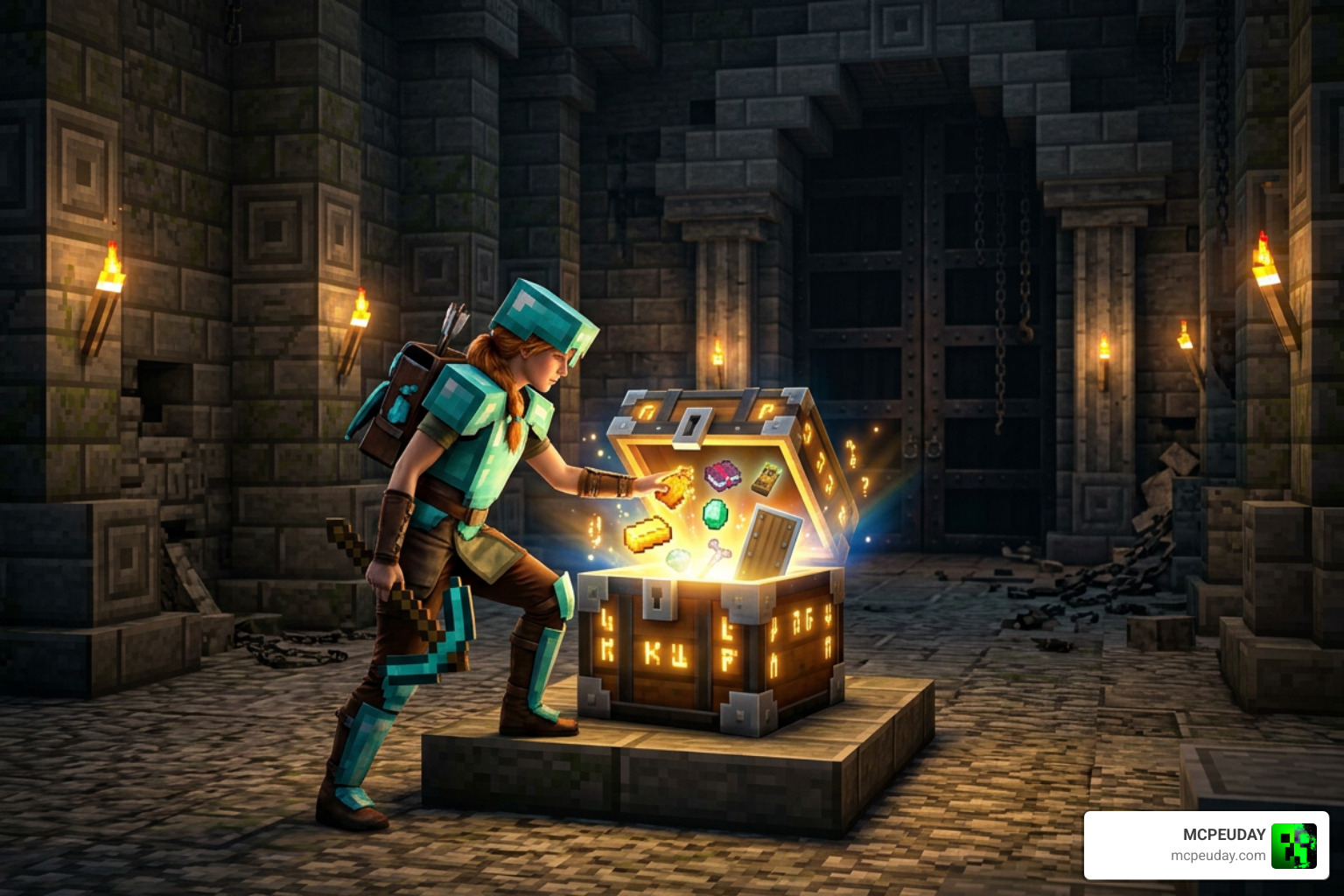
The More Overworld Dungeons ADDON is the perfect way to breathe new life into your Minecraft Bedrock worlds. By introducing 27 highly detailed, biome-coherent structures, it rewards players who love to pick a direction and run.
Ready to transform your world into a land of mystery, danger, and legendary loot? Head over to our Category/Mod Addons section on MCPEUDAY to download the pack and explore our massive library of community-favorite mods!