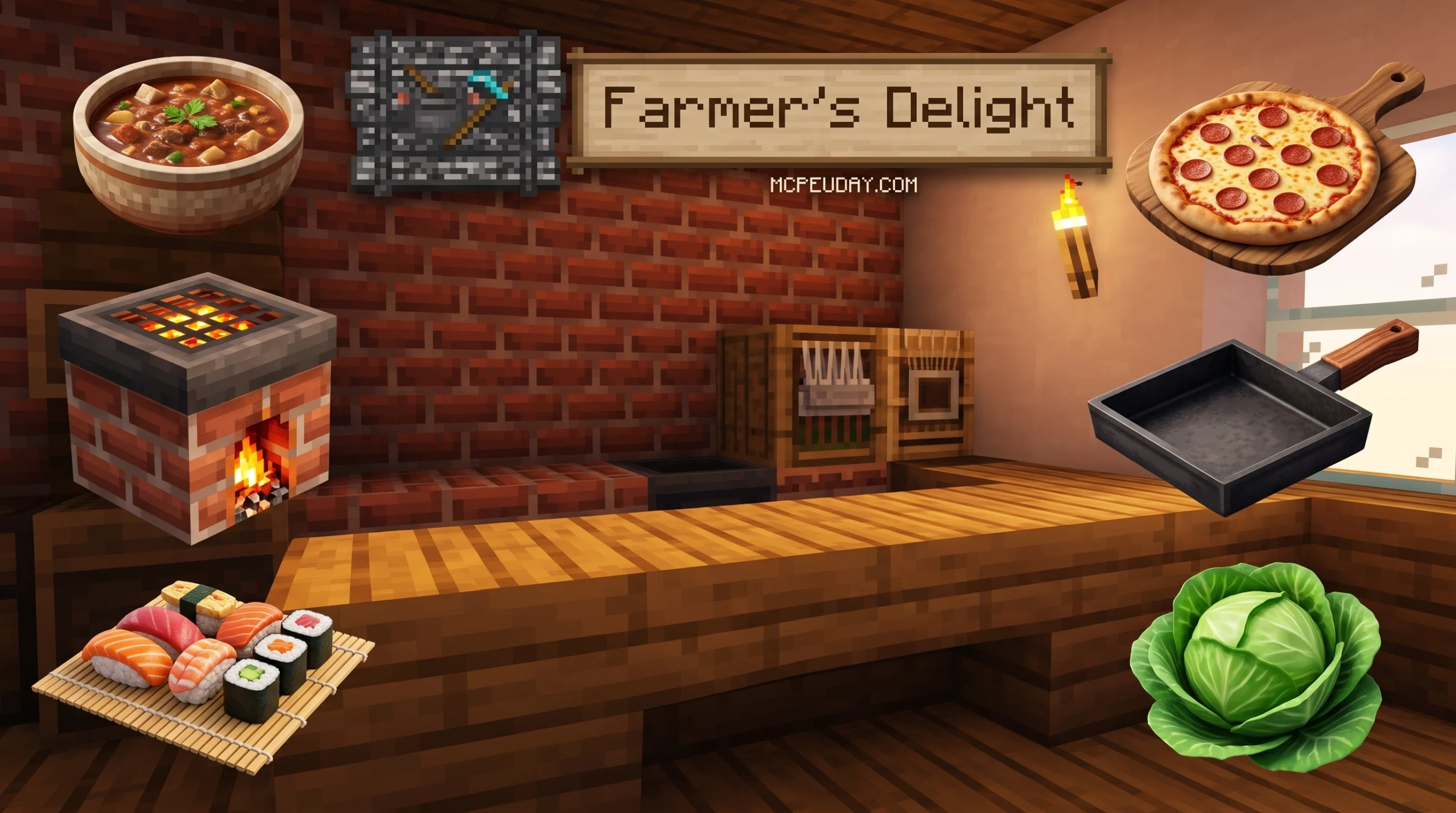
What the Farmer’s Delight Bedrock Addon Adds to Your Minecraft World
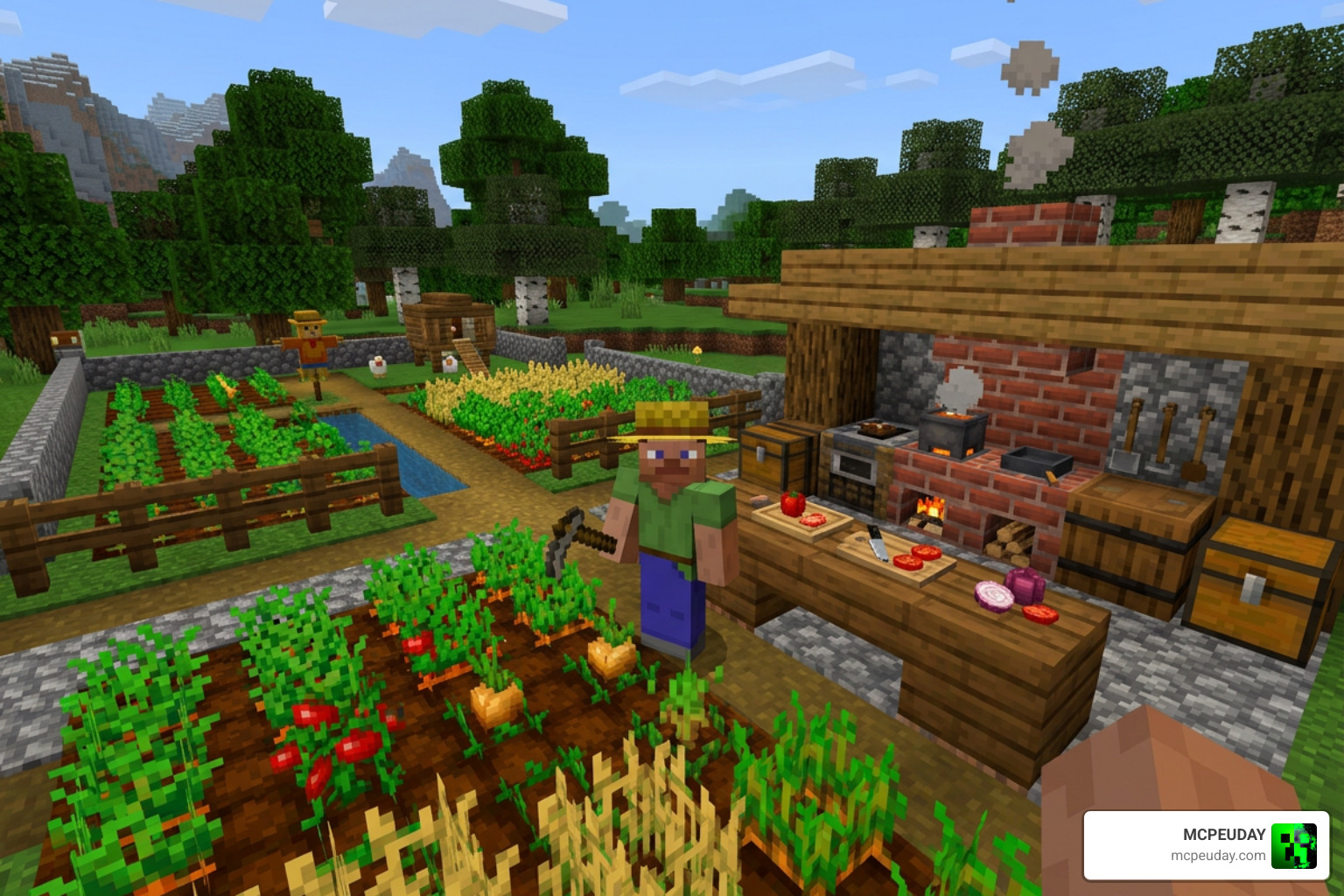
The Farmer’s Delight Bedrock Addon is an unofficial port of the popular Java Edition mod that brings farming, cooking, and food exploration to Minecraft Bedrock Edition — and it has racked up over 1.9 million downloads on MCPEDL alone.
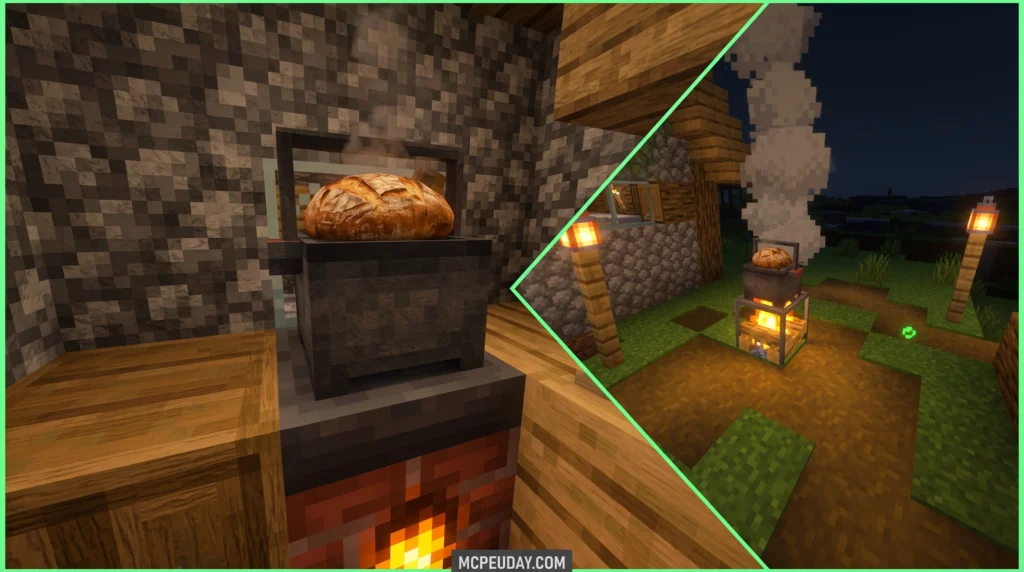
Quick Answer: What does it add?
- New crops — Tomatoes, Onions, Cabbages, and Rice that grow wild in specific biomes
- Cooking stations — Cooking Pot, Stove, Skillet, and Cutting Board for making real meals
- New tools — Knives for processing ingredients and getting special mob drops like ham
- Rich soil system — Organic compost and Delight Dirt for better crop growth
- Tons of food recipes — Expand your menu far beyond bread and steak
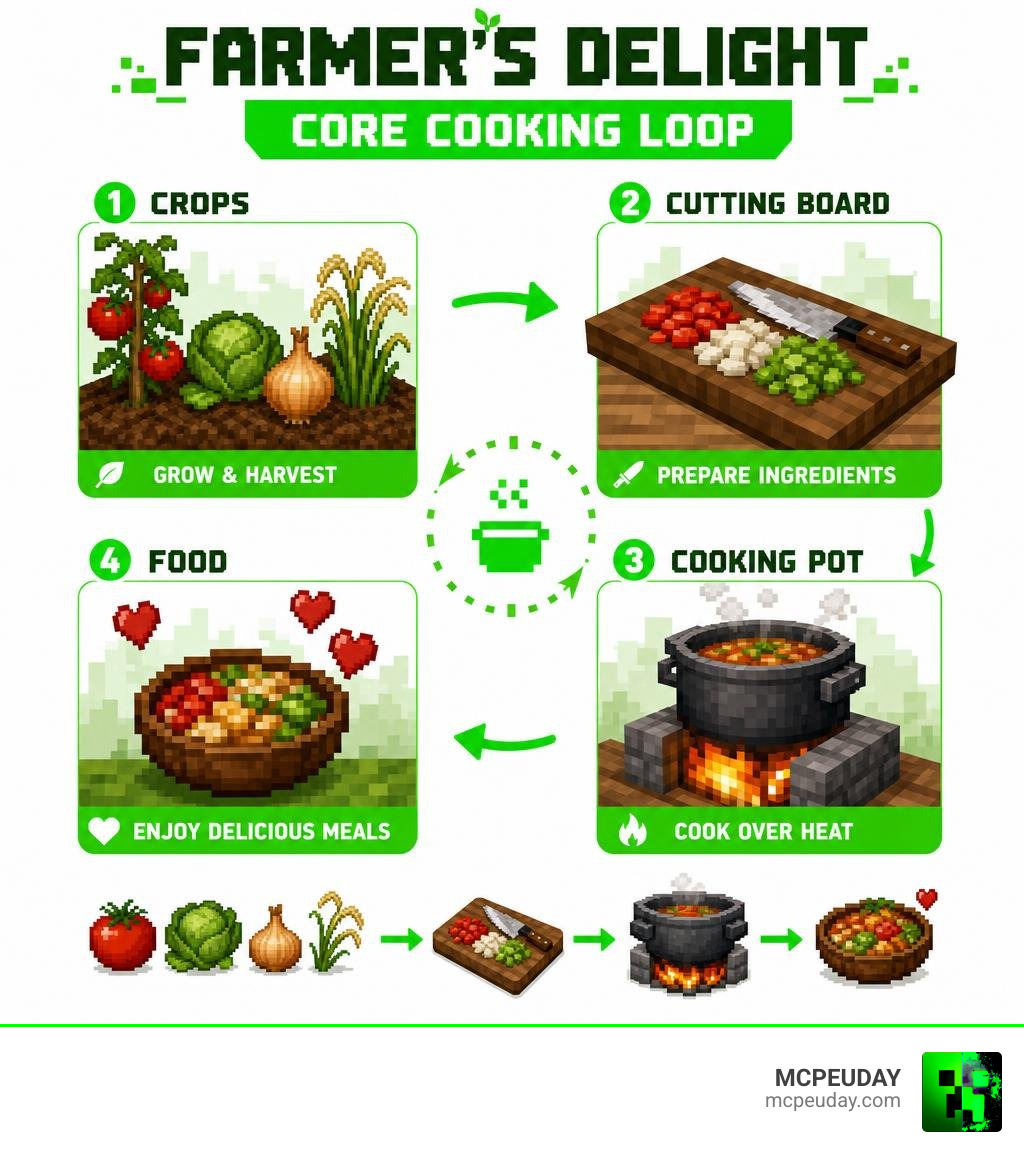
If you’ve ever felt like Minecraft’s vanilla farming is a bit boring, this addon completely changes that. It turns cooking into an actual gameplay loop — find wild crops, process them on a Cutting Board, cook them in a Pot over a Stove, and eat meals that actually feel rewarding.
It’s been actively updated through 2025 and supports Minecraft Bedrock versions up to 26.x as of July 2026.
What is the Farmer’s Delight Bedrock Addon?
The Farmer’s Delight Bedrock Addon is a meticulously crafted, unofficial port of the legendary Java Edition mod originally created by Vectorwing. Because the Java version is licensed under the permissive MIT License, talented Bedrock community developers like Pupy200mine and ShangguanXi have been able to recreate the entire experience for Bedrock players.
The goal of this addon is simple: to expand upon Minecraft’s basic farming and culinary systems without making them feel alien to the core game. It fits perfectly into vanilla survival while giving you a reason to build a beautiful, fully functional kitchen.
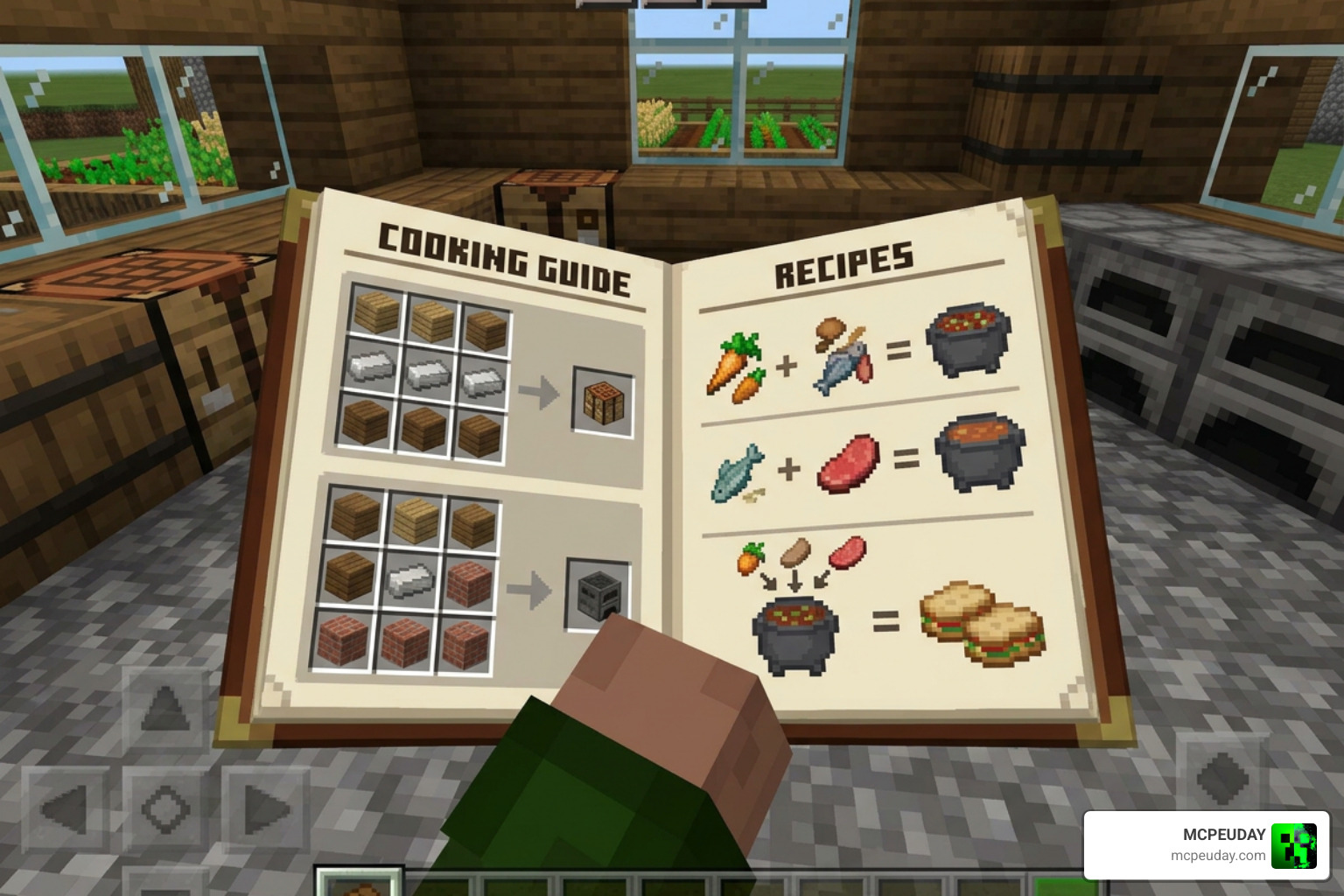
To help players learn the ropes, the addon features an in-game guide. Depending on the version you download, you will either start your world with the “Farmer’s Book” or can easily craft a “Farmer’s Almanac” using dirt and grass stems. This interactive guide explains recipes, block uses, and crop locations in real-time, meaning you do not have to keep alt-tabbing to a wiki.
At MCPEUDAY, we make sure you have direct access to the cleanest, most stable files for your Bedrock world, helping you skip the headache of broken links and outdated versions.
Core Features and Cooking Mechanics
Instead of just adding fifty identical food items that you craft in a standard crafting grid, the Farmer’s Delight Bedrock Addon introduces a tactile, step-by-step cooking process. You will need to harvest your crops, slice them up, and cook them using dedicated kitchen blocks.
Here is a quick breakdown of the core functional blocks added by the addon and how they fit into your kitchen:
| Functional Block | Primary Material | Main Purpose | Unique Feature |
|---|---|---|---|
| Cutting Board | Wood Planks | Slicing food, shearing blocks, processing materials | Works interactively with Knives; items appear directly on the board |
| Stove | Cobblestone & Coal | Providing constant heat, direct multi-item roasting | Can roast up to 6 food items at once without fuel costs once lit |
| Cooking Pot | Iron Ingot & Copper | Simmering stews, soups, and complex meals | Requires a heat source underneath; automatically synthesizes complex dishes |
| Skillet (Frying Pan) | Iron Ingot | Quick frying and portable cooking | Can be used as a melee weapon to knock back enemies |
To make your farming setup even more efficient, you can also craft Organic Compost. Over time, this compost decomposes to become Rich Soil. Planting crops on Rich Soil dramatically increases their growth speed and allows you to grow unique items like mushroom colonies.
How to Use the Cooking Pot and Stove in Farmer’s Delight Bedrock Addon
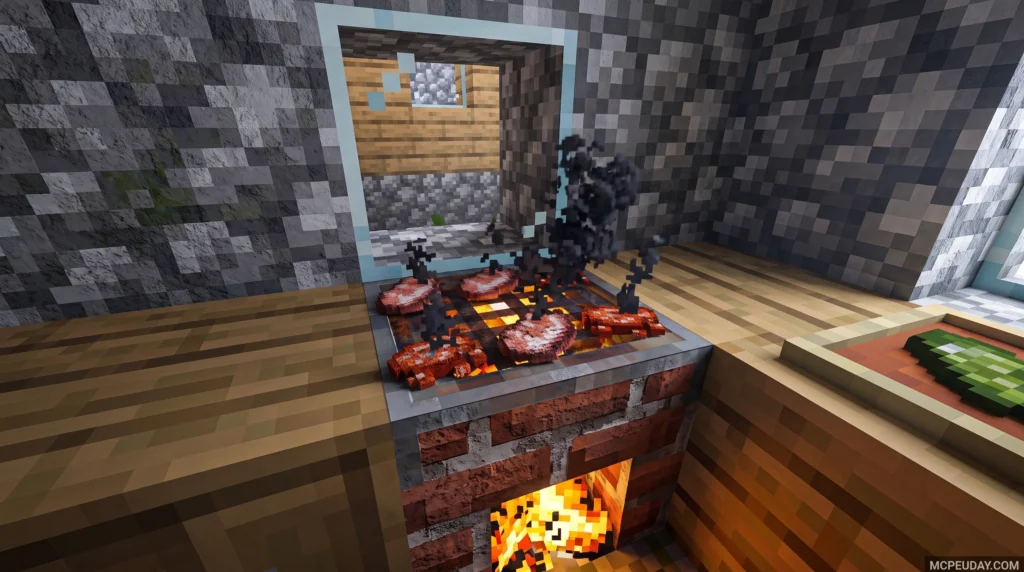
The Cooking Pot is where the culinary magic happens. To use it, you must first place it on top of an active heat source. The Stove is the ideal choice, but you can also use a campfire, lava, or even fire.
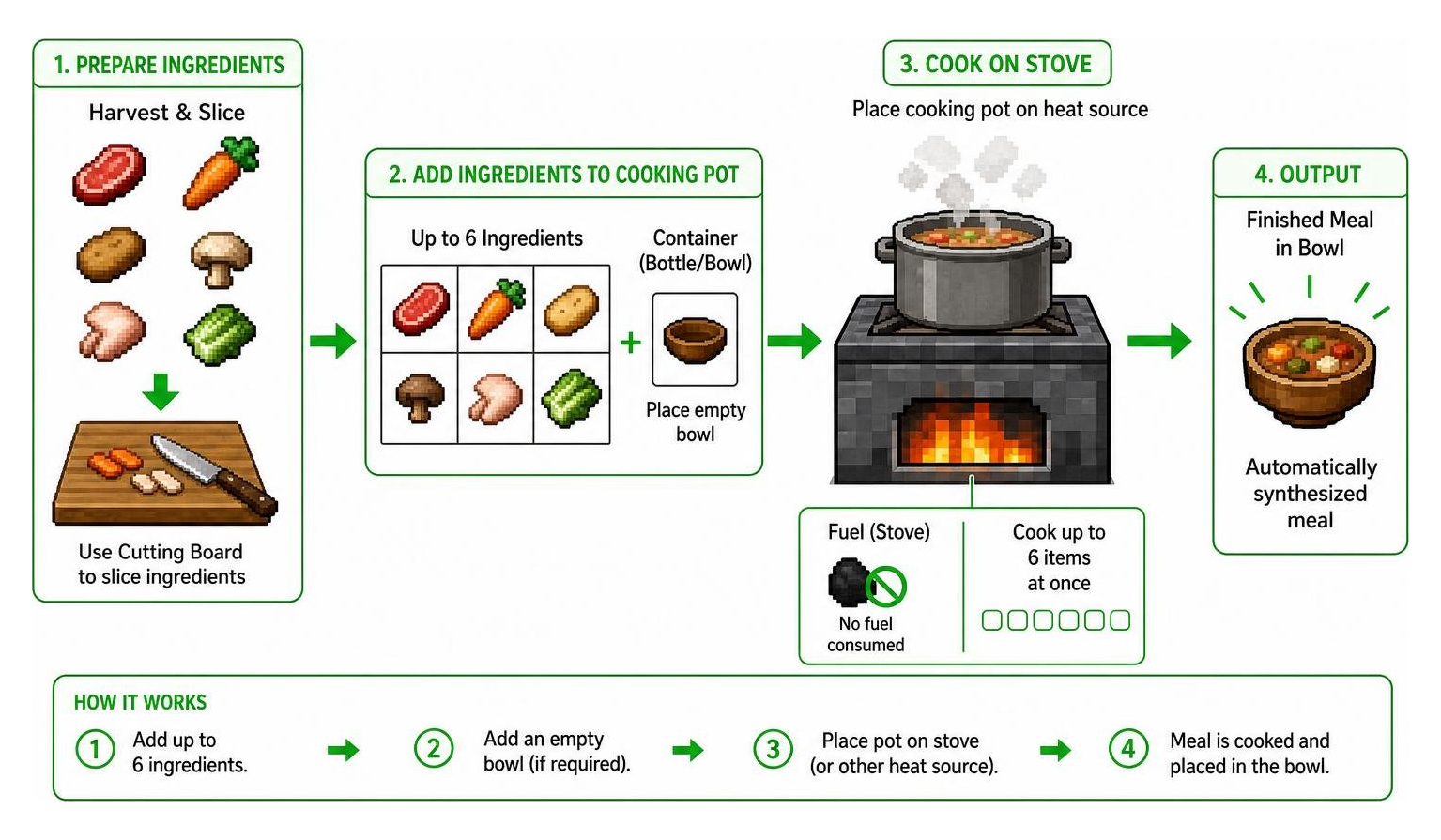
Once your Cooking Pot is placed over a heat source, you will see it bubble and emit steam. Open its custom user interface, and you will find six input slots, a fuel indicator, and a container slot.
- Add Your Ingredients: Place up to six ingredients in the input slots.
- Add a Container: Many advanced meals (like Beef Stew or Shepherd’s Pie) require a bowl or cup to hold them. Place an empty bowl into the dedicated container slot on the right.
- Synthesis: The pot will automatically cook the ingredients and output the finished meal into the container.
The Stove itself is incredibly versatile. You can place raw meats or vegetables directly on top of the Stove’s burner. It can cook up to six items simultaneously without consuming extra coal. If your stove is burning too hot or you want to put it out, simply tap it with a shovel. To relight it, use flint and steel.
Slicing Ingredients on the Cutting Board
Before you throw everything into a pot, many ingredients need preparation. The Cutting Board allows you to slice, dice, and process blocks.
To use the Cutting Board:
- Place the board on the ground.
- Hold a raw food item (like salmon, beef, or cabbage) in your hand and right-click or tap the board to place it down.
- Equip a Knife and use it on the board. Your character will slice the food, popping out processed ingredients like salmon slices, raw chops, or shredded vegetables.
Knives are the essential tool of this addon. You can craft them out of flint, iron, gold, diamond, or netherite. That knives have durability and will wear out over time as you use them on the Cutting Board.
Using a knife as a weapon also yields unique rewards. If you dispatch a pig or a hoglin with a knife, they are guaranteed to drop ham. Similarly, using a knife on wild grass yields extra straw, which is highly useful for crafting organic compost and canvas.
New Crops and Farming Mechanics
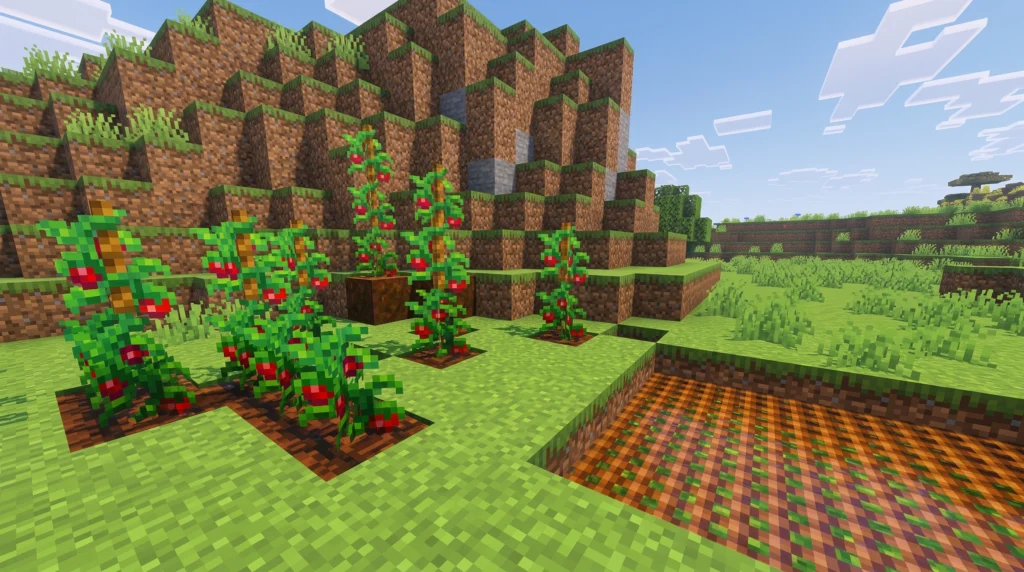
The Farmer’s Delight Bedrock Addon introduces four major crops: Tomatoes, Onions, Cabbages, and Rice.
Unlike vanilla crops, you cannot simply plant these on standard dirt in early Bedrock versions due to engine planting bugs. Instead, the addon introduces Delight Dirt (or Delightful Dirt). You can easily craft this block by placing standard dirt into your crafting grid. Once you have your Delight Dirt, you can till it, irrigate it, and plant your seeds.
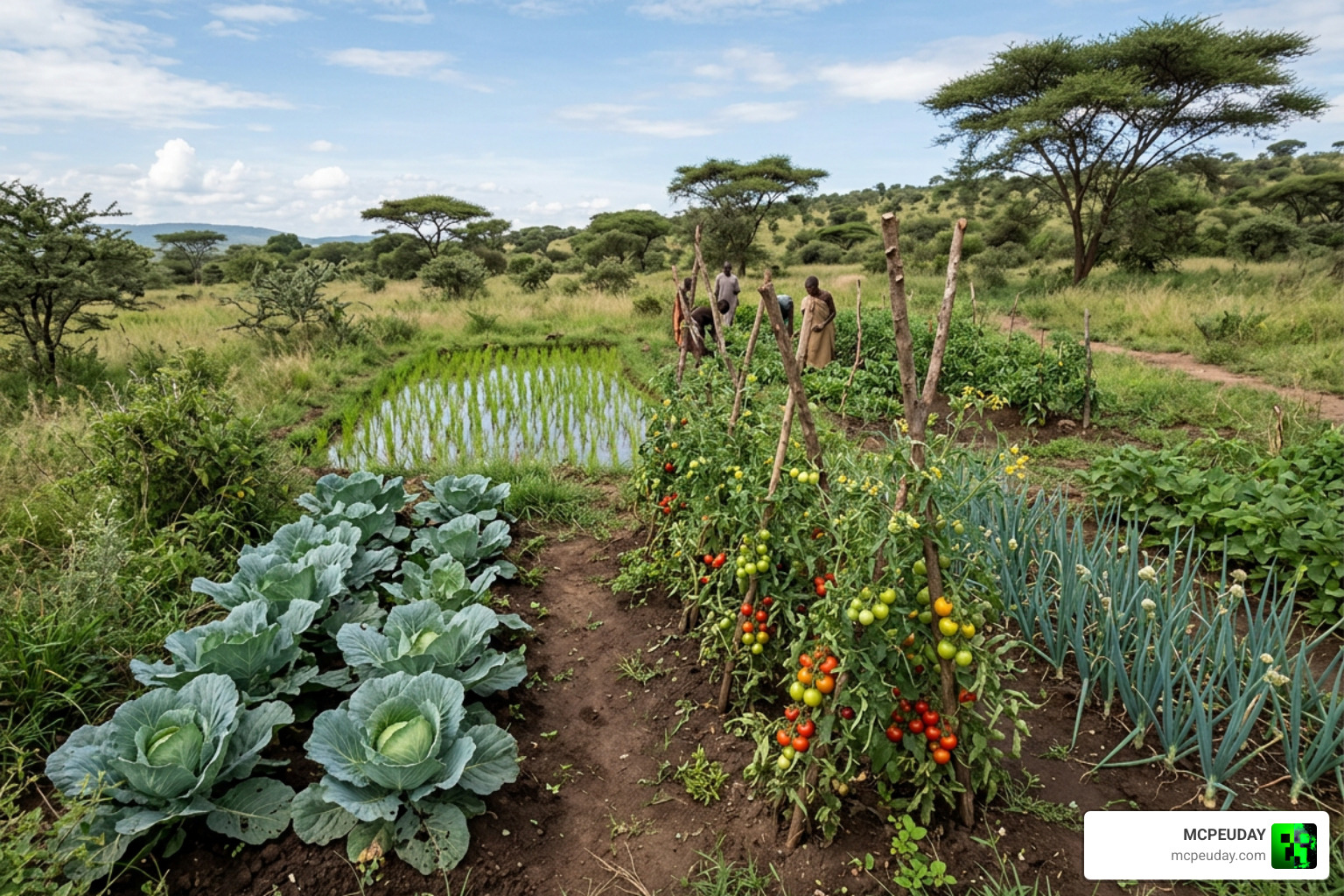
Biome Locations for Wild Crops in Farmer’s Delight Bedrock Addon
Before you can start a massive backyard farm, you need to find the seeds. Wild variants of the new crops generate naturally across your Minecraft world. Here is exactly where you need to look:
- Cabbage: Look along sandy beaches, riverbanks, and coastline biomes.
- Onions: Found growing wild across flat, grassy Plains biomes.
- Tomatoes: Look for wild tomato vines growing throughout hot Savanna biomes.
- Rice: Wild rice stalks grow partially submerged in wet Swamp and Jungle biomes.
Once you harvest these wild plants, you can consume them directly or break them down into seeds to start your own domestic farm.
Compatibility, Requirements, and Addon Extensions
Because this addon relies on custom blocks, custom UI screens, and advanced scripting, you must ensure your world settings are configured correctly before playing.
- Minecraft Version: Ensure you are running Minecraft Bedrock Edition 1.21 or newer.
- Experimental Toggles: You must enable experimental gameplay features in your world settings. Specifically, toggle on Beta APIs (or API Beta) to ensure the custom blocks, knives, and cooking pot mechanics function.
- Education Edition: If you are playing on Minecraft Education Edition, the custom tools (like the knife and cutting board) will not function properly due to platform limitations.
The Farmer’s Delight Bedrock Addon is highly compatible with other popular Bedrock mods. It plays beautifully with survival overhauls like the Better On Bedrock Addon and the challenging True Survival Addon.
If you want to expand your culinary journey even further, you can combine this mod with the Food Expansion Addon or the Core Craft Addon for a truly massive selection of survival items.
For players who enjoy cave exploration, we highly recommend checking out the Miner’s Delight + mod, which adds cave-centric food and cooking mechanics that pair perfectly with Farmer’s Delight. You can also explore more files and community updates on the Farmer’s Delight Bedrock – Minecraft Bedrock Addons – CurseForge page.
Frequently Asked Questions
How do I get ham in the Farmer’s Delight Bedrock Addon?
To get ham, you must defeat a pig or a hoglin using any tier of Knife (Flint, Iron, Gold, Diamond, or Netherite). Killing these mobs with normal swords or axes will only yield standard porkchops. Once you have the ham, you can slice it on a Cutting Board to create raw ham slices for your stews and sandwiches.
Why can’t I plant the new crops on normal dirt?
Due to specific engine limitations and planting bugs in Bedrock Edition, the new crops cannot be placed on standard vanilla farmland. To grow tomatoes, onions, cabbages, and rice, you must craft Delight Dirt (or Delightful Dirt) by placing normal dirt into a crafting table, placing it down, and tilling it with a hoe.
Where can I download the latest version of the addon?
You can download the most stable, up-to-date files directly from us at MCPEUDAY. To get the mod working perfectly, make sure to download both the Resource Pack (RP) and the Behavior Pack (BP), and apply both to your active world.
Conclusion
The Farmer’s Delight Bedrock Addon is the ultimate upgrade for players who want to bring a cozy, rewarding culinary adventure to their Bedrock survival worlds. By combining beautiful custom blocks, interactive cooking mechanics, and a deep farming loop, it turns a basic survival chore into a highly enjoyable hobby.
Ready to start your own homestead? Download the addon, craft your first knife, and start cooking! Don’t forget to Explore more MCPE Bedrock Addons on our site to build the ultimate modded Minecraft experience. Happy cooking!