What the Devoured Visuals Shader Actually Does (And Why Players Love It)
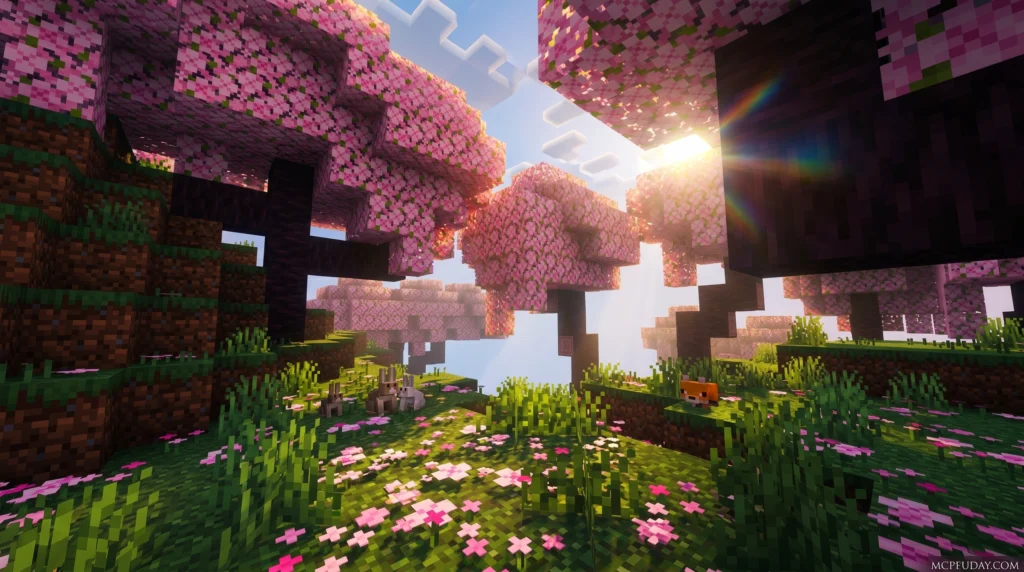
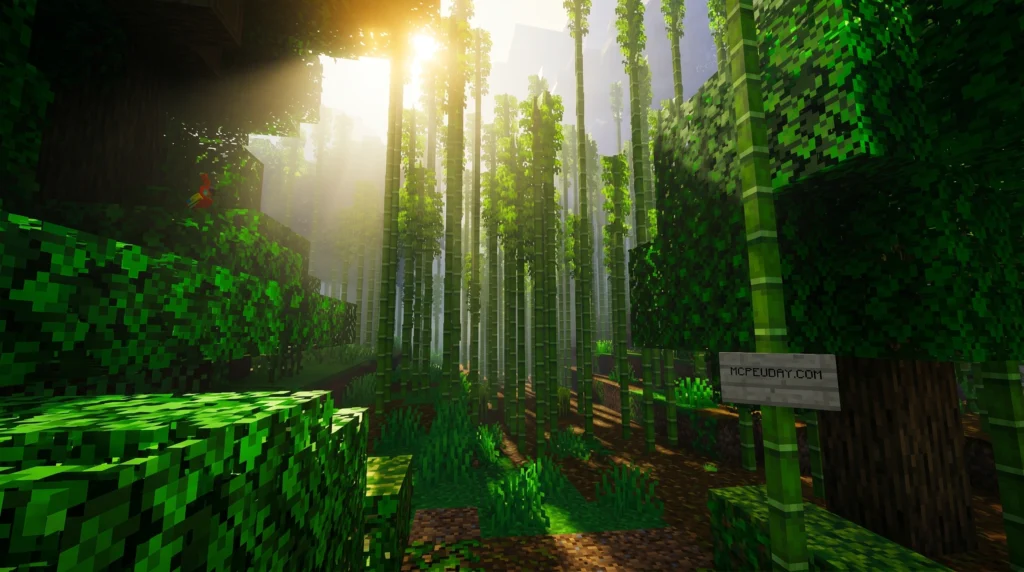
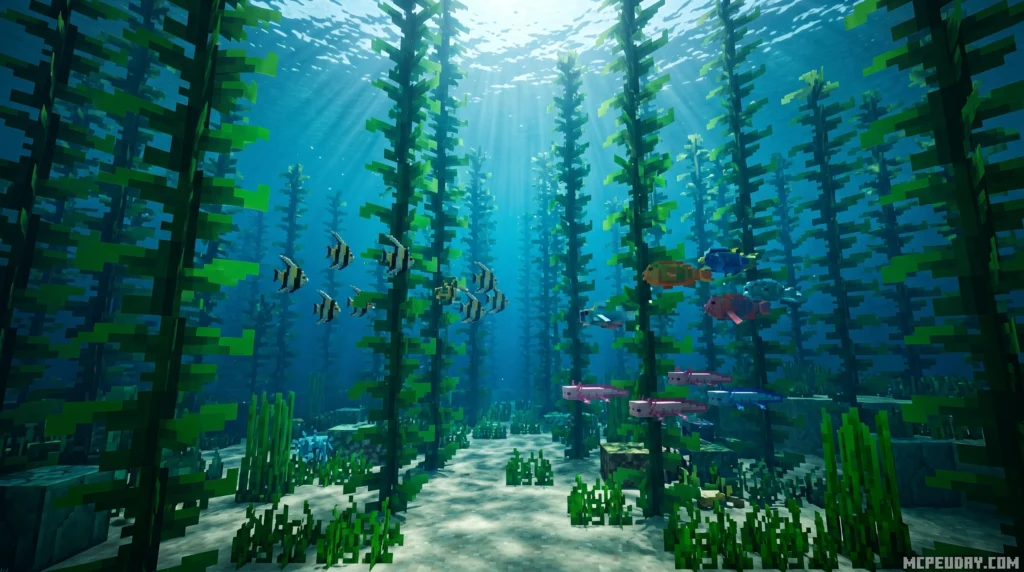
The Devoured Visuals Shader is a Minecraft Bedrock/MCPE shader pack that transforms the game’s lighting, fog, and atmosphere into something dark, cinematic, and deeply immersive.
Quick answer for what it does:
- Adds thick, volumetric fog that wraps around your world
- Overhauls lighting with deep shadows and moody color tones
- Creates a horror-inspired, atmospheric visual style
- Works with Minecraft’s Render Dragon engine on mobile and PC
If you just want to make Minecraft feel like a different game — darker, moodier, more alive — this shader is built for exactly that.
The name says it all. Like the all-devouring fog that inspired it, this shader swallows the ordinary look of Minecraft and replaces it with something that feels closer to a survival horror experience than a sandbox game. Think less “blocky sunlight,” more Silent Hill side street at midnight.
It’s become a go-to pick for players who want atmosphere over raw realism — and for good reason. Fog, shadows, and light are doing a lot of heavy lifting here, turning simple scenes into genuinely striking visuals without needing ultra-high-end hardware.
In this guide, we’ll cover everything: how it works, what it looks like, how to install it, and how to fix it when things go wrong.
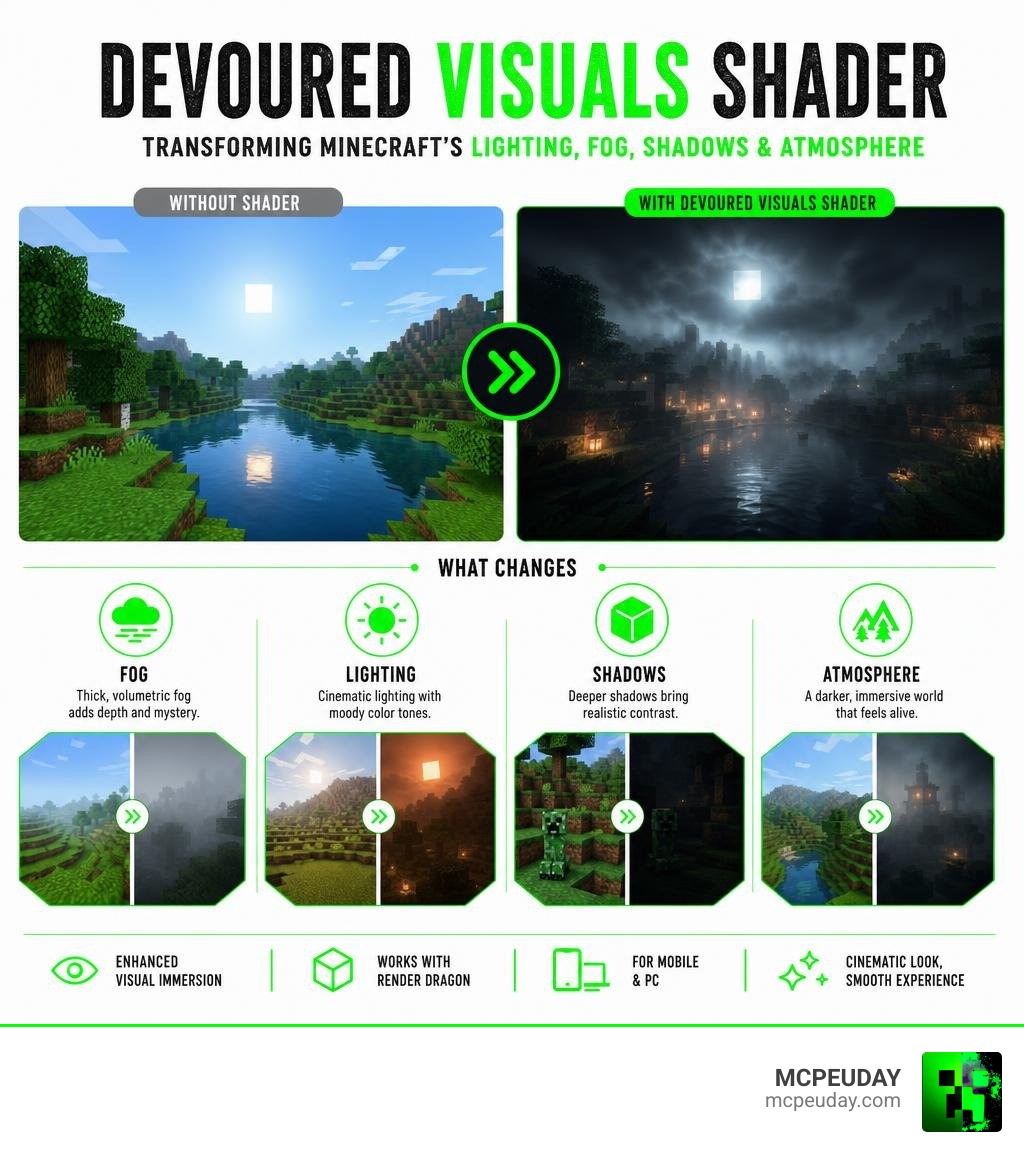
What is the Devoured Visuals Shader and How Does It Work?
To understand the Devoured Visuals Shader, we have to look at how modern graphics rendering handles atmosphere. Traditional Minecraft relies on simple, linear fog that merely cuts off your render distance. The Devoured Visuals Shader, however, treats fog as a physical, creative force that dynamically interacts with light sources.
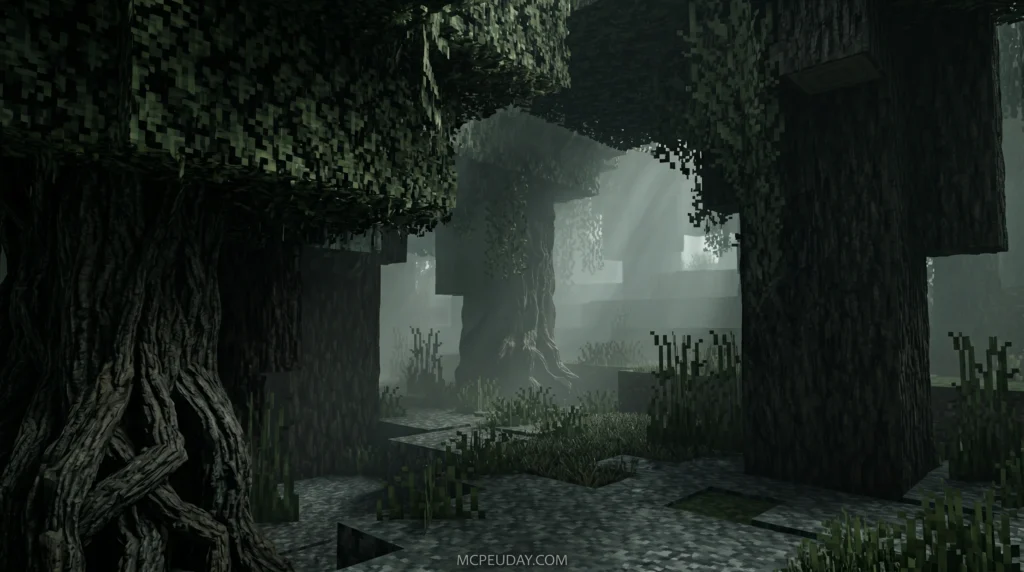
The concept of “devouring” visuals has deep roots in the digital art and demoscene community. For instance, the highly regarded 4K procedural graphics project armak/pbr-devour and its accompanying release Devour by Prismbeings :: pouët.net proved how complex mathematics, such as Monte Carlo path tracing and ray-marched fractals, could build incredibly dense, moody atmospheres within a tiny file size.
While Minecraft Bedrock doesn’t run a full Monte Carlo path tracer on your mobile device, the Devoured Visuals Shader mimics these high-end procedural techniques. It offloads heavy calculation to your device’s GPU, using advanced math to scatter light through virtual air particles. This creates a dense, moody environment that you can explore in real-time. If you love experimenting with these styles, you can find similar projects in our category/shaders library.
Core Mechanics of the Devoured Visuals Shader
At its heart, this shader modifies how your device processes vertex and fragment data. By utilizing custom Shaders , the game engine stops rendering flat, uniform light maps. Instead, it calculates how light from torches, lanterns, and the sun bleeds into the surrounding air.
When you place a light source in a dark cave, the shader calculates the density of the surrounding volumetric fog, scattering the light rays to create a soft, glowing halo. This approach replicates how real-world moisture and dust particles interact with light, giving players a sense of depth that standard Minecraft simply cannot match.
Aesthetic Inspiration Behind the Devoured Visuals Shader
The core aesthetic is heavily inspired by classic horror titles and cinematic lighting projects. Instead of trying to show you every single block in high detail, this shader embraces minimalism.
By using an “all-devouring” fog, the shader intentionally hides distant terrain. This classic technique, famously utilized in early horror games to keep frame rates stable, serves a dual purpose here: it optimizes performance while wrapping the world in an air of mystery. Light sources become precious safety beacons, and the surrounding darkness feels genuinely unpredictable.
Key Features and Visual Effects
When you load up the Devoured Visuals Shader, several dramatic visual upgrades will immediately stand out.
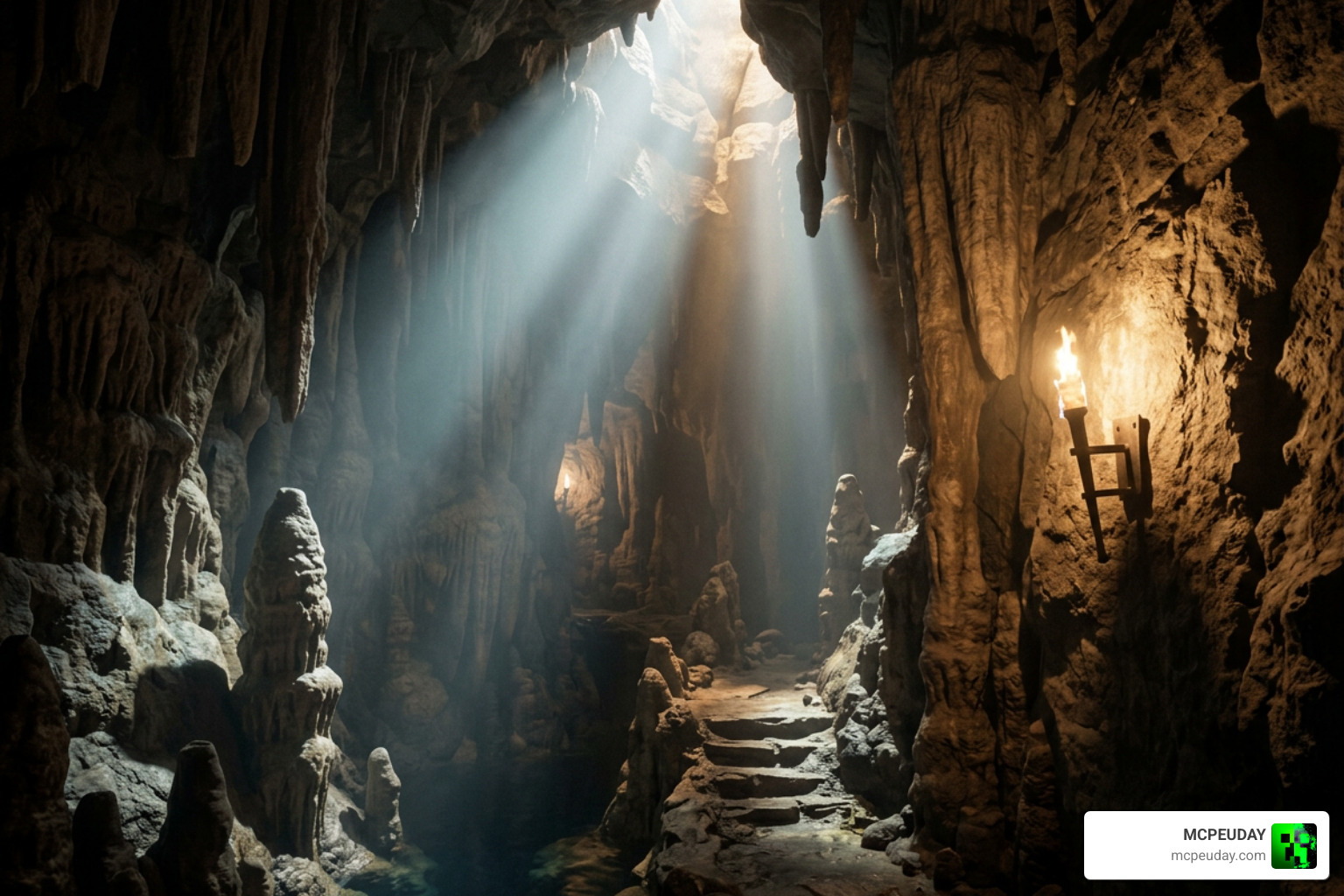
Here are the standout features that define this visual overhaul:
- Volumetric Fog & Light Scattering: Light rays physically pierce through the fog, creating beautiful sunbeams (crepuscular rays) during sunrise and sunset.
- Dynamic Color Grading: The shader replaces vanilla Minecraft’s bright, saturated colors with a desaturated, high-contrast palette that emphasizes shadows.
- Chromatic Aberration & Depth of Field: Subtle camera lens effects mimic a real camera, focusing on nearby blocks while gently blurring the background.
- Waving Foliage & Fluid Animations: Leaves, grass, and water move with natural, wind-blown animations to keep the environment feeling alive.
This balance of horror and beauty is similar to what players experience when they install high-end visual modifications. It brings a level of cinematic polish comparable to the atmospheric updates showcased in videos like I PUT THE NEW VIBRANT VISUALS UPDATE ON MINECRAFT … . If you prefer a slightly brighter but equally cozy aesthetic, you might also want to check out our guide on the popular Newb X Unwind Shader.
Performance Comparison and Technical Requirements
Because the Devoured Visuals Shader relies on smart GPU math rather than raw processing power, it runs surprisingly well across a variety of devices. However, because Minecraft Bedrock operates on the Render Dragon engine, performance can vary depending on your platform.
| Shader Name | Visual Style | Performance Impact | Recommended Device |
|---|---|---|---|
| Devoured Visuals | Atmospheric, Dark, Foggy | Medium | Mid-range Mobile / PC |
| Newb X Unwind | Vibrant, Clean, Realistic | Low | Low-end Mobile / Console |
| Vanilla Bedrock | Flat, Bright, Standard | None | Any Device |
If you are playing on a mobile phone or a budget tablet, optimizing your settings is key. For a comprehensive look at how different packs perform on actual mobile hardware in 2026, check out our Best Render Dragon Shaders For Mcpe 1 21 Tested On Real Devices 2026 Guide. If your frame rate drops, switching to a lightweight alternative like the Newb X Unwind Shader For Minecraft Pe Mcpe Best Realistic Shader For Low End Devices can keep your gameplay smooth without sacrificing visual quality.
How to Integrate and Use the Shader in Game Engines
For aspiring game developers and technical artists, recreating the moody, fog-laden aesthetic of the Devoured Visuals Shader is an excellent learning project. You don’t have to write thousands of lines of complex code from scratch to achieve this look.
Modern game engines make this process highly accessible:
- Using Godot Engine: You can build complex, real-time fog and lighting systems visually. By reading the official documentation on Godot Visual Shaders, you can connect nodes to control light behavior, color correction, and UV displacement without writing raw GLSL code.
- Leveraging Premade Libraries: If you are working on a 2D or 2.5D atmospheric project, you can speed up your workflow by using the ShaderV – 2D Visual Shader Node Library (Godot 4) – Godot Asset Library .
- Customizing the Nodes: The open-source repository arkology/ShaderV provides excellent pre-built nodes for chromatic aberration, noise generation, and custom blurs, which are perfect for capturing that gritty, devoured look.
Troubleshooting Common Issues
Sometimes, rendering custom lighting on mobile devices can lead to unexpected quirks. Here are the most common issues players face in 2026 and how to resolve them:
- The “Black Screen” Bug: If your world loads but everything is pitch black, your device’s GPU might be struggling to compile the custom fog code. Try lowering your render distance or turning off “Beautiful Skies” in your video settings.
- Incompatibility with Other Resource Packs: If you use custom texture packs that change block geometry, they might conflict with the shader’s lighting maps. Ensure the Devoured Visuals Shader is placed at the very top of your Active Resources list.
- Render Dragon Engine Restrictions: Minecraft updates can sometimes break custom shader rendering. If you experience crashes on version 1.21+, consult our optimization guide for the Newb X Unwind Shader For Minecraft Pe Mcpe 1 21 to see how to patch your game files correctly.
Frequently Asked Questions
Is the Devoured Visuals Shader compatible with low-end devices?
While it is highly optimized, the volumetric fog and dynamic shadows do require decent graphics processing. If you run it on an older phone and experience lag, we recommend checking out the Newb X Unwind Shader For Minecraft Ultra Realistic Graphics Smooth Fps Stunning Visuals, which offers a fantastic balance of performance and beauty for low-end hardware.
What games or engines support this shader?
This specific shader pack is built for Minecraft Bedrock Edition (MCPE). However, the visual principles of volumetric lighting and heavy fog can be implemented in Unity, Unreal Engine, and Godot. For more options that work directly in Minecraft, take a look at our curated list of the Top 5 Best Realistic Shaders For Mcpe.
What future updates are planned for the shader in 2026?
The community roadmap for late 2026 includes deeper integration with Physically Based Rendering (PBR) textures. This will allow blocks to reflect light differently depending on whether they are wet, rough, or metallic, making the dark, foggy nights look even more realistic.
Conclusion
The Devoured Visuals Shader completely redefines what Minecraft can look like. By turning the environment into a living, breathing world of fog and shadow, it offers an unmatched atmosphere for horror fans and builders alike.
Here at MCPEUDAY, we pride ourselves on providing the absolute best, most up-to-date resources, mods, and shaders for your game. If you are ready to take your graphics to the next level, head over to our ultimate guide on the Best Shaders For Mcpe 1 21 2026 Top 3 Realistic Minecraft Pe Shaders and find your perfect visual style today!