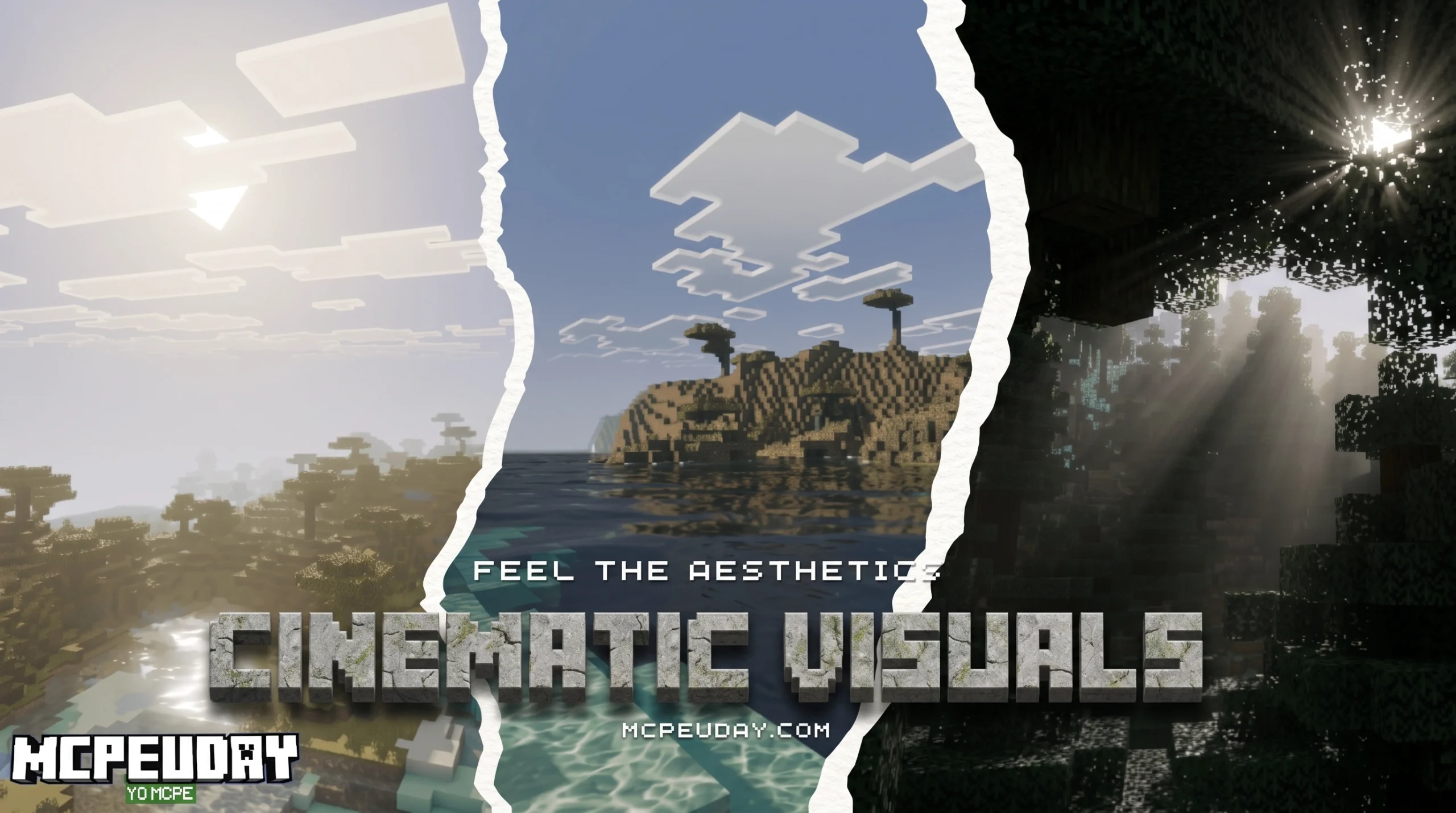
What the Cinematic Visuals Shader Does to Your Minecraft World
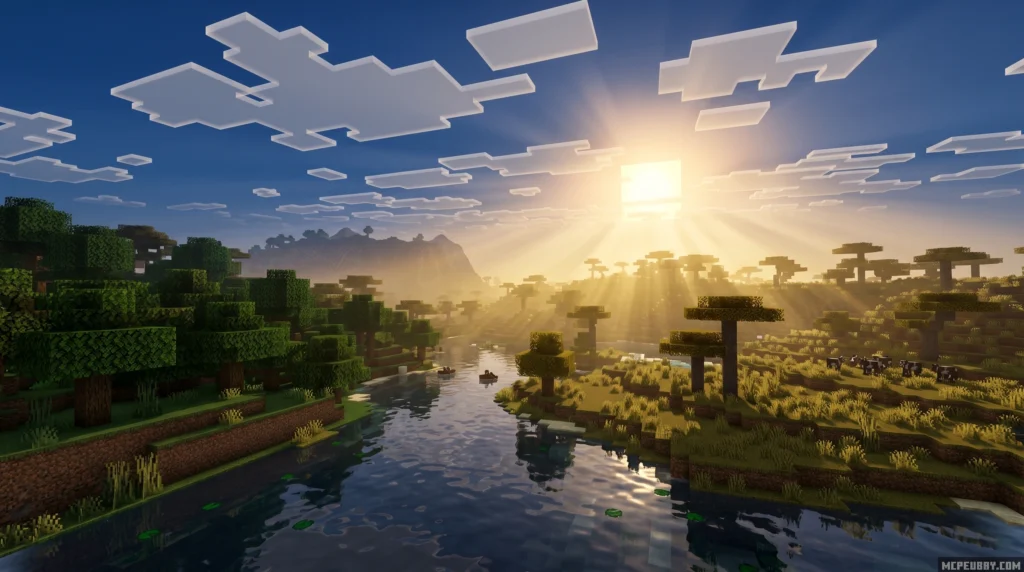
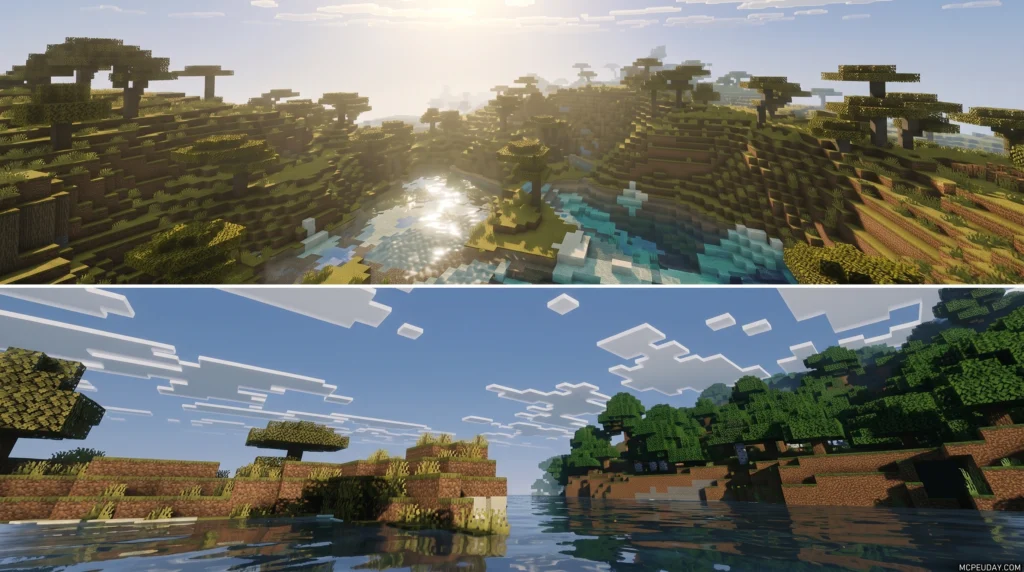
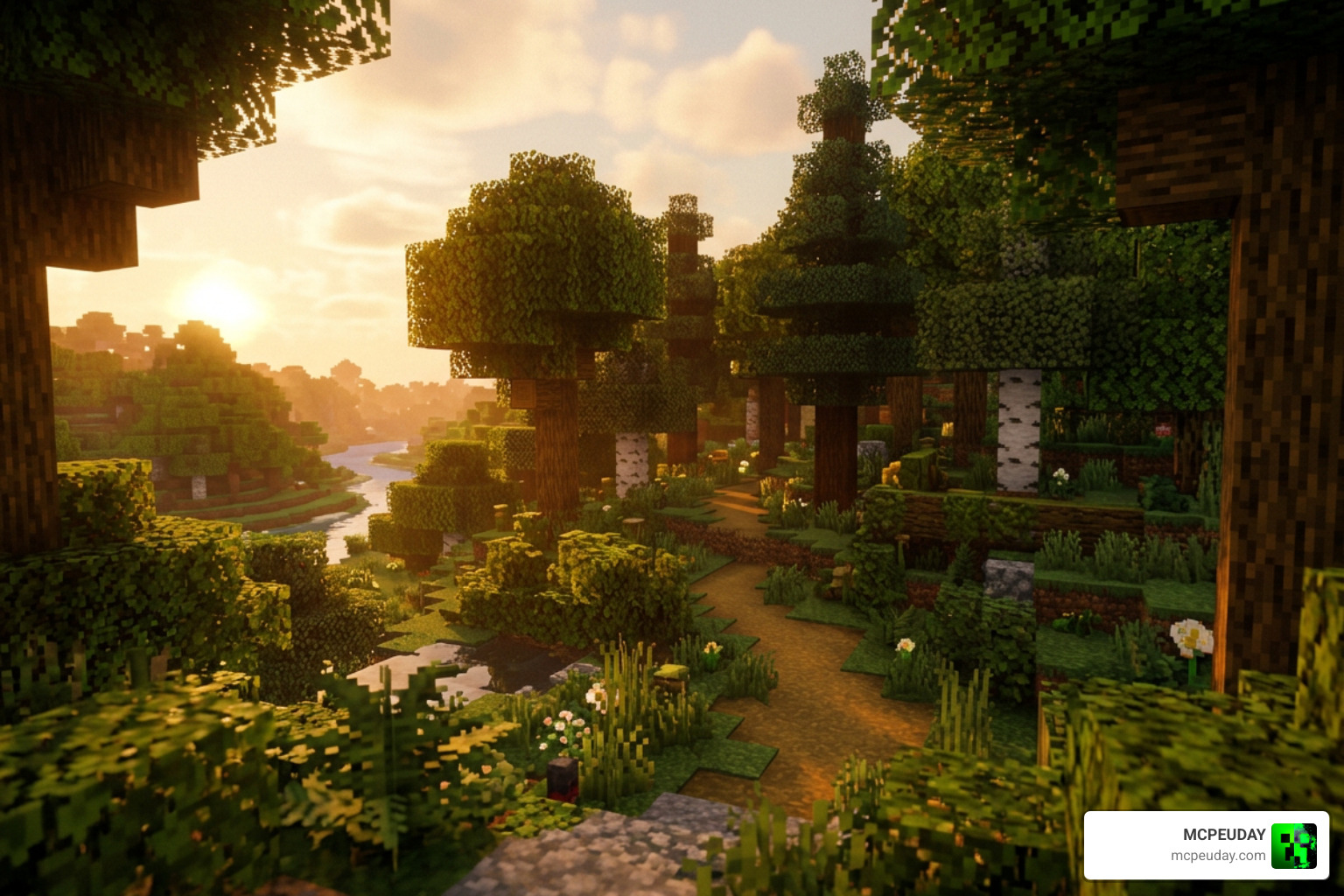
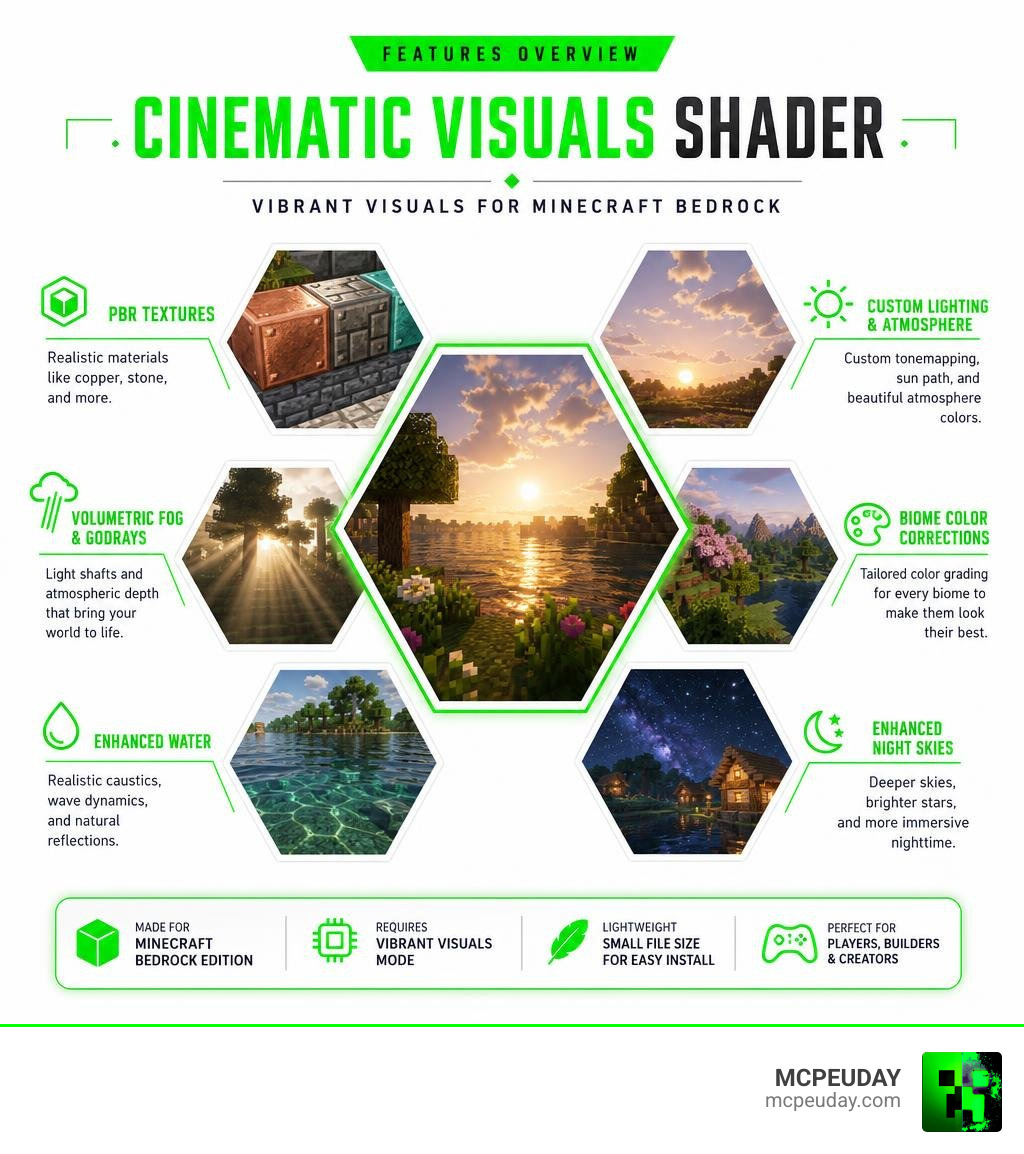
The Cinematic Visuals Shader is a Vibrant Visuals pack for Minecraft Bedrock that transforms your game’s graphics into a cinematic, film-like experience — without replacing the vanilla look you already love.
Quick answer for what it includes:
- PBR (physically-based rendering) textures on materials like copper and stone
- Volumetric fog and godrays that pour through trees and windows
- Improved water with realistic caustics and wave dynamics
- Custom tonemapping, sun path, and atmosphere colors
- Biome-specific color corrections and enhanced night skies
It works exclusively on Minecraft Bedrock Edition using the Render Dragon engine’s Vibrant Visuals graphics mode. It does not work on Java Edition.
With over 92,000 downloads on CurseForge, it’s one of the more popular Vibrant Visuals packs available right now. The file is lightweight at just 8.37 MB, so installation is fast even on mobile.
Whether you’re a survival player who wants richer-looking worlds, a builder chasing gallery-worthy screenshots, or a content creator who wants cinematic footage without extra editing — this shader pack is built for you.
What is the Cinematic Visuals Shader?
At its core, the Cinematic Visuals Shader is a graphics-enhancing resource pack designed specifically for Minecraft Bedrock Edition. Unlike traditional Java shaders that completely replace the game’s rendering pipeline, this pack leverages Bedrock’s native engine upgrades to deliver high-end visual fidelity.
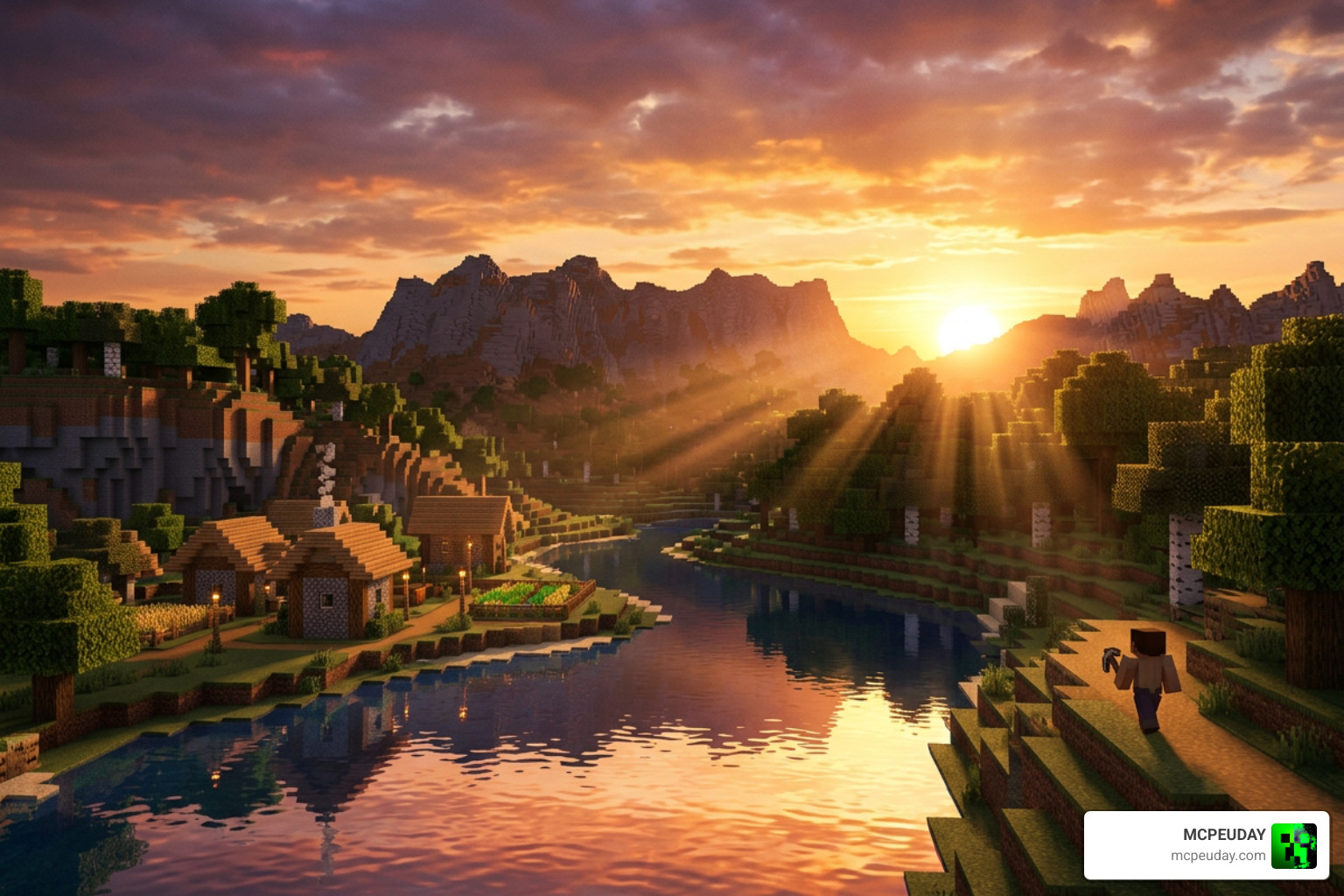
If you have ever wanted your blocky worlds to feel like a high-budget animated film, this pack is your ticket there. It dramatically improves how light, shadow, and materials interact in real-time, making every sunrise look like a scene from a movie. You can grab the official files directly from the Cinematic Visuals Shader on CurseForge.
Development History and Creator Details
This shader pack is developed by a talented creator in the Bedrock community who has a proven track record of visual design. The developer is also responsible for other massive community favorites, including Infinity Visuals (which boasts over 131.8K downloads), Immersive Visuals (115.6K downloads), and Ultra Vibrant Visuals (100.6K downloads).
Over its development cycle, the pack has received frequent updates to keep up with Mojang’s game versions. Recent updates have focused heavily on optimization, reducing the file size to a lean 8.37 MB while simultaneously adding high-resolution textures, custom fog JSON files, and refined water configurations. On CurseForge, the pack currently holds a solid 3.4-star rating with over 131,000 total downloads across all versions.
How It Differs from Traditional Shaders
In the past, installing a shader on Minecraft Pocket Edition (MCPE) or Bedrock meant using third-party patches that often broke with every minor game update. When Mojang introduced the Render Dragon engine, traditional shaders stopped working entirely.
The Cinematic Visuals Shader solves this problem by working with the Render Dragon engine rather than trying to bypass it. By utilizing the official “Vibrant Visuals” graphical settings, it introduces advanced features like PBR and volumetric fog natively. It balances gorgeous, cinematic lighting processing with the classic vanilla aesthetic, ensuring your game still feels like Minecraft—just a much prettier version of it.
Core Visual Enhancements and Features
What makes this pack stand out in a sea of graphic updates? It is all in the details. The pack focuses on realistic material responses and atmospheric depth. If you want to compare it to other visual options, you can read More info about realistic MCPE shaders on our site.
Here is a breakdown of the key features that define this visual overhaul:
- Physically-Based Rendering (PBR): Materials react realistically to light sources based on their roughness and metallic properties.
- Volumetric Fog: Adds physical depth to the air, creating misty valleys and dense forest floors.
- Dynamic Water: Features beautiful wave movement, realistic reflection mapping, and custom underwater caustics.
- Atmospheric Tonemapping: Adjusts the color balance dynamically depending on the time of day.
Key Features of the Cinematic Visuals Shader
The inclusion of PBR (Physically-Based Rendering) is a game-changer. With this pack enabled, blocks are no longer flat, matte textures. Instead, copper blocks gleam in the sunlight, wet mud looks slick, and polished stone reflects the warm glow of nearby torches.
These light reflections and roughness values are calculated dynamically, giving incredible depth to your builds. If you are ready to see these materials in action, you can head over to our dedicated Cinematic Visuals Shader download page to get started.
Atmospheric Effects and Lighting
The atmospheric changes in this shader are nothing short of breathtaking. The customized sun path alters how light stretches across your world, creating long, dramatic shadows during golden hour.
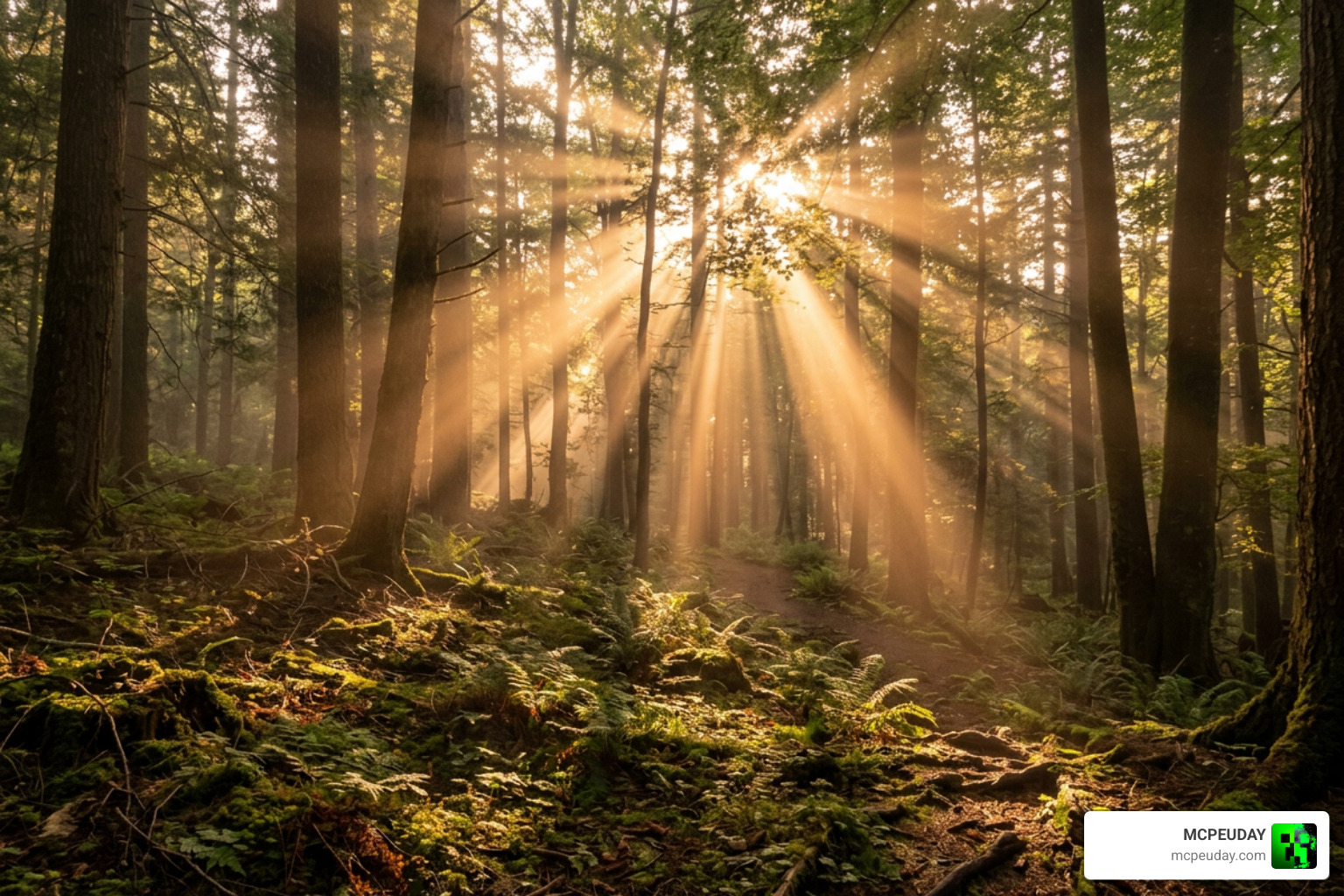
The volumetric fog is thick and realistic, reacting directly to light sources to create gorgeous godrays threading through spruce canopies or cathedral windows. At night, the atmosphere shifts to a deep, moody blue with enhanced night sky colors and realistic moon glows. For those interested in how shaders behave in virtual environments, tools like CineShader visualization show just how far real-time shader rendering has come.
Water and Underwater Caustics
Water in vanilla Minecraft can often feel like blue glass. The Cinematic Visuals Shader completely remasters water surfaces. It introduces dynamic waves that ripple naturally, improved transparency near shorelines, and realistic depth coloration.
When you dive beneath the surface, you will notice beautiful underwater caustics—the dancing patterns of light created by waves focusing sunlight. It makes exploring oceans and building underwater bases an absolute joy.
Compatibility, Performance, and System Requirements
Because this shader utilizes the Render Dragon engine’s native features, compatibility depends heavily on your hardware and game version. It is fully compatible with Minecraft Bedrock 1.21 (including sub-versions like 1.21.130 and 1.21.132).
To help you understand how this pack runs, we have put together a quick performance breakdown across different platforms:
| Device Type | Expected Performance | Recommended Settings |
|---|---|---|
| High-End PC / Xbox Series X | 60+ FPS at 4K Resolution | Vibrant Visuals: ON, Render Distance: 16+ |
| Mid-Range Mobile / PS5 | 45-60 FPS at 1080p | Vibrant Visuals: ON, Render Distance: 12 |
| Low-End Mobile / Nintendo Switch | 30 FPS (May experience lag) | Vibrant Visuals: OFF/Low, Render Distance: 8 |
If you find that your device struggles to maintain a smooth frame rate with this pack, you can check out our list of the Best shaders for Minecraft 1.21 to find a lighter alternative that keeps your gameplay buttery smooth.
Step-by-Step Installation Guide
Installing shaders on Bedrock is much easier than it used to be. You do not need complex mod managers; you just need to follow a few simple steps. For a broader look at the setup process, check out our How to Turn on Shaders in Minecraft 2026 Guide.
How to Install the Cinematic Visuals Shader
- Download the File: Grab the official
.mcpackfile (approx. 8.37 MB) from our download page. - Import to Minecraft: Double-click or tap the downloaded file. Minecraft will open automatically and import the pack.
- Activate the Pack: Go to Settings > Global Resources > My Packs. Click on Cinematic Visuals Shader and click Activate.
- Enable Vibrant Visuals: Open your world settings (or main video settings), scroll down to the Graphics section, and ensure that your graphics mode is set to Vibrant Visuals.
If you encounter any issues or want to explore other styles, browse our dedicated Category Shaders page for more options and troubleshooting tips.
Frequently Asked Questions
Which Minecraft versions are supported?
The Cinematic Visuals Shader is optimized for Minecraft Bedrock 1.21 and its various sub-versions (such as 1.21.130 and 1.21.132). It also supports over 14 older versions, though we always recommend running the latest game update for the best stability and performance.
Does this shader work on Java Edition?
No. This pack is built specifically for the Bedrock Edition’s Render Dragon engine and utilizes Bedrock’s unique JSON formatting for fog and water. If you are playing on Java, you will need to look into OptiFine or Iris-compatible shader packs instead.
What are the licensing and distribution terms?
The pack is free for personal use. However, the creator retains all rights to the assets. You are not allowed to re-upload the pack to other sites or distribute modified versions without permission. If you want to keep up with updates or ask the developer questions, we highly recommend joining their official Discord community linked on their CurseForge page.
Conclusion
The Cinematic Visuals Shader is a fantastic choice for anyone looking to elevate their Minecraft Bedrock graphics. By utilizing the Render Dragon’s native features, it delivers stunning PBR materials, volumetric fog, and lifelike water without sacrificing the core feel of vanilla Minecraft.
Whether you are capturing cinematic footage, taking screenshots of your latest build, or just enjoying a casual survival world, we highly recommend giving this pack a try. For more incredible graphics upgrades, check out our curated list of the Best Shaders for MCPE 1.21!

1 thought on “Cinematic Visuals Shader (26.x, 1.21) – MCPE/Bedrock Shader”