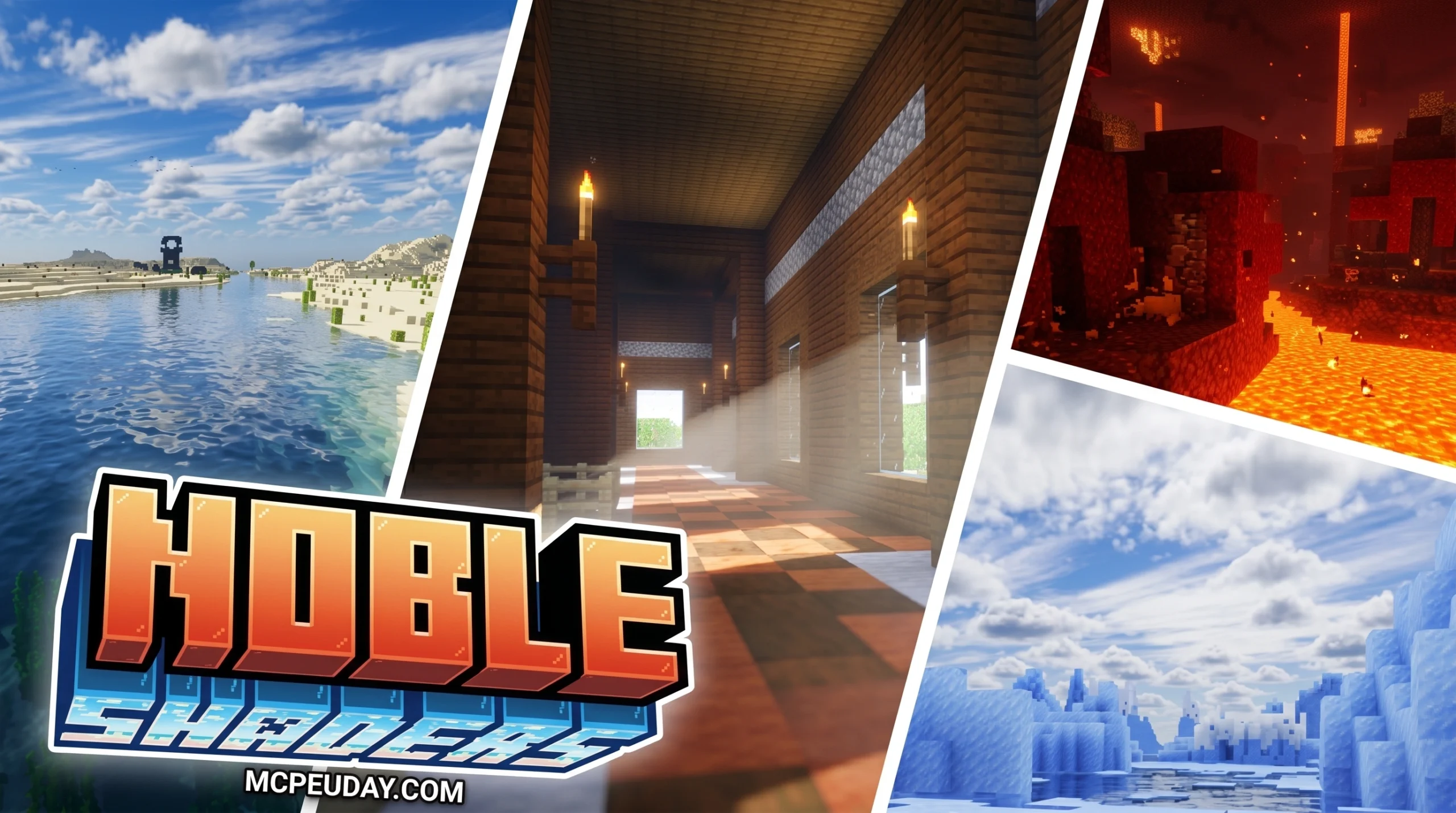
What Noble Shaders Can Do for Your Minecraft World
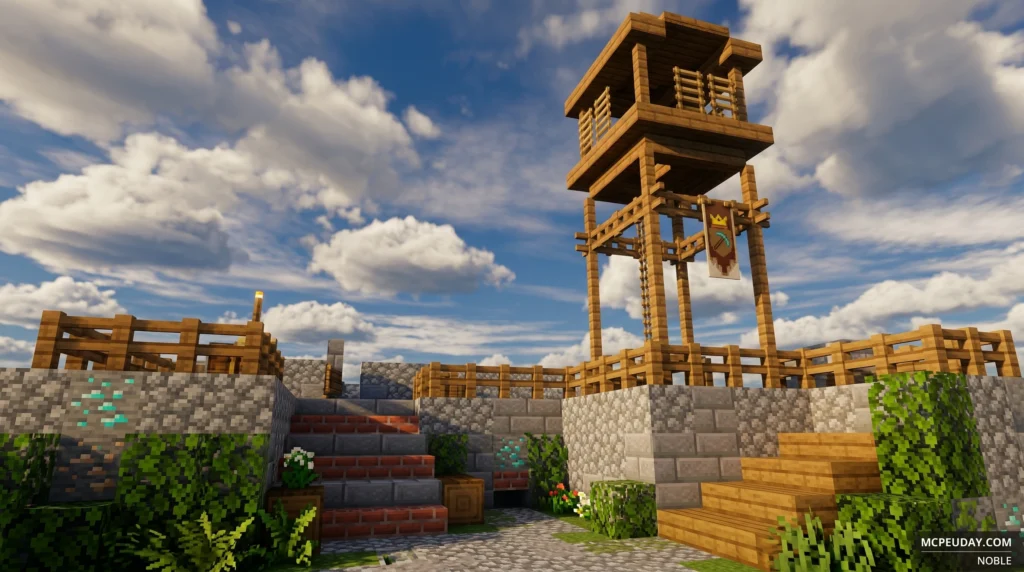
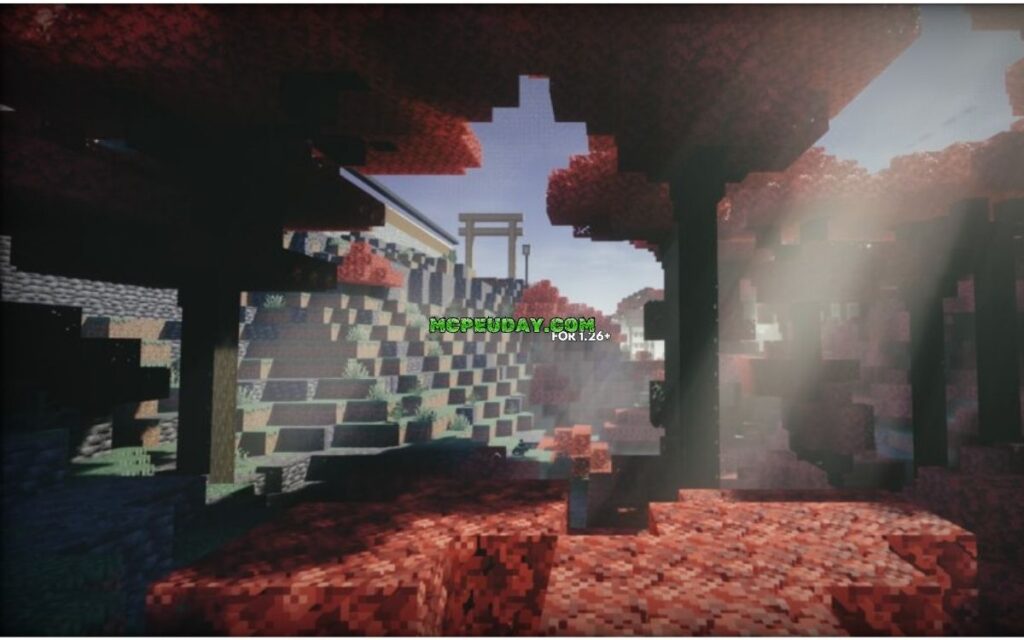
Noble Shaders is a free, open-source Minecraft shader pack that transforms the game’s visuals using path tracing, realistic lighting, and PBR materials — without destroying your FPS.
Quick answer for what you need to know:
| Feature | Details |
|---|---|
| Download | Available on Modrinth and CurseForge |
| Price | Free (open source, GPL-3.0) |
| Minecraft versions | Java Edition 1.16 – 1.21.11 |
| Works with | Iris and OptiFine |
| Min GPU | Nvidia GTX 950 or AMD R7 370 |
| OS support | Windows and Linux (no MacOS) |
| Quality presets | Potato, Light, Medium, High, Ultra, Render |
| Total downloads | 1.46M+ on Modrinth |
Minecraft’s default graphics are fine — but once you see Noble running path-traced sunsets and torch-lit shadows at night, it’s hard to go back.
The developer poured hundreds of hours and countless sleepless nights into building this from scratch, starting as a self-taught GLSL programmer during the 2020 pandemic. The result is a shader pack that over 1.46 million players have downloaded on Modrinth alone.
This guide covers everything: features, system requirements, performance presets, and exactly how to install it step by step.
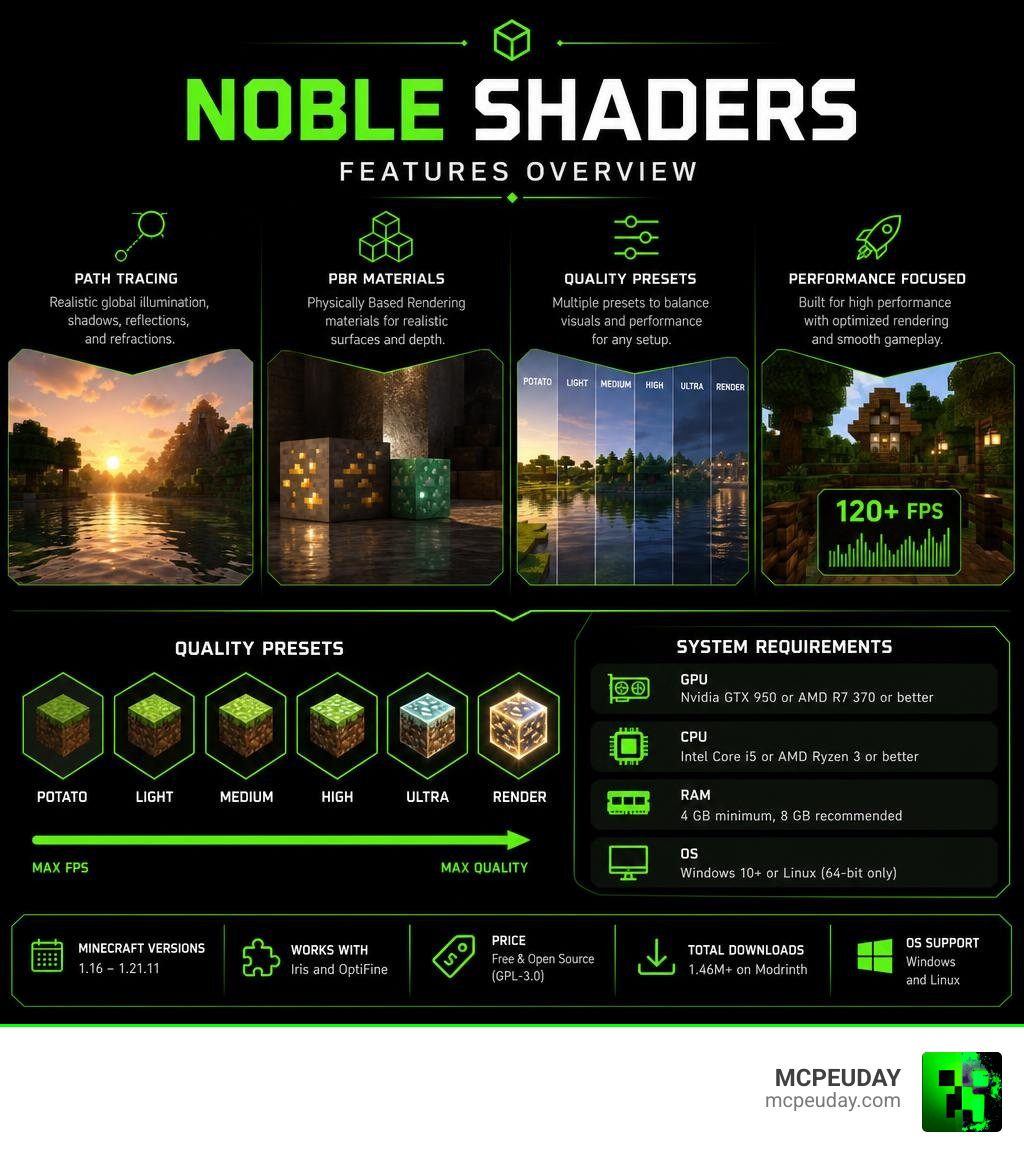
What are Noble Shaders?
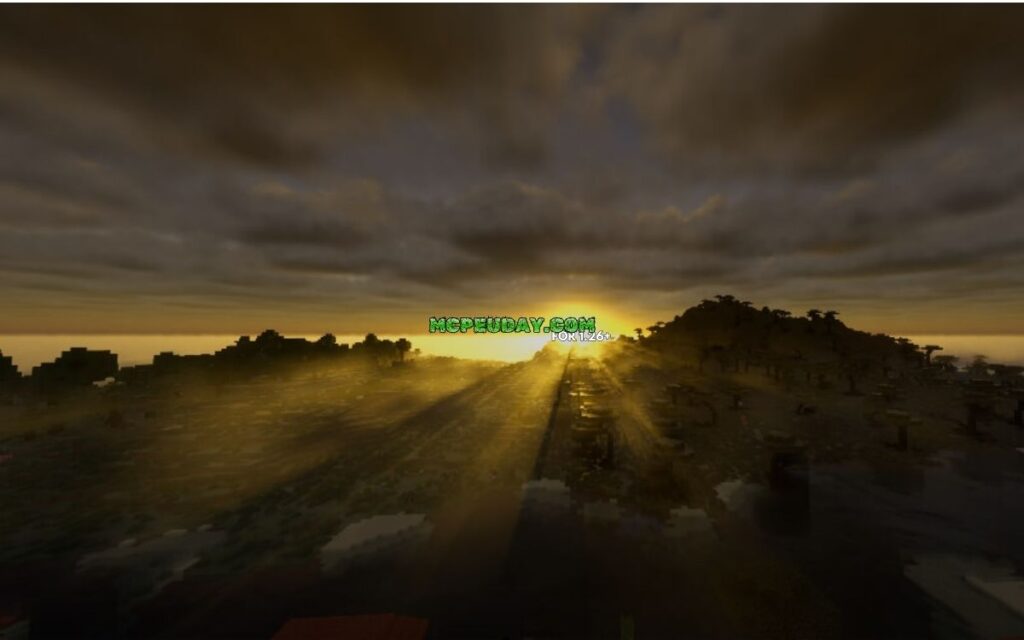
At its core, Noble Shaders is a highly customizable GLSL-based shaderpack designed to find the perfect middle ground between jaw-dropping photorealism and playable performance. Developed primarily under the username Belmu (BelmuTM), this open-source project has captured the attention of the global Minecraft community.
What makes it unique is its approach to light. Rather than overwhelming your screen with overly dramatic, cinematic lens flares or blinding light rays that make it impossible to see your build, Noble Shaders focuses on neat, pleasant realism. The daytime scenes look crisp, natural, and clean. Meanwhile, dusk and dawn transition into deep, atmospheric experiences with incredibly soft and evenly distributed light.
The project is fully hosted on GitHub, and you can view the official source code via the main BelmuTM/Noble repository. Because it is built on open-source principles, it remains highly accessible to the public, offering a refreshing take on graphics modification without locking core features behind permanent paywalls. For a quick overview of its community standing and download history, you can also check out the project profile on Noble Shaders — SkinMC .
The Developer Behind the Project
The story of Noble Shaders is a fascinating journey of self-education. The creator, Belmu, is a self-taught developer who started this project in March 2020 during the global coronavirus pandemic. Driven by a desire to learn computer graphics, GLSL programming, and game engine mechanics—rather than a goal to monetize a hobby—Belmu poured hundreds of hours, sleepless nights, and a massive amount of coffee into writing the shader code.
The project is licensed under the GNU General Public License v3.0 (GPL-3.0), ensuring that it remains free and open-source forever. While there is a Patreon for supporters to get early access to experimental beta versions, the developer’s core philosophy is to keep the final releases free for everyone. For those interested in the educational side of things or looking to study the shader’s architecture, there is a dedicated fork available at study-game-engines/noble-shaders: A Minecraft … .
Key Visual Features of Noble Shaders
If you are wondering what exactly you will see when you load up your world with this shader pack, here are the standout visual features:
- Path Tracing & Light Simulation: Noble uses clever mathematical calculations to simulate how light bounces off surfaces. This creates realistic, soft shadows that are sharp where they originate but gently diffuse as they stretch away from an object.
- Vibrant, Immersive Colors: Unlike some realistic shaders that wash out Minecraft’s natural colors to look “gritty,” Noble enhances the color palette. Biomes like savannas showcase rich yellow grasses, while beaches and oceans look like vivid tropical paradises.
- Physically Based Rendering (PBR): When paired with a compatible resource pack, Noble’s PBR support allows blocks to have physical depth, rough textures, and metallic reflections that react dynamically to moving light sources.
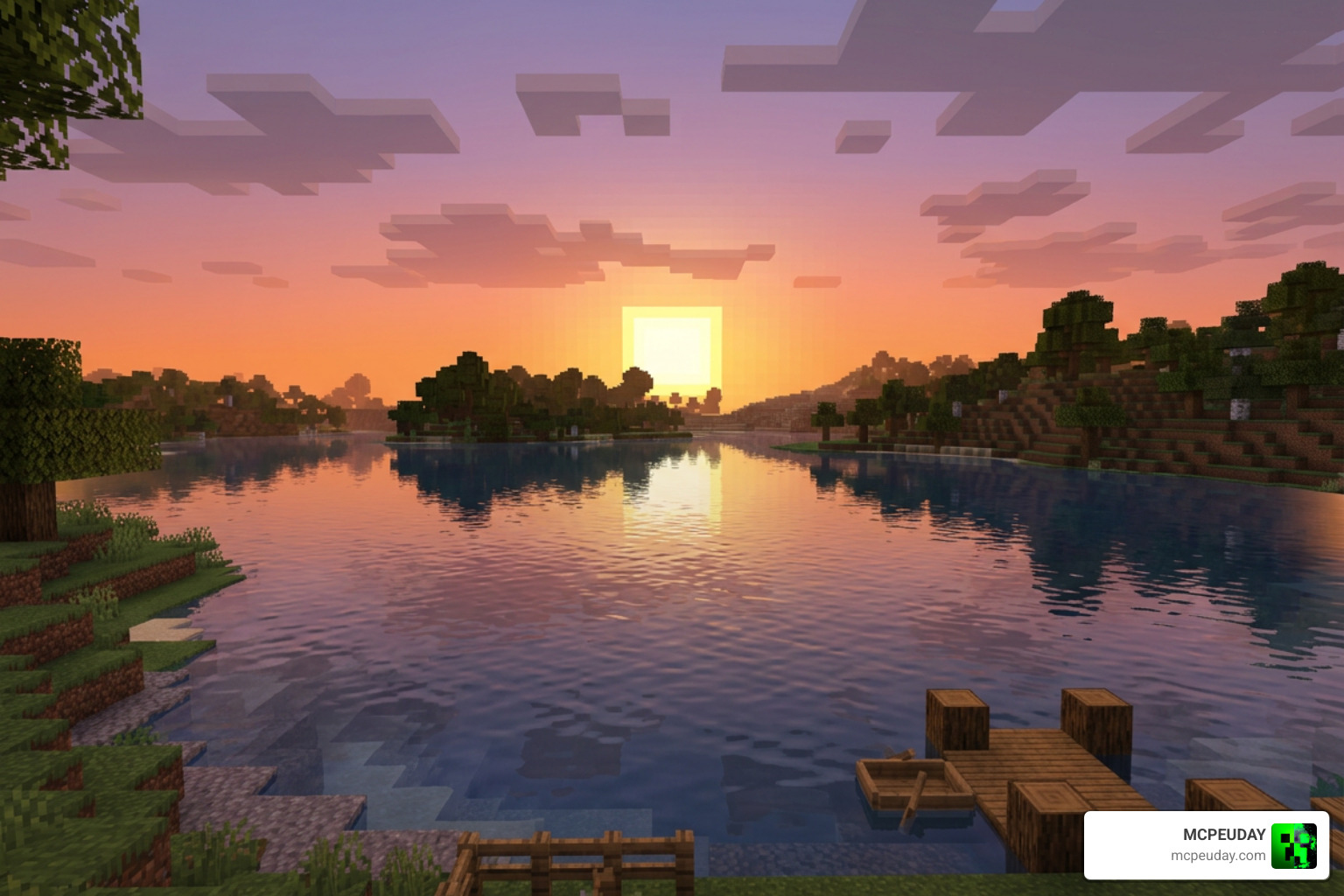
- Volumetric Atmosphere & Clouds: The skybox transitions smoothly from bright midday blue to hazy, deep orange evenings. The sun transforms from a standard blocky square into a dazzling, bright point of light.
- Dynamic Water & Reflections: Water bodies feature realistic waves, depth-based transparency, and reflections that make looking out over an ocean biome feel like looking off the deck of a cruise ship.
- Foliage and Block Waving: Leaves, tall grass, and crops sway gently in the wind, making the environment feel alive.
- Cinematic Bloom & Glow: Light emitters like torches, glowstone, and lanterns cast a warm, soft glow that realistically illuminates surrounding blocks and casts dynamic shadows from passing mobs.
Technical Specifications and Performance Optimization
Before you jump into downloading, it is important to understand the hardware requirements. Because Noble Shaders utilizes advanced path tracing and realistic light simulation, it demands a dedicated graphics card to run smoothly.
Supported Minecraft Versions and Graphics APIs
Noble Shaders is built specifically for Minecraft Java Edition. It is compatible with Minecraft versions ranging from 1.16 all the way up to 1.21.11.
To run the shader pack, you will need a graphics API mod loader. It fully supports both Iris and OptiFine. However, for the absolute best performance and higher FPS, we highly recommend using the Iris mod loader on Fabric or Sodium-based setups. You can grab one of the most stable and widely used versions directly from the Noble v1.8.3 – Noble Shaders page.
Hardware and OS Compatibility
Because of the specific GLSL rendering techniques used, this shader pack has strict operating system and hardware requirements:
- Supported Graphics Cards: You must have a dedicated GPU. The minimum requirements are an Nvidia GTX 950 or an AMD R7 370 (or newer). Integrated graphics (like Intel HD graphics) are not officially supported and will likely result in unplayable frame rates.
- Supported Operating Systems: Windows and Linux are fully supported.
- Incompatibilities: MacOS is not supported due to Apple’s deprecation of OpenGL. Additionally, Mesa Linux drivers have historically faced issues, though recent releases like version 1.8.3 have introduced specific Mesa driver fixes to clean up the code and improve compatibility.
Balancing FPS and Realism
One of the best design aspects of Noble Shaders is its scalability. It features six built-in quality profiles, allowing you to tailor the graphics settings to your specific hardware:
| Preset | Description | Target Hardware |
|---|---|---|
| Potato | Disables heavy effects to maximize frame rates. | Budget GPUs / Laptops |
| Light | Basic shadows, soft lighting, and minimal performance impact. | Entry-level Gaming GPUs |
| Medium | Balanced shadows, water reflections, and standard PBR. | Mid-range GPUs (e.g., GTX 1060 / RX 580) |
| High | Enhanced path tracing, volumetric atmosphere, and sharp reflections. | Modern Mid-range GPUs (e.g., RTX 3060) |
| Ultra | Full path-traced lighting, high-resolution shadows, and bloom. | High-end GPUs (e.g., RTX 4070 / RX 7800 XT) |
| Render | Maximum visual fidelity, designed for taking screenshots and cinematic videos. | Enthusiast GPUs (RTX 4080 / 4090) |
If you want to compare how Noble stacks up against other high-end options for the latest game versions, check out our guide on the 3 Best Shaders for Minecraft 1.21 Ultra Realistic Smooth FPS Stunning Graphics.
Step-by-Step Installation Guide
Ready to see your Minecraft world in a whole new light? Follow our straightforward installation guide to get up and running in minutes.
How to Install Noble Shaders on Iris and OptiFine
Method A: Installing with Iris (Recommended for Best FPS)
- Download and Install Iris: Download the Iris installer and run it. Choose your desired Minecraft version (e.g., 1.21.11) and click install. This will automatically set up Fabric and Sodium for you.
- Download Noble Shaders: Head over to the official download page on Modrinth or CurseForge and download the correct ZIP file matching your game version.
- Open Minecraft: Launch the Minecraft Launcher and select the newly created “Iris” profile.
- Locate the Shader Folder: In the game, go to Options > Video Settings > Shader Packs. Click the Open Pack Folder button at the bottom.
- Place the ZIP File: Move the downloaded Noble Shaders ZIP file directly into this folder. Note: Do not unzip the file unless you are troubleshooting source code; the game reads the ZIP directly!
- Activate and Play: Back in Minecraft, select Noble Shaders from the list (the filename will turn yellow when selected). Click Apply, load into your world, and enjoy!
Method B: Installing with OptiFine
- Download and Install OptiFine: Download the OptiFine jar file for your version of Minecraft and run the installer.
- Download the Shader Pack: Get the ZIP file from the official source.
- Open the Shaders Menu: Launch Minecraft using the OptiFine profile. Go to Options > Video Settings > Shaders.
- Drop the File: Click the Shaders Folder button to open the directory, drop your ZIP file inside, select it from the in-game list, and click Done.
Frequently Asked Questions about Noble Shaders
Is Noble Shaders free and open source?
Yes! The project is licensed under the GPL-3.0 license and is completely free to download, use, and modify. While the developer maintains a Patreon for early-access beta builds, all major stable releases are made available to the public for free on platforms like Modrinth and GitHub.
Does Noble Shaders support Bedrock Edition or MCPE?
No, Noble Shaders is built using GLSL specifically for the Java Edition graphics pipeline and is not compatible with Bedrock Edition (MCPE) or its Render Dragon engine.
However, if you are looking for gorgeous graphics on your mobile device or console, we have you covered! Check out our curated guides:
- Best Render Dragon Shaders for MCPE 1.21 Tested on Real Devices 2026 Guide
- Best Shaders for MCPE 1.21 2026 Top 3 Realistic Minecraft PE Shaders
Why is my game lagging with Noble Shaders?
If you are experiencing low frame rates, your GPU might be struggling with the default settings. To fix this:
- Lower the quality preset in the shader settings to Medium, Light, or Potato.
- Reduce your Minecraft render distance (we recommend 8 to 12 chunks for a good balance).
- Ensure you are using the Iris mod instead of OptiFine, as Iris offers significantly better modern rendering optimization.
- If you are on a laptop, make sure Minecraft is utilizing your dedicated GPU (Nvidia/AMD) rather than your integrated CPU graphics.
For more tips on optimizing performance and finding alternative packs, read our review of the Top 5 Best Realistic Shaders for MCPE.
Conclusion
Noble Shaders stands out as one of the most balanced, visually stunning, and technically sound shader packs available for Minecraft Java Edition. Born as a passionate pandemic learning project, it has grown into a community favorite with millions of downloads. It delivers the ultra-realistic beauty of path tracing and PBR materials without demanding a NASA-grade supercomputer.
Whether you want to relax on a vibrant, Miami-inspired beach biome, watch dynamic shadows play across a savanna valley, or safely navigate torch-lit caves at night, Noble offers an unmatched visual upgrade.
Ready to explore more ways to elevate your game’s graphics? Explore more Minecraft graphics options on MCPEUDAY and find the perfect look for your next blocky adventure!
