Why Most Players Get the Ender Dragon Shader Wrong (And Lose Hours Fixing It)
The Ender Dragon Shader is one of the most visually striking shader packs available for Minecraft Bedrock Edition — but it’s also one of the most misinstalled.
Here’s the quick answer if you just need the essentials:
What is the Ender Dragon Shader?
- A RenderDragon-compatible shader pack for Minecraft Bedrock/MCPE
- Supports version 26.x / 1.21
- Changes lighting dynamically based on time of day
- Shifts seawater color from light to dark blue based on depth
- Distributed as an
.mcpackfile
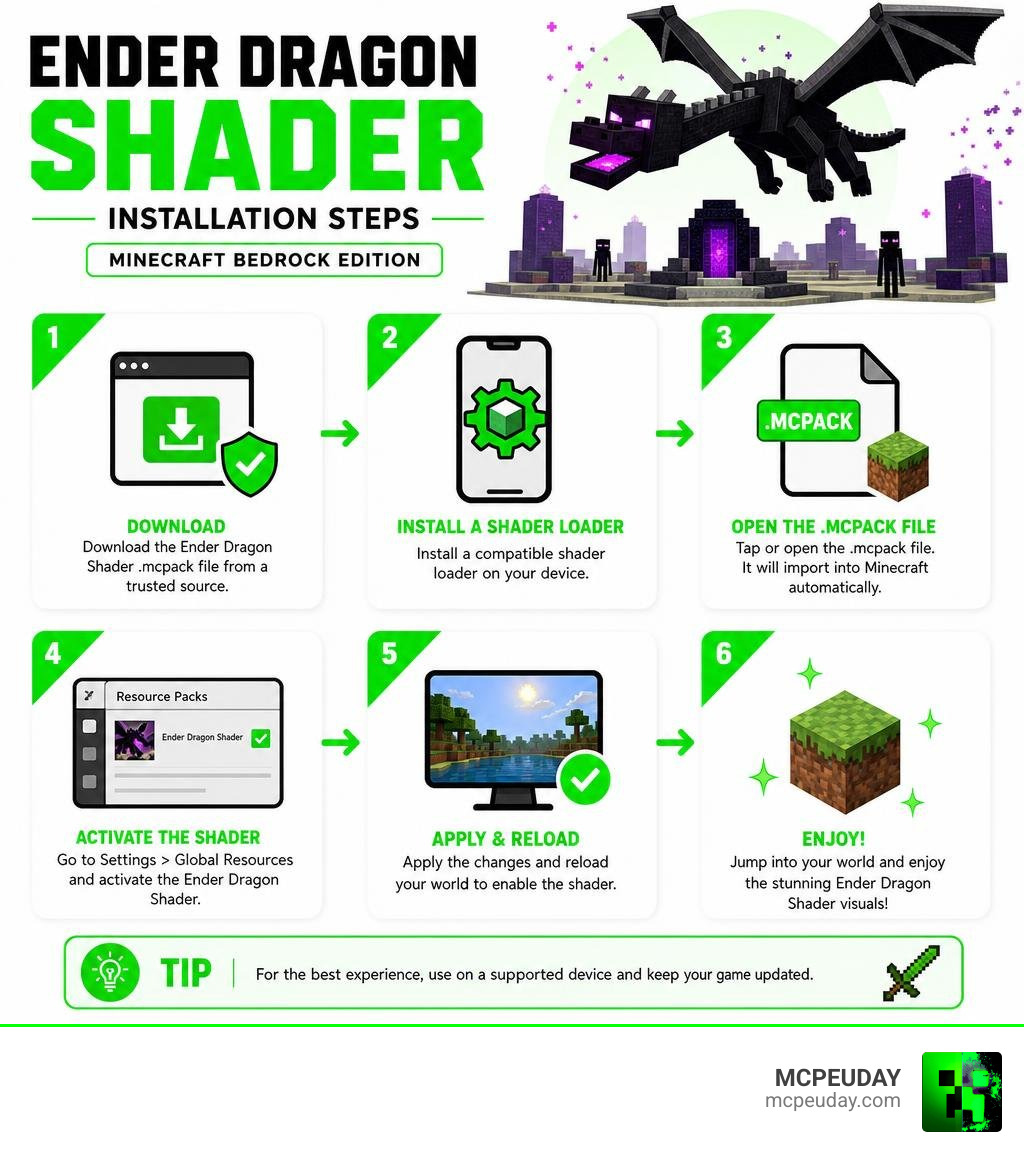
How to get it safely:
- Download only from verified sources (not 9Minecraft or random mirrors)
- Install MB Loader or BetterRenderDragon on your device
- Apply the
.mcpackfile as a resource pack in Minecraft Bedrock
Most players skip steps 1 and 2 — and that’s where the trouble starts.
Whether it’s downloading a fake file from a sketchy site, skipping the required shader loader tools, or running a heavy shader on a phone that can’t handle it, beginner mistakes with this shader are incredibly common. The good news? Every single one of them is avoidable.
This guide walks you through the most common Ender Dragon Shader mistakes and exactly how to fix them — so you spend less time troubleshooting and more time actually playing.
What is the Ender Dragon Shader and How Does It Work?
If you have ever wanted your Minecraft Bedrock Edition world to look like a cinematic masterpiece, you have likely run into the Ender Dragon Shader. But what exactly is it?
Simply put, this shader is a custom graphics pack designed specifically for Minecraft Bedrock Edition. Unlike older shader packs that relied on outdated graphics pipelines, modern Bedrock shaders utilize advanced techniques like deferred rendering and real-time lighting. To understand the fundamental technology behind these visual upgrades, you can read our guide on What are Shaders in Games.
When we look at how the shader works, it intercepts the game’s default rendering instructions and replaces them with realistic calculations for shadows, light scattering, and reflections. This gives the blocky world a volumetric, natural depth that vanilla Minecraft simply cannot achieve on its own.
Understanding the RenderDragon Engine Compatibility
To understand why installing the Ender Dragon Shader can be tricky, we have to talk about the RenderDragon engine. Developed by Mojang, RenderDragon is the modern rendering engine powering Minecraft Bedrock Edition across Android, iOS, Windows, and consoles.
When Mojang introduced RenderDragon, they discontinued official support for old-school, third-party shader resource packs. This change left many players confused and searching for answers on How to Get Shaders in Minecraft.
Thankfully, the passionate Minecraft community stepped in. Enthusiasts created tools to load custom code directly into the RenderDragon engine. A major hub for tracking these developments is the DominoKorean/Render-dragon-shader-list GitHub repository, which currently boasts over 302 stars, 41 forks, and contributions from 10 dedicated developers. This list acts as a safe haven for finding verified, compatible graphics packs.
How the Ender Dragon Shader Modifies Visuals and Lighting
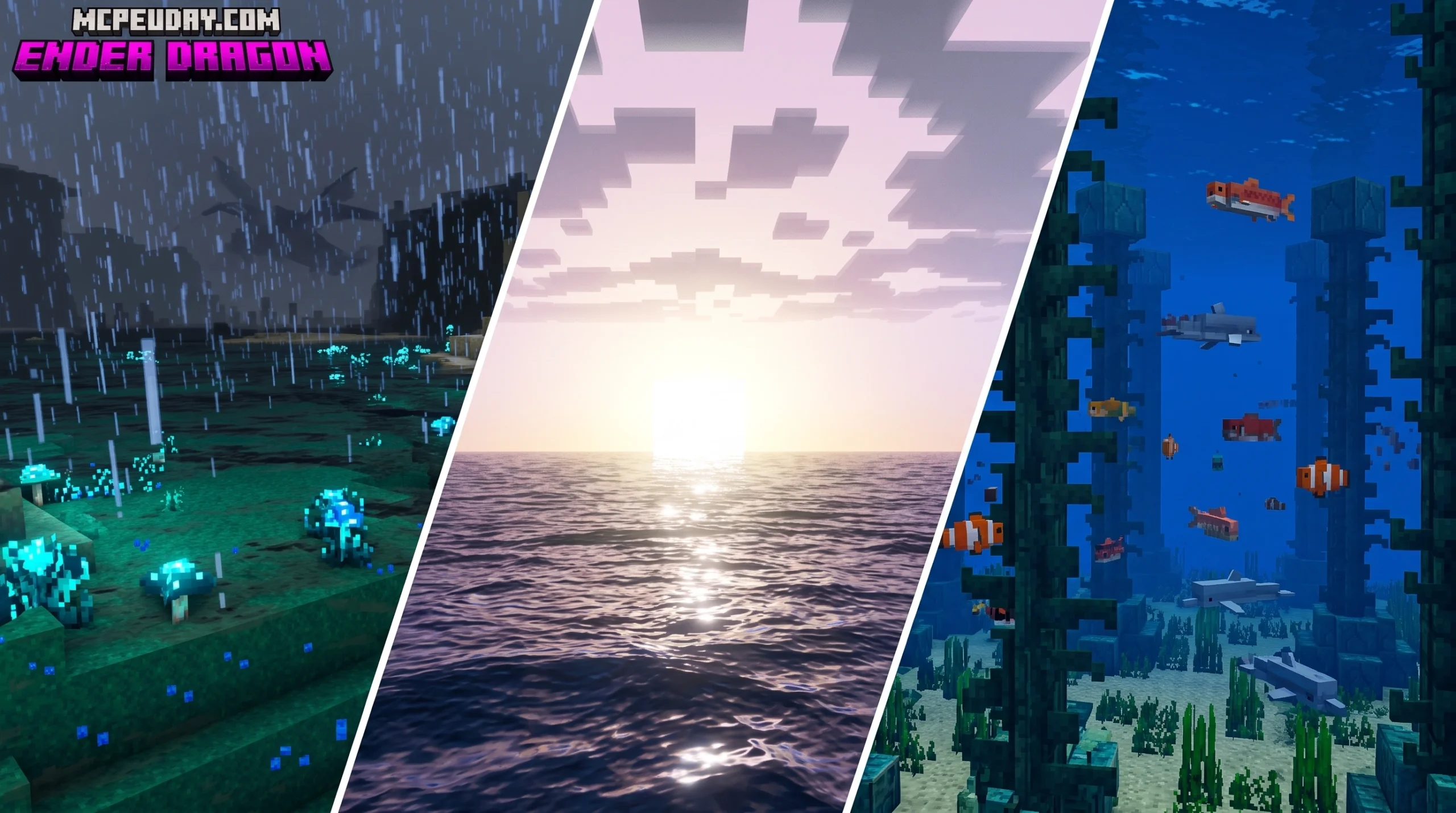
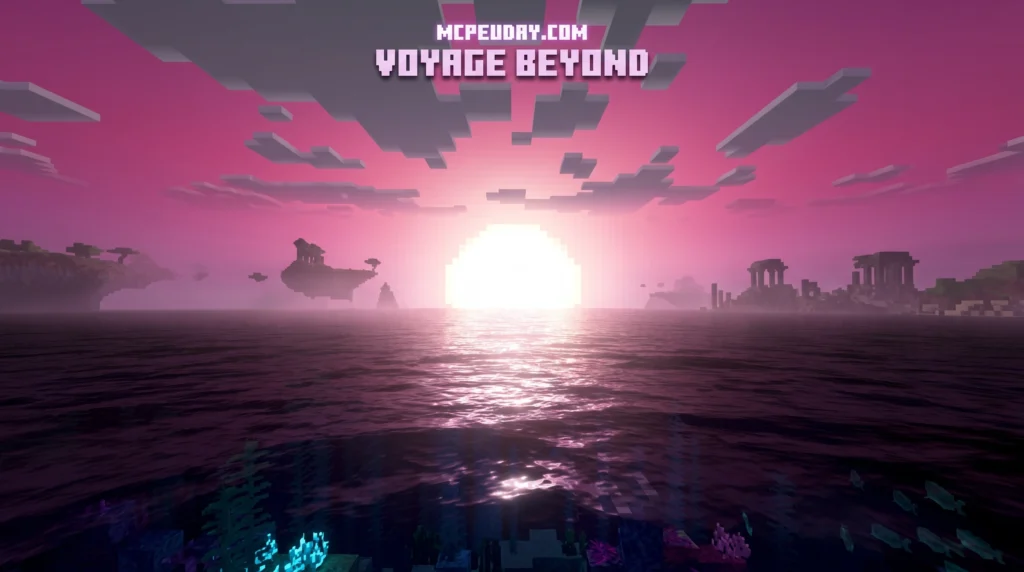
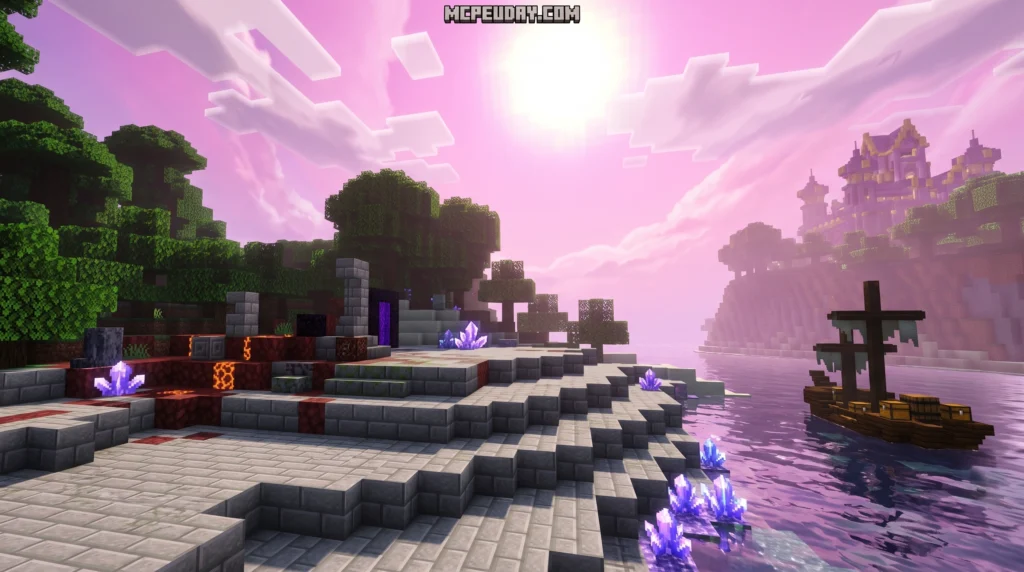
Once successfully loaded, the Ender Dragon Shader completely transforms your game. Its standout feature is dynamic lighting that shifts beautifully throughout the day-night cycle. Sunrise and sunset drape your world in warm, golden hues, while nighttime introduces deep, atmospheric shadows and realistic moonlight.
Water rendering also gets a massive upgrade. Instead of a flat, semi-transparent blue block, seawater color dynamically shifts from a light, tropical turquoise in shallow areas to a deep, mysterious navy blue in the ocean depths.
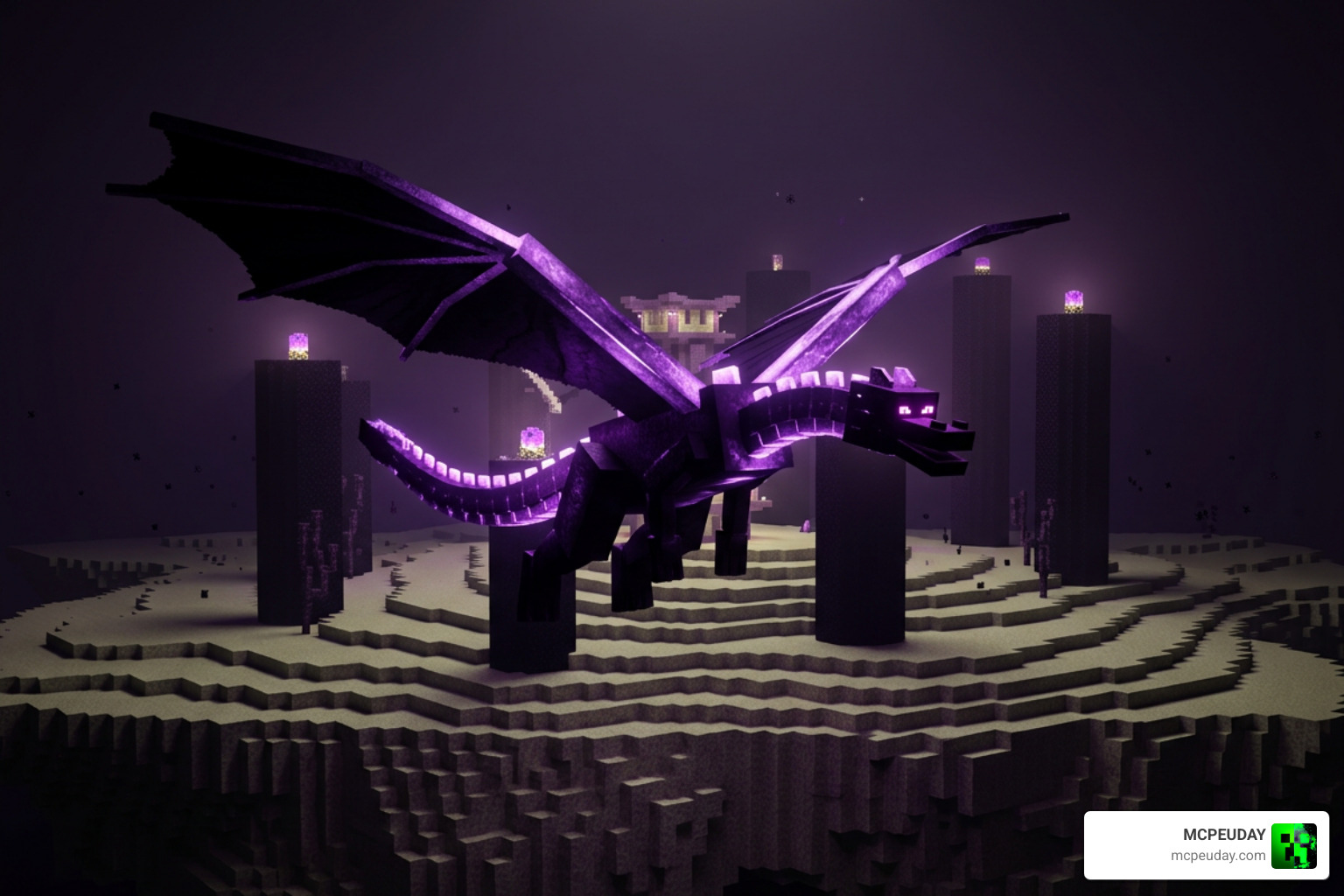
Additionally, the shader uses custom rendering layers similar to how the game handles boss entities. For instance, developers look at classes like EnderDragonRenderer (NeoForge 1.21.10-21.10.63) to understand how Minecraft handles complex layers, emissive textures (like the glowing eyes of the dragon), and beam rendering. The shader applies these advanced rendering principles to the entire environment, giving blocks and skies an incredible glow.
Common Installation Mistakes and Safe Download Practices
Now that you know what the shader does, let’s look at where most beginners trip up: the actual setup process.
If you want a painless setup, we recommend checking out our comprehensive How to Turn on Shaders in Minecraft 2026 Guide to make sure you do not miss any critical operating system permissions.
Downloading from Unverified and Unsafe Sites
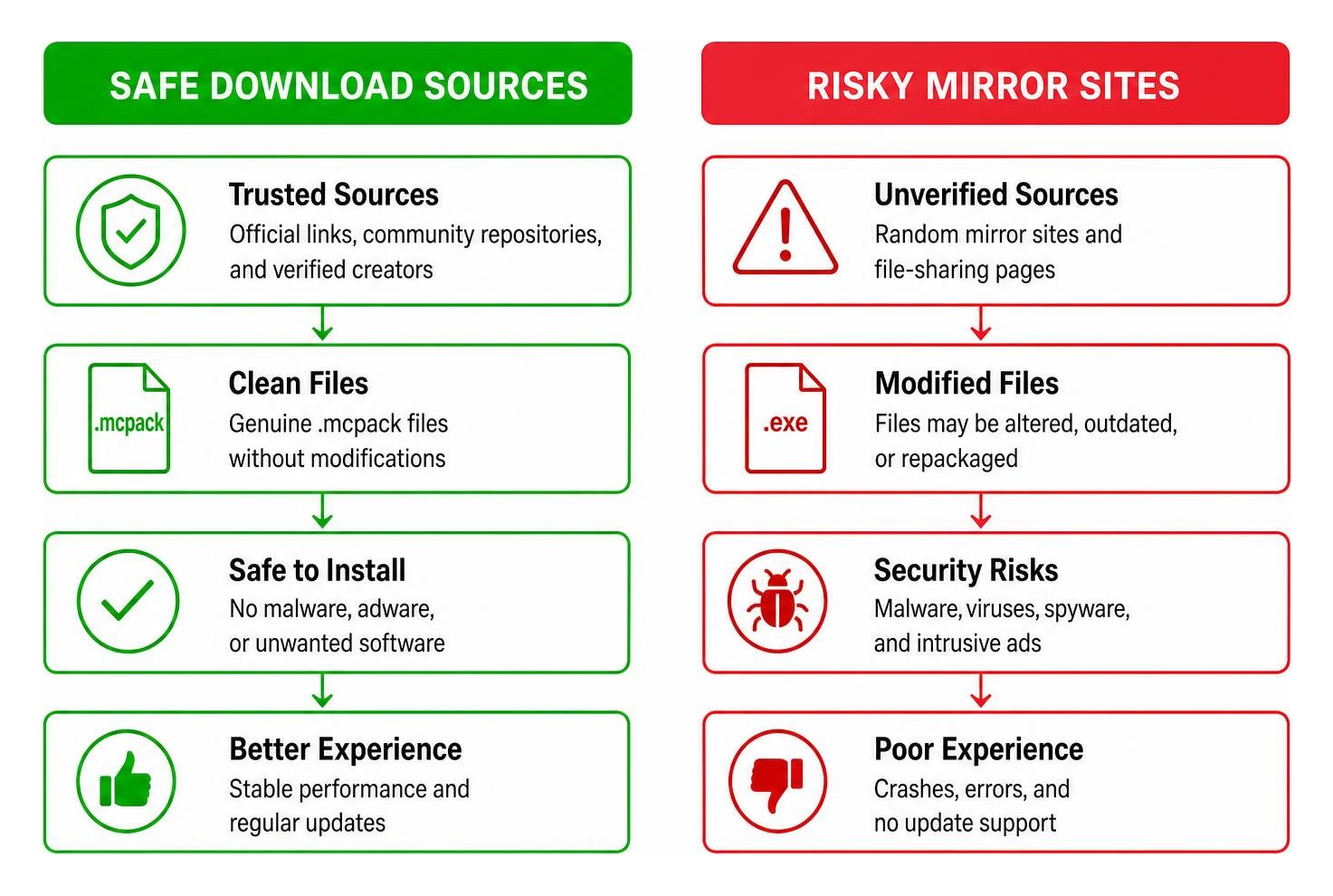
One of the biggest mistakes we see is players downloading files from shady third-party mirror sites like 9Minecraft. These platforms often re-upload outdated files, bundle them with intrusive advertisements, or worse, package them as executable malware instead of genuine .mcpack files.
Always stick to verified community hubs, official creator links, or trusted repositories on GitHub. If a site forces you to download an .exe or .apk file instead of a simple resource pack, close the tab immediately!
Failing to Use MB Loader or BetterRenderDragon
Because RenderDragon blocks standard shader packs by default, you cannot simply double-click an .mcpack file and expect it to work on modern Bedrock versions.
To bypass this restriction, you must use helper utilities such as:
- MB Loader: A tool that allows Bedrock to load custom shader materials.
- BetterRenderDragon: A popular community injector that enables advanced post-processing, custom presets, and performance tweaks.
- BetterResourcePackManager: An essential utility for organizing and loading complex graphical modifications.
Failing to install these auxiliary tools is the number one reason players end up with a completely vanilla-looking game even after importing the shader pack.
Performance Pitfalls and Device Optimization
Shaders are notoriously demanding. The Ender Dragon Shader is no exception, and trying to run it without adjusting your settings can turn your game into a slideshow.
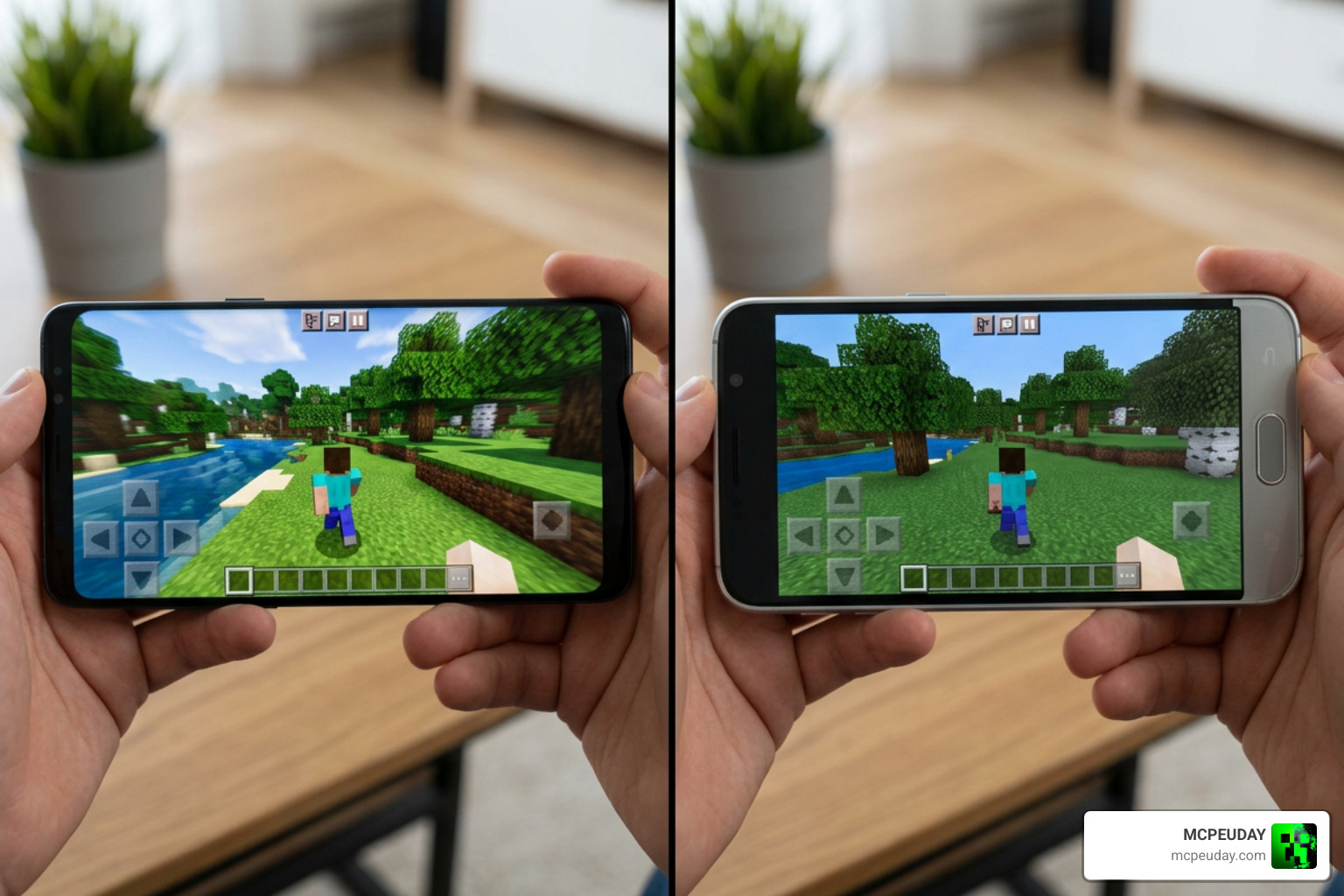
Before diving in, it is wise to see how different packs perform on actual mobile hardware. You can read our hands-on analysis in the Best Render Dragon Shaders for MCPE 1.21 Tested on Real Devices 2026 Guide.
Running Heavy Shaders on Low-End Devices
If you are playing on a budget Android phone or an older tablet, attempting to run high-end deferred rendering will cause massive frame rate drops.
To optimize your performance and reduce lag:
- Lower your in-game render distance to 8 or 10 chunks.
- Turn off “Beautiful Skies” and “Smooth Lighting” in the default video settings if your shader already provides these effects.
- Cap your frame rate to match your device’s refresh rate (usually 60 FPS) to prevent overheating.
Ignoring Ender Dragon Shader Compatibility Issues
As Mojang updates Bedrock Edition, internal rendering codes change. If you try to run an older version of the Ender Dragon Shader on Minecraft Bedrock 1.21, you might experience severe rendering bugs, missing textures, or even a permanent black screen upon loading. Always ensure your shader version matches your game version.
Comparing Ender Dragon Shader with Other RenderDragon Shaders
How does our dragon-themed favorite stack up against the competition? Let’s take a look at the numbers and visual styles of popular RenderDragon shaders.
| Shader Name | Visual Style | Performance Impact | Key Feature |
|---|---|---|---|
| Ender Dragon Shader | Atmospheric & Dynamic | Medium to High | Time-of-day lighting, depth-based water |
| KGRD Renewed | Ultra-Realistic | High | High-fidelity reflections, realistic clouds |
| ENBS | Soft & Fantasy | Medium | Warm tones, lush fog effects |
| YEN | Minimalist & Clean | Low | Lightweight, great for low-end devices |
Ender Dragon Shader vs. KGRD Renewed, ENBS, and YEN
While KGRD Renewed (which has over 22,018 downloads on community lists) focuses heavily on hyper-realistic reflections and wet-weather effects, it requires a powerful device to run smoothly. On the other hand, ENBS offers a dreamy, fantasy-like atmosphere with soft fog, making it perfect for roleplay or building.
The Ender Dragon Shader strikes a wonderful middle ground. It provides dramatic, high-contrast lighting changes and beautiful water depth physics without completely crushing your frame rate like KGRD Renewed might. If you are on a very weak device, YEN remains a solid low-end alternative, but it lacks the majestic atmospheric depth of the Ender Dragon pack.
Frequently Asked Questions about Ender Dragon Shaders
Is the Ender Dragon Shader compatible with Minecraft Bedrock 1.21?
Yes! The latest updates to the shader specifically target version 26.x / 1.21. However, you must use a compatible version of MB Loader or BetterRenderDragon to ensure the game engine loads the custom materials correctly.
How do I fix black screens or lag with RenderDragon shaders?
If you get a black screen, it usually means your shader version is incompatible with your current Bedrock build, or your helper tool (like MB Loader) needs an update. To reduce lag, lower your render distance and disable unnecessary post-processing features in your shader configuration file.
Where can I safely download the Ender Dragon Shader?
Always download the shader from verified community developers, official GitHub releases, or trusted platforms like MCPEUDAY. Avoid sketchy third-party search results that redirect you to suspicious download managers.
Conclusion
Upgrading your Minecraft graphics is an incredibly rewarding journey, but avoiding simple beginner mistakes is key to keeping your game stable. By downloading the Ender Dragon Shader from safe sources, using proper loading utilities like BetterRenderDragon, and adjusting your settings to fit your device, you can enjoy a breathtakingly beautiful world without the headache of constant crashes.
Ready to explore even more stunning visual upgrades? Check out our curated list of the Best Shaders for MCPE 1.21 2026 Top 3 Realistic Minecraft PE Shaders and find the perfect look for your next adventure!