What Are Iris Shaders? (Quick Answer)
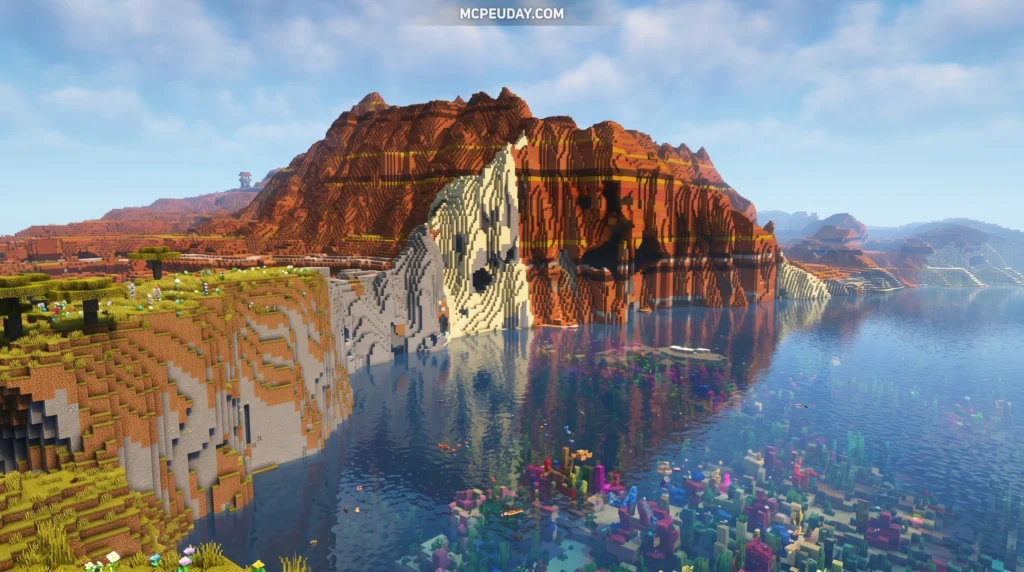
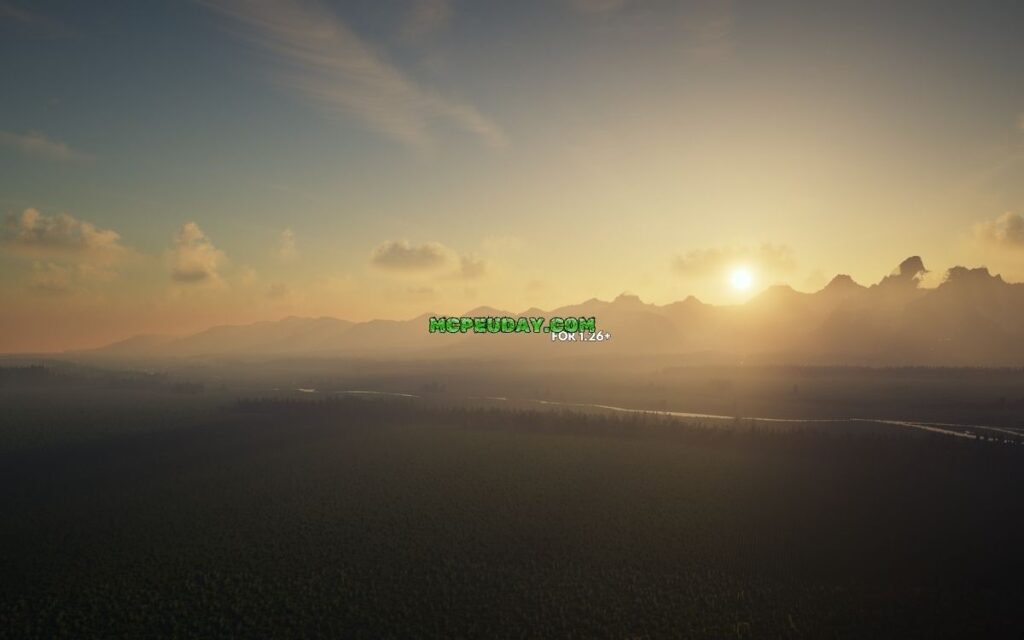
Iris Shaders is a free, open-source mod for Minecraft: Java Edition that adds stunning visual effects — like realistic lighting, shadows, and water reflections — while keeping your game running smoothly.
Here’s what you need to know at a glance:
| Feature | Details |
|---|---|
| What it does | Loads shader packs in Minecraft Java Edition |
| Works with | Fabric (1.16.5+), NeoForge (1.21.1+) |
| Forge support | Not supported |
| Bedrock/MCPE | Not compatible |
| Performance boost | Includes Sodium for better frame rates |
| Download | irisshaders.dev or CurseForge |
| Total downloads | 98+ million on CurseForge |
If you’ve ever wanted Minecraft to look incredible — with god rays, soft shadows, and glowing sunsets — but your game turned into a slideshow the moment you enabled shaders, you’re not alone.
The original creator of Iris built the mod for exactly that reason. They wanted to actually play with shaders enabled, not just take screenshots and turn them off again.
Iris pairs with Sodium (a powerful rendering optimization mod) right out of the box. The result? Beautiful visuals without destroying your FPS. With over 98 million downloads and a thriving community of 120+ contributors, it’s become the go-to shader solution for Java Edition players.
Below, we’ll walk you through downloading and setting it up in just 3 simple steps.
What is Iris Shaders and Why is it the Best Choice for Minecraft?
When it comes to upgrading Minecraft’s visual landscape, we have historically been limited to heavy, closed-source utility mods. However, iris shaders completely changes the game. Originally created to solve the massive performance drops associated with traditional shader engines, Iris has evolved into a highly optimized, modern rendering pipeline.
At its core, iris shaders is an open-source rendering engine designed to bridge the gap between high-fidelity graphics and playable frame rates. By rewriting how Minecraft processes graphical data, it allows players to run complex visual calculations without turning their computers into space heaters.
To download the mod directly or look at stunning visual showcases, you can always visit the Official Iris Shaders Website.
System Requirements and Graphics Drivers
Before installing, we need to ensure our system is ready to handle modern rendering. Because Iris leverages modern OpenGL features, having up-to-date graphics drivers is absolutely critical.
- Graphics Card Requirements: You will need a GPU that supports modern OpenGL standards. For advanced shader packs, we highly recommend at least an NVIDIA GTX 10-series, AMD RX 500-series, or modern Intel Arc graphics.
- OpenGL and Driver Support: Modern shader packs running on Iris often require GLSL 4.60.8+ and robust driver support to function correctly. Keeping your NVIDIA, AMD, or Intel drivers updated to the latest June 2026 releases ensures you won’t encounter compilation errors when loading up heavy shader effects.
Key Features of Iris Shaders
What makes Iris stand out in the crowded Minecraft modding ecosystem? It is not just a simple loader; it is a feature-packed graphical engine.
- Flawless Sodium Integration: Iris is built from the ground up to pair with Sodium. Instead of fighting for control over Minecraft’s rendering pipeline, Iris and Sodium work hand-in-hand. This results in stable frame rates that are often double or triple what you would experience with older shader mods.
- Advanced Shadow Rendering: Iris supports cutting-edge shadow techniques. It features reversed shadow culling, which creates a perfectly unculled shadow area directly around the player. This is incredibly useful for modern voxelization shader packs.
- Optimized Entity Rendering: Traditional mods often lag when there are hundreds of entities (like cows or zombies) on screen. Iris solves this with features like hybrid deferred entities, rendering translucent entities smoothly after the deferred pass.
- Modern Color Spaces: To give you the most vibrant and color-accurate experience, Iris supports advanced color spaces beyond standard sRGB. This includes DCI-P3, Display P3, REC2020, and Adobe RGB.
If you are a developer or a curious tech enthusiast who wants to dive deep into these mechanisms, check out the official Iris Features Documentation for a complete list of exclusive backend features.
Iris Shaders vs. Traditional Shader Mods
For years, OptiFine was the undisputed king of Minecraft customization. However, its closed-source nature and restrictive licensing made it difficult for modern modpacks to integrate it safely.
Iris was developed specifically to fill this open-source void. Because the source code is fully public, any developer can contribute to it, fix bugs, or ensure their own mods are perfectly compatible with it.
Here is a quick look at how iris shaders stacks up against traditional shader loaders:
| Feature / Aspect | Iris Shaders + Sodium | Traditional Shader Loaders (e.g., OptiFine) |
|---|---|---|
| Development Model | Open-source (community-driven) | Closed-source (single developer) |
| Performance (FPS) | Extremely High (optimized chunk rendering) | Moderate (older rendering pipeline) |
| Modpack Compatibility | Outstanding (works with Fabric/NeoForge packs) | Poor (often breaks modern mods) |
| Game Load Times | Blazing Fast | Slow (due to massive monolithic code) |
| Real-time Shaders Toggle | Yes (instant on/off) | No (often freezes or requires reload) |
By utilizing Iris, you can run demanding visual upgrades smoothly. If you are looking for the absolute best visual setups to test your new installation, we have curated a list of the 3 Best Shaders for Minecraft 1.21 Ultra Realistic Smooth FPS Stunning Graphics to get you started!
How to Download and Install the Mod in 3 Simple Steps
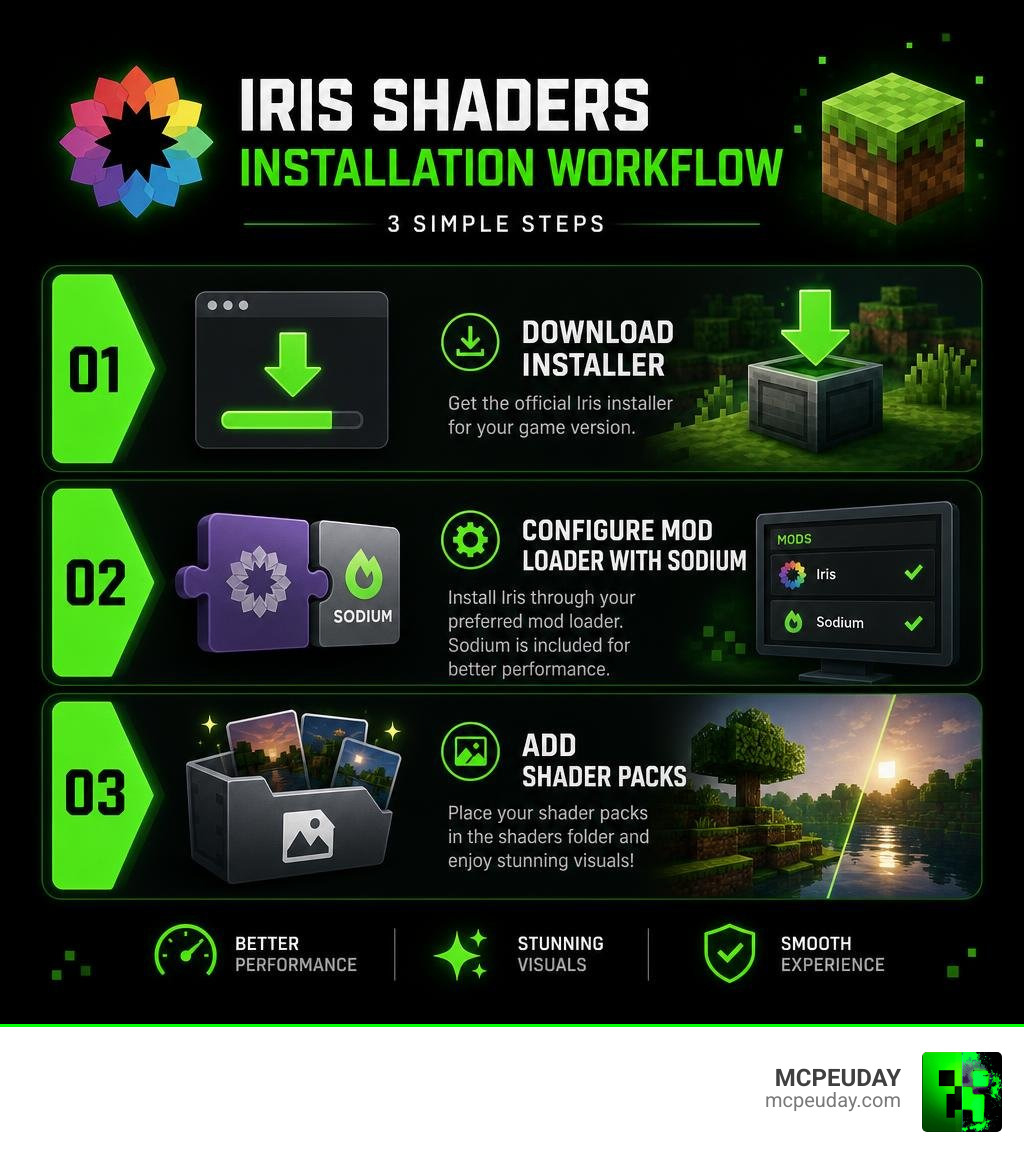
Setting up iris shaders is incredibly easy. Whether you want a clean, automated setup or want to manually configure your existing modpack, we have got you covered. Follow our simple three-step installation guide below to get up and running.
Step 1: Download the Iris Installer
The fastest and most reliable way to get Iris is by using their official universal installer.
- Head over to the official Download Iris Shaders page.
- Download the
.jarinstaller file. - Double-click the downloaded JAR file to run the installer. (Make sure you have Java installed on your computer first!).
- The installer will present you with an easy-to-use menu. You can choose to install Iris as a standalone profile directly into your standard Minecraft Launcher, or export it to your preferred mod loader.
If you prefer to download files manually or want to look at older game versions, you can also grab specific releases directly from the GitHub – IrisShaders/Iris at 1.19.4 · GitHub repository or the main Modrinth page.
Step 2: Configure Your Mod Loader and Sodium
If you already use a custom modpack on launchers like CurseForge, Prism, or Modrinth, you will want to install Iris manually as a mod.
- Choose Your Mod Loader: Iris natively supports Fabric for Minecraft versions 1.16.5 and higher. For newer versions like 1.21.1+, Iris also fully supports NeoForge. It also runs beautifully on Quilt.
- A Note on Forge: Native legacy Forge is not officially supported by the main Iris team due to development toolchain limitations. While community ports exist, we highly recommend sticking to Fabric or NeoForge for the most stable experience.
- Get Sodium: To unlock the true performance power of Iris, you must have the Sodium mod installed in your
modsfolder alongside Iris. The official installer bundles them together automatically, but if you are doing a manual setup, make sure to download both JAR files and drop them into your Minecraft instance’smodsdirectory.
Step 3: Add Your Favorite Shader Packs
With Iris and Sodium successfully installed, it is time for the fun part: adding your shader packs!
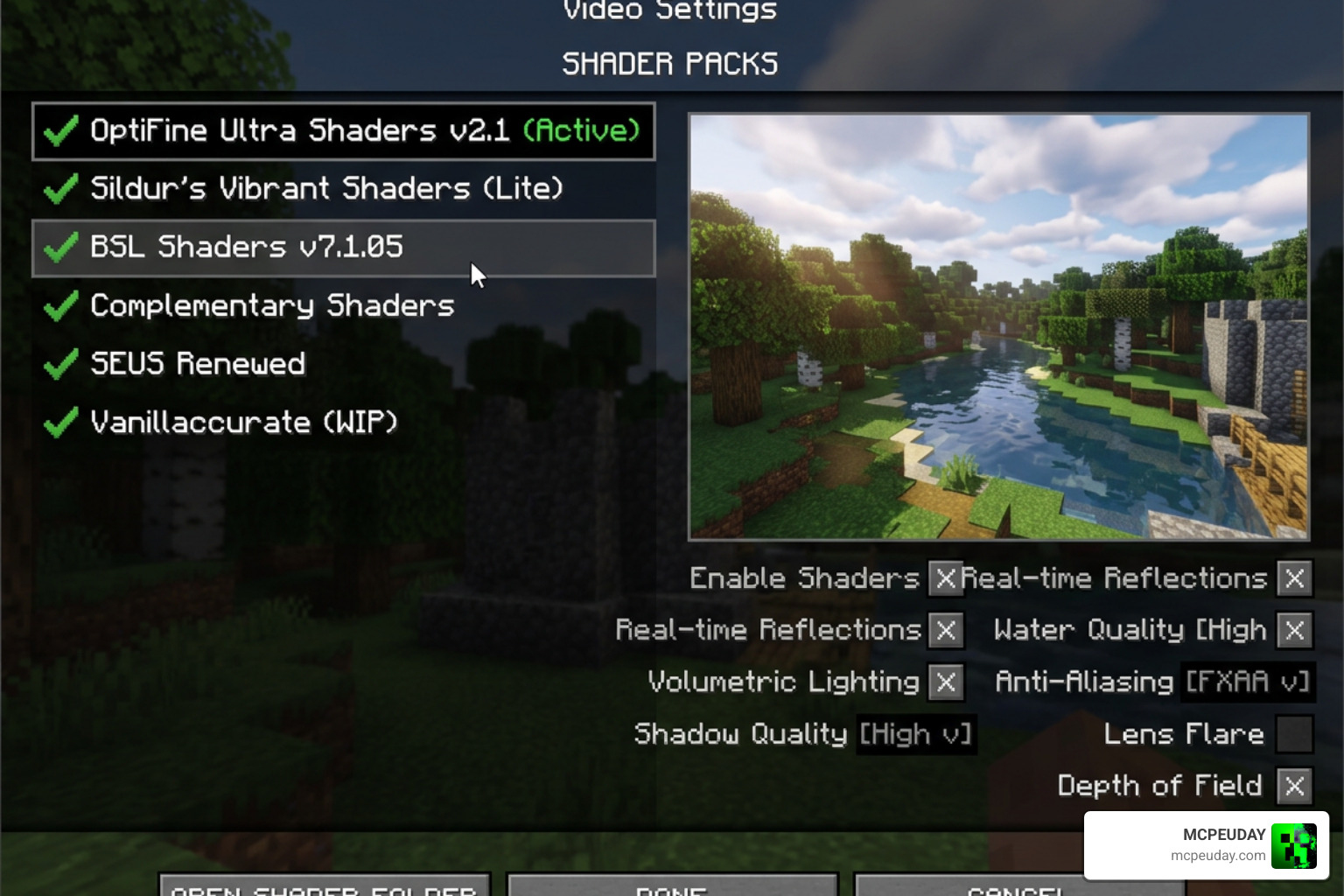
- Launch Minecraft using your new Iris/Sodium profile.
- Go to Options -> Video Settings -> Shader Packs.
- Click the Open Shader Pack Folder button. This will open the directory on your computer where your shaders live.
- Download your favorite ZIP shader packs and simply drag and drop them directly into this folder.
- Back in Minecraft, you will see the shader packs appear instantly in the menu. Select your pack, click Apply, and watch your world transform!
Bonus Tip: Iris features a real-time shader toggle! You can press K on your keyboard while in-game to instantly turn shaders on or off without opening any menus.
If you also play on mobile devices or consoles, you might be wondering how to get similar visuals on those platforms. Check out our guide on the Best Shaders for MCPE 1.21 2026 Top 3 Realistic Minecraft PE Shaders to find mobile-friendly alternatives!
Advanced Features for Shader Developers and Power Users
Iris is not just a tool for players; it is a massive playground for shader developers. By breaking away from the limitations of older modding frameworks, Iris has introduced cutting-edge rendering features that allow developers to push Minecraft’s graphics engine to its absolute limits.
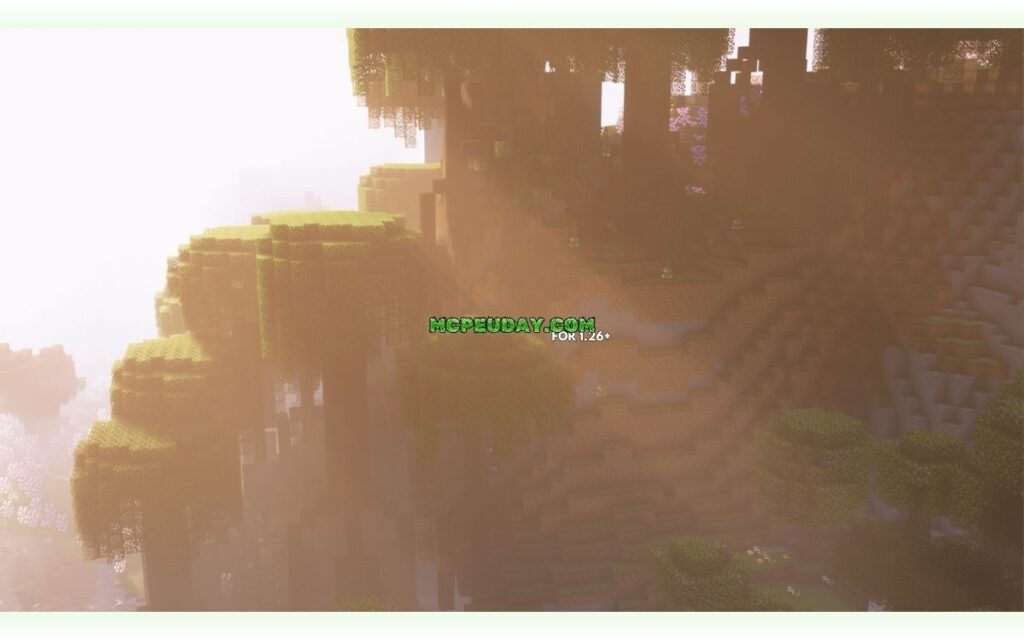
If you want to study the codebase or even contribute to the project yourself, you can explore the official Iris GitHub Repository.
Here are some of the advanced features Iris offers to creators:
- Shader Storage Buffer Objects (SSBOs): Iris guarantees support for SSBOs up to 128MB. This allows shader packs to store vast amounts of data between frames, enabling incredibly advanced effects like path tracing and screen-space global illumination.
- Custom Render Programs: Developers can utilize custom programs like
Terrain SolidandTerrain Cutoutto optimize early Z-testing, avoiding unnecessary pixel discard operations and saving massive amounts of GPU power. - Custom Uniforms: Iris provides direct access to real-time game data through custom uniforms. Shaders can easily read the player’s exact health, hunger, armor values, active biomes, system time, and even the real-time positions of nearby lightning strikes.
- Light Block Voxelization: With settings like
voxelizeLightBlocksand reversed shadow culling, developers can create beautifully accurate voxel-based lighting systems. A perfect example of this is the high-performance Luracasmus/renderpearl shader pack, which utilizes these exact Iris features to deliver lightweight, clean visuals on modern hardware.
Frequently Asked Questions about the Mod
Which Minecraft versions and mod loaders does Iris support?
Iris officially supports all Minecraft versions from 1.16.5 and higher. In terms of mod loaders, it is fully compatible with Fabric (1.16.5+), Quilt, and NeoForge (on version 1.21.1+). Legacy Forge is not supported by the official development team due to structural differences in rendering pipelines.
Are Bedrock Edition and MCPE shaders compatible with Iris?
No. Iris is strictly a Java Edition mod. Minecraft Bedrock Edition (which runs on Windows, mobile devices, and consoles) uses a completely different graphics engine called Render Dragon.
However, if you are a Bedrock player looking for stunning graphics, we have plenty of resources for you! You can check out our Best Render Dragon Shaders for MCPE 1.21 Tested on Real Devices 2026 Guide or explore the Top 5 Best Realistic Shaders for MCPE.
For specific mobile shader recommendations, we highly recommend checking out these fantastic options:
- Newb X Ambient Shader for Minecraft PE Realistic Lighting Smooth Shadows FPS Friendly
- Newb X Unwind Shader for Minecraft Ultra Realistic Graphics Smooth FPS Stunning Visuals
- Newb X Future Shader for Minecraft Best Realistic Shader for Low End High End Devices
What should I do if a shader pack fails to load?
If a shader pack fails to compile or load, try the following steps:
- Update your graphics drivers: Outdated drivers are the number one cause of shader compilation errors.
- Check compatibility: Verify if the shader pack has a known incompatibility with Iris. While Iris supports almost all OptiFine-format packs, some highly experimental packs may require specific updates.
- Reset configuration options: If you modified the shader settings and it broke, try resetting the options to default.
- Get Community Support: You can join the official Iris Discord server to chat with developers and share your log files for quick troubleshooting.
Conclusion
Upgrading your Minecraft graphics no longer means sacrificing your performance. Thanks to iris shaders and its seamless integration with Sodium, you can experience breathtaking views, realistic lighting, and smooth frame rates all at once.
At MCPEUDAY, we love helping you find the absolute best ways to customize your game. Whether you are playing on a high-end Java PC or looking for mobile-friendly Bedrock setups, we are always here to provide the safest, most up-to-date downloads and guides.
Ready to find the perfect look for your world? Explore more Minecraft shaders on our site and start your visual upgrade journey today!
