What Is the VENOM PvP Client and Why Minecraft Players Love It
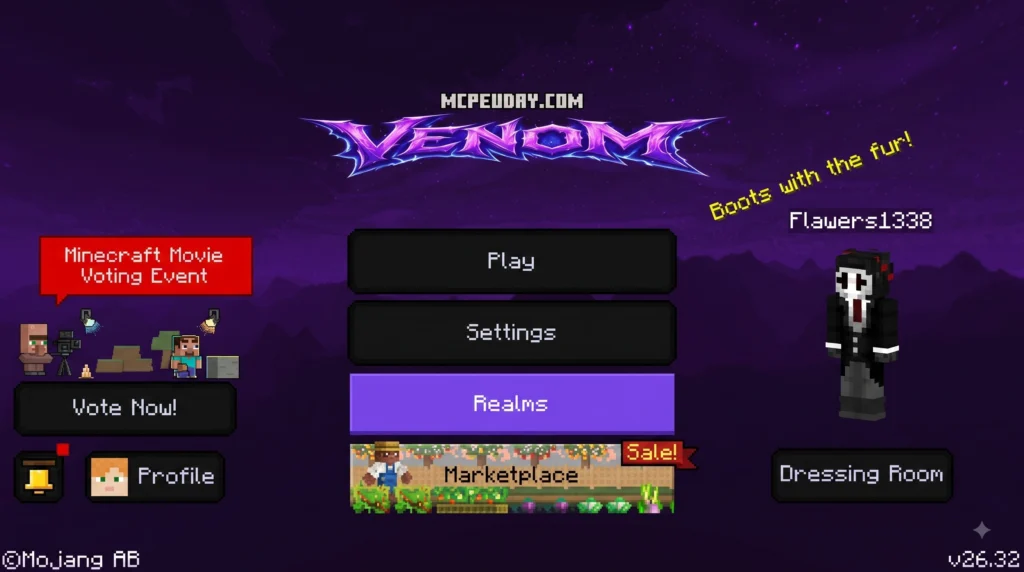
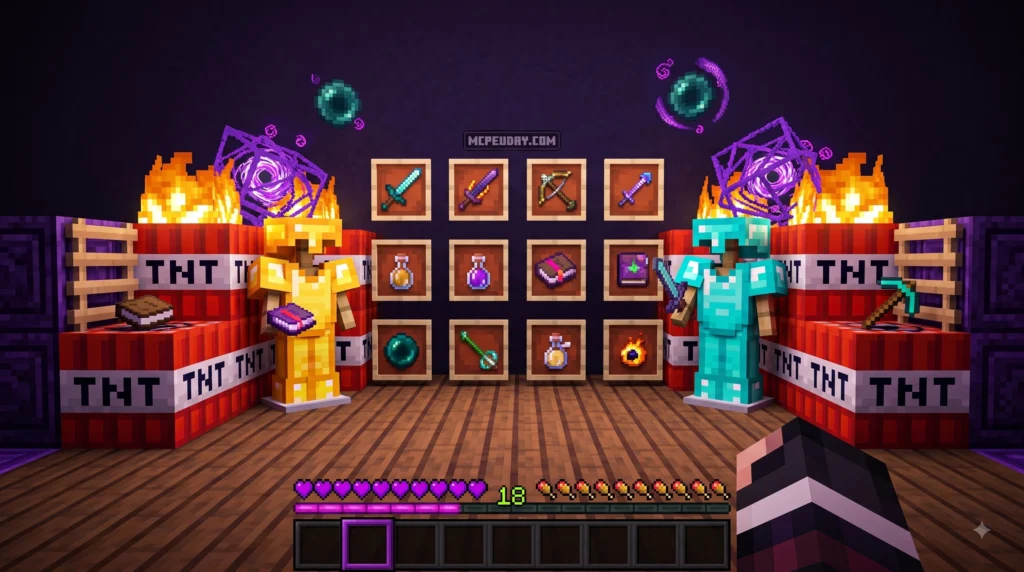
The VENOM PvP Client is one of the most talked-about resource pack setups in the competitive Minecraft community right now. Here is a quick summary if you just need the basics:
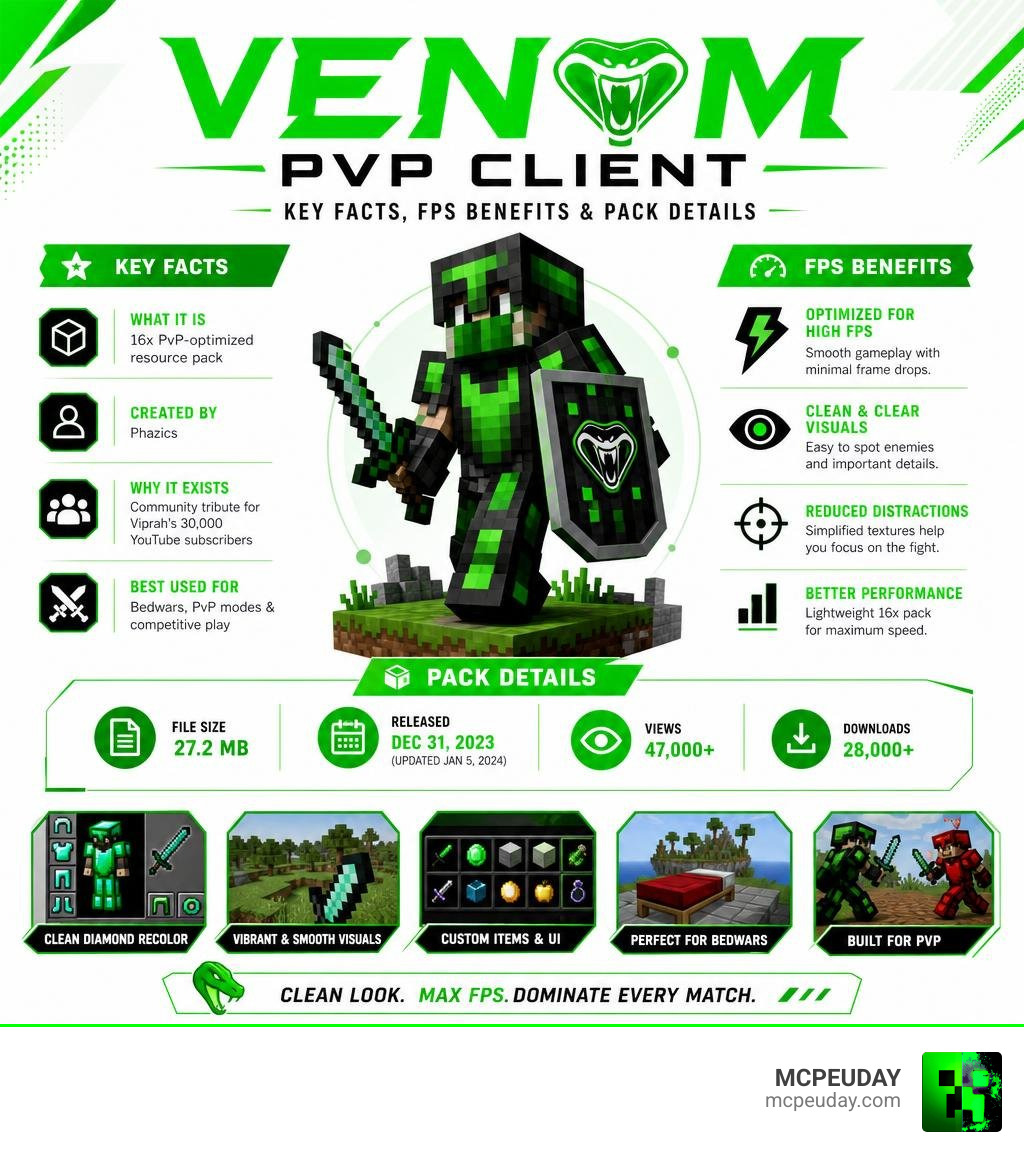
- What it is: A 16x resolution PvP-optimized resource pack built for clean visuals and high FPS
- Who made it: Created by Phazics as a diamond recolor of Viprah’s original Venom 16x pack
- Why it exists: Released as a community tribute celebrating Viprah’s 30,000 YouTube subscribers
- Best used for: Bedwars, PvP modes, and competitive play on clients like Lunar Client
- File size: 27.2 MB
- Released: December 31, 2023 (updated January 5, 2024)
- Popularity: 47,000+ views and 28,000+ downloads
Whether you play Bedwars or just want smoother, cleaner-looking PvP fights, this pack has built a massive following fast. It pulls together textures from several well-known creators in the community, making it a collaborative effort rather than just one person’s work.
I’m UDAY GAMER from MCPEUDAY, and in this guide I’ll walk you through everything you need to know — from what makes this pack special to exactly how to get it running on your game.
Understanding the VENOM PvP Client and Resource Pack
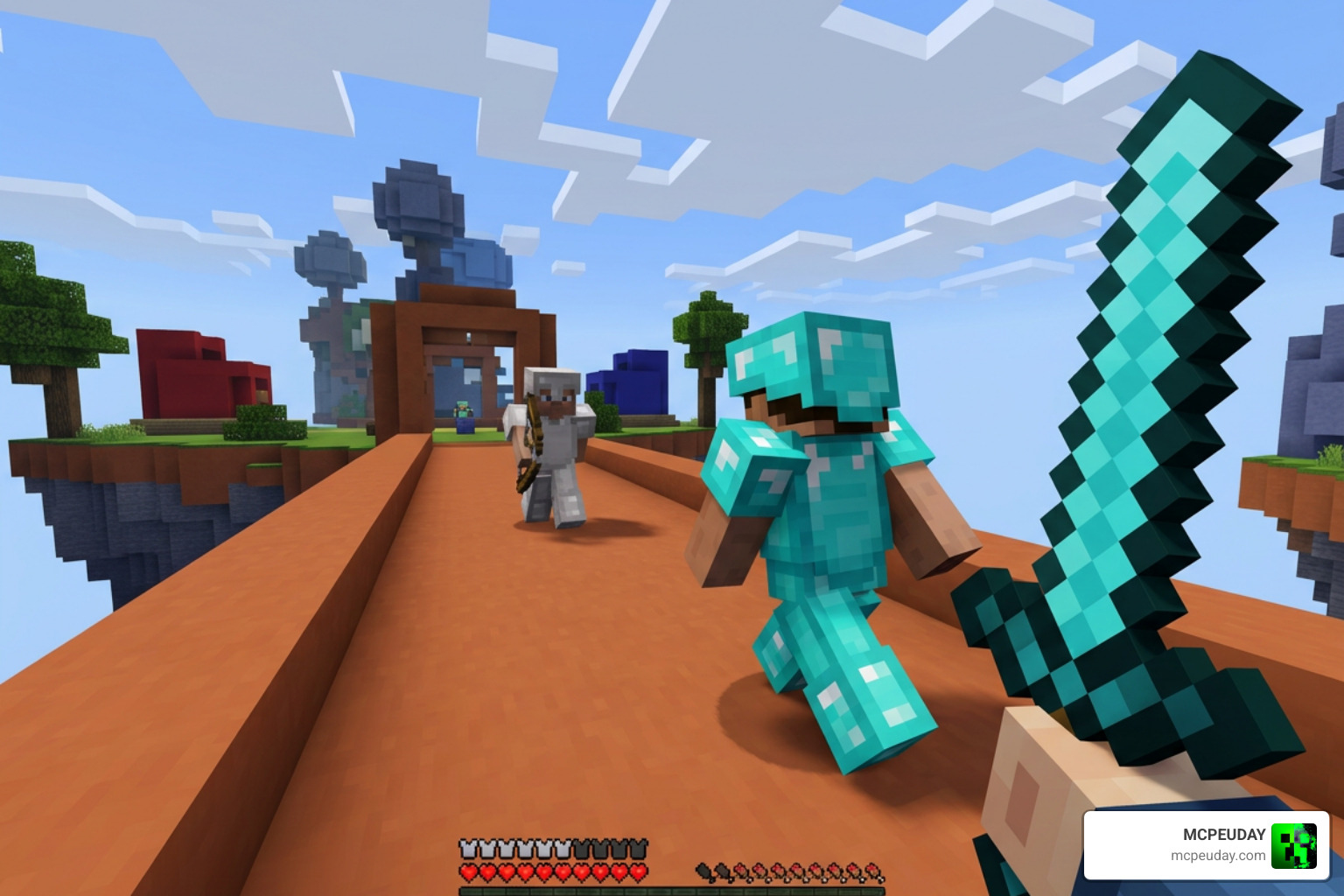
When players talk about the VENOM PvP Client, they are usually referring to a highly optimized visual setup powered by the Venom 16x Diamond resource pack. In the competitive Minecraft scene, performance is everything. A single frame drop during a Bedwars bridge fight can mean the difference between winning a match and falling into the void. When you are engaging in , click-intensive battles, your client needs to render every single frame without stuttering.
This pack is a brilliant recolor created by Phazics, who took the foundation of Viprah’s original Venom 16x pack and gave it a stunning diamond-themed makeover. It is designed to integrate flawlessly with popular PvP clients like Lunar Client, ensuring that your game runs at the absolute highest frames per second (FPS) possible. By stripping away unnecessary details and optimizing the game’s rendering load, players can experience a massive boost in responsiveness.
While Java players enjoy this optimized experience on their setups, Bedrock and Pocket Edition players can also find various Bedrock-compatible ports of the Venom PvP Client online. These community-made ports bring a similarly clean, high-performance aesthetic to mobile, tablet, and console worlds, ensuring that cross-play enthusiasts do not miss out on the competitive edge.
The Origins of the VENOM PvP Client Texture Pack
Every great resource pack has a story, and this one is deeply rooted in community celebration. The pack was created to honor a major milestone: YouTuber Viprah reaching 30,000 subscribers. Viprah has long been a respected figure in the Minecraft PvP community, known for showcasing high-tier gameplay, client configurations, and aesthetic setups.
To celebrate this achievement, Phazics put together this diamond-themed edit as a tribute. Diamond was chosen specifically because it represents the pinnacle of classic Minecraft gear, symbolizing prestige, durability, and peak performance. It was officially released to the public on New Year’s Eve—December 31, 2023. It was a holiday gift to the PvP community, receiving a quick follow-up update on January 5, 2024, to polish a few textures and fix minor visual bugs. Now, writing from our vantage point in July 2026, the pack has solidified its place as a classic choice for competitive players who want to look good while maintaining maximum performance.
Key Features of the VENOM PvP Client Visuals
The main draw of the Venom 16x Diamond pack is its visual clarity. By sticking to a 16×16 resolution—which is the default Minecraft resolution scale—the pack ensures your graphics card doesn’t have to work overtime. Unlike 128x or 256x high-definition packs that can cause severe micro-stutters during intense combat, this 16x pack keeps your frame times perfectly flat. However, the art style is completely overhauled to favor clean lines, vibrant colors, and minimal distractions.
Here are the key visual changes you will notice when you equip the pack:
- Diamond Recolor: The entire pack features a vibrant, clean diamond blue color scheme that replaces the darker, muted tones of the original Venom pack. This bright blue makes items in your hotbar instantly recognizable.
- Short Swords: The sword models have been shortened significantly. This is a massive help in PvP because longer default swords block a large portion of your screen when blocking, swinging, or aiming. Short swords give you a much wider field of view to track your opponent’s movements.
- Custom Day/Night Sky: A beautiful, custom-designed sky overlay that features deep blues and cosmic gradients. It makes your game look incredibly professional and immersive without causing performance lag or distracting you from the action.
- Translucent GUI: Containers, inventories, and chests have a clean, semi-transparent dark interface. This allows you to maintain situational awareness; you can still see if an enemy is sneaking up on you while you are quickly sorting through a chest or buying items in a Bedwars shop.
- Optimized Particles: Critical hit and sharp particles are clean and sharp, helping you easily track your hits during combat. The reduced particle clutter ensures your screen remains clear even during chaotic team fights.
Texture Credits and Collaborative Elements
One of the coolest things about the Venom 16x Diamond pack is that it is a true community project. Instead of building everything from scratch, Phazics compiled, edited, and recolored assets from some of the most respected texture creators in the Minecraft community. This collaborative spirit is what keeps the PvP scene so vibrant, as creators build upon each other’s work to deliver the ultimate user experience.
To give you an idea of how this pack compares to other legendary PvP packs like Bombies 80k (which it draws inspiration from), we have put together a quick comparison table:
| Visual Element | Venom 16x Diamond | Bombies 80k | Source / Credit |
|---|---|---|---|
| Color Theme | Diamond Blue | Purple / Dark Grey | Phazics (Recolor) / Tory |
| Sword Model | Shortened & Sleek | Medium / Sharp | 182exe |
| Sky Overlay | Custom Blue/Dark Sky | Soft Purple Sky | Raupeee_ / vltr |
| Base Textures | Venom 16x Base | Bombies Custom Base | Viprah / Tory |
| Client Optimization | Lunar & Solar Tweaks | Lunar Client | Solar Tweaks / Community |
This collaborative approach is common in the PvP community. By taking the sword models from 182exe, sky elements from Raupeee_ and vltr, and combining them with the legendary base styles of Viprah and Tory, Phazics created a “best of all worlds” package. Each contributor brought their specialized design expertise to the table, resulting in a cohesive, high-performance resource pack that feels incredibly polished from the hotbar to the horizon.
How to Download and Install the Pack
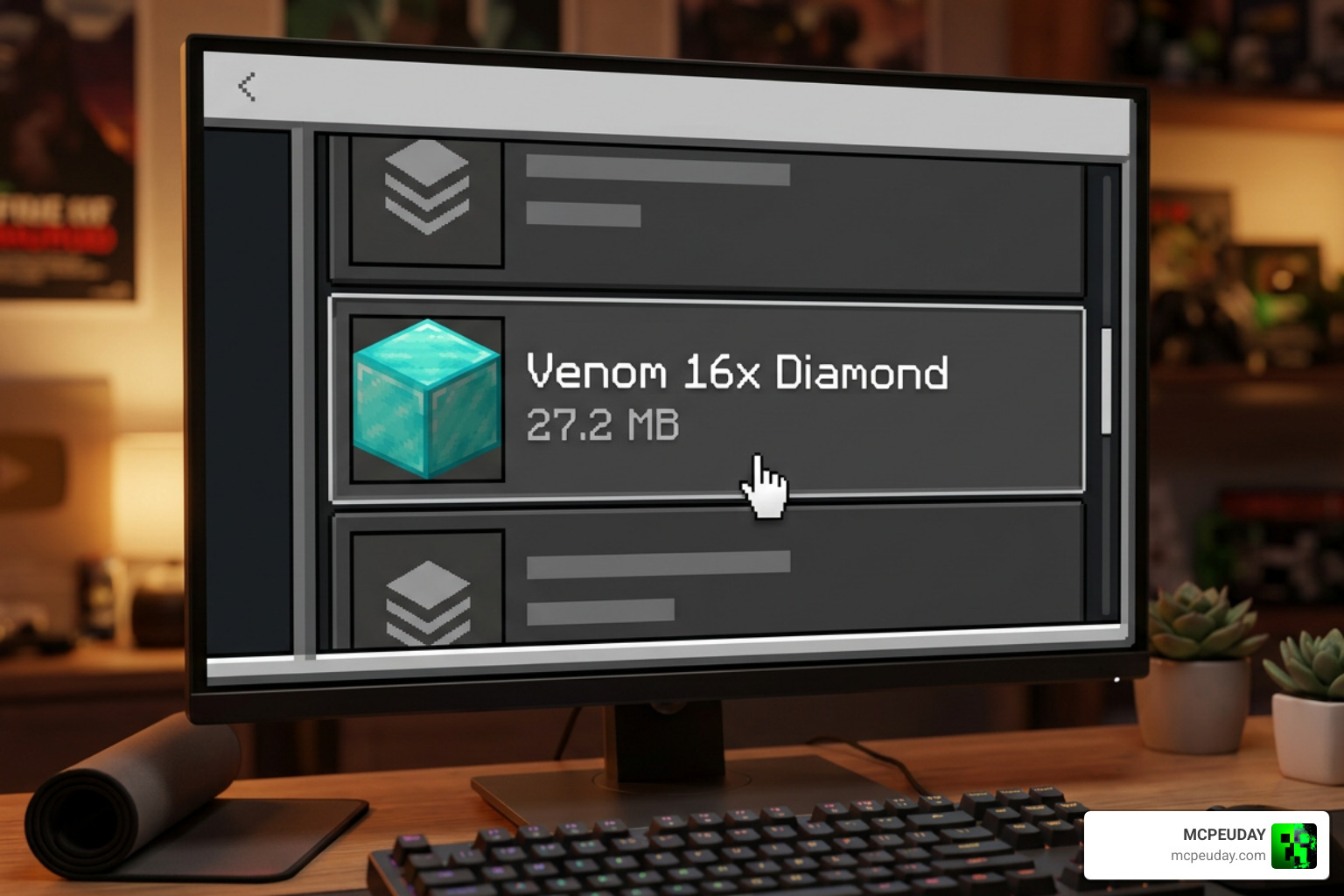
Ready to boost your FPS and clean up your game’s visuals? Getting the Venom 16x Diamond pack up and running is incredibly simple. The entire pack is bundled into a lightweight 27.2 MB ZIP file, making it quick to download even on slower internet connections. Because it is highly optimized, it won’t take up unnecessary space on your drive. If you want to understand how Minecraft loads these files, the Minecraft Wiki resource pack guide is a helpful external reference.
Here is our step-by-step installation guide:
- Download the Pack: Grab the Venom 16x Diamond ZIP file from your preferred trusted community hosting platform or Lunar Client’s integrated pack store.
- Open Your Minecraft Folder: Press
Windows Key + Ron your keyboard, type%appdata%\.minecraftand hit Enter. This will open your main game directory. - Locate the Resource Packs Folder: Open the folder named
resourcepacks. If you don’t see it, you can easily create a new folder and name it exactlyresourcepacks(all lowercase, one word). - Move the File: Drag and drop the downloaded 27.2 MB ZIP file directly into the
resourcepacksfolder. Do not unzip it! Minecraft reads ZIP files directly. - Activate In-Game: Launch Minecraft (we highly recommend using a custom client like Lunar Client for the best performance). Go to Options > Resource Packs, find the Venom 16x Diamond pack on the left side, click the arrow to move it to the active list on the right, and click “Done.”
Troubleshooting and Optimization Tips
If you want to get the absolute most out of this pack, keep these quick tips in mind:
- Enable Custom Skies: Make sure you have custom skies enabled in your client settings (usually found under Video Settings > Quality > Custom Sky). Without this, the beautiful custom sky overlay will not render, and you will see the default Minecraft sky instead.
- Check File Extensions: If the pack does not appear in your in-game list, double-check that the file ends in
.zip. Sometimes, browsers rename files or add extra extensions like.zip.jar. Simply rename it back to.zipif this happens. - Allocate Enough RAM: While a 16x pack is very lightweight, allocating at least 3 GB to 4 GB of RAM in your client launcher ensures that custom textures and GUI elements load instantly without any micro-stutters.
Frequently Asked Questions about the Venom Pack
Is the Venom 16x Diamond pack compatible with Lunar Client?
Yes, absolutely! The pack is fully optimized to run on Lunar Client. In fact, using it alongside Lunar Client or Solar Tweaks is the recommended way to play, as these clients help maximize your FPS and allow the custom sky and GUI features to load perfectly.
What is the download size and release date of the pack?
The pack has a compact download size of 27.2 MB. It was originally released on New Year’s Eve, December 31, 2023, and received its final polished update on January 5, 2024. Despite being out for a while, it remains incredibly popular, boasting over 47,000 views and 28,000 downloads.
Who created the Venom 16x Diamond resource pack?
The pack was compiled and recolored by Phazics. It is a diamond-themed edit of Viprah’s original Venom 16x pack, created as a milestone celebration for Viprah hitting 30,000 subscribers. It features texture contributions from Tory, 182exe, Raupeee_, and vltr.
Conclusion
At MCPEUDAY, we love seeing the community come together to create amazing tools that help players perform their best. The Venom 16x Diamond pack is a perfect example of how collaboration can result in something truly special. It gives competitive Bedwars and PvP players exactly what they need: high frame rates, clean screen real estate, and a gorgeous diamond aesthetic.
If you are looking to refresh your game even further with custom shaders, Bedrock tweaks, or new gameplay mods, Explore more Minecraft texture packs on our site. Happy gaming, and we will see you in the arena!
