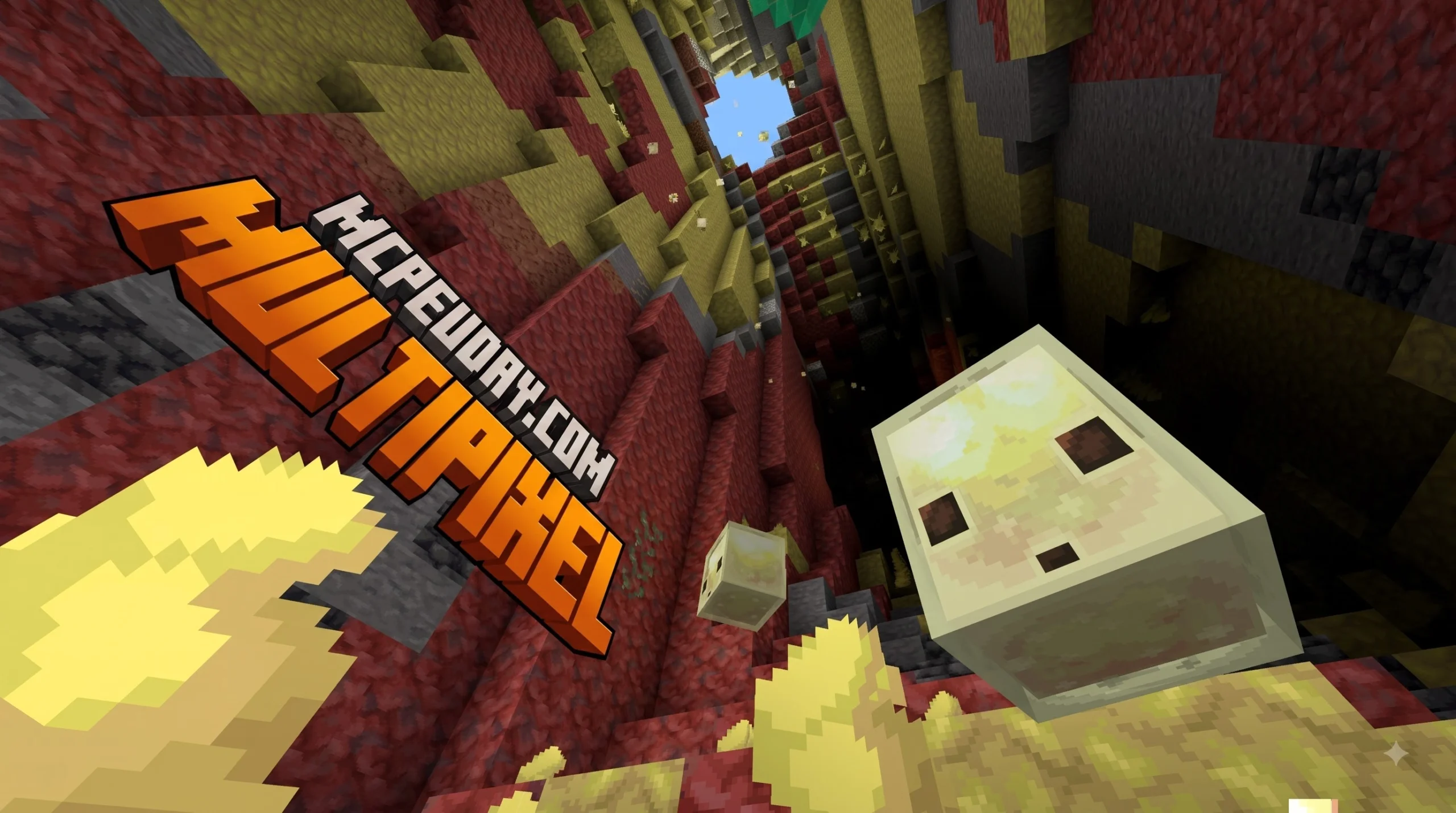
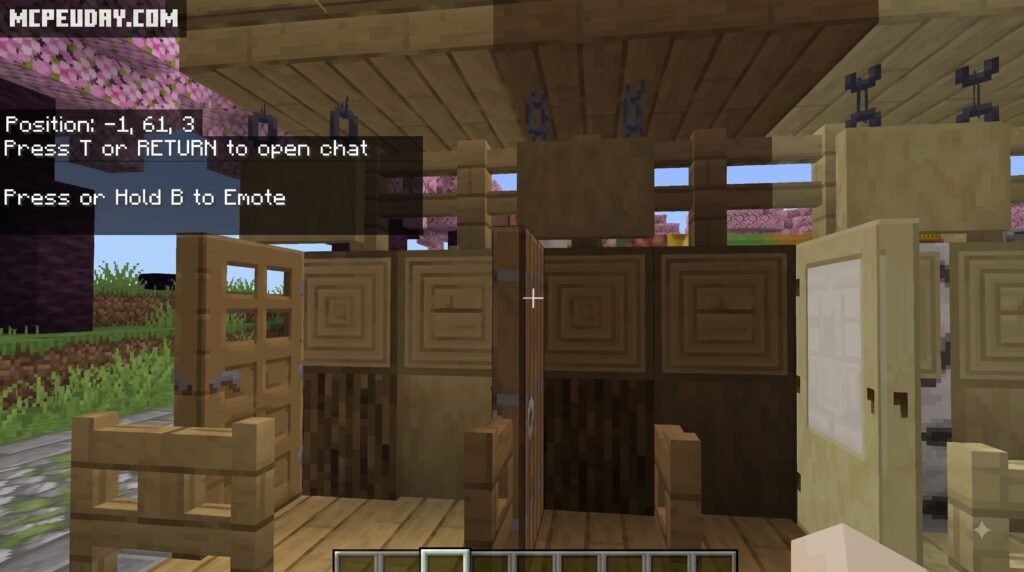
What Are MultiPixel Texture Packs and Mods for Minecraft?
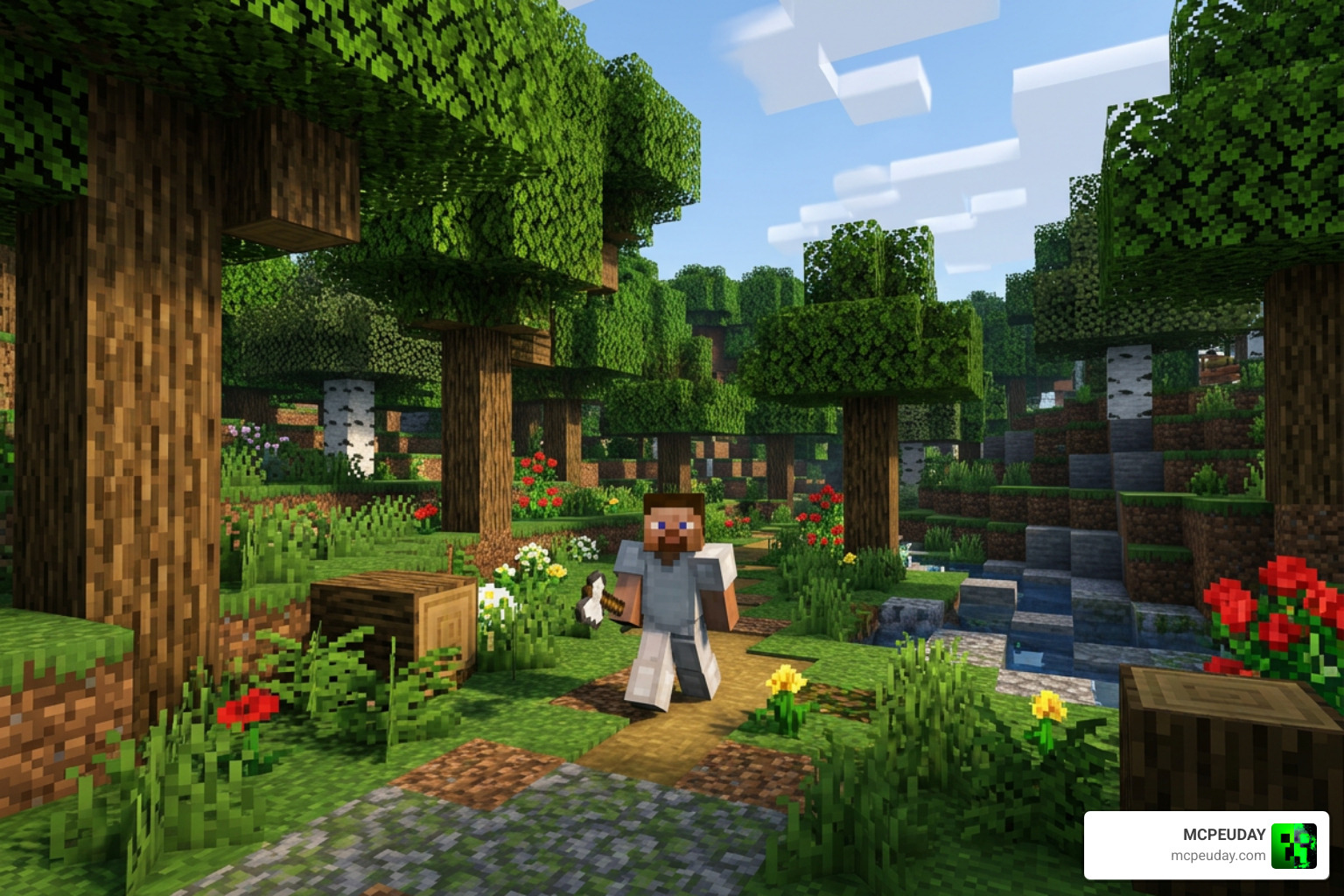
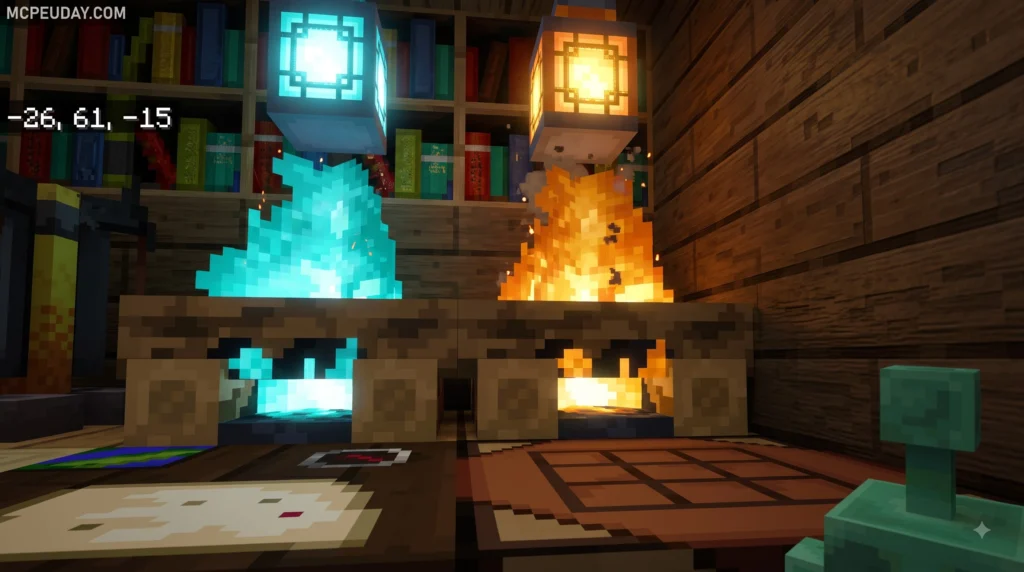
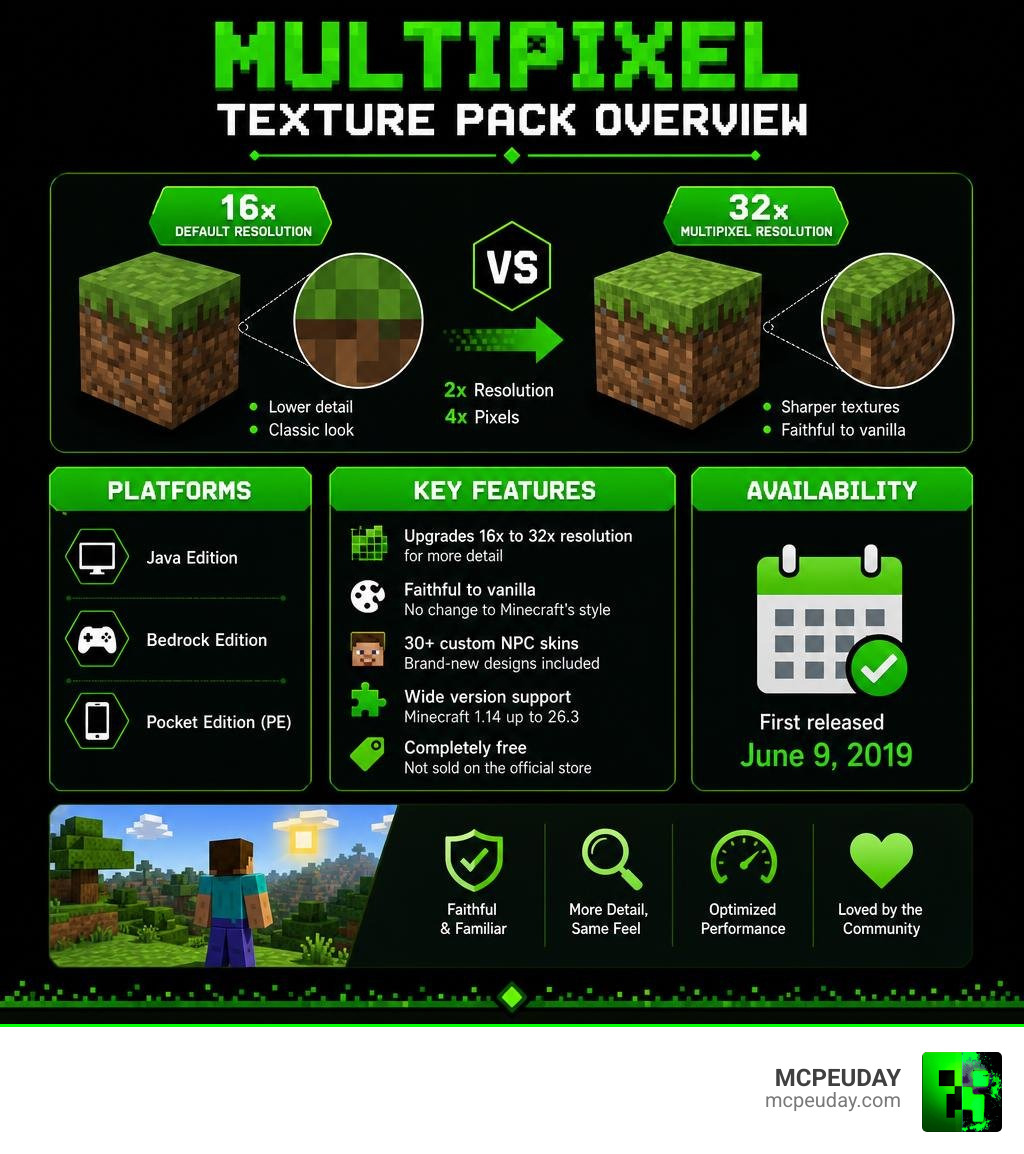
MultiPixel Texture Packs/MODs are free, community-made resource packs that upgrade Minecraft‘s default 16x textures to a sharper 32x resolution — doubling the pixel count on each axis while keeping the familiar vanilla look you already love.
For players who find the standard blocky graphics a bit too pixelated on modern high-resolution displays, MultiPixel offers the ideal visual compromise. Rather than completely altering the game’s atmosphere with hyper-realistic or cartoonish styles, it preserves every original color tone, block pattern, and iconic item silhouette.
Here’s a quick breakdown of what you need to know:
- Resolution: 32x (twice the detail of default 16x textures)
- Style: Faithful to vanilla Minecraft — no dramatic art style changes
- Versions supported: Minecraft 1.14 all the way up to 26.3
- Custom NPC skins: 30+ brand-new designs included
- Cost: Completely free — not sold on the official Minecraft Marketplace
- Platforms: Java Edition, Bedrock Edition, and Pocket Edition (PE)
- First released: June 9, 2019
Whether you play on PC, mobile, or want to know why this pack isn’t on console stores, this guide covers everything.
I’m UDAY GAMER from MCPEUDAY, and below I’ll walk you through everything from the pack’s features to a step-by-step installation guide for both Java and Bedrock.
MultiPixel Texture PackS/MOD Overview and Key Features
Created by developer Zou Chenyunfei and originally launched on June 9, 2019, the MultiPixel Texture PackS/MOD has grown into one of the most popular faithful enhancement packs in the Minecraft community. Accumulating over 625,862 total views and an overwhelming amount of positive feedback across platforms, it bridges the gap between classic blocky nostalgia and modern high-definition clarity.
The core philosophy of MultiPixel is simple: preserve the exact color palettes, signatures, and charm of standard Minecraft while quadrupling the overall pixel density on block faces. Standard Minecraft renders textures on a 16×16 pixel grid. MultiPixel increases this to a 32×32 resolution grid, providing four times as many total pixels per surface area. Designed for versatility, it boasts compatibility across over 40 distinct game versions ranging from Minecraft 1.14 up through version 26.3, including development snapshots and experimental beta builds. Although Java players utilize it heavily, the pack has achieved immense popularity among mobile and Bedrock Edition players who want crisp graphics without heavy hardware stress.
Visual Enhancements in MultiPixel Texture PackS/MOD
Beyond standard terrain overhaul, MultiPixel introduces several refined asset upgrades across every layer of the game world:
- 30+ Custom NPC Skins: Over three dozen non-player characters, villagers, and special mobs feature high-definition skin variations that add personality and variety to villages, trading posts, and custom adventure maps.
- Upgraded Item Icons: Tools, weapons, armor pieces, food items, and potion bottles receive subtle edge smoothing and detailed shading, making hotbar items look distinct, sharp, and realistic.
- Refined Block Textures: Ores, cobblestone, wood planks, sandstone, and foliage maintain original color tones while removing pixelated noise and visual artifacting when viewed close up.
- HD Mob Designs: Passive farm animals and hostile mobs retain vanilla designs but exhibit clean facial details, natural eye alignments, and texture smoothing across their model geometry.
MultiPixel Texture PackS/MOD vs Vanilla 16x Graphics
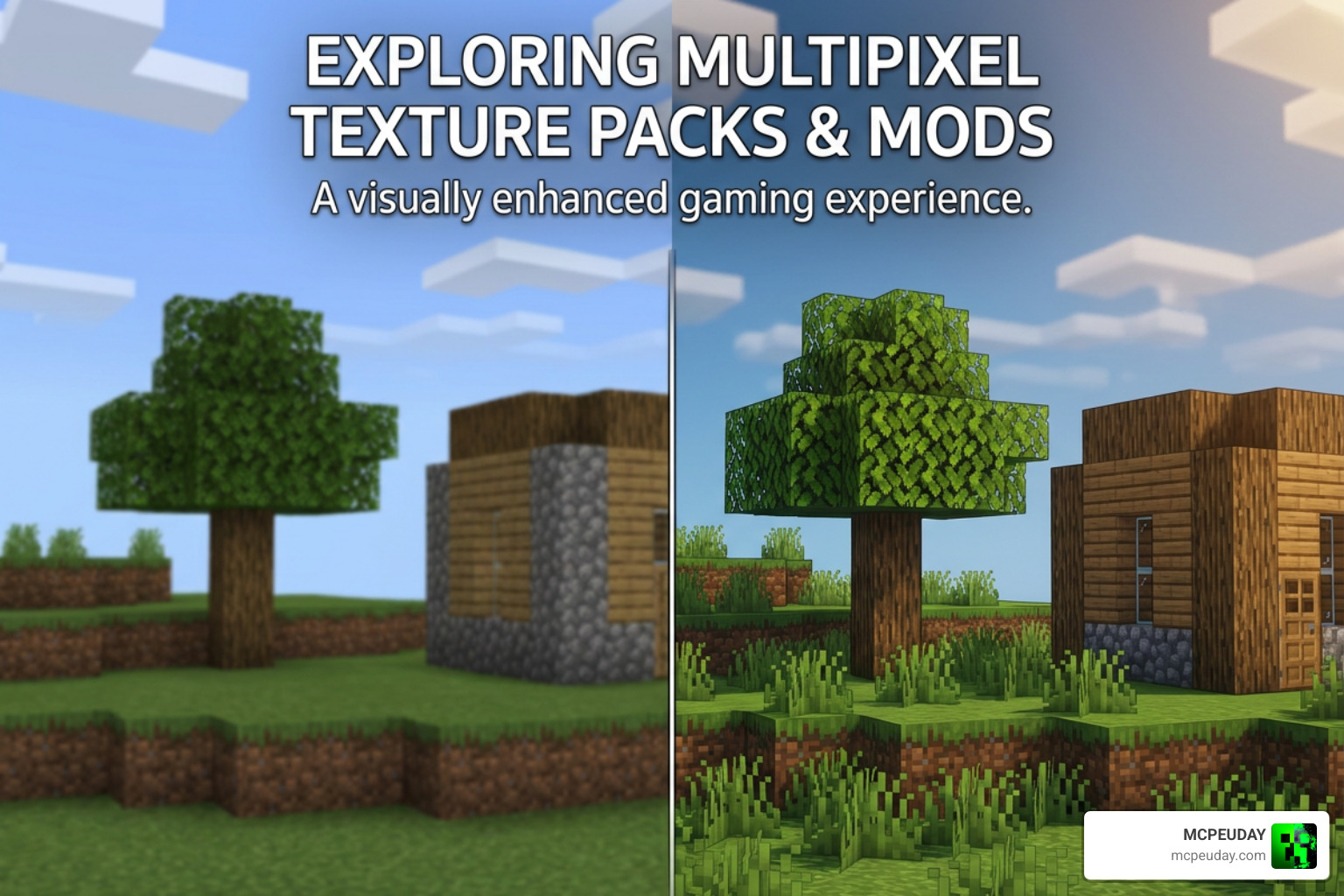
Standard Minecraft textures operate on a 16×16 pixel grid per block face. By upgrading to a 32×32 resolution grid, MultiPixel delivers four times as many individual pixels across every surface.
| Feature / Detail | Default Vanilla Textures | MultiPixel Texture Pack |
|---|---|---|
| Grid Resolution | 16×16 pixels per block face | 32×32 pixels per block face |
| Pixel Density | Standard 1x baseline density | 4x quadrupled detail density |
| Art Style Direction | Retro, low-resolution pixel art | Vanilla-faithful HD enhancement |
| Villager / NPC Skins | Basic default villager designs | 30+ unique custom NPC skin designs |
| Visual Smoothness | Pixelated close-up edges | Sharper, smoothed surface edges |
| Hardware Overhead | Minimal | Low (runs smoothly on mobile devices) |
When evaluated against similar resource packs like Faithful 32x, the differences are subtle. Because both packs prioritize true fidelity to vanilla Minecraft art, choosing between them comes down to minor preferences in contrast, lighting highlights, and subtle edge shading. MultiPixel shines particularly well in its handling of UI menus, item icons, and custom villager variations.
Marketplace Policy and Availability Across Platforms
A frequent question players ask is why they cannot find MultiPixel on the official Minecraft Marketplace integrated into Xbox, PlayStation, Nintendo Switch, or Windows Bedrock storefronts.
According to official commercial marketplace guidelines set by Mojang and Microsoft, third-party content submitted for paid distribution cannot closely resemble or mimic original default game assets and branding. Because MultiPixel is purposefully crafted to mirror the default vanilla graphics—simply at a higher 32x resolution—it does not meet criteria for a distinct commercial listing on store platforms.
While this store restriction prevents console players from easily downloading the pack through built-in console storefronts, it brings a major benefit to mobile, PC, and Bedrock users: MultiPixel remains completely free. Players on Java Edition, Windows Bedrock, Android, and iOS can download and install the pack directly from trusted third-party community repositories without spending Minecoins or paying subscription fees.
How to Install MultiPixel on Java and Bedrock
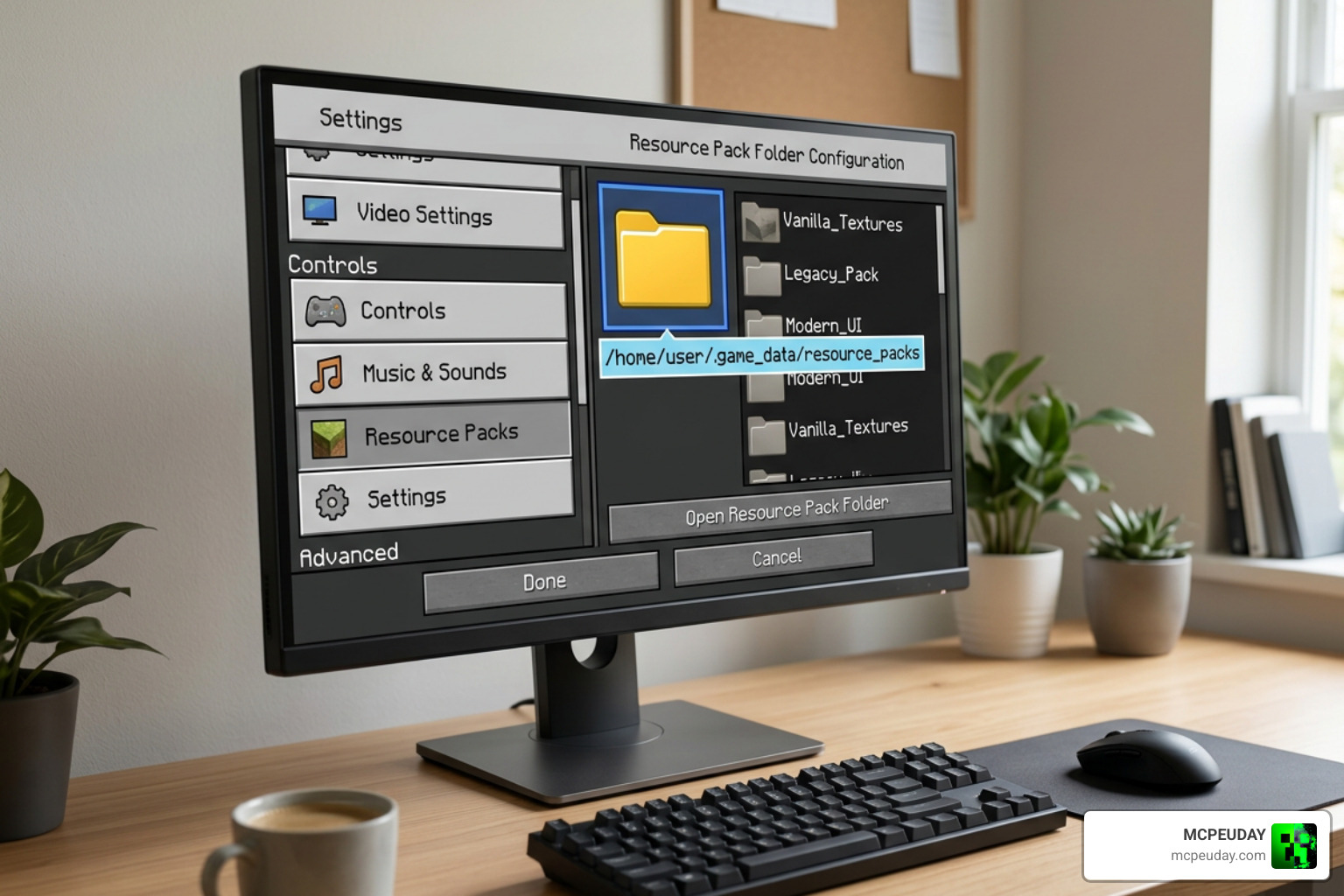
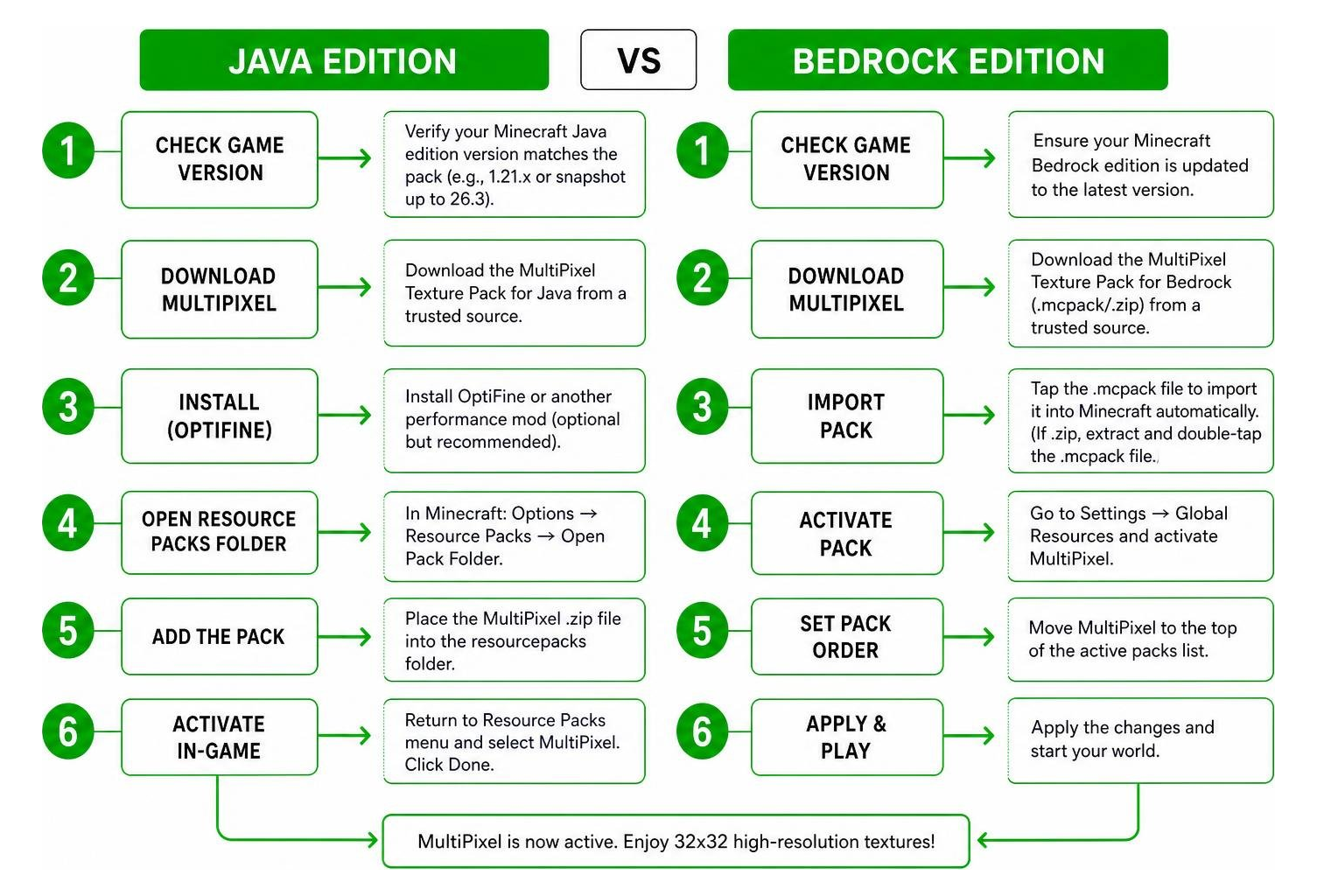
Installing the MultiPixel Texture PackS/MOD is straightforward regardless of your preferred gaming platform. Below is a detailed breakdown of the setup flow for both Java and Bedrock environments.
Step-by-Step Installation for Java Edition
To get the best performance and advanced asset rendering on Java Edition, we recommend installing OptiFine or sodium-based performance mods prior to activating the pack. These optimization tools enable extra graphics features such as connected glass textures, custom skyboxes, and dynamic lighting.
- Check Game Version: Verify that your Minecraft Java client version matches the download file version (e.g., 1.21.x or snapshot builds up to 26.3).
- Download the File: Save the MultiPixel
.zipfile to your computer. Keep the file zipped and do not extract the archive unless your client fails to detect zipped resource folders. - Open Resource Packs Folder: Launch Minecraft, navigate to Options > Resource Packs, and click Open Pack Folder at the bottom left.
- Transfer File: Drag and drop the downloaded
.zipfile into the folder window that pops up on your desktop. - Activate in Game: Return to Minecraft, hover over MultiPixel in the left-hand menu column, click the arrow icon to move it to the right-hand column, and click Done to load textures.
Step-by-Step Installation for Bedrock and Mobile PE
Bedrock installation is even simpler thanks to automatic archive handling built directly into the game engine.
- Download the
.mcpackFile: Download the MultiPixel file specifically formatted with the.mcpackextension for Bedrock/MCPE. - Execute File: On mobile devices (Android/iOS), tap the downloaded
.mcpackfile in your browser downloads or file manager app. On Windows PC, double-click the file in File Explorer. - Automatic Import: Minecraft will launch automatically and display an import confirmation banner at the top of the main screen.
- Enable Globally or Locally: Go to Settings > Global Resources > My Packs, locate MultiPixel, and select Activate. Alternatively, you can activate it specifically inside individual world settings to apply textures only to selected worlds.
Performance Impact, Safety, and User Feedback
Despite quadrupling pixel density from 16x to 32x, MultiPixel is exceptionally lightweight and well-optimized. Across hundreds of user reports, performance benchmarks, and 49 community votes, players routinely experience stable performance with virtually zero micro-stuttering.
- FPS Impact: On desktop PCs and laptops, frame rate drops are virtually nonexistent. On budget mobile devices and older smartphones, players report smooth 60 FPS gameplay with minimal impact on frames per second.
- Hardware Memory: Because 32x textures require only a negligible increase in VRAM allocation compared to high-resolution 128x or 512x packs, device battery life and temperature remain unaffected.
- Safety & Security: Downloads hosted on reputable community platforms are completely safe from harmful scripts or malware because resource packs strictly contain image assets (
.png) and JSON metadata configuration files. - Update Parity: Developer Zou Chenyunfei regularly pushes updates to maintain parity with brand-new blocks, items, mobs, and experimental snapshots, making it a reliable graphics pack for long-term survival worlds.
Frequently Asked Questions
Why is MultiPixel not available on the official Minecraft Marketplace?
MultiPixel’s visual content and overall design closely mirror standard default game graphics. Marketplace policies managed by Mojang restrict commercial listings that duplicate standard baseline assets, keeping the pack exclusively on free third-party distribution channels.
Does MultiPixel support Minecraft snapshots and beta versions?
Yes. The developer actively updates MultiPixel to support experimental snapshot builds, preview versions, and major release updates ranging from legacy version 1.14 through version 26.3.
How does MultiPixel impact frame rates and performance?
MultiPixel uses modest 32x textures that require minimal hardware overhead. When paired with optimization mods like OptiFine on Java Edition, most players notice no noticeable drop in FPS on modern or budget hardware.
Conclusion
The MultiPixel Texture Pack stands as one of the best solutions for players who want high-definition visual polish without abandoning Minecraft’s classic aesthetic. With support for over 40 game versions, 30+ custom NPC skins, and effortless setup across PC and mobile devices, it remains a top choice throughout the global community.
Looking for more ways to customize your game graphics, worlds, performance, and shaders? Explore more texture packs on MCPEUDAY to discover the latest downloads, guides, and mod updates!

1 thought on “MultiPixel Texture Pack (26.x, 1.21) – MCPE/Bedrock Pack”