Scroll down to D0vvnl0ad
Start Exploring With the Ai Friends Addon for Minecraft PE/Bedrock
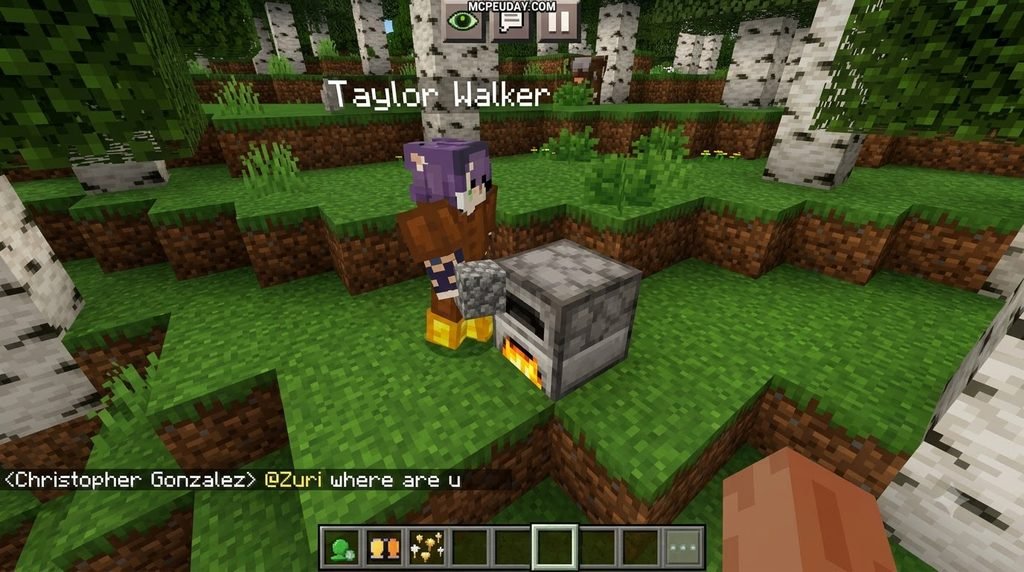
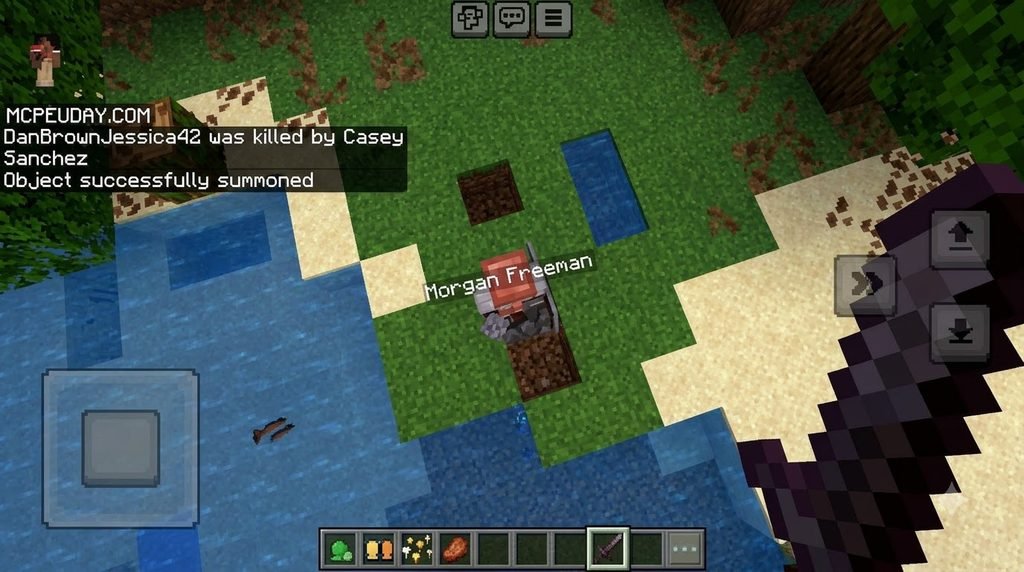
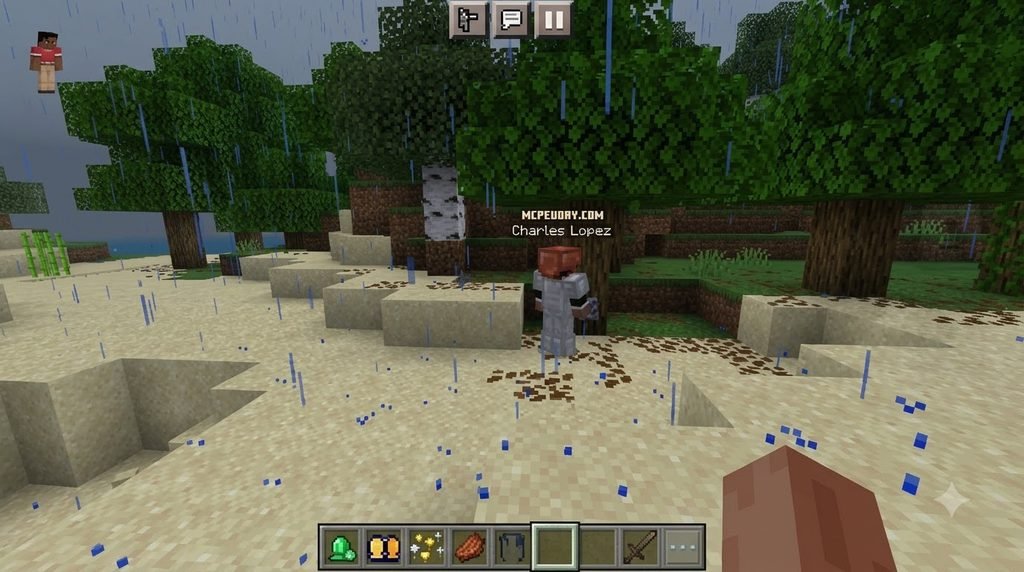
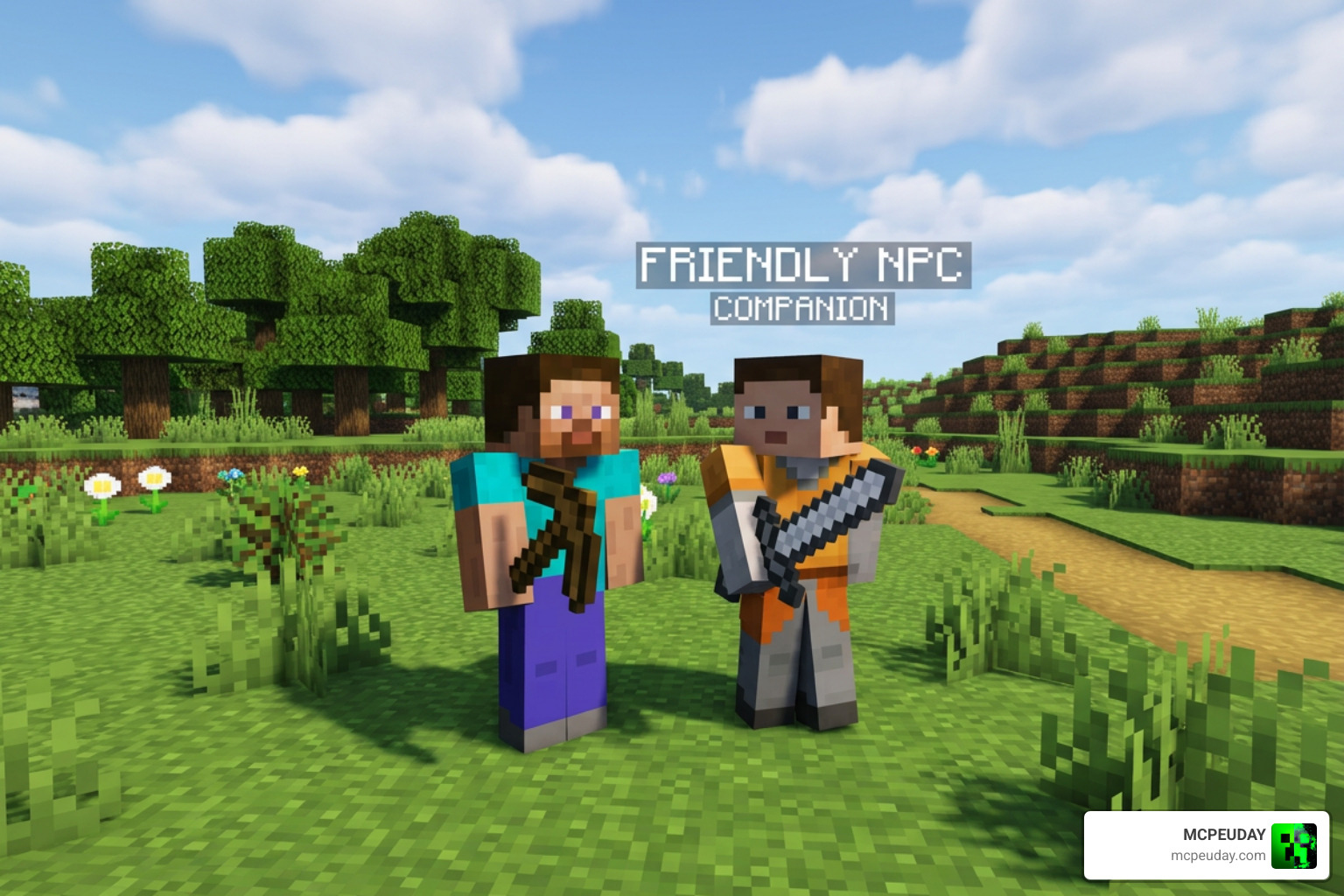
The Ai Friends Addon for Minecraft PE/Bedrock adds companion-style NPCs to your single-player world. You can add friends, give them nicknames, chat with them, and have them follow or help defend you against mobs. It is best for players who want survival companions or extra characters in their world – not players expecting a real ChatGPT-like bot.
Before installing, check that the addon version matches your Minecraft Bedrock version. The latest listed release, version 1.5, supports Bedrock 26.30, while players have reported problems on 26.40, including failed spawning, missing nicknames, and a broken friend system.
Despite its name, this addon does not use a live language model or internet-connected AI. Its friends act through many pre-written behavior rules and chat responses. That means their actions can feel useful but limited, especially with new items, complex requests, or difficult terrain.
I’m UDAY GAMER, and next I’ll break down what these AI friends can actually do before you add them to your world. For a broader look at companion-style packs and other survival upgrades, explore the Minecraft Bedrock addons collection to see how this addon fits into your setup.
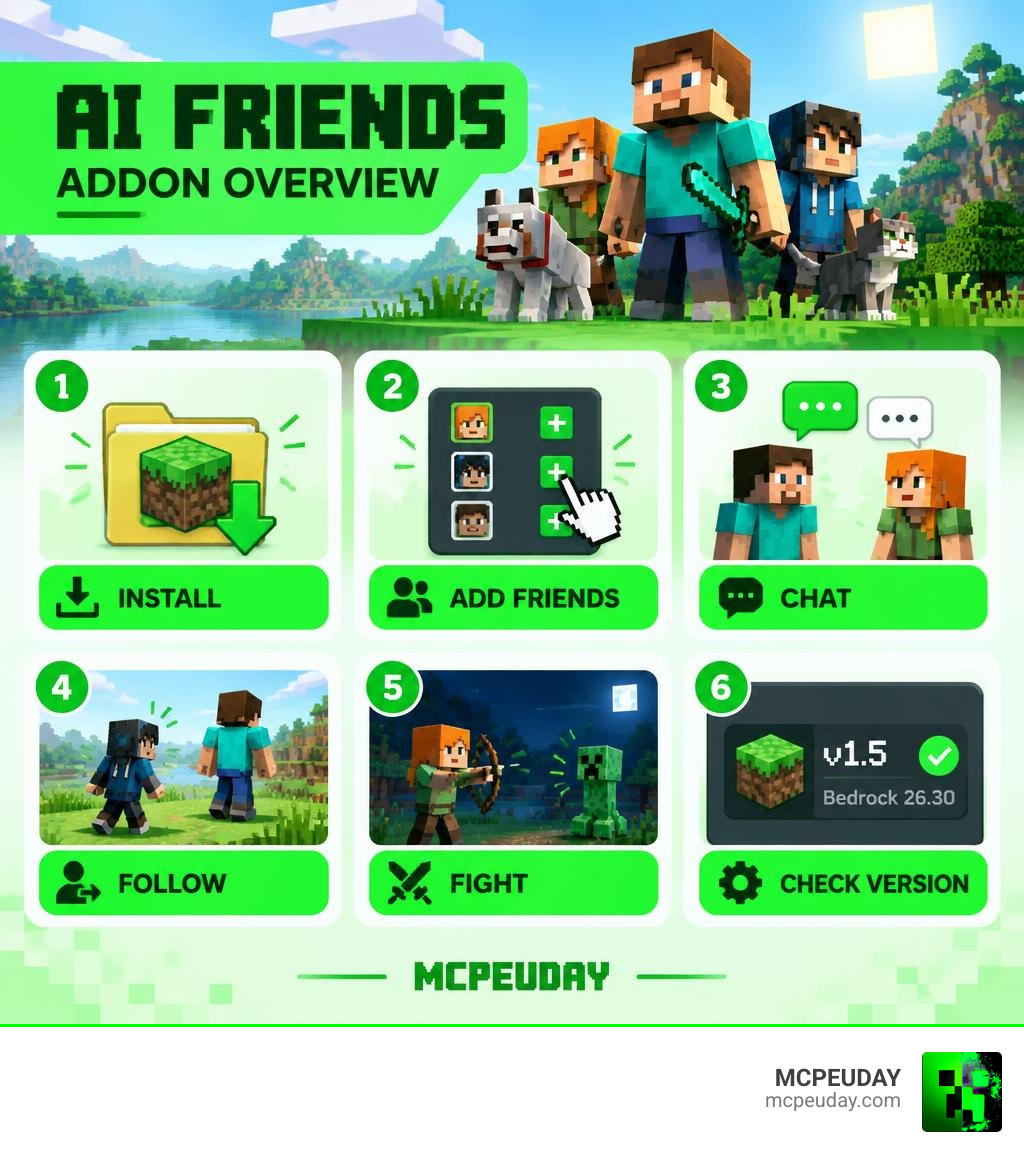
What Is the Ai Friends Addon for Minecraft PE/Bedrock?
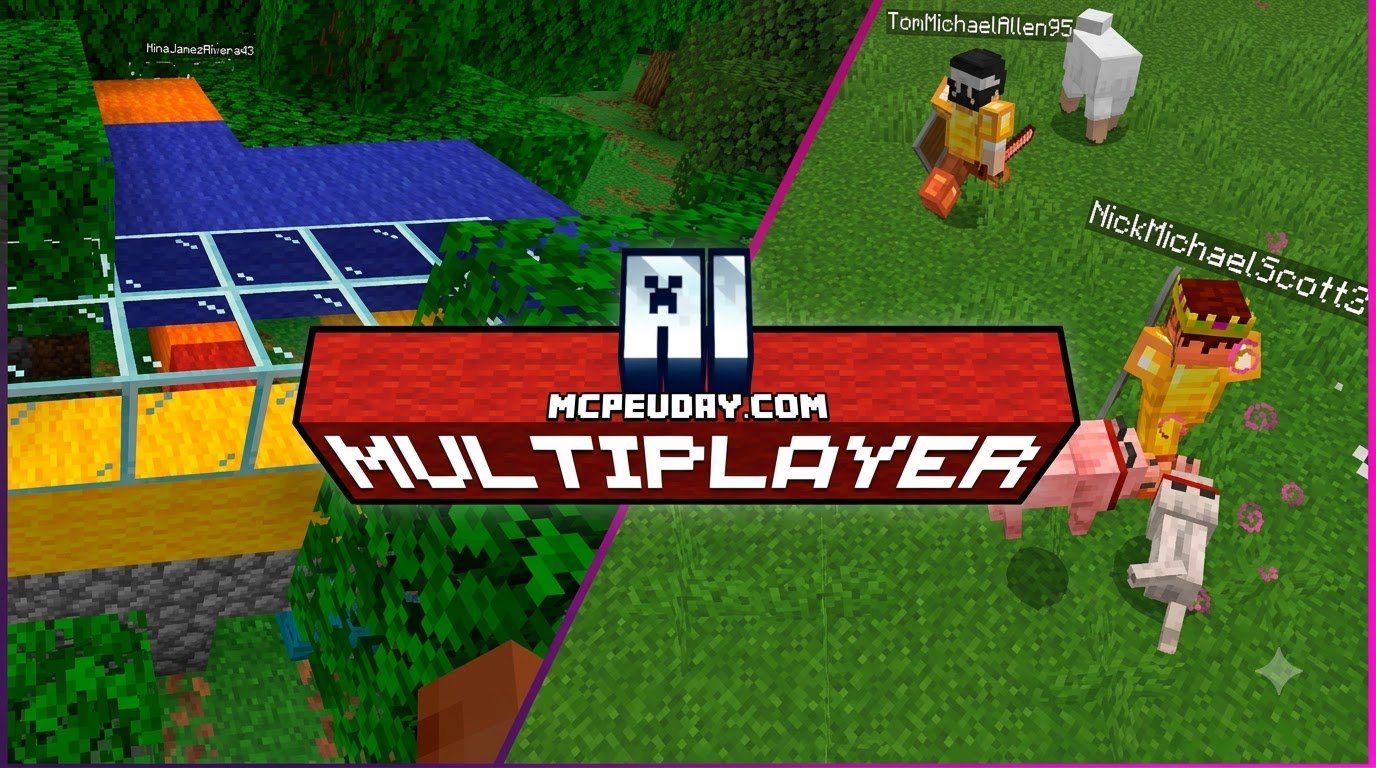
Minecraft survival mode can sometimes feel lonely when exploring massive biomes alone. The AI Multiplayer system behind this pack aims to change that by populating your world with dynamic, interactive companions. Created to simulate an active multiplayer lobby, this behavioral modification turns ordinary non-player characters into responsive squad members that accompany you on mining trips, gather resources, and hold the frontline during nighttime raids.
The package comes in at a lightweight file size of roughly 496.33 KB for the version 1.5 build. Because it requires minimal storage and memory footprint, it runs smoothly on mobile devices, tablets, and Windows PCs without dragging down frame rates or causing severe stuttering during rendering.
Scripted Logic vs True LLM in the Ai Friends Addon for Minecraft PE/Bedrock
It is important to manage expectations regarding how the term “AI” is applied here. In modern tech, artificial intelligence often refers to Large Language Models (LLMs) like ChatGPT, Claude, or Gemini. In contrast, Minecraft Bedrock addons operate strictly within the native Bedrock scripting engine and behavior pack architecture, relying on hard-coded logic trees and entity component definitions as outlined in official Minecraft Bedrock documentation.
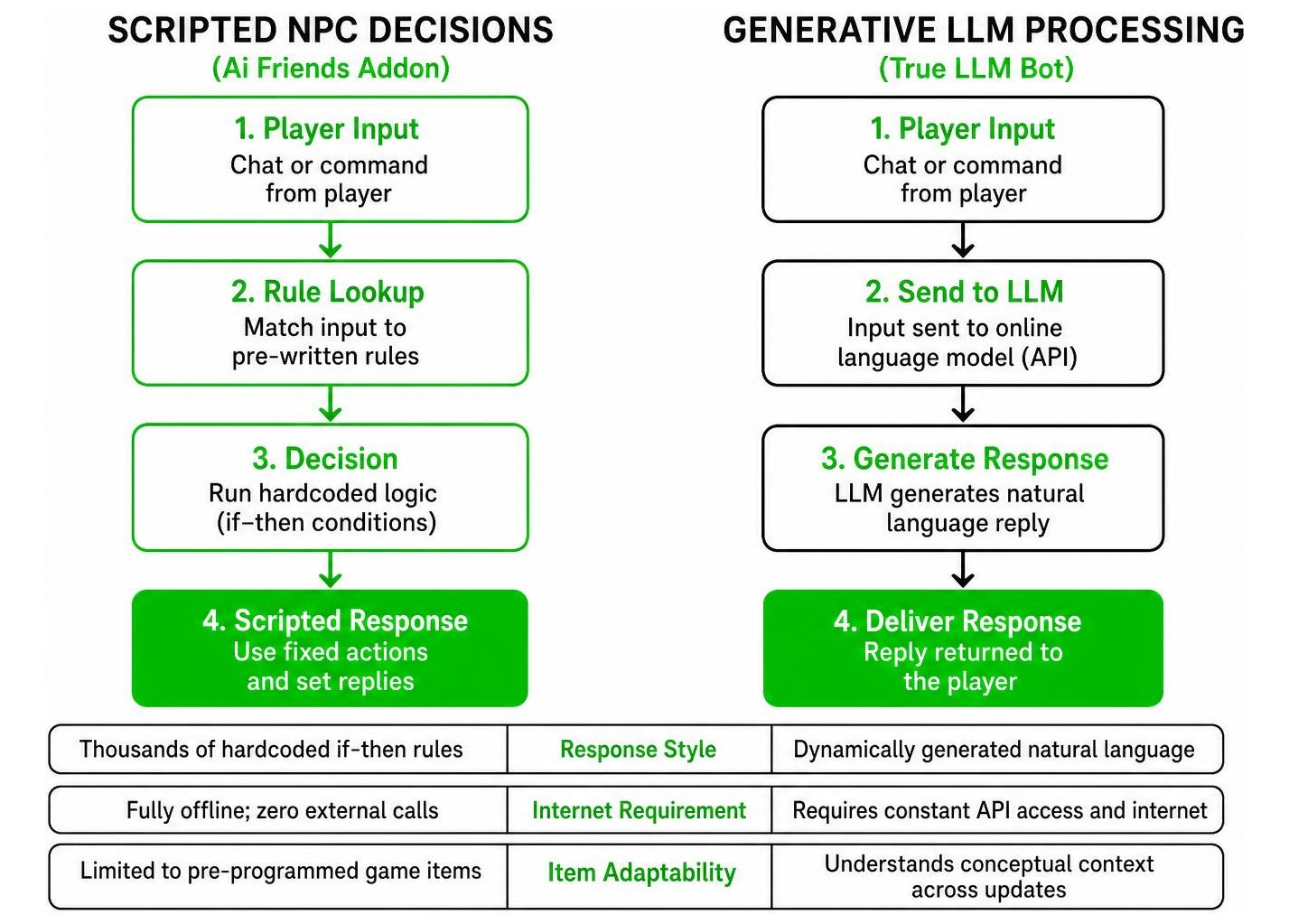
| Feature | Scripted NPC Addon | Generative LLM Bot |
|---|---|---|
| Response Style | Thousands of hardcoded if-then rules | Dynamically generated natural language |
| Internet Requirement | Fully offline; zero external calls | Requires constant API access and internet |
| Item Adaptability | Limited to pre-programmed game items | Understands conceptual context across updates |
| System Overhead | Ultra-lightweight (under 500 KB) | Heavy computational or server-side load |
| Platform Compatibility | Native to Bedrock on Android, iOS, Windows | Requires custom proxy servers or Java bridges |
Because the bot relies on pre-determined triggers, you cannot ask it to write poetry about creepers or explain intricate redstone circuitry. However, for immediate in-game tasks, scripted logic ensures zero input lag and reliable performance without requiring an active internet connection or third-party server hosting.
Core Features: Chat, Friend System, and Combat Mechanics
The addon provides several practical features designed to enrich basic survival gameplay:
- Friendship Registration: Approach an NPC to add them to your squad, assign them unique custom nicknames, and track their status in real time.
- Basic Text Chat: Communicate using set commands. While you cannot hold philosophical debates, you can issue orders, check their inventory state, and receive instant status replies.
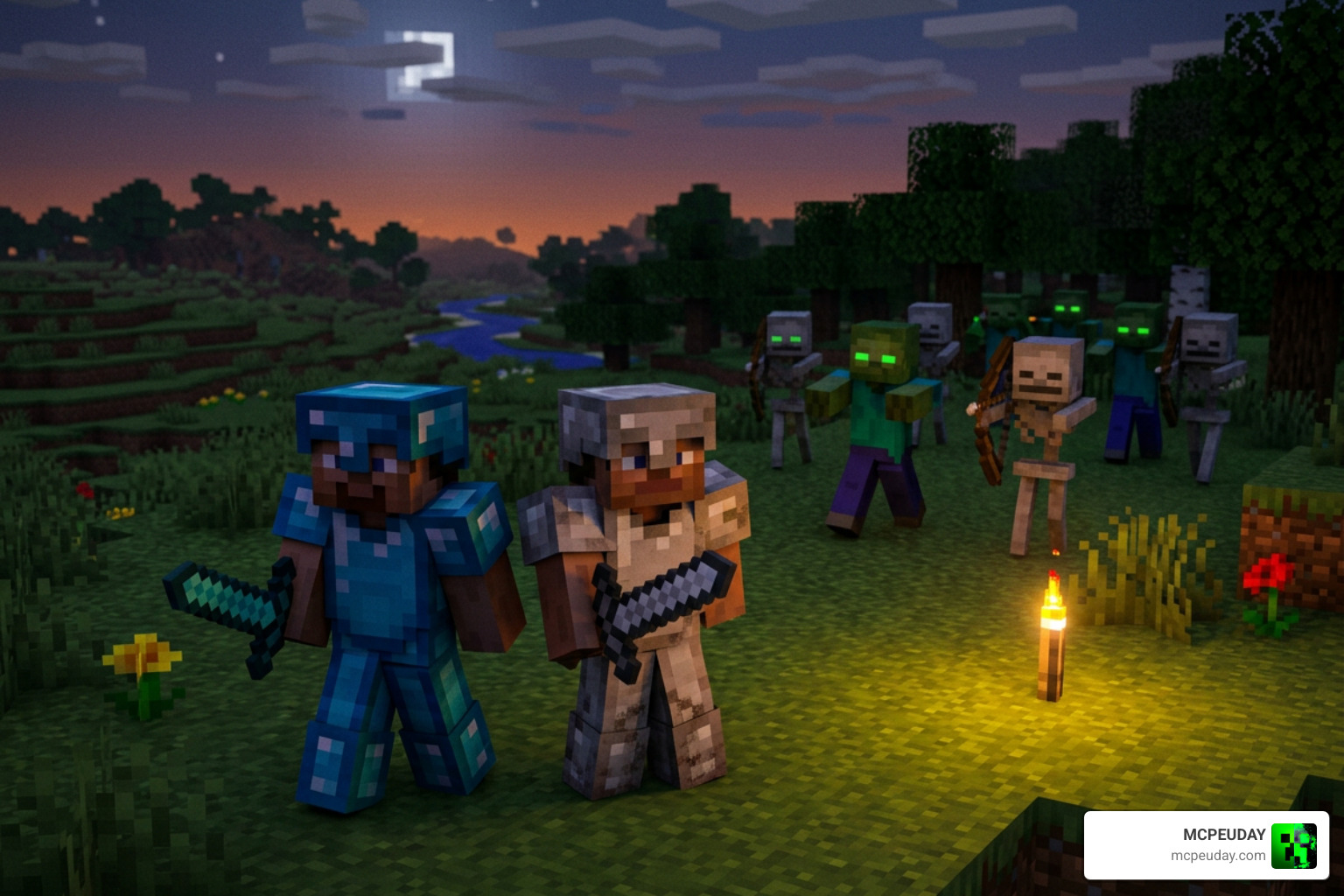
- Mob Defense and Aggression: When hostile mobs like zombies, spiders, or skeletons approach, your companions draw their weapons and defend you automatically.
- Following Behavior: Your friends match your pace across plains, caves, and forests, reducing the feeling of isolation during long exploratory journeys.
- Resource Gathering Assistance: Companions can pick up loose items from the ground, helping you carry extra loot when strip mining or clearing monster spawners.
Version Compatibility and Known Community Issues
Staying updated on compatibility is vital for a smooth gameplay experience. As of September 2026, the addon works reliably on Bedrock version 26.30. However, subsequent game engine updates often shift underlying entity definitions, leading to unexpected behavior in newer patches.
Common Bugs Reported by the Community
Recent community feedback highlights several recurring issues, particularly when attempting to run the pack on Bedrock 26.40:
- Missing Nicknames: Name tags frequently fail to render above companions after reloading a save or transitioning through Nether portals.
- Spawning Glitches: Custom NPCs may fail to generate naturally in villages or vanish when crossing active chunk boundaries.
- Friend System Failures: Interaction menus occasionally lock up or reset friendship levels, preventing players from befriending newly spawned bots.
- Clumsy Pathfinding: Companions can get trapped in 1-block crevices, fall off cliff edges, or struggle around sheer ravines.
- Hostile Target Confusion: In rare combat scenarios, companions may inadvertently target the player or spam attacks without proper cooldowns.
- Inventory Desynchronization: Items handed to companion entities can occasionally disappear if the game crashes before autosaving.
Top Requested Improvements for Future Updates
The community remains highly engaged, offering constructive feedback to expand the addon’s scope. Top feature requests include:
- Multilingual Chat: Adding localization support for Spanish, Portuguese, French, Japanese, and Chinese players.
- Survival Autonomy: Enabling companions to use beds at night and construct basic shelters with chests before crafting advanced gear.
- Expanded Weaponry: Granting companions proficiency with crossbows, tridents, maces, shields, and enchanted spears.
- Mount Utility: Allowing AI friends to ride horses, donkeys, boats, and camels alongside the player.
- Farming and Harvesting Routines: Instructing companions to replant wheat, carrots, and potatoes around established player bases.
Step-by-Step Installation Guide across Platforms
Installing behavior and resource packs on Bedrock is straightforward across modern devices, whether you play on mobile, tablet, or desktop.
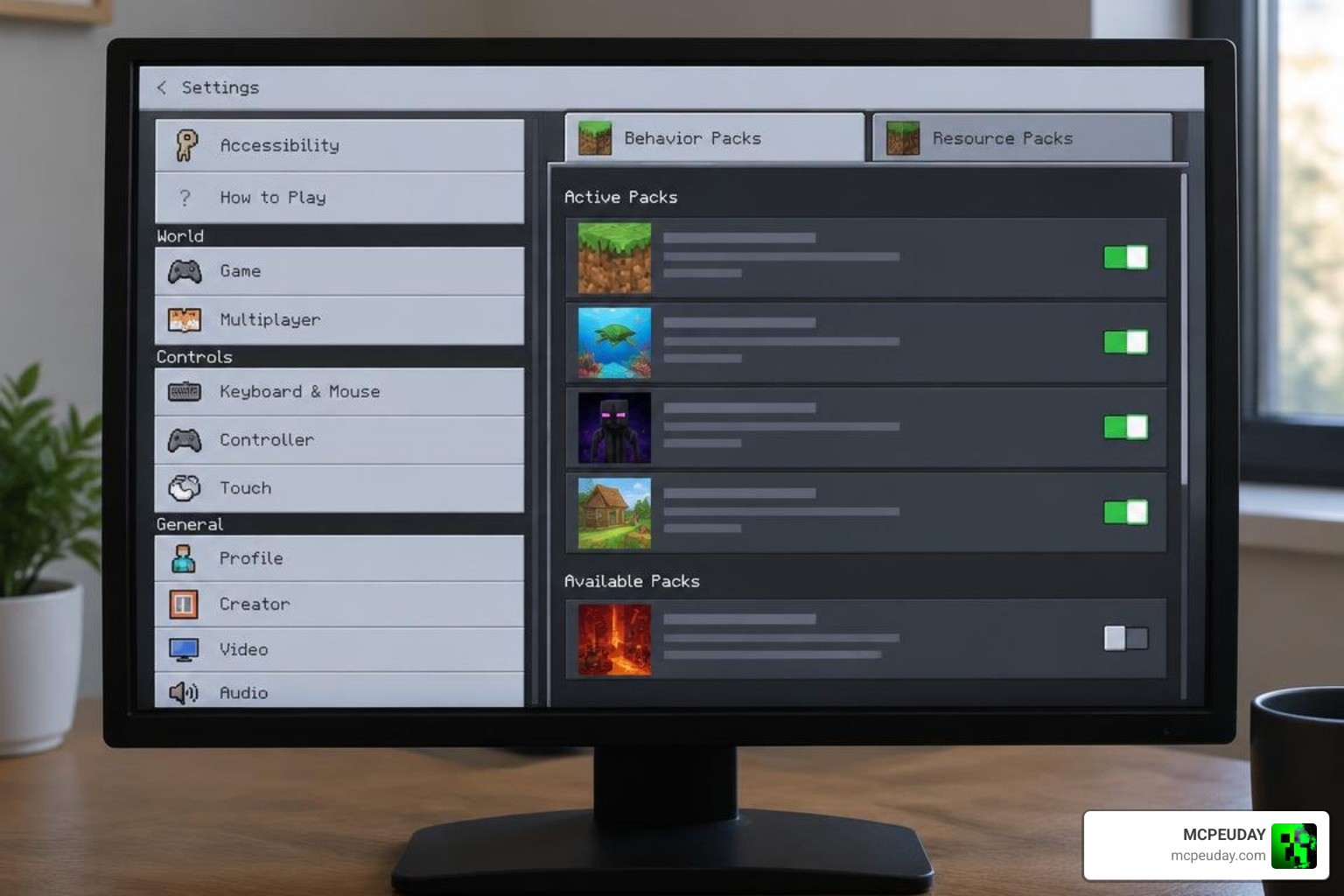
How to Install the Ai Friends Addon for Minecraft PE/Bedrock
- Download the File: Obtain the
.mcaddonor.mcpackpackage files intended for your game version. - Platform-Specific Import:
- Android: Tap the downloaded file directly and select Minecraft from the application prompt. If your device does not associate the extension automatically, use dedicated file management tools like ZArchiver to move the file into your Minecraft
behavior_packsandresource_packsdirectories. - iOS: Open the native Files app, locate the downloaded
.mcaddonfile in your Downloads folder, and tap it to launch and auto-import into Minecraft. - Windows 10/11: Double-click the
.mcaddonfile to trigger automatic installation directly within the Bedrock client.
- Android: Tap the downloaded file directly and select Minecraft from the application prompt. If your device does not associate the extension automatically, use dedicated file management tools like ZArchiver to move the file into your Minecraft
- World Setup: Open your world settings menu, navigate to Behavior Packs, and activate the addon. Ensure the corresponding Resource Pack is active in the textures tab as well so custom NPC skins and UI icons render correctly.
- Enable Experiments: In world settings under the Experiments tab, toggle Beta APIs, Holiday Creator Features, and Custom Biomes (if prompted) to ensure all custom entity interactions, AI goal selectors, and chat interfaces execute properly.
Frequently Asked Questions about AI Friends Addon
Why doesn’t the addon use generative AI like ChatGPT or Claude?
The native Minecraft Bedrock engine operates in a closed, optimized environment designed for smooth offline play across mobile phones, consoles, and lower-end PCs. Direct integration with cloud-based LLM APIs would require dedicated external web proxy servers, constant high-speed internet connections, and recurring subscription API fees. Pre-programmed behavior trees provide an accessible, lightweight, and completely offline alternative for everyone.
Can AI friends build houses and sleep in beds?
Not in the current version 1.5 build. While companions can follow you, equip weapons, attack hostile mobs, and carry selected gear, they cannot place blocks to construct complex structures or interact with bed blocks to skip the night. These mechanics remain top community requests for future updates.
What should you do if AI friends stop working in newer updates?
If you encounter missing entities or broken menus on Minecraft version 26.40 or above, verify that all experimental gameplay toggles are enabled. If issues persist, consider rolling back your game build to version 26.30 or waiting for the author to release a patch addressing recent entity syntax changes. You can also back up your world file before updating to prevent companion data corruption.
Can you equip AI friends with custom armor and weapons?
Yes, you can hand your companions armor pieces, swords, and basic tools. Equipping them with enchanted netherite or diamond armor significantly increases their survivability during tough dungeon runs and nether fortress expeditions.
Conclusion
The Ai Friends Addon brings welcome life to solo survival worlds, providing handy combat support, simple command interactions, and the fun feeling of running with a dedicated squad. While it relies on pre-programmed scripts rather than true generative intelligence, it remains a fun addition to any Bedrock adventurer’s world. To find more ways to upgrade your game with world utilities, skins, and tools, check out our comprehensive Minecraft Bedrock addons collection to enhance your next survival adventure.