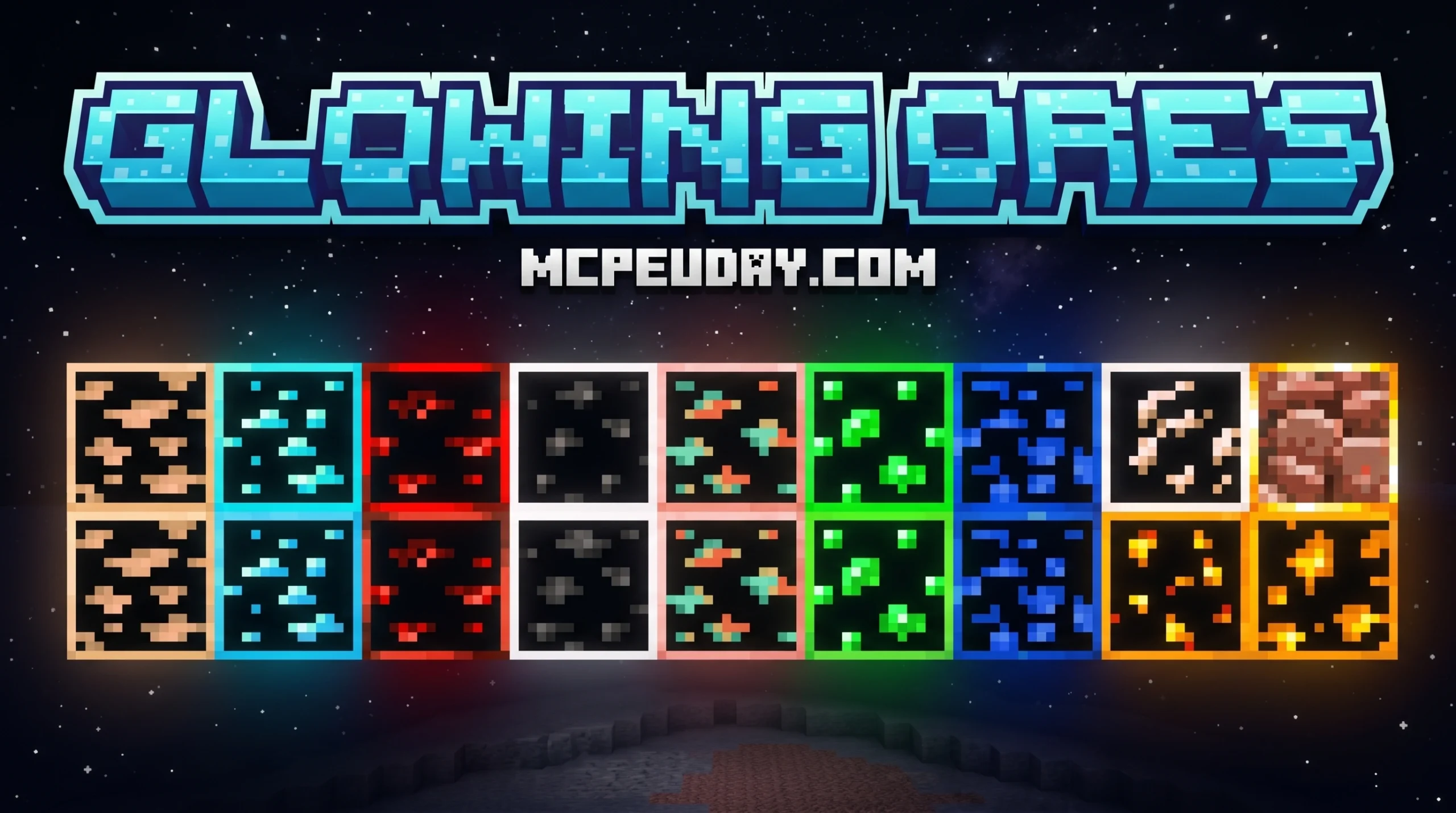
Why the Glowing Ores ADDON Is a Game-Changer for Cave Mining
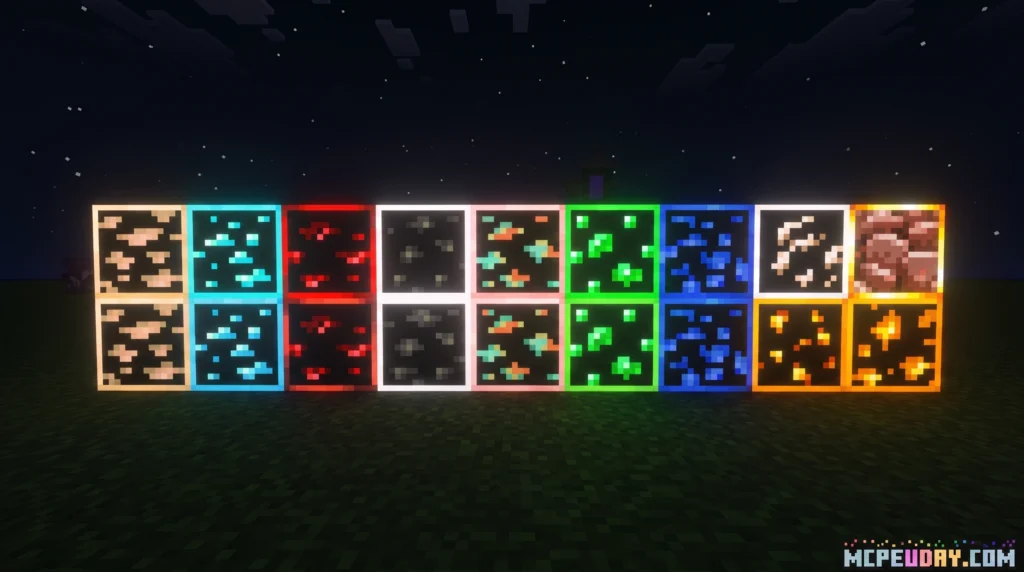
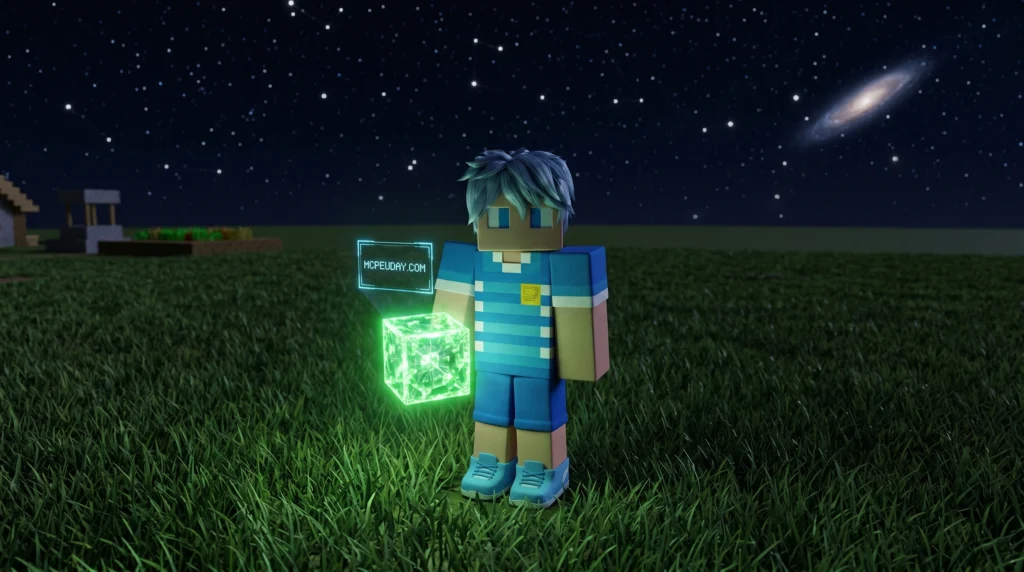
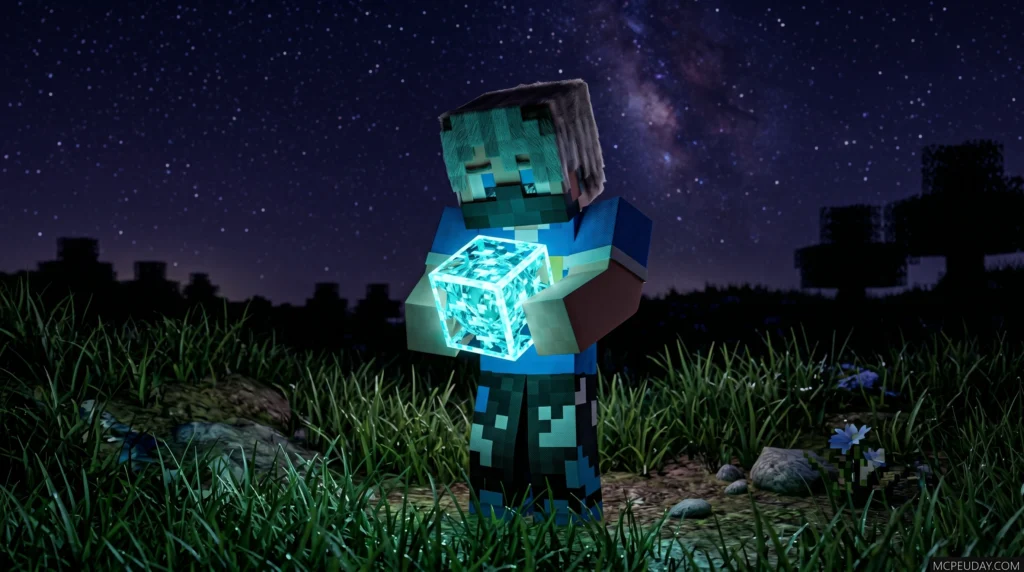
The Glowing Ores ADDON is one of the most useful ore visibility upgrades for Minecraft players who spend a lot of time mining in dark caves, deep slate tunnels, and Nether biomes.
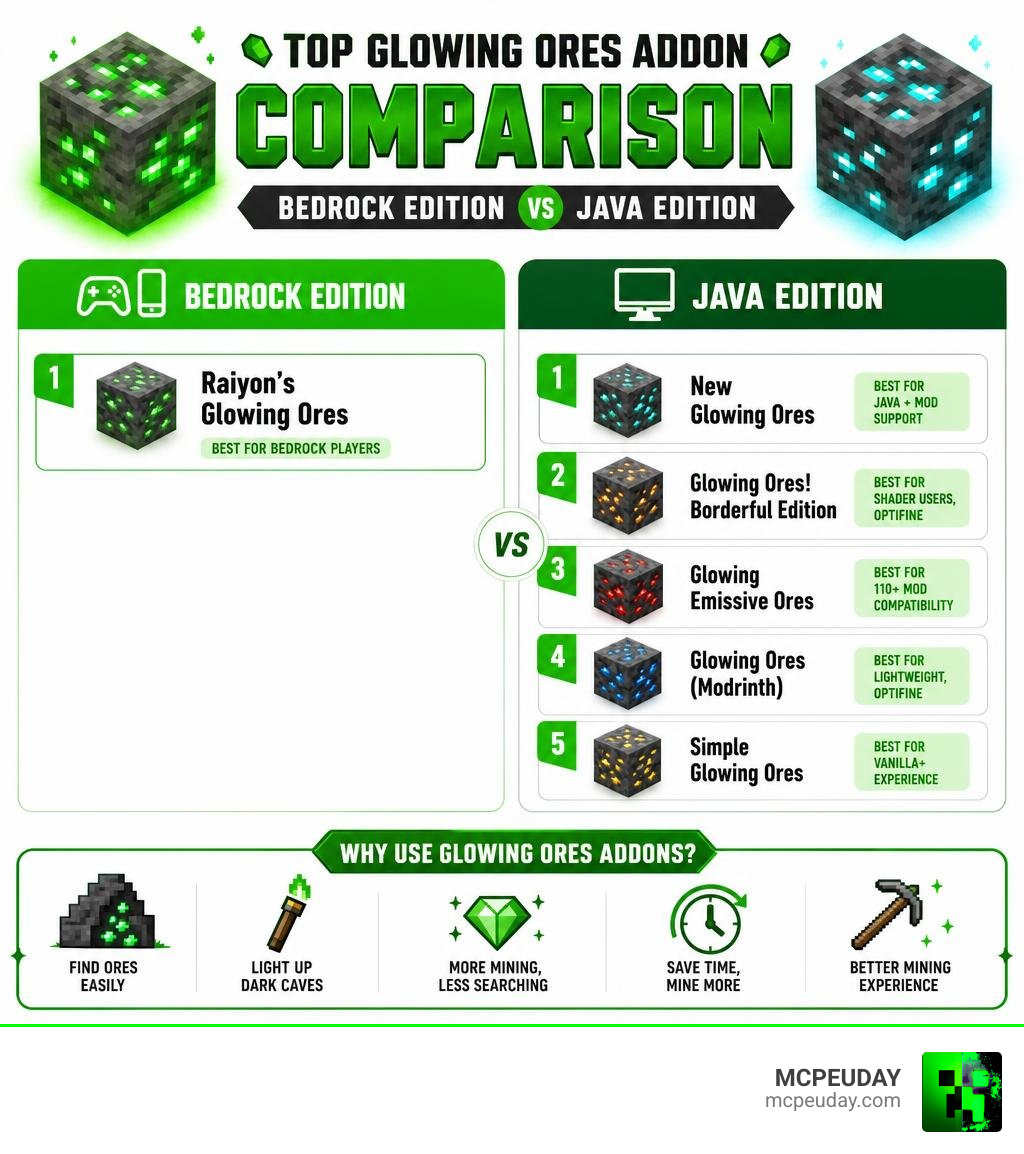
Here are the top glowing ore setup types available right now:
| Addon / Pack Type | Platform | Best For |
|---|---|---|
| Raiyon’s Glowing Ores | Bedrock (MCPE) | Bedrock players, RenderDragon |
| Emissive Ore Resource Packs | Java Edition | Java players with mod support |
| Border-Style Glowing Ores | Java Edition | Shader users, OptiFine-style setups |
| Mod-Compatible Emissive Ores | Java Edition | Players using large mod collections |
| Lightweight Ore Overlays | Java Edition | Low-impact visual upgrades |
Mining in dark caves used to mean squinting at stone and hoping you spot a vein before you walk past it. These addons fix that by making ores emit light – so every diamond, emerald, and gold vein practically jumps out at you.
Whether you play Bedrock Edition on mobile or console, or you’re on Java Edition with shaders, there’s a glowing ores solution built for your setup.
This guide covers the main options – starting with the most popular Bedrock approach, Raiyon’s addon, then comparing it to common Java Edition alternatives.
What is Raiyon’s Glowing Ores ADDON?
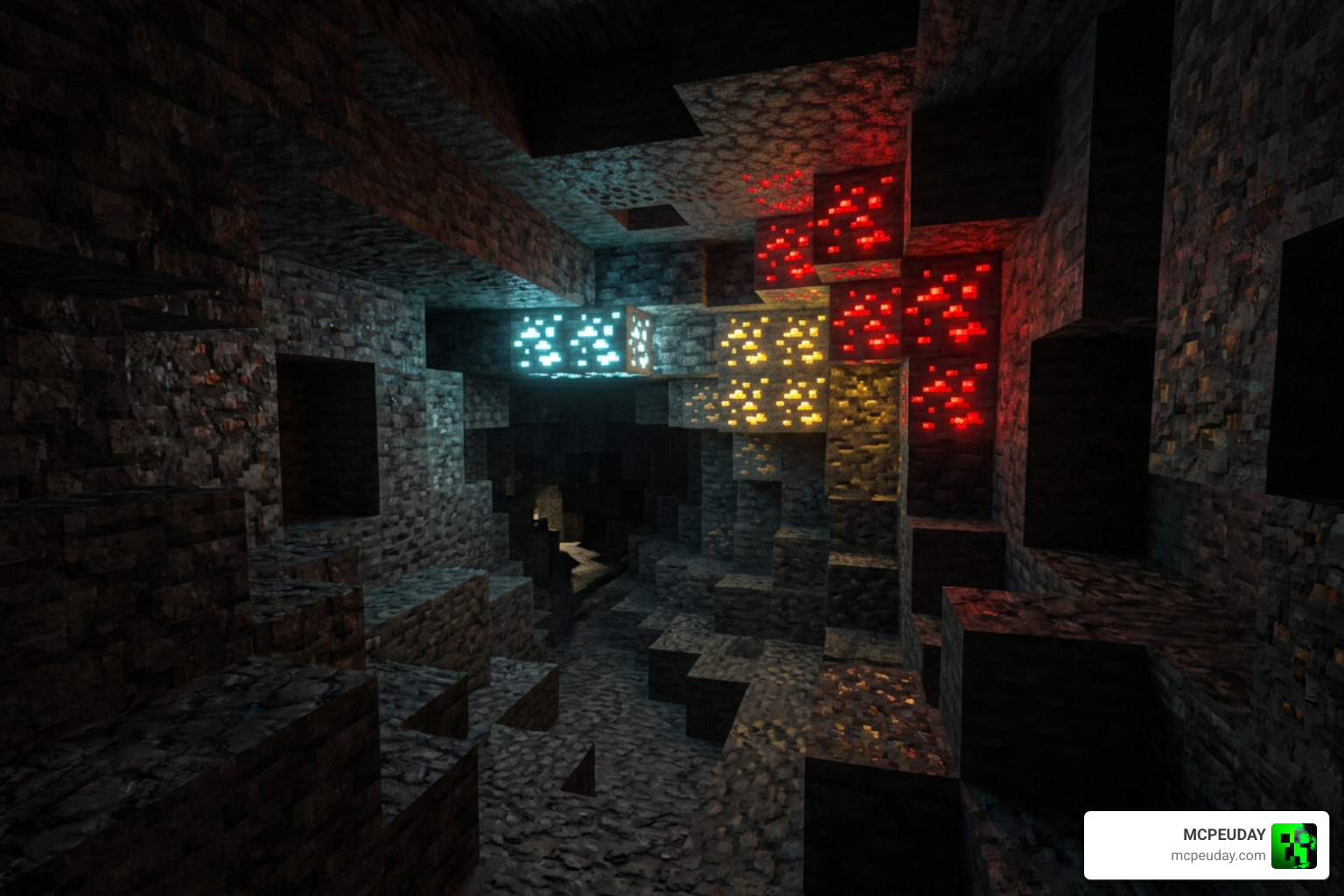
Raiyon’s Glowing Ores ADDON is a specifically tailored modification for Minecraft Bedrock Edition that dramatically improves ore visibility. Instead of relying on full-bright textures that look flat and unnatural, this addon makes the minerals realistically emit light, much like active redstone blocks do in the vanilla game.
Unlike traditional full-bright resource packs that simply make the entire block texture bright, which can look flat, washed out, and ruin the atmosphere of dark caves, Raiyon’s addon uses advanced emissive mapping. This means only the actual mineral veins – the blue of the diamonds, the green of the emeralds, and the red of the redstone – emit light, while the surrounding stone or deepslate remains realistically dark. This creates a stunning high-contrast visual effect that makes cave exploration feel immersive and atmospheric, almost like exploring a bioluminescent cavern.
Whether you are exploring deep slate caves or searching the Nether for Ancient Debris, this addon ensures that valuable resources stand out even in pitch-black environments. It is designed for Bedrock’s RenderDragon engine, which handles modern graphics rendering. This means you get attractive glowing visuals while keeping the experience friendly for normal Bedrock gameplay.
If you are looking to enhance your pocket edition setup further, you can explore more modifications like this in our MCPE Bedrock Category. You can also review the official Minecraft overview at Minecraft.net if you want more information about the different editions of the game.
How to Install and Configure the Addon
Getting the Glowing Ores ADDON up and running in your world is incredibly simple. Because it is packaged as a standard Bedrock addon, you do not need to mess with complex file systems or third-party mod loaders to get it working.
Step-by-Step Installation for Bedrock Edition
To install the addon on your mobile device, console, or Windows 10/11 PC, follow these steps:
- Download the
.mcaddonor.mcpackfile from a trusted source. - Double-click or tap the downloaded file to automatically launch Minecraft and import the pack.
- Once imported, navigate to your world settings (or global resources in the main settings menu).
- Go to Resource Packs and activate the pack.
- In your active resources list, make sure the addon is placed at the very top of your load order to prevent other texture packs from overwriting it.
If you are playing on a multiplayer server or a Realm with friends, make sure to check the option “Require players to accept resource packs to join” in your world settings. This ensures that everyone joining your world can experience the beautiful glowing effects together. If the ores do not seem to glow after installation, try restarting your Minecraft client or clearing your cache in the storage settings, as Bedrock can sometimes cache old block textures.
For more guides on customizing your mobile experience, check out our dedicated Minecraft PE Category.
Compatibility with RealSource RTX and Shaders
If you want the ultimate visual experience, you can pair this addon with high-end ray tracing packs like RealSource RTX. When using the addon with RTX, the emissive maps sync up to cast real ray-traced light reflections onto surrounding cave walls.
To ensure compatibility, always activate the Glowing Ores ADDON directly above your main RealSource RTX pack in the resource settings. Depending on your hardware, you can select different texture resolution subpacks to balance visual quality and performance.
Key Features and Mechanics of Glowing Ores
This addon does more than just repaint textures; it introduces unique light mechanics that integrate directly with Bedrock’s engine.
Dynamic Lighting and Toggle Mechanics in the Glowing Ores ADDON
The standout feature of Raiyon’s addon is how it handles light emission. Ores emit a soft, natural glow similar to redstone. However, if you find the light distracting while building or decorating, you can actually toggle the light emission off by hitting the block. If you want to turn the glow back on, simply mine and replace the block. This interactive mechanic gives you complete control over how your underground bases and builds look.
This dynamic toggle mechanic is incredibly useful for builders who want to use ore blocks as decorative elements in their bases. For example, if you want to build a rustic mine shaft using raw diamond ore but don’t want the bright blue glow to overpower your warm lantern lighting, a simple tap on the block solves the problem. The addon supports all vanilla ores, including Overworld ores like Coal, Iron, Copper, Gold, Lapis Lazuli, Redstone, Emerald, and Diamond, as well as Nether-specific resources like Nether Quartz, Nether Gold Ore, and the highly coveted Ancient Debris.
Comparing the Free LOW Version vs. Paid HD Glowing Ores ADDON
When downloading glowing ore packs designed for realistic setups (such as those configured for RealSource), you will often find two variants: a free LOW version and a paid HD version.
The free LOW version offers standard resolution glowing textures that look great on mobile devices and lower-end PCs. The HD version, which often requires an account registration or subscription to download, features highly detailed, ultra-resolution textures designed to take full advantage of ray-tracing capabilities.
| Feature | LOW Version (Free) | HD Version (Paid/Account Required) |
|---|---|---|
| Texture Resolution | 16x – 64x | 128x – 512x |
| Performance Impact | Extremely Low | Moderate to High (Requires strong GPU) |
| Ray Tracing Support | Basic | Full PBR/RTX Support |
| Accessibility | Free to download | Requires account/membership |
Bedrock Addons vs. Java Edition Resource Packs
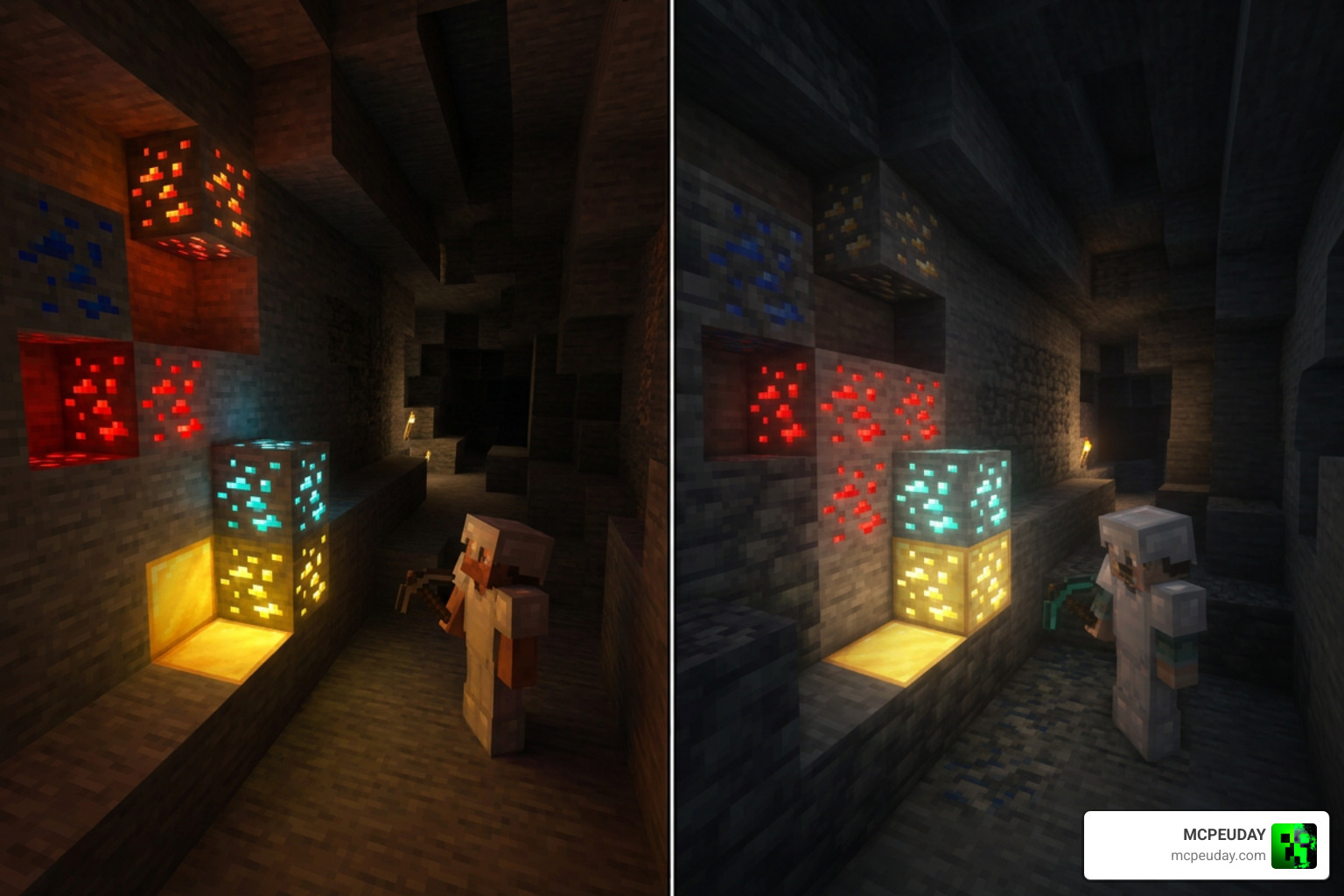
While Bedrock players use addons and resource packs to modify block visuals and lighting behavior, Java Edition players usually rely on resource packs paired with client-side tools like OptiFine-style emissive texture support, Continuity-style connected texture support, or shader configurations to achieve a similar effect.
In Java Edition, emissive textures often require specific shader support to render correctly. For instance, packs using the LabPBR 1.3 standard can use the alpha channel of the specular map to render emissiveness, allowing compatible shaders to display glowing effects without needing every block to appear fully bright.
If you are looking for Java alternatives, or want to see how Bedrock textures compare, we highly recommend checking out the Glowing Ores Texture Pack and the Visible Ores Texture Pack. For those looking to expand beyond vanilla resources, the Better Ores Add-on is an excellent step up.
Here is a list of popular glowing ore solution styles across platforms:
- Border-style glowing ore packs that highlight the edges of ore blocks
- Lightweight emissive overlays for players who want better visibility without a heavy performance cost
- Shader-focused ore packs designed for reflective cave lighting and stronger glow effects
- Mod-compatible ore packs made for worlds with expanded ore sets
- Bedrock-focused glowing ore packs for MCPE, console, and Windows players
Frequently Asked Questions About Glowing Ores
Here are some of the most common questions players ask when setting up glowing ores in their worlds.
Does the Glowing Ores addon work with RenderDragon in 2026?
Yes! Raiyon’s addon is built to be fully compatible with the RenderDragon engine. As of June 2026, the addon is updated to support Bedrock versions 1.21.50 through 1.21.61, as well as subsequent releases, ensuring your mining trips remain bright and efficient.
Can I use this addon alongside other resource packs?
Absolutely. However, because resource packs load from top to bottom, you must ensure that the Glowing Ores ADDON is placed at the very top of your active resource pack list. This ensures its glowing properties override any standard textures from other packs.
What other addons does Raiyon offer?
Raiyon is a highly respected creator in the Bedrock community, famous for gameplay-enhancing mods. In addition to glowing ores, you can check out Raiyon’s Dynamic Lighting (which makes handheld torches emit light as you walk) and Raiyon’s Java Combat (which brings Java-style combat cooldowns and sweeping attacks to Bedrock).
Conclusion
The Glowing Ores ADDON is an essential upgrade for any Minecraft player tired of missing valuable resources in dark caves. By adding beautiful, performance-friendly light emission to your ores, you can save torches, mine faster, and make your underground worlds look absolutely stunning.
We at MCPEUDAY are dedicated to bringing you the absolute best resources to elevate your gameplay. Ready to transform your Minecraft experience? Download the latest Minecraft addons and mods from our catalog today and start your next mining adventure in style!
1 thought on “Glowing Ores Addon (26.x, 1.21) – MCPE/Bedrock Mod”