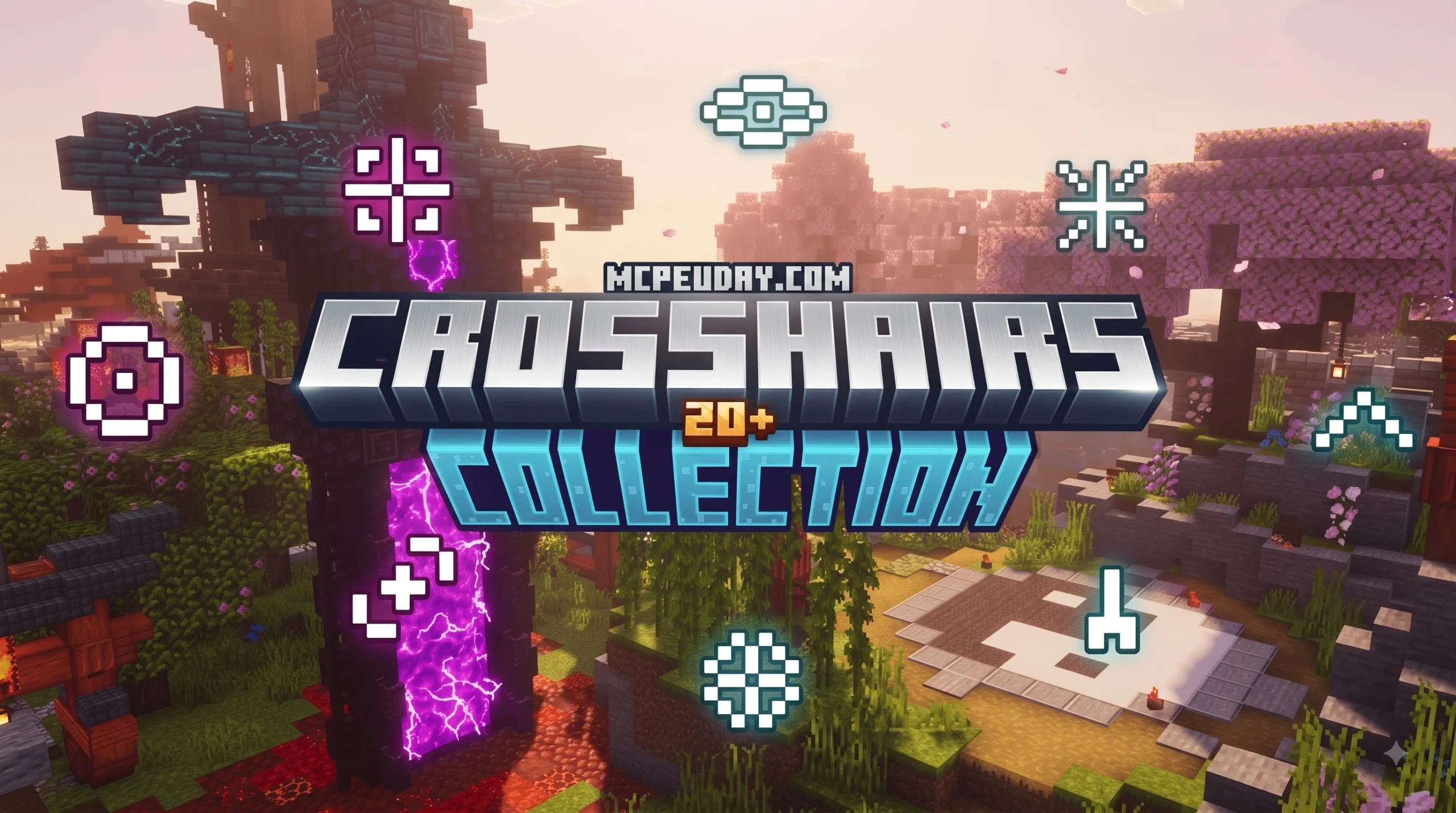
What Is the Crosshairs Collection Pack and What Does It Offer?
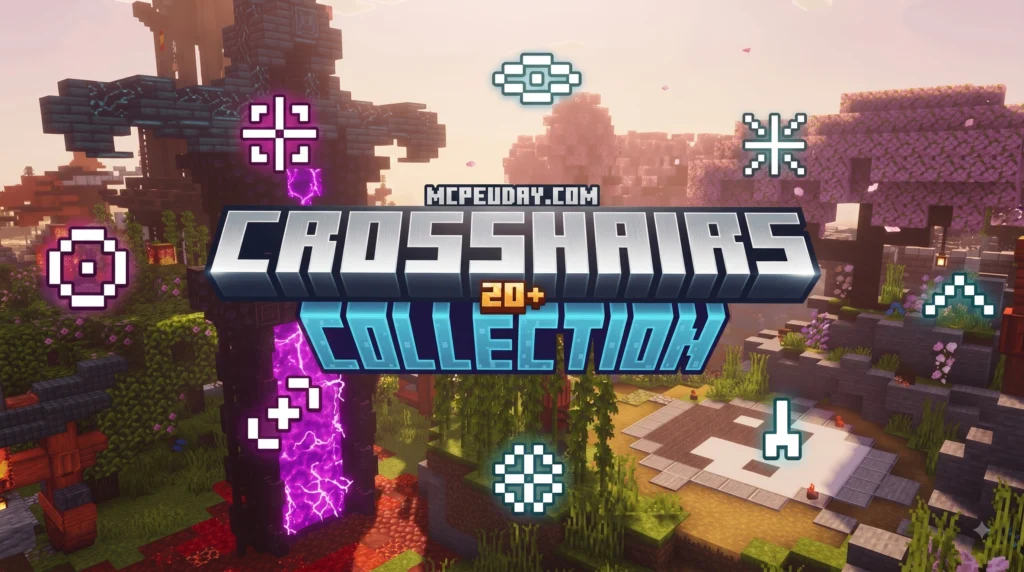
The Crosshairs Collection Pack is a lightweight HUD enhancement pack created specifically for Minecraft PE and Bedrock Edition. As featured across popular resource pack listings, this user interface pack delivers version 1.3 in a compact 1.9 MB .mcpack file that has already garnered over 16,000 downloads worldwide.
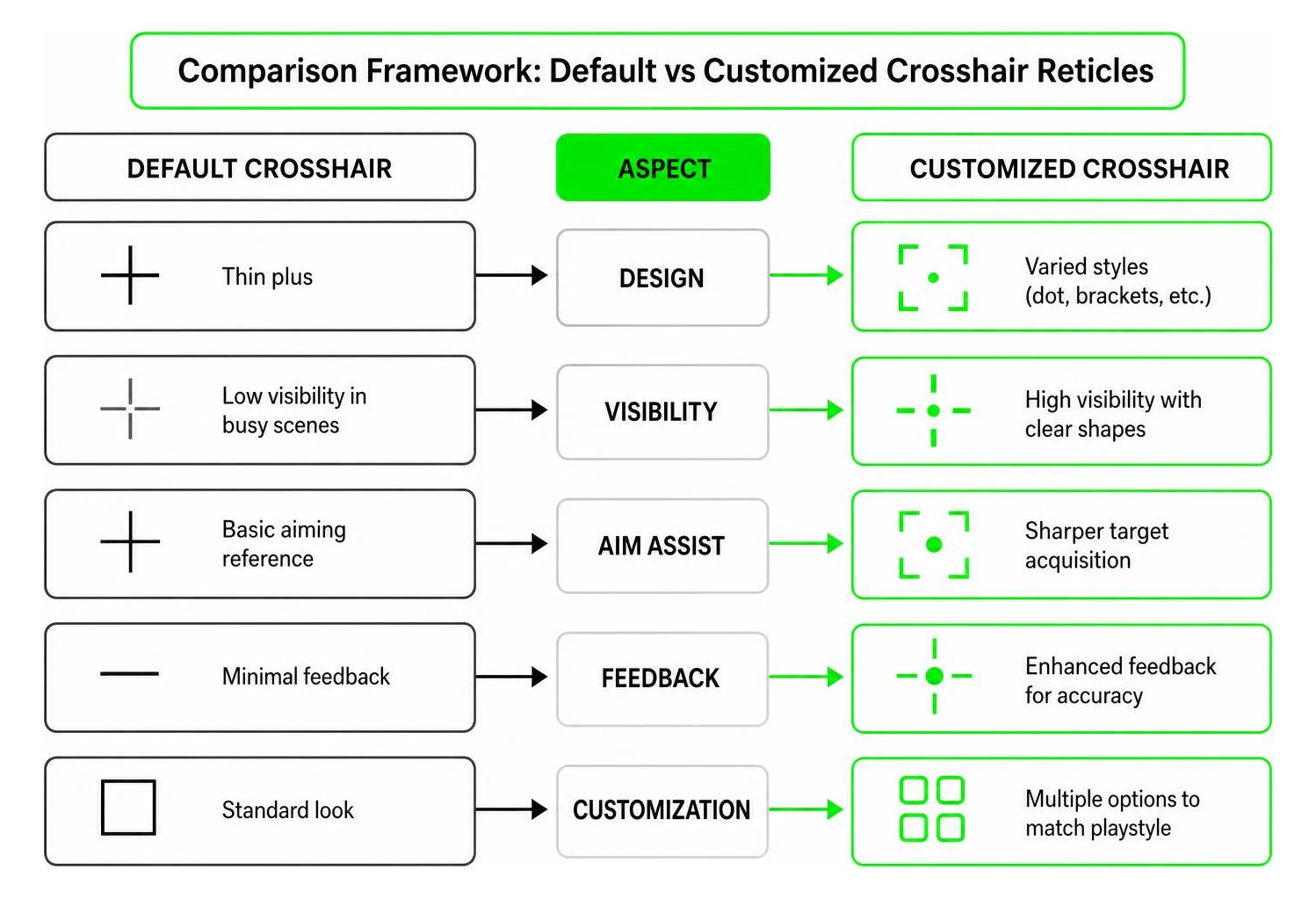
Instead of forcing players to rely on the standard default crosshair, which can be overly thick, visually intrusive, or difficult to see against bright backgrounds, this pack introduces dozens of refined options that cater to competitive PvP players, casual survivalists, and precision builders alike. By altering the central reticle texture, players achieve significantly better visibility, sharper target acquisition, faster reaction times, and an overall cleaner screen layout without impacting core game performance.
For Minecraft Bedrock players, the crosshair is more than a small graphic in the middle of the screen. It is the reference point for mining, block placement, bow shots, fishing, bridging, mob combat, and close-range PvP exchanges. A reticle that is too large can hide a target at exactly the wrong moment, while a reticle that blends into snow, sky, sand, or torch-lit caves can make aiming feel inconsistent. The Crosshairs Collection Pack solves this by giving users multiple visual styles so they can match the HUD to their device, screen size, lighting conditions, and preferred play style.
Because the pack is client-side, it focuses on appearance rather than changing Minecraft’s mechanics. That makes it especially useful for players who want a smoother interface while keeping the vanilla Bedrock experience intact. Whether you play on Android, iOS, Windows Bedrock, or another supported Bedrock platform, a compact crosshair can make the game feel cleaner without adding heavy textures, shaders, or gameplay scripts.
Styles and Features of the Crosshairs Collection Pack
Inside the collection, players can find a wide variety of aiming reticles tailored to different visual preferences and combat scenarios:
- Dot Crosshairs: Minimalist central dots that leave the surrounding visual field open for tracking player movements or aligning precise block placement.
- PvP Reticles: Dynamic and high-contrast crosshairs engineered specifically for high-intensity player-versus-player combat, featuring dark outer borders for maximum visibility in all lighting conditions.
- Tiny & Small Crosshairs: Compact reticles, such as 3×3 pixel designs, that reduce visual clutter on small mobile displays, tablets, and handheld devices.
- Modern & Geometric Shapes: Clean circles, multi-ring scopes, traditional crosses, and square reticles that give the user interface a sleek, modern game feel.
To see how various custom reticles map to mobile clients, check out video demonstrations like Java Crosshairs on Bedrock! 30+ Crosshairs or specialized crosshair asset guides.
How the Crosshairs Collection Pack Compares to Engine Asset Packs
While the Crosshairs Collection Pack is designed as a direct-to-use resource pack for Bedrock players, game developers often use stand-alone reticle asset collections to build original UI interfaces in game engines.
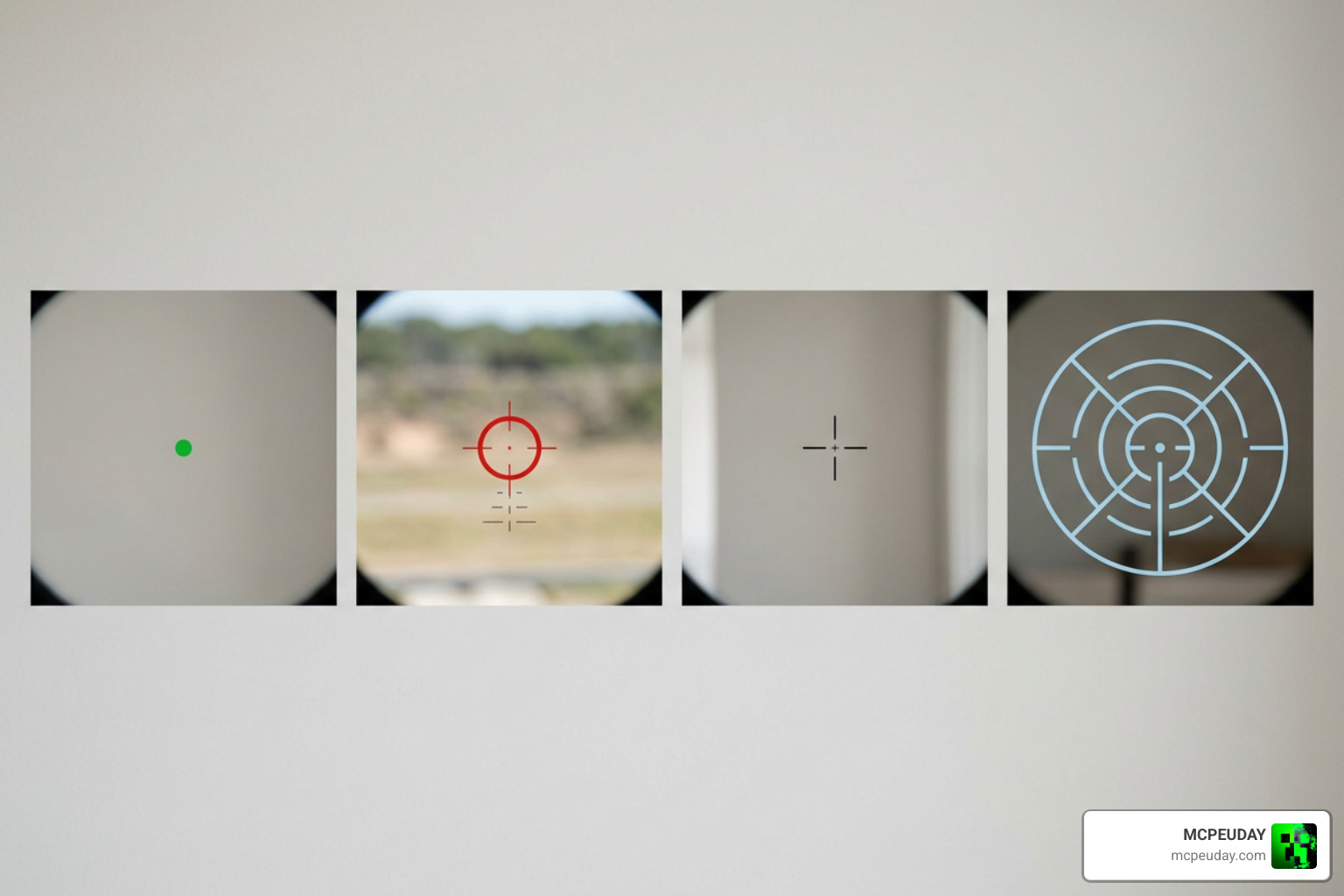
For example:
- Unity Engine Packs: Developer kits such as the ULTIMATE CROSSHAIR COLLECTION | 2D | Unity Asset Store offer 49 clean, modern transparent PNG reticles at 256×256 resolution. Others like Crosshairs Pro | 2D GUI | Unity Asset Store give UI designers ready-to-code components.
- Unreal Engine & Itch.io Kits: Options like the 100+ Crosshairs Pack – UE Marketplace – Unreal Forums or the Crosshair 110x Triple Ultra Pack deliver massive texture collections scaled from 32px pixel art up to 512px HD resolutions.
- Indie Developer UI Assets: Collections like the FREE Mega Crosshairs Pack by VOiD1 Gaming feature over 60 customizable reticles complete with raw source files.
In short, while engine asset packs provide raw image files for developers building games from scratch, the Crosshairs Collection Pack packages ready-to-play textures directly into Minecraft’s native engine structure.
Supported Platforms, File Formats, and Customization Options
Whether you are modifying Minecraft on a smartphone or designing a game in an engine, file formats and platform compatibility dictate how assets perform and render across different display screens.
Technical Specifications and File Formats
Different gaming environments demand different texture formats and technical properties to ensure crisp rendering and low latency:
.mcpackFormat: The standard automated container archive for Bedrock/MCPE. It installs automatically into your mobile or Windows Bedrock client with a single tap or double click.- Transparent PNG: The universal image standard for game UI overlays, featuring transparent RGBA backgrounds and crisp edges (typically ranging from 16×16 to 512×512 resolution).
- Vector Source Files (SVG / EPS): Scalable vector graphics that can be resized indefinitely without pixelation, perfect for high-DPI retina displays and custom UI resolution scaling.
- PSD Master Files: Multi-layer Photoshop files included in developer kits that allow designers to swap layers, tweak opacity, add drop shadows, and re-color crosshairs with ease.
Licensing Terms and Commercial Rights
Understanding licensing is vital if you intend to stream gameplay, publish modpacks, create video content, or develop independent titles:
- Minecraft Resource Packs: Downloads like the Crosshairs Collection Pack are strictly intended for personal gameplay use and client-side HUD customization.
- Public Domain (CC0 1.0): Packs released under CC0 allow unlimited commercial and non-commercial use, modification, and distribution without requiring author attribution.
- Creative Commons with Attribution (CC-BY): Allows commercial usage in games, mods, and media projects, provided proper credit is given to the original asset creator.
- Custom Royalty-Free Licenses: Free developer packs (such as VOiD1 Gaming’s release) allow usage in commercial games but prohibit raw asset reselling or standalone distribution.
How to Integrate and Customize Crosshairs for Your Game
Installing a reticle pack in Minecraft Bedrock or Pocket Edition is quick and straightforward across mobile devices, PCs, and consoles.
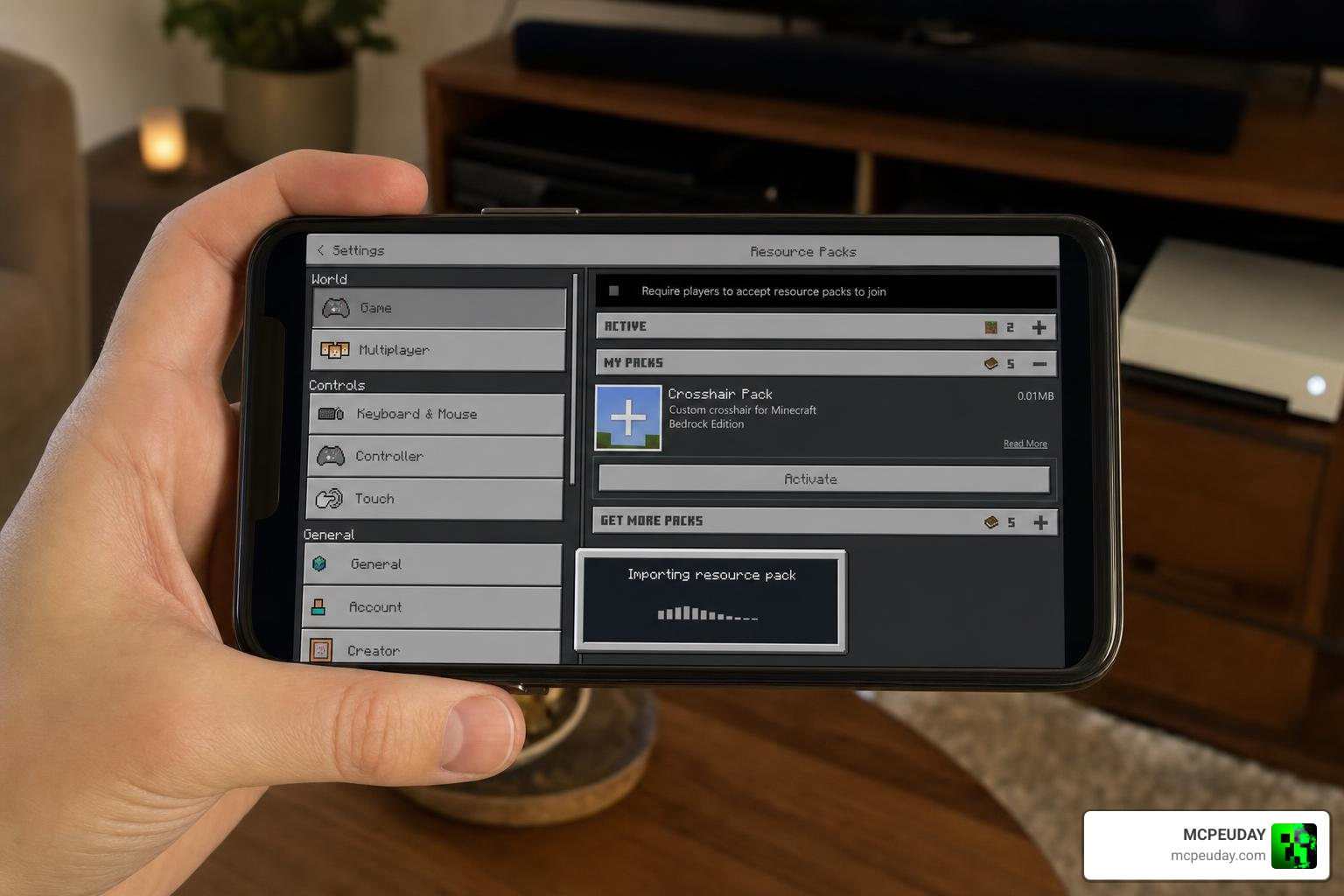
Step-by-Step Installation for Minecraft PE and Bedrock
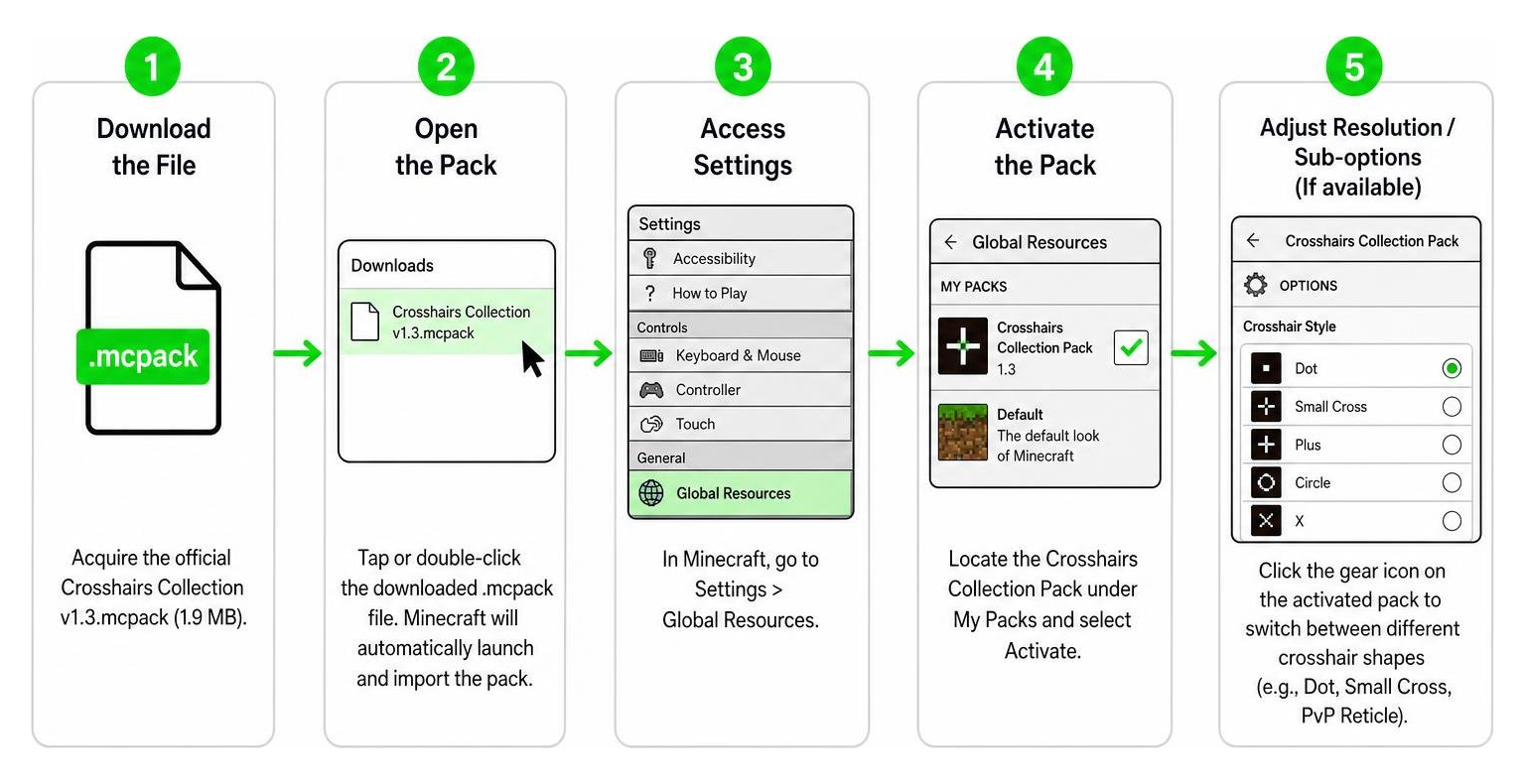
- Download the File: Acquire the official
Crosshairs Collection v1.3.mcpack(1.9 MB). - Open the Pack: Tap or double-click the downloaded
.mcpackfile. Minecraft will automatically launch and import the pack into your global storage. - Access Settings: In Minecraft’s main menu, go to Settings > Global Resources.
- Activate the Pack: Locate the Crosshairs Collection Pack under My Packs and select Activate.
- Adjust Resolution/Sub-options: Click the gear icon on the activated pack slider to switch between different crosshair shapes (e.g., Dot, Small Cross, PvP Reticle, Circle).
- Enter a World: Join a multiplayer server or single-player world to enjoy your newly customized HUD interface!
Best Practices for Selecting Crosshairs by Game Genre
To maximize in-game performance, pair your reticle choice with your primary activity:
- Competitive PvP: Select a bright, outlined dot or small 3×3 pixel crosshair. High-contrast outlines ensure visibility against bright skyboxes, snowy terrain, and dark cave environments.
- Archery & Distance Shooting: Choose a fine reticle with subtle horizontal and vertical hash marks to assist with aiming compensation and calculating arrow drop over long ranges.
- Survival & Building: Use a minimal or partially translucent reticle so your view remains unobstructed while placing intricate blocks or managing inventory interfaces.
- Speedrunning & Mobility: Opt for a centralized micro-dot that helps maintain spatial orientation while fast-bridging, parkouring, or maneuvering through complex terrain.
Free vs. Paid Reticle Packs: Feature Comparison
Here is how free community resource packs compare to professional developer asset packs:
| Feature / Aspect | Free Minecraft Resource Packs | Indie Developer Packs (Itch.io) | Professional Engine Asset Packs |
|---|---|---|---|
| Primary Target | Minecraft Bedrock / MCPE Players | Indie Game Developers & Modders | Commercial Game Studios |
| Typical File Formats | .mcpack, .zip (PNG) | PNG, PSD, Vector (SVG/EPS) | Transparent PNG, Render Pipelines |
| Asset Resolutions | 16×16 to 128×128 px | 32px, 128px, 512px HD | 256×256 to 1080p |
| Customization Depth | In-game subpack sliders | Full raw layers in Photoshop | Material properties & Shaders |
| Licensing | Personal modding use | CC0, CC-BY, or Custom | Commercial Single-Entity License |
| Price Point | Free | Free to $10 | $5 to $10+ |
Frequently Asked Questions About Crosshairs Collection Pack
Can I use the Crosshairs Collection Pack on Minecraft Bedrock and Mobile?
Yes! The Crosshairs Collection Pack is distributed as a standard .mcpack file, making it fully compatible with Minecraft Pocket Edition (iOS and Android), Windows 10/11 Bedrock Edition, and console platforms that support custom resource imports. It operates client-side, meaning you can use it on public servers and realm worlds without causing compatibility issues.
Are vector and PSD files included for crosshair customization?
Minecraft-specific resource packs generally include ready-to-use PNG textures packaged inside the .mcpack file. However, if you are looking for raw PSD layers or SVG vector files to edit in graphic software like Photoshop or Illustrator, developer-focused asset packs (like the FREE Mega Crosshairs Pack) provide those editable source files.
How do I select the best crosshair style for competitive PvP?
For competitive PvP, we recommend small dot crosshairs or tight cross shapes with a dark outline. Smaller reticles keep the center of your screen clear so you can track target head movements smoothly without the HUD obscuring your line of sight or target box.
Conclusion
Upgrading your targeting reticle with the Crosshairs Collection Pack is one of the easiest ways to instantly improve your aiming precision, visibility, and overall screen layout in Minecraft. Whether you prefer a tiny dot for competitive PvP duels or a modern geometric design for survival building, custom reticles bring a fresh, professional feel to every gaming session.
At MCPEUDAY, we deliver comprehensive guides, installation tutorials, and active resource updates to help you get the absolute most out of your Bedrock experience. Explore Minecraft Texture Packs on MCPEUDAY to discover more graphics tweaks, shaders, HUD overhauls, and gameplay mods tailored for Bedrock and Java Edition today!