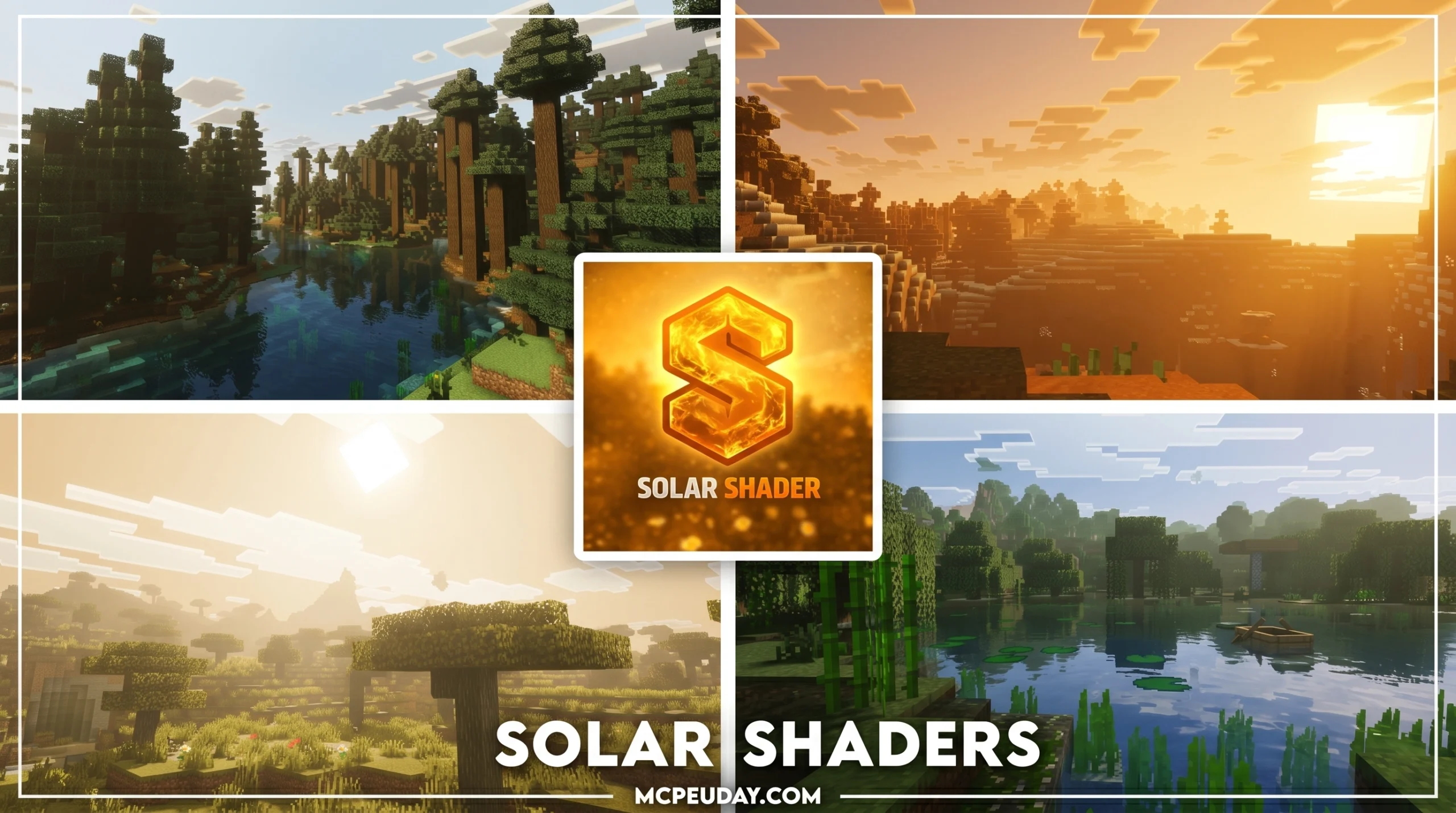
Why the Solar Shader Transforms Your Minecraft Experience
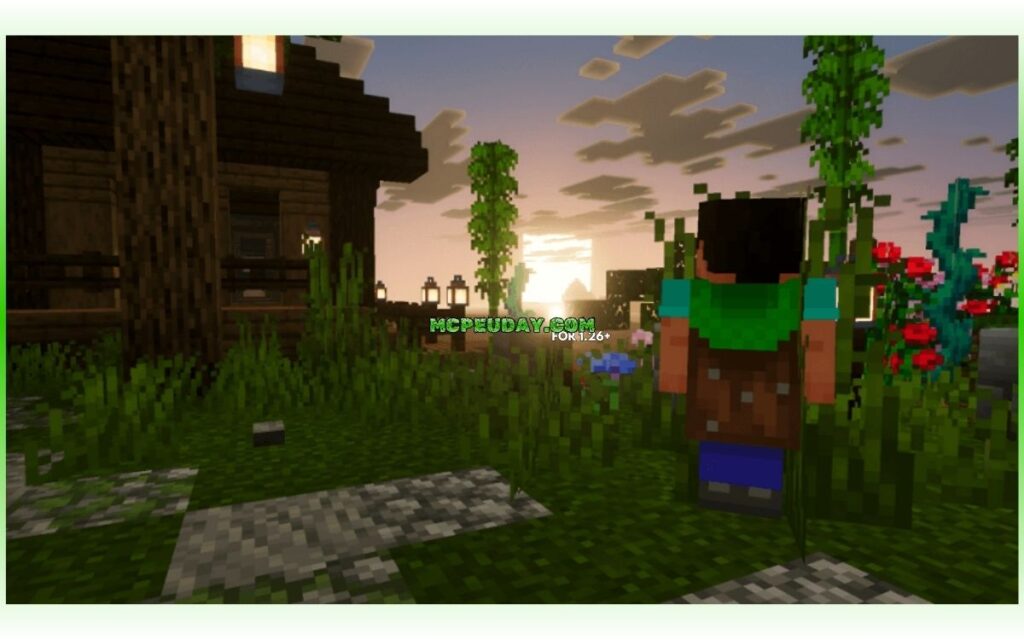
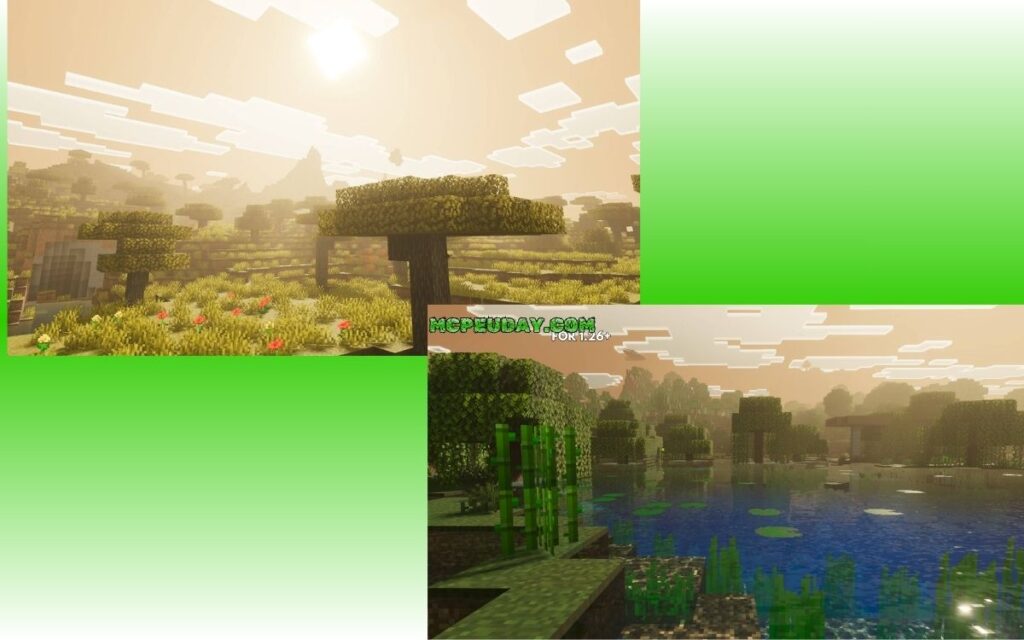
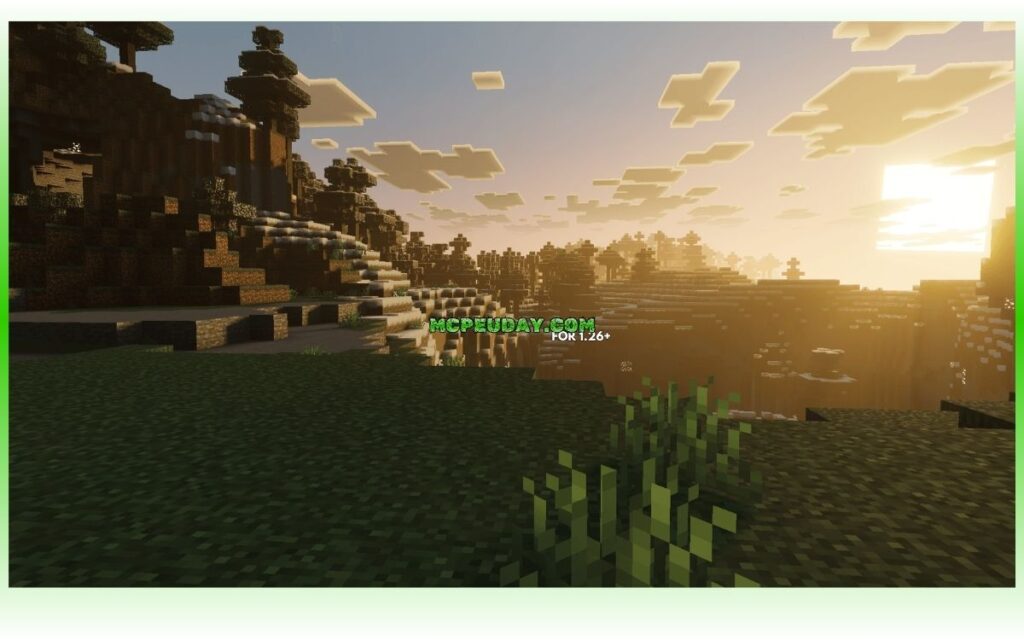
The Solar Shader — more precisely known as the Solas Shader — is a popular Minecraft shaderpack that adds fantasy-style lighting, volumetric clouds, realistic water, and stunning sky effects to Java Edition.
Quick answer for what Solar Shader is:
- A fantasy-styled Minecraft shaderpack created by developer Septonious
- Features colored block lighting, 3D clouds, aurora borealis, and realistic water
- Works with Iris Shaders (recommended) and OptiFine
- Supports Minecraft Java Edition versions 1.12.2 through 1.21.x
- Has over 23.7 million total downloads across platforms
- The latest version as of June 2026 is V3.3
Lighting makes or breaks how a Minecraft world feels. Vanilla Minecraft gets the job done, but it leaves a lot on the table visually. The Solar/Solas Shader changes that completely.
It wraps your world in warm, colored light that bounces off blocks realistically. Clouds cast moving shadows. Water bends light beneath the surface. The night sky shows a full Milky Way.
The best part? It does all of this without requiring a top-tier PC — there are multiple performance profiles to match your hardware.
With over 23 million downloads, this is one of the most loved shaderpacks in the Minecraft community right now — and for good reason.
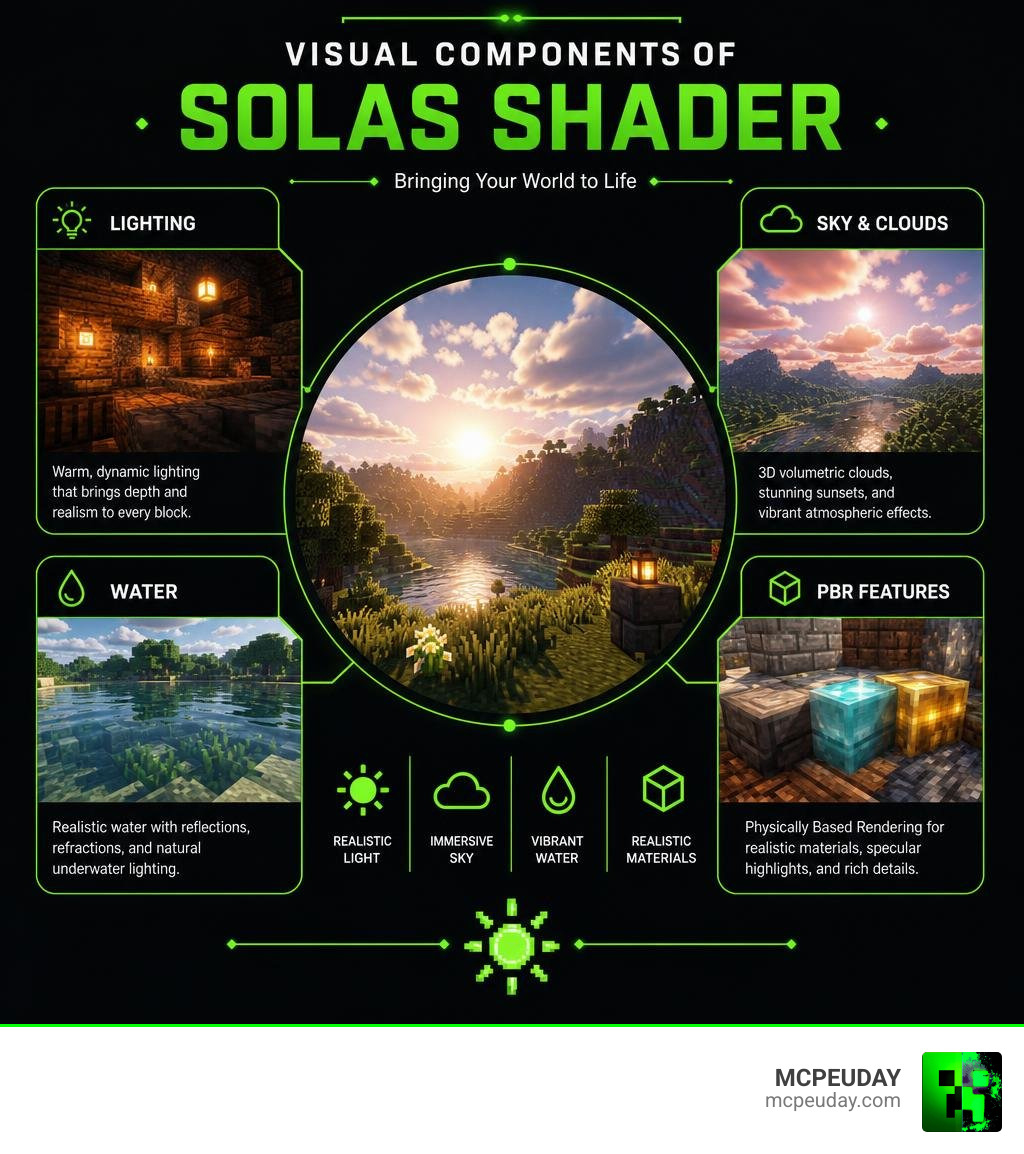
What is the Solas Solar Shader?
If you have spent any time looking for ways to make your Minecraft world look like a high-fantasy movie, you have likely run across the name Solar Shader. Created by the incredibly talented developer Septonious, this shaderpack is actually named Solas Shader, though the community frequently searches for it under both names.
Since its release, it has taken the Minecraft community by storm. Across various platforms, the Solas Shader has amassed over 23.7 million total downloads, with a staggering 11.08 million downloads on Modrinth alone and a dedicated following of 2,636 followers. Septonious’s entire portfolio of projects has reached over 24.3 million downloads, proving that this developer knows exactly what players want when it comes to visual upgrades.
At its core, the Solar Shader is designed as a fantasy-stylized shaderpack. Unlike shaders that try to mimic real-world camera lenses perfectly, Solas focuses on atmosphere, color, and wonder. It aims to strike a perfect balance between jaw-dropping visuals and moderate performance costs, meaning you do not need a liquid-nitrogen-cooled NASA supercomputer to enjoy it.
We at MCPEUDAY are always tracking the latest developments in the graphics community. As of June 2026, the shader has seen massive updates. The latest release, Version 3.3 (which alone has racked up over 707,423 downloads), introduces incredible features like a low Earth orbit atmosphere when you travel to high altitudes. Even older stable releases, like Version 2.4 (with 152,684 downloads), remain highly popular for players running legacy setups.
Whether you are looking to download the latest files from the Solas Shader – Minecraft Shader – Modrinth page or the Solas Shader – Minecraft Shaders – CurseForge repository, we have got you covered with everything you need to know to get started.
Is it Solas or Solar Shader?
Let’s address the elephant in the room: why do so many people call it the Solar Shader instead of its official name, the Solas Shader?
The confusion comes down to two simple things: autocorrect and the shader’s spectacular sun effects. When players type “Solas” into search engines or chat rooms, autocorrect often “fixes” it to “Solar.” Because the shader features some of the most beautiful, sun-drenched lighting and god rays in the game, the nickname “Solar Shader” stuck.
In this guide, we will use both names interchangeably so everyone knows exactly what we are talking about. Just remember that when you go to download the files on Modrinth or CurseForge, you will want to look for “Solas” to find the official pages!
Key Visual and Technical Features
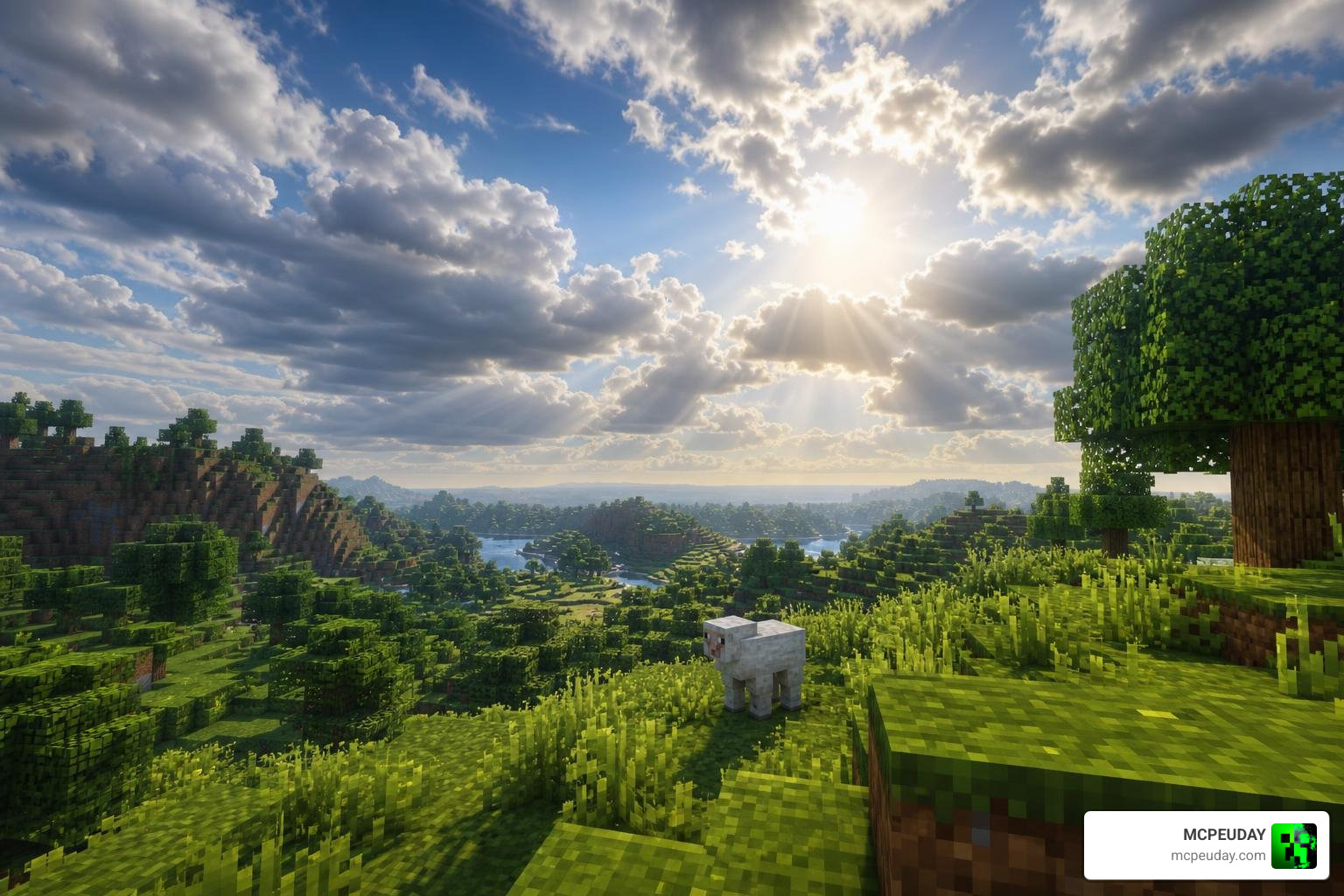
What makes the Solar Shader stand out in a sea of hundreds of Minecraft shaderpacks? It is the sheer variety of unique visual and technical features that Septonious has packed into a single, lightweight package.
First, let’s talk about the sky. The skybox in this shaderpack is nothing short of a work of art. During the day, you will see gorgeous, fluffy 3D volumetric clouds that drift across the sky, casting realistic shadows onto the terrain below. When night falls, the sky transforms into a cosmic wonderland. You can witness a highly detailed Milky Way, shimmering aurora borealis (northern lights), and even shooting stars.
If you venture into the End dimension, the shader replaces the boring static sky with a procedurally generated Ender Nebula and a massive, terrifying Ender Black Hole complete with gravitational lensing. It makes the final dimension feel like a true sci-fi cosmic abyss!
Water rendering also gets a massive overhaul. The shader uses procedurally generated waves, projected caustics (the beautiful light patterns at the bottom of a pool), realistic light absorption, scattering, and refraction. When you look at a shallow pond, you will see glowing cave berries or underwater plants perfectly reflected and refracted through the moving water surface.
Advanced Lighting in the Solar Shader
The lighting system is where the Solar Shader truly flexes its technical muscles. One of its most famous features is colored block lighting. In vanilla Minecraft, a red redstone torch, a yellow torch, and a blue soul lantern all emit the same generic white-yellow light. With this shader active, blue lanterns cast a cold blue glow, redstone torches emit a spooky red light, and portals radiate a deep purple haze.
Furthermore, the shader features realtime distorted shadow mapping with screen space shadows on Level of Detail (LOD) blocks. If you have ever used a shader that leaked light through solid cave walls, you know how annoying that can be. Solas solves this with advanced cave detection that prevents light leaking entirely, keeping your underground mining trips appropriately dark and atmospheric. It also includes subsurface scattering (SSS) on specific blocks, allowing light to partially penetrate and glow through materials like ice, leaves, and flesh blocks.
Integrated PBR and Post-Processing
For players who love texture packs, the Solar Shader includes an integrated PBR (Physically Based Rendering) resourcepack system. It supports both modern LabPBR and legacy OldPBR/SeusPBR formats. This means if you turn on the “PBR Resourcepack” option in the shader settings, the shader will internally generate:
- Realistic material emission (glowing ores)
- Specular reflections (wet surfaces)
- Normal maps (3D depth on blocks)
- Parallax Occlusion Mapping (POM) for true 3D block displacement
- Self-shadowing on block textures
If you are interested in how shaders handle complex math like POM and lighting under the hood in other environments, you can read about advanced rendering concepts in the Shaders – Solarus Documentation or explore how developers build a Procedural Sun in UE5: HLSL, Compute Shaders & Niagara.
To tie all these visuals together, the post-processing pipeline includes finely tuned tonemapping, cinematic bloom, lens flares, optional depth of field (DoF) with manual focus controls, motion blur, chromatic aberration, and tilt-shift effects.
Compatibility and System Requirements
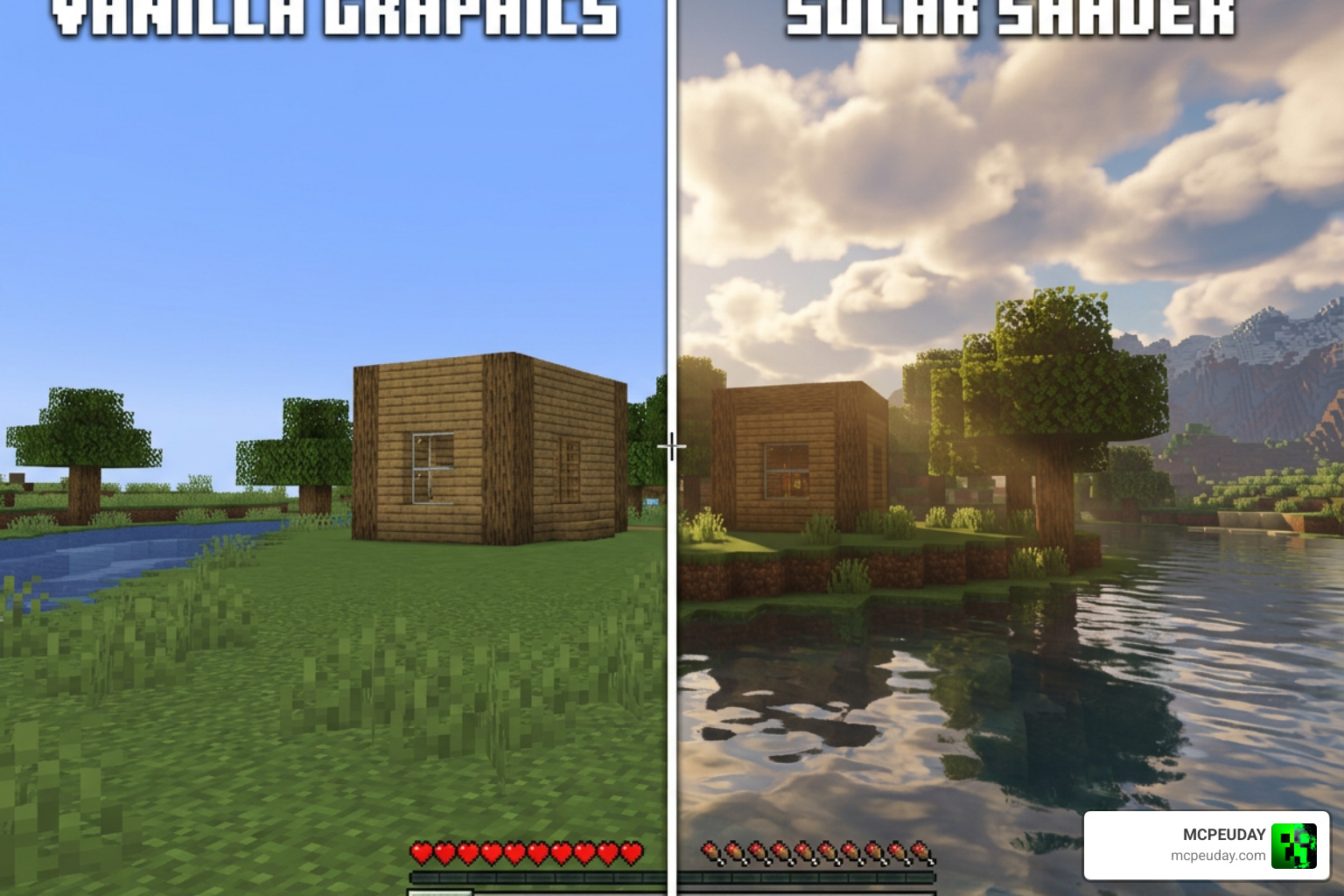
Because the Solar Shader is highly optimized, it runs surprisingly well on a wide range of hardware. However, because it features advanced volumetric lighting and real-time shadows, you still need a decent dedicated graphics card to get the best frame rates.
Here is a quick breakdown of the estimated system requirements:
- Minimum Requirements:
- CPU: Intel Core i5-4460 / AMD Ryzen 3 1200
- GPU: NVIDIA GTX 1050 Ti / AMD RX 570
- RAM: 8 GB (with at least 4 GB allocated to Minecraft)
- Recommended Requirements:
- CPU: Intel Core i7-8700K / AMD Ryzen 5 3600 or better
- GPU: NVIDIA RTX 2060 / AMD RX 6600 or better
- RAM: 16 GB (with 6-8 GB allocated to Minecraft)
If you find your frame rates dropping, the shader comes with built-in profiles (Low, Medium, High, and Ultra) that allow you to easily scale down the settings. For more options on performance-friendly graphics packs, check out our guide on the Best Shaders for MCPE 1.21.
Running the Solar Shader on Java and Bedrock
The Solar Shader is natively built for Minecraft: Java Edition. It utilizes advanced GLSL shader code that requires a Java-based mod loader to run.
But what about mobile and console players on Minecraft Bedrock / MCPE?
If you are playing on Bedrock Edition (version 1.20 or the newer 1.21 update), you might know that Mojang introduced the Render Dragon engine. This engine unfortunately blocked traditional third-party shader files (.mcpack) from working on mobile devices and consoles.
However, all hope is not lost! If you are looking for gorgeous, lightweight alternatives that bring that same warm “Solar” feel to your phone or tablet, we highly recommend checking out the Newb X Soleil Shader for Minecraft PE. It is specifically optimized for Bedrock’s Render Dragon engine.
For even more options, you can read our reviews on the Neub X Brightforge Sun Shader for Minecraft or browse our curated list of the Top 5 Best Realistic Shaders for MCPE to find the perfect match for your device.
Mod Compatibility: Iris, OptiFine, and Distant Horizons
One of the best things about the Solar Shader is its incredible compatibility with modern Minecraft optimization mods.
- Iris Shaders: This is the highly recommended loader for Solas. When running on Iris, you get access to all features, including custom skyboxes, colored block lighting, and maximum performance.
- OptiFine: While OptiFine is supported, it does come with a few limitations. When using OptiFine, certain features like custom skyboxes and colored block lighting may not render correctly due to engine differences.
- Distant Horizons: This is a game-changer! If you love seeing miles into the distance, Solas has built-in support for the Distant Horizons mod. It will render gorgeous screen-space shadows and volumetric fog over your LOD (Level of Detail) chunks, even in the Nether and the End dimensions.
- Voxy: It also fully supports Voxy, a modern physics-based voxel rendering mod, allowing for incredibly smooth transitions and gorgeous long-distance views.
How to Install and Configure the Shader
To help you choose the right setup for your game, let’s compare how the shader performs on the two major Java Edition shader loaders:
| Feature Support | Iris Shaders (Recommended) | OptiFine |
|---|---|---|
| Performance | Excellent (High FPS) | Moderate |
| Colored Block Lighting | Fully Supported | Limited / Not Supported |
| Custom Skyboxes | Fully Supported | Not Supported |
| Distant Horizons Support | Yes | No |
| Installation Ease | Very Easy | Easy |
Step-by-Step Installation Guide (Java Edition)
Ready to jump in? Follow these simple steps to install the shader using Iris (our recommended method):
- Download Iris and Sodium: Go to the official Iris website and download the installer. Run it and select the Minecraft version you want to play (supports up to 1.21.x).
- Download the Shaderpack: Head over to the official Solas Shader V3.3 – Solas Shader page on Modrinth and download the
.zipfile. Do not unzip it! - Open Your Shader Folder: Launch Minecraft using the Iris profile. Go to Options > Video Settings > Shader Packs and click the Open Pack Folder button.
- Install the File: Drag and drop the downloaded
Solas_Shader_V3.3.zipfile directly into the folder that opened. - Activate and Play: Back in Minecraft, select “Solas Shader” from the list, click Apply, and hit Done!
Recommended Configuration Settings
Once installed, we recommend opening the shader settings menu and adjusting these options for the ultimate experience:
- Profile Selection: Choose Medium or High to start. If you have a high-end RTX card, crank it up to Ultra!
- PBR Support: If you are using a 3D texture pack, make sure to turn on “PBR Resourcepack” in the material settings to enable realistic reflections and glowing surfaces.
- Karman Line Slider: In Version 3.3, you can adjust this slider to customize the exact height at which the sky transitions into the jaw-dropping low Earth orbit space atmosphere.
- Pixelated Shadows: If you are playing with a retro or 8-bit resource pack, toggle this setting on to make the shadows match the blocky aesthetic of your world.
Conclusion
The Solar Shader (Solas Shader) is a masterpiece of modern Minecraft graphics design. By blending gorgeous fantasy elements like the Ender Black Hole and colorful northern lights with smart technical optimizations, developer Septonious has created a shaderpack that feels magical without destroying your computer’s performance.
Whether you are playing on Java Edition with Iris and Distant Horizons, or looking for mobile-friendly alternatives like the ones featured in our Best Shaders for MCPE 1.21 guide, upgrading your lighting is the single best way to breathe new life into your blocks.
We hope this guide helps you set up your game for your next big adventure. Keep exploring, stay creative, and we wish you the best of luck in your unforgettable gaming journey!
