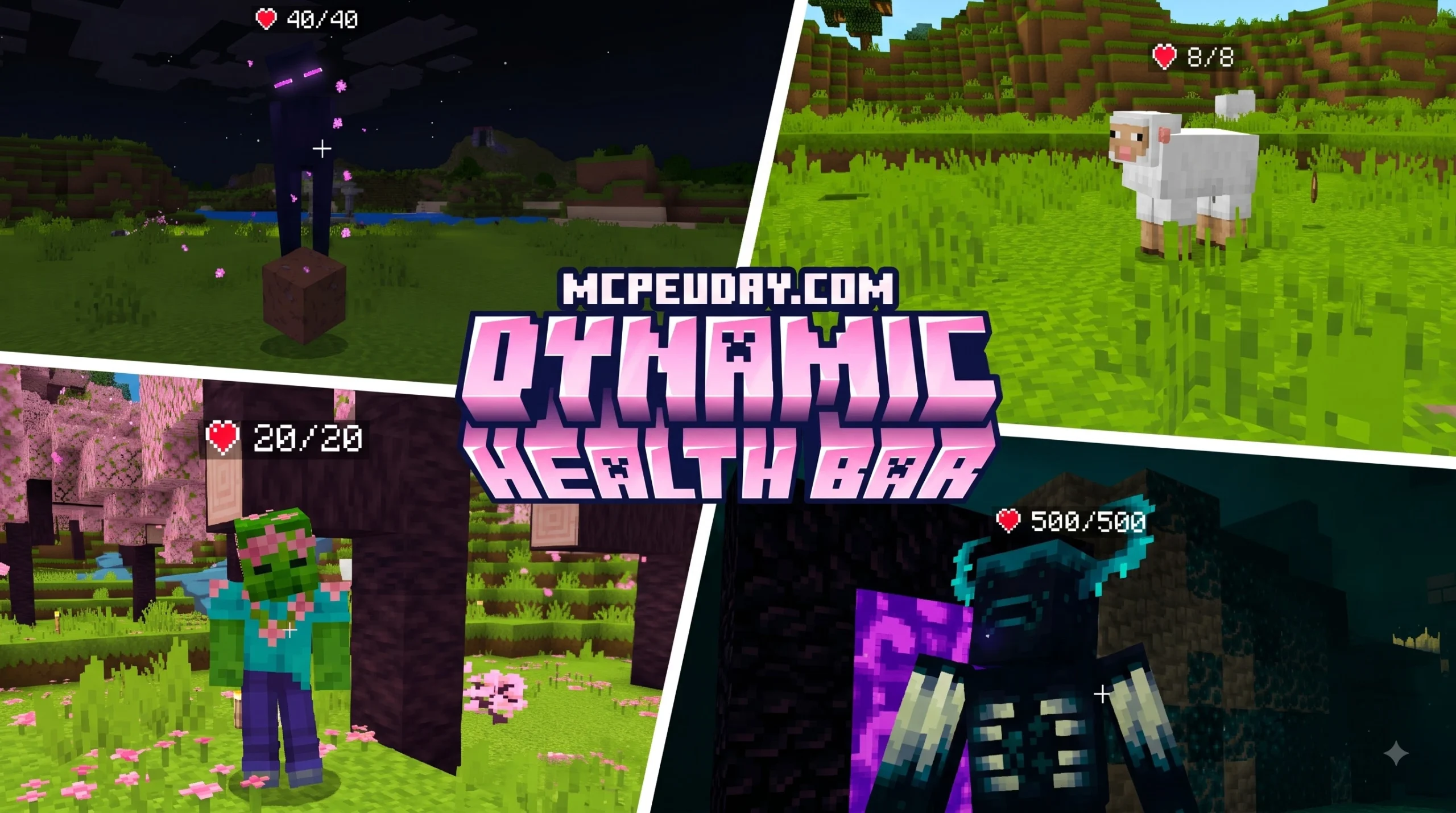
What is the Dynamic Health Bar Indicator Addon?
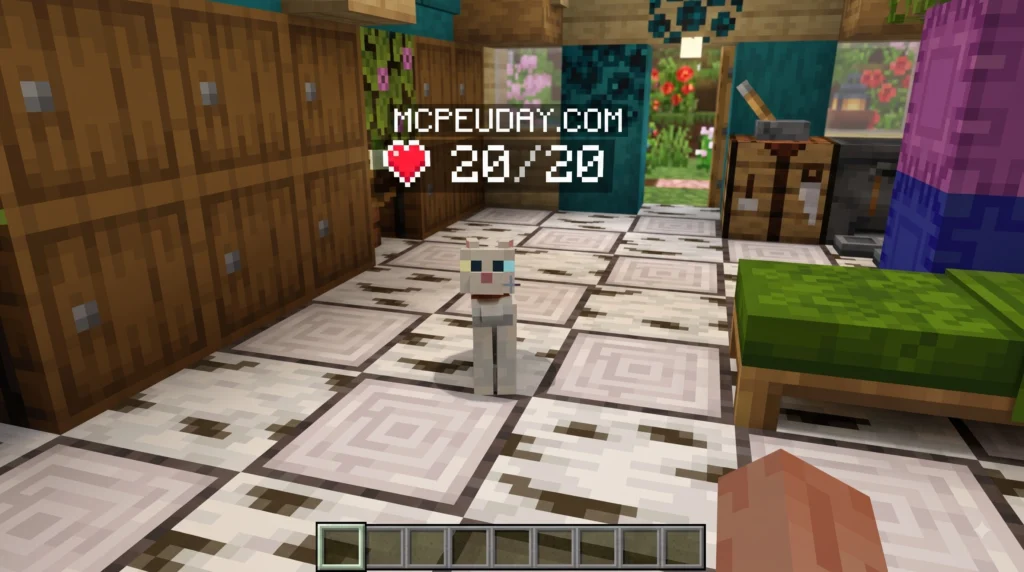
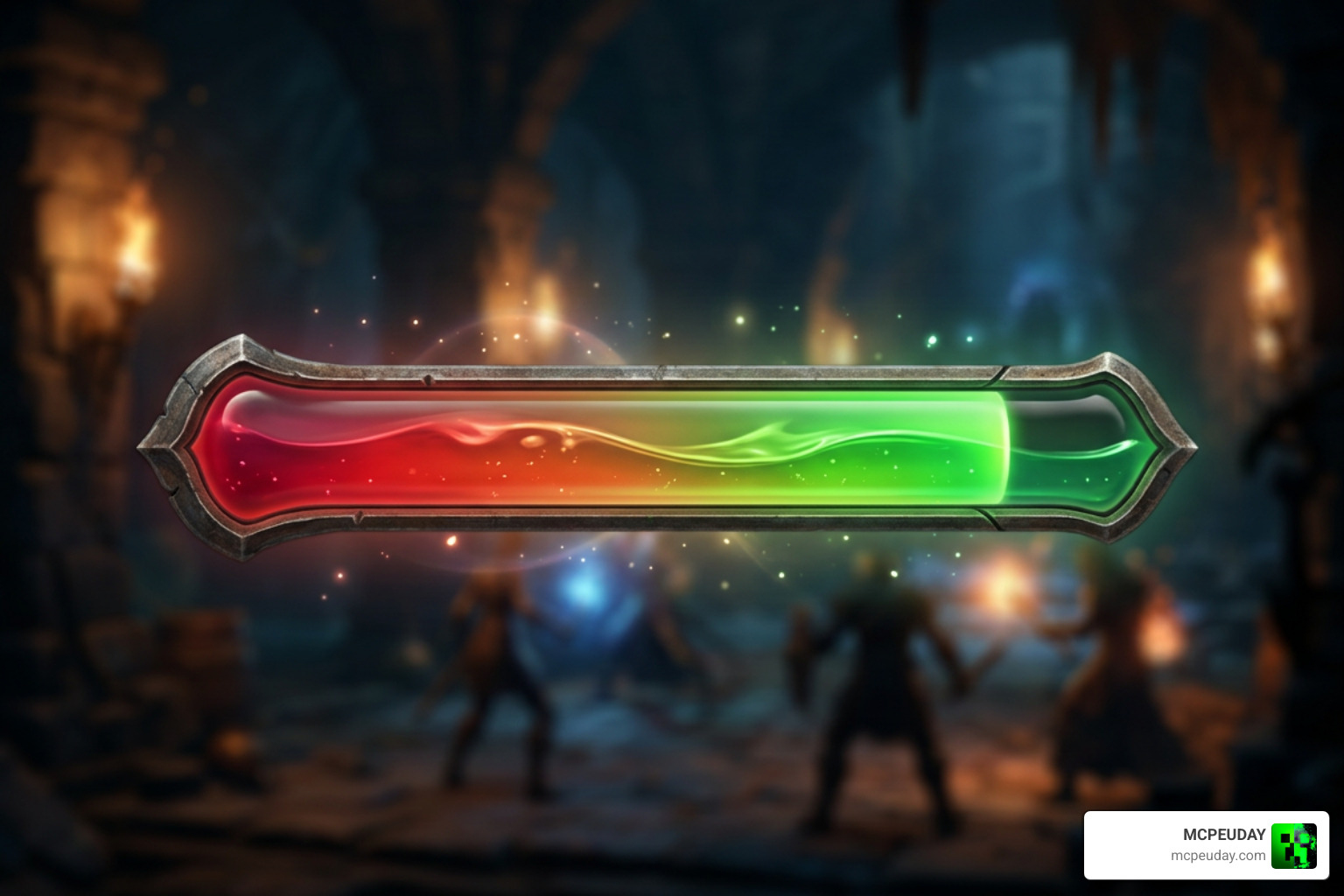
The Dynamic Health Bar Indicator Addon is a lightweight, highly efficient modification designed to transform how combat feedback is displayed during Minecraft gameplay. Originally released on February 8, 2025, this customized script replaces standard entity name tags with dynamic real-time health displays above mob heads.
For server owners, the addon fills a useful middle ground between basic vanilla combat and heavier combat interface systems. Instead of asking players to estimate enemy health from attack count alone, it makes each encounter easier to read at a glance. This is especially helpful in survival worlds, challenge arenas, dungeon maps, and RPG-style servers where players may fight several mobs at once and need fast visual information without opening menus or relying on external tools.
In standard vanilla Minecraft combat, players are often left guessing how much damage they have inflicted on a mob or hostile target unless they rely on heavy graphic user interface (GUI) overlays or complex client-side client modifications. The Dynamic Health Bar Indicator Addon addresses this by leveraging native entity custom name tags and clean unicode symbol rendering. Whenever a mob takes damage, its remaining health points are immediately converted into visual heart icons and distinct visual stages that update dynamically in real time.
Because the script operates purely on native entity name tags, players do not need to install complex client modifications to experience seamless visual tracking. This server-side implementation makes it an ideal solution for multiplayer survival worlds, custom adventure maps, RPG servers, and private friend groups who want heightened tactical feedback without compromising server responsiveness. It also keeps the experience accessible for mixed communities where some players use standard launchers and others prefer optimized clients, since the visible indicator is handled by the server rather than a required local mod setup.
Core Features of the Dynamic Health Bar Indicator Addon
- Unicode Heart Displays: Replaces plain numerical figures or clunky text strings with clean unicode heart symbols mapping directly above the entity’s head.
- Dynamic Color Coding: Features four dynamic threshold states that automatically shift from vibrant green to deep red as an entity loses hit points.
- Damage-Triggered Updates: Indicators activate dynamically when an entity takes damage, preventing visual clutter across large herds or unengaged entities while drastically minimizing processing overhead.
- Lightweight Footprint: Native implementation via Skript ensures server hardware maintains peak Ticks Per Second (TPS) performance even in dense mob farms or crowded battle arenas.
- Universal Vanilla Rendering: Works natively on standard game clients without forcing players to download custom resource packs or client modifications.
- Easy Server-Side Editing: Since the addon is script based, administrators can review and adjust the display logic without rebuilding a full plugin from source.
Compatibility and System Requirements
To ensure the Dynamic Health Bar Indicator Addon functions smoothly without runtime errors or missing dependencies, your server environment must satisfy a few basic requirements:
- Minecraft Versions: Tested and fully compatible with Minecraft Java Edition major release versions 1.20, 1.20.6, and 1.21.
- Required Dependency: Requires the Skript plugin (version 2.x or higher) installed in your server plugins directory.
- Server Architecture: Operates seamlessly across modern server backends including Spigot, Paper, and Purpur (learn more on the official PaperMC platform).
By leveraging efficient event handlers, this script provides a clean combat display that fits right into any modern Minecraft server build. For MCPEUDAY readers who enjoy practical gameplay upgrades, it is a strong example of how small server-side changes can make combat feel clearer, more responsive, and more rewarding without changing the core Minecraft experience.
Visual Health Indicator Mechanics and Color Tiers
The primary feature of the Dynamic Health Bar Indicator Addon lies in its instant visual clarity during encounters. In intense survival combat or crowded boss fights, players need immediate, easily identifiable feedback without having to pause and read numeric values.
To accomplish this, the script translates an entity’s remaining health percentage into four visual color tiers combined with dynamic heart symbol states:
| Health Percentage | Color Indicator | Heart Display State | Visual Meaning |
|---|---|---|---|
| 75% to 100% | Green | Full Hearts | Entity is fully healthy or has sustained minimal damage |
| 50% to 75% | Yellow | Slightly Faded | Entity has taken moderate damage but remains strong |
| 25% to 50% | Orange | Half Hearts | Entity is significantly weakened and vulnerable |
| Below 25% | Red | Critical Empty Hearts | Entity is critically wounded and near defeat |
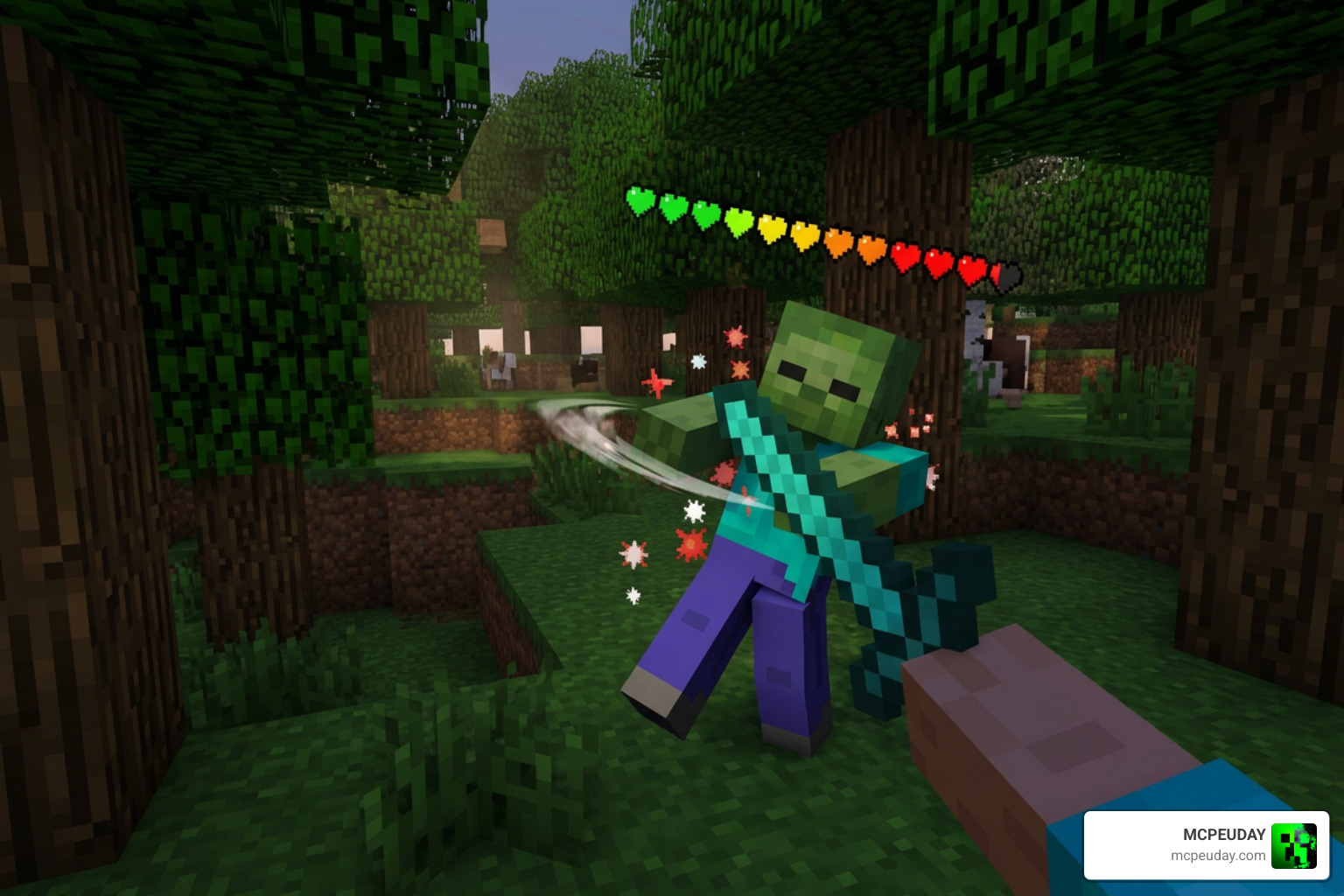
How Color Tiers Enhance Combat Strategy
- Target Prioritization in Mass Fights: When defending against a village raid or exploring a dark cavern filled with hostile mobs, knowing which enemies are close to dying allows players to finish off weak targets quickly and reduce incoming damage.
- Boss and Elite Mob Tracking: In fights against tough custom mobs, Wither bosses, or Ender Dragons, the color transitions give your whole team a clear shared metric of progress without needing manual callouts.
- Low-Light Environment Clarity: Distinct color shifting ensures health indicators remain clear even in low-light environments, underground caverns, or foggy biome environments where standard dark entity textures might blend into the background.
- Resource Conservation: Knowing an enemy’s exact health threshold helps players conserve powerful potion effects, special weapon cooldowns, or durability on enchanted tools when facing weakened targets.
How to Install and Configure the Addon
Installing the Dynamic Health Bar Indicator Addon on your server is straightforward and requires no SQL databases, external API keys, or complex configuration modules.
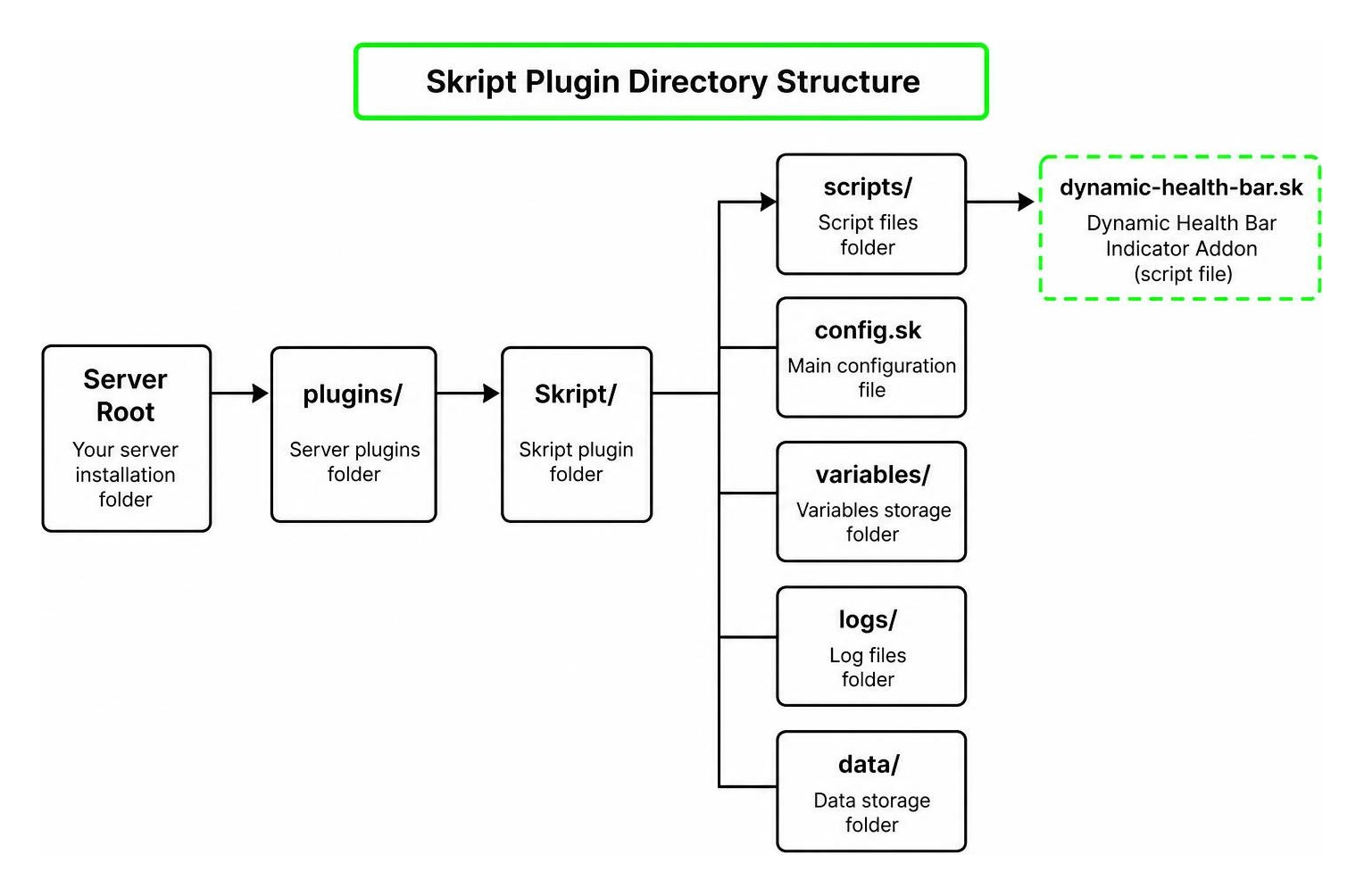
Step-by-Step Installation Guide
- Install the Skript Plugin: Download Skript version 2.x or higher compatible with your server version and place the
.jarfile into your server’splugins/directory. - Generate File Structure: Start your server once to generate the default configuration folders, then gracefully shut it down or leave it running if hot-loading is supported.
- Place the Script File: Locate the
plugins/Skript/scripts/directory on your server storage. Copy the Dynamic Health Bar Indicator Addon file (with the.skextension) directly into this folder. - Reload Scripts: Enter your server console or execute
/sk reload scriptsin-game as an operator. Skript will parse the code, compile the event triggers, and activate the real-time dynamic health display immediately.
Customizing the Script for Your Server
Because the script is written in clean, plain-text Skript syntax, server administrators can open the file in any text editor to tailor its functionality to their server’s exact theme:
- Custom Symbols: Replace standard unicode hearts with custom shield icons, stars, or simple bar characters to fit medieval, futuristic, or fantasy themes.
- Color Palette Customization: Modify color formatting codes to align with custom UI designs or server branding styles.
- World and Mob Filters: Add conditional checks to limit health displays to specific worlds (such as PvP arenas or survival zones) or exempt peaceful farm animals to conserve processing overhead.
Community Feedback, Spawn Updates, and Performance
Since its release on February 8, 2025, the Dynamic Health Bar Indicator Addon has gained widespread popularity across survival and RPG server communities, earning an impressive 5/5 user rating. Community members frequently praise its lightweight execution compared to resource-intensive Java plugins that register dozens of scoreboards or armor stand entities.
Performance Optimization Breakdown
Traditional indicator plugins often spawn invisible armor stands above every entity to render custom text lines. This approach can cause significant client rendering lag and server TPS degradation when hundreds of entities are active simultaneously.
By contrast, the Dynamic Health Bar Indicator Addon alters existing native entity name tags only when a damage event occurs. Unengaged entities retain their default state, ensuring zero passive performance overhead during normal world exploration.
Upcoming Community-Requested Features
While damage-triggered updates keep performance optimal, early community feedback highlighted a desire for immediate visual awareness prior to engaging in combat. Development plans include introducing an optional toggle allowing indicators to render upon entity spawn or when targeted by players, offering complete operational flexibility for various server hardware setups.
Frequently Asked Questions
What software dependencies are required for this script?
To run the script successfully, your server must run on a Spigot, Paper, or Purpur backend with the Skript plugin (version 2.x or higher) installed in your server’s plugins directory.
Does the health bar display immediately when mobs spawn?
In the core version, the display is triggered when an entity receives its first point of damage to maximize server performance. An optional setting for immediate spawn rendering is scheduled for future updates.
Which Minecraft versions are fully supported?
The script is thoroughly tested and verified for Minecraft Java Edition versions 1.20, 1.20.6, and 1.21.
Does this script require players to download client-side mods?
No, because the script utilizes native Minecraft custom name tag rendering, players running default vanilla clients can see the dynamic health indicators without installing client-side mods.
Conclusion
Integrating the Dynamic Health Bar Indicator Addon into your Minecraft server is one of the most effective ways to upgrade combat mechanics without degrading server performance or requiring custom client mods. By translating mob health points into clean unicode heart displays and responsive color tiers, your players enjoy an intuitive and tactical fighting experience across survival, adventure, and RPG gameplay modes.
Whether you are hosting a small community server or managing a dedicated multiplayer network, this lightweight script delivers maximum visual clarity with minimal setup hassle. For more curated gameplay tools, custom scripts, and visual upgrades, explore more Minecraft mods and addons at MCPEUDAY!