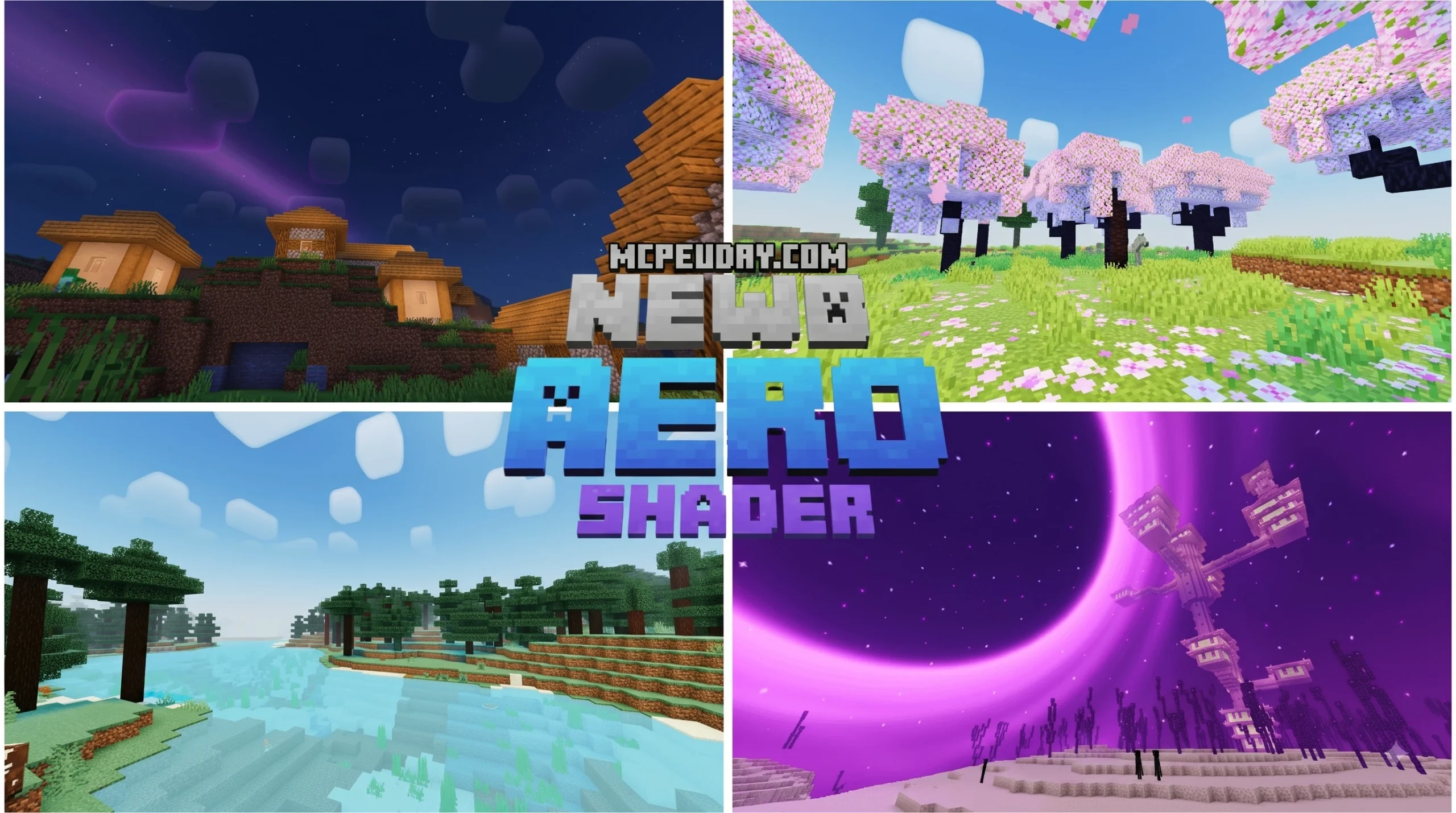
Newb Aero Shader: A Fast Beginner Overview
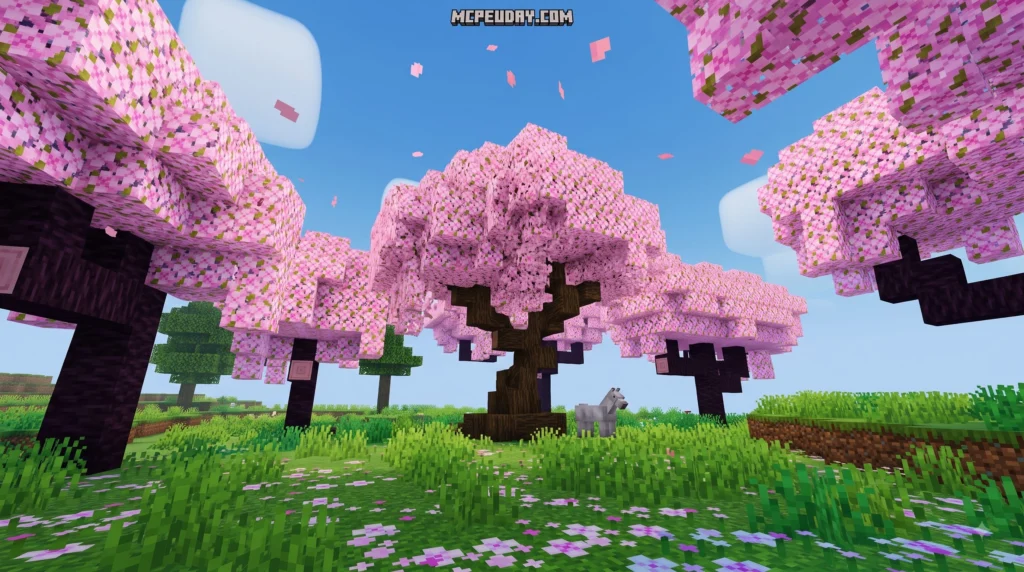
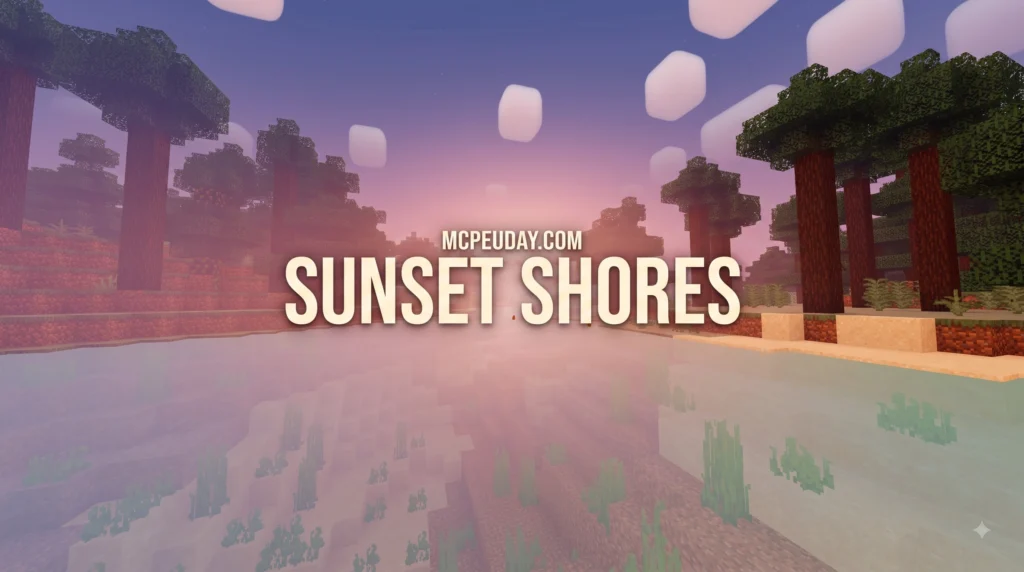
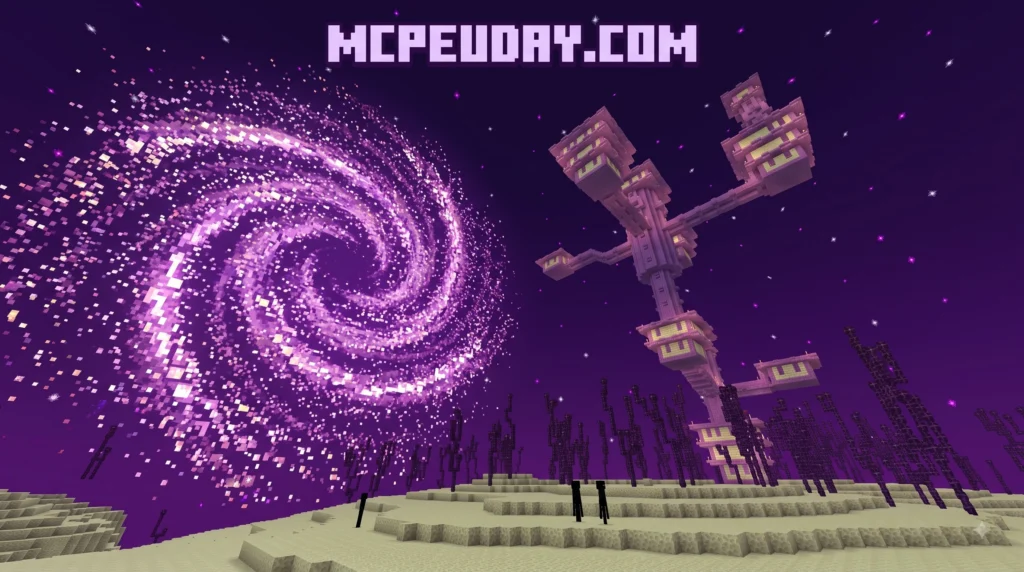
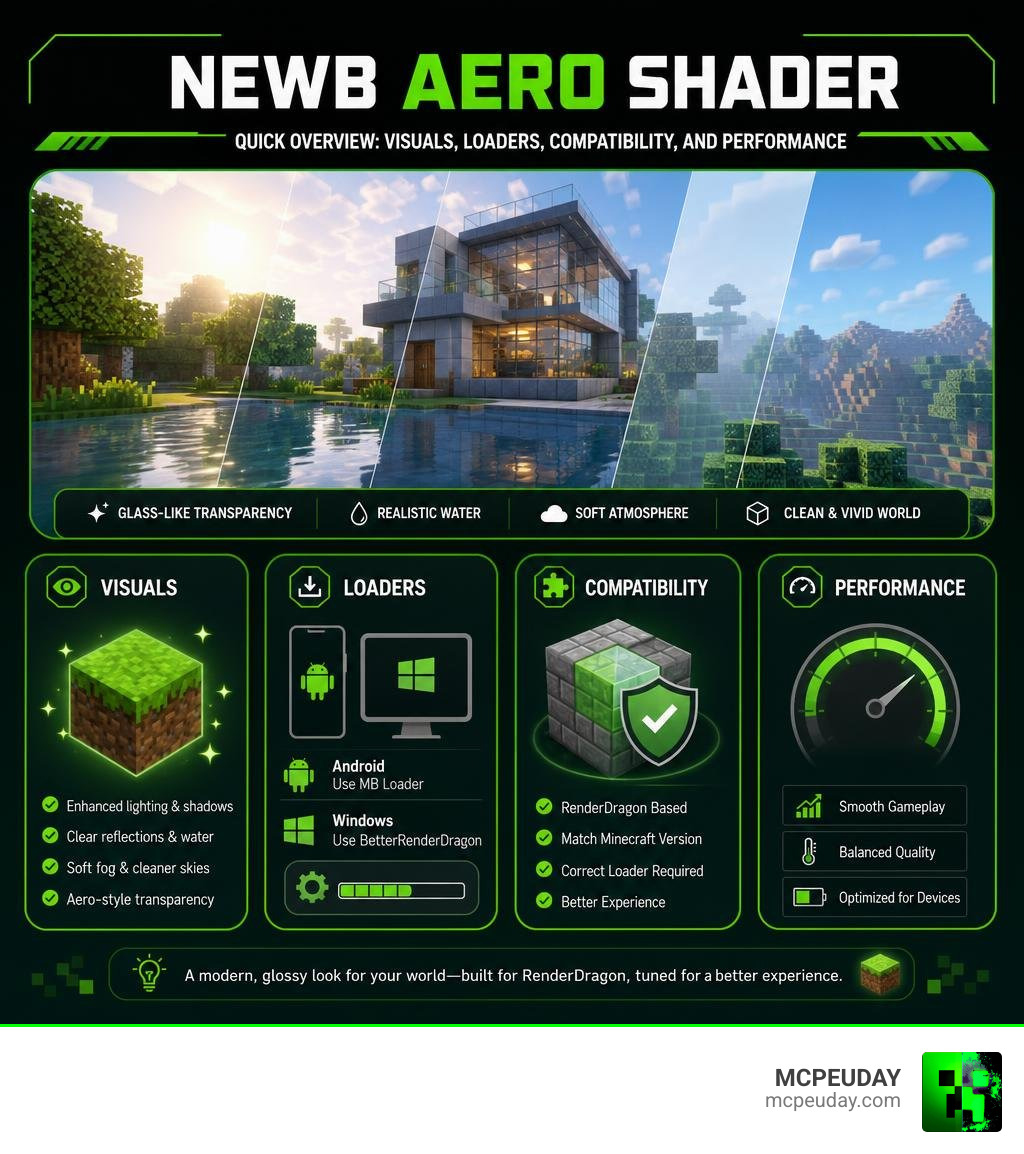
Newb Aero Shader is a community-style Minecraft Bedrock shader concept built around the Newb visual style, with an “Aero” look that suggests glass-like transparency, soft blur, reflections, and cleaner atmosphere. It is not the same as the original legacy Newb Shader, which was made for older MCPE versions up to 1.18.12.
| Quick answer | What beginners should know |
|---|---|
| What it changes | It aims to make Bedrock lighting, water, skies, fog, and transparent surfaces look more polished. |
| Is it official? | Treat “Aero” builds carefully: the documented official Newb project and community variants are not automatically the same thing. |
| What it needs | Modern RenderDragon-based Bedrock shader packs usually need a loader, such as MB Loader on Android or BetterRenderDragon on Windows. |
| Does it use Windows Aero? | No. It may copy the look of Aero Glass, but it does not use Windows tools such as OpenGlass inside Minecraft. |
| Who is it for? | Players who want a more vivid Bedrock world without jumping straight to a heavy, realistic shader. |
Minecraft Bedrock’s RenderDragon engine changed how shaders work, so compatibility matters as much as visuals. A pack can look great in screenshots but fail to load, lose textures, or reduce FPS when its version, loader, and device do not match.
I am UDAY GAMER, and next I will break down what Newb Aero Shader actually is before we get into setup.
What is Newb Aero Shader and How Does It Work?
To understand Newb Aero Shader, we first need to look at how Minecraft Bedrock graphics evolved. Originally, Minecraft Pocket Edition relied on GLSL shaders. The base project by devendrn, found on the official devendrn/newb-shader-mcbe repository, became one of the most beloved lightweight graphics mods, accumulating over 900,000 downloads and a vibrant community of more than 126,000 members. However, when Mojang introduced the RenderDragon engine in version 1.18.12, legacy GLSL packs stopped functioning natively.
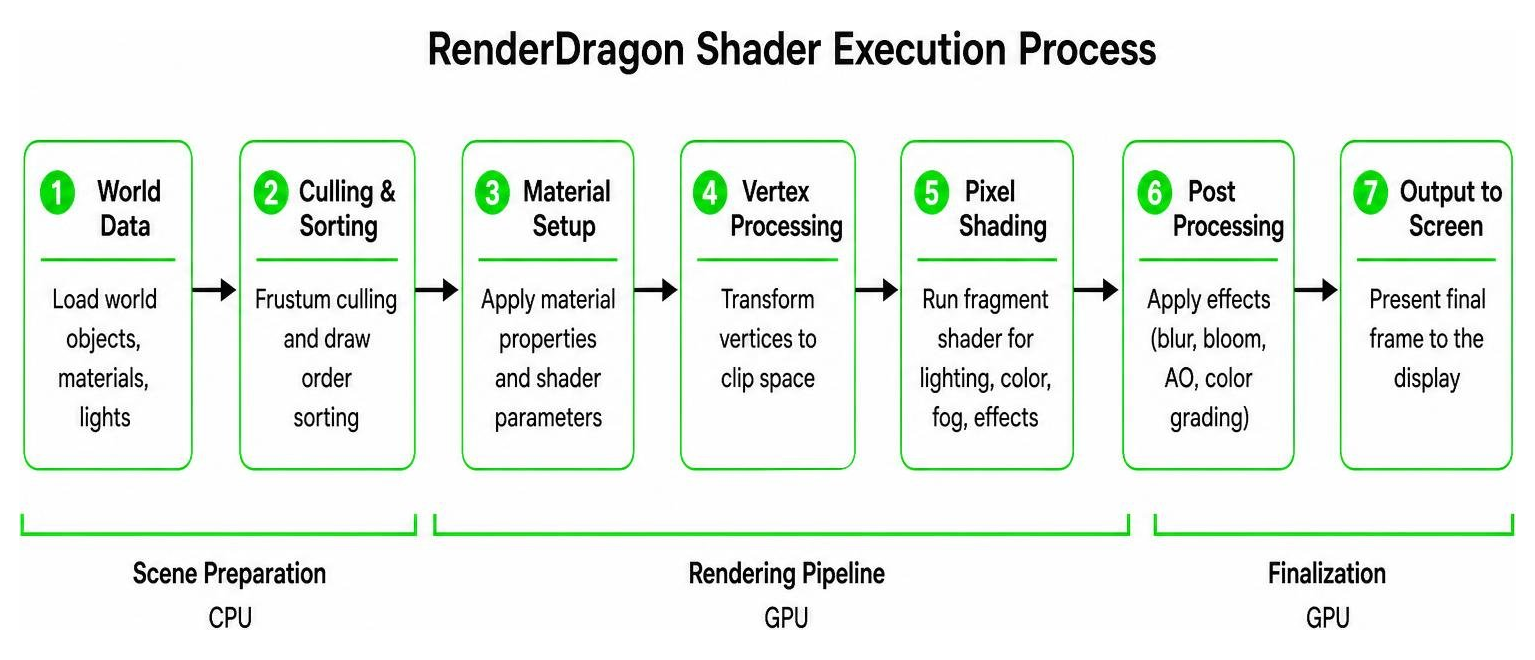
The Newb Aero Shader variant emerged as a community fork designed to bring an modern, glossy finish to Minecraft Bedrock under the modern BGFX rendering architecture. While original GLSL shaders directly edited graphics pipeline code, modern RenderDragon variants utilize uniform overrides and custom material assets to adjust lighting, fog, and UI transparency.
Understanding Newb Aero Shader Features and Aero Glass Style
The term “Aero” draws visual inspiration from the translucent, glassy UI design popularized by desktop operating systems. In the context of Minecraft Bedrock, the Newb Aero Shader attempts to mimic this aesthetic by applying soft blur effects, translucent UI menus, clear glass block reflections, and subtle atmospheric fog.
It is important to note that while system customization tools like OpenGlass alter the Windows Desktop Window Manager (DWM) through registry tweaks, Newb Aero Shader operates purely inside Minecraft’s rendering layer. It does not require low-level system hacks or external DWM hooks to deliver its sleek, glass-like visuals in-game.
Official Devendrn Base vs Community Aero Fork
The original base code developed by devendrn is open-sourced under the permissive MIT License, which allows independent creators to modify and distribute custom builds. You can inspect official code drops and development binaries on Releases · devendrn/newb-shader · GitHub.
While the official core repo maintains clean vanilla-plus lighting, community forks like Newb Aero Shader introduce experimental visual modifications. These custom editions package specialized material overrides and uniform tweaks to create distinct lighting presets. If you come across community clips on platforms like Newb X Aero Shaders Como Ativar, these custom packs are maintained by independent community members rather than the core development team.
Visual Features and Graphics Performance Comparison
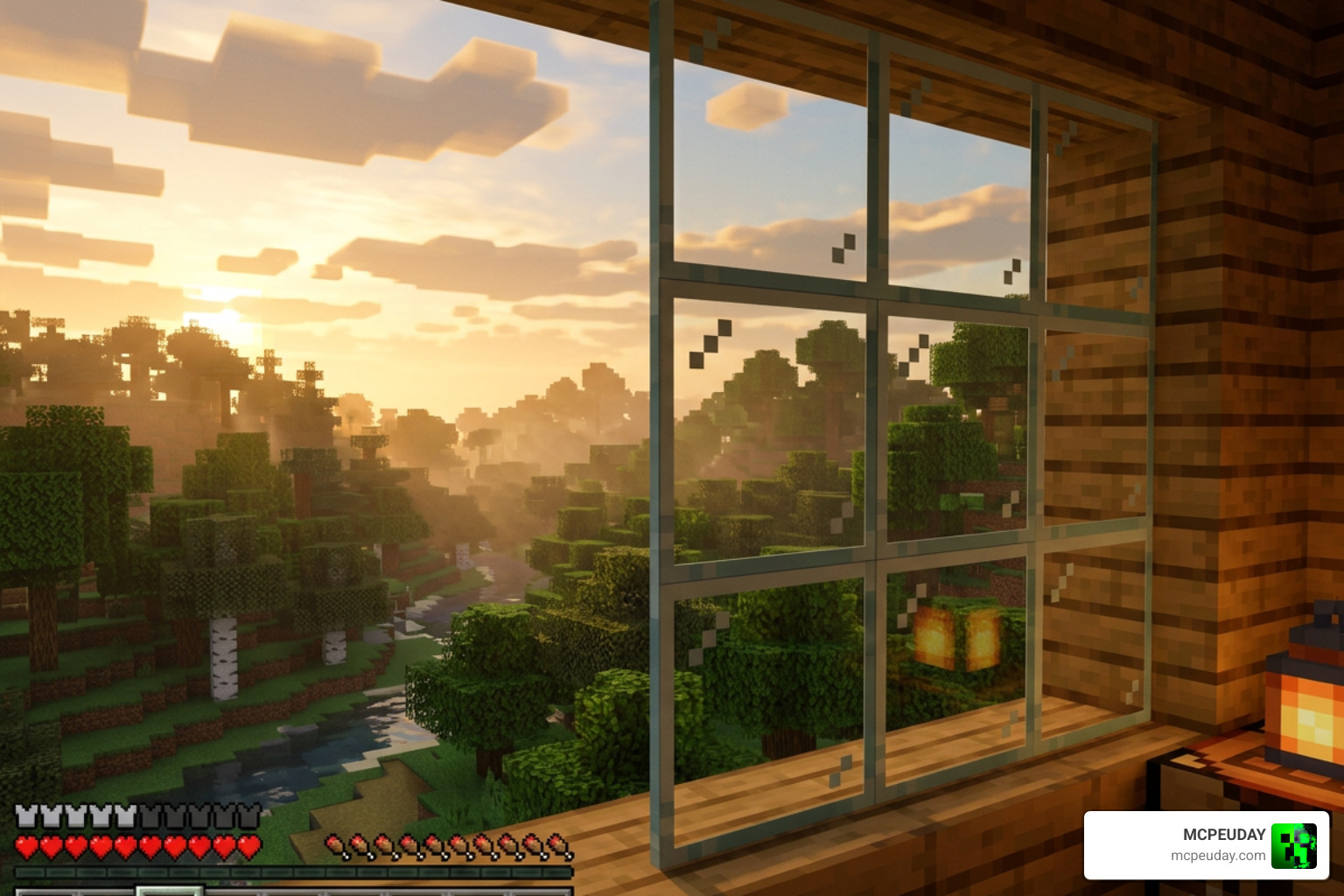
When running Newb Aero Shader, the visual overhaul is immediately noticeable. The shader enhances environmental depth by reworking how light interacts with translucent surfaces and airborne moisture. Inspired by modern rendering concepts such as those discussed in AERO 1.7: Volumetric Fog & Mist Shader, the shader crafts atmospheric mist that naturally fills valleys and horizon lines.
Additionally, players can find atmospheric updates featured across media hubs like Multimedia – Aerospace America – AIAA, which emphasize how light diffusion alters spatial depth. In Minecraft, this manifests as vibrant skybox tinting during golden hour and underwater haze that realistic shifts tone with depth.
| Device Tier | Hardware Specs | Expected FPS | Recommended Settings |
|---|---|---|---|
| Low-End Mobile | Budget Android / 2GB-3GB RAM | 30 – 45 FPS | Low-res subpack, Render Distance 6-8, disable Fancy Bubbles |
| Mid-Range Mobile | Modern SoC / 4GB-6GB RAM | 55 – 60 FPS | Standard subpack, Render Distance 10-12, Beautiful Skies ON |
| High-End PC | Dedicated GPU / Windows 10/11 | 60+ FPS | Max subpack options, Render Distance 16+, All visual effects enabled |
Key Visual Highlights of Newb Aero Shader
- Translucent Water Physics: Replaces static blue blocks with gently waving, clear water surfaces featuring realistic sunlight refraction.
- Dynamic Atmospheric Fog: Implements smooth volumetric mist that transitions realistically between day, night, and rain cycles.
- Enhanced Night Skies: Adds shimmering starfields, soft lunar bloom, and dynamic lighting for glowing ore blocks.
- Smooth Shadowing: Generates gentle ambient occlusion around block corners and underneath foliage without severe performance drops.
Installation Guide for Android, Windows, and iOS
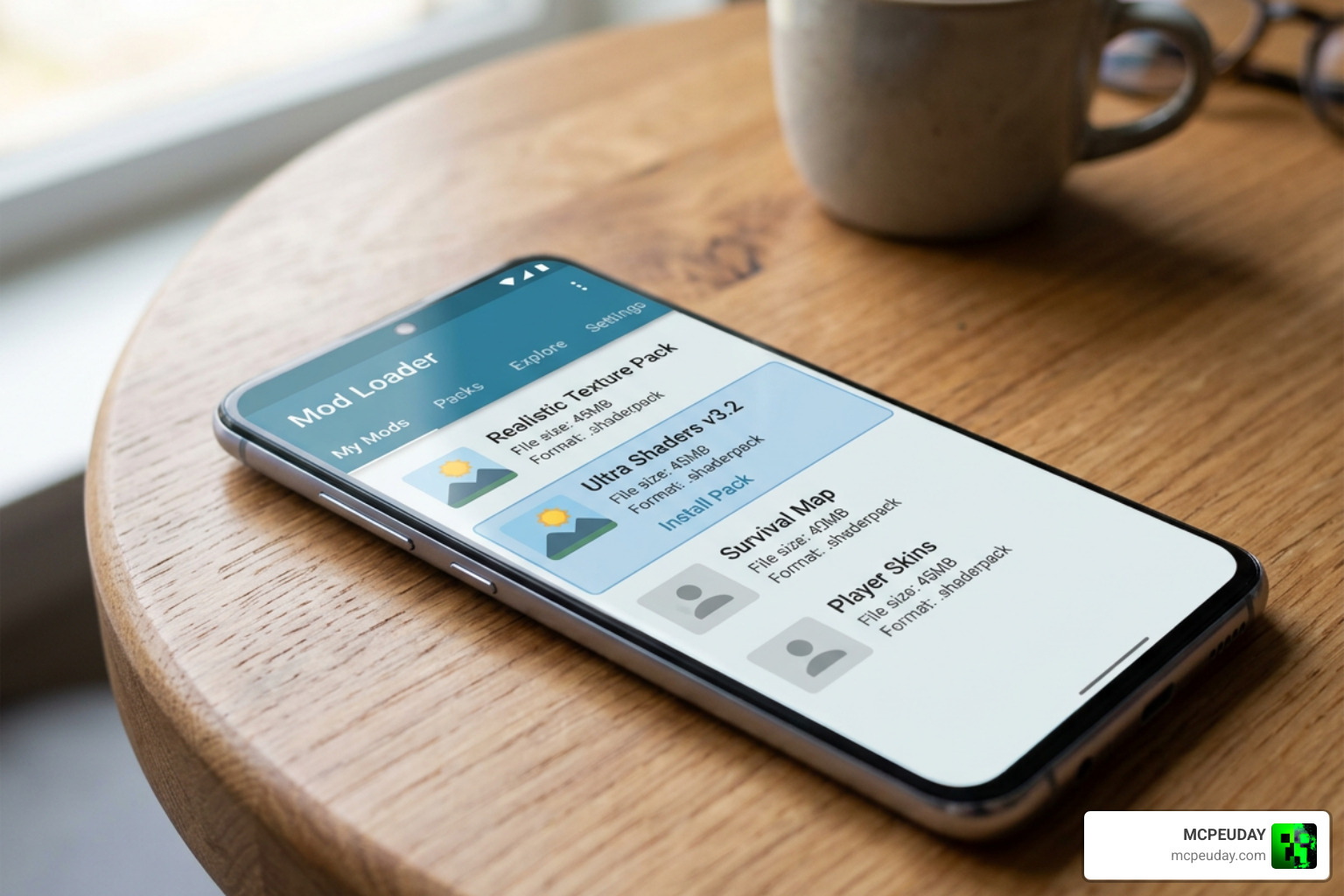
Installing custom RenderDragon shaders in 2026 requires platform-specific helper loaders because Bedrock no longer loads raw shader materials natively.
- Android Setup: Download MB Loader or a similar MaterialBin patcher. Import your chosen Newb Aero Shader
.mcpackfile through the loader interface to launch Minecraft with active shader patches. - Windows Setup: Use BetterRenderDragon or Matject. These utility tools inject custom
material.binfiles directly into Bedrock’s render stream on PC. - iOS Setup: Due to sandbox restrictions on iOS, running RenderDragon shader modifications often requires specific sideloading tools or customized client builds.
Step-by-Step Shader Activation and In-Game Settings
- Download the verified
.mcpackfile for Newb Aero Shader. - Open the file using your platform’s recommended patcher (e.g., MB Loader for Android, BetterRenderDragon for PC).
- Navigate to Settings > Global Resources in Minecraft Bedrock, select the shader, and click Activate. Ensure it sits at the top of your active resource pack list.
- Go to Video Settings and configure the following:
- Fancy Graphics: Enabled
- Beautiful Skies: Enabled
- Smooth Lighting: Enabled
- In-Game Brightness: Set between 10% and 50% for optimal atmospheric shadow depth.
Newb Aero Shader vs Other Popular Newb Variants
The Newb ecosystem contains multiple distinct variants optimized for different visual tastes and hardware capabilities.
- Newb X Legacy: The standard fallback for players on Minecraft Bedrock 1.20 and 1.21. It focuses strictly on vanilla-plus lighting and lightweight performance.
- Newb Reimagined: Features stylized, artistic lighting curves, vibrant sunsets, and moody nighttime colors.
- Newb Complementary: Takes cues from Java Edition’s Complementary Shader, adding rich reflections and high-contrast light shafts.
- Newb Aero Shader: Focuses specifically on slick transparent UI elements, glass reflections, and smooth atmospheric blur. You can explore similar modern releases like Newb X Future Shader for Minecraft Pocket Edition 1.21 to compare futuristic UI and lighting styles.
Frequently Asked Questions about Newb Aero Shader
Which Minecraft Bedrock versions support Newb Aero Shader?
Modern Newb Aero Shader builds are designed for RenderDragon on Bedrock versions 1.20 and 1.21+. The original legacy GLSL Newb Shader only works natively on legacy MCPE builds 1.18.12 and below.
How do I fix lag or low FPS with Newb Aero Shader?
If your framerate drops on budget hardware, open the subpack gear icon in the resource pack settings menu. Choose performance-oriented profiles such as “No Fog” or “Low Resolution.” Additionally, reduce your in-game render distance to 6-8 chunks.
Why are my shader textures missing or failing to render?
Missing textures or pink/black block errors usually indicate a MaterialBinLoader version mismatch or an unpatched RenderDragon engine. Ensure your compiled src-materials and shaderc binaries match your exact Minecraft build version.
Conclusion
Upgrading your graphics with Newb Aero Shader offers a beautiful balance between performance and visual fidelity. By bringing clean glass reflections, soft atmospheric mist, and elegant lighting to Minecraft Bedrock, it refreshes your world without compromising your framerate. Check out our comprehensive collection of the best Minecraft PE shaders to discover more amazing graphics packs for your world!