
What You Need to Know About Velmora Visuals SHADER
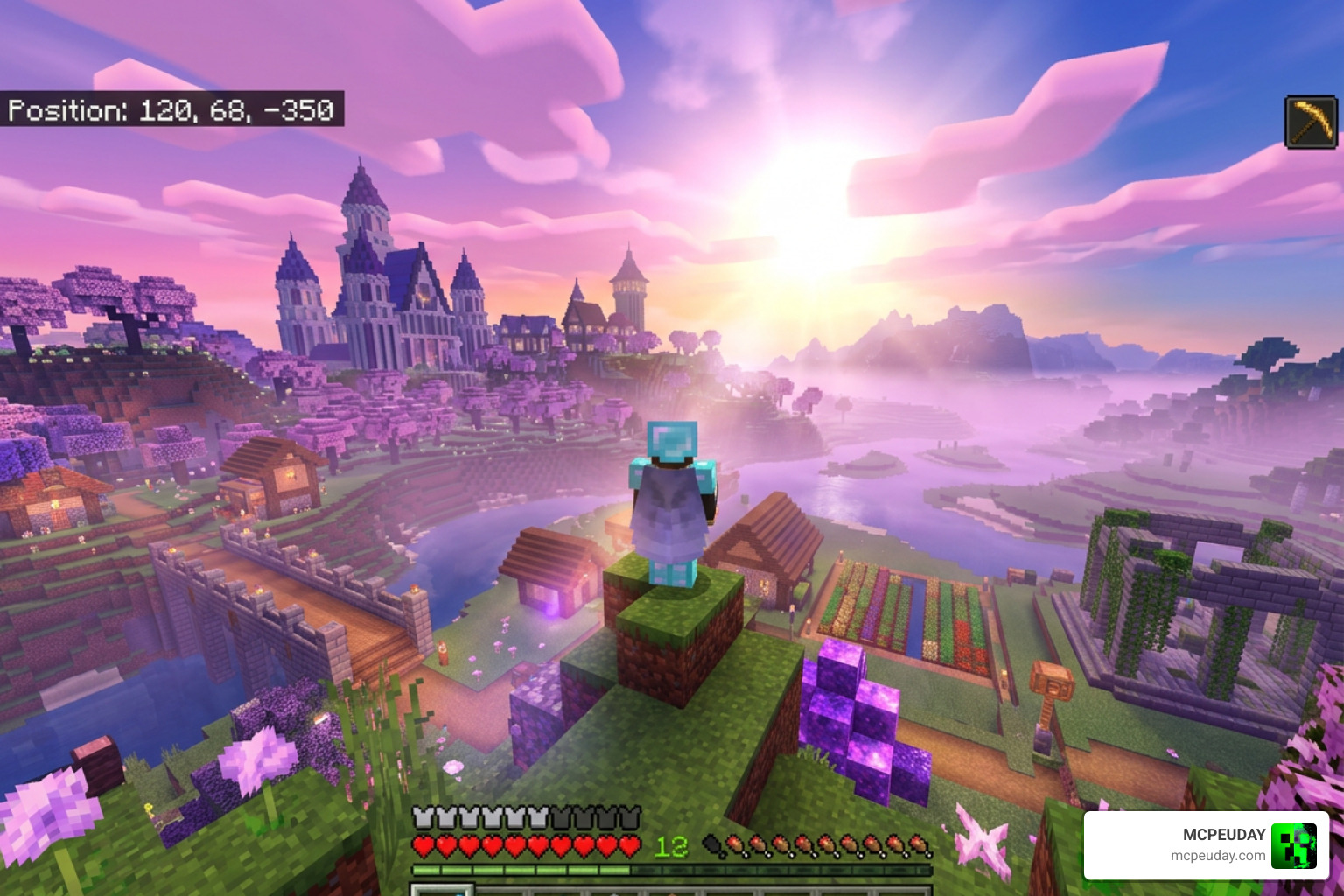
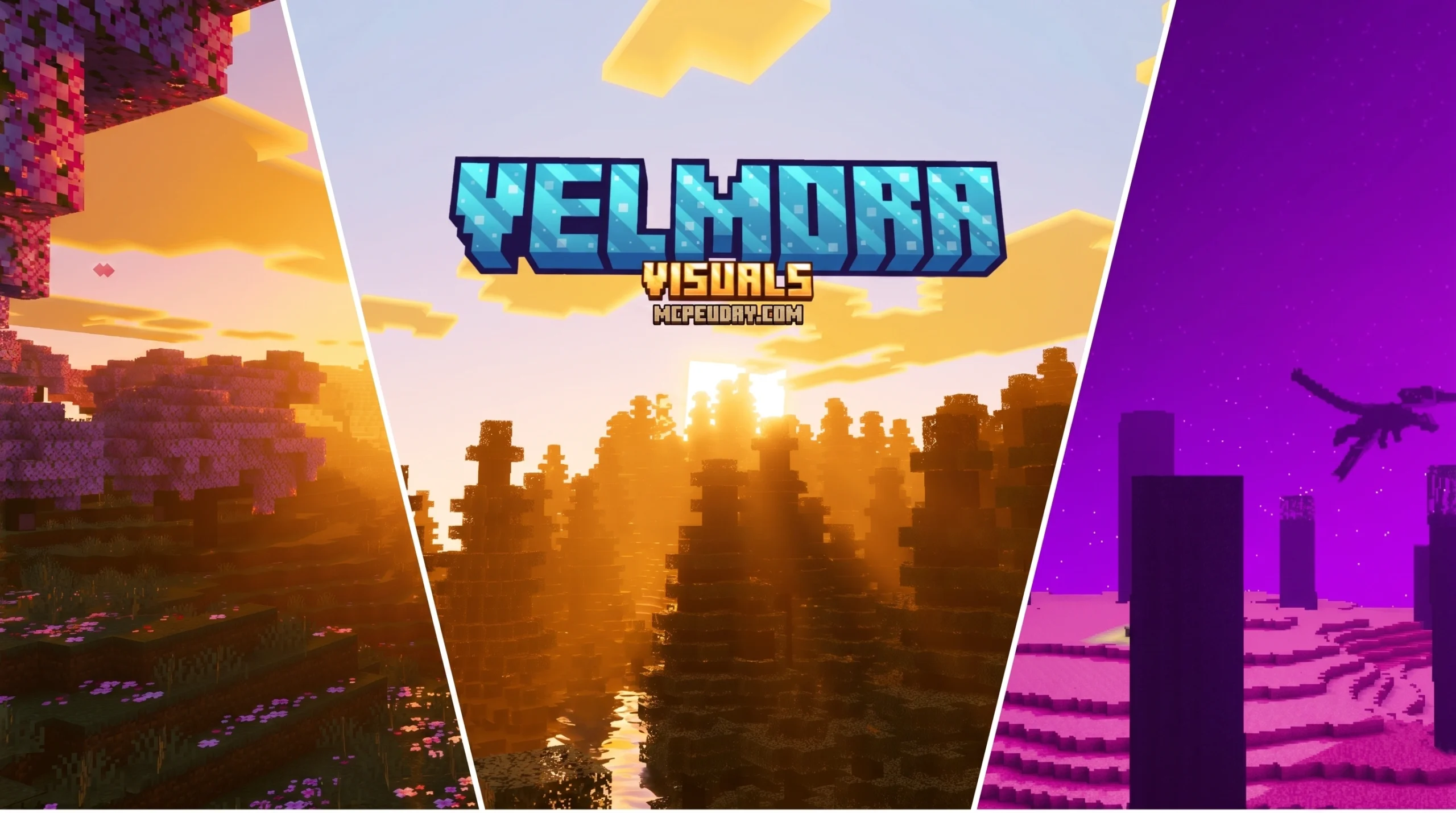
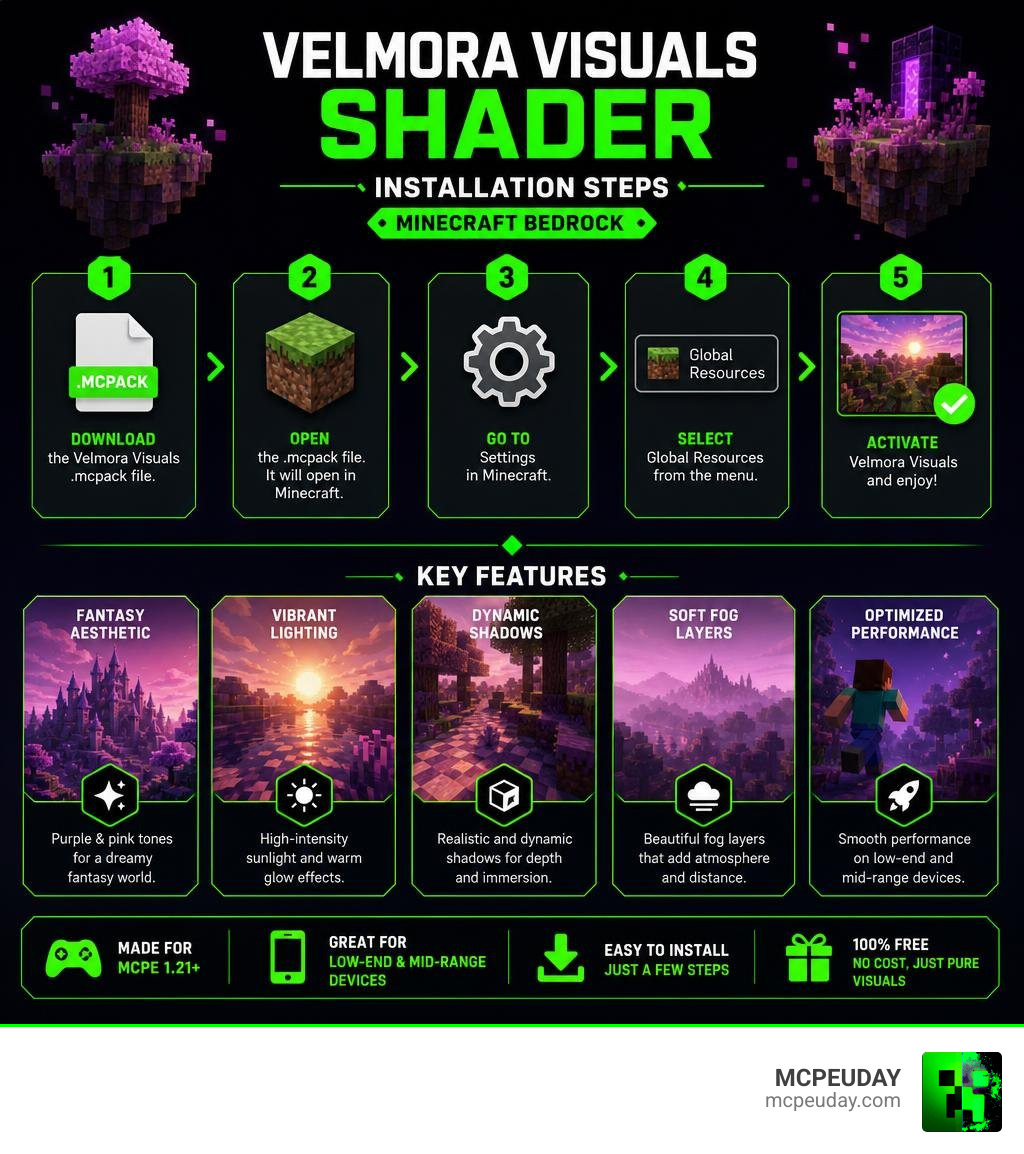
The Velmora Visuals SHADER is a free Minecraft Bedrock Edition shader pack that transforms your game into a dreamy, fantasy-style world — complete with purple and pink color tones, high-intensity sunlight, and layered fog effects.
Quick answers:
- What it is: A fantasy-themed shader for Minecraft Bedrock (MCPE) 1.21 and version 26.x
- Best for: Low-end and mid-range mobile devices wanting vibrant visuals without heavy FPS loss
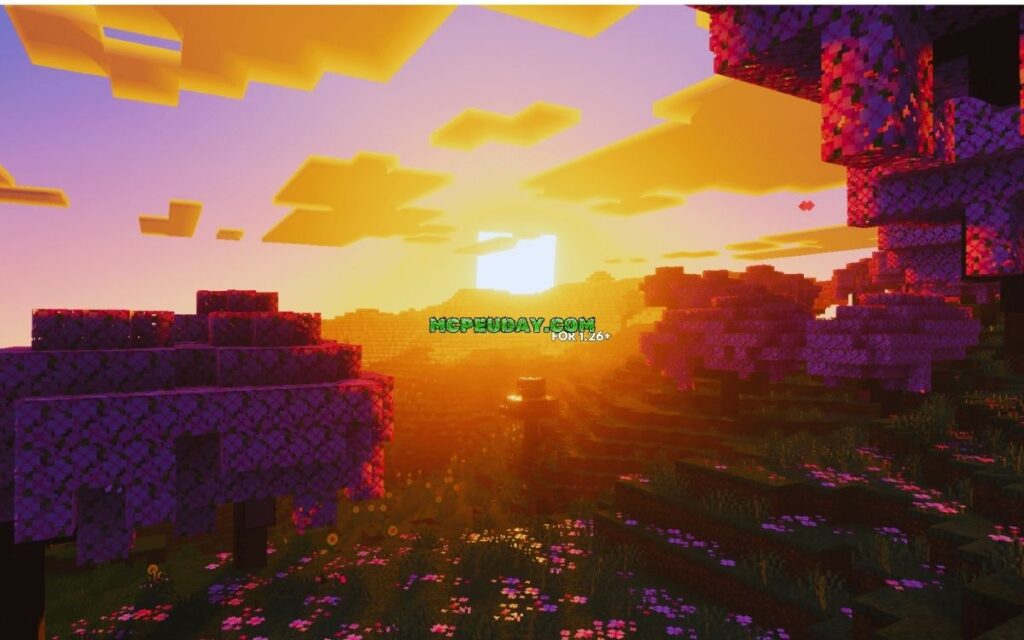
- Visual style: Purple/pink tones, warm sunsets, dynamic shadows, and soft fog layers
- How to install: Download the
.mcpackfile, open it in Minecraft, then activate it under Settings → Global Resources - Cost: Free to download
Whether you play on a budget Android phone or a newer device, Velmora Visuals is built to give your Minecraft world a cinematic, fantasy look without killing your frame rate. It’s one of the standout shader options for MCPE players who want gorgeous graphics without needing high-end hardware.
Keep reading for a full breakdown of its features, performance, installation steps, and how it stacks up against other popular MCPE shaders.
What is the Velmora Visuals SHADER?
When we look at the modern Minecraft Bedrock landscape in June 2026, finding a shader that strikes a perfect balance between performance and unique style can feel like searching for a needle in a haystack. Enter the Velmora Visuals SHADER. This pack is specifically designed for Minecraft Bedrock Edition (MCPE) to break away from standard hyper-realistic looks and dive headfirst into a stunning fantasy aesthetic.
Instead of just adding generic shadows, Velmora Visuals completely recolors your world. It infuses your biomes with beautiful purple and pink tones, high-intensity sunlight, and dynamic atmospheric changes. If you have ever wanted your Minecraft world to look like a magical, otherworldly kingdom during sunset, this is the pack you have been waiting for. It is an excellent choice for players seeking an alternative to standard graphic enhancements, which you can read more about in our guide to the Best Shaders For Mcpe 1 21 2026 Top 3 Realistic Minecraft Pe Shaders.
Key Features of Velmora Visuals SHADER
What makes this shader stand out in the crowded MCPE graphics market? Let’s break down its defining visual elements:
- Custom Color Grading: The shader applies a unique color profile dominated by warm pinks, soft purples, and deep magentas. This gives your survival worlds a cozy, dream-like atmosphere.
- Layered Fog Effects: Velmora Visuals implements multi-layered fog that dynamically rolls over landscapes, adding incredible depth to mountain ranges and deep valleys.
- High-Intensity Sunlight & Bloom: The sun shines with a radiant glow, casting beautiful light rays through tree leaves and creating a majestic bloom effect.
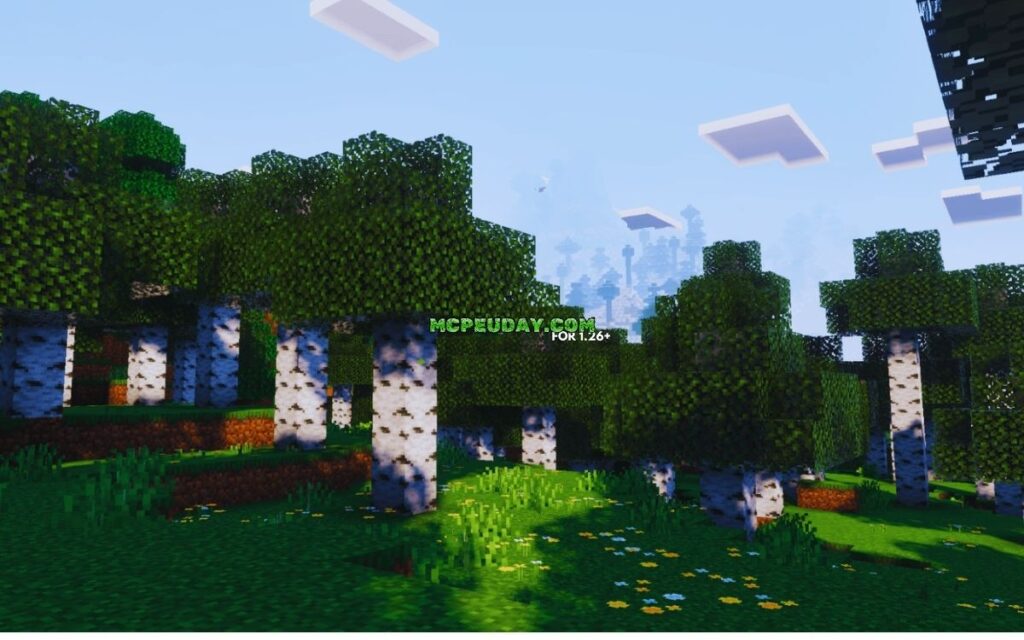
- Dynamic Shadows & Soft Lighting: Unlike heavy ray-tracing packs that tank your performance, this shader uses optimized, lightweight lighting calculations to create smooth, natural shadows. For a comparison of lightweight lighting systems, check out the Newb X Ambient Shader For Minecraft Pe Realistic Lighting Smooth Shadows Fps Friendly.
- Water and Wave Animations: Water bodies are treated with a vibrant, crystal-clear tint that reflects the colorful sky boxes during day and night cycles.
How It Compares to Other Graphics Packs
When evaluating the Velmora Visuals SHADER, it helps to look at how it compares to other popular choices in the Bedrock community. Many standard packs focus strictly on ultra-realism. While packs like the Newb X Sapphire Shader For Minecraft Pe Mcpe Ultra Realistic Graphics Fps Friendly Stunning Visuals aim for crisp, realistic blue tones and clear skies, Velmora Visuals steers heavily into the fantasy art style.
Additionally, if you are familiar with standard concepts from Mojang’s official Vibrant Visuals articles or community showcases like the Top 5 Vibrant Visuals Shaders For Minecraft Bedrock 2026! , you will notice that Velmora focuses heavily on atmospheric mood over sterile, clinical lighting. It behaves less like a benchmark tool and more like an art style upgrade.
(Note: If you are searching online and come across the Rust-based rendering library called vello_shaders v0.9.0 , don’t get confused! That is a backend developer tool for GPU rendering and has nothing to do with our beloved Minecraft Bedrock shader packs.)
Performance and Device Compatibility
One of our favorite things about the Velmora Visuals SHADER is its remarkable efficiency. Historically, players on budget devices had to settle for bland vanilla graphics to maintain a playable framerate. This shader changes the game by proving you do not need a high-end device to enjoy stunning graphics.
On low-end Android and iOS devices, Velmora Visuals runs smoothly, keeping your game close to a stable 60 FPS. It achieves this by bypassing heavy real-time path tracing and instead using clever color grading and pre-baked atmospheric fog layers. On high-end devices, the shader shines even brighter, allowing you to crank up your render distance without experiencing stuttering or device overheating. If performance is your absolute top priority, you might also want to read our Newb X Lowres Shaders For Minecraft Pe Mcpe Complete Beginners Guide Installation Settings Fps Tips to see how different optimization tricks compare.
Minecraft Bedrock 1.21 Support
The Velmora Visuals SHADER is fully optimized for Minecraft Bedrock 1.21 (supporting version 26.x). Ever since Mojang introduced the Render Dragon engine, traditional shaders have struggled to stay compatible. However, modern iterations of Velmora Visuals work hand-in-hand with Bedrock’s updated rendering pipeline.
Whether you are utilizing experimental deferred lighting features or playing on standard video settings, this pack ensures that your textures and skyboxes load correctly without turning your world pitch black or causing screen flickering. For players looking to push Render Dragon to its limits, comparing this pack to options like the Newb X Future Shader For Minecraft Best Realistic Shader For Low End High End Devices will give you a great idea of what your specific device can handle.
| Device Tier | Average FPS | Key Visual Features Enabled | Performance Impact |
|---|---|---|---|
| Low-End Mobile (e.g., Budget Android) | 45 – 55 FPS | Soft fog, purple/pink color grading, basic water waves | Minimal |
| Mid-Range Mobile (e.g., Standard iPhone/Tablet) | 60 FPS | High-intensity sunlight, layered fog, dynamic shadows | Negligible |
| High-End Mobile / Windows 10/11 | 60+ FPS | Full bloom, high-intensity sunlight, maximum render distance | None |
Step-by-Step Installation Guide
Ready to transform your world into a pink-hued fantasy paradise? Installing the Velmora Visuals SHADER on your device is quick and straightforward. Follow our easy guide below to get up and running:
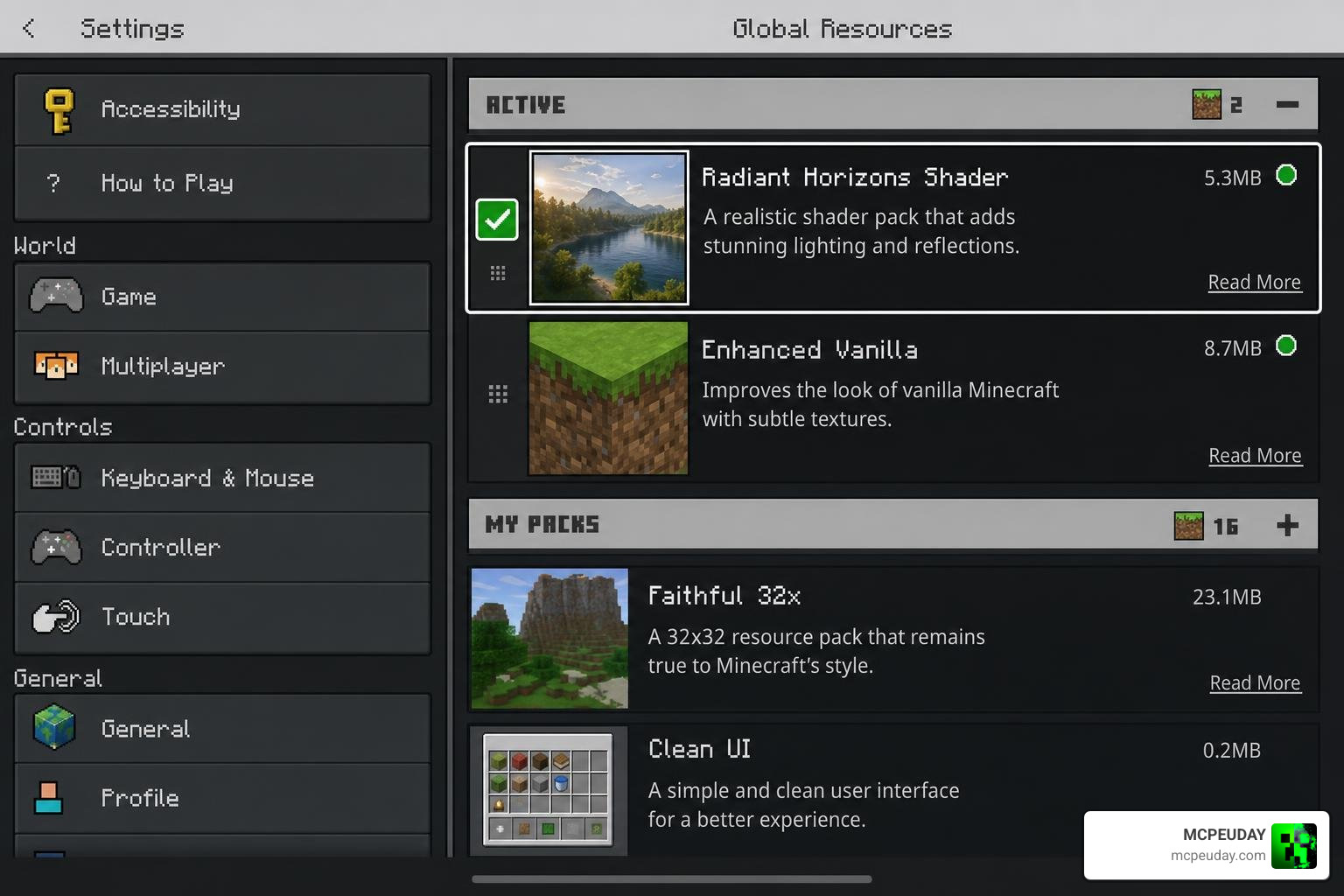
- Download the Pack: Download the official
.mcpackfile from a trusted source. - Open with Minecraft: Locate the downloaded file on your mobile device or PC. Tap or double-click the file, and your device should automatically launch Minecraft Bedrock Edition and import the pack.
- Check the Import Status: Wait for the top of your Minecraft screen to display “Successfully imported Velmora Visuals”.
- Activate in Global Resources:
- Navigate to Settings from the main menu.
- Scroll down to Global Resources.
- Click on My Packs, locate Velmora Visuals, and click Activate.
- Create or Load Your World: Launch your favorite survival world or creative build and enjoy the gorgeous new atmosphere!
If you are looking for other easily installable alternatives to add to your collection, we highly recommend checking out the Newb X Dawn Shader For Mcpe 1 21 Bedrock Edition Download Now for another gorgeous lighting setup.
Configuring Velmora Visuals SHADER Settings
To get the absolute best visual output from Velmora Visuals, you will want to adjust a few in-game settings. Many versions of this shader pack include a sub-pack slider in the resource settings menu.
- Enable Dynamic Effects: In your settings, look for the option to toggle dynamic effects (often labeled as ‘灵动视效’ in localized versions). This ensures that leaves wave gently and water ripples dynamically.
- Adjust Brightness: We recommend setting your in-game brightness slider between 60% and 80%. Because Velmora Visuals features high-intensity sunlight, keeping your brightness at 100% can sometimes make the daytime bloom look a bit too intense.
- Balance Saturation: If your device supports custom saturation settings, keeping them balanced will allow the fantasy purple and pink tones to pop beautifully without oversaturating your natural green biomes.
For players who prefer a highly optimized, lightweight setup right out of the box, you might also enjoy the pre-configured balance of the Newb X Soleil Shader Best Lightweight Mcpe Shader For Realistic Graphics.
Pros and Cons of Velmora Visuals
Like any Minecraft resource pack, Velmora Visuals has its unique strengths and minor drawbacks. Let’s look at the honest pros and cons to help you decide if it is the right fit for your playstyle.
Pros:
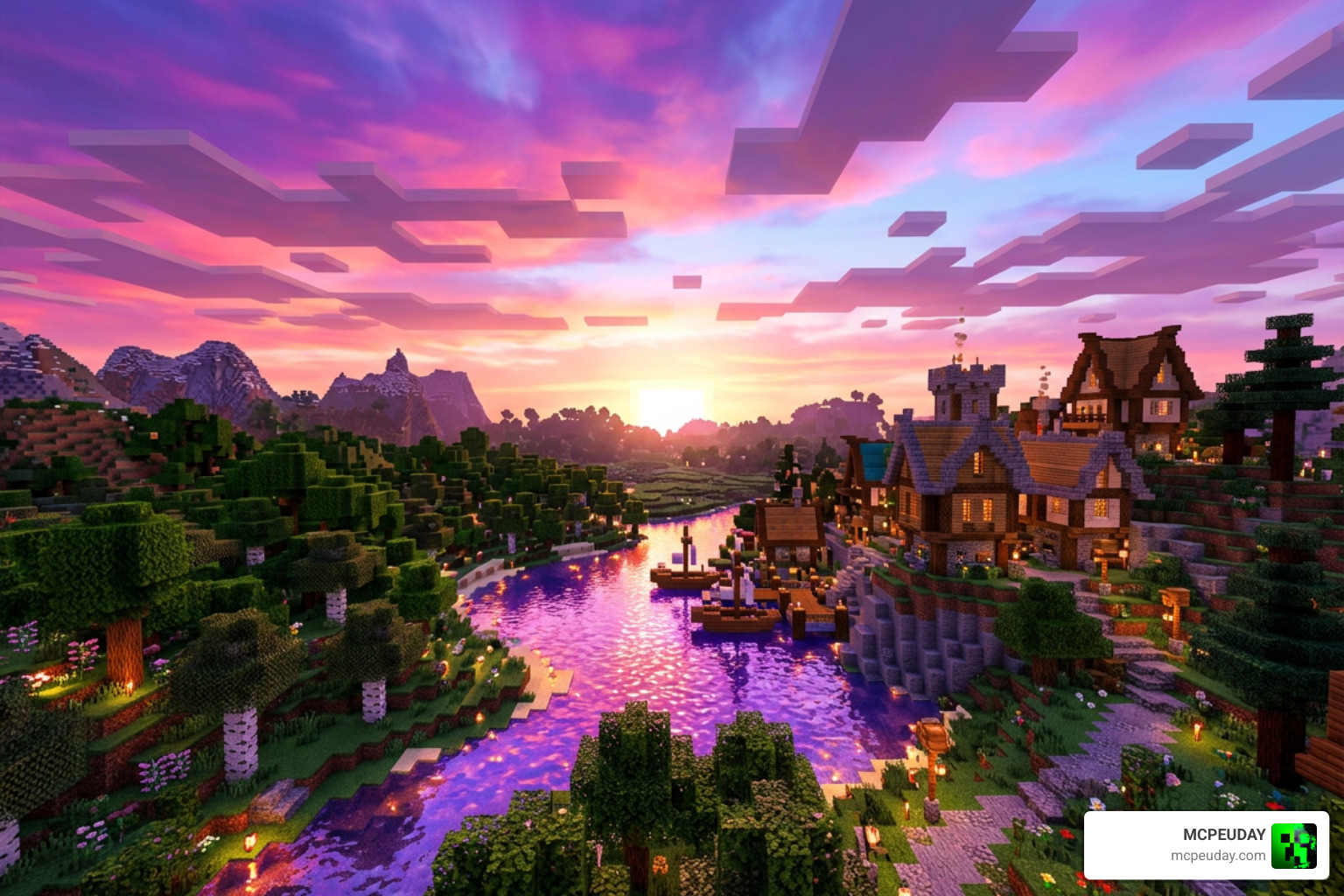
- Stunning Aesthetic: The dreamy purple and pink color scheme makes exploration feel incredibly fresh and magical.
- Exceptional Optimization: Runs flawlessly on low-end mobile devices without causing major frame drops.
- Dynamic Atmosphere: The layered fog and warm sunsets create a cozy, cinematic environment that is perfect for builders.
- Easy Setup: No complex third-party tools or file renaming required; just import the
.mcpackand play.
Cons:
- Not for Realism Purists: If you are looking for realistic blue skies and standard green grass, the intense fantasy colors might feel a bit overwhelming.
- Password Requirements on Some Sources: Depending on where you download certain community variants, creators sometimes lock files behind passwords found in showcase videos or require you to join a Discord community to unlock the full resource and addon files.
- Confusing Name Searches: When searching online, make sure you don’t confuse this Minecraft shader with the professional design agency Velmora Studio – Home ! While Velmora Studio does amazing branding and web design work, they are a corporate creative agency and do not make Minecraft mods.
If you decide that the fantasy tones aren’t quite your style and you want a more traditional, ultra-realistic look instead, we suggest looking into the Newb X Sapphire Shader For Minecraft Pe Mcpe Ultra Realistic Graphics Fps Friendly Stunning Visuals.
Frequently Asked Questions
Does Velmora Visuals work on low-end mobile devices?
Yes! The Velmora Visuals SHADER is highly optimized for budget-friendly Android and iOS phones. It utilizes lightweight rendering techniques to deliver vibrant colors and smooth shadows without causing lag. If you are running on an extremely old device, pairing it with a lightweight option like the Newb X Soleil Shader Best Lightweight Mcpe Shader For Realistic Graphics is another great way to keep your gameplay smooth.
Do I need a password to unlock the shader pack?
It depends on where you download it. Some community versions hosted on sharing platforms or Discord require a password to extract the resource pack. This password is usually shared by the community creators in their showcase videos. Always make sure to read the download description carefully!
Is Velmora Visuals compatible with Minecraft 1.21?
Yes, Velmora Visuals fully supports Minecraft Bedrock 1.21 (including version 26.x). It is designed to work smoothly with the Render Dragon engine. If you want to check out other fully compatible 1.21 options, take a look at the Newb X Amethyst Shader Best Lightweight Shader For Minecraft Pe Mcpe.
Conclusion
At MCPEUDAY, we believe that upgrading your Minecraft graphics shouldn’t require owning a thousand-dollar gaming rig. The Velmora Visuals SHADER is a brilliant testament to what community developers can achieve. By trading standard hyper-realism for a gorgeous, pink-and-purple fantasy aesthetic, this shader pack delivers a breathtaking visual transformation that runs smoothly on almost any mobile device.
If you are ready to leave vanilla graphics behind and experience your survival world under a warm, dreamy sunset, head over to our main hub of the Best Shaders For Mcpe 1 21 2026 Top 3 Realistic Minecraft Pe Shaders to download your favorite packs and start your next adventure today!