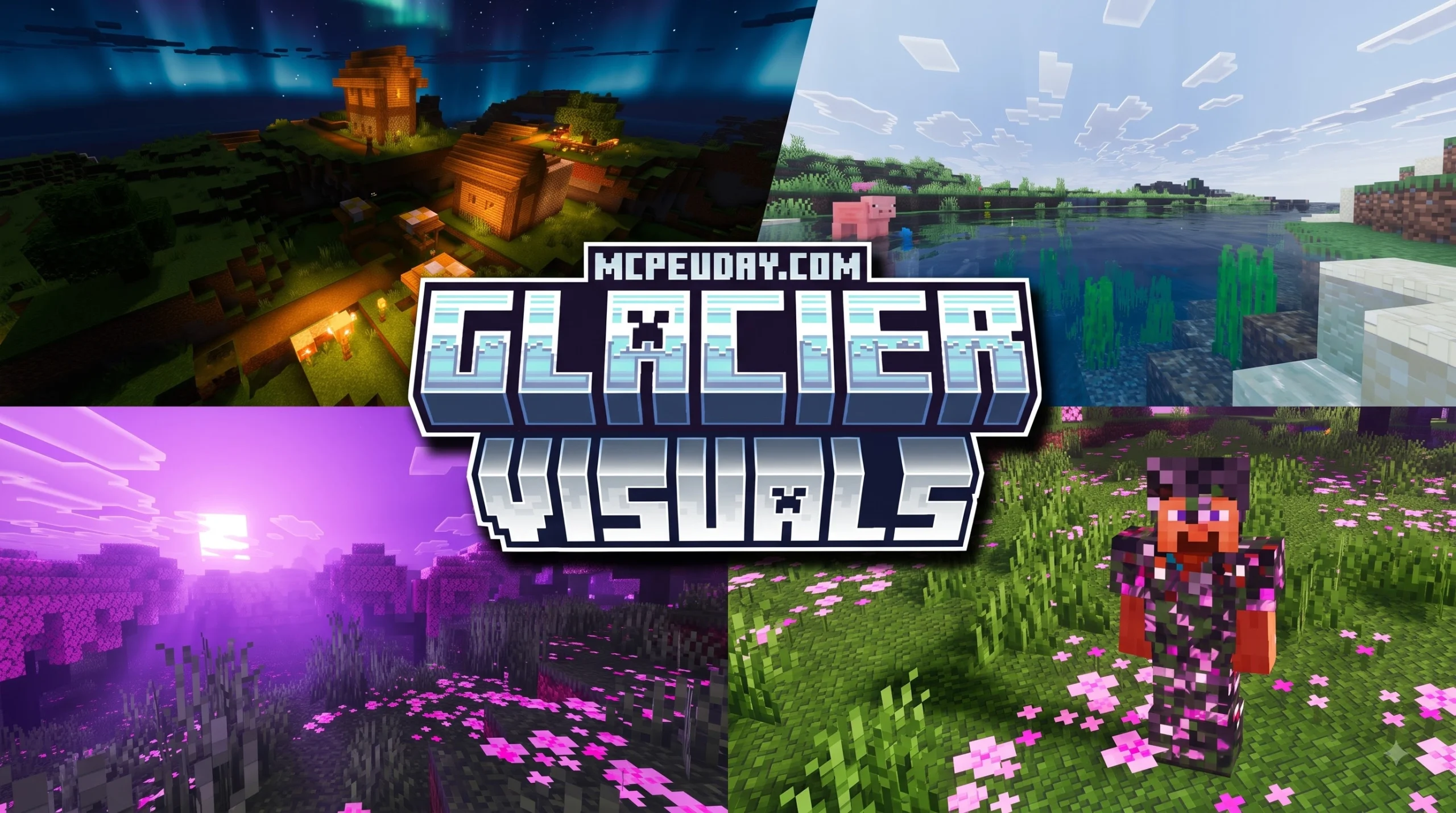
Exploring the Glacier Visuals Shader Architecture
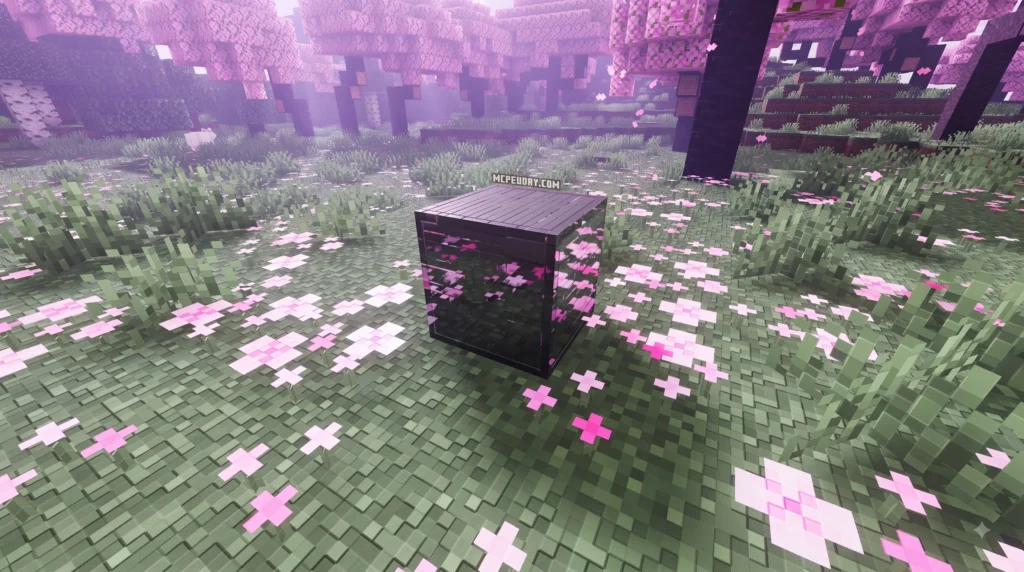
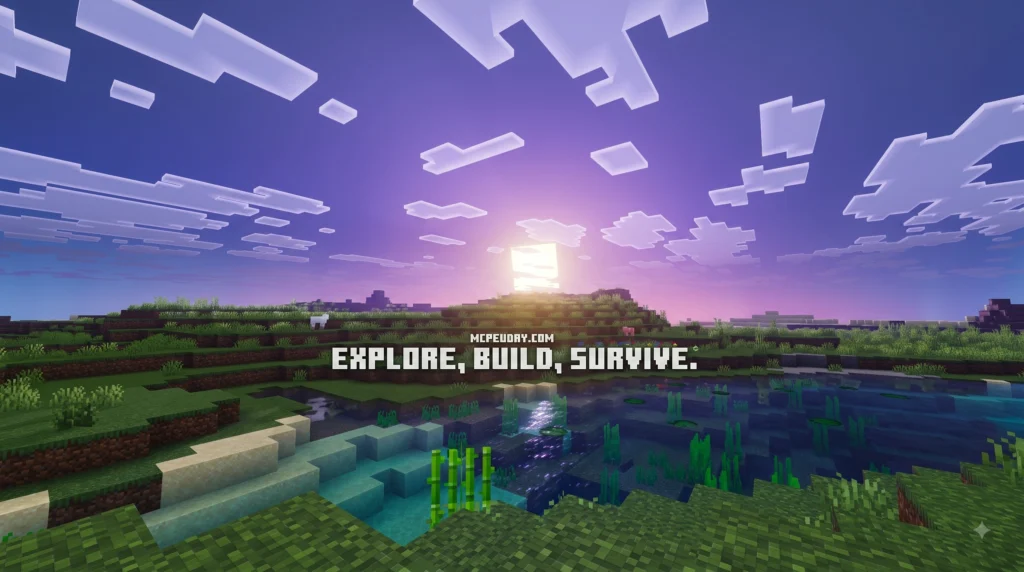
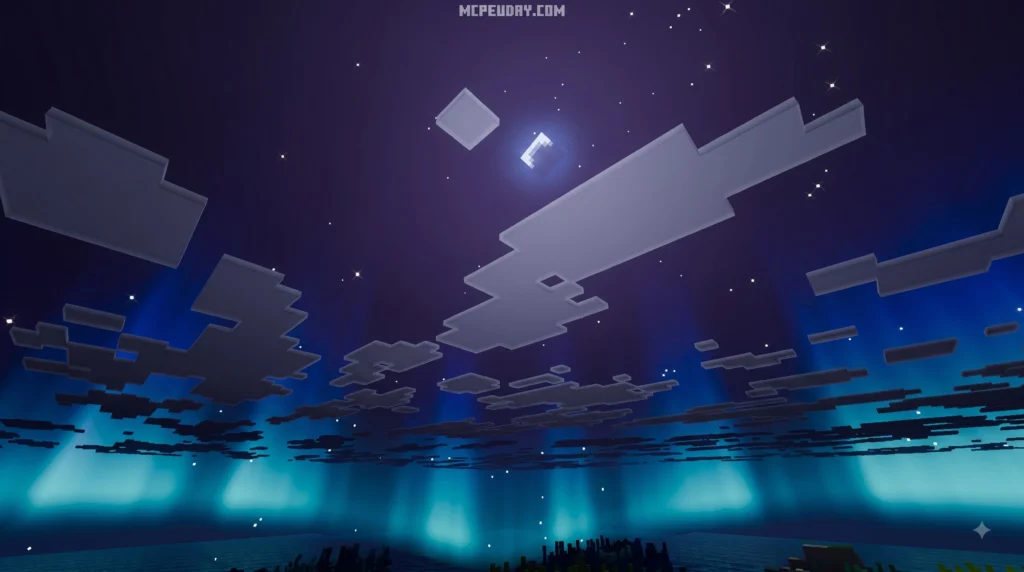
Understanding how modern shaderpacks shape game graphics comes down to their underlying rendering pipeline. The Glacier Visuals Shader project (formally recognized in open-source development as Glimmer) takes a physically based rendering (PBR) approach. Instead of simply slapping bright colors and high contrast over textures, the shader calculates how light realistically reflects off stone, wet grass, dirt, and water surfaces in real time. This dynamic interaction between light sources and surface characteristics provides a remarkably grounded aesthetic without feeling overly saturated.
By adhering strictly to LabPBR 1.3 standards, the pack reads specular and normal maps from compatible resource packs with high accuracy. This tells the game engine exactly how shiny, rough, metallic, or bumpy a block should be when light hits it at an angle. Whether you are observing ice blocks inspired by real-world environments like those cataloged in the Glacier Photograph Collection or exploring custom maps across community worlds, the lighting engine calculates real-time light bounce, subsurface reflection, and natural glare. Direct illumination from sun and moon trajectories casts precise geometric shadows, while indirect illumination fills shaded alcoves with ambient color bleed.
Key Features of Glacier Visuals Shader
The core strength of the pack lies in how it handles fluid surfaces, complex weather, and dynamic atmosphere without choking system memory or overwhelming mid-range hardware. Its custom rendering system introduces several key visual improvements:
- Infinite Ocean Plane: Rather than cutting water rendering off abruptly at your chunk render boundary, the shader extends a smooth ocean plane far into the distance, unifying horizon views.
- Dynamic Reflections & Refractions: Real-time screen-space reflections (SSR) calculate water depth, refractive indices, and surface ripples for realistic underwater light bending and shoreline physics.
- Temporal Filtering: Smooths out jagged lighting transitions, volumetric noise, and anti-aliasing artifacts across moving frames without inducing steep performance hits.
- ColorWheel Mod Support: Allows seamless integration with dynamic lighting mods for responsive, real-time light tinting when holding custom light sources.
- Natural Atmospheric Scattering: Soft fog, rayleigh scattering, and ambient lighting adapt smoothly based on the time of day, weather conditions, and active biome parameters.
Performance Profiles in Glacier Visuals Shader
One common issue with graphic upgrades is that low-spec hardware often suffers severe frame drops when handling shadow maps and ambient occlusion. To solve this, four main performance presets are built directly into the shader settings:
- Potato Profile: Turns off intense screen-space reflections and temporal filtering, keeping only essential atmospheric color shifts so older systems can stay fully playable at high frame rates.
- Toaster Profile: Adds basic water lighting, soft shadows, and mild ambient occlusion while keeping shadow map resolutions low to maximize frame stability.
- Integrated Graphics: Optimized specifically for modern integrated laptop graphics, balancing clean visual output, volumetric fog, and steady 60 FPS performance.
- Dedicated Graphics: Unlocks full LabPBR 1.3 specular maps, high-fidelity screen-space reflections, high-resolution shadows, and extended atmospheric fog for high-end setups.
Technical Mechanics and System Compatibility
Under the hood, the Glimmer shaderpack was created by lead developer jbritain, who has logged over 168 contributions to the main repository. The project remains fully open-source and transparent on the jbritain/glimmer-shaders GitHub page. By keeping the codebase open to community contributions, the project benefits from rapid bug fixes and continuous shader optimization across different hardware configurations.
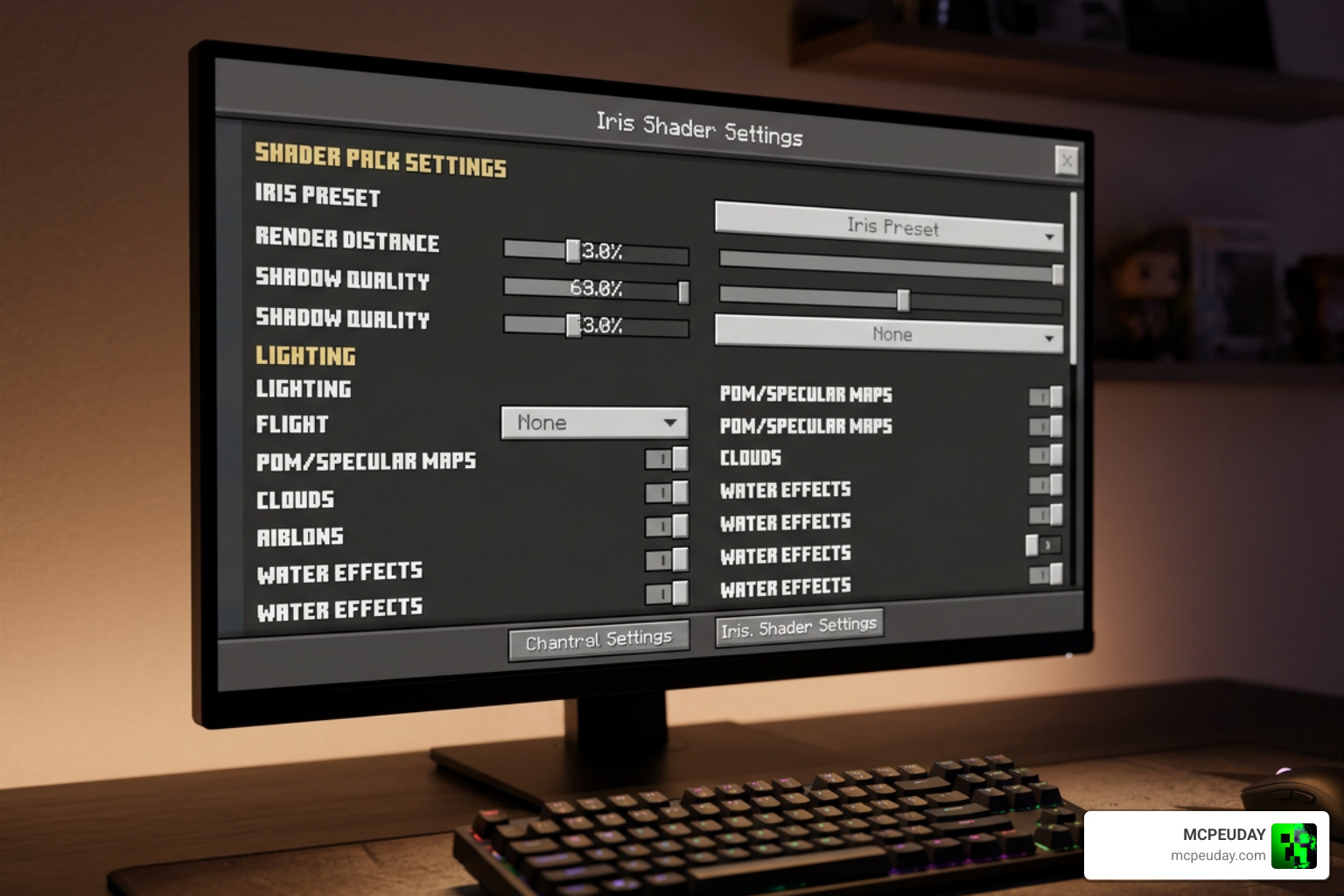
Unlike older shaderpacks built around legacy graphics drivers, this project leverages modern rendering extensions that require OpenGL 4.3 or higher. It relies on contemporary mod loaders to calculate combined projection matrices, allowing visual features like screen-space reflections to seamlessly overlap with terrain generated by world-expansion mods like Distant Horizons. Modern depth buffer access ensures that geometry rendered beyond traditional chunk limits maintains accurate lighting shadows and fog integration.
Hardware Requirements and Platform Constraints
While the shader handles optimization remarkably well across different quality presets, specific hardware and software constraints apply to ensure optimal operational stability:
- Required Shader Loader: Iris 1.6+ is required. The underlying code structure relies heavily on modern shading hooks and does not support legacy loaders like OptiFine.
- Unsupported Systems: Apple macOS and Raspberry Pi devices are completely unsupported due to driver limitations and missing OpenGL 4.3 translation layer capability.
- Minimum GPU Target: Dedicated or integrated graphics hardware capable of handling OpenGL 4.3+ drivers (NVIDIA GTX 900 series or newer, AMD Radeon RX series, or modern Intel Iris Xe/Arc graphics).
- VRAM Allocations: A minimum of 2GB VRAM is recommended for lower profiles, while 4GB or more ensures stutter-free gameplay on high-fidelity preset profiles.
Shader Development and Testing with glslViewer
When working with GLSL (OpenGL Shading Language) code, developers often need to isolate visual effects outside of full game engines to iterate rapidly on light transport algorithms. This is where specialized tools like glslViewer come in handy. Created by developer patriciogonzalezvivo, who has contributed over 1,643 updates to the project, patriciogonzalezvivo/glslViewer is a standalone sandbox for GLSL shaders that allows real-time code reloading and direct GPU pipeline inspection.
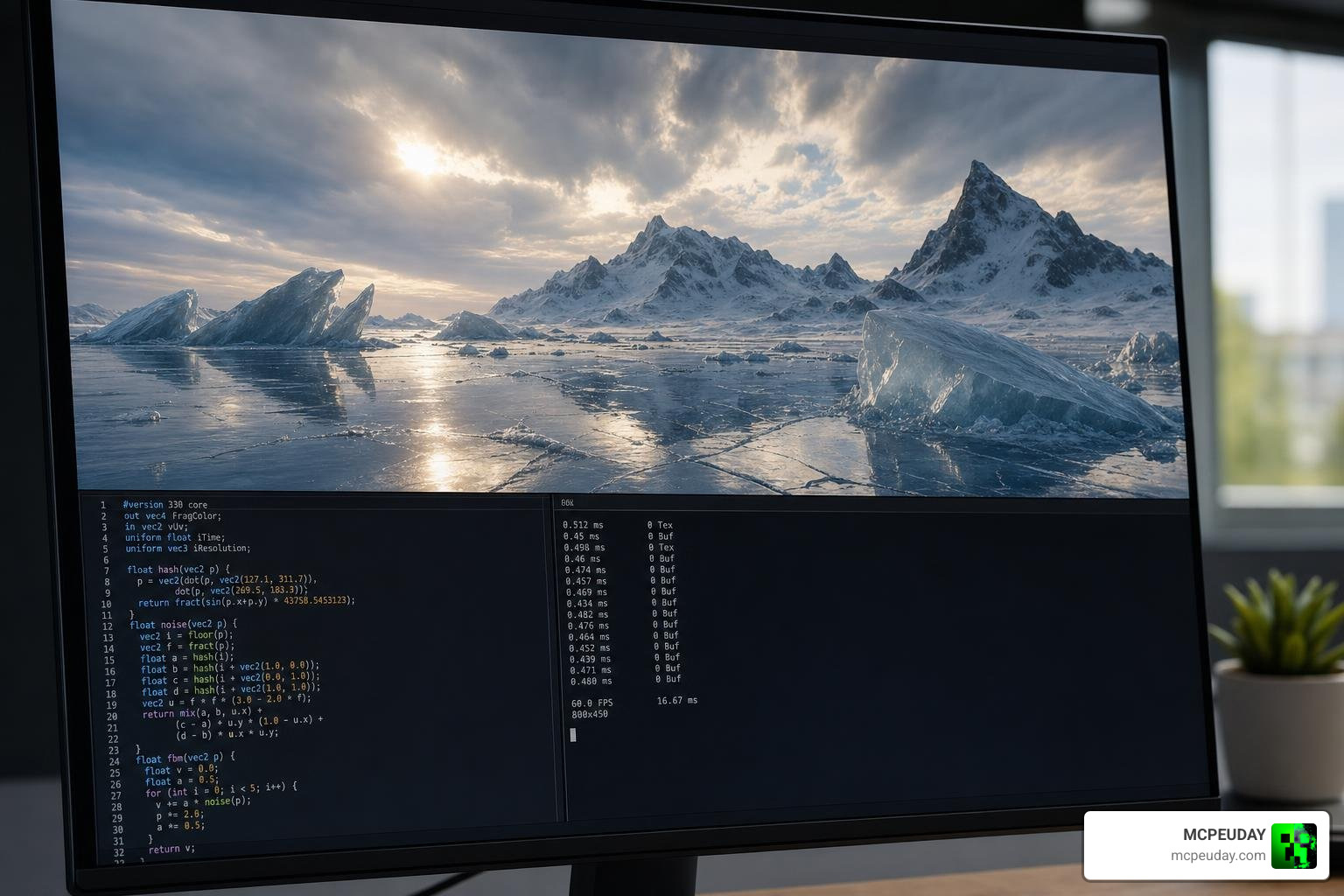
With over 5,310 stars on GitHub, glslViewer allows developers to feed custom code directly into a lightweight viewer without launching resource-intensive game engines. It supports loading over 10 texture formats (including PNG, HDR, GIF, and MP4 video streams) as well as importing 3D models in OBJ, PLY, LST, and GLTF formats. This lightweight environment allows technical artists to test complex mathematical algorithms, such as rayleigh atmospheric scattering or Fresnel water reflection equations, in complete isolation.
Differences Between Shader Packs and Console Viewers
It is helpful to separate game-specific shaderpacks from console-based development tools like glslViewer. While both utilize GLSL code syntax, their execution environments and pipeline dependencies serve completely different rendering goals.
- Game Shaderpacks (Glimmer): Built specifically for Minecraft using the Iris mod API. They depend heavily on real-time game state data, including block IDs, biome flags, player coordinates, time of day vectors, and render chunk buffers.
- Console Sandbox (glslViewer): A standalone, UI-less terminal application. It uses POSIX input handling, OSC (Open Sound Control) commands, and cross-compiled WebAssembly to test raw GLSL shader logic on simple geometry without loading full game instances.
Shader Comparisons, Benchmarks, and Future Roadmap
When compared to massive visual packs like Complementary or Photon, Glimmer targets a unique middle ground: high-fidelity physically based rendering paired with ultra-lightweight hardware requirements. Rather than sacrificing performance for unneeded post-processing effects, Glimmer delivers clean visual upgrades that maintain high frame rates across diverse system configurations.
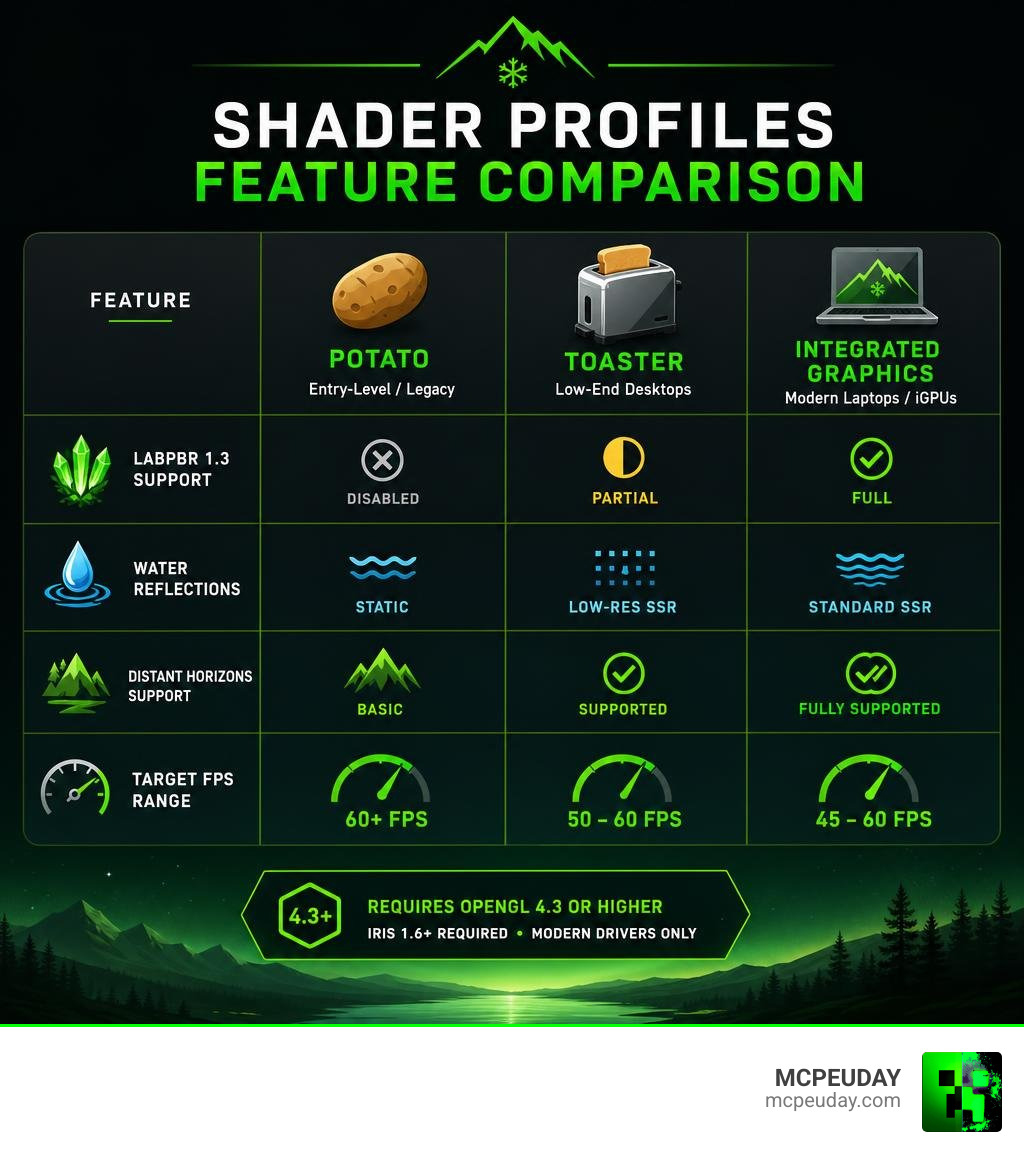
| Performance Profile | Target Hardware | LabPBR 1.3 Support | Water Reflections | Distant Horizons Support | Target FPS Range |
|---|---|---|---|---|---|
| Potato | Entry-Level / Legacy | Disabled | Static | Basic | 60+ FPS |
| Toaster | Low-End Desktops | Partial | Low-Res SSR | Supported | 50 – 60 FPS |
| Integrated Graphics | Modern Laptops / iGPUs | Full | Standard SSR | Fully Supported | 45 – 60 FPS |
| Dedicated Graphics | Mid-to-High GPUs | Full | High-Res Refraction | Fully Supported | 75+ FPS |
The project currently has 11 stars, 3 forks, and 5 open issues on GitHub. Active community feedback continues to refine shadow geometry, temporal stability, atmospheric density, and performance tweaks across new game updates. Ongoing optimization efforts focus on enhancing multi-threaded buffer transfers and reducing frame time variance on integrated graphics configurations.
Frequently Asked Questions
What system requirements are needed to run modern shader packs?
You need a 64-bit operating system (such as Windows or Linux), a graphics card that fully supports OpenGL 4.3 or higher, and an up-to-date graphics driver installed on your machine. While dedicated graphics cards yield the highest frame rates with maxed-out settings, modern integrated graphics chips can easily run optimized lightweight profiles like Potato or Integrated Graphics at smooth frame rates.
Why is Iris required instead of OptiFine for these shaders?
Iris provides modern shadow pipeline hooks, direct matrix bindings, and contemporary OpenGL support that allow complex shaders to run efficiently with minimal driver overhead. Older frameworks like OptiFine lack the updated matrix handles and buffer pipelines necessary for advanced features like temporal filtering, dynamic sky scattering, and seamless Distant Horizons mod integration.
How do Distant Horizons and infinite ocean planes function together?
The Distant Horizons mod renders simplified terrain LODs (Levels of Detail) far past normal render distances by processing simplified geometry chunks. The shader pack intercepts this extended terrain data buffer and projects a continuous water surface mesh across the extended horizon, preventing ocean bodies from popping out of view or cutting off unnaturally at active chunk borders.
Conclusion
At MCPEUDAY, we aim to provide clear guides and up-to-date resources so you can get the best visual experience out of your favorite games. The Glacier Visuals Shader (Glimmer) proves that you do not need an expensive setup to enjoy natural lighting, realistic water reflections, dynamic atmospheric scattering, and expansive ocean horizons. By selecting the right performance preset for your rig and using modern mod loaders like Iris, achieving smooth frame rates with modern graphics is easier than ever.
If you are exploring new ways to enhance your gameplay visual experience across pocket, console, or desktop setups, explore our curated list of the Top Realistic Minecraft Shaders to find the perfect performance match for your hardware.