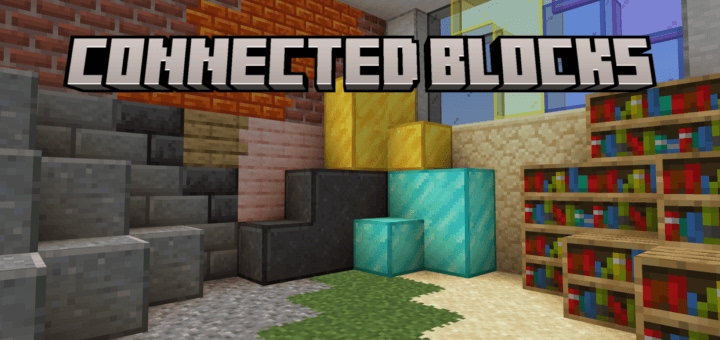
What Is the Connected Blocks Addon for Minecraft Bedrock?
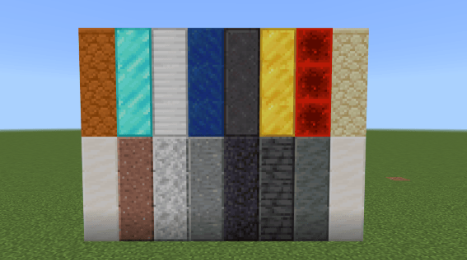
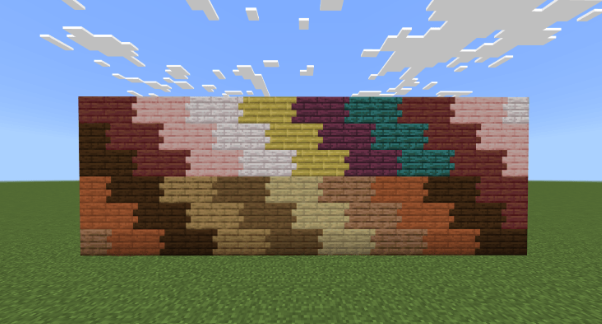
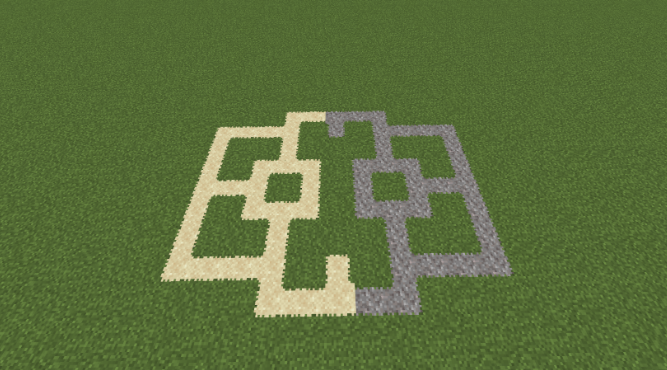
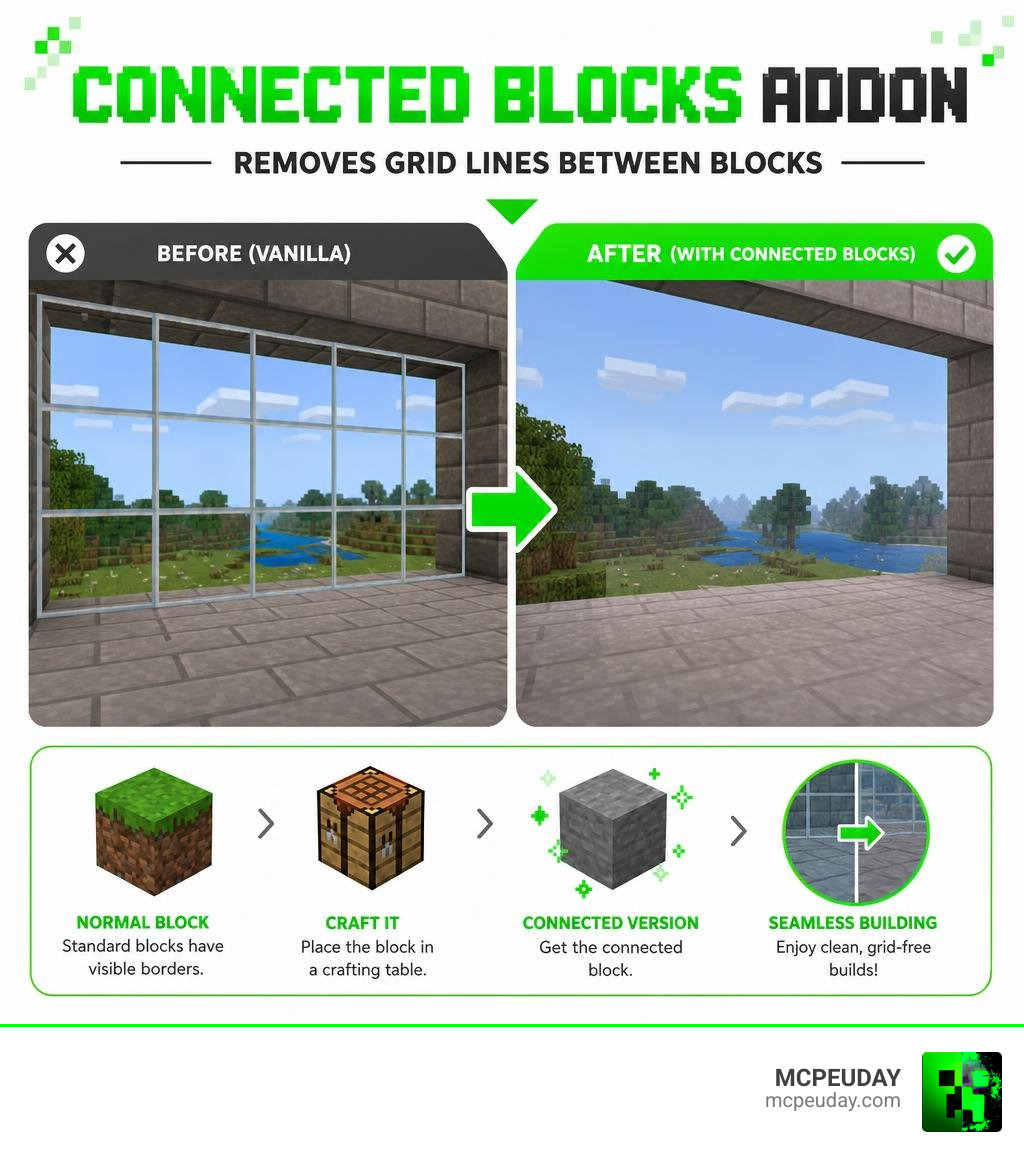
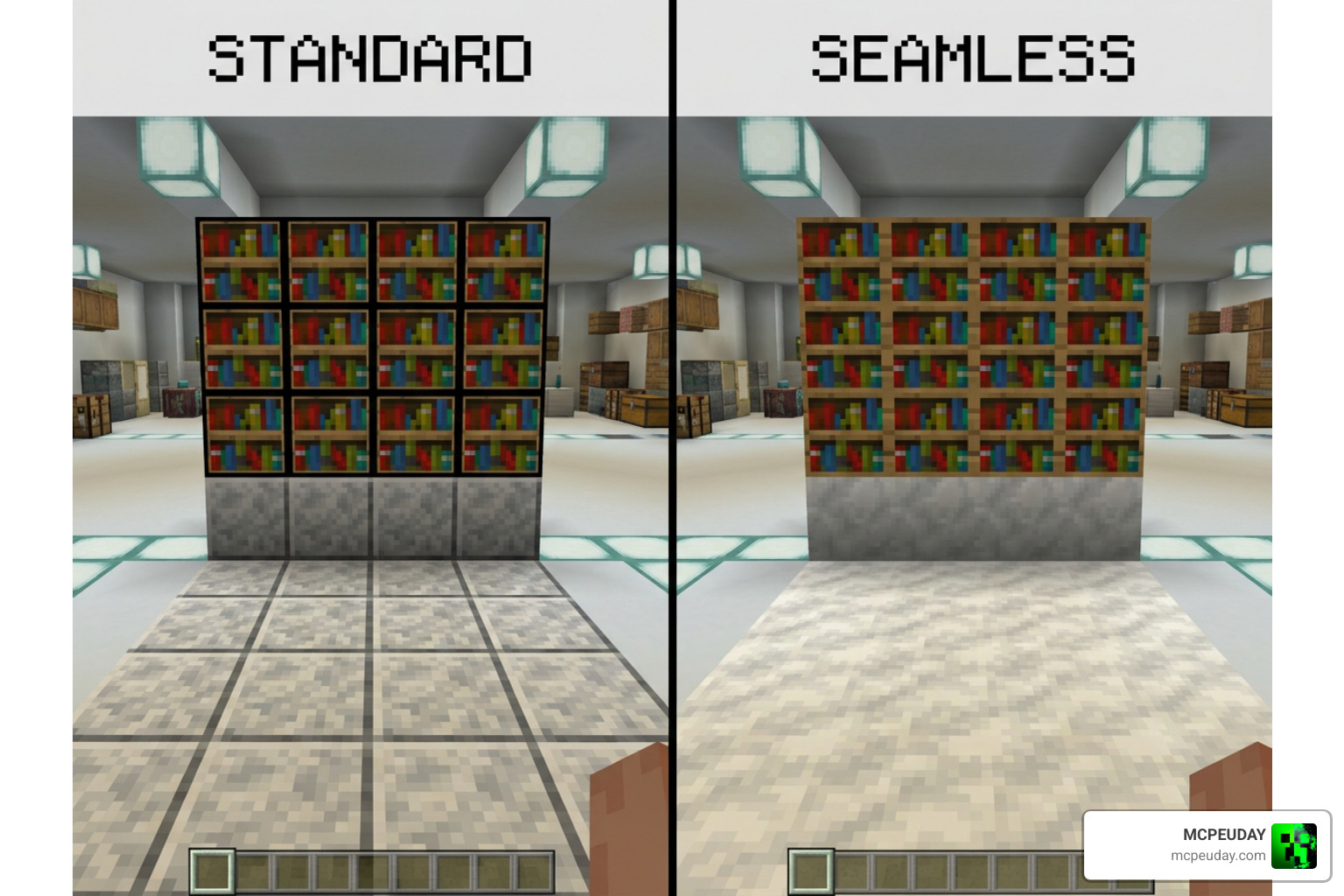
The Connected Blocks Addon is a popular Minecraft Bedrock add-on that removes the visible borders between adjacent blocks, giving your builds a cleaner, seamless look. Instead of seeing a grid of individual block edges, matching blocks blend together automatically — no more distracting lines breaking up your glass walls or stone floors.
Quick answer:
- What it does: Replaces standard block textures with connected versions that merge edges between neighboring blocks
- Who made it: Creator known as Gao, with over 2.6 million total downloads across all projects
- Downloads: Over 337,000 downloads and counting
- How to get connected blocks: Craft them by placing the normal block in a crafting table
- Supported versions: Minecraft Bedrock 1.21.x and 26.x
- Requires: Experimental Settings enabled in your world
- File size: ~265 KB
Think of it as Bedrock’s answer to OptiFine’s Connected Textures feature on Java Edition. Builders who want seamless glass rooms, polished stone floors, or clean brick walls without the grid-line look will find this addon genuinely game-changing.
It has earned a strong following — 322,399 downloads on CurseForge alone — and supports a wide range of blocks from glass panes to netherite blocks.
Why You Need the Connected Blocks Addon in Minecraft Bedrock
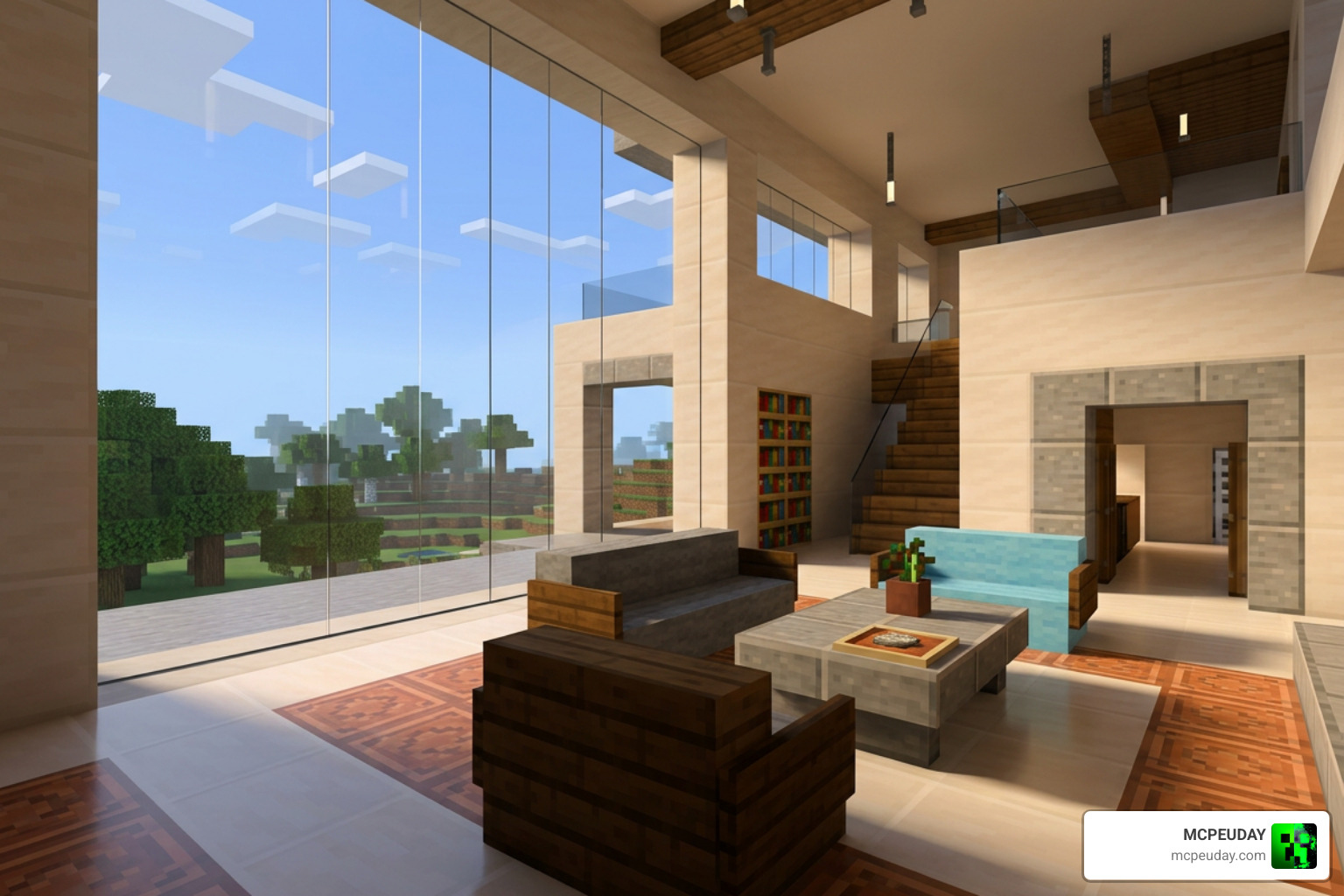
If you have ever spent hours designing a massive modern mansion only to find your giant panoramic windows ruined by a grid of thick, ugly borders, you know the struggle. Vanilla Minecraft textures are designed to look like individual blocks. While this works great for basic structures, it can severely limit your creativity when designing large-scale aesthetic builds.
By installing the Connected Blocks Addon, you can finally say goodbye to those distracting grid lines. Seamless textures allow your materials to flow naturally, creating a sense of scale and realism that vanilla blocks simply cannot achieve.
Whether you want to combine this with a Connected Glass Addon for flawless windows, or pair it with the Better Foliage Addon to create a lush, ultra-realistic nature upgrade, this addon serves as the perfect foundation for a beautiful Bedrock world.
Supported Blocks and Visual Improvements
The addon does not stop at glass. The creator, Gao, has continuously updated the project to support an extensive list of blocks. Some of the most notable supported blocks include:
- Glass & Panes: Standard glass blocks, glass panes, and all colored variations.
- Wood Planks: All wood types connect smoothly, which is perfect for seamless hardwood flooring.
- Natural Blocks: Sand and gravel.
- Decorative Stones: Polished andesite, polished granite, polished diorite, polished tuff, polished deepslate, polished blackstone, sandstone, red sandstone, and quartz.
- Valuable Ore Blocks: Diamond, iron, gold, lapis lazuli, redstone, and netherite blocks.
- Utility Blocks: Bookshelves, crafting tables, and sea lanterns.
- Bricks: Standard bricks and resin bricks.
How the Connected Blocks Addon Compares to Java’s OptiFine CTM
On Minecraft Java Edition, players have long enjoyed Connected Textures Mod (CTM) features through OptiFine or modern alternative mods. For instance, the Fusion library on Java boasts over 10 million downloads on Modrinth, showing just how much the community values these visual upgrades.
For a long time, Bedrock Edition players were left out. The Connected Blocks Addon bridges this gap. While Java mods can dynamically alter texture rendering on the fly, Bedrock’s engine requires a slightly different approach.
This addon replicates the visual magic of OptiFine’s CTM by introducing custom blocks that mimic vanilla behaviors while utilizing custom geometry to align textures perfectly. You can find the official project files on the Connected Blocks on CurseForge page.
How to Craft and Use Connected Blocks in Survival Mode
Unlike some creative-only visual mods, the Connected Blocks Addon is fully integrated into survival gameplay. You do not need to rely on cheats to get these beautiful blocks in your main world.
To make building even easier, this addon works seamlessly alongside the Effortless Building Addon, allowing you to quickly place large swathes of connected blocks.
| Vanilla Block | Crafting Input | Resulting Block |
|---|---|---|
| Glass Block | 1x Vanilla Glass | 1x Connected Glass |
| Oak Planks | 1x Vanilla Oak Planks | 1x Connected Oak Planks |
| Bookshelf | 1x Vanilla Bookshelf | 1x Connected Bookshelf |
| Diamond Block | 1x Vanilla Diamond Block | 1x Connected Diamond Block |
| Sea Lantern | 1x Vanilla Sea Lantern | 1x Connected Sea Lantern |
Crafting Recipes and Survival Mechanics
To obtain a connected block, simply open your crafting table and place the vanilla version of the block anywhere in the crafting grid. The recipe is a simple 1:1 conversion.
In earlier versions of the addon, there was a bug that allowed players to obtain unlimited connected blocks in survival due to a crafting loop exploit. Fortunately, in the latest 2.4.2 version update, this bug has been completely fixed, keeping your survival progression balanced and fair.
Installation Guide and Experimental Settings
Installing addons on Minecraft Bedrock is generally straightforward, but because this addon introduces custom block geometry and textures, you must follow a few specific steps to ensure it works correctly.
Step-by-Step Guide to Install the Connected Blocks Addon
- Download the
.mcpackfile from a trusted source. - Double-click or tap the downloaded file to automatically import it into Minecraft Bedrock.
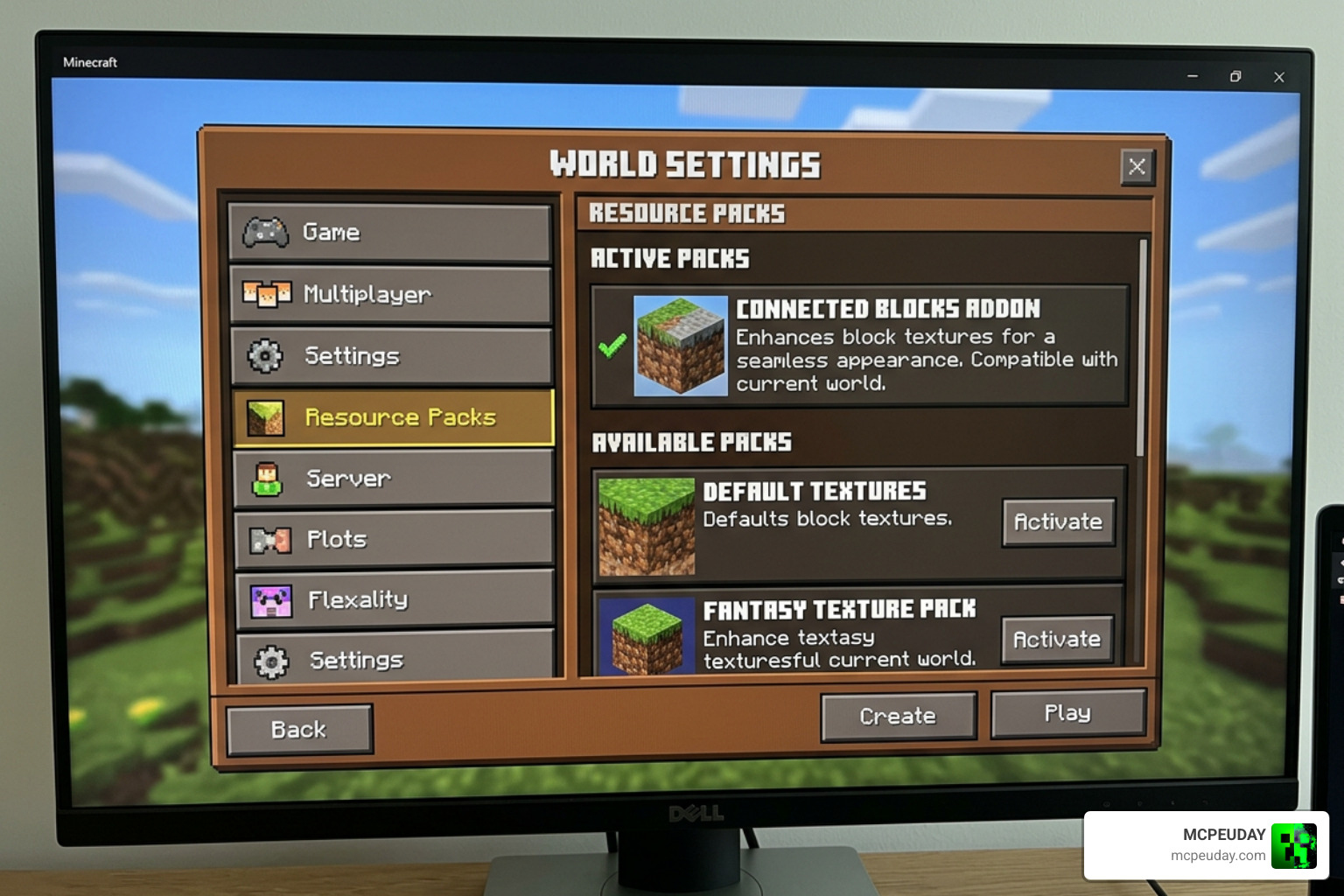
- Open Minecraft, go to your world settings, and navigate to Resource Packs.
- Activate the Connected Blocks resource pack.
- Navigate to Behavior Packs and ensure the corresponding behavior pack is also active.
Required Experimental Settings for Bedrock Edition
Because this addon introduces custom blocks, you must enable experimental toggles in your world settings. If you skip this step, the blocks will either not show up in your crafting table or render as broken, purple-and-black textures.
Before launching your world, toggle the following settings to ON:
- Beta APIs
- Holiday Creator Features (if available on your version)
- Upcoming Creator Features
Note: Always create a backup of your world before enabling experimental settings to prevent any potential save file corruption.
Known Limitations, Bugs, and Compatibility
While this addon is incredibly well-made, Bedrock’s engine has some inherent limitations.
Here are the known bugs and limitations to keep in mind:
- Glass Pane Walking Bug: There is a minor collision glitch where walking directly against connected glass panes can feel slightly jittery.
- Sea Lantern Brightness: Connected Sea Lanterns emit light, but the faux block version may appear slightly dimmer than the vanilla counterpart.
- Sand and Gravel Rendering: In survival mode, gravel and sand connect to adjacent blocks normally, but their special connection to grass blocks is currently only functional in Creative Mode.
- Redstone Power: Gao fixed an issue in the 2.4.2 update where the connected Redstone Block did not properly transmit redstone power. It now functions exactly like a vanilla redstone block.
If you are running a heavily modded survival world with major expansions like the Better on Bedrock Addon or the engineering-focused Create Addon, make sure to check for block ID conflicts.
For technical players using Java-style Create setups, you can also check out the README.md at main · hlysine/create_connected repository to see how quality-of-life connected mechanics are handled in other modding environments.
Frequently Asked Questions about Connected Textures
Does the Connected Blocks Addon affect game performance?
Not at all! The addon is incredibly lightweight (around 265 KB). Because it relies on optimized custom block models rather than heavy shader scripts, it runs perfectly fine on low-end mobile devices, consoles, and PCs without causing frame rate drops.
Can I use this addon in multiplayer worlds or servers?
Yes! However, because it uses a behavior pack to handle the custom block conversions, the world host or server administrator must have the addon active on the server. If you are playing on a Realm, make sure to check “Require players to accept resource packs to join.”
Why are my connected blocks not rendering properly?
If you see missing textures, make sure that both the Resource Pack and the Behavior Pack are active. Additionally, double-check that you have enabled Beta APIs in your world’s Experimental Settings menu.
Conclusion
The Connected Blocks Addon is an absolute must-have for any Minecraft Bedrock builder who values clean aesthetics and seamless designs. By removing distracting grid lines, it unlocks a whole new world of architectural possibilities.
We at MCPEUDAY are committed to bringing you the absolute best resources, downloads, and guides to elevate your gameplay. If you are looking to transform your game even further, why not explore a completely different style? Check out our list to Explore the Best Minecraft Horror Mods for Java and Bedrock in 2026 and find your next thrilling adventure!
1 thought on “Connected Blocks Addon (26.x, 1.21) – MCPE/Bedrock Mod”