
Finding the best Minecraft server hosting doesn’t have to be overwhelming. Here are the top picks for 2026 based on performance, price, and features:
| Provider | Starting Price | Best For |
|---|---|---|
| Gravel Host | $0.90/mo | Tightest budgets |
| UltraServers | $1/GB RAM | Best value per dollar |
| BisectHosting | Varies | Modded servers (2,300+ modpacks) |
| Apex Hosting | ~$11.24/mo | Premium performance |
| Shockbyte | $2.50/mo | Unlimited storage & slots |
| PebbleHost | $1/GB RAM | Budget-friendly reliability |
| WiseHosting | Varies | Huge modpack library (15,000+) {15,000+} |
So you want to run your own Minecraft server. Maybe it’s a small world for you and five friends, or maybe you’re building the next big modded community. Either way, picking the wrong host can ruin the experience fast — laggy gameplay, random crashes, and zero support when things go wrong.
The truth is, not all Minecraft hosting is equal. Servers are single-threaded by design, which means raw CPU clock speed matters more than core count. Cheap shared hosting that looks good on paper can still fall apart under real player load.
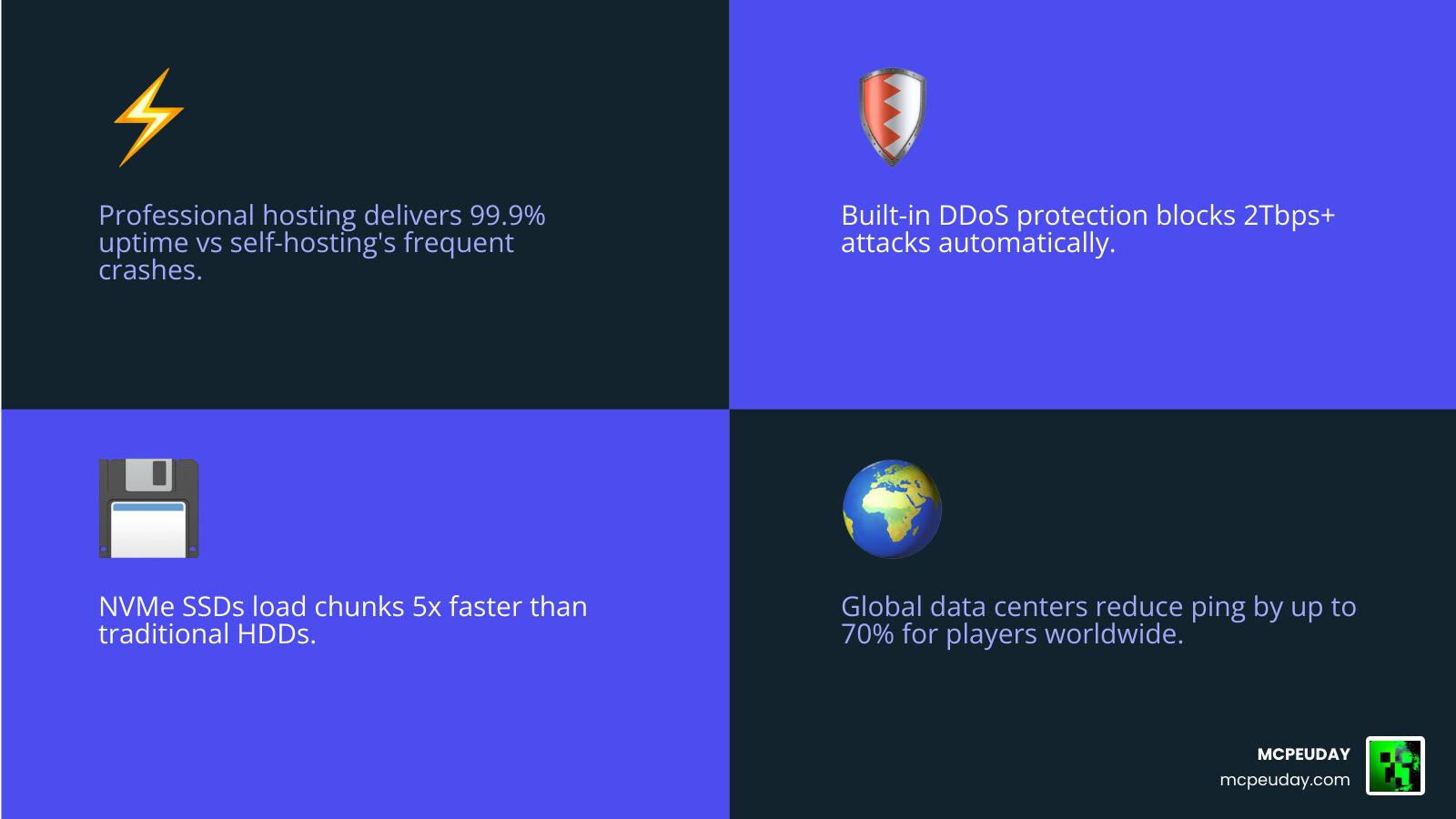
In 2026, the good news is that competition has driven prices down and quality up. You can get AMD Ryzen-powered servers with NVMe SSDs, DDoS protection, and one-click modpack installers for just a few dollars a month.
This guide breaks down the best options so you can stop guessing and start playing.
Key Factors When Selecting the best minecraft server hosting
When we look for the best minecraft server hosting, we aren’t just looking at the price tag. While it is tempting to go for the cheapest option, the hardware running your world is what determines if your players have a smooth experience or a laggy nightmare.

RAM and CPU: The Engine of Your World
Minecraft is a resource-hungry beast. In 2026, the industry standard has shifted toward high-clock speed processors. We look for hosts using AMD Ryzen 9 5900x or the newer Ryzen 7950X series. Because Minecraft’s engine relies heavily on single-core performance, a 4.8 GHz processor will always outperform an older server-grade CPU with more cores but slower speeds.
RAM is equally vital. For a basic vanilla experience with a few friends, 2GB is the bare minimum. However, if you are planning to add plugins or mods, you’ll want at least 4GB to 8GB. A great benchmark for value in 2026 is UltraServers – Minecraft Server Hosting, Just $1/GB., which provides high-tier performance without the “premium” markup.
Storage and Latency
Gone are the days of mechanical hard drives. The best minecraft server hosting providers now exclusively use NVMe SSDs. These drives allow for near-instant chunk loading, which is critical when players are flying around with Elytras or exploring new biomes.
Latency, or “ping,” is the final piece of the puzzle. You want a host with data centers close to your player base. If you are playing in Jaipur or other parts of India, selecting a provider with local nodes is the difference between a 30ms ping and a 300ms ping.
Finding the best minecraft server hosting for Modded Gameplay
If you’re like us at MCPEUDAY, you know that Minecraft is better with mods. Whether it’s adding horror elements or massive tech trees, modded servers require specialized hosting features.
The best minecraft server hosting for mods should offer:
- One-Click Installers: You shouldn’t need a degree in computer science to install a modpack. Top hosts now support one-click setups for over 15,000 packs from CurseForge and Modrinth.
- Mod Loader Support: Your host must support Forge, Fabric, Quilt, and NeoForge.
- Automated Updates: Look for “Instance Managers” that let you swap between different modpacks without losing your world data.
For those starting a modded journey on a budget, TheXHosting | Minecraft Server Hosting from $4/mo offers a solid entry point with NVMe storage that handles light modding with ease.
The best minecraft server hosting for Low Latency and Global Reach
Geography is destiny in gaming. Even the fastest CPU can’t overcome the speed of light. If your server is in New York and your players are in India, they will experience a delay in every block they break.
In 2026, we’ve seen a massive expansion in Asian data centers. When searching for the Best Minecraft Server Hosting India 2026 — Top 7 Ranked by Ping, look for providers that specifically mention Mumbai or Delhi locations. This ensures that local players enjoy sub-50ms latency, making PvP and parkour actually playable.
Top-Rated Hosting Providers for 2026
We’ve analyzed the market, and these providers stand out as the best minecraft server hosting options for various needs.
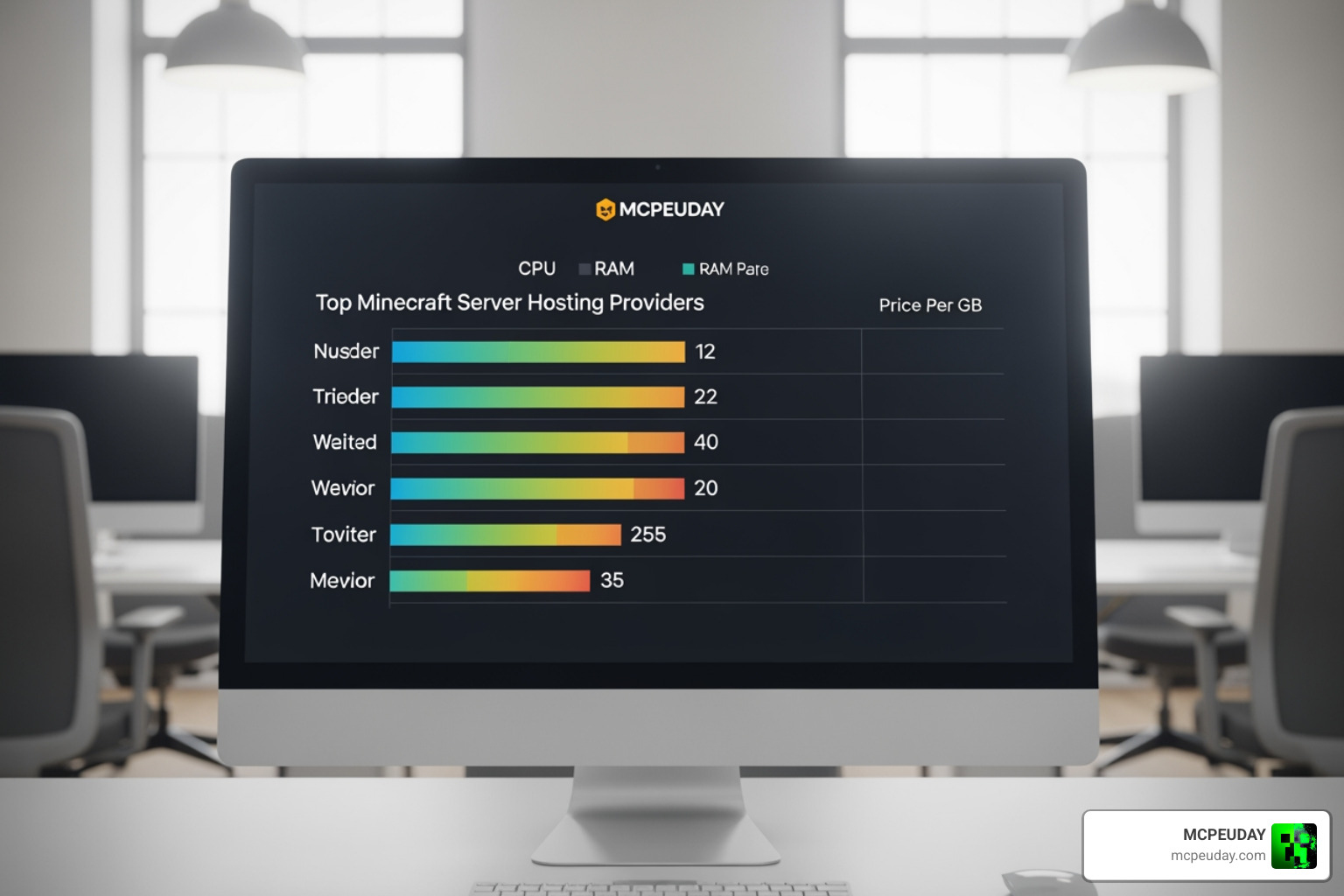
- Gravel Host: A champion for budget users, offering plans starting at just $0.90/month. They don’t skimp on hardware either, utilizing Ryzen 9 5900x processors and massive 2.2TBps DDoS protection.
- Apex Hosting: Known for their “EX Series,” which uses Ryzen 9 7950X CPUs. They are a premium choice with over 7,500 highly-rated reviews and one-click installers for 200+ modpacks.
- BisectHosting: The king of variety. With 21 global locations and an automated installer for 2,300+ modpacks, they are a favorite for community leaders who need flexibility.
- Shockbyte: Since 2013, they’ve offered “unlimited” everything—storage, bandwidth, and slots. It’s a great choice if you don’t want to worry about hitting a ceiling as your community grows.
- PebbleHost: They pioneered the $1/GB RAM pricing model. They remain a top value pick with a 4.4/5 Trustpilot rating.
- WiseHosting: If you are a modpack fanatic, WiseHosting is a dream, offering over 15,000 modpacks via a gamer-centric custom panel.
- Nexus Hosting: For those who need absolute top-tier hardware, High-Performance Minecraft Server Hosting provides Ryzen 9950X builds that can maintain a perfect 20 TPS even with 100+ players on a vanilla world.
Hardware and Performance Requirements
Understanding the “specs” helps you avoid overpaying for a plan you don’t need or underpowering a server that will eventually crash. In 2026, the best minecraft server hosting providers use enterprise-grade components that are specifically optimized for gaming.
RAM vs. Player Count (General Guidelines)
The following table shows our recommended RAM allocation for a stable 2026 experience:
| Player Count | Version Type | Recommended RAM |
|---|---|---|
| 1–10 Players | Vanilla / Simple Plugins | 2GB – 3GB |
| 10–25 Players | Light Modpacks / Paper | 4GB – 6GB |
| 25–50 Players | Heavy Modpacks (200+) | 8GB – 12GB |
| 50+ Players | Large Communities / Hubs | 16GB+ |
CPU and Tick Rate Stability
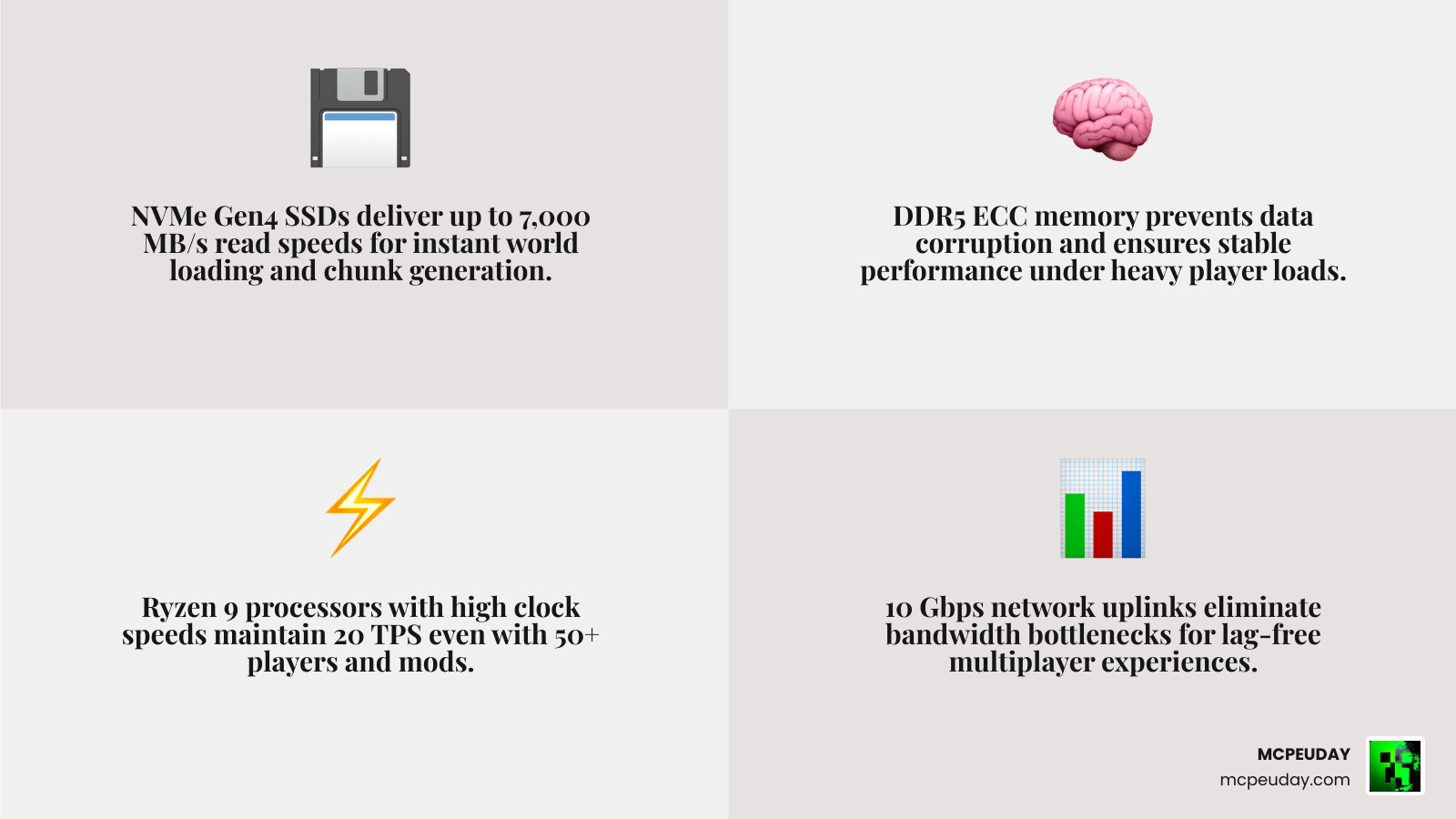
Minecraft runs on “ticks.” A healthy server runs at 20 Ticks Per Second (TPS). If your CPU is too slow, the TPS drops, causing “internal server lag” where blocks reappear after being broken. To ensure stability, we recommend hosts using DDR5 ECC memory and NVMe Gen4 SSDs. These components ensure that data moves fast enough to keep the CPU fed, preventing those annoying lag spikes during chunk generation.
Security and Server Management Tools
Running a server shouldn’t be a full-time job. The best minecraft server hosting services provide tools that do the heavy lifting for you.
DDoS Protection
Gaming servers are frequent targets for DDoS attacks. In 2026, standard protection should handle at least 1Tbps of traffic. Some providers, like Gravel Host, offer up to 2.2TBps mitigation. This ensures that even if someone tries to take your server offline, the “scrubbing” nodes filter out the bad traffic, and your players never even notice.
Control Panels and Backups
Most top hosts use a customized version of the Pterodactyl panel. This web-based interface allows you to:
- Access the live console.
- Manage files via a built-in browser or SFTP.
- Create MySQL databases for plugins like LuckPerms or CoreProtect.
- Schedule automated off-site backups. We always recommend choosing a host that keeps backups on a separate physical server; if the main node fails, your world remains safe.
Frequently Asked Questions
How much RAM do I need for a modded Minecraft server in 2026?
For modern modpacks (version 1.20.1 and newer), we recommend at least 6GB to 8GB of RAM. Modern Minecraft versions are more memory-intensive, and large modpacks like “All the Mods” or “Better MC” require significant overhead to load thousands of custom assets and scripts.
What is the difference between Java and Bedrock hosting?
Java Edition (PC) hosting is the traditional way to play with deep modding support. Bedrock Edition hosting is for players on consoles, mobile, and Windows 10/11. However, many of the best minecraft server hosting providers now offer GeyserMC integration, which allows Java and Bedrock players to play together on the same server!
Can I upgrade my hosting plan as my community grows?
Yes! Almost every reputable host offers “seamless scaling.” This means you can start with a 2GB plan and, with a few clicks in your dashboard, upgrade to 8GB or 16GB. Usually, this only requires a quick server restart, and your files stay exactly where they are.
Conclusion
Choosing the best minecraft server hosting in 2026 comes down to balancing your specific needs with your budget. If you’re a beginner, a host like Apex or BisectHosting offers the best support to hold your hand through the setup. If you’re a veteran looking for raw power, UltraServers or Nexus Hosting will give you the hardware edge you need.
At MCPEUDAY, we know that a great server is only as good as the content on it. Once you have your hosting secured, make sure to Enhance your server with the best Minecraft shaders and mods from our collection to give your players an unforgettable visual experience.
Whether you’re building a massive RPG world or a simple survival base, the right host ensures that the only thing you have to worry about is the next Creeper around the corner. Happy mining!
1 thought on “The Best Minecraft Server Hosting in 2026: Top Picks at a Glance”