Why Addon Compatibility in Minecraft Bedrock Actually Matters
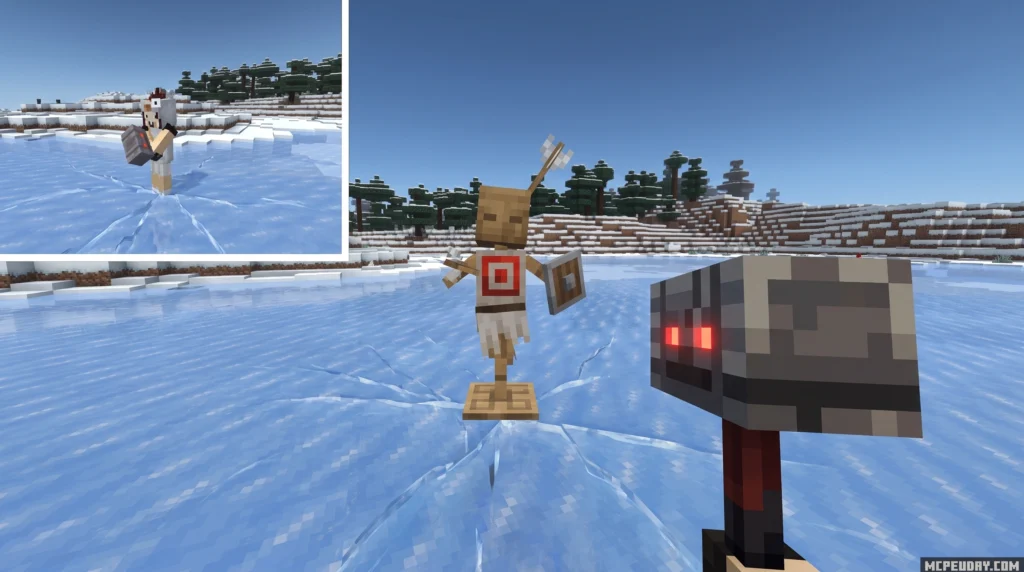
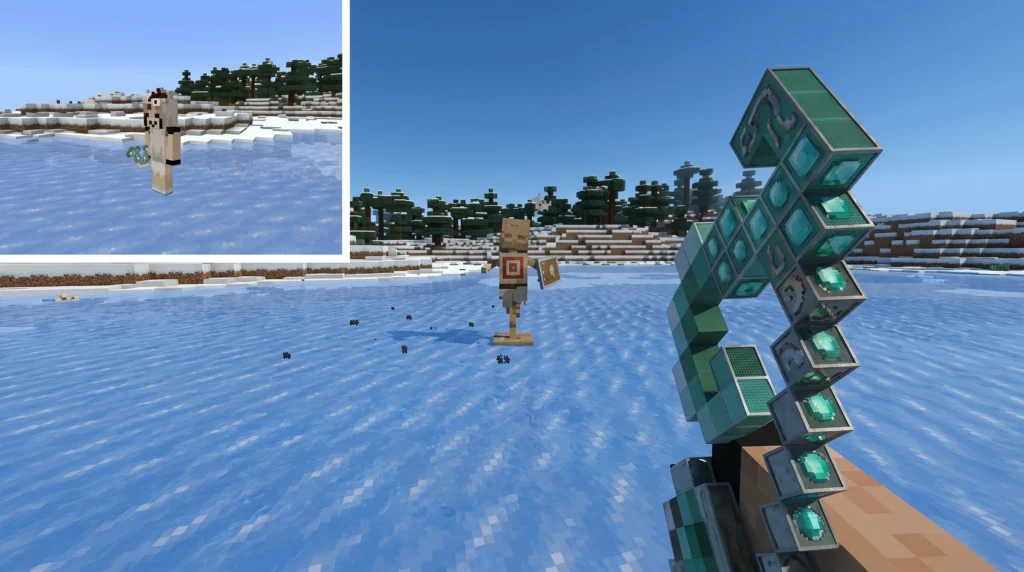
Compatibility with A&S Addon is a Minecraft Bedrock pack that adds first-person animations from the popular Actions & Stuff (A&S) mod to custom tools and weapons from other addons — no experimental gameplay settings required.
Here’s a quick answer if that’s all you need:
- What it does: Applies A&S first-person animations to third-party tools and weapons automatically.
- What you need: Both the Behavior Pack (BP) and Resource Pack (RP) installed and active.
- Key rule: Place the compatibility packs above your other addons in the load order.
- Supported version: Minecraft Bedrock Edition 1.21.111.
- No experimental features are needed — it works in standard vanilla settings.
If you’ve ever installed a cool sword or tool addon, only to find it swings with a boring, lifeless animation, you’re not alone. That’s one of the most common frustrations for Bedrock players who stack multiple addons together.
The Compatibility with A&S Addon solves exactly that problem. With over 424,500 downloads and a 4.1 out of 5 rating, it’s become a go-to bridge pack for players who want their custom weapons and tools to feel as good as they look.
This guide walks you through how to check for compatibility and get everything set up in just 3 steps.
What is the Compatibility with A&S Addon?
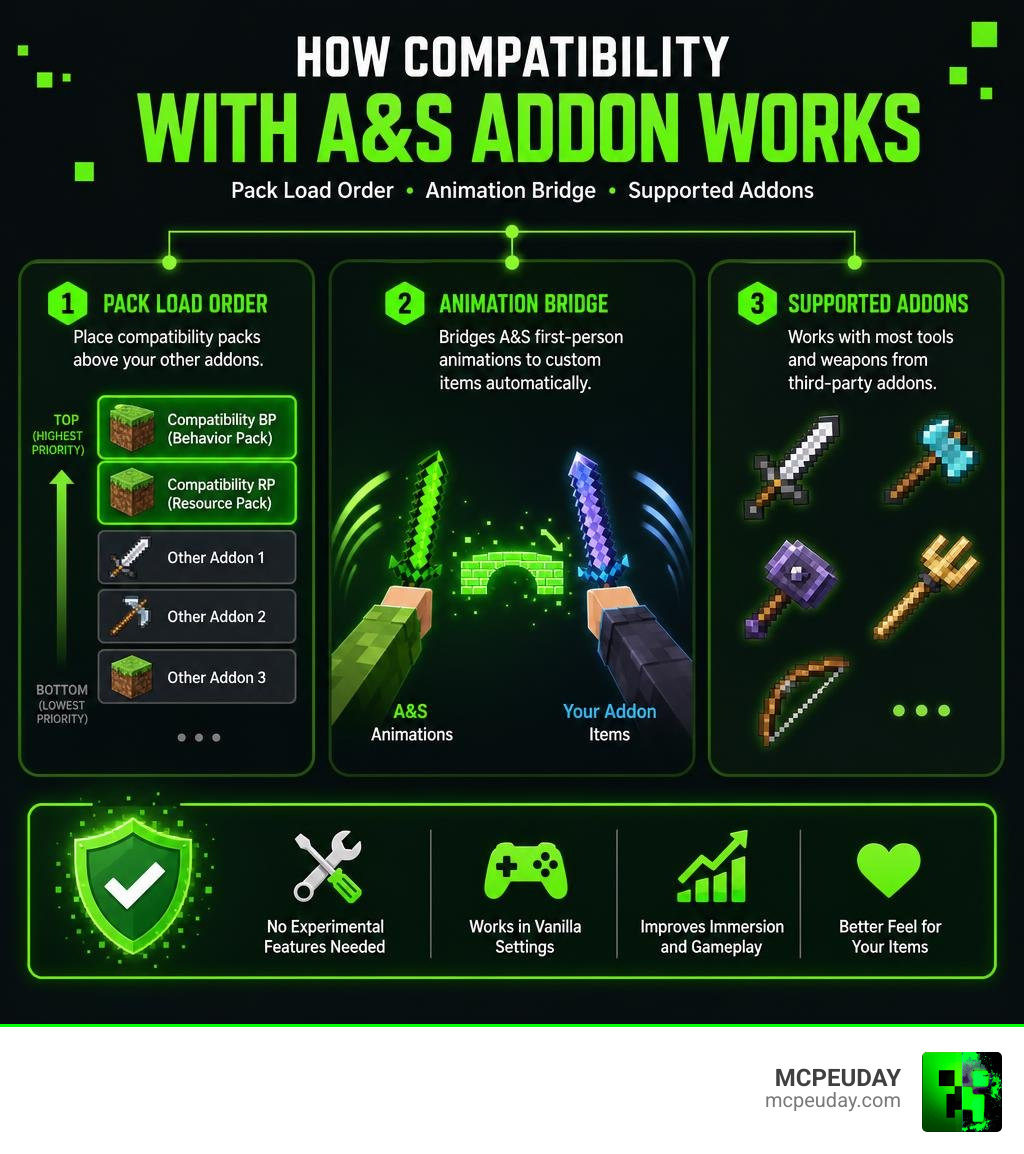
The Compatibility with A&S Addon is an innovative utility pack designed specifically for players who love using the Actions & Stuff mod but also want to enjoy custom weapons and tools from other popular Bedrock creations. By default, custom items introduced by external mods do not inherit the highly detailed, fluid first-person animations of Actions & Stuff. Instead, they revert to stiff, vanilla animations, breaking your immersion.
This compatibility pack acts as a translation layer. It automatically takes the beautifully crafted first-person animations from Actions & Stuff and maps them directly onto custom tools and weapons. Whether you are swinging a massive broadsword from a fantasy pack or mining with a heavy custom drill, the pack ensures the movement looks weighted, dynamic, and realistic.
If you are looking to expand your world with more custom features, checking out our extensive library of MCPEUDAY Addons is a great place to start finding compatible mods.
How the Compatibility with A&S Addon Integrates Animations
To understand how this pack works, think of it as an animation bridge. When you swing a weapon, Minecraft checks the item’s resource configuration to decide how your character’s arm should move. Normally, third-party addons point to vanilla animation files.
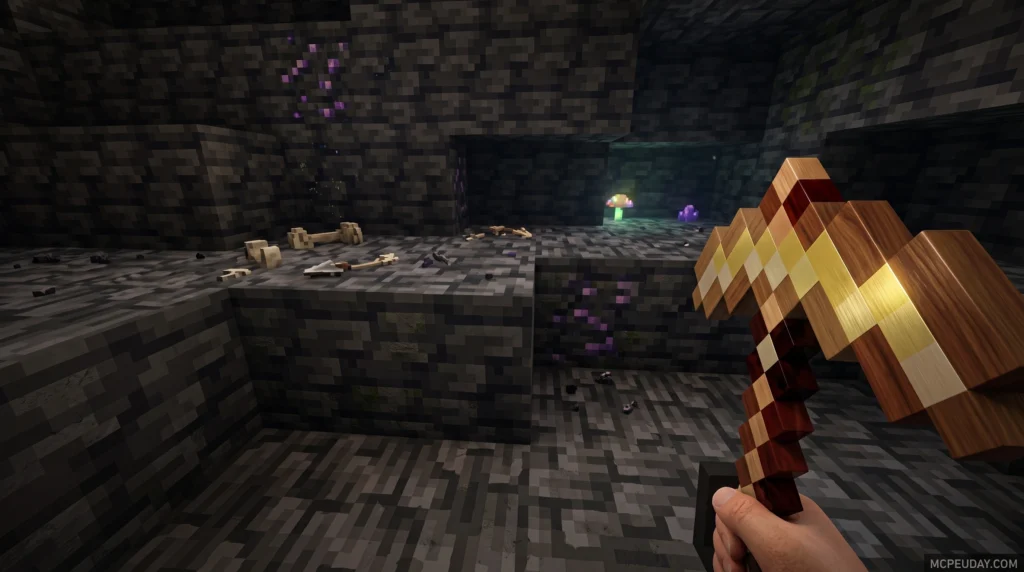
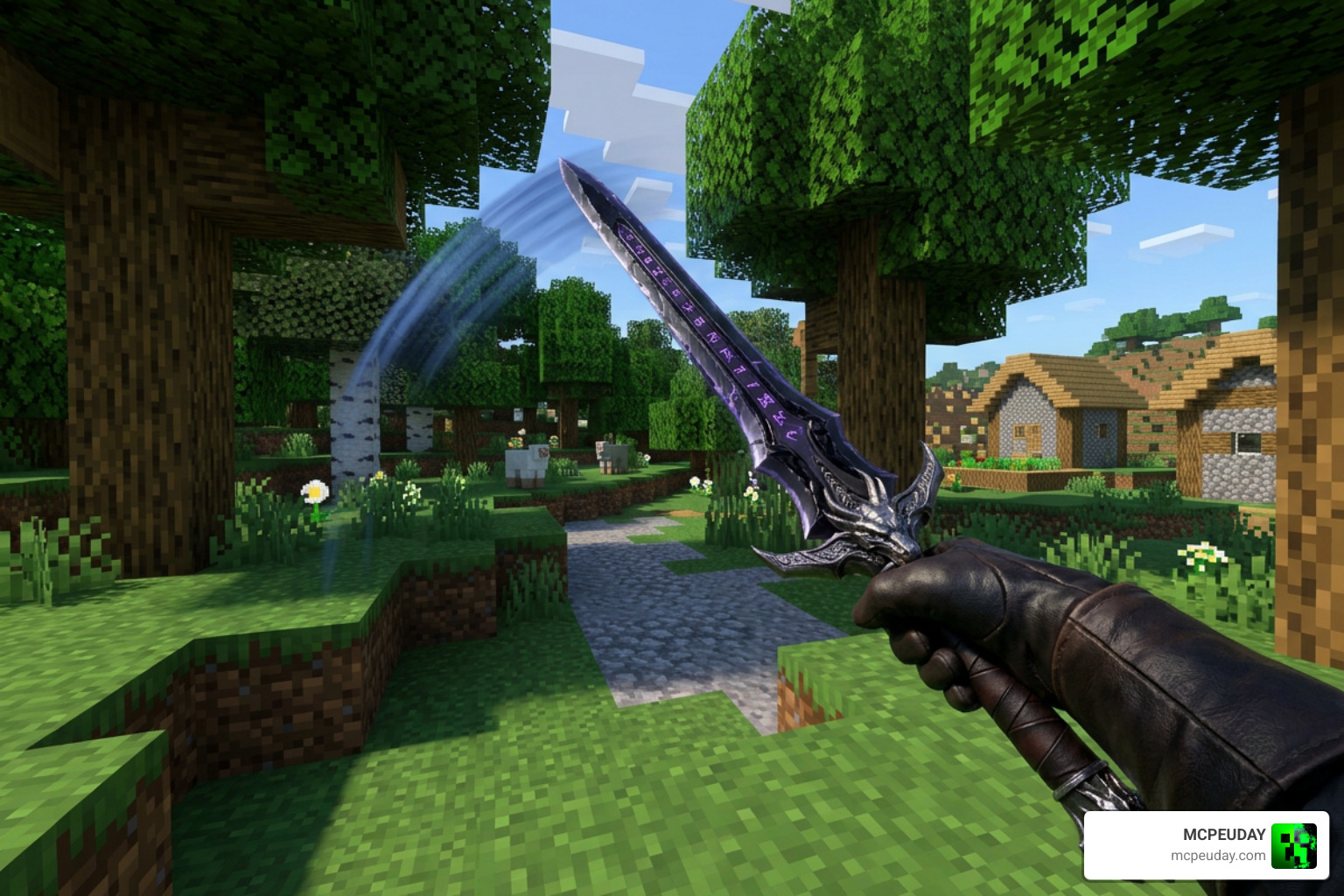
This compatibility pack overrides those default paths. It tells the game to use the fluid, high-quality keyframes from the A&S Addon instead. This gives you immediate, satisfying visual feedback. When mining, your pickaxe has a convincing weight behind every swing, and when fighting, your sword moves with natural, slashing arcs rather than the repetitive up-and-down vanilla motion.
Supported Minecraft Bedrock Versions and Addons
As of July 2026, this compatibility pack is optimized to run flawlessly on Minecraft Bedrock Edition version 1.21.111. It has been thoroughly tested across a wide variety of popular community expansions to ensure broad compatibility.
Some of the most popular addons that work seamlessly with this pack include:
- Alylica’s Dungeons (for epic custom weapon swings)
- Raiyon’s More Tools
- Better On Bedrock Addon (adding incredible immersion to survival tools)
- Create Addon (perfect for heavy industrial tools)
- Survival Reworked
- DarkAge Bizarre Addon Remake
- Beyond The Underground
- Cataclysmical
- Terranova
- Forsaken Odyssey
How to Check and Install Compatibility with A&S Addon in 3 Simple Steps
Getting these animations to work in your world is incredibly simple. You do not need to edit any complex code files or toggle unstable developmental settings. Just follow our straightforward step-by-step installation guide to get everything running perfectly.
Step 1: Download the Correct Behavior and Resource Packs
First, you need to download the actual files. The compatibility addon is split into two parts: the Behavior Pack (BP) and the Resource Pack (RP). Both are essential because the RP controls how the animations look, while the BP manages how the custom items behave in your hands.
The files are very lightweight, making them easy to download even on mobile connections:
- Behavior Pack (BP) File Size: 634.29 KB
- Resource Pack (RP) File Size: 999.35 KB
You can grab the latest, verified versions of these files directly from our MCPEUDAY Downloads page.
Step 2: Import and Activate Packs in Minecraft Bedrock
Once downloaded, locate the files on your device. On Android, iOS, or Windows, simply clicking or tapping the .mcpack or .mcaddon files will automatically launch Minecraft and import them into your global library.
To activate them in your world:
- Go to your world settings screen.
- Scroll down to the Active Packs section on the left sidebar.
- Click on Resource Packs, locate the compatibility pack, and click Activate.
- Repeat the exact same process under Behavior Packs.
This setup works beautifully in tandem with other defense and utility packs, such as the Security Craft Addon, which keeps your base safe while you enjoy your upgraded weapon animations.
Step 3: Arrange the Load Order for Compatibility with A&S Addon
This is the most critical step. If your animations are not showing up, it is almost always because of your load order. Minecraft Bedrock reads packs from top to bottom, meaning packs at the top of the list take priority and override the packs below them.
For the animations to apply to your custom items, you must place the Compatibility with A&S Addon directly above your other content addons in both the Resource Packs and Behavior Packs lists.

This ensures that the animation bridge overrides the default animations of your other mods, like the immersive Core Craft Addon.
Key Features and Limitations of the Compatibility Pack
While this pack is a game-changer for visual quality, it is helpful to understand what it does best and where its current limits lie.
| Feature / Aspect | What it Offers | Current Limitations |
|---|---|---|
| Animation Quality | Dynamic, weighted first-person animations | Limited to first-person view; third-person remains standard |
| Addon Support | Works with over 9+ major weapon & tool packs | Extremely niche or outdated addons may not register |
| System Impact | Lightweight files, zero gameplay lag | No major performance hits, but requires base A&S to run |
| 3D Rendering | Keeps original item shapes | Does not automatically generate new 3D models for flat items |
Limitations and 3D Model Support
While the pack perfectly bridges animations, it does not magically convert 2D flat item textures into custom 3D models. If an addon item is designed as a flat sprite, it will still render as a flat sprite, though it will swing with the updated physical motions.
Full 3D model rendering for every single custom item is not yet fully implemented, but fallback model support is included to prevent game crashes or invisible items. For further technical support on how various game elements interact, you can read the official Support & Compatibility documentation.
How It Complements Other Compatibility Items
It is important to distinguish this pack from other tools like Compatibility Items. While our A&S compatibility pack focuses purely on first-person animations, the separate “Compatibility Items” texture pack (which has a 3.6 rating and 6.8k downloads) focuses on universal 3D item rendering and Prizma compatibility.
Using both packs together is highly recommended. The Compatibility Items pack ensures all your custom gear renders beautifully in 3D, while the A&S compatibility pack ensures those 3D models swing, block, and strike with absolute realism.
Frequently Asked Questions about Addon Compatibility
Why aren’t my Actions & Stuff animations appearing?
This is almost always a pack order issue. Go back to your world settings and verify that the compatibility pack is placed at the very top of your active list, above both the base Actions & Stuff mod and your custom weapon/tool addons.
Do I need experimental gameplay features for this addon?
No! One of the best features of this compatibility pack is that it runs perfectly on standard vanilla settings. You do not need to enable Holiday Creator Features or Beta APIs, ensuring your world remains stable and performance-friendly.
Which popular Bedrock addons are fully supported?
The pack is fully tested and compatible with major expansions like Better on Bedrock, Raiyon’s More Tools, Alylica’s Dungeons, and various survival rework mods.
Conclusion
Elevating your visual experience in Minecraft Bedrock has never been easier. By acting as a seamless animation bridge, the Compatibility with A&S Addon breathes new life into your custom weapons and tools, making every combat encounter and mining trip feel incredibly satisfying.
If you are ready to take your combat gameplay to the next level with even more high-quality gear, check out our curated list of the 5 Best Minecraft Bedrock Gun Mods for Survival & PvP! Happy crafting, and enjoy your brand-new animations!
1 thought on “Compatibility with A&S Addon (26.x, 1.21) – MCPE/Bedrock Mod”