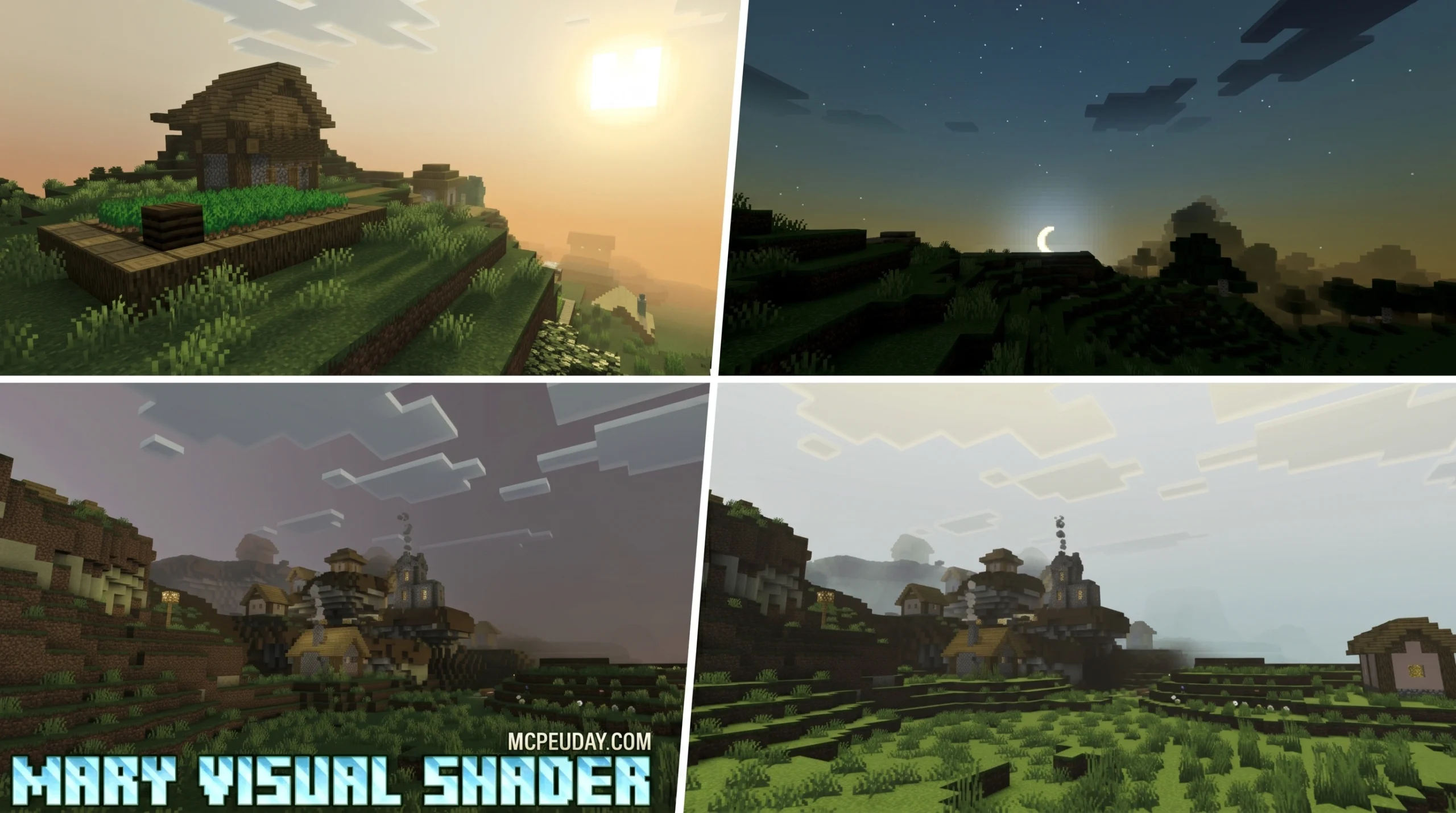
What Is Mary Visual Shader? Your Quick Answer
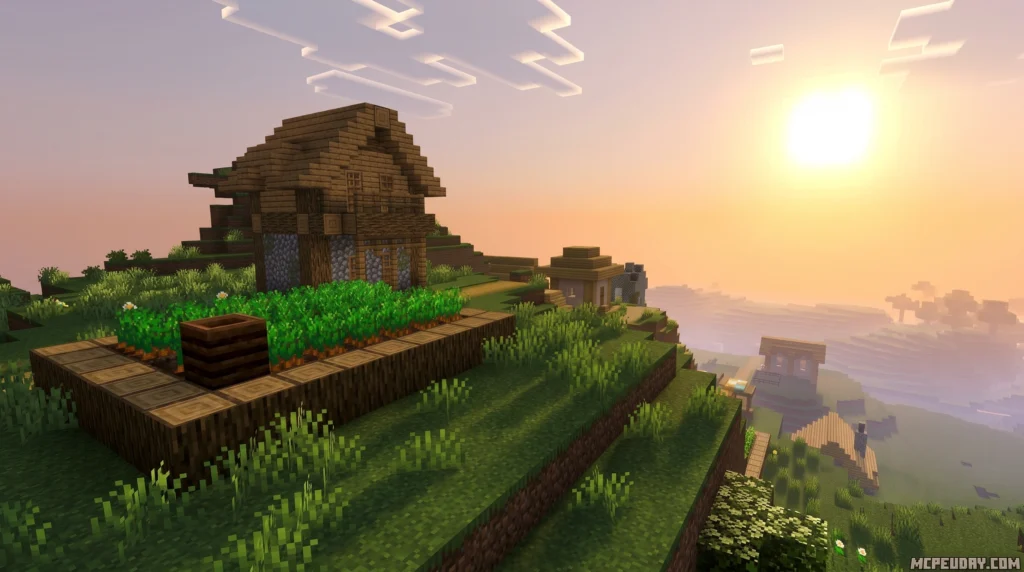
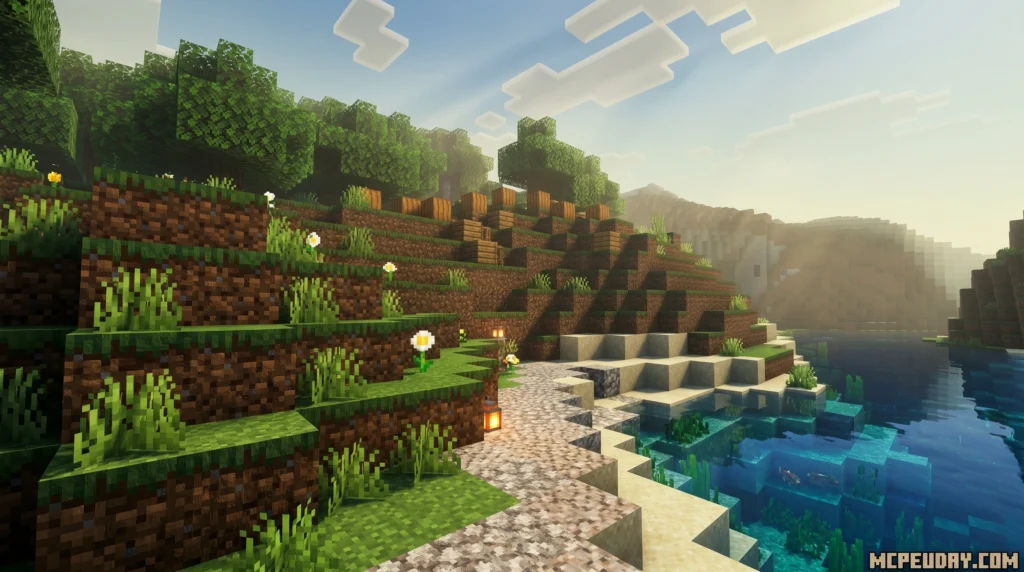
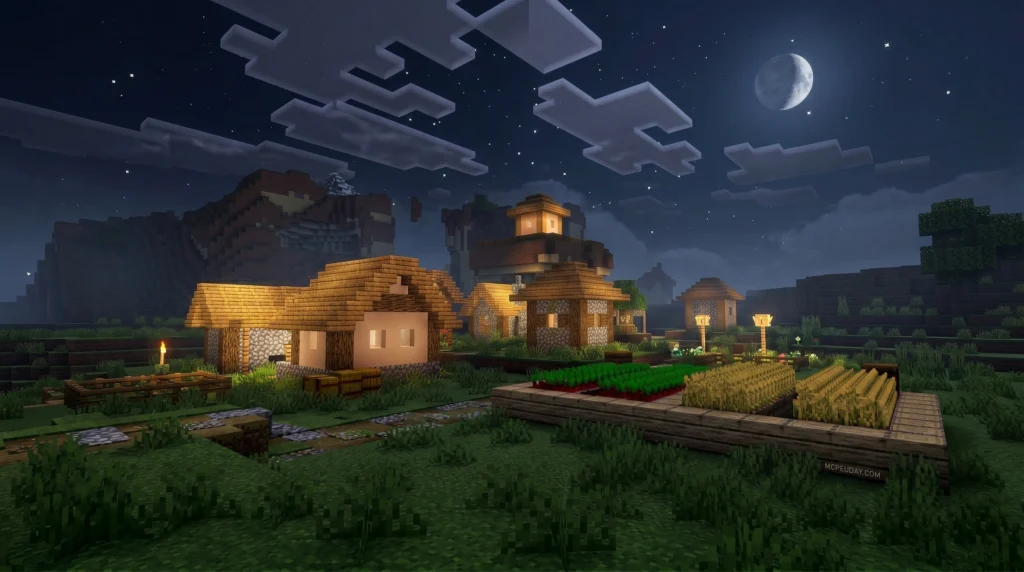
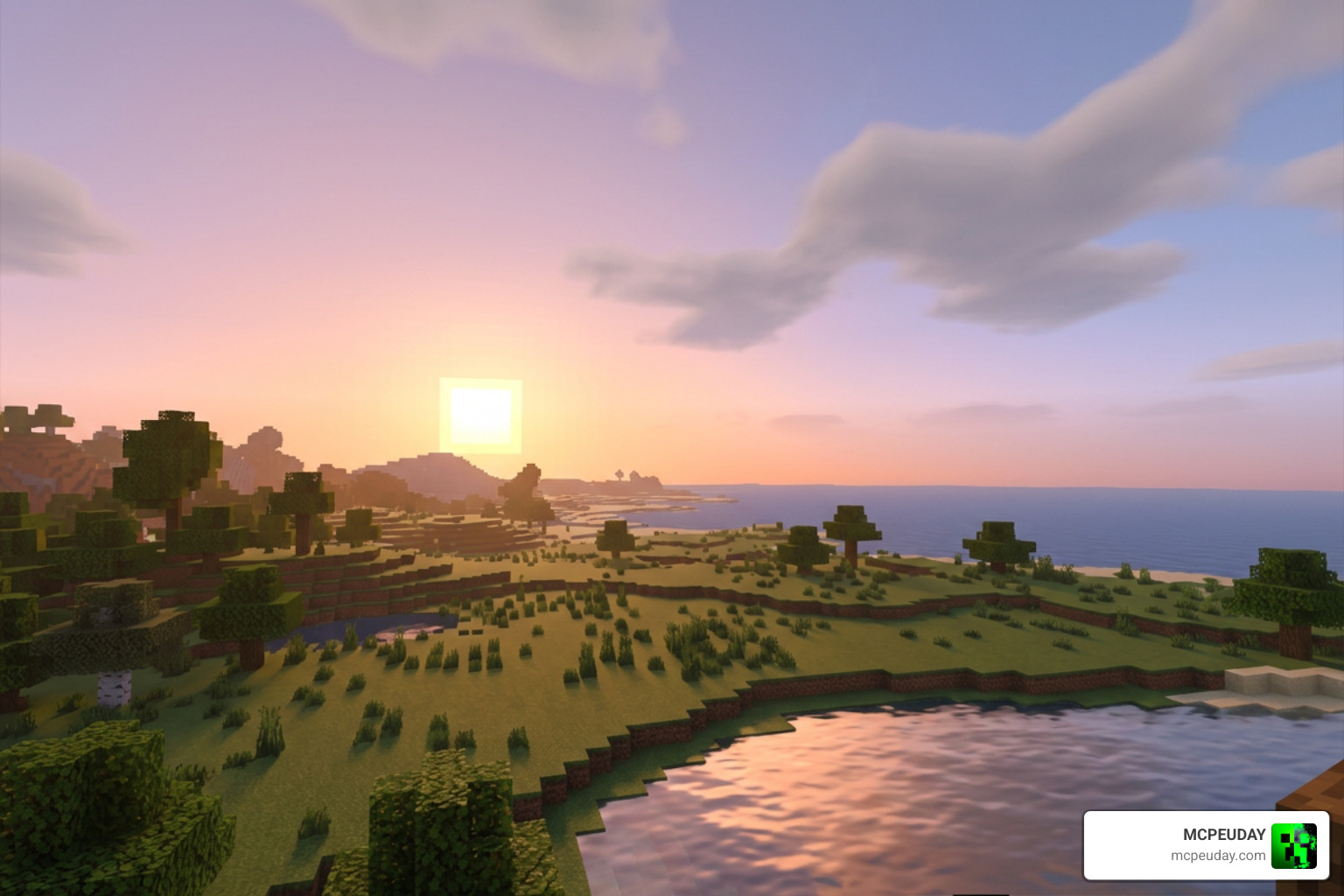
Mary Visual Shader is a lightweight shader pack for Minecraft Bedrock Edition (MCPE) that transforms the game’s sky and lighting with soft, gently fading colors — giving sunsets and nighttime scenes a calm, almost dreamlike look.
Quick facts:
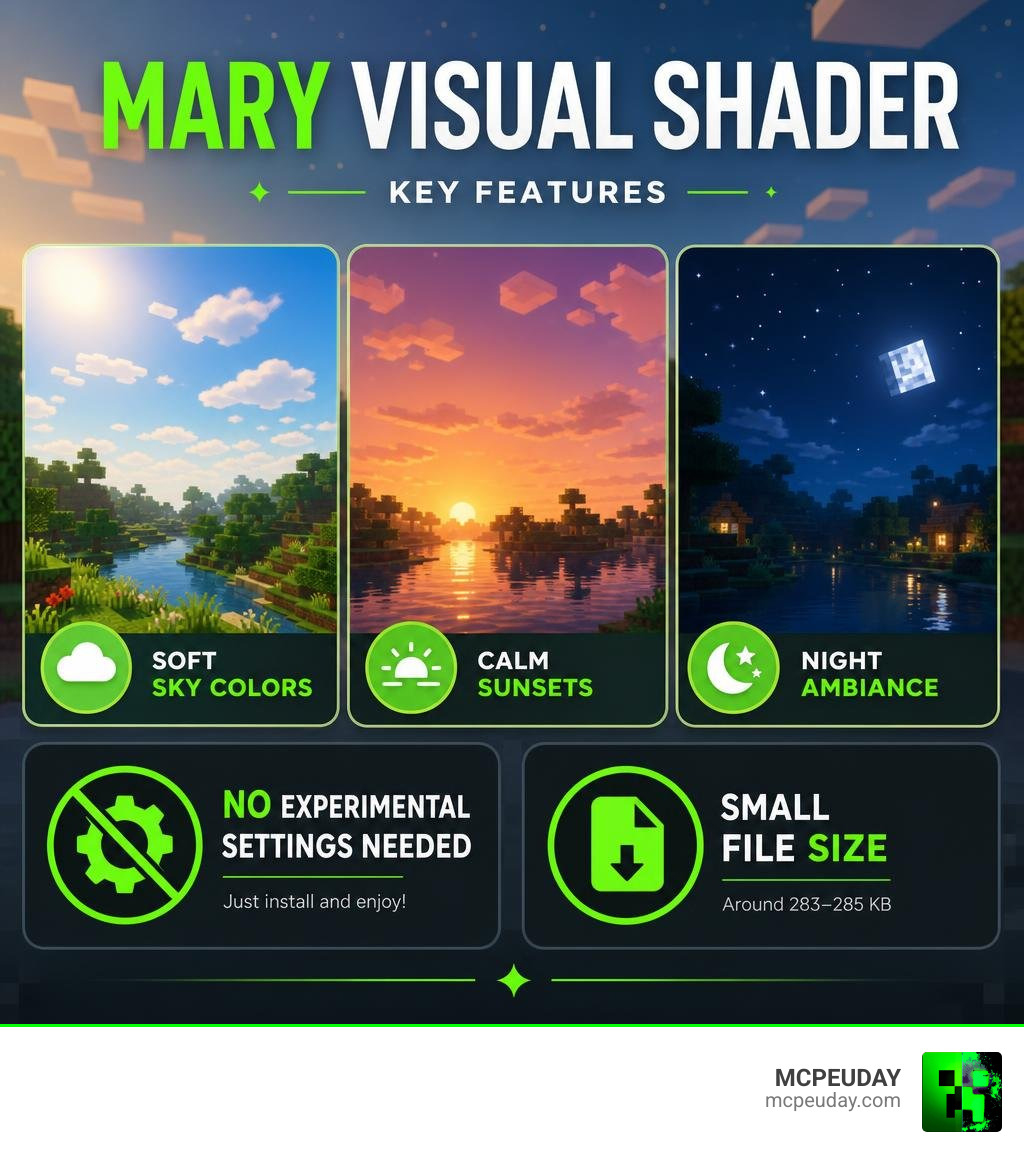
- What it does: Adds serene sunset ambiance and soothing night visuals to Minecraft Bedrock
- Platform: Minecraft Bedrock Edition / Minecraft PE (MCPE)
- Versions supported: Minecraft 1.21 and 26.x builds
- Experimental features required: No
- File size: Around 283–285 KB
- Best for: Players who want a relaxing, atmospheric visual upgrade without heavy performance costs
If you want your Minecraft world to feel different — softer, warmer, more peaceful — this shader delivers that without complicated setup or heavy hardware demands.
The standout quality of Mary Visual Shader is its sky. Colors don’t snap from day to night — they fade. Sunsets bleed slowly into darkness, and the night sky feels quiet rather than harsh. It’s a small change that makes a big difference to how the game feels.
Whether you’re new to Minecraft shaders or just looking for something easy to install and gentle on your device, this guide walks you through everything you need to know.
What is Mary Visual Shader and How Does It Work?
To understand how Mary Visual Shader works, we have to look under the hood of Minecraft Bedrock’s modern rendering engine, known as Render Dragon. For a long time, customizing graphics on Bedrock was notoriously difficult because of the engine’s strict limitations. However, talented creators have learned to work within these boundaries to craft beautiful, atmospheric experiences. Render Dragon uses a modern graphics pipeline that requires shaders to be written and compiled specifically for its architecture, which is why older shader formats no longer work on modern versions of MCPE.
The name “Mary Visual Shader” actually pays homage to classic digital art tools and older gaming aesthetics, similar to how the Lumina Visual Shader was named. It relies on a carefully tuned color pipeline to adjust how light is projected across your virtual world. By manipulating the way light values are calculated, the shader achieves a soft, pastel-like appearance that is highly reminiscent of hand-painted digital landscapes.
If you are interested in the technical side of how graphics are built, you can explore this Technical background on visual shaders to see how developers use node-based graphs to control colors, or Learn more about shader nodes to see how professional 3D artists paint textures and map light values.
In Minecraft, Mary Visual Shader utilizes these concepts by replacing the default skybox rendering with gradually fading color gradients. Instead of harsh, sudden shifts in daylight, we get a tranquil sky that transitions naturally. It works by adjusting the atmospheric fog, light scattering, and color maps directly within the Render Dragon engine, giving us those signature soft, dreamlike visual transitions. This means that as the sun sets, the engine calculates a smooth blend between the warm orange horizon and the deep blue night sky, avoiding any jarring jumps in brightness.
Key Visual Features and Graphics Enhancements
When you load up your world with this shader active, the first thing you will notice is the immediate shift in atmosphere. It doesn’t try to turn Minecraft into a hyper-realistic movie; instead, it enhances the natural charm of the game. The colors feel more cohesive, and the harsh, saturated tones of the vanilla game are replaced with a much more balanced and artistic palette.
Here are the key visual features we love:
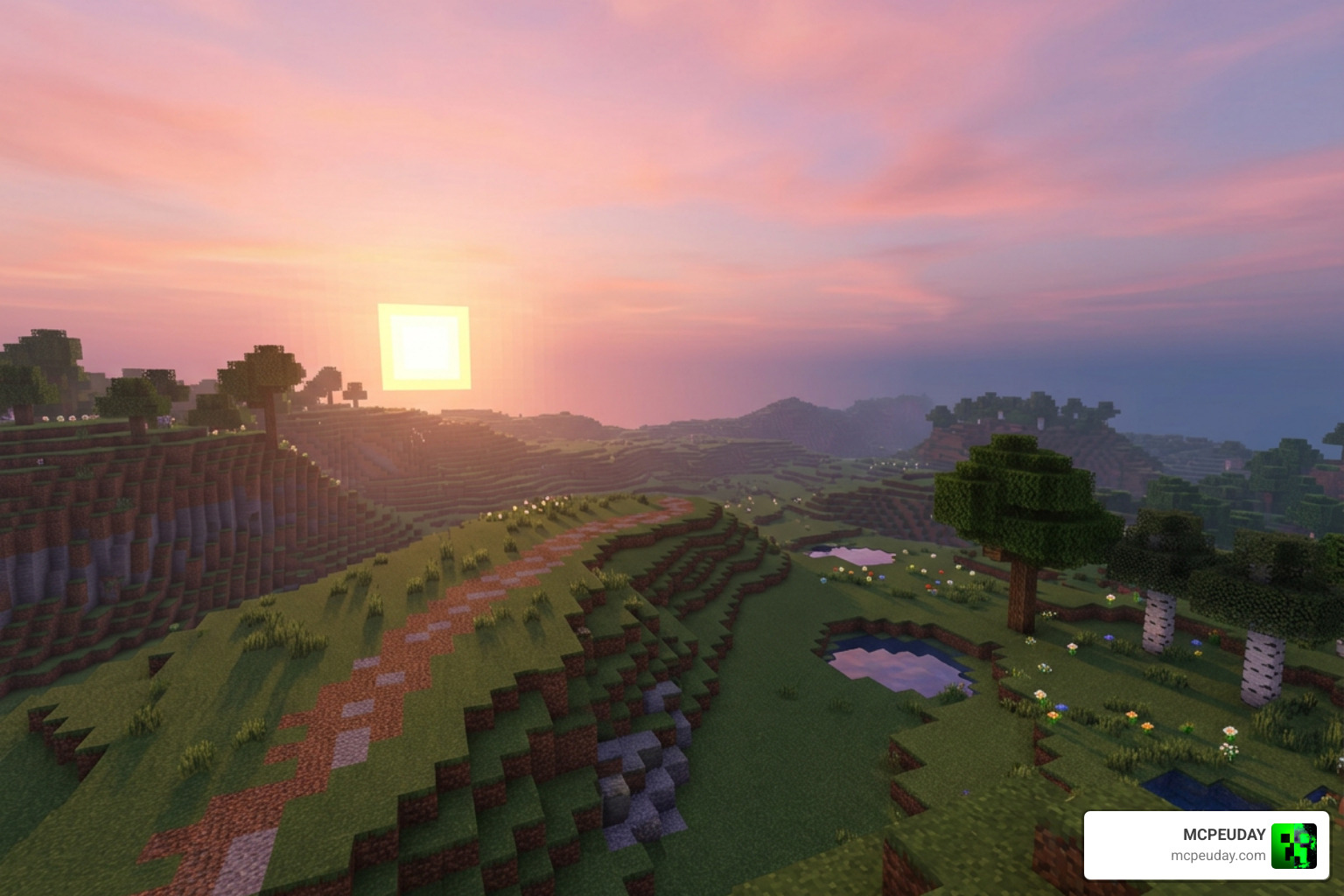
- Calm Sunset Ambiance: The sunset is the star of the show. The sky transitions through a palette of soft pastel pinks, warm oranges, and deep purples, fading gently into the night. This creates a highly cinematic experience during the dusk hours.
- Warm, Gentle Lighting: Torches, lanterns, and glowstone emit a cozy, warm glow that feels incredibly inviting, making your survival bases feel like home. The light spreads smoothly across blocks, reducing harsh shadows.
- Soothing Night Environments: The night sky is dark but clear, avoiding the pitch-black blinding darkness of other packs. It offers a peaceful, starry backdrop for your nightly adventures, allowing you to navigate without constantly needing torches.
- No player.json File: This is a massive technical win! Because this shader does not include a custom player.json file, it will not conflict with your favorite behavior packs, custom animations, or skin packs. You can run it alongside complex gameplay mods without worrying about compatibility issues.
If you want to see how this approach compares to other popular options in the community, check out our curated list of the Top 5 Best Realistic Shaders For Mcpe to find the perfect fit for your style.
Comparing Mary Visual Shader to Other Bedrock Shaders
How does our featured shader hold up against other heavy hitters? Let’s take a look at how it compares to one of the most popular low-end champions, Newb X Unwind, which you can read more about in our guide on the Newb X Unwind Shader For Minecraft Pe Mcpe 1 21.
| Feature | Mary Visual Shader | Newb X Unwind |
|---|---|---|
| Primary Aesthetic | Serene, soft pastel, cozy | Vibrant, realistic, high-contrast |
| File Size | ~284 KB (Extremely light) | Larger (More built-in subpacks) |
| Performance Impact | Virtually zero | Low to medium |
| Device Compatibility | Low-end to high-end | Low-end to high-end |
| Key Highlight | Seamless color fading at dusk | Dynamic water and waving foliage |
While Newb X Unwind offers more dramatic environmental movement, Mary Visual Shader excels at providing a smooth, performance-friendly aesthetic that keeps your frame rates high and your device cool. It is particularly well-suited for players who prefer a clean, static look over heavy animations that can sometimes cause visual clutter or frame drops on older mobile devices.
System Requirements and Compatibility
One of the best things about Mary Visual Shader is its accessibility. Since we are writing this in June 2026, we know how frustrating it is to find a gorgeous shader only to realize it requires a high-end gaming phone or a pocket-sized supercomputer. Many modern shaders demand significant GPU power, leading to overheating and rapid battery drain on mobile devices.
Thankfully, this pack is designed to run beautifully on almost anything:
- Supported Versions: Fully optimized for Minecraft Bedrock 1.21 and current 26.x builds. It receives regular updates to ensure compatibility with the latest Render Dragon engine tweaks.
- Device Compatibility: Works flawlessly on low-end Android devices, iOS devices, and Windows PCs. Whether you are playing on an older budget phone or a high-end gaming rig, you will experience a stable frame rate.
- Resource Footprint: With a file size of just under 285 KB, it won’t hog your storage or drain your battery. This makes it an excellent choice for players who have limited storage space or prefer to keep their game files lightweight.
Because it does not rely on heavy post-processing effects like motion blur, depth of field, or real-time ray tracing, it maintains a solid 60 FPS on almost all compatible hardware. For players looking to compare performance across a wider selection of lightweight graphics packs, we highly recommend reading our breakdown of the 3 Best Shaders For Minecraft 1 21 Ultra Realistic Smooth Fps Stunning Graphics.
Step-by-Step Installation and Activation Guide
Ready to upgrade your game? Installing this shader is quick and simple. Because it is optimized for vanilla Bedrock, you don’t need to jump through complicated hoops.
Before you begin, make sure you understand the general process of setting up graphics mods by reading our comprehensive tutorial on How To Turn On Shaders In Minecraft 2026 Guide Java Bedrock Mcpe Setup Fast Mcpeuday.
How to Install Mary Visual Shader on Mobile Devices
If you are playing on an Android or iOS device, follow these simple steps:
- Download the File: Grab the
.mcpackfile from our verified download links. - Open the Pack: Locate the downloaded file in your device’s file manager and tap on it. Select “Open with Minecraft.”
- Wait for Import: Minecraft will launch automatically and display a message saying “Successfully imported Mary Visual Shader.”
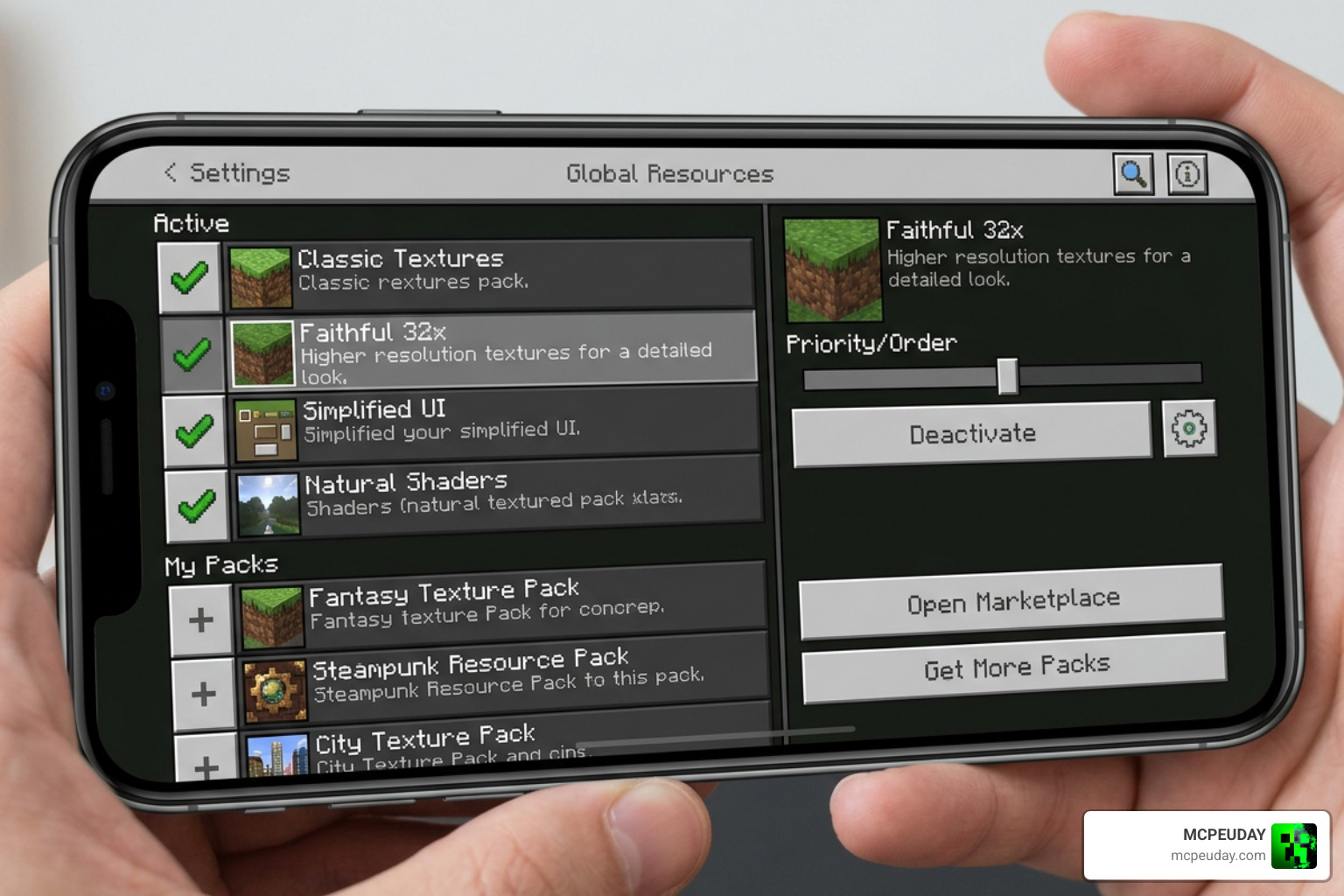
- Activate Globally: Go to Settings > Global Resources > Active > My Packs, locate the shader, and click Activate.
- Restart Your Game: For the best results, close Minecraft completely and restart it to ensure all Render Dragon materials load correctly.
Frequently Asked Questions
Does Mary Visual Shader require experimental features?
No! Unlike many complex add-ons, this shader works perfectly with vanilla settings. You do not need to enable any experimental toggles in your world settings, making it highly stable and safe for long-term survival worlds.
What should I do if the shader does not load?
If your sky looks normal or textures seem glitched, don’t panic! Simply go to your Global Resources, deactivate the pack, exit the settings menu, and then reactivate it. If the issue persists, restarting your game or clearing your device’s cache usually solves the problem.
Is Mary Visual Shader compatible with multiplayer servers?
Yes! Since this is a client-side resource pack, you can safely use it while playing on external servers, Realms, or multiplayer worlds with your friends. It will only change how the game looks on your screen.
Conclusion
At the end of the day, Mary Visual Shader is the perfect choice for Minecraft Bedrock players who value peace, quiet, and smooth performance. It proves that you don’t need a massive file size or intensive hardware to make your game look breathtaking. By focusing on soft, fading colors and warm, cozy lighting, it turns every sunset into a moment worth stopping to watch.
If you are ready to explore even more ways to beautify your game this year, don’t miss our ultimate roundup of the Best Shaders For Mcpe 1 21 2026 Top 3 Realistic Minecraft Pe Shaders. Happy building, and enjoy your beautiful new skies!