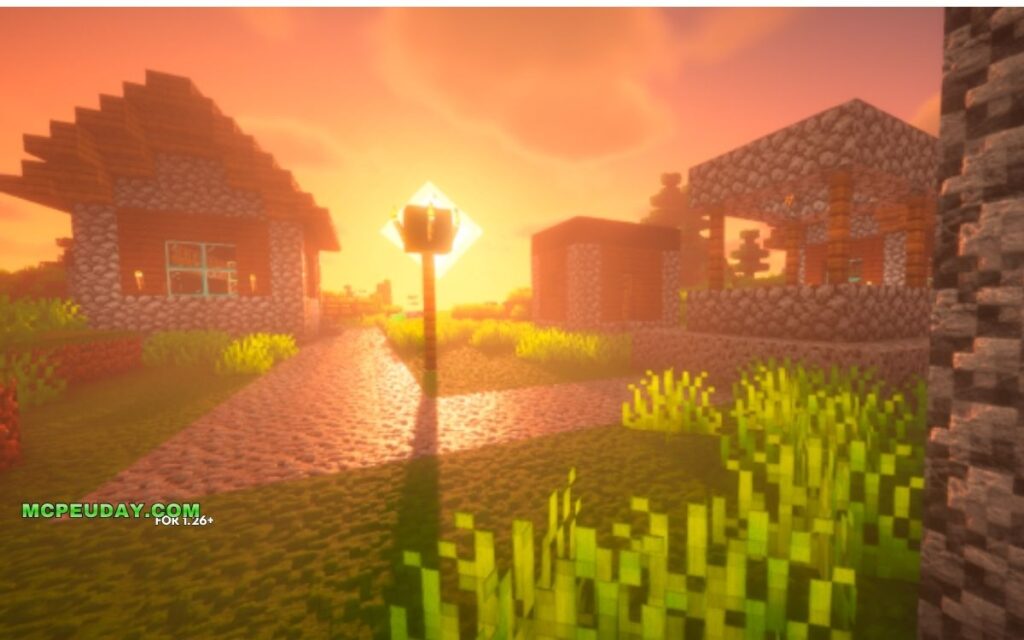
RealisCraft BE: Realistic Default Textures Pack — What You Need to Know Fast
The RealisCraft BE: Realistic Default Textures Pack is one of the most popular realistic texture packs available for Minecraft Bedrock Edition, with over 74,000 downloads on Planet Minecraft alone.
Quick answer for what this pack does:
- Replaces vanilla Minecraft textures with hyper-realistic versions at resolutions from 128x up to 2048x
- Supports RTX ray tracing and Deferred Rendering on Bedrock Edition
- Keeps the classic Minecraft look but adds real-world material depth and lighting
- Includes a free 128x demo — no purchase needed to try it
- Full versions with higher resolutions and advanced features require a Patreon subscription starting at $1.99/month
Minecraft’s default textures have always been charming — but they’re also flat, simple, and not exactly jaw-dropping. RealisCraft BE fixes that. It wraps every familiar block in detailed surface maps, realistic lighting responses, and physical material properties, all without making your world feel like a completely different game.
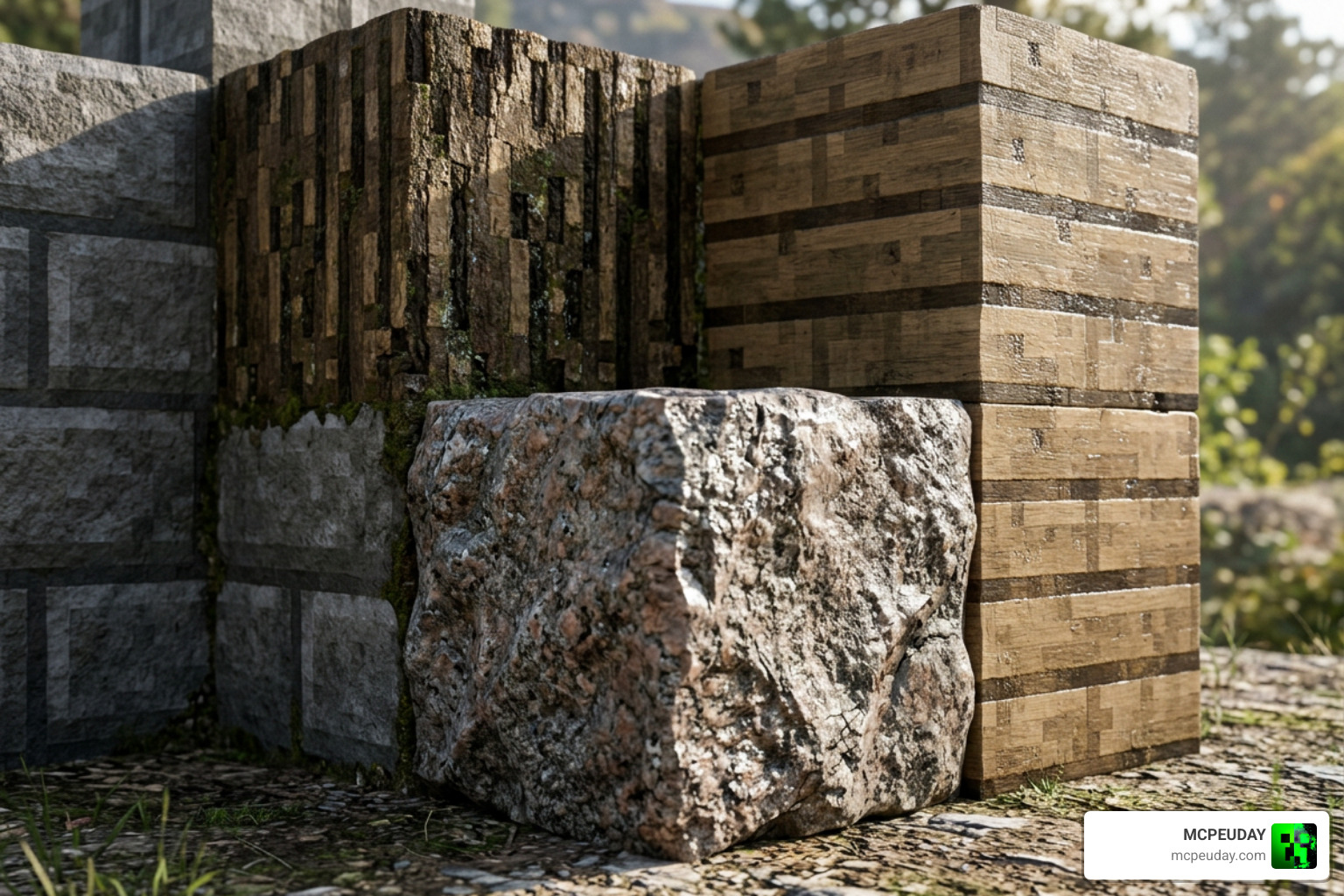
Think of it this way: your stone still looks like stone, but now it actually feels like stone — with visible grain, edge detail, and light catching its surface the way it would in real life.
The pack has pulled in over 2 million views across its resource pages, making it one of the most-watched texture projects in the Minecraft community. Whether you’re playing on a budget device with the free demo or running a high-end rig at 2048x resolution with ray tracing enabled, there’s a version built for your setup.
What is the RealisCraft BE: Realistic Default Textures Pack?
The RealisCraft BE: Realistic Default Textures Pack is a visual overhaul created by ScorpioGraphics. Unlike other texture packs that completely redesign the game to look like a generic medieval RPG or a futuristic sci-fi city, RealisCraft takes a “vanilla-faithful” approach. It preserves the exact color palette, shapes, and overall aesthetic of default Minecraft while injecting hyper-realistic details.
When you toggle on Bedrock’s native RTX ray tracing or the new Deferred Rendering pipeline, the magic truly happens. Every block begins to interact with light realistically. If you are a Java player, you can experience the same level of depth using the sister pack, RealisCraft JE: Realistic Default Textures .
For players who love high-fidelity graphics, we often compare this pack to other legendary overhauls like the Realsource Realistic Pack Mcpack. However, RealisCraft sets itself apart by striking a perfect balance between hyper-realism and the cozy, blocky nostalgia of vanilla Minecraft.
RealisCraft BE: Realistic Default Textures Pack Resolution Differences
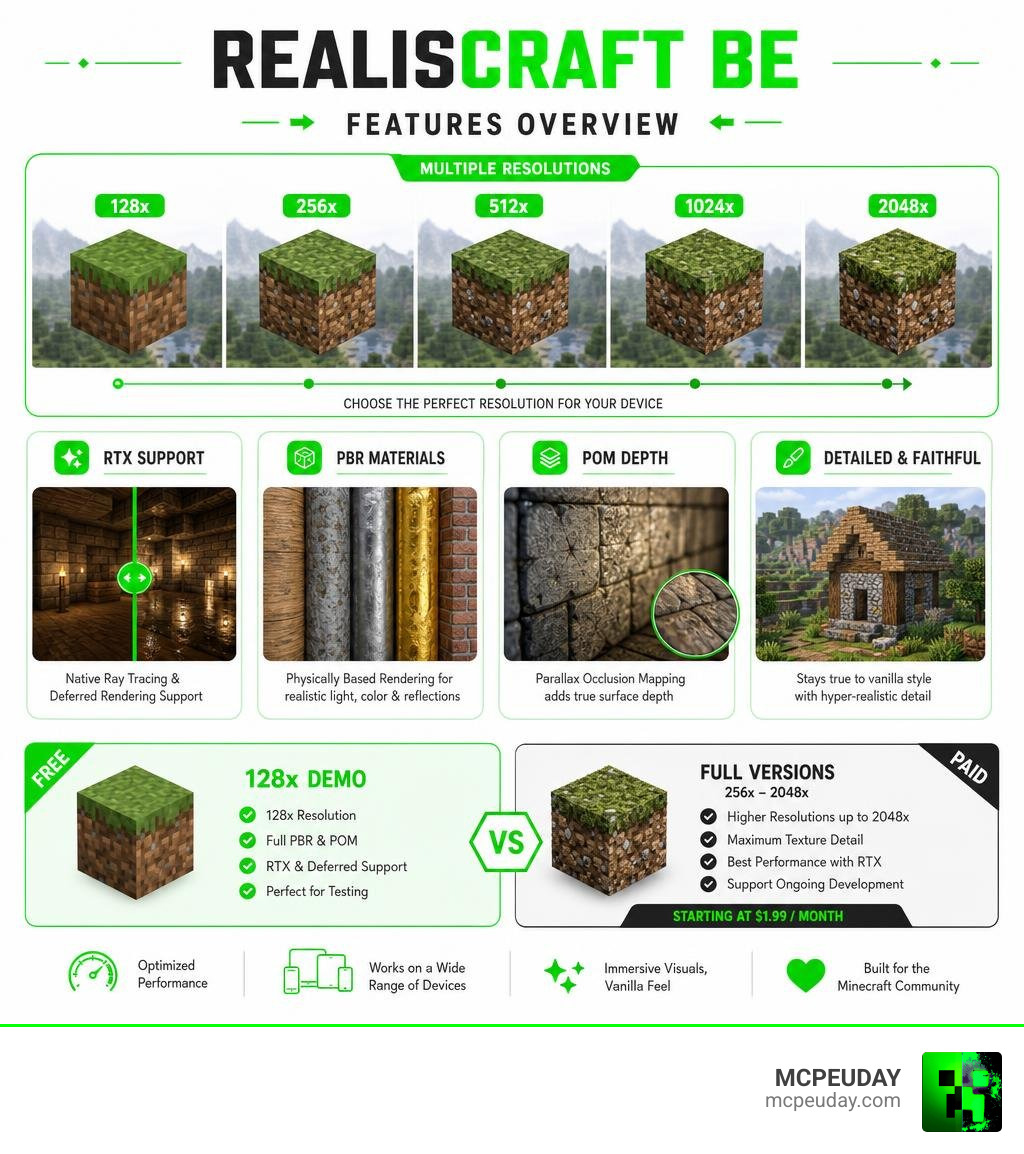
RealisCraft BE is available in multiple resolutions to accommodate different hardware configurations:
- 128x (Demo & Full): The perfect starting point. It offers a massive upgrade over vanilla’s 16x textures without completely melting your graphics card.
- 256x & 512x (Full): The sweet spot for mid-to-high-range PCs and compatible mobile devices. You will notice much sharper grain on wood and finer cracks in stone.
- 1024x & 2048x (Full): Designed strictly for high-end PCs. These resolutions offer jaw-dropping clarity where you can see individual water droplets and microscopic surface bumps.
Running these higher resolutions used to require an astronomical amount of storage and memory. Thankfully, the creator has put a massive emphasis on file size optimization. For instance, in recent updates, the massive 2048x pack was optimized from a staggering 25GB down to 14GB, while the 128x version was trimmed from 75MB to a highly manageable 58MB.
If your device struggles with these high-resolution details and you prefer a cleaner, ultra-smooth look instead, you can always check out the cartoon-style Bare Bones Texture Pack 1 21 Mcpe Bedrock Edition Download Now.
Demo vs. Full Version Comparison
To help you decide which version fits your budget and gaming setup, ScorpioGraphics offers both a free demo and a premium tier through Patreon.
The Free Demo is locked at 128x resolution and primarily covers terrain blocks. It is the perfect way to test if your device can handle the Physically Based Rendering (PBR) features before committing. The Full Version, available via the RealisCraft — Realistic Default Textures For Minecraft | Patreon page, unlocks resolutions up to 2048x, adds support for items, entities, and advanced visual techniques like Subsurface Scattering (SSS) and custom emissive maps.
| Feature | Free Demo Version | Paid Full Version (Patreon) |
|---|---|---|
| Resolution Options | 128x only | 128x, 256x, 512x, 1024x, 2048x |
| Block Coverage | Terrain & basic environmental blocks | Full block coverage, items, and entities |
| PBR & Lighting | Basic PBR support | Advanced PBR, SSS, and custom emission |
| Parallax Occlusion (POM) | Not supported | Fully supported (3D depth effects) |
| Cost | 100% Free | Starts at $1.99/month |
Key Features and Advanced Rendering Technologies
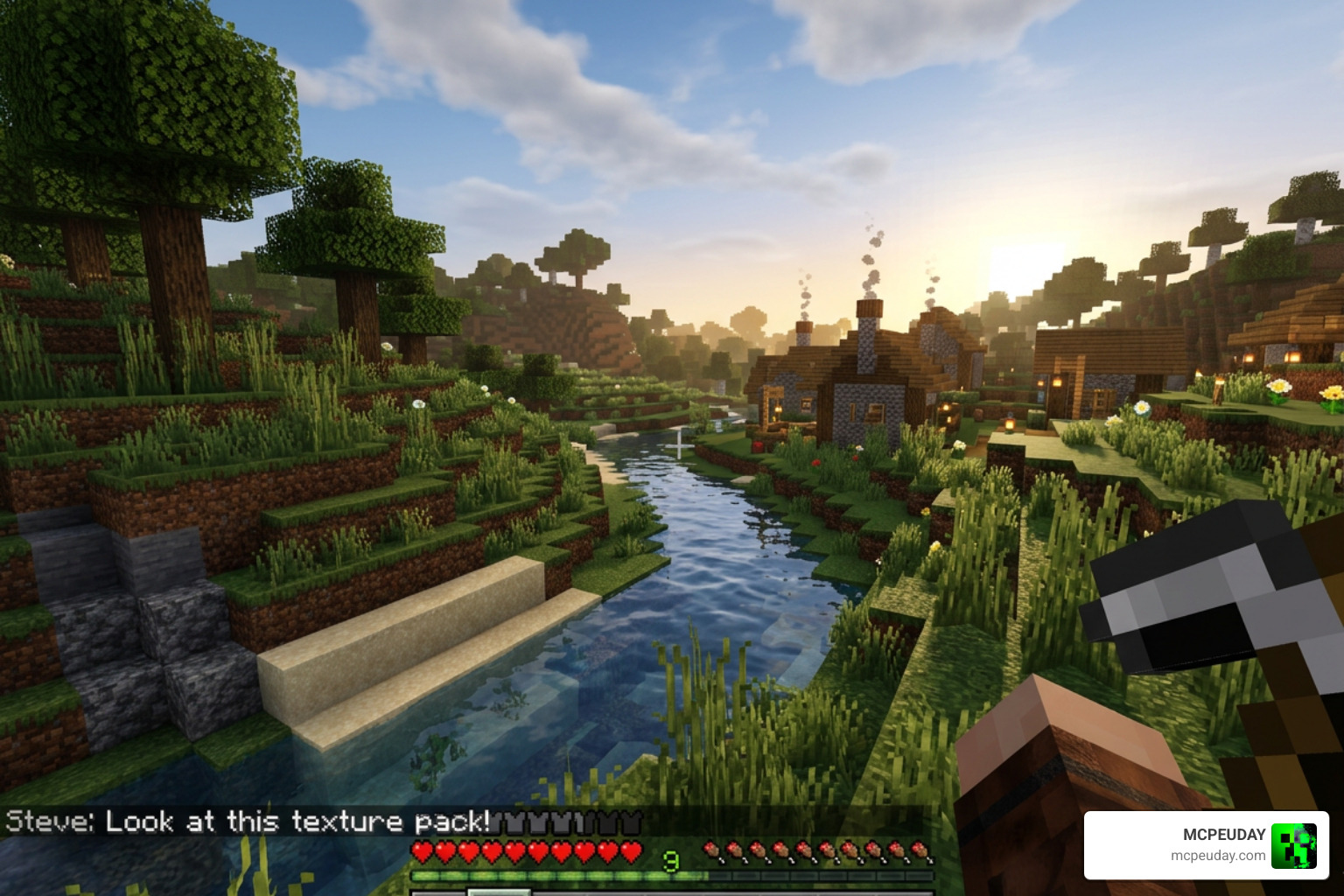
What makes the RealisCraft BE: Realistic Default Textures Pack look so incredibly lifelike? It all comes down to the advanced rendering maps baked into every single texture. Instead of using flat 2D images, RealisCraft utilizes multi-layered texture maps that tell your shader engine exactly how to treat each pixel.
These layers include:
- Normal Maps: These create virtual bumps, dips, and scratches on a block’s surface, giving flat surfaces a textured, tactile feel.
- Specular Maps: These dictate how shiny or reflective a surface is.
- Material AO (Ambient Occlusion): This adds micro-shadows in the cracks of blocks, preventing them from looking washed out under bright light.
- Metallic & Porosity Maps: These define whether a surface behaves like polished metal (reflecting sharp light) or porous soil (absorbing moisture and light).
To see these material properties in action, you can browse through the official RealisCraft JE: Realistic Default Textures – Gallery – Modrinth to view side-by-side comparisons of how different blocks react to changing light sources.
Physically Based Rendering (PBR) in RealisCraft BE: Realistic Default Textures Pack
Physically Based Rendering (PBR) simulates the behavior of light flow in the real world. In RealisCraft BE, PBR ensures that copper armor catches a soft glint at sunrise, and wet mud reflects the sky after a storm.
Two standout features of this pack’s PBR system are Subsurface Scattering (SSS) and Emission. SSS allows light to partially penetrate translucent blocks like leaves, ice, or redstone, creating a realistic glow. The emission features make glowing blocks like magma, glowstone, and torches emit actual colored light into the surrounding environment.
If you love these glowing aesthetics, you might also want to explore the Glowing Plus Texture Pack Make Your Minecraft World Shine With Brilliant Light Effects to make your subterranean builds truly pop.
Parallax Occlusion Mapping (POM) and 3D Depth
While PBR handles the lighting, Parallax Occlusion Mapping (POM) handles the physical shape. POM is a rendering technique that creates a convincing 3D depth illusion on flat block surfaces.
With POM enabled:
- Grass Blocks: Feature random bumps and varying growth levels that look incredibly organic.
- Tree Logs: Have deep, rugged bark ridges and hollowed-out sections with actual visible depth.
- Carved Pumpkins: Show true 3D interior holes, making them look hollowed out rather than just painted.
This level of detail rivals even the most advanced fantasy-style packs, such as the Wandrers Visual Pack, while keeping the soul of vanilla Minecraft intact.
How to Install RealisCraft BE on Bedrock and Java Editions
Ready to upgrade your game? Follow our simple, step-by-step guide to install the pack on your preferred edition of Minecraft.
For Minecraft Bedrock Edition (PE, Windows 10/11, Consoles)
- Download the official
.mcpackfile for RealisCraft BE (you can start with the free 128x demo). - Double-click or tap the downloaded
.mcpackfile. Minecraft will launch automatically and import the pack. - Go to Settings > Global Resources and activate RealisCraft BE.
- If you have an RTX-enabled graphics card or are using the new Deferred Rendering preview, ensure “Ray Tracing” or “Vibrant Visuals” is turned on in your video settings.
- Move the pack to the very top of your active resource packs list to avoid conflicts.
Pro tip: If you ever need to find hidden resources or plan out underground bases before installing your heavy shaders, you can temporarily pair your setup with the X Ray Texture Pack For Minecraft Pe Mcpe 1 21.
For Minecraft Java Edition
- Download and install OptiFine or Iris/Sodium for your specific Minecraft version (supports 1.13.x up to 1.21.x).
- Download the RealisCraft JE ZIP file.
- Open Minecraft, go to Options > Resource Packs, and click Open Pack Folder.
- Drag and drop the downloaded ZIP file into this folder.
- Activate the pack in-game. To see the PBR and POM effects, make sure to load a shader pack that supports the LabPBR 1.3 standard (such as BSL or Complementary Shaders).
Frequently Asked Questions
Is RealisCraft BE free to download?
Yes! There is a free 128x resolution demo version available for both Java and Bedrock Editions. It focuses primarily on terrain blocks and basic PBR. If you want the ultra-high resolutions (up to 2048x), full item/entity coverage, and advanced POM mapping, you can support the creator on Patreon starting at $1.99/month.
What are the system requirements for RealisCraft BE?
For the 128x free demo, a mid-range phone or standard gaming PC is perfectly fine. However, if you plan to run the 512x, 1024x, or 2048x versions with RTX or heavy shaders, you will need a high-end device equipped with a dedicated graphics card (such as an NVIDIA RTX or AMD Radeon RX series card) to maintain a playable FPS.
Do I need shaders to run RealisCraft BE?
To see the realistic reflections, 3D depth, and glowing light emissives, yes, you need to run shaders. On Bedrock Edition, this means enabling native RTX ray tracing or the Deferred Technical Preview. On Java Edition, you will need a LabPBR-compatible shader pack running through OptiFine or Iris.
If you want to keep things lightweight but still enjoy glowing underground elements, try using the Radiant Glowing Ores T Pack as an alternative performance-friendly option.
Conclusion
The RealisCraft BE: Realistic Default Textures Pack is an absolute masterpiece for players who want to push Minecraft’s graphics engine to its absolute limits without losing the classic vanilla feel. From the subtle glint of copper trims to the mind-breaking depth of rugged tree logs, this pack completely redefines how beautiful your survival worlds can look.
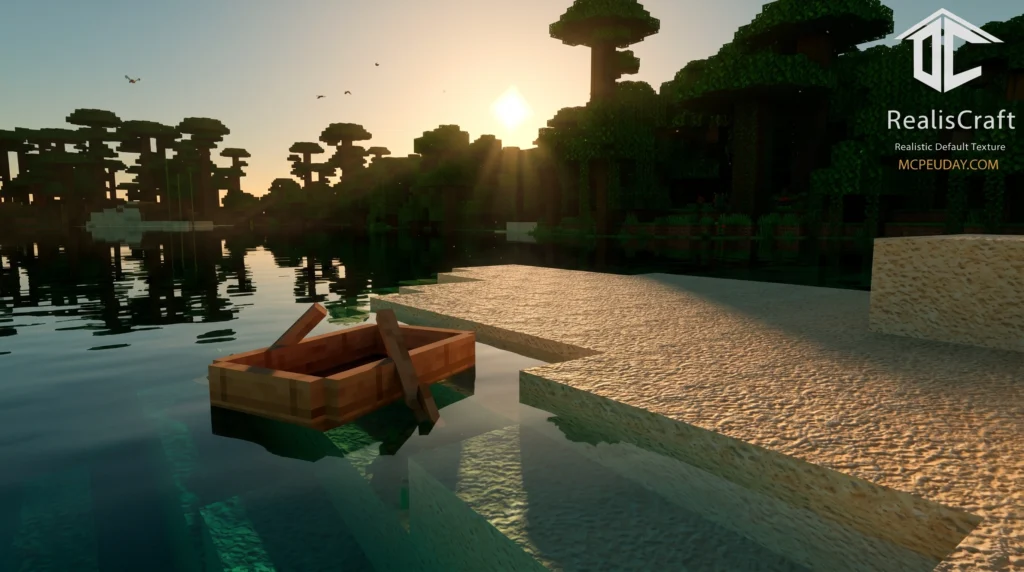
We highly recommend starting with the free 128x demo to test your system’s performance. Once you see the sun rise over a realistic, PBR-lit landscape, you will never want to go back to flat textures again!
For more incredible visual upgrades, custom shaders, and world-enhancing add-ons, keep exploring our dedicated collection of Minecraft Texture Packs right here on MCPEUDAY. Happy building!
1 thought on “RealisCraft BE: Realistic Default Textures Pack (26.x, 1.21) – MCPE/Bedrock Texture Pack”