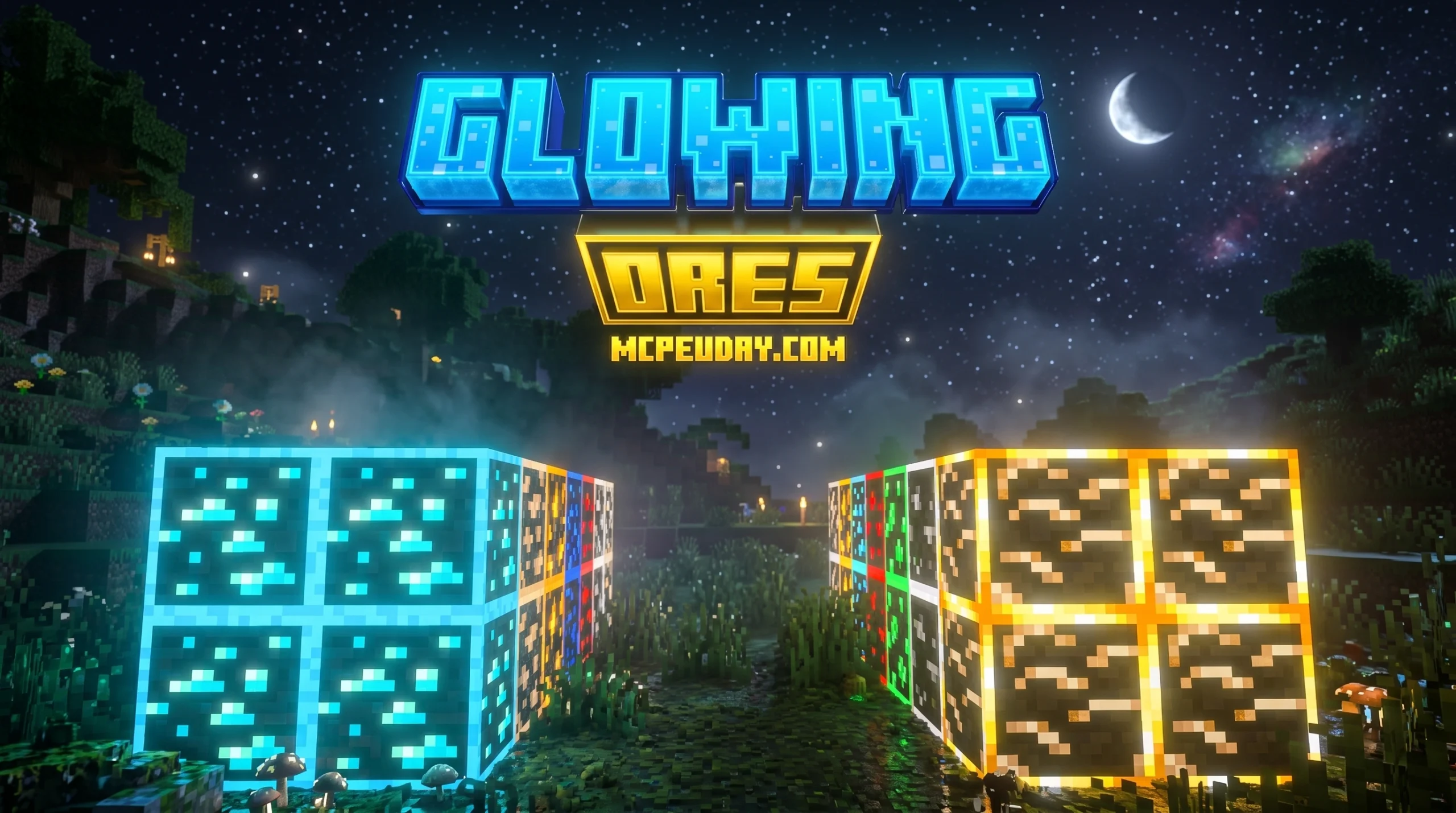
CWhy the Radiant Glowing Ores Texture Pack Is Every Miner’s Best Friend
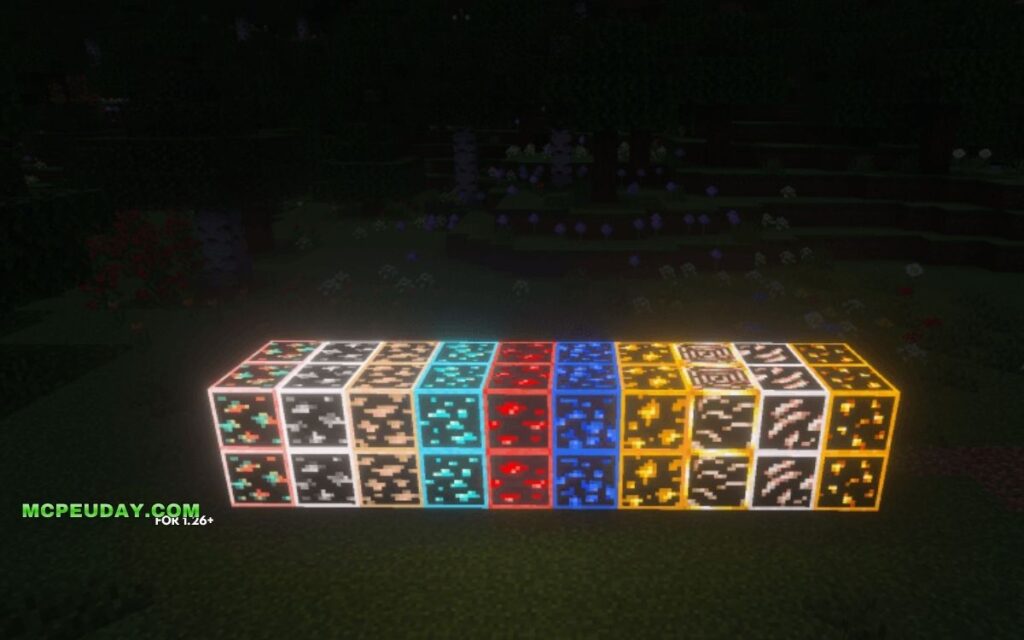
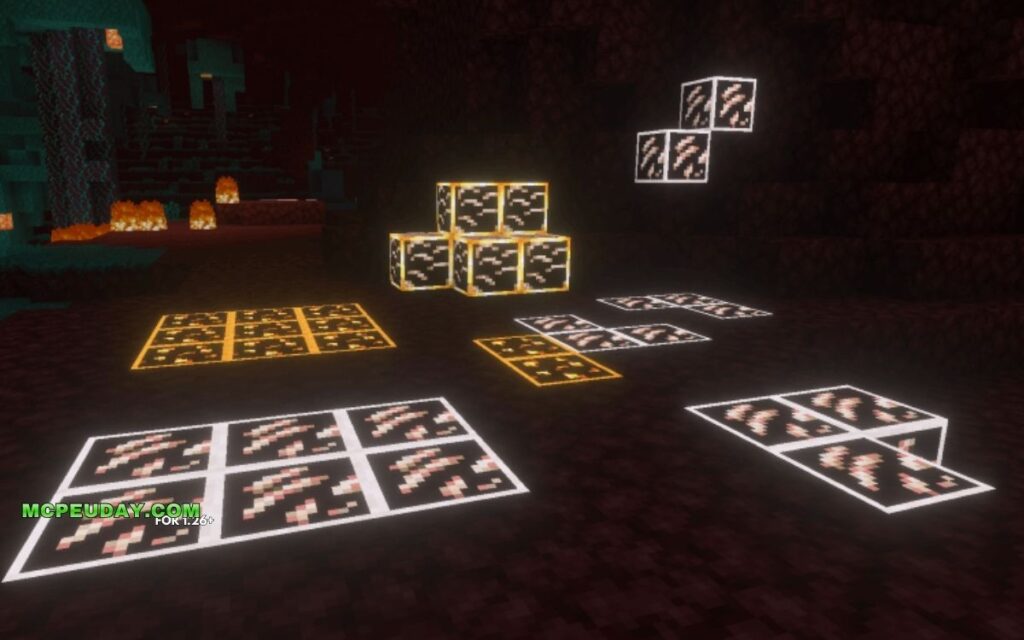
The Radiant Glowing Ores Texture Pack is a Minecraft resource pack that makes ore blocks emit a visible glow, so you can spot diamonds, emeralds, and other valuables at a glance in dark caves — no shaders required.
Quick answer — what you need to know:
- What it does: Adds emissive (self-glowing) textures to all major ore types
- Does it need shaders? No — it works with OptiFine or the Continuity mod
- Java or Bedrock? Most versions target Java Edition; some packs also support Bedrock/PE
- Mod support: Many glowing ore packs support popular mods like Create and Mythic Metals
- Where to get it: CurseForge and Modrinth host the most up-to-date downloads
Mining in Minecraft can feel like hunting for a needle in a haystack. Caves are dark, ores blend into stone, and rare finds like emeralds are easy to walk right past. Glowing ore packs solve that in one install — ores light up, so your eyes catch them instantly.
The market for these packs is huge. Popular options have racked up hundreds of thousands of downloads, with some crossing the 1 million mark. That tells you one thing: players genuinely want this.
Below, we break down the best options, how they compare, and exactly how to get one running on your game.
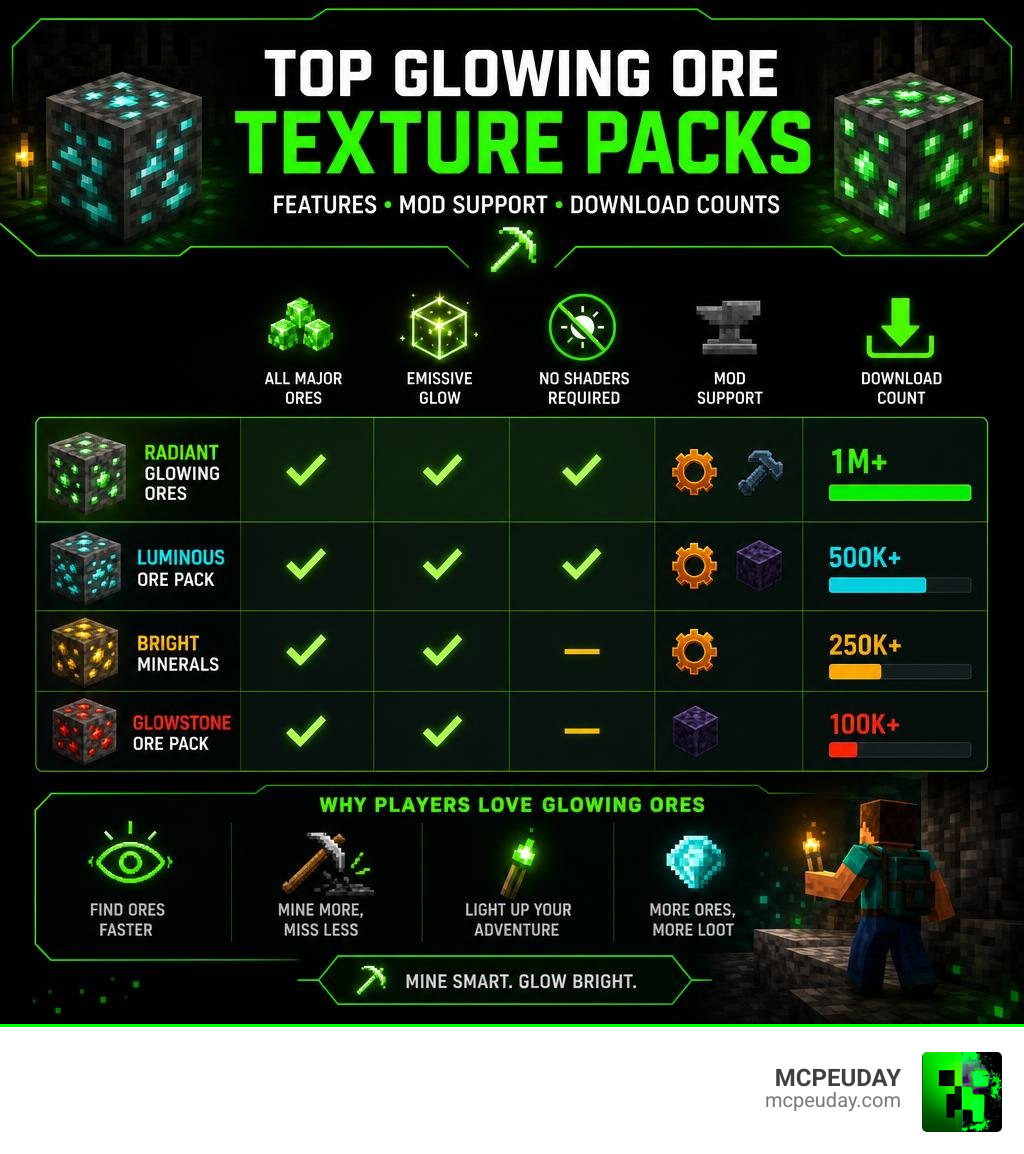
What is the Radiant Glowing Ores TEXTURE PACK?
At its core, the Radiant Glowing Ores TEXTURE PACK is designed to solve a single, highly frustrating problem: missing valuable resources simply because you didn’t place enough torches. Instead of changing the entire aesthetic of your game, these packs use emissive textures to make the mineral veins inside ore blocks shine in the dark.
Unlike traditional X-ray packs that completely break game immersion by showing you through solid stone, a radiant glowing ores pack preserves the vanilla mining experience. You still have to explore caves and dig, but when you enter a massive cavern, the walls will twinkle with natural light.
Whether you are looking for coal to survive your first night or searching for ancient debris in the depths of the Nether, these packs make the hunt efficient and beautiful. They outline the ore blocks or make the inner mineral textures pulse, turning dark, drab caves into glowing underground wonderlands.
Key Features and Visual Effects of Glowing Ore Packs
What makes these packs so visually stunning? It is all in the rendering technology. Instead of flat, boring textures, modern glowing ore packs offer a suite of visual enhancements:
- Dynamic Pulsing & Intensity Tiers: Some advanced packs feature multi-tier intensity systems where different ores pulse with a gentle, organic rhythm.
- Scientific Color Temperatures: Ores glow with colors that match their real-world mineral counterparts. Redstone burns with a deep, hot crimson, while diamond shines with a cold, electric blue.
- Handheld Luminescence: When you hold an ore block or its raw mineral item in your hand, it can emit a subtle glow, lighting up your immediate path.
- Borderless vs. Borderful Designs: You can choose between packs that add a bright, gradient border outline around the block (great for maximum visibility) or borderless versions that seamlessly blend the glow into the natural cave environment.
If you want to expand this brilliant lighting to the rest of your world, we highly recommend checking out the Glowing Plus Texture Pack Make Your Minecraft World Shine With Brilliant Light Effects to make your entire environment pop.
Requirements and Compatibility for Glowing Ores
Before you jump into the deep dark, we need to talk about dependencies. Because vanilla Minecraft does not natively support emissive textures out of the box, you will need a helper mod to make the magic happen.
For Java Edition Players
To get the glowing effects, you must install one of the following:
- OptiFine: The classic choice. Once installed, you simply toggle “Emissive Textures” to ON in your quality settings.
- Continuity (with Sodium): The modern, performance-friendly alternative for Fabric and NeoForge users.
For Bedrock / MCPE Players
If you are playing on mobile, console, or Windows 10/11 Bedrock edition, you do not need OptiFine! Instead, you can download specialized Bedrock resource packs that utilize the engine’s built-in sub-packs to render glowing textures.
If you love clean, simple visuals on Bedrock, you can pair your glowing ores with the Bare Bones Texture Pack 1 21 Mcpe Bedrock Edition Download Now. On the other hand, if you prefer finding ores without any cave exploration at all, you might want to look into the X Ray Texture Pack For Minecraft Pe Mcpe 1 21, though it does take away some of the traditional survival challenge!
Comparing the Best Radiant Glowing Ores TEXTURE PACK Alternatives
There isn’t just one single pack that does it all; rather, several incredible creators have built variations to suit different playstyles. Here is how the top-performing glowing ore resource packs stack up in June 2026:
| Pack Name | Resolution | Key Strengths | Mod Support | Download / Platform |
|---|---|---|---|---|
| Visible Ores | 16x | High visibility outlines, LabPBR support, over 2.6M views | Vanilla | Visible Ores – Minecraft Resource Packs |
| Glowing Emissive Ores | 16x | Massive modpack integration, customizable textures | 110+ Mods (Create, Mekanism) | Glowing Emissive Ores |
| Emissive Glowing Ores | 16x | Clean, lightweight, vanilla-friendly | Vanilla | Emissive Glowing Ores – Minecraft Resource Pack |
| Glowing Ores (iAmShaegar) | 16x | Great balance, highly popular (559K+ downloads) | Vanilla + Select Mods | Glowing ores – Minecraft Resource Pack |
| GLOWING+ | 16x | Eye-comfort focused, works as a modded add-on | Aether, Create, Alex’s Caves | GLOWING+ – Minecraft Resource Pack |
| Glowing Ores! Borderful | 16x | Beautiful gradient outlines, glinting items | Create, Mekanism, Powah | Glowing Ores! – Borderful Edition — SkinMC |
| Simple Glowing Ores | 16x / 32x | Ultra-lightweight (under 100 KB), classic look | Vanilla | Simple Glowing Ores |
| Glowing Ores Pack (Bedrock) | 16x | Realistic cave glow, optimized for Bedrock/MCPE | Vanilla Bedrock | Glowing Ores Pack | Realistic Glow, Bright Caves, Smooth Lighting |
If you are looking for a complete graphical overhaul that turns Minecraft into a photorealistic masterpiece alongside your glowing ores, check out the Realsource Realistic Pack Mcpack.
How to Install and Set Up Your Glowing Ore Pack
Ready to make your caves shine? Follow our simple step-by-step guide to install your chosen pack.
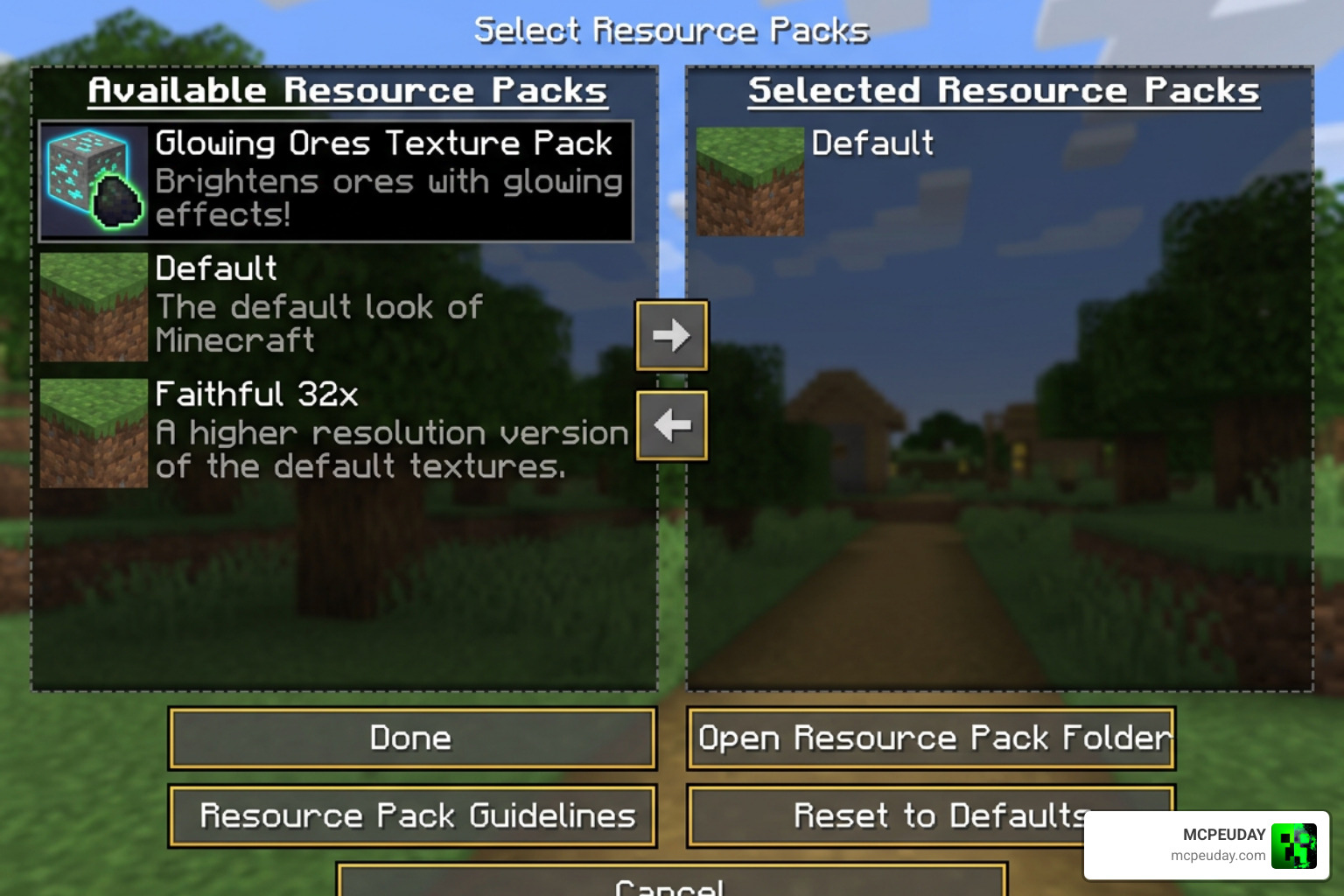
- Install the Dependency: Download and install OptiFine (for Forge/Vanilla) or Continuity + Sodium (for Fabric).
- Download the Pack: Select your favorite pack from the table above and download the
.zipfile. - Open Resource Packs Folder: Launch Minecraft, go to Options > Resource Packs, and click Open Pack Folder.
- Move the File: Drag and drop the downloaded
.zipfile directly into this folder. - Activate the Pack: In Minecraft, move the glowing ores pack to the top of your active packs list on the right side.
- Configure Settings (Crucial Step):
- Go to Video Settings > Quality.
- Ensure Emissive Textures is set to ON.
- Ensure Connected Textures is set to Fancy or Fast.
- Enjoy the Glow: Load up a world, find a dark cave, and watch the magic happen!
Frequently Asked Questions about Radiant Glowing Ores TEXTURE PACK
Do I need shaders to use the Radiant Glowing Ores TEXTURE PACK?
No, you do not need shaders! The emissive textures are designed to glow completely on their own using just OptiFine or the Continuity mod. However, if you do decide to run shaders (like BSL or Complementary Shaders), the glowing ores will interact with the shader engine to cast actual blocklight onto nearby surfaces, creating an incredibly immersive atmosphere.
Does the Radiant Glowing Ores TEXTURE PACK support modded ores?
Yes, but it depends entirely on the specific pack you choose. Packs like Glowing Emissive Ores support over 110 mods, including popular tech and magic mods like Create, Mekanism, and Ad Astra. Always check the description of the pack you are downloading to ensure your favorite mods are supported.
Will using glowing ore packs impact my game performance?
Almost not at all! Because most of these packs are kept at the standard vanilla 16×16 resolution, they require virtually zero extra processing power. You will get gorgeous, glowing visuals without sacrificing a single frame per second.
Conclusion
The Radiant Glowing Ores TEXTURE PACK is a game-changer for survival players, speedrunners, and casual builders alike. It takes away the tedious frustration of missing valuable resources in pitch-black caverns while keeping the core Minecraft exploration experience intact.
Whether you play on Java with heavy modpacks or prefer exploring on Bedrock/MCPE, there is a glowing ores pack tailored perfectly to your setup. For more incredible visual upgrades, game-changing utilities, and complete graphics overhauls, be sure to explore our extensive Category/Texture Packs library here at MCPEUDAY! Happy mining!
1 thought on “Radiant Glowing Ores T Pack (26.x, 1.21) – MCPE/Bedrock Texture Pack”