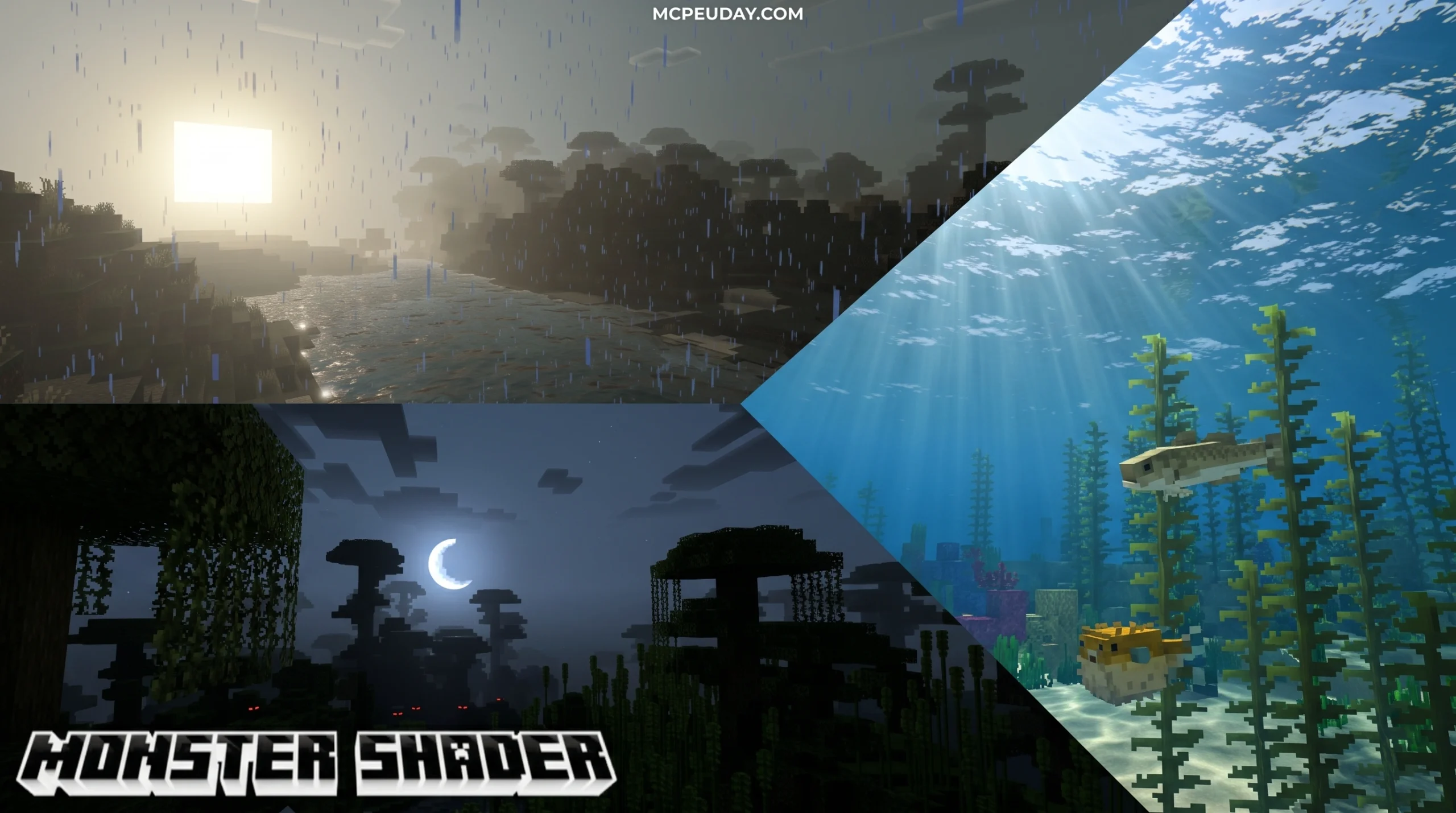
What Monster Shader Does for Your Minecraft World
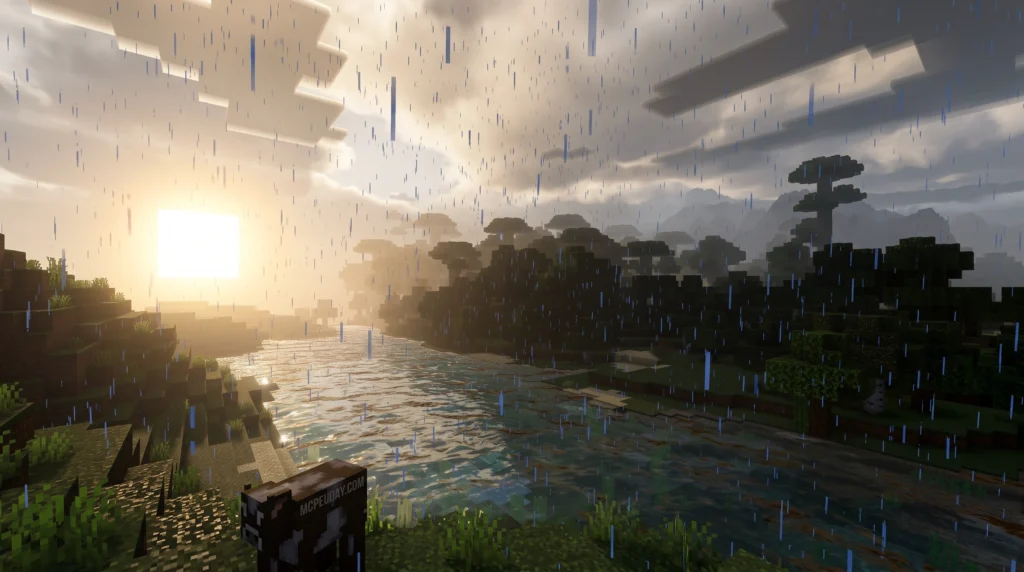
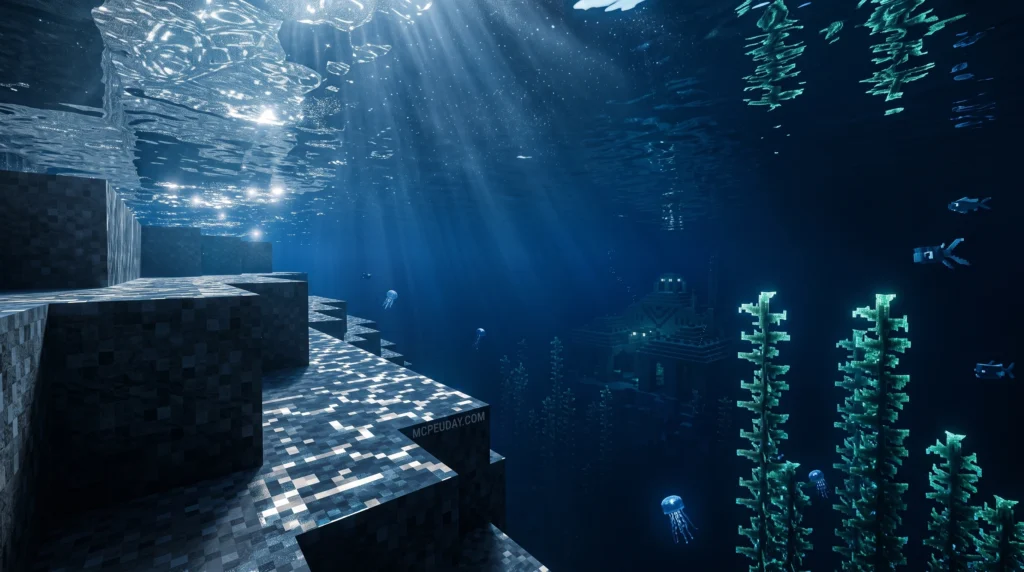
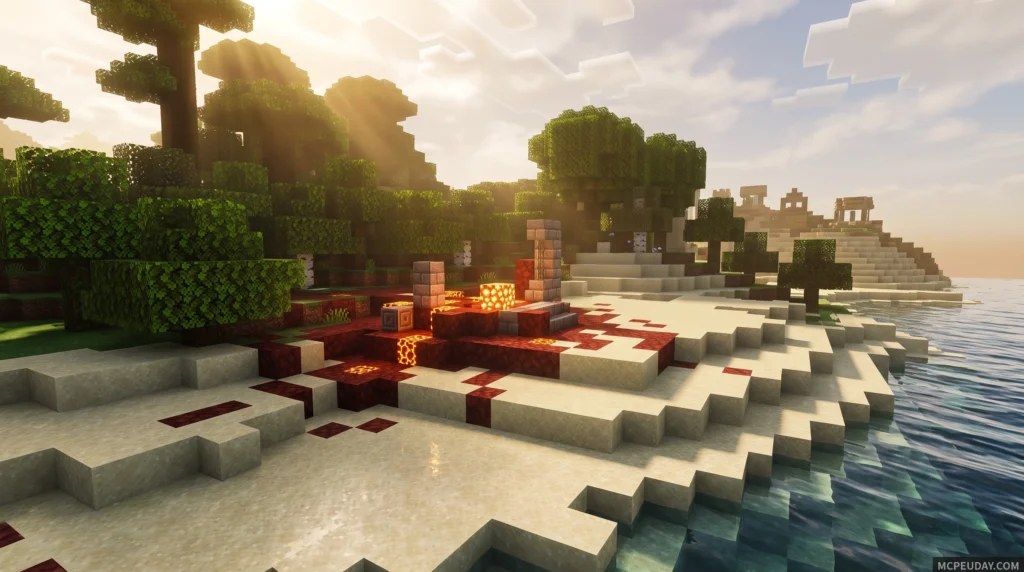
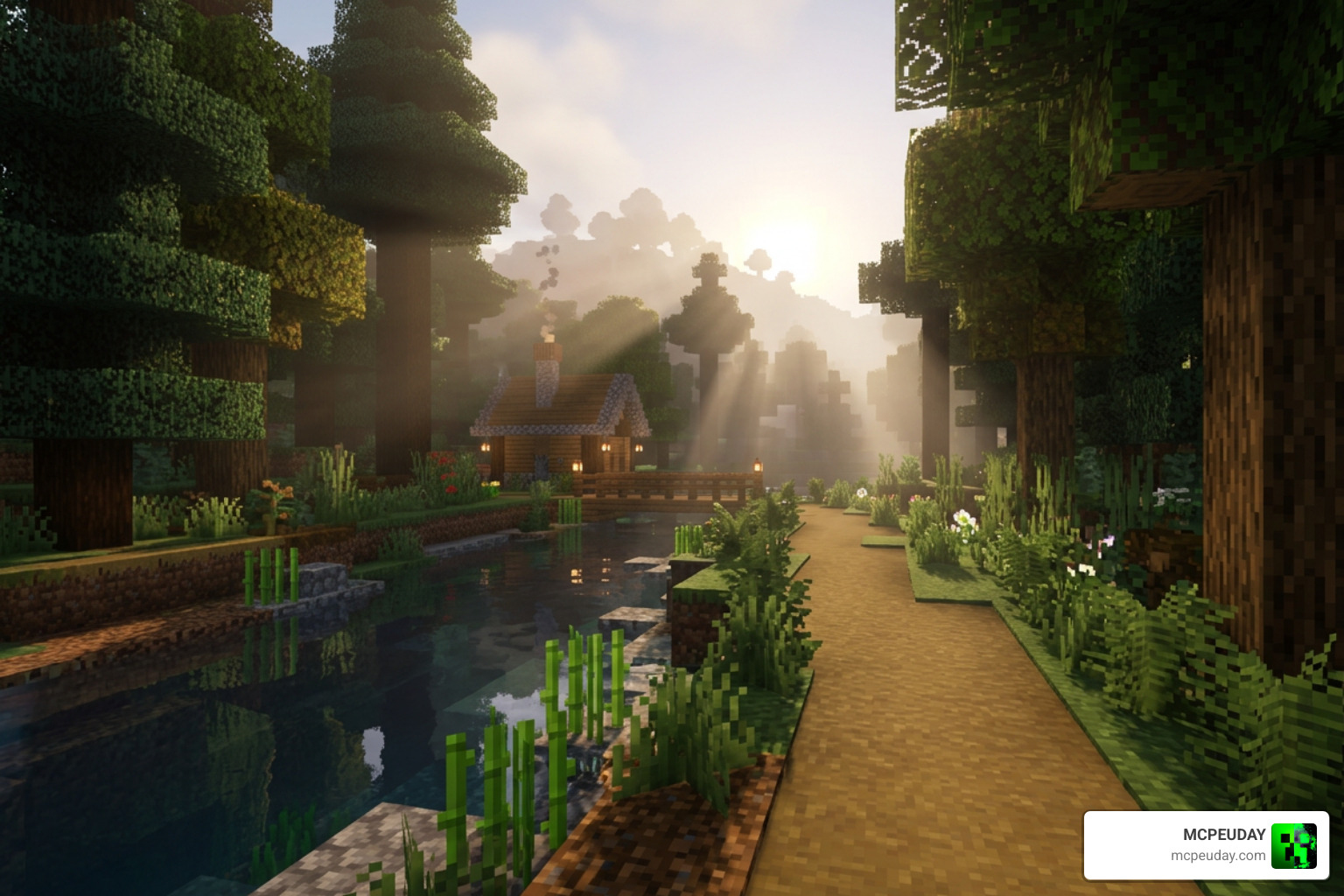
Monster Shader is a visual enhancement pack for Minecraft PE and Bedrock Edition that transforms how your game looks — changing lighting, water, and atmosphere to make everything feel more alive.
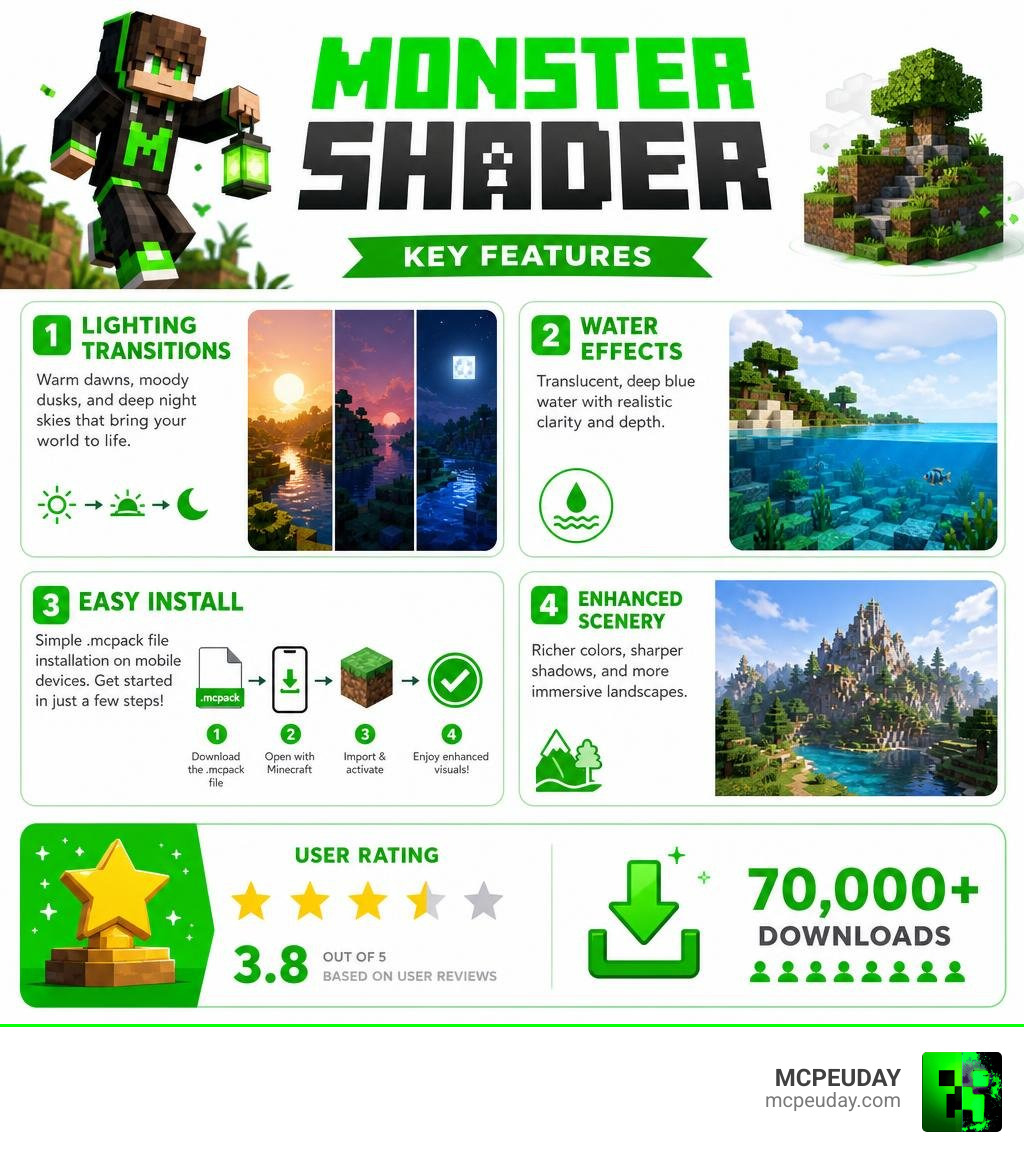
Quick answer for what Monster Shader does:
- Dynamic lighting — warm tones at dawn, a distinct mood at dusk, and deep blue skies at night
- Translucent seawater — deep blue, see-through water that adds real depth to oceans and rivers
- Enhanced scenery — landscapes look richer and more detailed overall
- Easy install — works via an
.mcpackfile on mobile devices running MCPE/Bedrock 1.21
It currently holds a 3.8 out of 5 rating based on user reviews, and has racked up over 70,000 downloads — making it one of the more popular free shader options for Bedrock players.
If you’re tired of Minecraft’s flat, plain default lighting and want a quick visual upgrade without complicated setup, this shader is worth a look.
What is the MONSTER SHADER for Minecraft Bedrock?
When we look at how Minecraft renders its blocky universe, the default engine can sometimes feel a bit flat. That is where the MONSTER SHADER comes in. Designed specifically for Minecraft PE and Bedrock Edition (including the latest 1.21 updates in 2026), this graphics pack completely overhauls the game’s rendering pipeline to introduce realistic atmospheric effects. It breathes new life into old worlds, making every block feel like part of a cohesive, living ecosystem.
But what exactly is happening under the hood? If you are new to customizing your game, you might find yourself asking, What are Shaders in Games? In short, shaders are specialized programs that tell the game engine how to calculate lighting, shadows, colors, and post-processing effects. They replace the standard, rigid rendering rules with dynamic mathematical equations that simulate real-world physics.
The MONSTER SHADER utilizes these calculations to bring dynamic lighting and unprecedented visual depth to Bedrock Edition. Instead of static, uniform light values that illuminate every surface equally, light now bounces, scatters, and behaves like it would in the real world. This results in softer shadows, richer colors, and environments that feel genuinely three-dimensional. Whether you are exploring deep caverns or building massive structures on the surface, the improved contrast and depth make every detail pop.
Key Visual Features and Environmental Enhancements
The true beauty of the MONSTER SHADER lies in how it changes your surroundings based on the time of day and the biome you are exploring. It does not just slap a simple filter over your screen; it dynamically alters the environment to make exploration rewarding. Every biome, from the dense jungles to the barren deserts, receives a custom color grading that enhances its unique characteristics.
Dynamic Lighting Transitions in MONSTER SHADER
Time-of-day progression is one of the most remarkable features of this pack, offering a seamless transition that mimics natural daylight cycles:
- Warm Dawn: As the sun rises, the world is bathed in a soft, warm golden light. The shadows stretch long across the grass blocks, creating a peaceful morning atmosphere that makes starting a new day in survival feel incredibly refreshing.
- Unique Dusk: When evening falls, the shader transitions into a moody, atmospheric dusk. The orange and purple hues blend smoothly across the horizon, signaling that it is time to head back to your shelter before the monsters spawn.
- Deep Blue Night: Once night takes over, the environment adopts a deep blue tint. The night sky feels vast and mysterious, and torches emit a cozy, localized glow that contrasts beautifully with the surrounding dark, making your safehouses feel like true sanctuaries.
Water and Landscape Realism
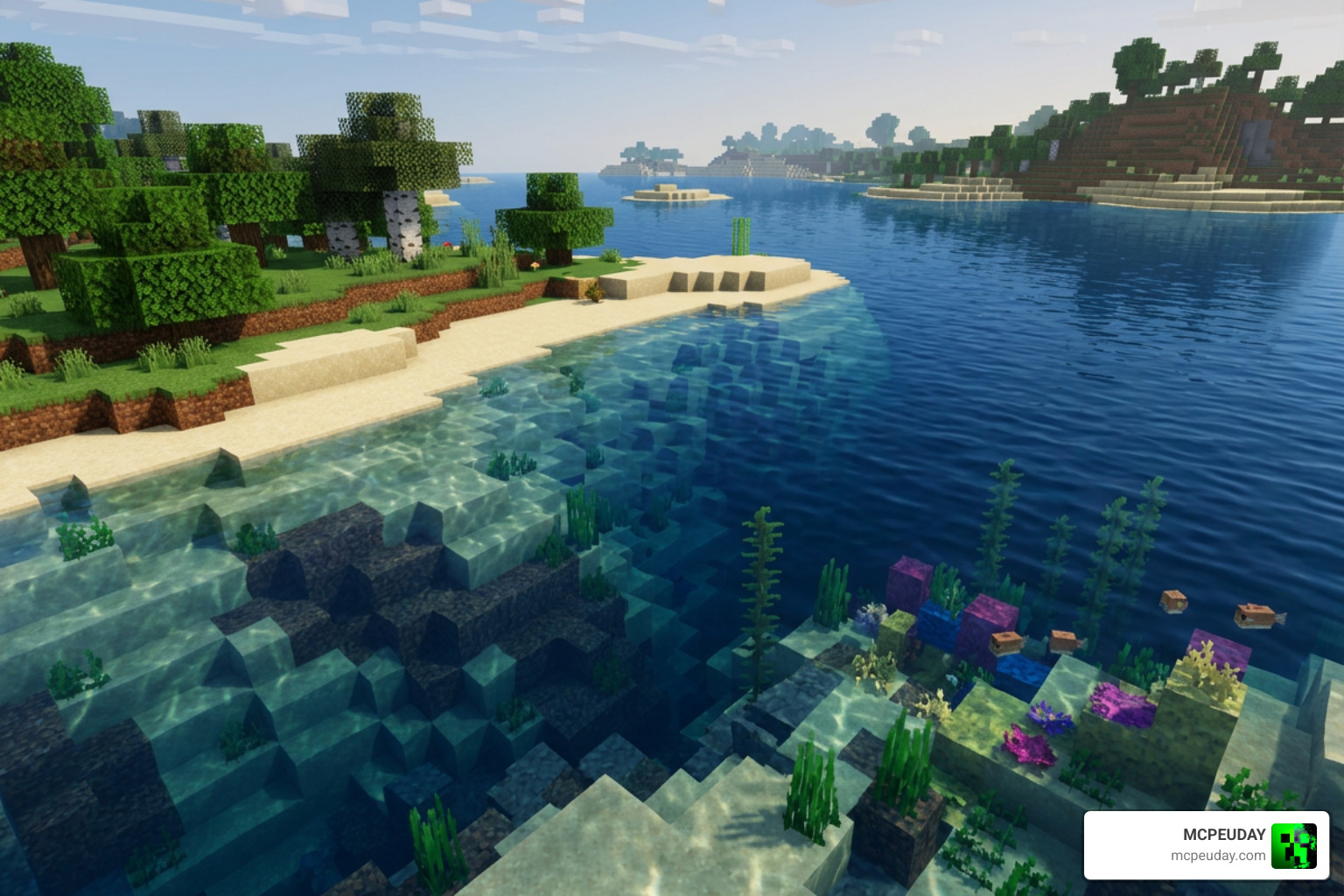
Water rendering in vanilla Minecraft has always been a bit opaque and lifeless, resembling solid blue blocks rather than actual liquid. With the MONSTER SHADER, water bodies are transformed into deep blue, translucent surfaces. You can easily peer beneath the waves to see kelp, fish, coral reefs, and underwater ruins without needing special potions.
This transparency, paired with subtle wave animations that react to the wind, adds incredible landscape depth. When you stand on a high peak and look out over the horizon, the atmospheric fog and enhanced scenery observation make the world feel endless, incredibly immersive, and ripe for adventure.
System Requirements and Compatibility for MCPE 1.21
If you are running Minecraft 1.21 on mobile devices (Android or iOS), you will be happy to know that this shader is highly optimized. Unlike heavy ray-tracing packs that require top-tier gaming rigs, this pack is designed to run smoothly on a wide variety of mobile hardware, including budget smartphones and older tablets. It achieves this by utilizing efficient rendering techniques that do not overload your device’s GPU.
To get started, we recommend checking out our comprehensive Minecraft Shaders Download for Android guide to find the best compatible files for your specific device and learn how to manage your storage effectively.
Comparing MONSTER SHADER with Other Graphics Packs
To help you decide if this is the right choice for your survival world, here is how the MONSTER SHADER stacks up against other popular visual styles:
| Feature | MONSTER SHADER | Standard Performance Shaders | Ultra-Realistic Shaders |
|---|---|---|---|
| Target FPS | 45 – 60 FPS (Mid-range devices) | 60+ FPS (Low-end devices) | 30 – 45 FPS (High-end only) |
| Water Quality | Translucent deep blue | Basic clear water | Mirror-like reflections |
| Lighting Style | Dynamic & warm | Static color boost | Full global illumination |
| File Size | Lightweight (~273 KB) | Very light (~100 KB) | Heavy (Multi-megabyte) |
For a broader look at alternative options, you can check out our list of the Top 5 Best Realistic Shaders for MCPE to see which style fits your gameplay best. Whether you prefer maximum performance or absolute realism, there is a perfect option available for every type of player.
How to Install and Configure the Shader on Mobile
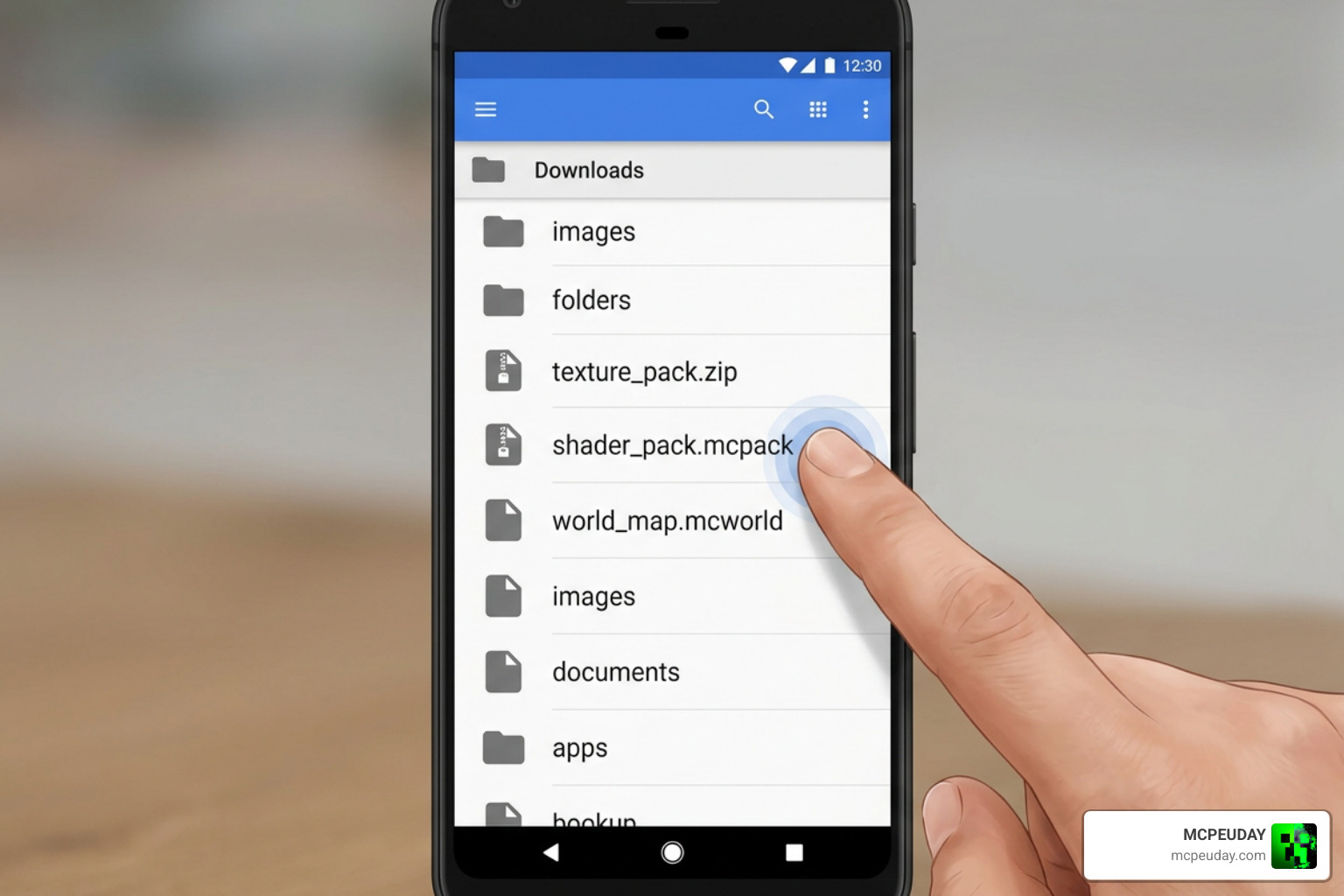
Ready to transform your game? Installing the MONSTER SHADER is incredibly straightforward because it comes packaged as an .mcpack file. This format is designed to integrate directly with your game files without requiring manual extraction or complex directory navigation. Here is our quick step-by-step guide:
- Download the File: Get the official
.mcpackfile from our trusted download servers. - Open with Minecraft: Locate the downloaded file in your mobile device’s file manager and tap on it. Select “Open with Minecraft.”
- Import Successful: Minecraft will launch automatically and show a notification at the top of the screen saying “Import Started” followed by “Successfully Imported.”
- Activate in Settings: Go to your main settings (or individual world settings), navigate to Resource Packs, find the MONSTER SHADER, and click Activate.
For a more detailed breakdown of this setup process across different platforms, read our comprehensive How to Turn on Shaders in Minecraft 2026 Guide Java Bedrock MCPE Setup Fast Mcpeuday.
Troubleshooting Common Issues and Bugs
While the shader is highly stable, you might occasionally encounter black screens, invisible blocks, or minor frame drops depending on your device’s GPU.
- Black Screen / Render Limitations: This usually happens if you are running other heavy resource packs simultaneously. Try disabling other packs to resolve conflicts and ensure that the shader is placed at the top of your active resource pack list.
- Performance Optimization: If you notice lag, lower your in-game render distance and turn off “Beautiful Skies” or “Fancy Graphics” in your video settings. This will free up system memory and allow the shader to run much smoother.
If you are looking for a shader that specializes in squeezing out every single frame while maintaining gorgeous visuals, don’t miss our guide on the Photon Minecraft Shader How to Install 2026 Guide Best FPS Settings.
Frequently Asked Questions about Monster Shader
We get a lot of questions about this specific pack, so we have compiled the most common queries to help clear up any confusion.
What is the average user rating for this shader?
The MONSTER SHADER currently holds an average rating of 3.8 out of 5 stars based on user votes, with over 70.6k downloads across the community. Users love its vibrant dawn and dusk transitions, though some players on low-end devices suggest tweaking settings to avoid minor lag.
Is this related to Unity or web development shaders?
No, the Minecraft pack is entirely separate! However, if you are a developer, you might have heard of similar names:
- Unity Asset Store: There is a popular visual effects package called the Monster Shaders Graph | VFX Shaders | Unity Asset Store . It is a 60.0 MB asset (currently on version 1.4) used by game developers to create custom monster effects in Unity.
- Web Development: Web designers often use the React Monster Tunnel Shaders component to generate hypnotic, GPU-accelerated 3D tunnel effects in React and Next.js projects.
While they share similar names, the pack we are talking about today is strictly for Minecraft Bedrock Edition!
Can I run this on low-end mobile devices?
Yes! Because of its small file size and optimized code, it runs surprisingly well on budget mobile devices. However, if your phone still struggles, you can explore other highly-optimized alternatives in our roundup of the 3 Best Shaders for Minecraft 1.21 Ultra Realistic Smooth FPS Stunning Graphics.
Conclusion
At MCPEUDAY, we love finding graphics packs that strike the perfect balance between beautiful visuals and smooth performance. The MONSTER SHADER does exactly that, offering Minecraft Bedrock players a stunning world upgrade featuring warm dawn lighting, deep blue translucent oceans, and cozy nights without tanking your mobile device’s frame rate.
If you are ready to explore other incredible ways to make your worlds look breathtaking in 2026, check out our ultimate list of the Best Shaders for MCPE 1.21 2026 Top 3 Realistic Minecraft PE Shaders! Happy building!