What the Lightning Magic Addon Adds to Minecraft PE
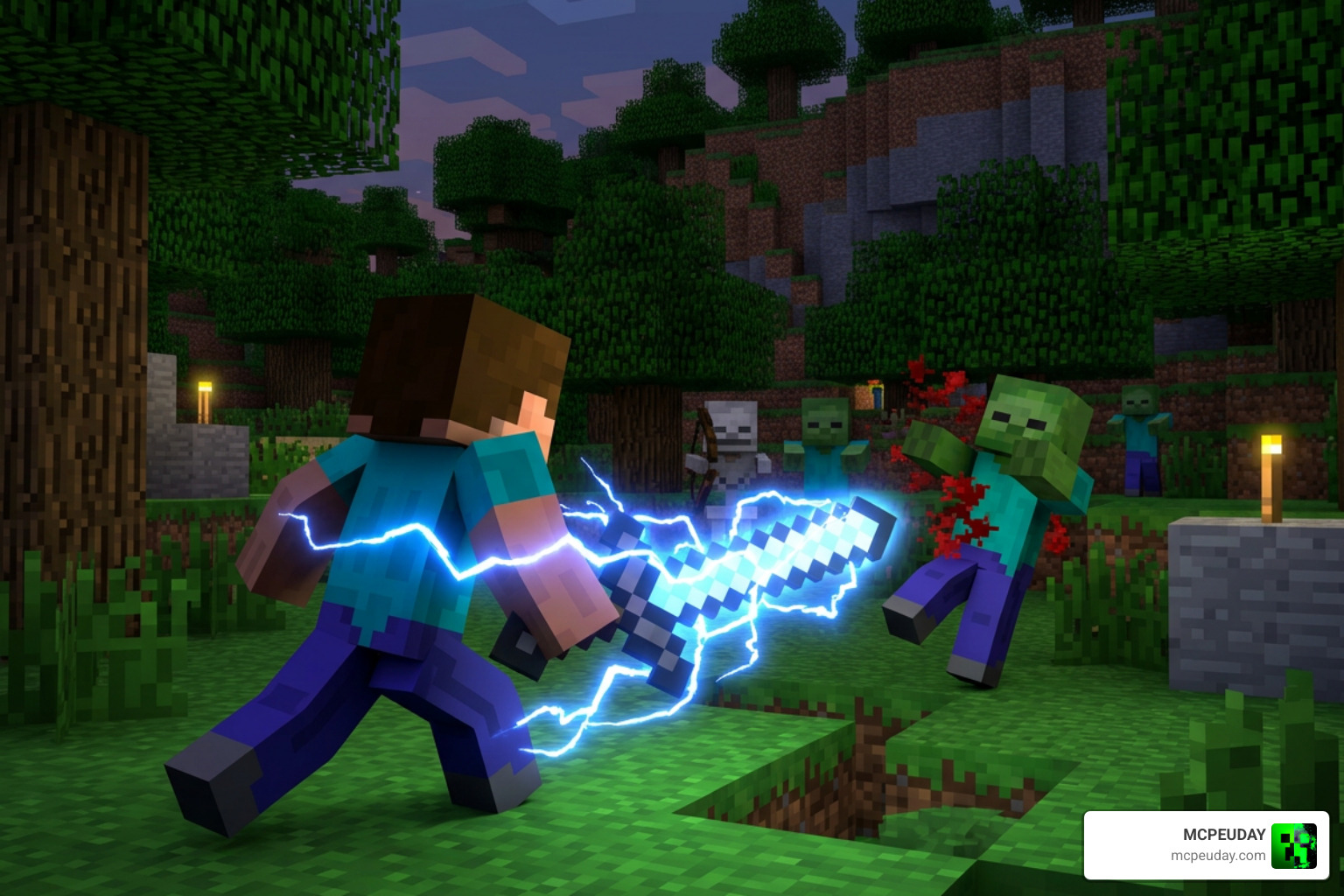
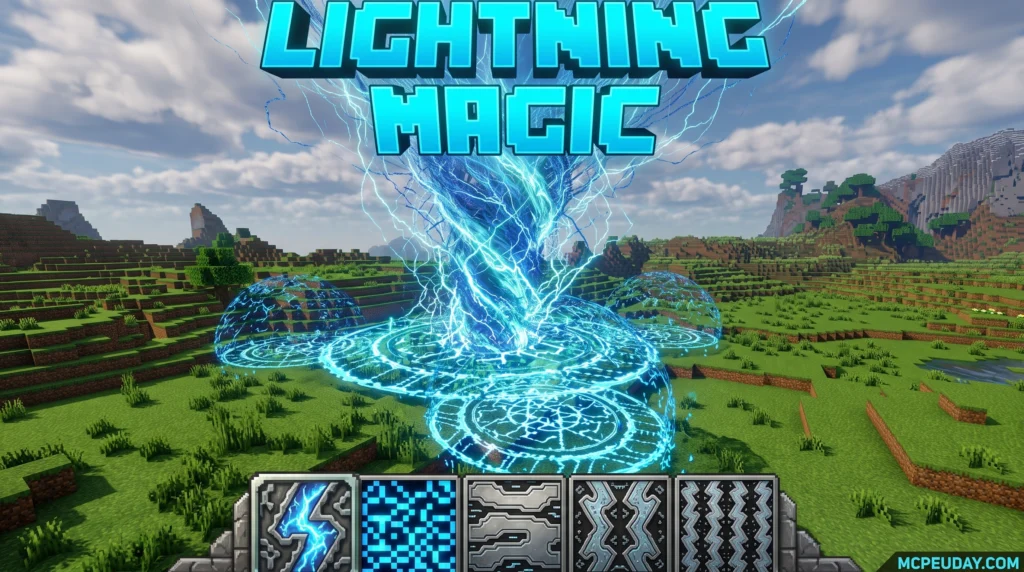
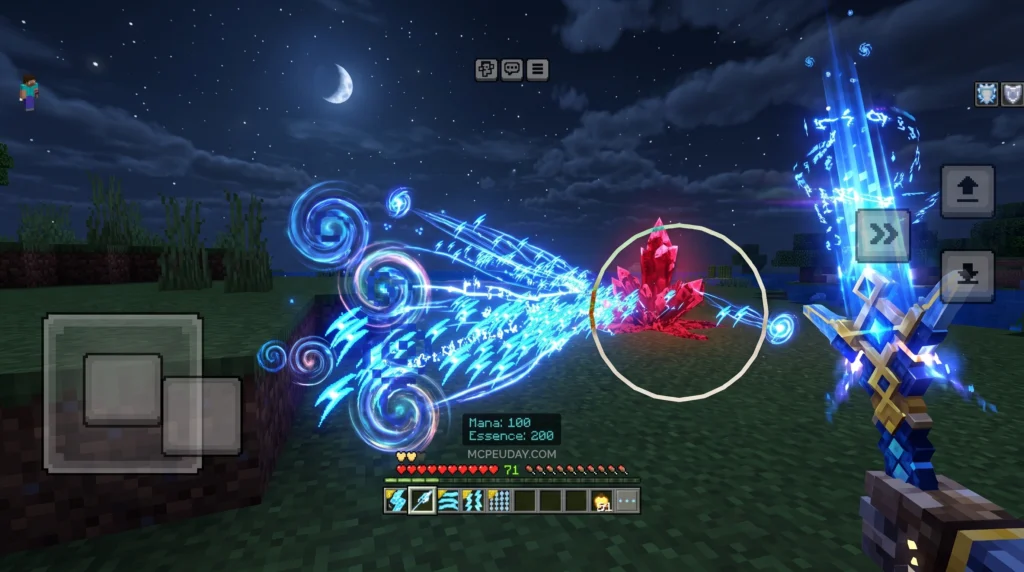
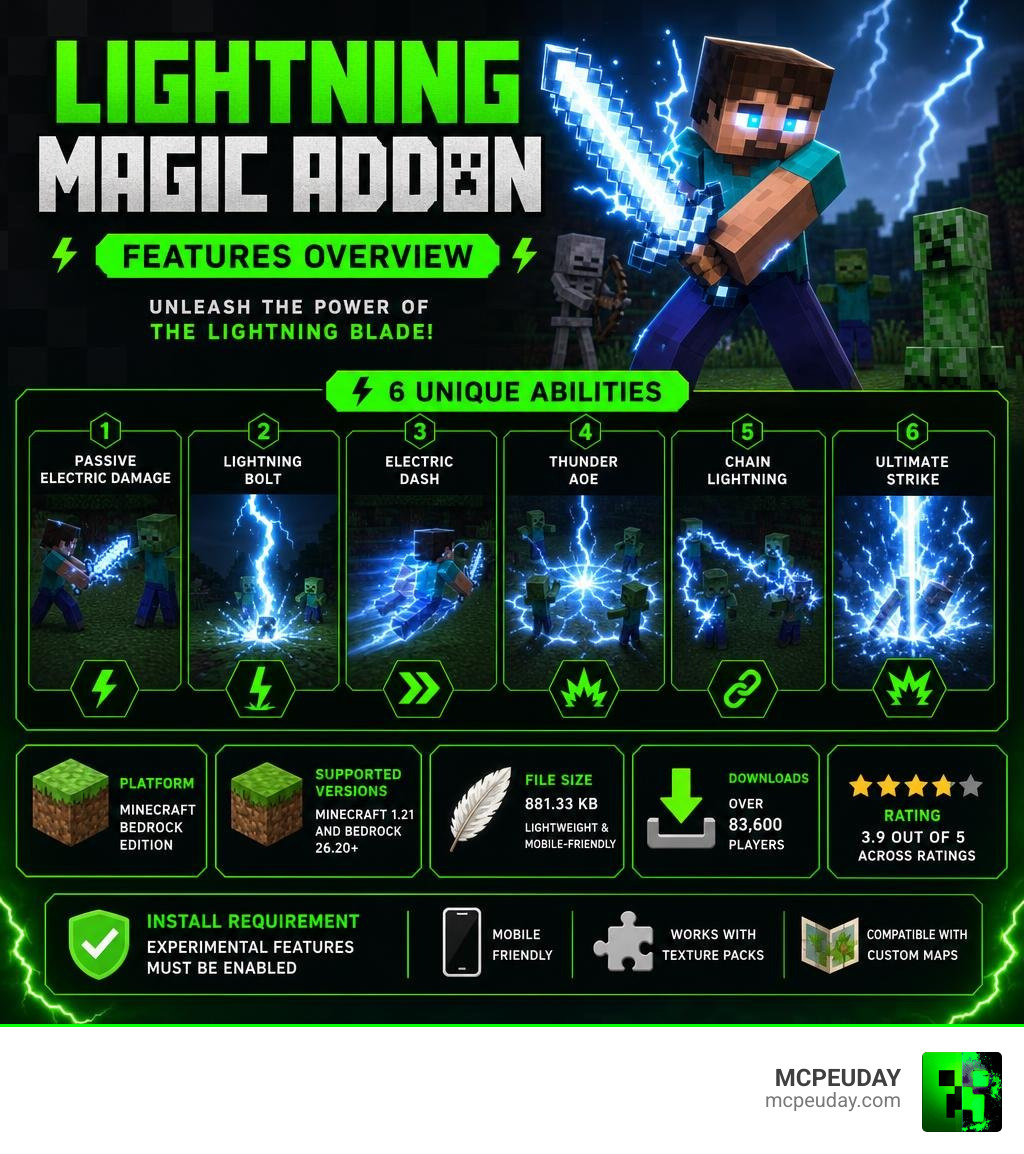
The Lightning Magic Addon is one of the most exciting magic weapon mods available for Minecraft Bedrock Edition — giving players a powerful electric sword with six unique combat abilities.
Quick answer for players looking for the essentials:
- What it is: A Minecraft PE/Bedrock addon that adds a lightning-powered sword called the Lightning Blade
- Main feature: Six switchable abilities including passive electric damage, lightning bolts, area attacks, and an ultimate strike
- Supported versions: Minecraft 1.21 and Bedrock 26.20+
- File size: 881.33 KB (lightweight and mobile-friendly)
- Downloads: Over 83,600 players have downloaded it
- Rating: 3.9 out of 5 across ratings
- Install requirement: Experimental Features must be enabled
This addon keeps things focused. Instead of flooding your world with dozens of new items, it gives you one seriously powerful weapon and lets you master it. Whether you’re clearing mobs in survival or testing combos in creative mode, the Lightning Blade changes how combat feels entirely.
It works on mobile, supports texture packs and custom maps alongside it, and the install process is straightforward once you know the steps.
Core Features of the Lightning Magic Addon
When we look at the vast sea of weapon mods, we often find additions that feel cluttered or overly complex. The Lightning Magic Addon takes a completely different route. It channels all its power into a single, highly refined weapon: the Lightning Blade.
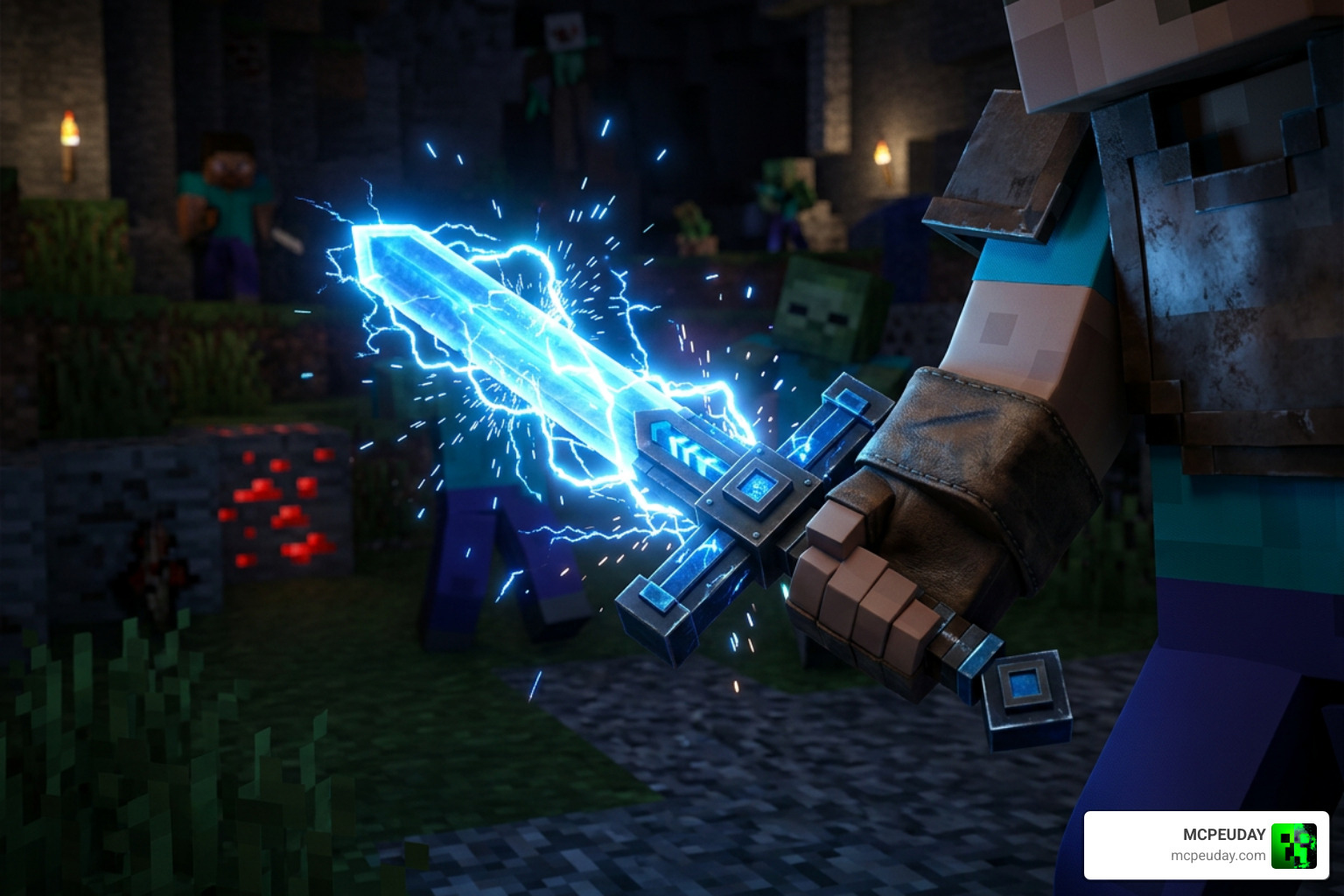
This electric combat system is built from the ground up for Minecraft Bedrock Edition. It features smooth visual feedback through bright blue lightning flashes, crackling sparks, and satisfying impact effects. Because the file size is a highly optimized 881.33 KB, the visual effects run beautifully without causing performance drops on mobile devices.
If you are interested in how complex mechanics and automated systems are built for Bedrock, you can learn more about custom development in our guide to Create Bedrock Addon.
To help you understand how this magical weapon operates, we have broken down the core skills and their combat effects:
| Skill Name | Activation Method | Combat Effect & Damage Type |
|---|---|---|
| Passive Electrifying | Hold the sword in hand | Automatically shocks nearby enemies and boosts your movement speed |
| Basic Strike | Left-click / Tap screen | Shoots rapid, single-target blue lightning bolts at targeted enemies |
| Lightning Zap | Skill Selection | Emits a quick, medium-range electric shock that temporarily slows down targets |
| Volt Bullet | Skill Selection | Launches a fast-moving orb of pure electricity that explodes on impact |
| Volt Strike | Skill Selection | Slams the ground, dealing high area-of-effect (AoE) damage to surrounding mobs |
| Heavenly Strike | Ultimate Selection | Summons a massive, large-area thunderstorm that obliterates entire groups |
Master the Lightning Blade: Skills and Abilities
To truly dominate your world with the Lightning Magic Addon, you have to master the progression of its abilities. Instead of just mindlessly swinging your sword, this mod introduces tactical gameplay. You can switch between your active skills directly on your screen or through your inventory, allowing you to adapt to any combat scenario.
Basic Attacks and Passive Abilities of the Lightning Magic Addon
The moment you hold the Lightning Blade, you will feel the power coursing through your character. The Passive Electrifying ability goes to work immediately. It surrounds you with a faint electric aura, boosting your movement speed so you can dance around slow-moving zombies.
When you use your basic attack, the blade unleashes Blue Lightning (also known as the Basic Strike). This attack rapidly shoots lightning bolts directly at whatever target you are looking at. It is perfect for single-target damage, allowing you to pick off dangerous skeletons from a safe distance. This system is heavily inspired by classic RPG spellcasting, sharing thematic elements with the legendary Lightning Magic archetypes found in popular fantasy games.
Advanced Skills and Ultimate Attacks of the Lightning Magic Addon
When you find yourself surrounded by a horde of monsters, basic strikes won’t cut it. That is where the advanced crowd control skills come into play:
- Lightning Zap: This skill acts as an excellent defensive tool. It sends a sudden electric current through enemies, dealing moderate damage and applying a slowing effect.
- Volt Strike: Need some breathing room? Volt Strike lets you perform an electric ground slam, knocking back nearby enemies and creating a safe zone around you.
- Heavenly Strike (The Ultimate): This is your ultimate weapon. Activating Heavenly Strike calls down a massive, devastating storm of lightning from the heavens. It covers a large area, making it the perfect tool for clearing out entire dungeons or ending raids in a flash.
How to Install and Set Up the Addon
Getting this mod up and running in your world is a quick and simple process. Because Bedrock addons function differently than Java mods, you will need to make sure you apply both the behavior and resource packs correctly.
Follow our quick step-by-step guide to get started:
- Download the Files: Download the official
.mcpackfiles for both the Behavior Pack and Resource Pack. - Import to Minecraft: Double-click or tap on the downloaded files. Minecraft PE/Bedrock will launch automatically and import the packs.
- Create or Edit a World: Go to your world settings menu.
- Enable Experimental Features: Scroll down to the “Experiments” section and toggle on Beta APIs and Upcoming Creator Features. This step is absolutely critical; the addon’s custom scripting and custom sword models will not load without it!
- Activate the Packs: Under the “Resource Packs” and “Behavior Packs” tabs, find the Lightning Magic Addon and click “Activate.”
- Launch Your World: Enter your world and prepare to wield the storm!
If you enjoy installing cutting-edge mods that push the limits of Bedrock scripting, you should also check out the Create Addon 26 X 1 21 For Mcpe Best Automation Mod For Minecraft Bedrock to see how automation and magic can transform your survival experience.
Compatibility, Limitations, and Alternative Versions
The Lightning Magic Addon is highly optimized, but there are a few technical details to keep in mind to ensure a smooth gameplay experience.
First, let’s talk about performance. Summoning dozens of lightning bolts simultaneously can put a strain on lower-end mobile devices. To avoid lag or potential game crashes, try not to spam the ultimate Heavenly Strike too quickly. This performance limitation is common across many gaming platforms; even the PC version of Lightning Magic (SAFE) – Workshop on the Steam Workshop warns players about game crashes if too many lightning strikes are rendered at once!
In terms of compatibility, this addon plays incredibly well with others. Because it focuses on a single weapon system rather than rewriting core vanilla files, you can easily combine it with custom maps, UI overhauls, and detailed texture packs without causing conflicts.
Frequently Asked Questions about Lightning Magic
We want to make sure you have all the answers you need before jumping into the game. Here are the most common questions players ask us about this mod.
Does the Lightning Magic Addon work in Survival mode?
Currently, the addon is primarily designed for Creative mode testing, custom adventure maps, and combat scenarios. You can easily access the Lightning Blade directly from your Creative inventory. While survival crafting recipes are not the main focus of the current version, we highly recommend trying it out in survival mode by using creative commands to give yourself the weapon for an incredibly fun, overpowered survival run!
What versions of Minecraft Bedrock are supported in July 2026?
As of July 2026, the addon is fully updated and optimized to support Minecraft 1.21 and the latest Bedrock 26.20+ releases. We always recommend keeping your game updated to the latest version to prevent any script errors or UI bugs.
Can this addon be combined with other Bedrock mods?
Yes! The addon is designed to be highly modular. It functions perfectly alongside custom resource packs, custom maps, and other gameplay additions. If you want to build a truly unique world that combines magical combat with advanced machinery, you can easily run it alongside the popular Create Addon for the ultimate gameplay experience.
Conclusion
The Lightning Magic Addon is a must-have for any Minecraft PE player who wants to feel like a god of thunder. With its highly optimized file size, stunning visual effects, and deeply satisfying combat system, it stands out as one of the most polished magic mods on the market.
At MCPEUDAY, we love bringing you the absolute best resources, mods, and guides to elevate your Bedrock experience. If you are ready to find more incredible gameplay upgrades, custom weapons, and tools, be sure to explore our extensive MCPE Bedrock Category today!