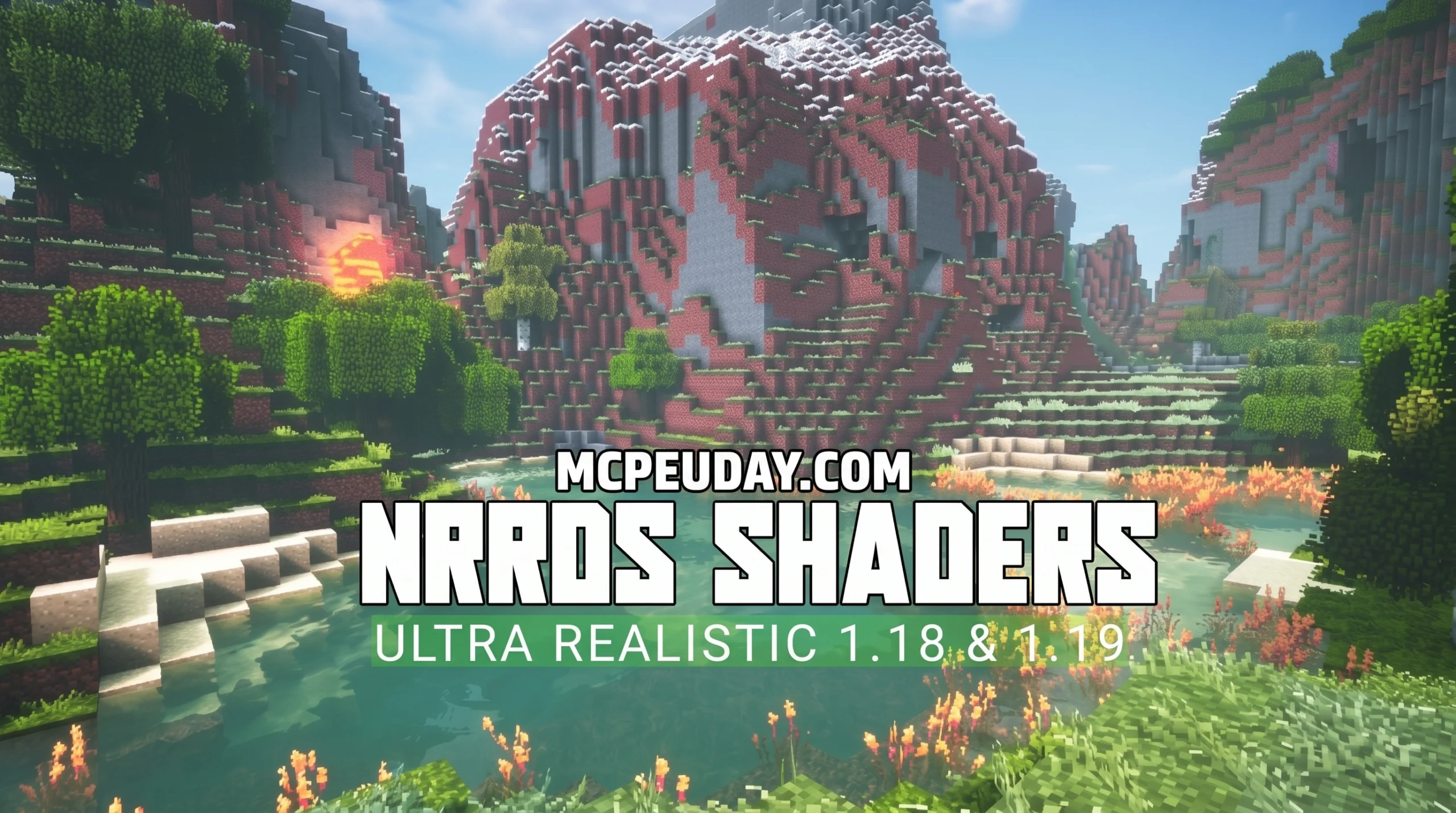
What You Need to Know About NRRDS Shader Before Downloading
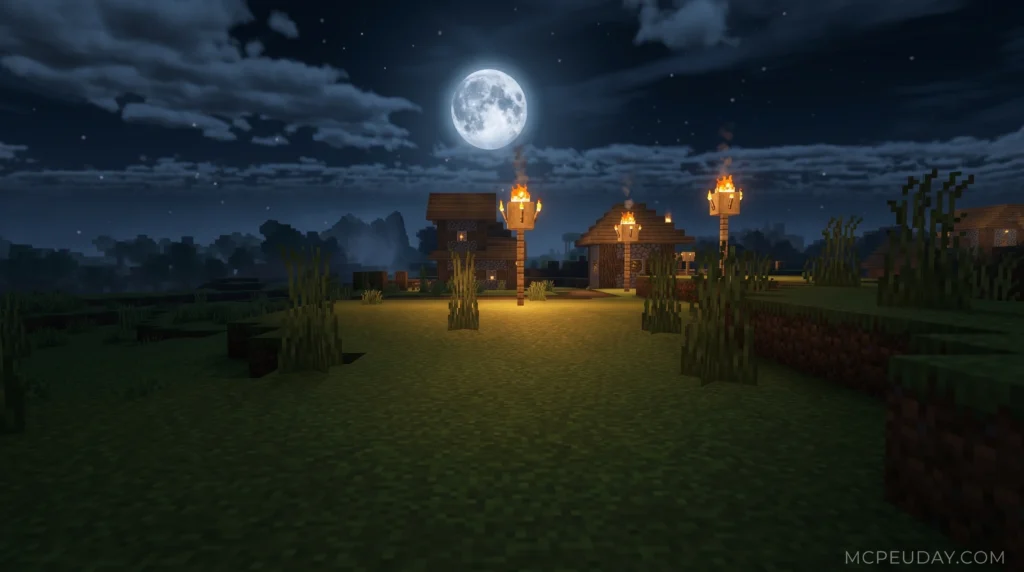
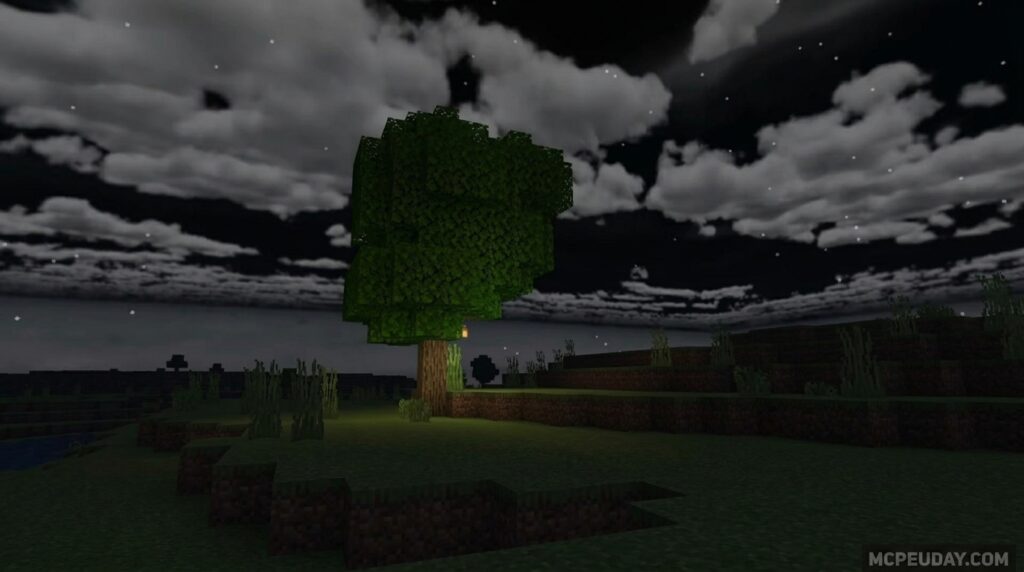
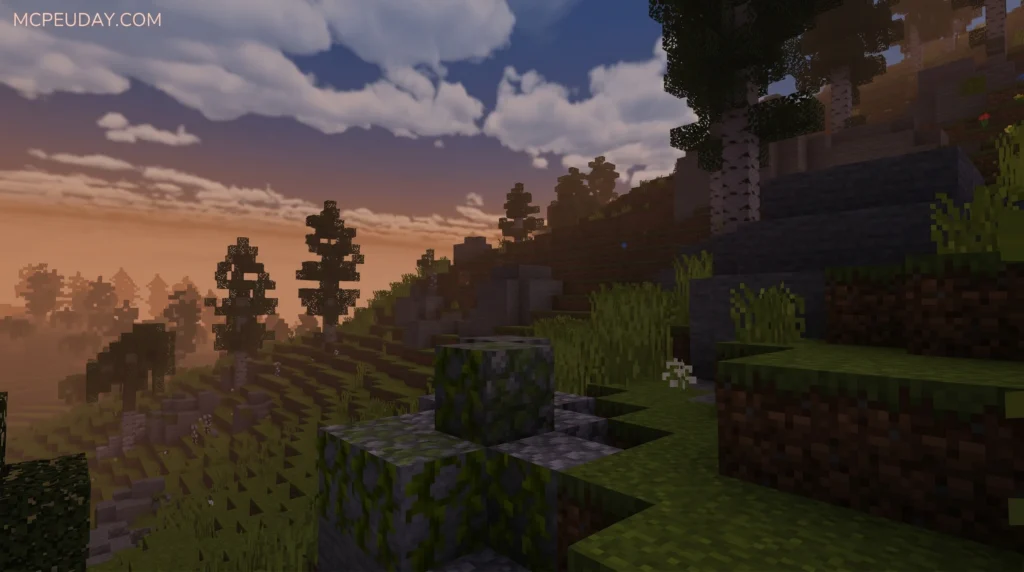
The NRRDS Shader is one of the most downloaded visual enhancement packs for Minecraft Bedrock Edition and MCPE — and you can grab it right now using any of these three methods:
- Direct .mcpack download — tap the file and Minecraft imports it automatically
- Manual install via File Manager — copy the pack into your
resource_packsfolder - Third-party launcher — use a mod manager to handle everything for you
A few quick facts before you dive in:
| Detail | Info |
|---|---|
| Latest version | v1.0.2 |
| Supported Minecraft versions | 1.20.0 – 1.21+ |
| Platforms | Android, iOS, Windows 10/11, Xbox, PlayStation |
| File type | .mcpack (texture pack) |
| Last updated | April 2024 |
| Total downloads | 279,000+ |
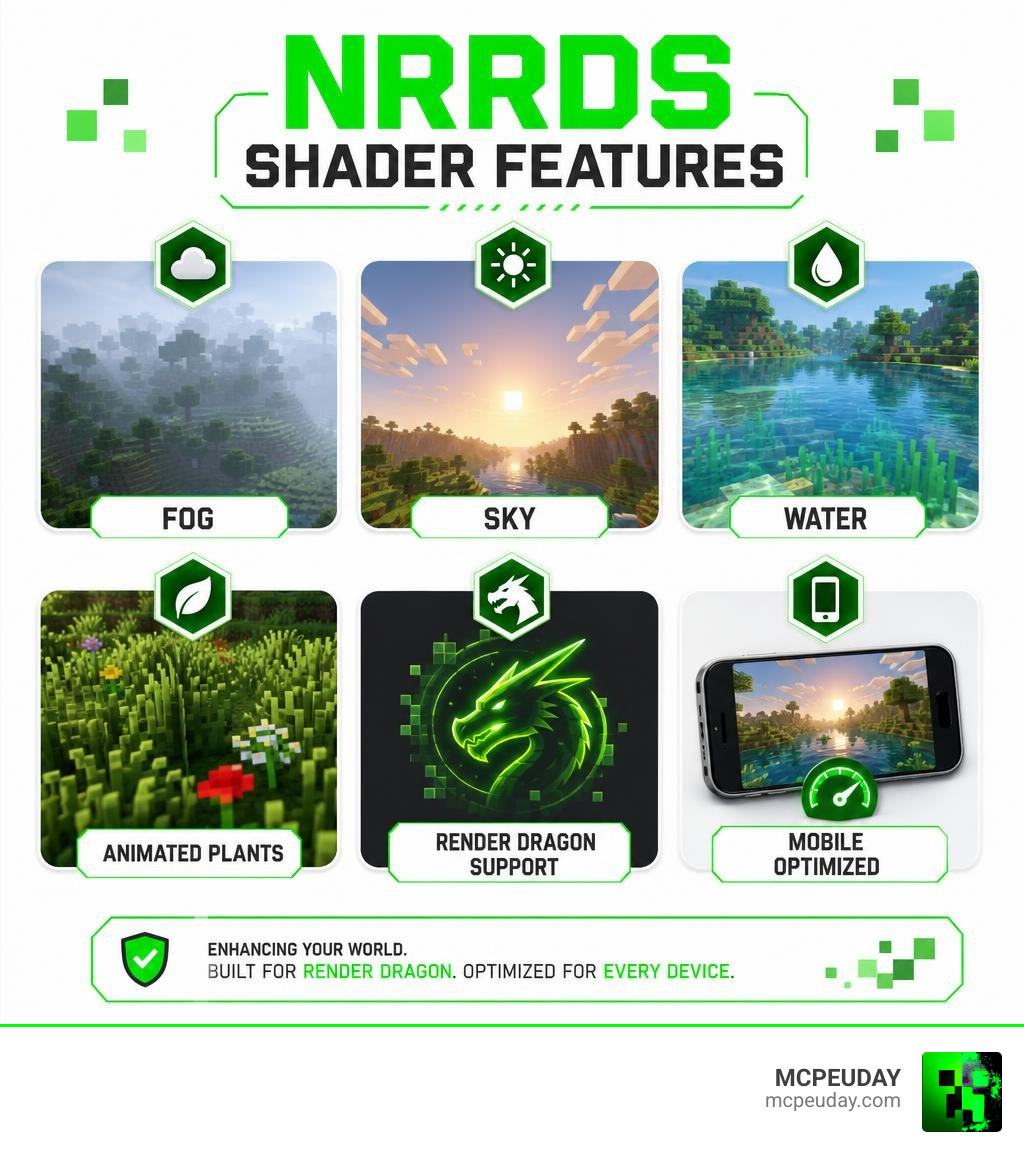
One thing worth knowing upfront: NRRDS Shader is technically a texture pack, not a true shader. That’s because Minecraft Bedrock stopped supporting traditional shaders back in version 1.18.3 with the switch to the Render Dragon engine. NRRDS works around this by delivering realistic fog, water, sky, and animated plants — all within Bedrock’s rules.
It’s a smart workaround that makes a real difference to how your game looks.
What is the NRRDS Shader for Minecraft Bedrock?
Since Mojang introduced the Render Dragon rendering engine, the Minecraft Bedrock community has had to adapt. Traditional shaders that relied on older graphics APIs no longer function. This is where the NRRDS Shader steps in. We consider it one of the most innovative workarounds available because it functions as a highly optimized resource pack that completely overhaul’s the game’s default materials, lighting, and environmental atmosphere.
The name “NRRDS” itself takes inspiration from high-end rendering technologies like the NVIDIA NRD Sample, which showcases cutting-edge real-time denoising and path-tracing techniques. While your mobile phone won’t be running full hardware path tracing, the developer of the NRRDS Shader designed these textures to mimic that soft, high-fidelity look. If you want to see how this pack stacks up against other options, check out our list of the top realistic shaders.
Key Visual Improvements: Fog, Sky, and Water
Once we activated the NRRDS Shader in our test worlds, the visual upgrades were immediately apparent. Here are the standout features you will notice:
- Animated Vegetation: Grass, leaves, flowers, and vines sway gently in the breeze. This dynamic movement breathes life into previously static biomes.
- Transparent and Realistic Water: The ocean surfaces feature realistic reflections, and the water itself is highly transparent, making underwater exploration a beautiful experience.
- Atmospheric Fog: The custom fog values blend seamlessly with the horizon, removing the harsh chunk-loading borders and creating a moody, immersive atmosphere.
- Custom Skybox: Say goodbye to pixelated clouds. This pack introduces a beautifully rounded sun, a glowing moon, and soft, realistic cloud layers.
- Vivid Colors: Biomes look much richer. The vegetation is a lush, bright green, and the snowy mountain peaks feel cold and crisp.
NRRDS Shader Version Differences (v1.0.2 vs v1.0.3)
There is often some confusion in the community regarding version 1.0.2 and the newer 1.0.3 patches. Version 1.0.2 remains the most widely downloaded and stable release, with over 279,000 downloads. Version 1.0.3 focuses primarily on minor rendering fixes for newer Bedrock engine updates.
Under the hood, these resource packs adjust material properties similarly to how professional developers configure shaders using libraries like the NVIDIA NRD HLSLI header. They instruct the Render Dragon engine to handle light scattering and transparency more realistically.
Here is a quick comparison table to help you decide which setup is right for you:
| Feature | NRRDS v1.0.2 | NRRDS v1.0.3 | Newb X |
|---|---|---|---|
| Wave Animations | Gentle & Smooth | Gentle & Smooth | Highly Dynamic |
| Water Clarity | High | High | Medium-High |
| Performance Impact | Very Low | Very Low | Low |
| Best Suited For | Mid-range Mobile | High-end/Newer OS | Low-end Devices |
How to Download and Install NRRDS Shader (3 Methods)
Now that you know what this visual pack can do, let’s get it installed. We have compiled three straightforward methods to get the NRRDS Shader running on your device.
Before starting, make sure you visit our dedicated page for the NRRDS Shader Download to grab the official, secure files.
Method 1: Direct .McPack Download for NRRDS Shader
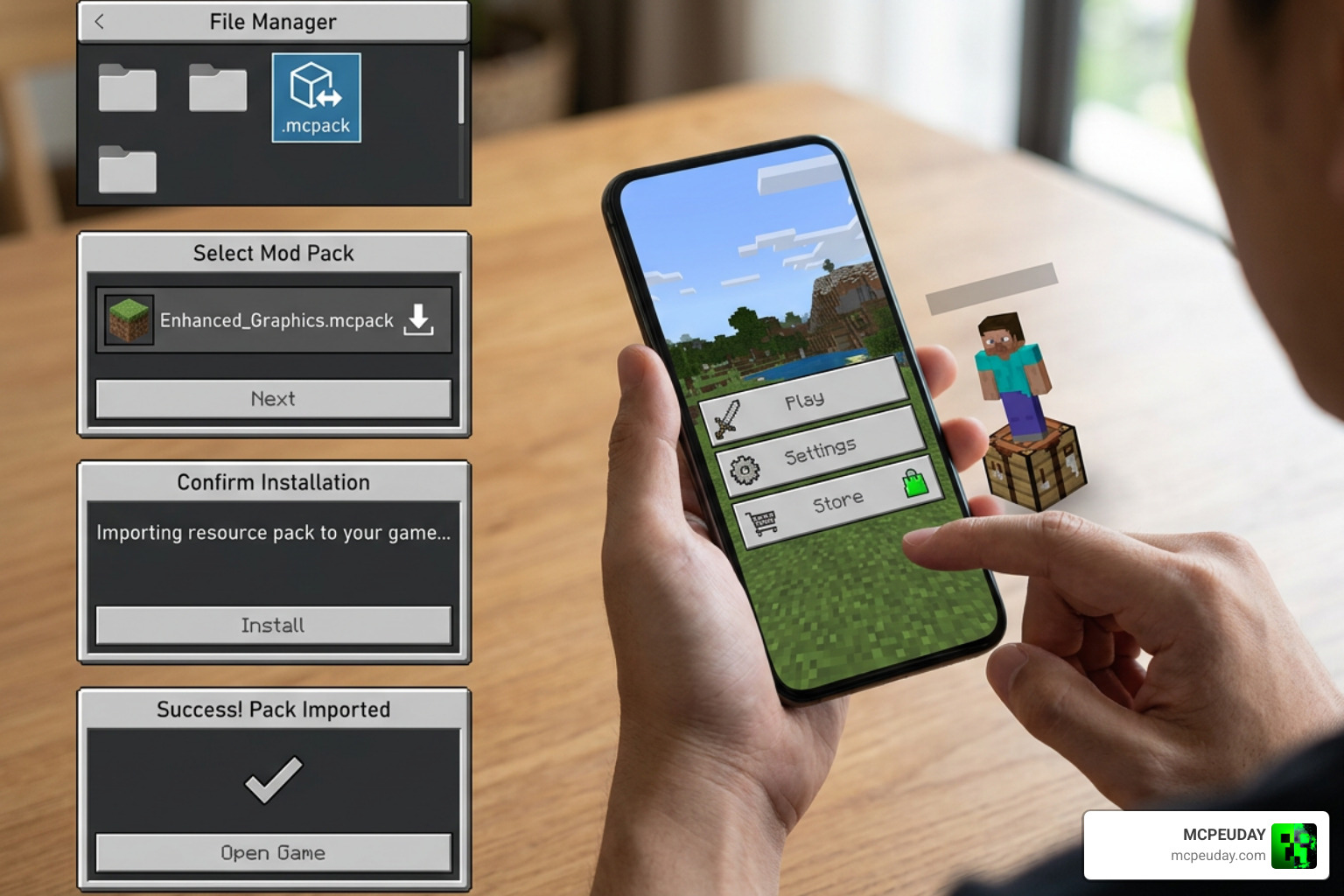
This is the easiest and most recommended method for Android, iOS, and Windows 10/11 users.
- Download the
.mcpackfile from our verified download link. - Locate the downloaded file in your browser’s download history or your device’s file manager.
- Tap or double-click the file. Your device should automatically launch Minecraft and begin the import process.
- Once the import is successful, go to Settings > Global Resources > My Packs.
- Select the NRRDS Shader, click Activate, and make sure it appears in your Active tab.
Method 2: Manual Installation of NRRDS Shader via File Manager
If your device does not associate .mcpack files with Minecraft automatically, you can install it manually.
- Download the
.zipversion of the pack (or rename the.mcpackextension to.zip). - Extract the folder using a file manager app.
- Copy the extracted folder.
- Navigate to your Minecraft system directory. For most platforms, the path is:
games/com.mojang/resource_packs/. - Paste the folder inside
resource_packs. - Restart Minecraft, navigate to your Global Resources, and activate the pack.
Method 3: Installing via Third-Party Launchers
For players who prefer using specialized mod managers or custom launchers to organize their game files:
- Open your chosen third-party launcher or mod manager.
- Use the “Import Resource Pack” or “Add Custom File” option within the launcher.
- Select the downloaded NRRDS Shader file.
- The launcher will automatically place the files into the correct custom directories and configure your active profile.
- Launch Minecraft through the manager to enjoy your upgraded graphics.
Performance Optimization and Mobile Compatibility
One of our favorite aspects of this pack is how incredibly lightweight it is. Because it works with the Render Dragon engine rather than fighting against it, it offers great performance. If you are playing on an older phone, you might also want to look at our guide on the best shaders for low end devices to compare your options.
Mobile Performance and Battery Optimization
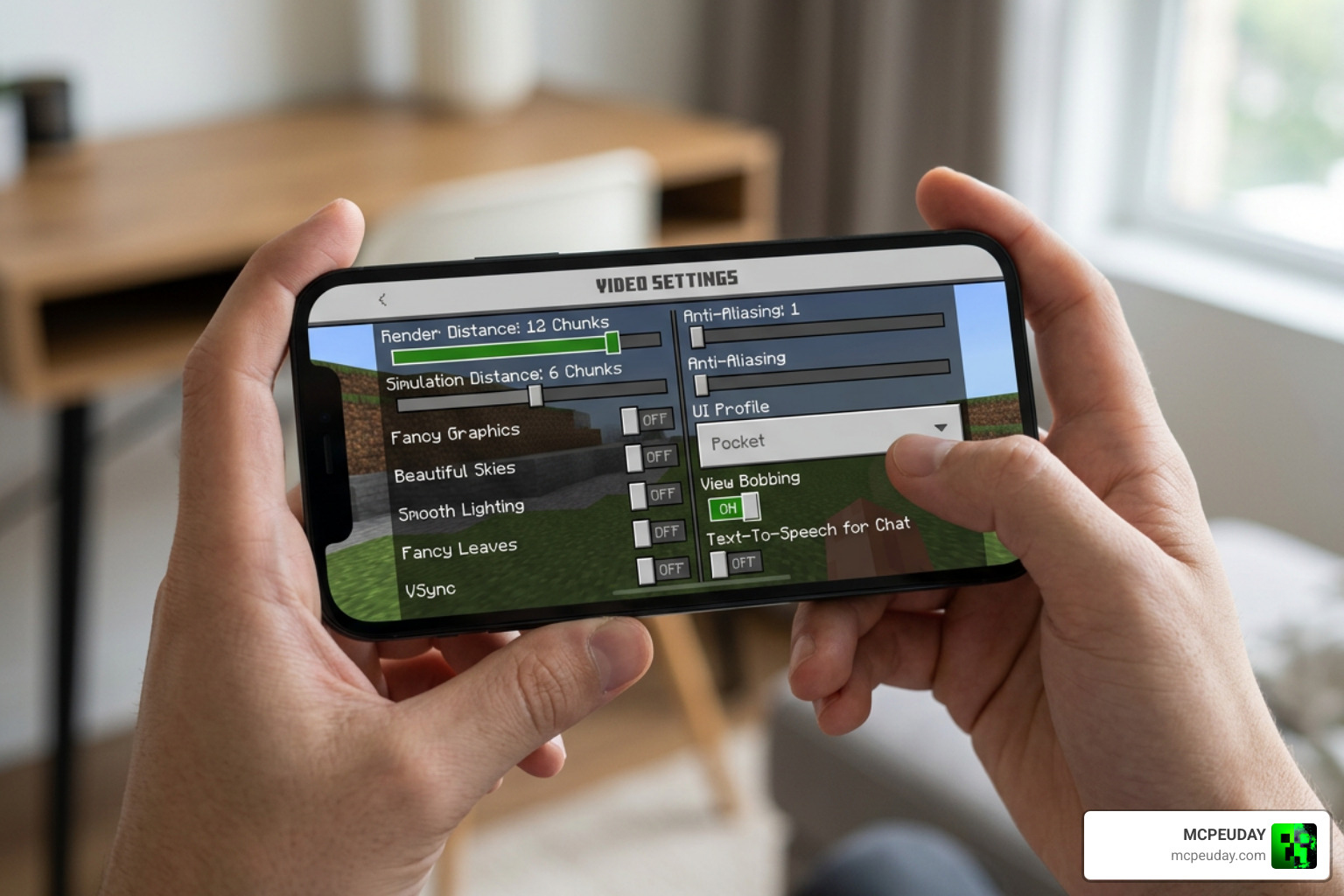
Playing Minecraft on touch devices can quickly drain your battery and heat up your phone. The NRRDS Shader is highly optimized to minimize power draw. However, if you experience any frame drops, we recommend adjusting these settings in your Minecraft menu:
- Reduce Render Distance: Lowering this by just 2 to 4 chunks can dramatically increase your FPS.
- Disable Fancy Graphics: Turning this off disables heavy screen-space effects while keeping the beautiful custom sky and water textures active.
- Adjust Slider Settings: Inside the pack’s sub-settings, you can lower the shadow strength or bloom intensity to match your device’s hardware limits.
Comparing NRRDS with Other Bedrock Shaders
When stacked up against popular alternatives like BSFBE or the legendary Newb X Unwind Shader, NRRDS holds its own. While Newb X offers incredibly vibrant, stylized fantasy lighting, NRRDS focuses on a more grounded, realistic color palette with softer fog transitions. It is the perfect middle ground for players who want a natural-looking world without sacrificing precious frames.
Frequently Asked Questions about NRRDS Shader
We receive many questions about how to run this pack smoothly. Here are the answers to the most common issues.
Why is my NRRDS Shader not working in Minecraft Bedrock?
If the pack does not load or look correct, make sure you have activated Experimental Gameplay settings in your world options. Additionally, ensure that the pack is placed at the very top of your Active Resource Packs list so that other texture packs do not overwrite its custom fog and sky settings.
Can I use NRRDS Shader in multiplayer or Realms?
Yes! Because this is a client-side resource pack, you can use it on any multiplayer server or Realm without causing lag for other players. They will see the vanilla game, while you enjoy beautiful, enhanced graphics.
Does NRRDS Shader support Render Dragon engine?
Absolutely. It was designed specifically to support the Render Dragon engine in Minecraft Bedrock 1.20 and 1.21+. It does not require any dangerous game-file modifications or patched executables to run.
Conclusion
At MCPEUDAY, we believe that you do not need a high-end gaming PC to experience beautiful, atmospheric worlds. The NRRDS Shader is a fantastic, lightweight solution that breathes new life into Minecraft Bedrock without melting your mobile device.
Ready to explore more options? Head over to our ultimate guide on the Best Shaders for MCPE 1.21 to find the perfect look for your next survival adventure!