Scroll down to D0vvnl0ad
How to Get the Legacy Stone Addon for Minecraft PE/Bedrock
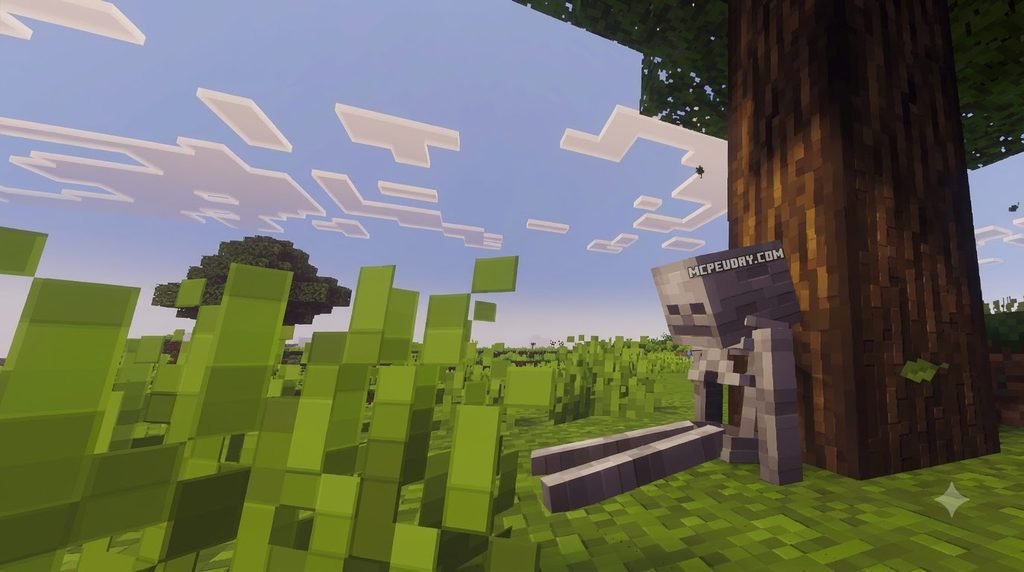
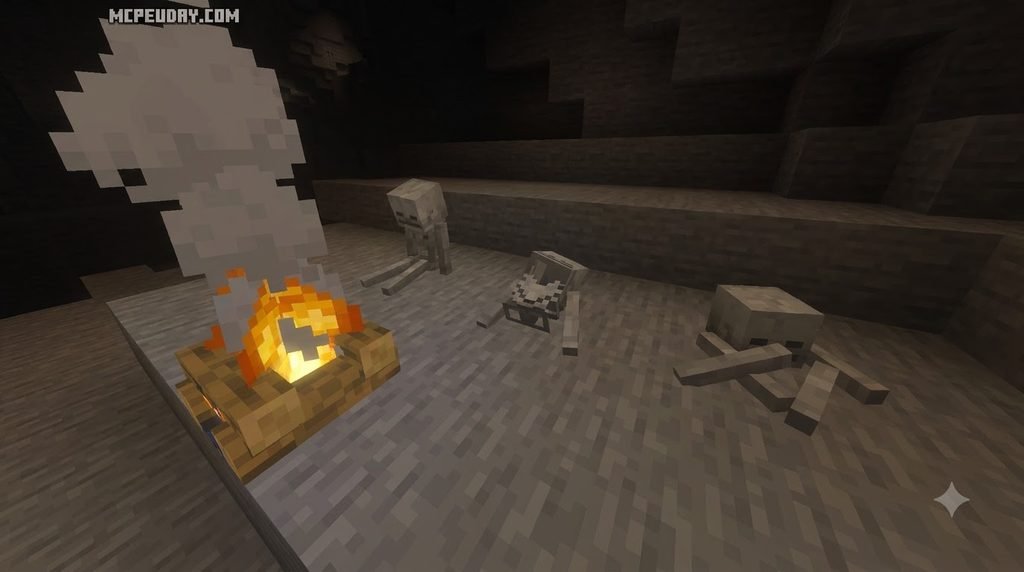
To install the Legacy Stone Addon for Minecraft PE/Bedrock, first check that the download supports your version of Bedrock. Download the resource pack, open its .mcpack file with Minecraft if one is provided, then activate it under Resource Packs in your world settings.
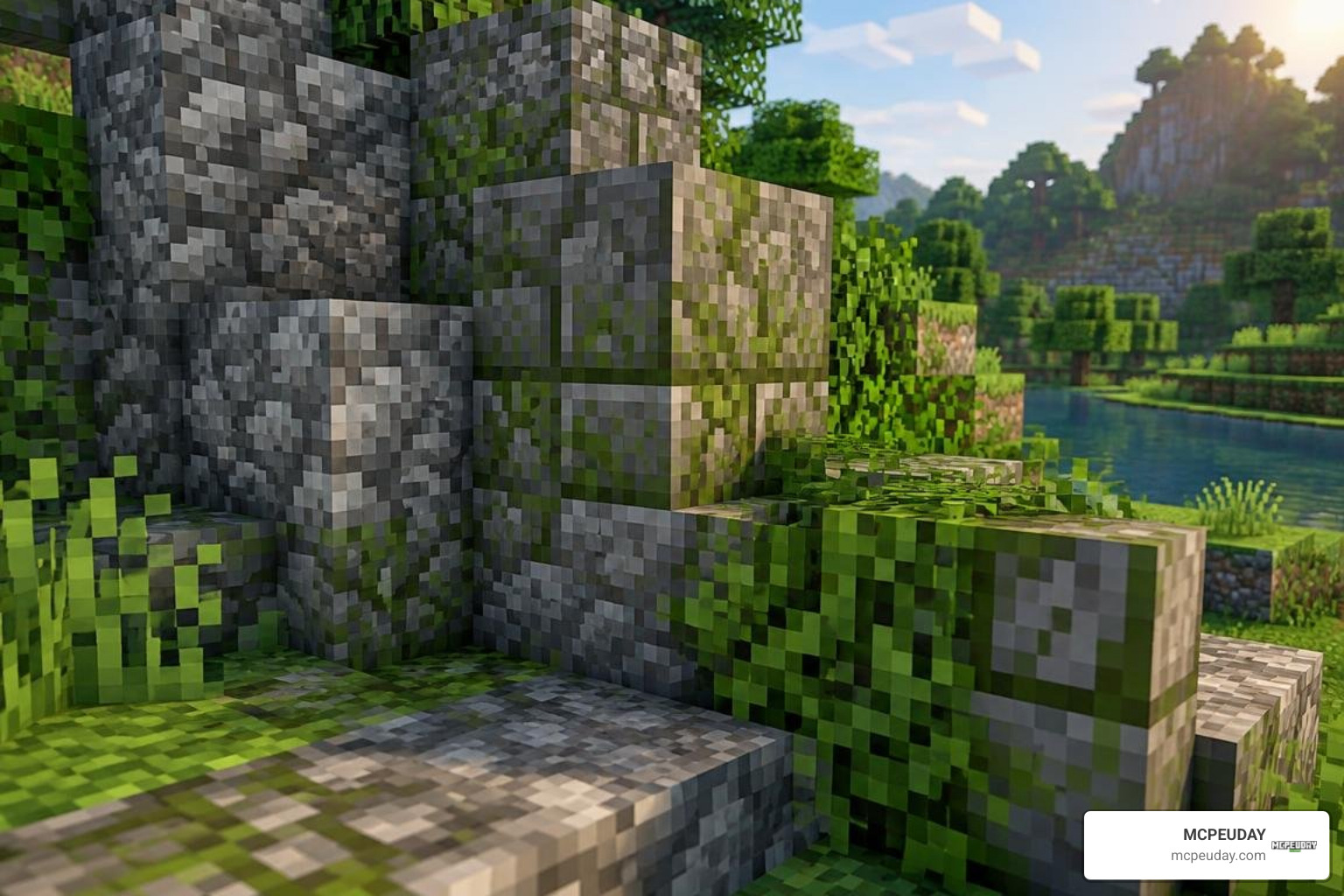
The pack gives blocks a detailed, old-world look that revamps classic masonry, rustic walls, and underground ruins. This comprehensive guide will help you choose the right version, install it on your mobile device, console, or PC, configure the load order properly, and ensure that every new texture appears seamlessly in your survival and creative builds.
What Is the Legacy Stone Addon for Minecraft PE/Bedrock?
Building massive castles, underground dungeons, and rustic cobblestone villages is one of the most rewarding parts of Minecraft. However, vanilla stone textures can sometimes feel flat or repetitive across sprawling builds. The Legacy Stone Addon for Minecraft PE/Bedrock bridges this visual gap by introducing handcrafted, high-definition stone, masonry, and architectural textures inspired by classic design traditions like the famous John Smith Legacy pack.
Originally renowned for transforming Minecraft Java Edition into a living, breathing medieval fantasy realm, these legacy artistic aesthetics have been adapted for the Bedrock codebase. The pack provides intricate cobblestone patterns, weathered stone bricks, chiseled architectural columns, and authentic surface variations that add dramatic depth to your structures. Builders can craft grand keeps, atmospheric catacombs, and fortified bastions where every wall exhibits natural shading, tactile grain, and organic wear. According to the official John Smith Legacy Bedrock changelog, development for Bedrock has expanded across 19 major revisions (from v0.18.0 through v0.19.7), keeping pace with modern game mechanics while preserving the beloved vintage feel.
Whether you are crafting on your phone, tablet, console, or PC, this add-on upgrades mundane materials into rich visual building blocks without requiring complex external mod loaders or risky system modifications.
System Requirements for the Legacy Stone Addon for Minecraft PE/Bedrock
Because Bedrock Edition operates across a diverse range of hardware—from budget Android phones to powerful desktop computers—understanding your hardware requirements is essential. The pack is built to run smoothly across version 1.21 through modern 26.x releases without causing severe frame drops or erratic memory spikes during long play sessions.
Here is a quick overview of what your device needs to run these legacy textures effectively:
| Platform | Recommended Game Version | Minimum RAM | Recommended Free Storage |
|---|---|---|---|
| Android / iOS | Minecraft 1.21.x to 26.x | 3 GB | 150 MB |
| Windows PC | Minecraft 1.21.x to 26.x | 4 GB | 250 MB |
| Xbox / PlayStation / Switch | Minecraft 1.21.x to 26.x | System Default | 200 MB |
As long as your device meets these basic requirements, you will experience steady performance whether you are wandering through candle-lit stone catacombs or building high mountain fortresses with friends.
Key Features and Texture Enhancements in Recent Updates
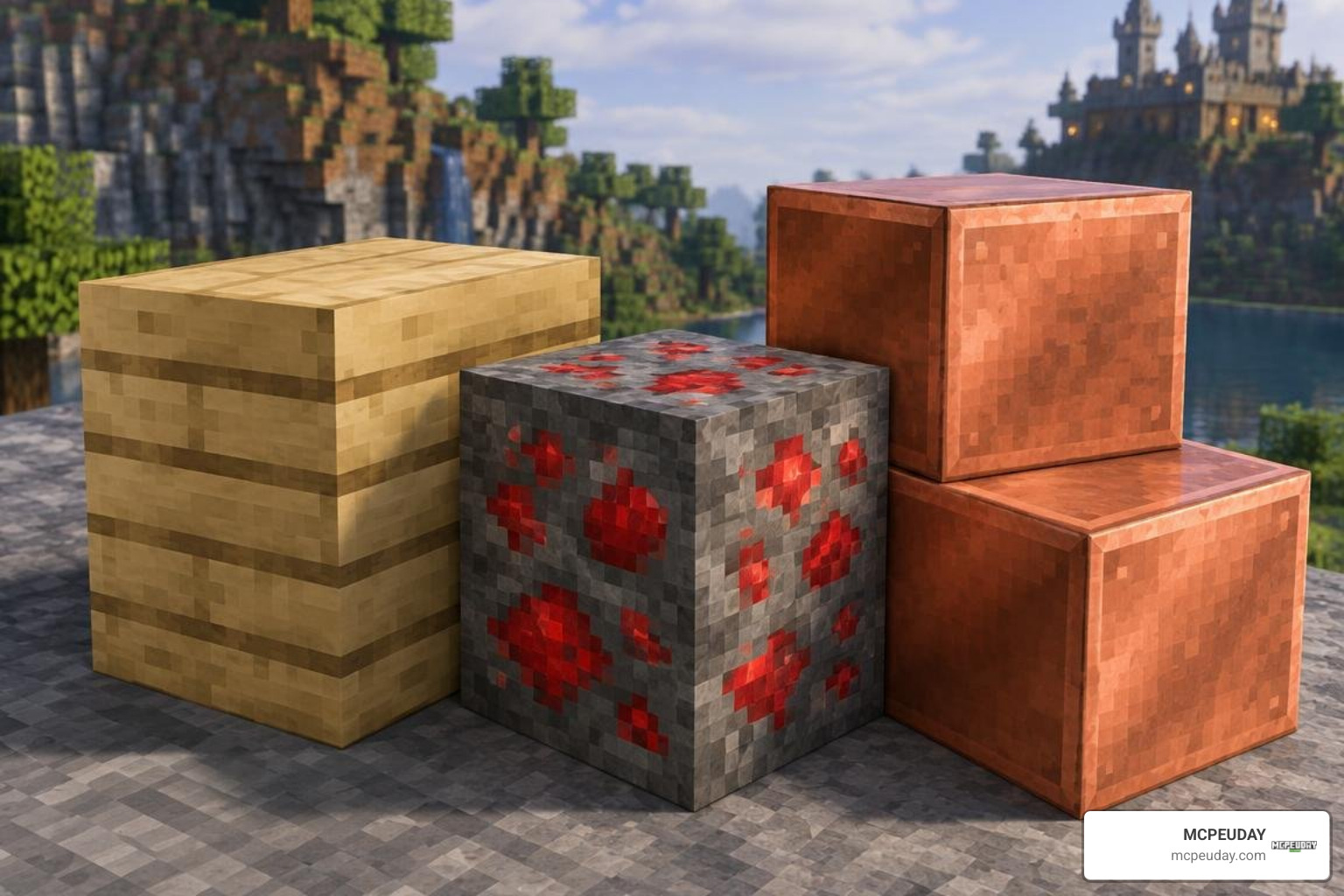
The project has seen continuous improvements focused on both artistic refinement and technical performance. In update v0.19.6 alone, over 200 new textures were integrated into the Bedrock ecosystem. These updates go far beyond standard cobblestone and granite blocks, touching nearly every facet of world generation and decorative construction.
Recent versions introduce:
- Poplar Wood Variants: Custom wood planks, logs, and seasonal leaf tones designed to blend seamlessly with rustic stone walls.
- Cinnabar and Sulfur Elements: Striking decorative and ore block variants with distinct color palettes that make subterranean mining visually thrilling.
- Copper Overhaul: Weathered, oxidized, and cut copper blocks featuring realistic patina patterns, along with updated copper item icons.
- Cushions and Decorative Details: Cozy interior touches and customized map icons for improved world navigation.
- PNG Optimization: A dedicated compression overhaul in v0.18.17 trimmed more than 3.6 MB from the pack size without losing visual clarity, significantly speeding up chunk loading on mobile devices.
Block States and Bedrock Geometry Integration
To make custom stone variants behave correctly inside Bedrock’s rendering engine, creators rely on Bedrock’s native JSON architecture. Rather than relying on rigid Java code, Bedrock processes blocks through predefined geometry definitions and block states.
As outlined in the Bedrock Addons Documentation, elements such as boxes, faces, explicit UV mapping, and block state parameters (like integer ranges from 0 to 15 or orientation states) determine how light reflects and textures align across neighboring surfaces. This structured implementation ensures that custom stone steps, pillars, and carved masonry connect smoothly without flickering textures or stretching across corner blocks, maintaining complete visual consistency across diverse angles and lighting environments.
Step-by-Step Guide: How to Download and Install the Addon
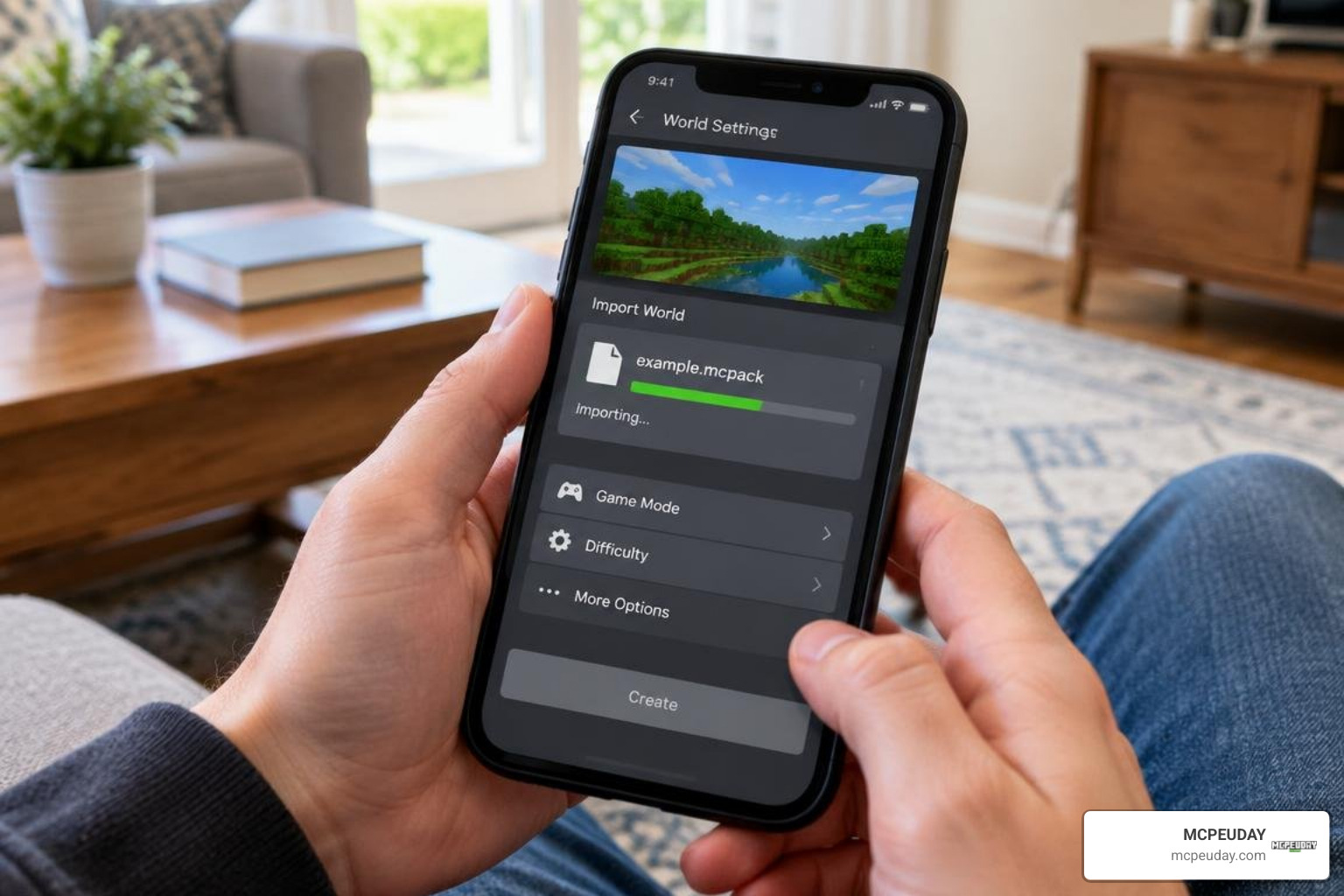
Installing community creations on Bedrock Edition is simpler than ever thanks to automated archive formats. Follow these straightforward steps to get your pack working on any device:
- Download the Pack File: Obtain the latest
.mcpackor.mcaddonfile for your version of Minecraft. - Open with Minecraft:
- On Android / iOS, tap the downloaded file directly from your browser or file manager and select Minecraft to import automatically.
- On Windows PC, double-click the
.mcpackor.mcaddonfile. Minecraft will launch and display an “Import Started” notification at the top of the screen.
- Wait for Successful Import: A message saying “Successfully imported” will appear once Minecraft finishes caching the texture assets.
- Activate in World Settings:
- Navigate to your world list and click the Edit (Pencil) icon next to your desired world.
- Scroll down to the Resource Packs tab on the left menu.
- Select Available, find the legacy stone pack, and click Activate.
- Launch Your World: Enter the game and enjoy your transformed medieval landscapes!
How to Install the Legacy Stone Addon for Minecraft PE/Bedrock on Mobile and PC
If you are using a compressed .zip archive instead of a one-click .mcpack file, manual installation is just as easy:
- For Windows: Press
Win + R, type%localappdata%\Packages\Microsoft.MinecraftUWP_8wekyb3d8bbwe\LocalState\games\com.mojang\resource_packs, and paste the unzipped folder there. - For Mobile: Use a mobile file manager to place the unzipped folder inside
games/com.mojang/resource_packs(or your device’s scoped storage Minecraft directory). - Manage Texture Priorities: If you run multiple packs simultaneously, ensure your stone pack sits near the top of your Active Packs list in global or world settings so its textures take precedence over baseline vanilla assets.
- Safety First: Always make a world backup before applying new behavior or resource modifications to preserve your survival progress against unexpected file corruption.
Compatibility, Performance, and Pairing with Other Bedrock Mods
A major benefit of modern Bedrock resource packs is their lightweight footprint and clean compatibility. Because pure texture overhauls do not alter root files like player.json, you can safely run them alongside gameplay expansions.
For instance, if you want an extensive survival expansion, pairing these stone aesthetics with the Verity Bedrock Edition Addon brings new life to your biomes and structures. If you are keeping up with recent game patches, combining the pack with the Verity BE Addon 26.x update delivers balanced world progression while preserving an immersive medieval look across newly introduced blocks and items.
It also pairs seamlessly with weapon and tool progression packs, such as those adding ores like cobalt, lead, tin, or Nether-exclusive brimstone. Because the legacy stone pack focuses on environment fidelity and optimized PNGs, memory overhead remains minimal even when multiple mods run together on low-end phones and tablets during demanding multiplayer sessions.
Frequently Asked Questions About the Addon
Does the Legacy Stone pack require experimental gameplay toggles?
No. Standard resource and texture packs do not require experimental toggles in your world settings. You can apply them directly to standard survival worlds, Realms, or multiplayer servers without disabling Xbox achievements or altering vanilla core behavior.
How much storage space does the pack require after optimization?
Thanks to advanced PNG compression updates that reduced raw file sizes by several megabytes, the installed pack generally requires between 30 MB and 80 MB of storage space, depending on the exact texture resolution and bundle options you select for your client.
Can I use this addon alongside custom weapon and progression mods?
Yes! Since the pack focuses on blocks, environment textures, and UI elements without modifying entity interaction files like player.json, it coexists cleanly with weapon mods, magic packs, and custom creature add-ons. Simply arrange your load order in world settings to avoid recipe or item UI conflicts, ensuring that texture definitions load without overlapping priority errors.
Conclusion
Upgrading your visual environment makes building, exploring, and surviving far more rewarding. With its rich architectural textures, optimized performance, and seamless compatibility across mobile, console, and PC, this add-on brings timeless medieval charm to your Bedrock worlds. Whether erecting towering bastions or exploring dark cavern networks, every block gains character and history.
If you are looking for more quality-tested mods, shaders, skins, and guides to expand your game, explore our extensive curated Bedrock addons catalogue to discover your next Minecraft adventure!
