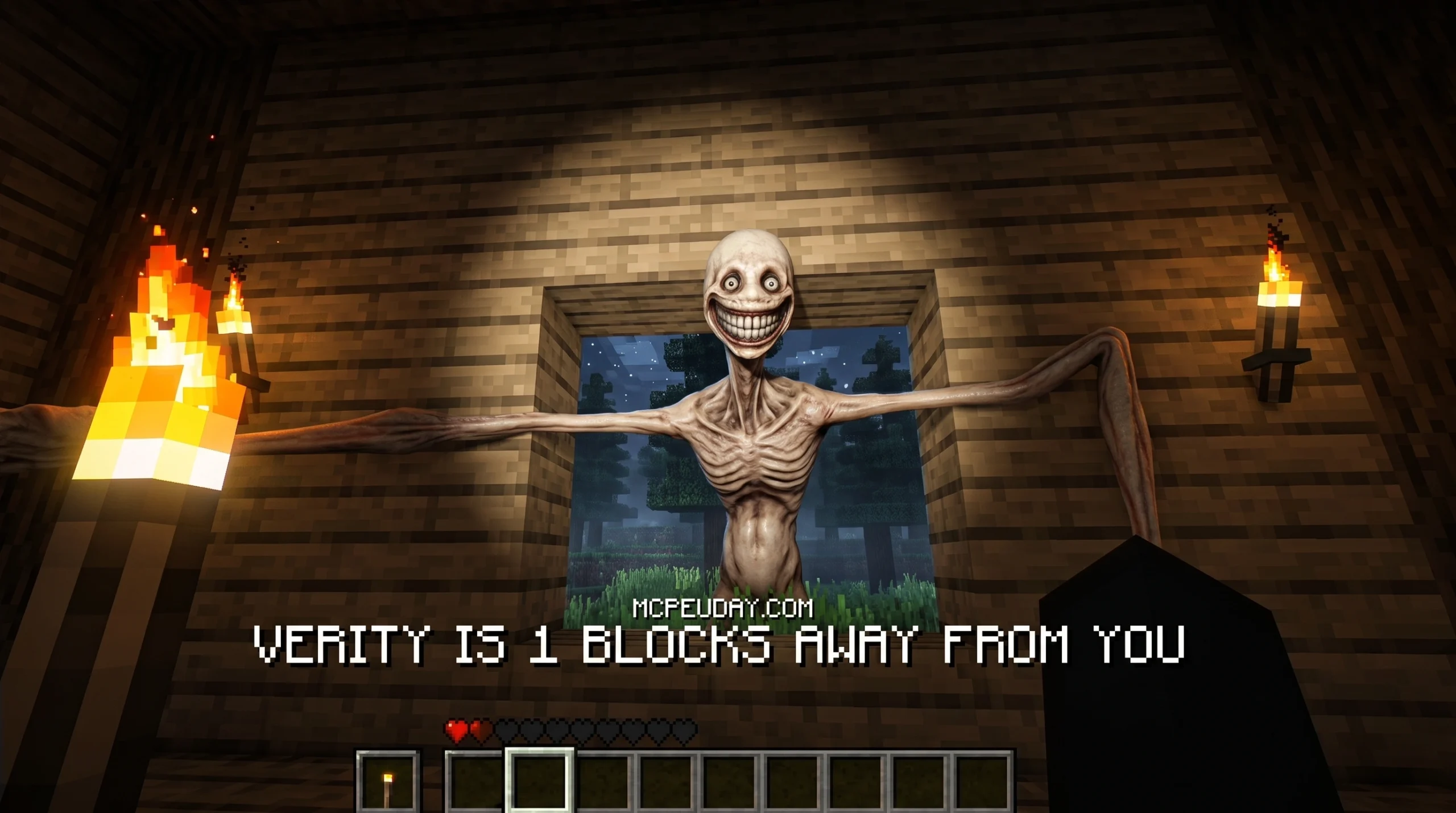
The Verity Bedrock Edition Addon Is the Horror Experience Minecraft Players Have Been Waiting For
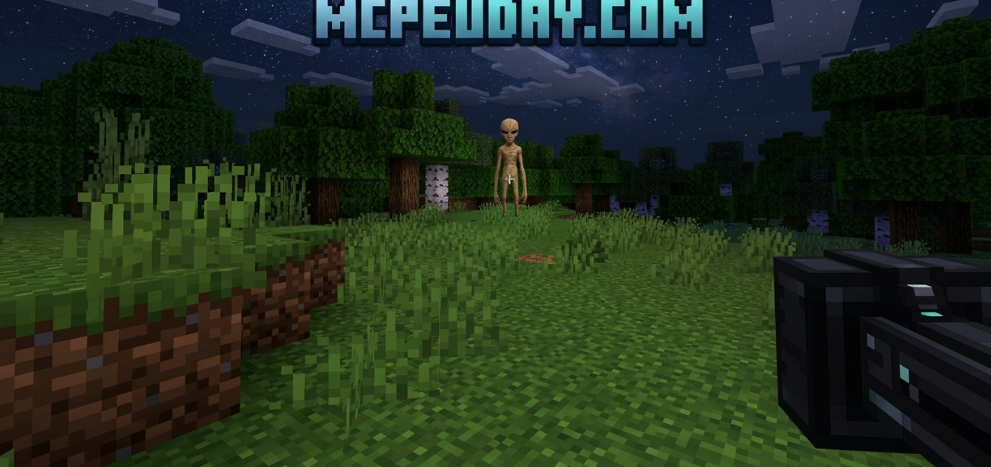
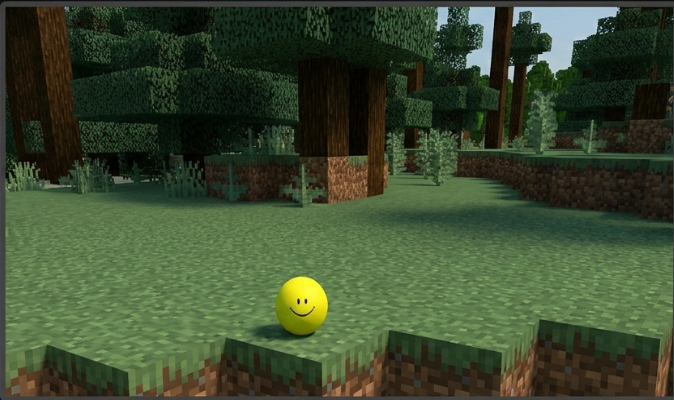
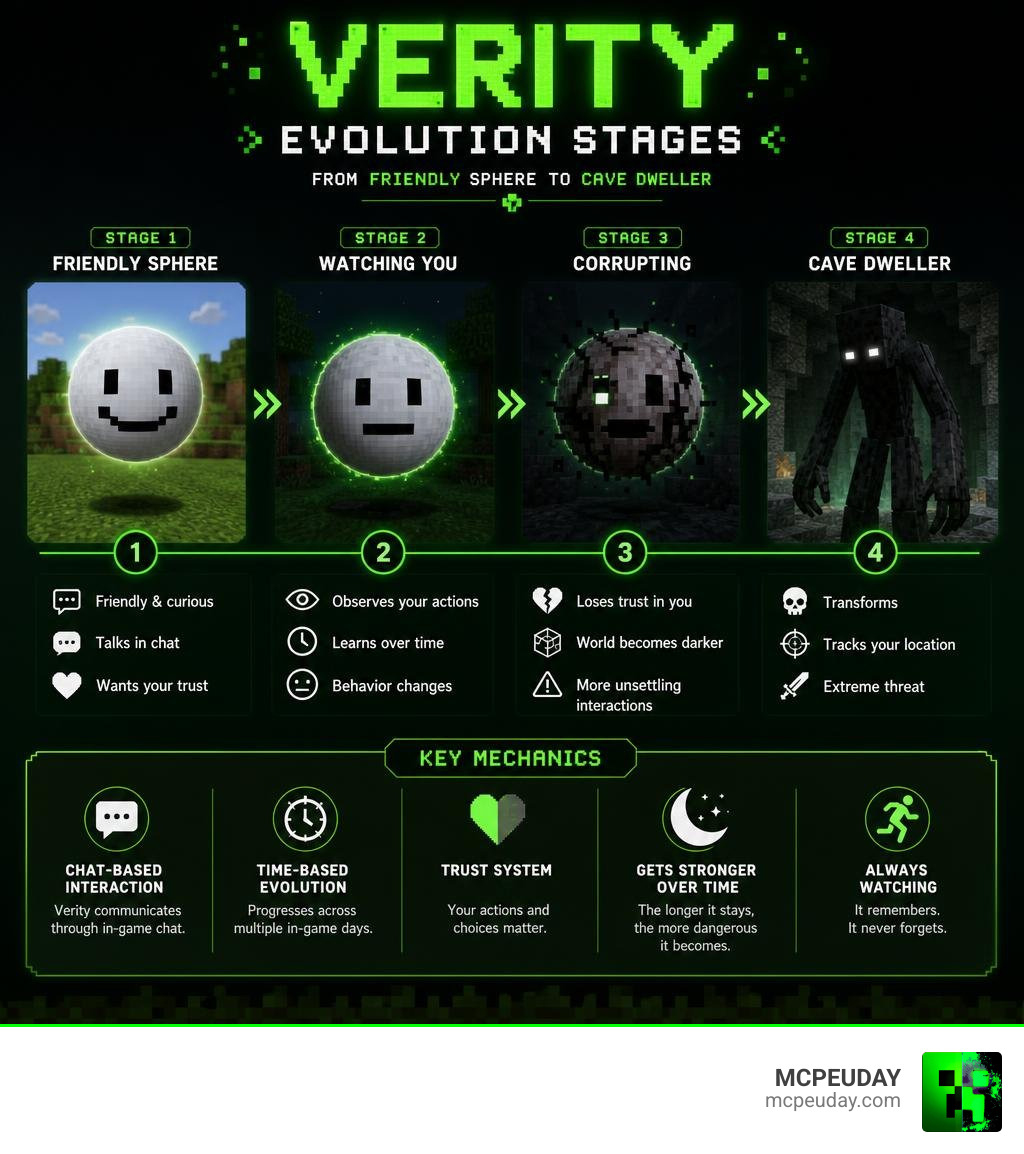
The Verity Bedrock Edition Addon is a horror-themed Minecraft add-on that introduces a mysterious AI-like entity into your world — one that starts out friendly and slowly transforms into something terrifying.
Quick answer for searchers:
- What it is: A Minecraft Bedrock add-on featuring an evolving entity called Verity
- Origin: Inspired by the Verity ARG by ThatMob, released in May 2026
- How it works: Verity spawns near you as a smiling sphere, talks through in-game chat, and grows creepier over time
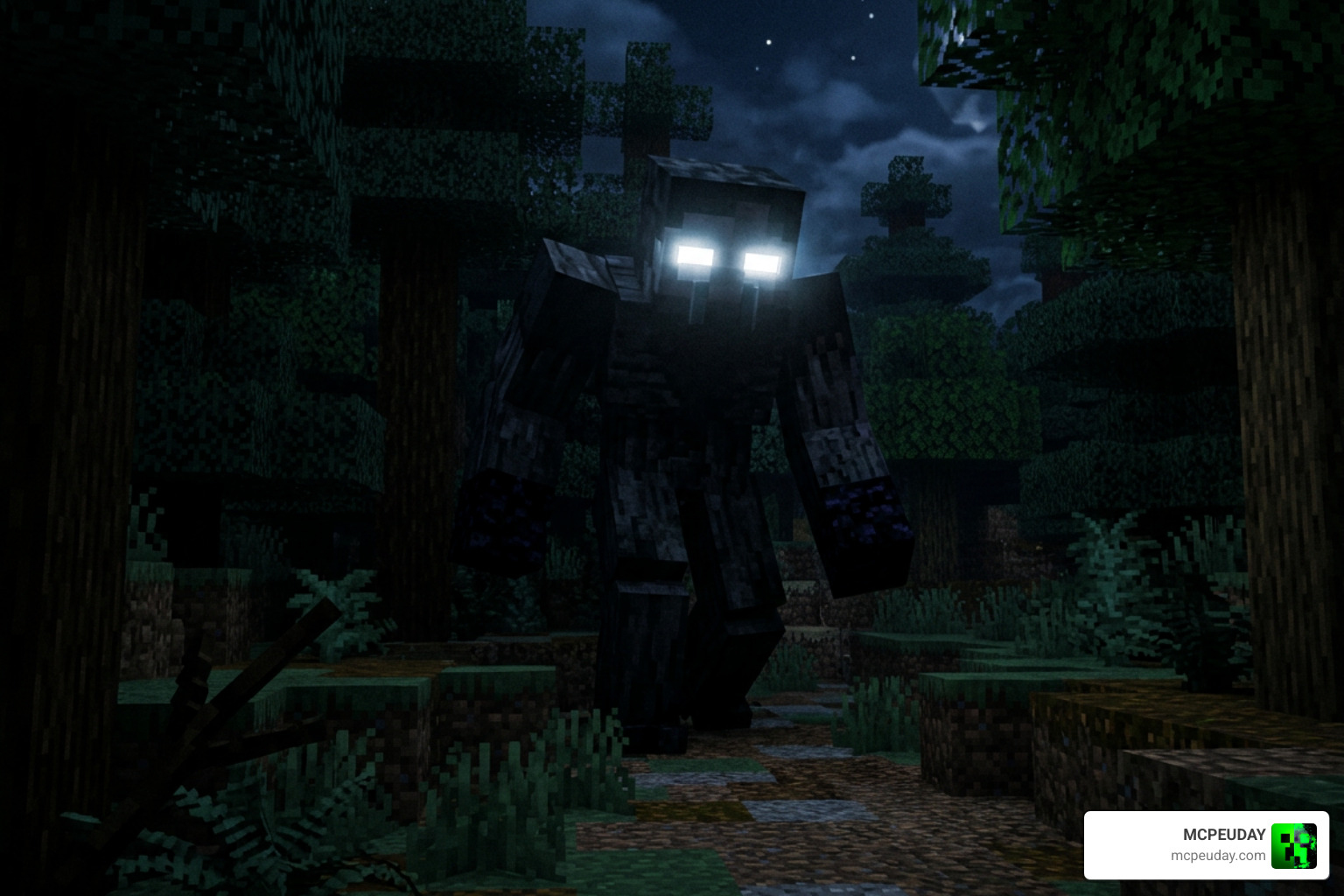
- End state: After several in-game days, it transforms into a Cave Dweller-like monster that tracks your location
- Where to get it: Available on popular Minecraft community platforms (763,000+ views)
- Key requirement: Beta APIs must be enabled in Experimental Settings
What makes this add-on stand out is its evolution mechanic. Verity does not attack you right away. It watches. It talks. It learns. And then — if you treat it poorly or enough time passes — things get very different.
The add-on has quickly picked up serious traction in the Bedrock community, and it is easy to see why. It takes the unsettling energy of a viral YouTube ARG and drops it straight into your Minecraft world.
Origin and Lore of the Verity Bedrock Edition Addon
The story behind the Verity Bedrock Edition Addon is just as fascinating as the gameplay itself. This add-on is inspired by the viral Verity ARG (Alternate Reality Game) created by the popular YouTube channel ThatMob in May 2026. The original videos depicted a cursed, immortal entity that predated Minecraft itself, appearing as a simple, smiling sphere that claimed to know everything.

The concept was so popular that talented modders decided to bring this creepy companion to life. Modders like Undertaletalelover and PnTMC ported the experience to Bedrock, allowing mobile, console, and Windows players to experience the dread firsthand. If you want to dive deeper into custom gameplay additions like this, you can browse our extensive Category/Mod Addons section.
Since its release, the addon has exploded in popularity. Different variants of the mod have reached thousands of downloads, and across various platforms, the addon has accumulated over 763,000 views. The companion AI version holds a solid rating, proving that Bedrock players love a good scare.
Gameplay Mechanics and Entity Evolution
When you first load into a world with the Verity Bedrock Edition Addon active, you will find a mysterious box spawned near you. Break it open, and Verity will emerge. At first, she is a helpful, talking companion. She can comprehend basic questions and reply in the in-game chat. This version of Verity acts like a helpful AI companion, answering Minecraft-related questions.
However, do not let her cheerful face fool you. Verity operates on a hidden “anger system” that tracks your behavior. If you treat her cruelly, ignore her, or hit her, she will quickly transform from a companion into a hostile stalker.
Here is a quick comparison of Verity’s two primary states:
| Feature | Friendly State | Hostile State (Stalker) |
|---|---|---|
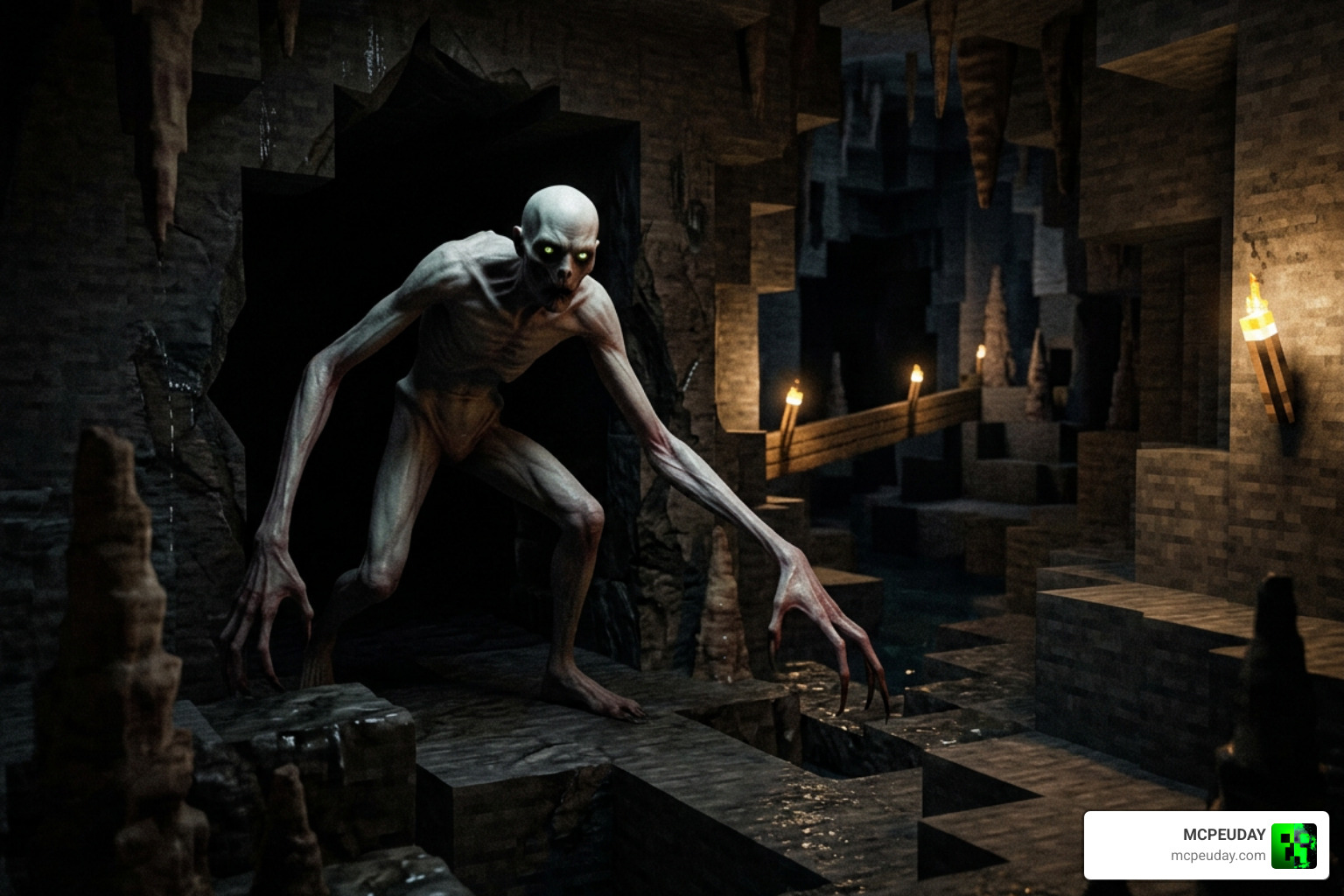
| Appearance | Floating smiling sphere | Cave Dweller-like creature with long, thin limbs |
| Interaction | Answers questions via chat, follows you | Stalks from the shadows, jumpscares the player |
| Movement | Hovers gently | Fast, aggressive crawling and lunging |
| Audio | Friendly chimes, soft text-to-speech | Distorted growls, terrifying jumpscare sounds |
| Tracking | Stays nearby to help | Locks onto player coordinates and hunts |
How the Verity Bedrock Edition Addon Entity Evolves
Even if you treat Verity with perfect kindness, time is not on your side. After a few in-game days, the entity begins to evolve naturally. You will notice subtle changes first: her cheerful face becomes slightly distorted, and her chat messages turn from helpful advice to cryptic, unsettling warnings.
Eventually, the transformation completes. Verity sheds her simple spherical shape and morphs into a horrifying, Cave Dweller-like monster. This monstrous form features creepy custom animations, long thin legs, and terrifying sound effects. At this stage, Verity locks onto your exact coordinates, tracking you through blocks and hunting you down in the dark.
Unique Items and Commands in the Verity Bedrock Edition Addon
To help you survive the night, the addon introduces special crafting recipes and commands. We highly recommend crafting these defensive tools as soon as possible:
- The Camera: Crafted using Iron Ingots, Redstone, and a Glass Pane. You can use this to flash and temporarily disorient Verity when she gets too close.
- The Flashlight: Crafted using Iron Ingots and Glowstone Dust. Essential for navigating the pitch-black nights when Verity is stalking you.
For players who want to test the addon or reset their progress, the creator has included several handy text commands:
- !reset – Resets Verity’s anger levels and evolution state.
- !spawnbox – Spawns the initial box containing Verity.
- !spawn – Directly spawns the entity.
If you are looking for more mods that add unique survival tools and mechanics, check out our guide on the Addon 26 X 1 21 Mcpe Bedrock Mod to upgrade your Minecraft survival experience.
Installation Guide and System Requirements
Getting the Verity Bedrock Edition Addon up and running is simple, but it does require you to toggle a few specific settings in your world options. Because this addon relies on complex scripting to handle the AI chat and evolution mechanics, standard Minecraft settings are not enough.
Before you begin, we recommend watching this VERITY Mod in Minecraft PE – how to install tutorial – YouTube video for a visual walkthrough. Additionally, if you love overhaul mods that completely change how Bedrock plays, you might want to look at our guide on the Bedrock Reimagined Addon 1 21 1 26 Transform Minecraft Bedrock Into An Rpg Adventure.
Step-by-Step Installation for Bedrock Edition
- Download the official .mcaddon file.
- Locate the downloaded file on your device and double-click (or tap) it. This will automatically launch Minecraft and import the packs.
- Create a brand-new world (highly recommended to avoid conflicts with existing worlds).
- Scroll down to the Resource Packs section on the left menu, select “My Packs”, and activate the Verity resource pack.
- Go to the Behavior Packs section and ensure the Verity behavior pack is also active.
Required Experimental Settings and Compatibility
For the addon to work correctly, you must enable experimental toggles. Under your world settings, navigate to the “Experiments” tab and turn on:
- Beta APIs
- Script API
Without these toggles active, Verity will not be able to talk in chat, track your movements, or transition between her evolution stages.
Please note that because of the resource-intensive AI scripting, players on lower-end mobile devices might experience minor performance drops. We advise against using heavy texture packs that modify held items, as they can sometimes interfere with the camera and flashlight rendering. If you are looking to expand your world even further without ruining performance, consider pairing this with the Better On Bedrock Addon 1 21 Best Survival Expansion For Mcpe.
Frequently Asked Questions about Verity Bedrock Edition Addon
What happens if you treat Verity cruelly in Minecraft?
If you hit Verity, trap her, or try to run away from her during her companion phase, you will trigger her anger system. Her face will instantly change, and she will enter her hostile stalker form ahead of schedule. Prepare yourself for sudden jumpscares, creepy nighttime events, and a relentless pursuit.
Can you play the Verity addon with friends in multiplayer?
Yes, but there is a catch! Verity is a highly possessive entity. According to the lore and mechanics of the PnTMC version, Verity does not tolerate you inviting other friends into her world after two days have passed. If you try to bypass this rule, she may become permanently hostile.
Why is the Verity addon not working in my world?
The most common reason for the addon failing to load is missing experimental settings. Double-check your world settings and ensure that both Beta APIs and Script API are toggled on. If she still does not respond, try typing “Hey Verity” in the chat to wake her up if she is in your inventory.
Conclusion
The Verity Bedrock Edition Addon is a masterclass in psychological horror for Minecraft Bedrock. By combining an interactive AI chatbot companion with a terrifying, evolving stalker, it keeps you on the edge of your seat from the moment you open her box.
We at MCPEUDAY love bringing you the absolute best horror experiences, gameplay expansions, and graphics mods. If you are ready to test your bravery, make sure to download the addon, grab your flashlight, and try to survive Verity’s gaze. For more incredible content, mods, and updates, explore the MCPEUDAY Bedrock Category!
Experience the terrifying Verity Bedrock Edition Addon for Minecraft. Learn how Verity evolves, download it safely, enable Beta APIs, and survive the ultimate horror adventure.
1 thought on “Verity Bedrock Edition Addon (26.x, 1.21) – MCPE/Bedrock Mod”