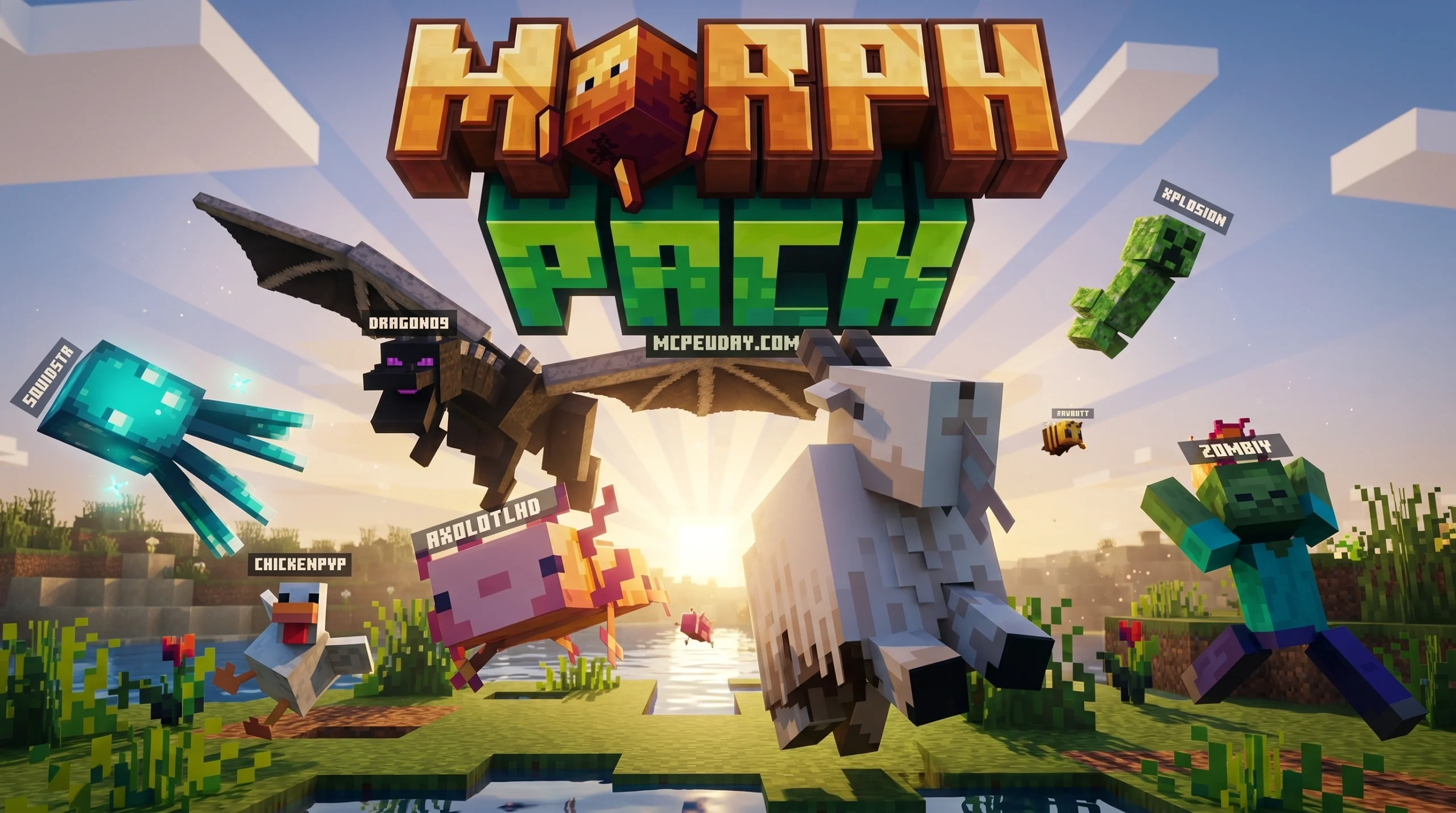
What the Morph Pack Addon Actually Does (And Why Players Love It)
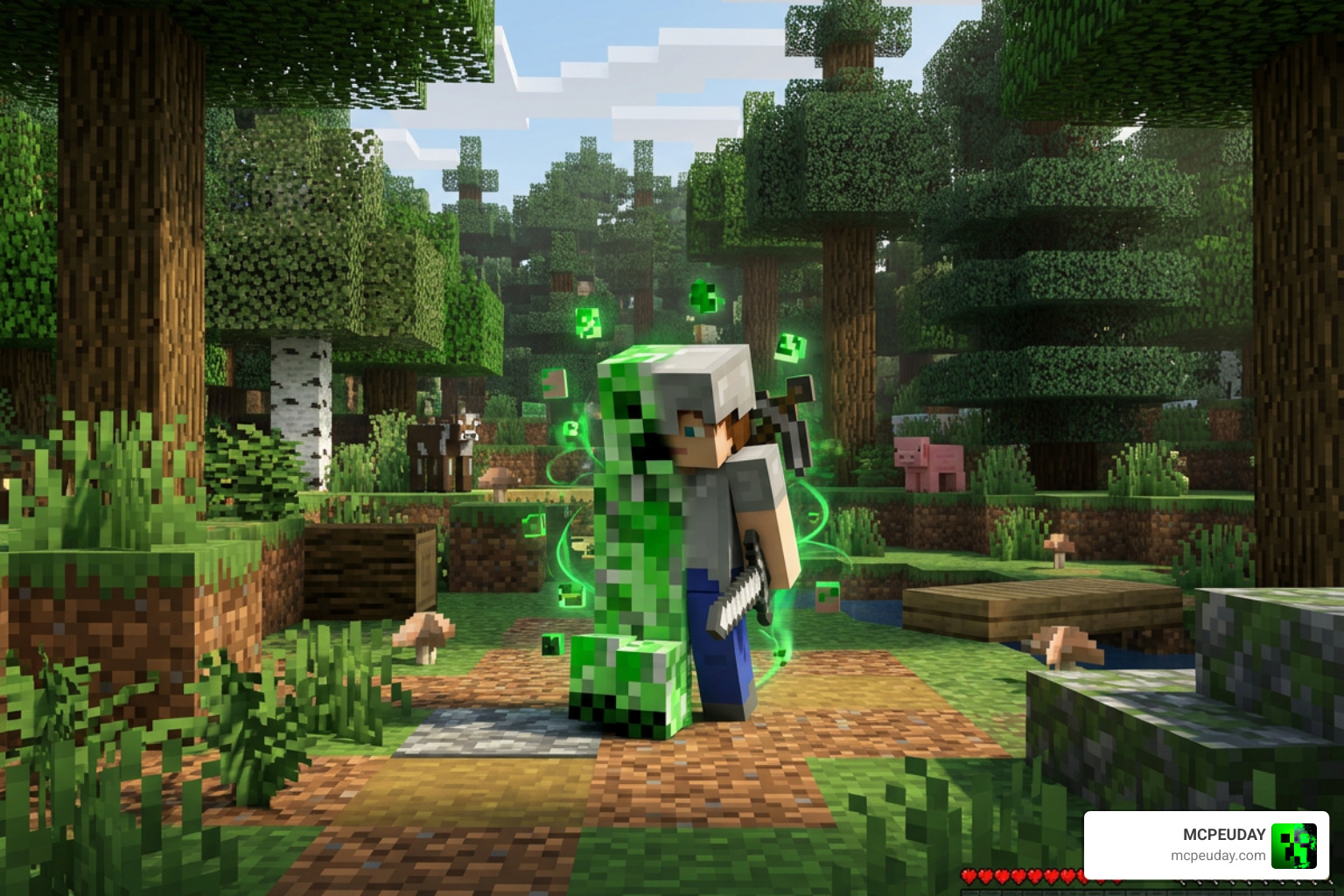
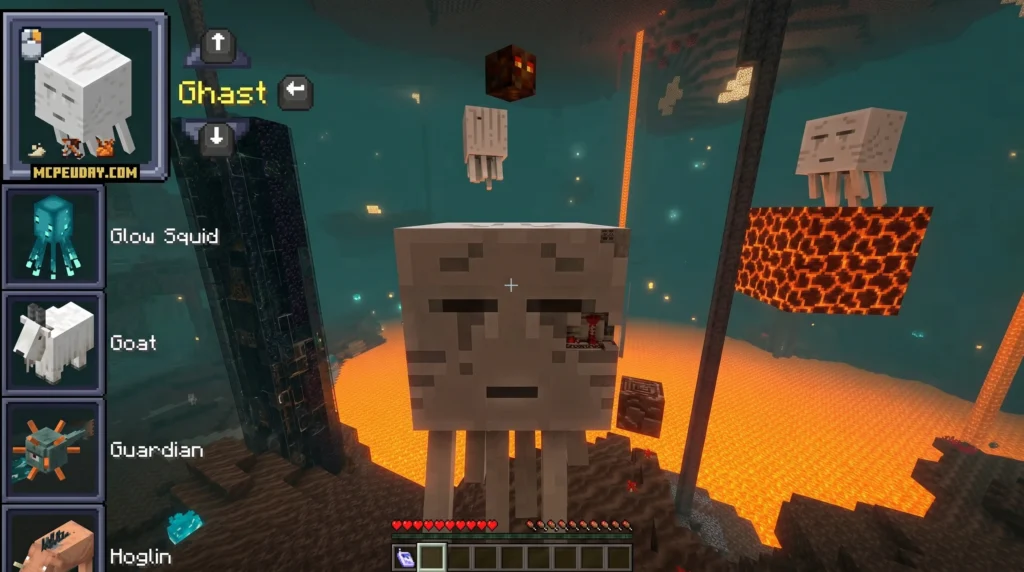
The Morph Pack Addon is a popular Minecraft Bedrock add-on that lets you transform into mobs — and use their abilities — right inside your world.
Quick answer:
- What it is: A Minecraft Bedrock add-on by Panascais, available on the Minecraft Marketplace for 990 Minecoins (~$5.19 USD)
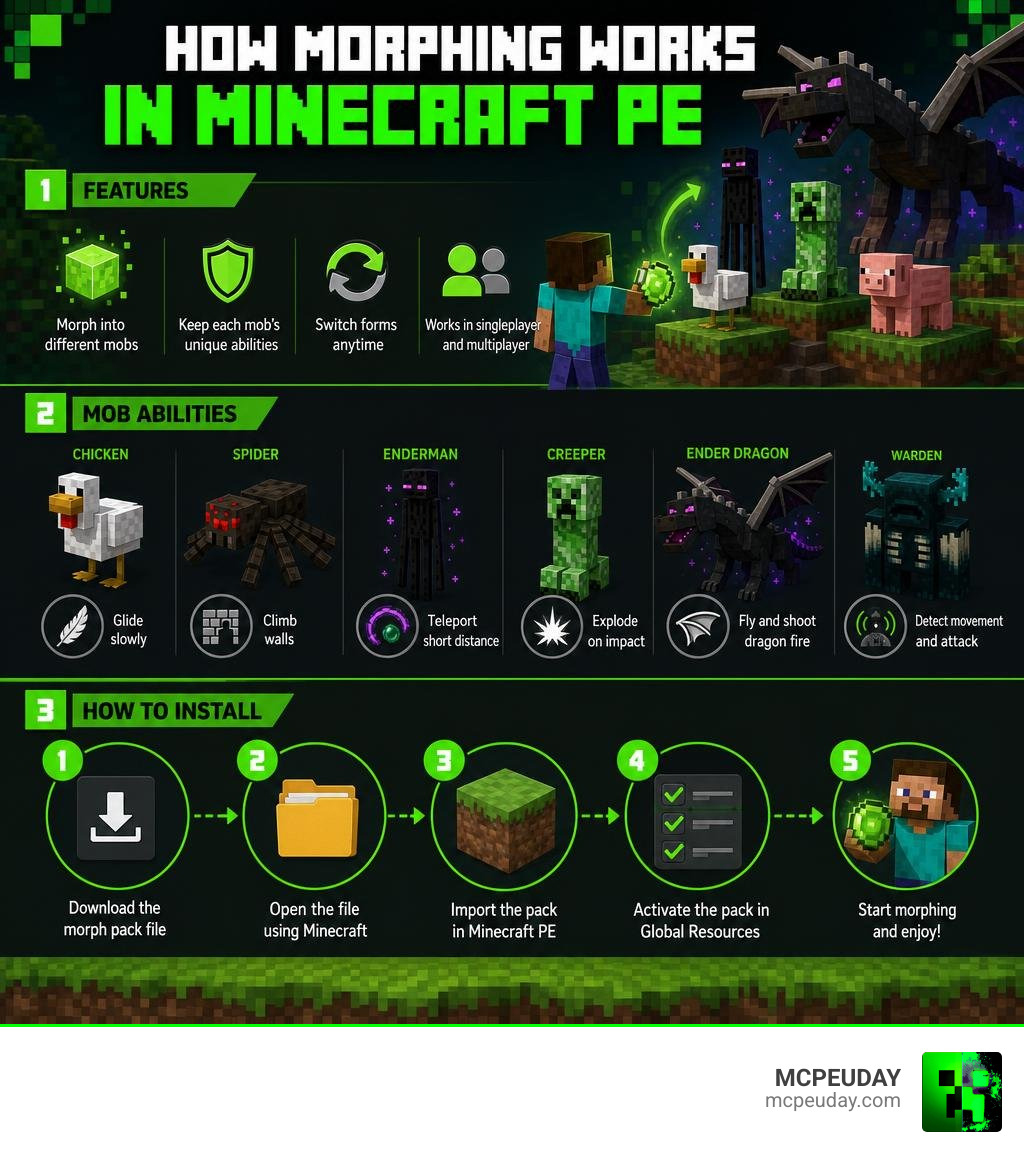
- What it does: Lets you morph into mobs like the Ender Dragon, Warden, Chicken, and more — each with unique abilities
- Who it’s for: Bedrock Edition players on any platform (mobile, console, PC)
- Minimum version: Minecraft Bedrock 1.16.0
- Rating: 4.1 out of 5 stars from over 17,600 ratings on the Minecraft Marketplace
Imagine flapping toward the Ender Dragon as a chicken — and somehow winning. That’s the kind of chaos the Morph Pack Addon makes possible.
It isn’t just a cosmetic skin swap. When you morph into a mob, you become that mob. You get its movement, its skills, and its quirks. Spiders can climb walls. Chickens can glide. The Ender Dragon can fly.
The add-on has racked up over 17,625 ratings on the Minecraft Marketplace and 1M+ downloads on Google Play — making it one of the most-played transformation add-ons for Bedrock Edition in 2026.
Whether you want to explore survival mode from a completely new perspective or just cause creative-mode chaos, this guide covers everything you need to know.
What is the Morph Pack Addon?
At its core, the Morph Pack Addon is a gameplay modification designed specifically for Minecraft PE (Pocket Edition) and Bedrock Edition. It changes how you interact with the world by allowing you to absorb the essence of defeated mobs and transform into them.
The most famous version is the official MORPH PACK by Panascais | CHUNK – Minecraft Bedrock Marketplace Explorer , which costs 990 Minecoins. However, there are alternative versions like the Morph: Add-On Edition by Pickaxe Studios | CHUNK – Minecraft Bedrock Marketplace Explorer available for 310 Minecoins, which is highly compatible with Minecraft Bedrock 1.20.60 and newer.
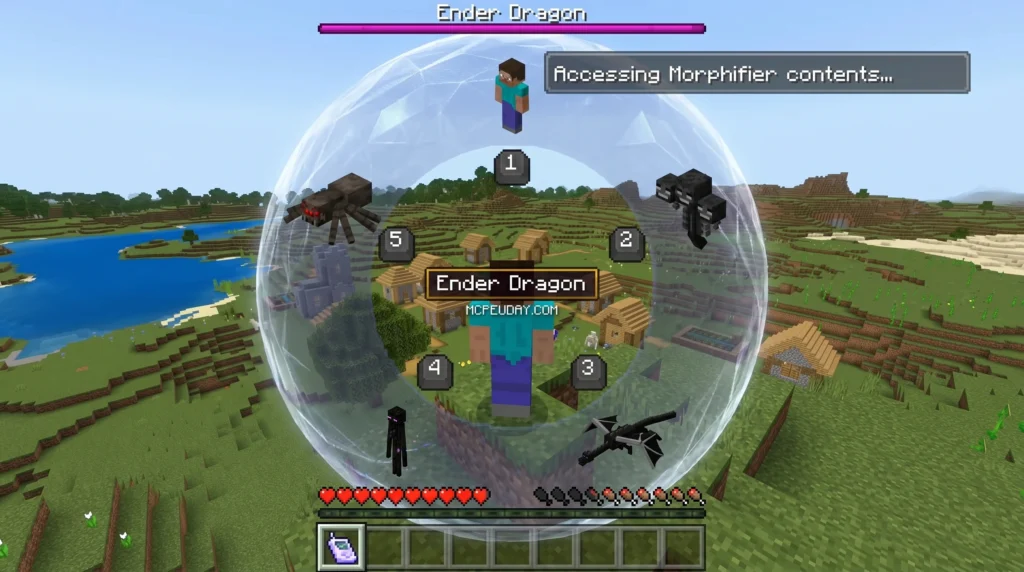
When you play in Survival Mode, you must hunt down and defeat mobs to unlock their forms. Once defeated, you use a special item called the Morphifier to claim their shape. To craft the Morphifier in survival mode, you typically need to gather specific materials such as gold ingots, redstone dust, and a soul sand block, combining them at a crafting table. This ensures that transforming isn’t too easy right from the start of your survival journey. If you prefer pure experimentation, Creative Mode lets you use commands like /summon to spawn any mob, instantly defeat it, and test its powers in custom battle arenas.
Key Features of the Morph Pack Addon
The addon is incredibly polished compared to older, buggy mods. Its key features include:
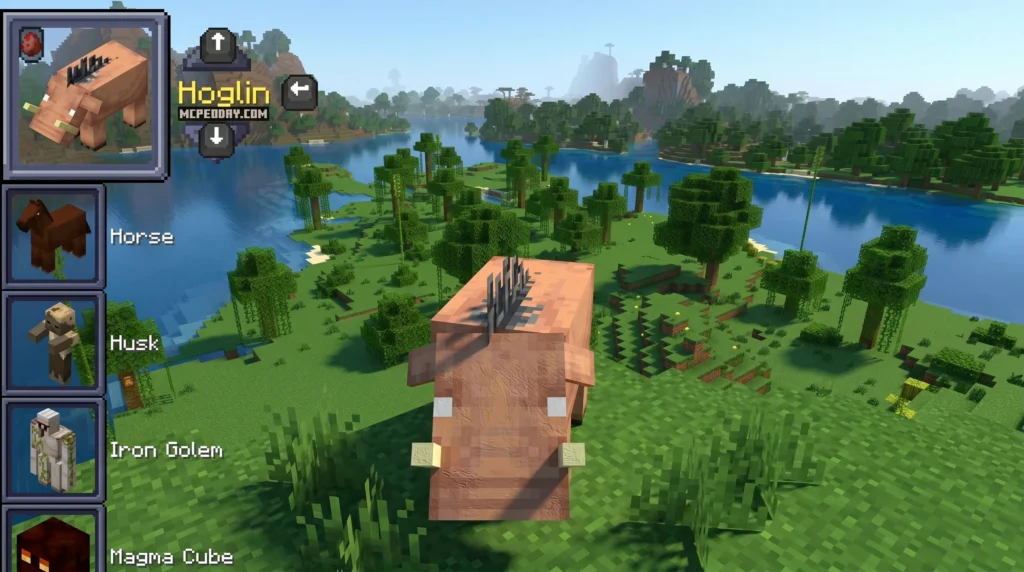
- Morph Menu: An easy-to-use in-game inventory UI that lists all your unlocked mob forms. The Morph Menu itself is beautifully integrated into the standard Bedrock UI. Instead of clunky chat commands, you get a clean, visual grid showing the 3D models of the mobs you have unlocked. You can scroll through them using your touch screen, controller, or mouse, making the transition seamless regardless of your platform.
- Favorites Menu: Allows you to bookmark your most-used transformations for quick access during intense combat or exploration.
- Custom Achievements: In-game challenges that reward you for experimenting with different mob forms and mastering their unique abilities.
- Special Mob Abilities: True-to-life powers like the Warden’s sonic boom, the Creeper’s explosion, or the Blaze’s fireballs.
- Multiplayer Support: Play with 1 to 99 players on Bedrock servers and local worlds, allowing for massive mob-versus-mob battles with your friends.
How to Install the Morph Pack Addon on Minecraft PE
Getting the addon up and running on your mobile device or console is straightforward. Follow these steps to install it:
- Download the Addon: You can purchase the official pack from the Minecraft Marketplace, or download community-curated packages directly from MCPEUDAY.
- Enable Experimental Settings: Before launching your world, go to World Settings and toggle on “Experimental Gameplay” (including Beta APIs and Holiday Creator Features). This is crucial for custom scripts to run. If you encounter issues where the morph menu does not appear, double-check that these toggles are active, as they allow the custom scripting engine to execute the morphing commands.
- Activate Packs: In your world settings, navigate to Resource Packs and Behavior Packs. Activate the Morph Pack in both sections.
- Launch and Play: Enter your world. To unlock the morph menu, you must interact with or defeat at least one mob first!
Core Features and Mob Abilities
Once you use your Morphifier to harvest a mob’s essence, you gain full access to its physical attributes and signature skills. This completely changes how you navigate the terrain, manage your oxygen, and fight hostile threats.
However, with great power comes great vulnerability. The addon perfectly balances these transformations by inheriting the natural weaknesses of each mob. For example, if you morph into an Enderman to teleport across gaps, you must avoid rain and water bodies at all costs, as they will rapidly drain your health. Similarly, morphing into a Zombie or Skeleton means you will burst into flames under direct sunlight unless you are wearing a helmet or standing under a protective canopy. This adds a deep layer of strategy to survival gameplay, forcing you to constantly switch forms depending on your environment.
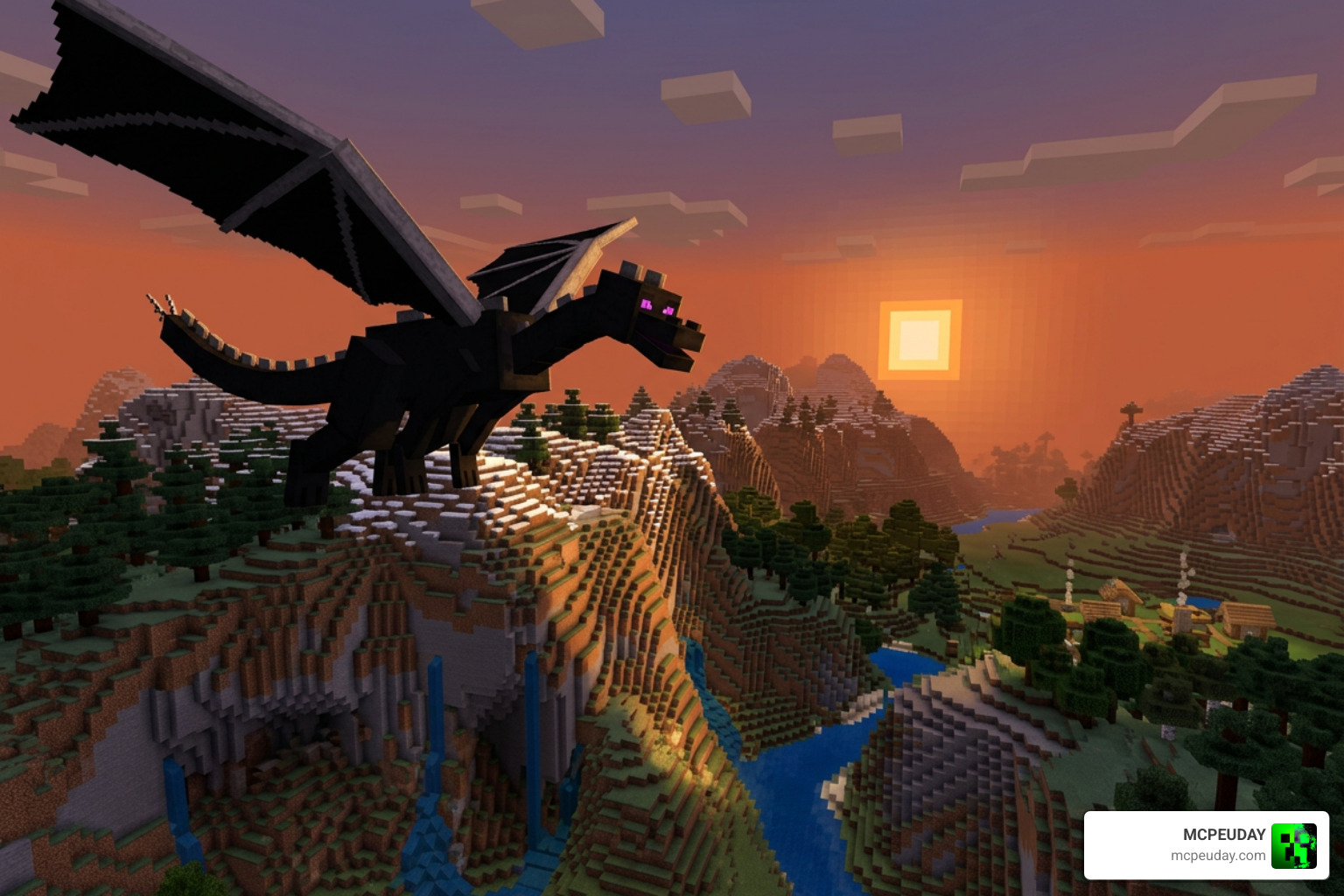
The Warden form, while incredibly slow, grants you an immense health pool and the ability to unleash a sonic boom that can penetrate solid blocks, making it perfect for clearing out underground caves. On the other hand, morphing into a tiny Axolotl or Squid allows you to explore deep ocean monuments without worrying about your oxygen bar, giving you a massive advantage when looting underwater ruins.
Here is a quick comparison of some of the most popular mob forms and what they offer:
| Mob Form | Movement Type | Special Abilities & Quirks |
|---|---|---|
| Chicken | Slow Falling / Gliding | Immune to fall damage; fits into 1-block spaces |
| Spider | Wall Climbing | Easily scale steep cliffs; moves quickly through webs |
| Creeper | Ground | Trigger a controlled explosion to blast away blocks |
| Ender Dragon | Infinite Flight | Fly freely across the sky; shoot destructive fireballs |
| Warden | Ground | Massive health pool; trigger a devastating sonic boom |
| Axolotl | Swimming | Breathe underwater; swim incredibly fast |
If you enjoy changing your character’s shape and model, you might also want to check out the Mob Girls Addon 26 X 1 21 Anime Style Mob Transformation For Mcpe or the alien-shifting action of the Ben 10 Addon 1 21 For Minecraft Pe.
Comparing Morph Pack Addon to Other Minecraft PE Mods
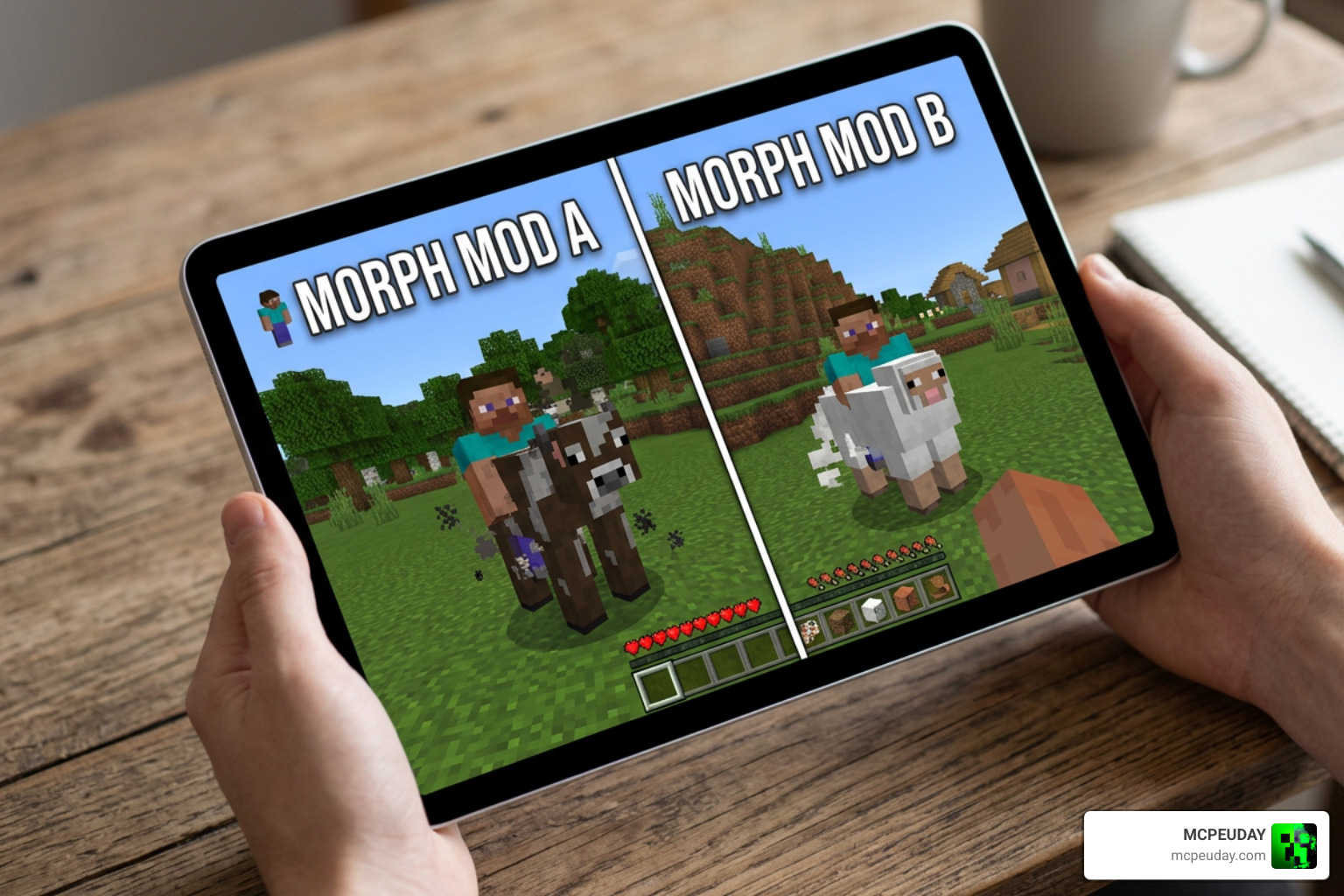
The Minecraft Bedrock ecosystem has several alternative options when it comes to transforming. While the Marketplace version is highly stable, many players opt for external mobile apps.
For example, the Morph Mod for Minecraft PE – Apps on Google Play has over 1 million downloads and aggregates multiple mods like Morph Plus and Morphing Bracelet. Similarly, iOS users often download the Morph Mod Addons for Minecraft – App Store – Apple to access quick-import tools.
When comparing these options, the main trade-off is between stability and customization. The official Marketplace addons are thoroughly tested and guaranteed to work without crashing your game client, even after major Minecraft updates. On the other hand, community-made mods like Morph Plus often offer a wider variety of custom mobs and unique abilities, but they may require manual updates and can occasionally break when Mojang releases a new patch. If you prefer a hassle-free experience, stick to the official marketplace or trusted .mcpack files from MCPEUDAY.
(Note: If you search for “Morph+” online, you might also find the Morph+ Professional Animation presets | BlenderKit . That this is a 3D animation tool for Blender creators and has nothing to do with Minecraft gameplay!)
If you want to completely overhaul your game beyond standard mobs, we recommend looking into total conversion addons. For instance, the Pokemon Revival Addon 1 26 1 21 Turn Minecraft Pe Into A Full Pokemon World adds hundreds of catchable creatures. If you are an anime fan, the Naruto Zenkai Addon 26 X 1 21 Download For Mcpe Bedrock and the One Piece Addon 26 X 1 21 Best Anime Mod For Minecraft Pe offer custom combat styles and legendary transformations that rival any mob ability.
Frequently Asked Questions about the Morph Pack Addon
Which Minecraft versions are compatible with the Morph Pack Addon?
The official Marketplace packs require a minimum of Minecraft Bedrock 1.16.0. However, the latest updates are fully optimized for Minecraft 1.20 and 1.21. If you are downloading community versions, always ensure you match the addon’s release version to your current game client to prevent UI crashes.
Is the Morph Pack Addon safe and legitimate to download?
Yes, the versions purchased directly through the Minecraft Marketplace are 100% safe, verified by Mojang, and do not track your data. If you use free third-party mobile apps, be careful. Some iOS apps require you to enable “keyboard allowances” in your settings, which can raise privacy concerns. Stick to trusted sources like MCPEUDAY to download direct .mcpack files safely without invasive permissions.
Can you use the Morph Pack Addon in multiplayer worlds?
Absolutely! The addon supports up to 99 players simultaneously. You can host a world, activate the behavior pack, and your friends will automatically download the required resources when joining. It is perfect for hide-and-seek minigames or co-op survival.
How do you revert back to your normal human form?
To change back to your original player skin (Steve or Alex), simply open the Morph Menu, scroll to the very top or bottom of your unlocked list, and select the “Player” option. This will instantly restore your default model, health pool, and standard movement speed without consuming any resources.
Do you keep your inventory and items when you morph?
Yes, you retain your entire inventory, hotbar items, and armor when you transform. However, depending on the mob form you choose, your armor might not be visible on your new 3D model. For instance, a chicken wearing netherite armor will still benefit from the defense points, but the armor texture will be hidden to maintain the visual immersion of being a chicken.
Can you morph into boss mobs like the Wither?
Yes, but you must first defeat them in survival mode to unlock their essence. Defeating the Wither or the Ender Dragon is no easy task, but once you do, you can use the Morphifier to claim their powers, allowing you to fly around your world and shoot wither skulls or dragon fireballs at will.
Conclusion
The Morph Pack Addon completely changes how you experience Minecraft Bedrock. Instead of just fighting the creatures of the dark, you can step into their shoes, scale walls as a spider, or rain down fire as the Ender Dragon.
If you are ready to test your newly acquired mob powers against the ultimate challenges, head over to our Best Minecraft Horror Mods Guide to find terrifying custom worlds where your transformation skills will truly be put to the test!
3 thoughts on “Morph Pack Addon (26.x, 1.21) – MCPE/Bedrock Mod”