Scroll down to D0vvnl0ad
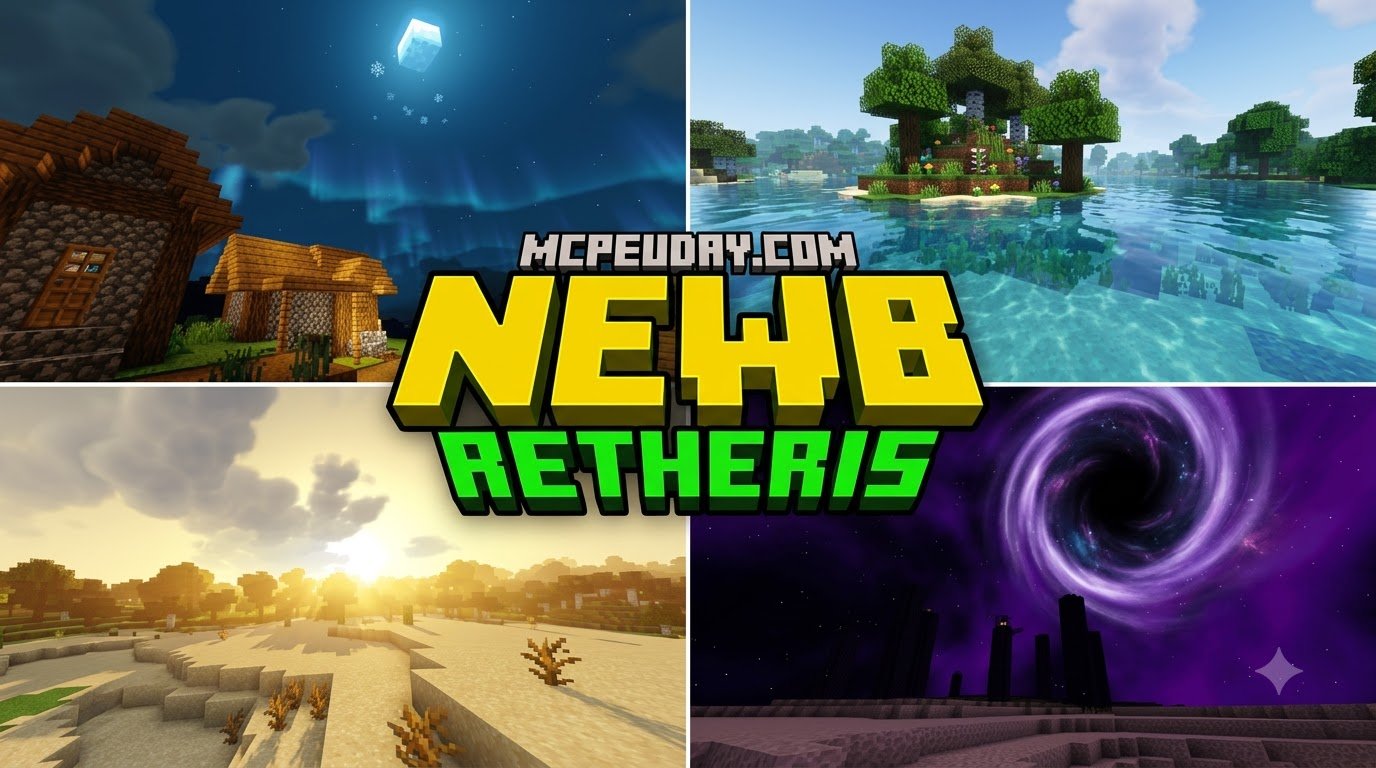
Newb Aetheris Shader For Minecraft PE/Bedrock: A Better-Looking World Without Heavy Lag
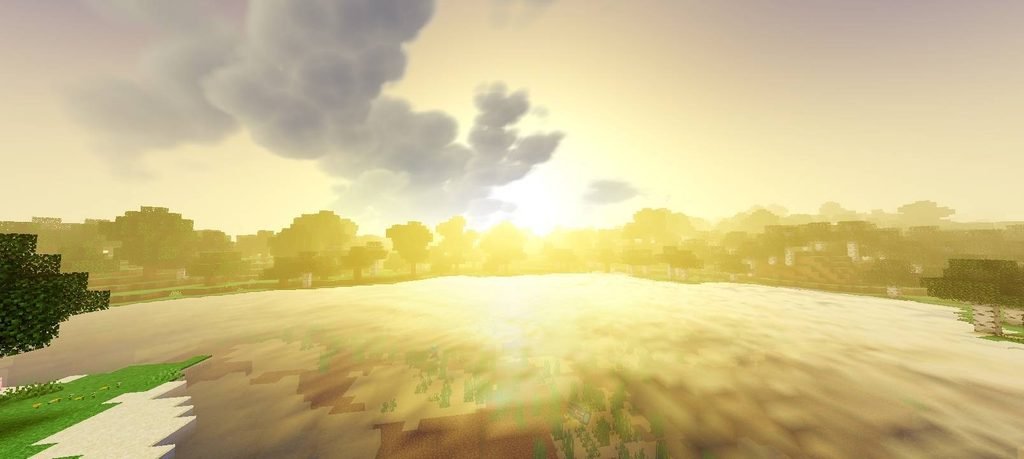
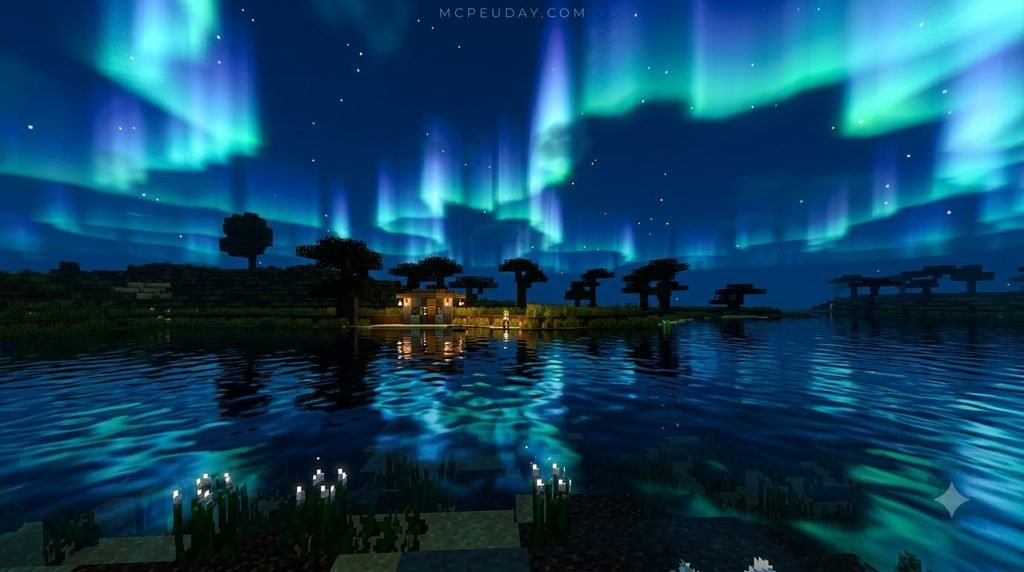
Newb Aetheris Shader For Minecraft PE/Bedrock is a lightweight visual pack for newer Bedrock releases that blends the clean style of Newb Shader with Aetheris-inspired color, sky, and lighting improvements. It is built for Minecraft Bedrock’s Render Dragon graphics system and is intended for version 26.40 or later.
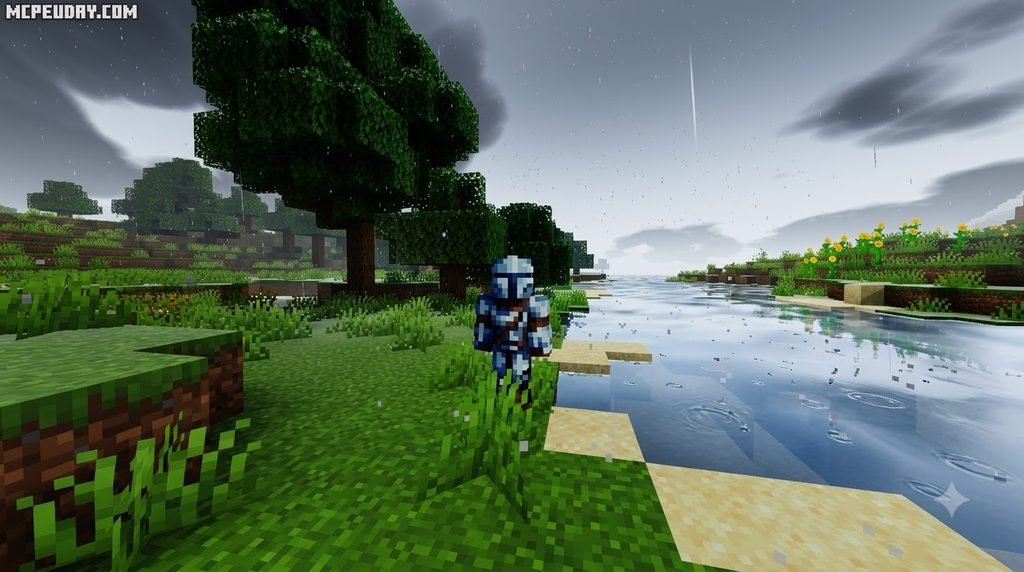
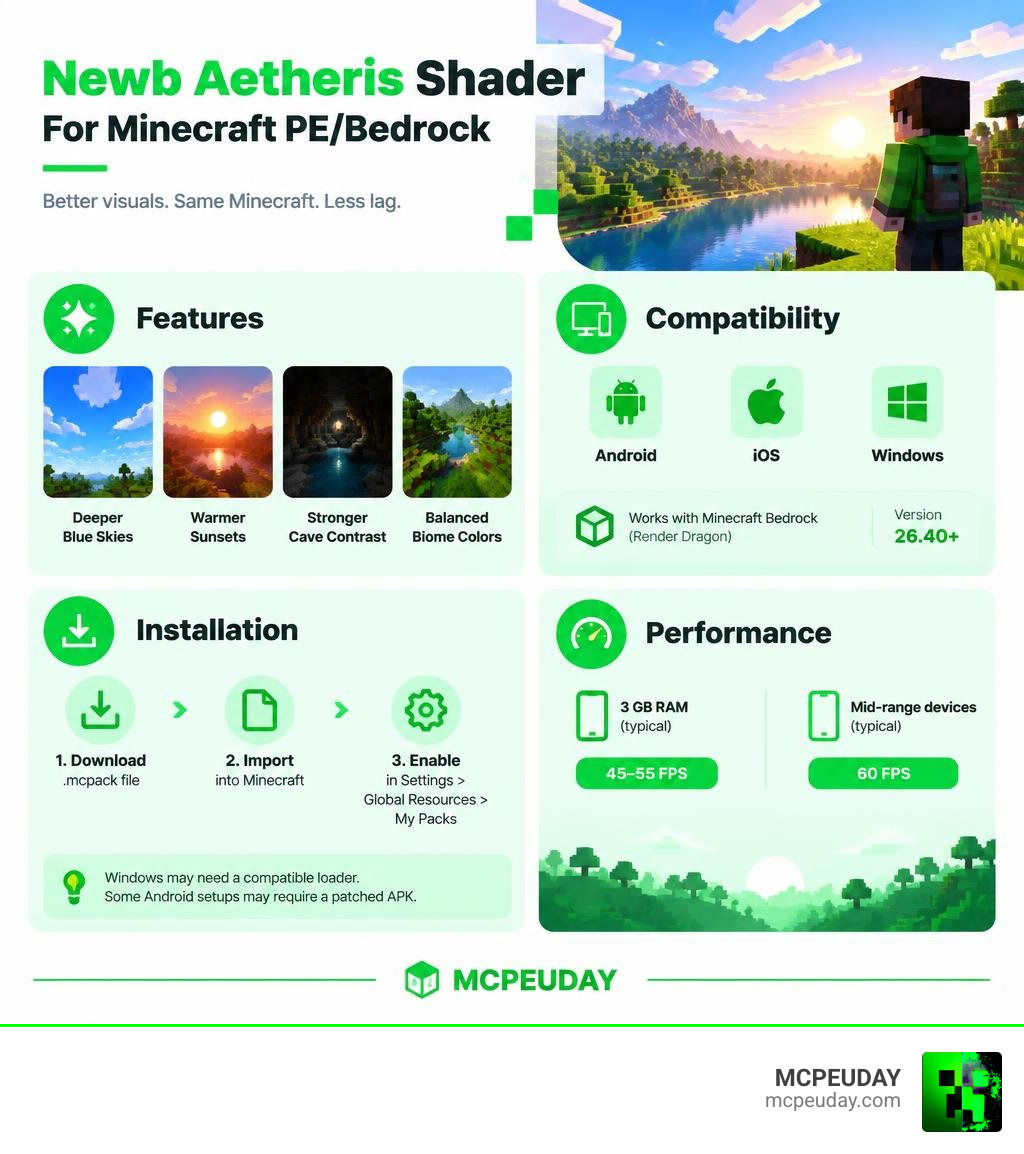
To get started, download the correct .mcpack build for Android, iOS, or Windows, import it into Minecraft, then enable it in Settings > Global Resources > My Packs. Windows players may also need a compatible loader, while some Android setups require a patched Minecraft APK.
Expect deeper blue skies, warmer sunsets, stronger cave contrast, and more balanced biome colors without turning Minecraft into a demanding PC-only graphics demo. On 3 GB RAM phones, comparable Aetheris visuals typically run around 45-55 FPS, while mid-range devices can often hold 60 FPS.
I’m UDAY GAMER, and next I’ll break down what this shader combines, which devices it supports, and whether it fits your Minecraft setup.
What is the Newb Aetheris Shader For Minecraft PE/Bedrock?
The shader pack is a hybrid visual upgrade designed specifically for Minecraft Bedrock Edition. It takes the solid foundation, lightweight rendering, and device customization of the legendary Newb Shader framework and infuses it with the rich, atmospheric color balancing of the Aetheris Visual style.
Instead of overwhelming your mobile processor with heavy ray tracing or bloated post-processing effects, this pack focuses on subtle, high-impact improvements. It runs seamlessly on the Render Dragon graphics pipeline across Minecraft 1.21 and newer 26.x package releases.
Here are the core rendering features included in the package:
- Custom tone mapping that boosts contrast without making nighttime unplayable.
- Dynamic color saturation tailored across lush jungles, dry badlands, and snowy tundras.
- Realistic light block emission for torches, lanterns, and glowstone.
- Enhanced atmospheric fog and depth rendering during varied weather conditions.
- Clean water shading with subtle reflections and clean underwater visibility.
If you are looking to download the package or browse other visual options, you can explore our complete collection of shaders curated for every performance tier.
Core Visual Enhancements in Newb Aetheris Shader For Minecraft PE/Bedrock
The standout feature of this shader is its stunning sky system. During the daytime, the horizon transitions into a vibrant, deep blue that replaces the washed-out vanilla appearance. As evening approaches, the sky shifts into warm golden hour tones, filling horizons with soft yellow and orange gradients.
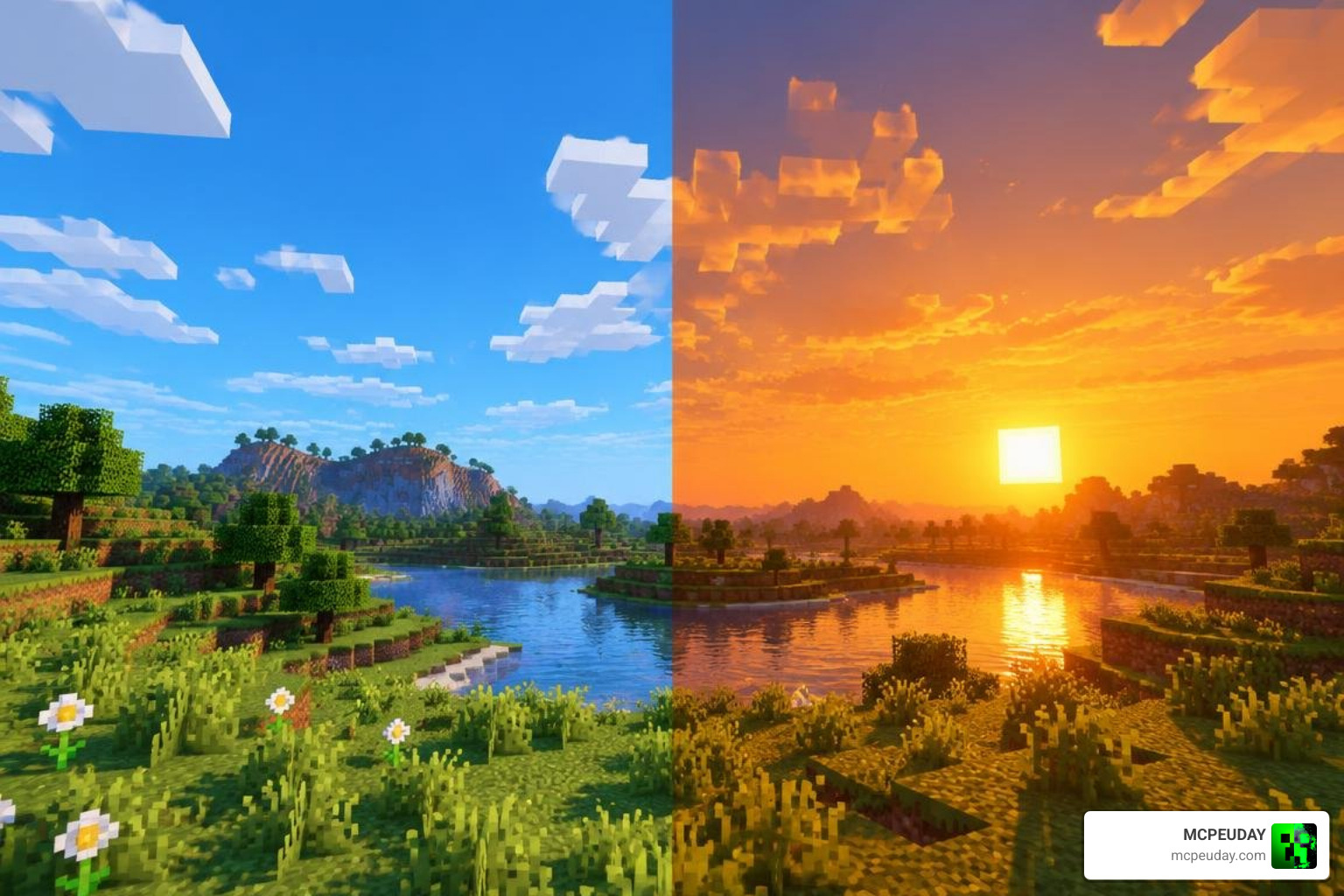
Beyond skyboxes, the shader implements subtle Physically Based Rendering (PBR) principles. Surface textures react naturally to light sources, giving stone, wood, and ores a tactile presence. Cave systems gain deep atmospheric contrast, making underground exploration feel genuinely mysterious without forcing you to place torches every two blocks just to see your feet.
Rendering Engine and Platform Support
Because Bedrock transitioned fully to the Render Dragon architecture, older shader formats are obsolete. This shader is built from the ground up for modern engine builds, requiring Minecraft version 26.40 or higher.
The shader is packaged in multiple tailored versions to suit different operating systems:
- Multiplatform bundle: 8.05 MB
- Android standalone package: 1.55 MB
- Windows standalone package: 2.58 MB
- iOS standalone package: 1.50 MB
Whether you play on a budget Android phone, an iPad, or a high-end Windows PC, the assets are optimized specifically for that device’s native graphics API.
Performance Benchmarks and Visual Comparison
With a strong 4.3 out of 5 community rating, this shader setup is renowned for delivering top-tier aesthetics while protecting your frame rates. Many shaders crash mobile devices or cause heavy thermal throttling after just twenty minutes of play. In contrast, this pack balances GPU load so you can enjoy sustained multiplayer sessions or long building projects without lag spikes.
| Device Tier | Hardware Specs | Vanilla 1.21 FPS | Newb Aetheris FPS | Visual Quality Impact |
|---|---|---|---|---|
| Low-End Mobile | 3 GB RAM, Quad-Core CPU | 50–60 FPS | 45–55 FPS | Rich colors, enhanced lighting, smooth gameplay |
| Mid-Range Mobile | 6–8 GB RAM, Octa-Core CPU | 60 FPS | 60 FPS (Stable) | Full PBR materials, lush sky gradients, stable thermals |
| High-End PC / Console | Dedicated GPU (GTX/RTX/Radeon) | 120+ FPS | 120+ FPS (Max Cap) | Crisp atmospheric depth, smooth shadow cascading |
FPS Impact and Hardware Optimization
On budget mobile phones equipped with only 3 GB of RAM, the frame rate barely dips, shifting from a vanilla 50–60 FPS down to a very playable 45–55 FPS. Mid-range smartphones and tablets experience zero noticeable performance drops, locking comfortably at a stable 60 FPS.
On desktop hardware, you can easily maintain 120+ FPS at high render distances. Because the shader avoids unnecessary compute shaders, mobile battery drain remains minimal, preventing your phone from overheating during intense gameplay.
Comparing Atmosphere and Lighting Against Standard Shaders
Standard Bedrock shaders often make one of two mistakes: they are either too dark to navigate at night, or so oversaturated that biomes look artificial.
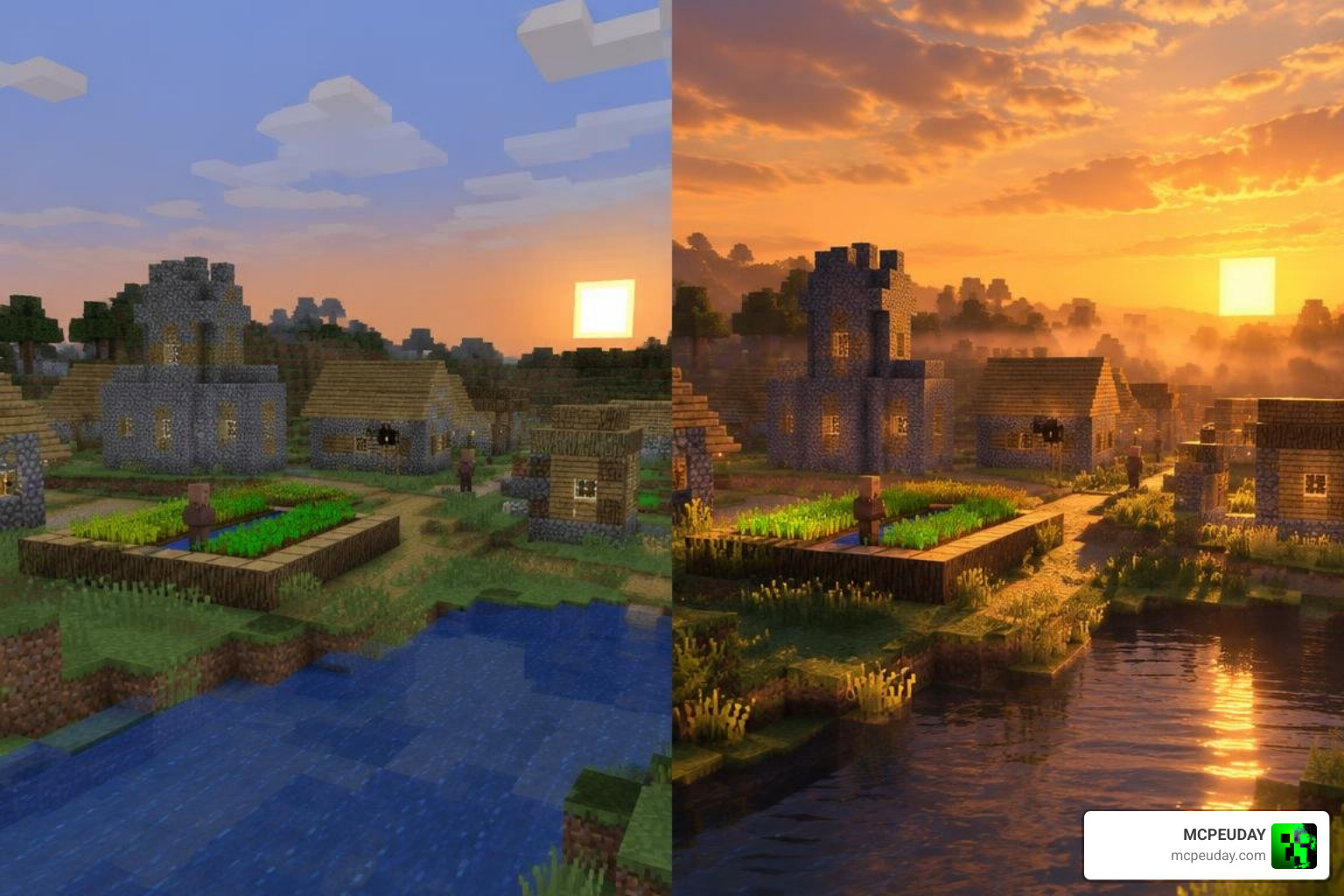
This shader solves that balance through intelligent shadow cascading and dynamic color grading. Sunsets cast soft, warm glows across block surfaces, while rainstorms bring a brooding, dense mist. The result is a clean, modern aesthetic that preserves the classic charm of Minecraft.
Step-by-Step Download and Installation Guide
Installing shaders on modern Bedrock versions requires following the correct workflow for your specific device.
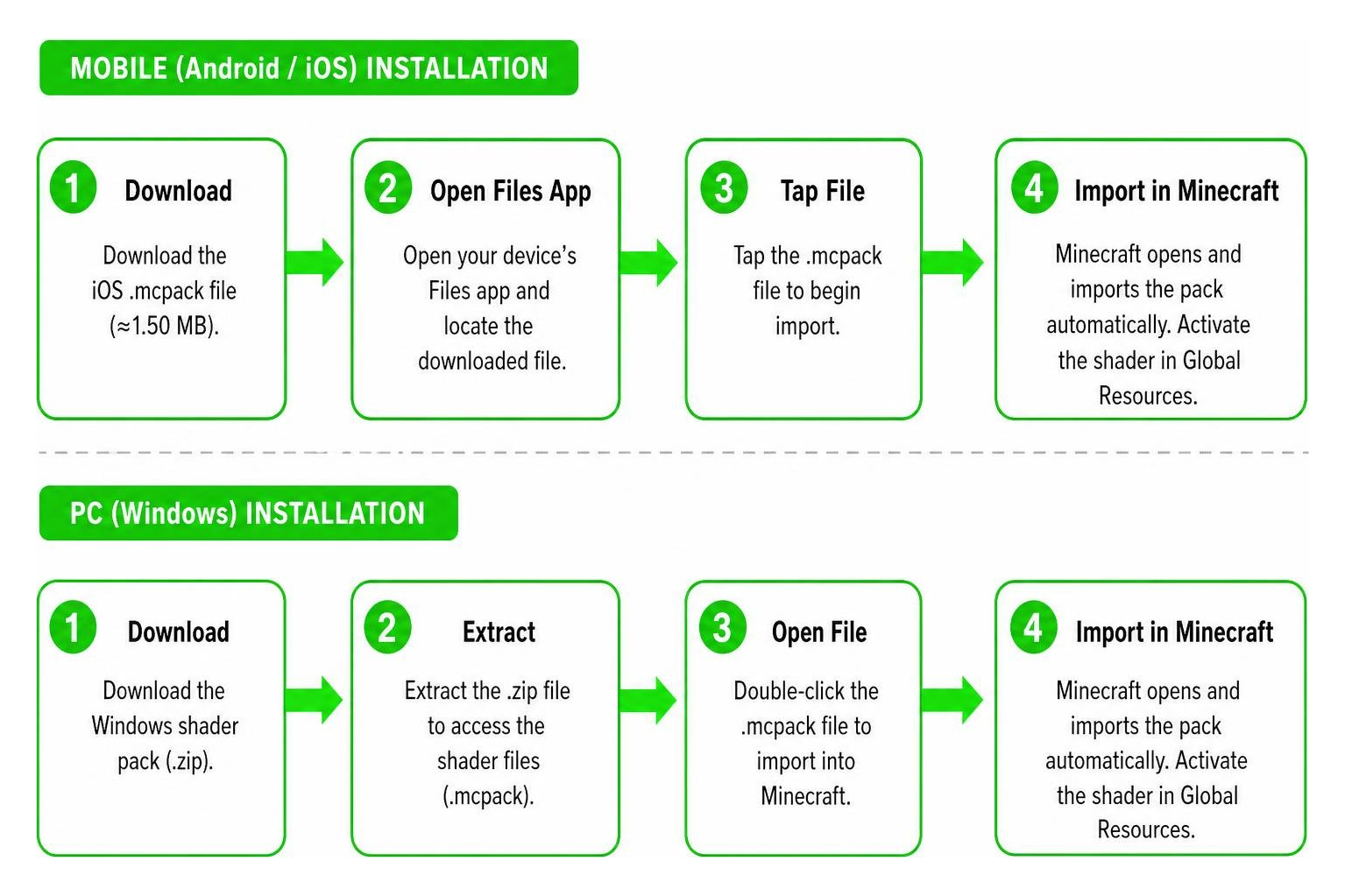
Android and iOS Installation Process
For iOS users, the installation is straightforward:
- Download the iOS
.mcpackfile (approximately 1.50 MB). - Open your device’s Files app, locate the download, and tap it.
- Select Minecraft to open the file; the game will launch and display “Import Started” followed by “Successfully Imported”.
- Go to Settings > Global Resources > My Packs, find the pack, and click Activate.
For Android users on newer Render Dragon builds:
- Download the Android
.mcpackbuild (approximately 1.55 MB). - If your device utilizes strict storage sandboxing or custom render limitations, ensure you are running a patched APK environment that permits custom shader materials.
- Import the
.mcpackinto Minecraft and enable it under your Global Resources menu. - Recent updates have resolved historical bugs such as sun invisibility on mobile, so ensure you are using the newest release.
Windows Setup and Troubleshooting Known Glitches
On Windows 10 and 11, the Render Dragon engine restricts direct shader pack injection through default resource folders.
- Download the Windows package (2.58 MB).
- Use a community-standard loader such as BetterRenderDragon or Matject to inject the custom material definitions into your game files.
- Import the
.mcpackdirectly into Minecraft Bedrock. - Activate the pack in Global Resources.
Troubleshooting Common Issues:
- Rain particles appearing inside caves: This glitch has been patched in the latest version 26.40+ releases. Update your shader file if you see indoor precipitation.
- Dark leaf litter textures: If tree leaves or ground foliage appear pitch black, disable conflicting texture packs and verify your smooth lighting settings are turned on.
- Pink or missing textures: This indicates an engine version mismatch. Confirm your Minecraft installation matches the pack’s minimum version requirements.
Frequently Asked Questions
Does Newb Aetheris Shader For Minecraft PE/Bedrock Support Java Edition?
No, this shader does not support Minecraft Java Edition. It is engineered specifically for Bedrock Edition’s Render Dragon rendering engine and .mcpack structure. Java Edition utilizes different graphics frameworks such as Iris or OptiFine, which are incompatible with Bedrock material files.
Is the Shader Completely Free to Download?
Yes! The shader is 100% free to download and use. It is created and maintained by the Bedrock community for players worldwide. Always download your packages from verified gaming resource hubs to avoid corrupted files or modified downloads.
What Should I Do If the Shader Causes Visual Glitches or Lag?
If you encounter stuttering or visual artifacts:
- Lower your in-game Render Distance by 2 to 4 chunks in video settings.
- Turn off Fancy Bubbles and reduce particle effects if playing on a lower-end 3 GB RAM device.
- Clear your Minecraft resource cache by navigating to Settings > Storage > Cached Data.
- Ensure that you do not have conflicting visual packs active above the shader in your resource list.
Conclusion
The Newb Aetheris Shader is one of the most balanced, visually appealing, and performance-friendly graphics packs available for Minecraft PE and Bedrock. By pairing the rock-solid framework of Newb with the vibrant sky systems and tone mapping of Aetheris, it revitalizes your worlds without turning your mobile device into a space heater.
Whether you are exploring deep cave networks, building massive bases on a realm, or capturing cinematic screenshots during sunset, this shader delivers consistent visual beauty. We at MCPEUDAY are dedicated to bringing you the finest, tested add-ons and resources. Explore our full catalog of the latest Minecraft Bedrock shaders to find the perfect look for your next adventure!