BSL X Shader Improvement Shaders bring realistic lighting, smooth shadows, vibrant colors, and cinematic visuals to Minecraft while maintaining excellent performance across multiple versions.
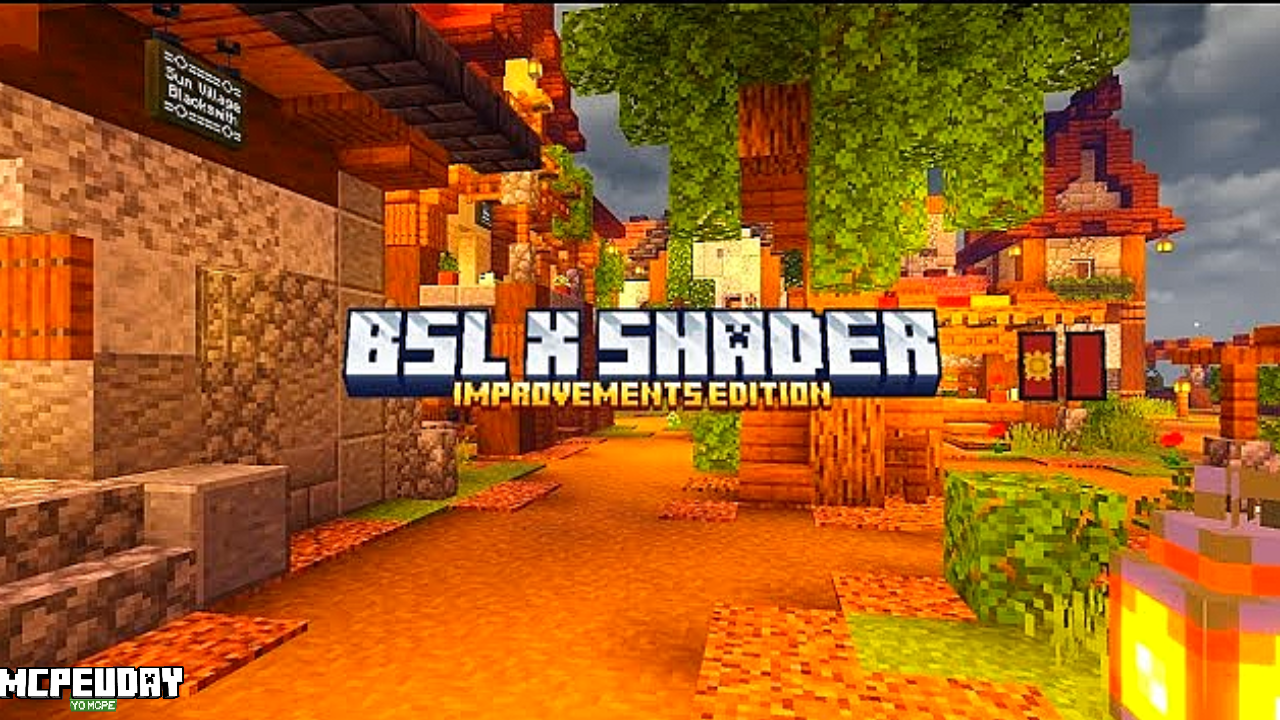
BSL X Shader Improvement Shaders are among the most popular and visually stunning shaders available for Minecraft. Designed to upgrade the game’s graphics without sacrificing performance, these shaders add realistic lighting, soft shadows, dynamic water reflections, enhanced sky effects, and improved colors. Whether you play survival, creative, or cinematic builds, BSL X Shaders completely transform the Minecraft experience.

What makes BSL X Shader Improvement Shaders special is their perfect balance between beauty and optimization, making them suitable even for mid-range PCs.
Key Features of BSL X Shader Improvement Shaders
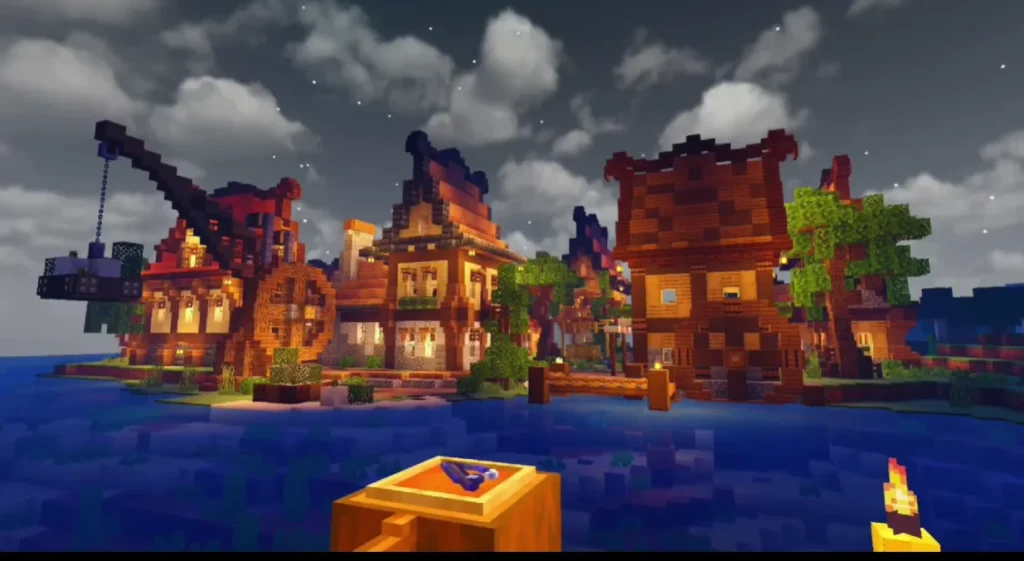
🌞 Realistic Lighting System
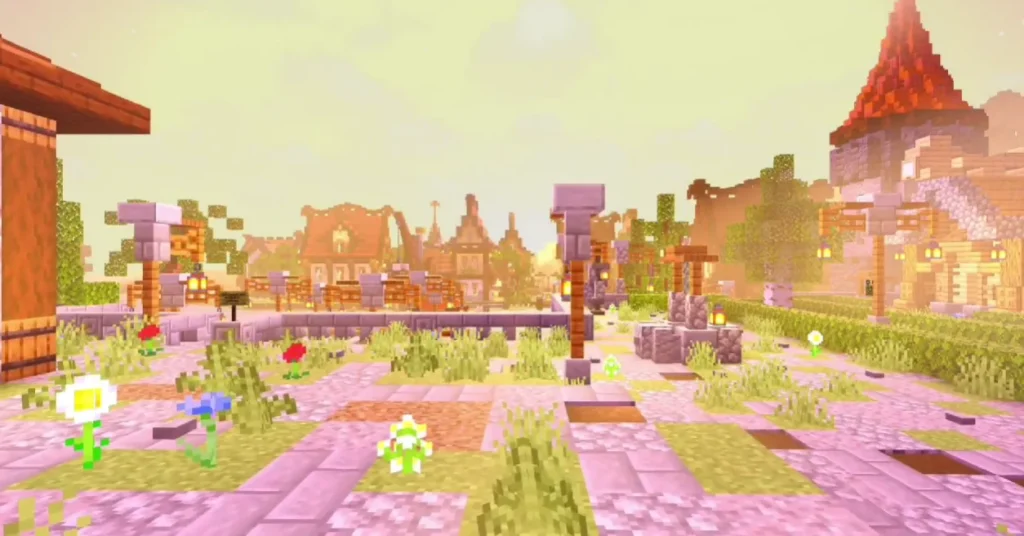
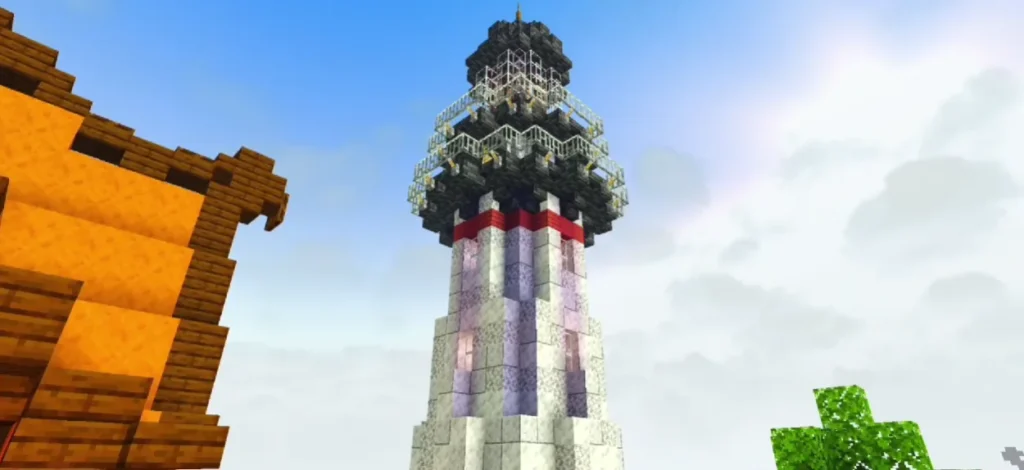
BSL X introduces advanced lighting that reacts naturally with the environment. Sunlight feels warm, torches glow softly, and caves appear darker and more immersive.
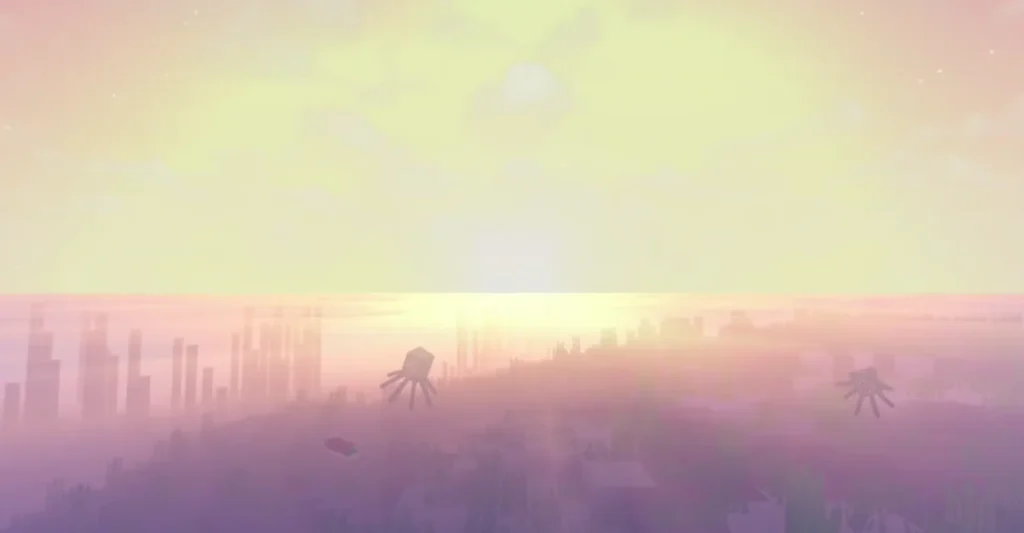
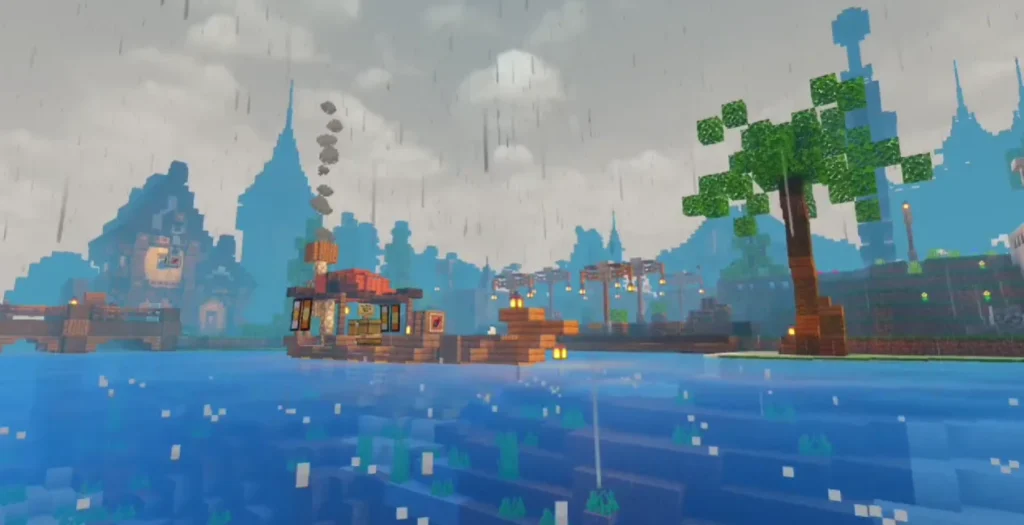
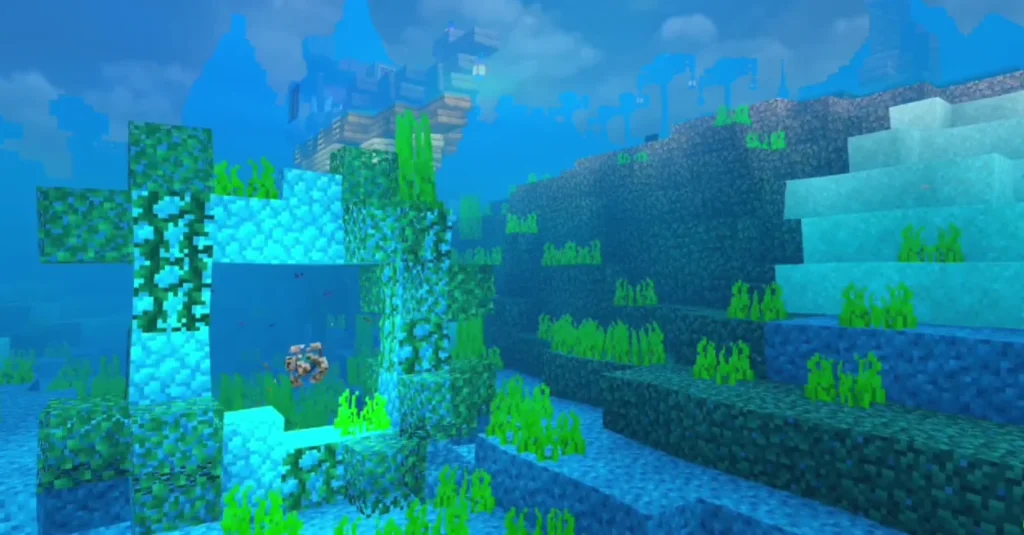
🌊 Enhanced Water Effects
Water looks more realistic with:
- Dynamic reflections
- Smooth waves
- Improved transparency
- Natural refraction
Rivers, oceans, and waterfalls feel alive.
🌳 Improved Shadows & Ambient Occlusion
Shadows are:
- Softer and smoother
- Dynamic based on time of day
- More realistic around blocks, trees, and structures
This adds depth and realism to every biome.
🌌 Sky, Clouds & Weather Enhancements
BSL X Shader Improvement Shaders include:
- Beautiful volumetric clouds
- Stunning sunsets and sunrises
- Enhanced rain and fog effects
- More realistic night skies
🎨 Color Grading & Customization
Colors are vibrant but natural. You can also customize:
- Brightness
- Saturation
- Bloom
- Motion blur
- Depth of field
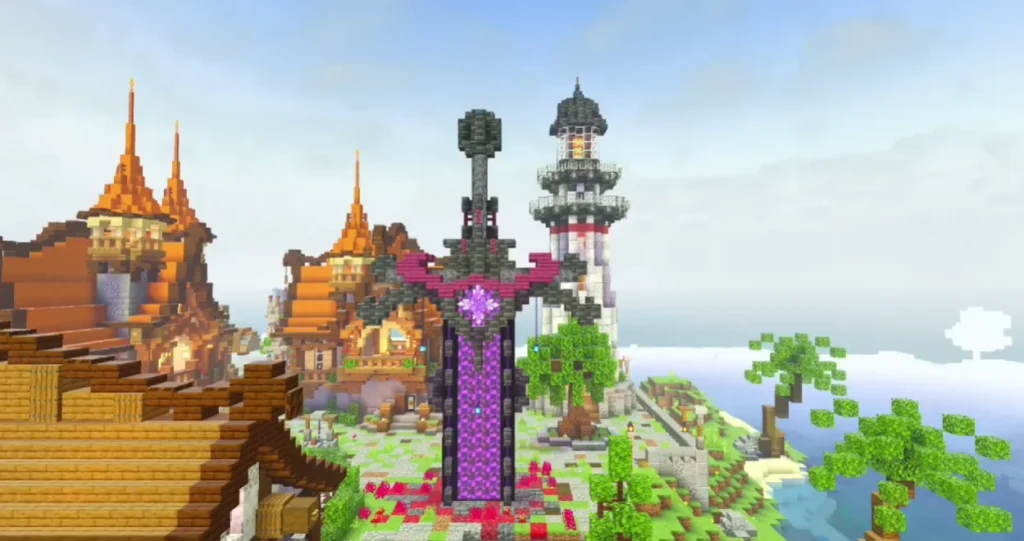
This makes BSL X perfect for screenshots and videos.
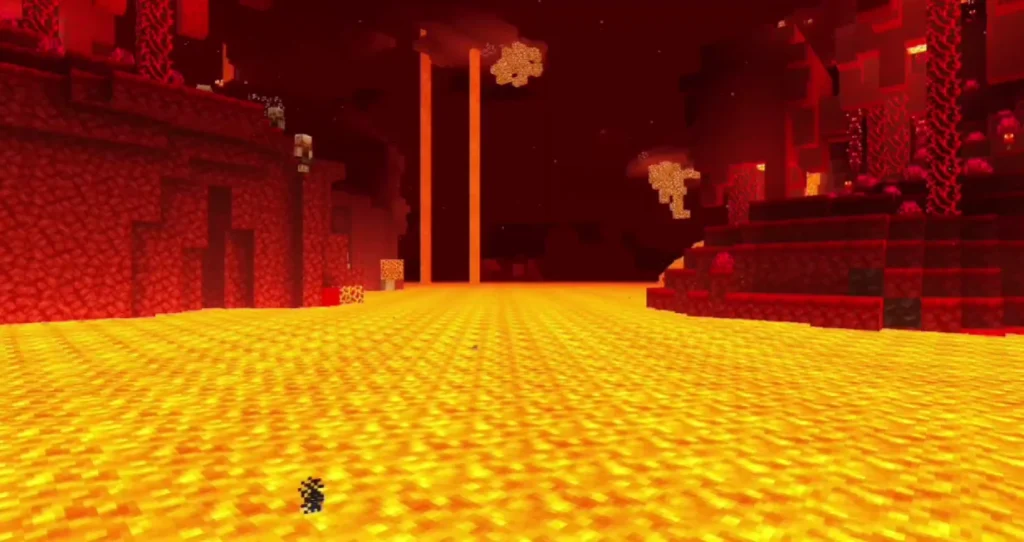
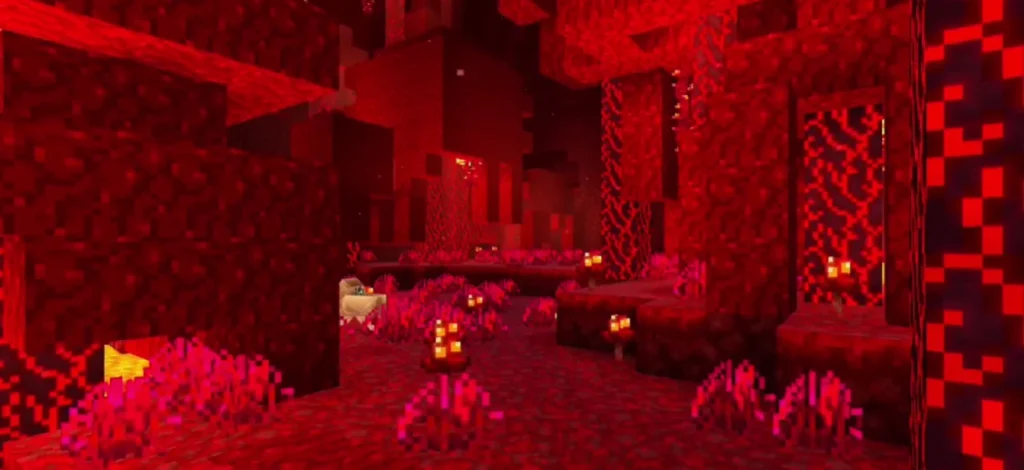
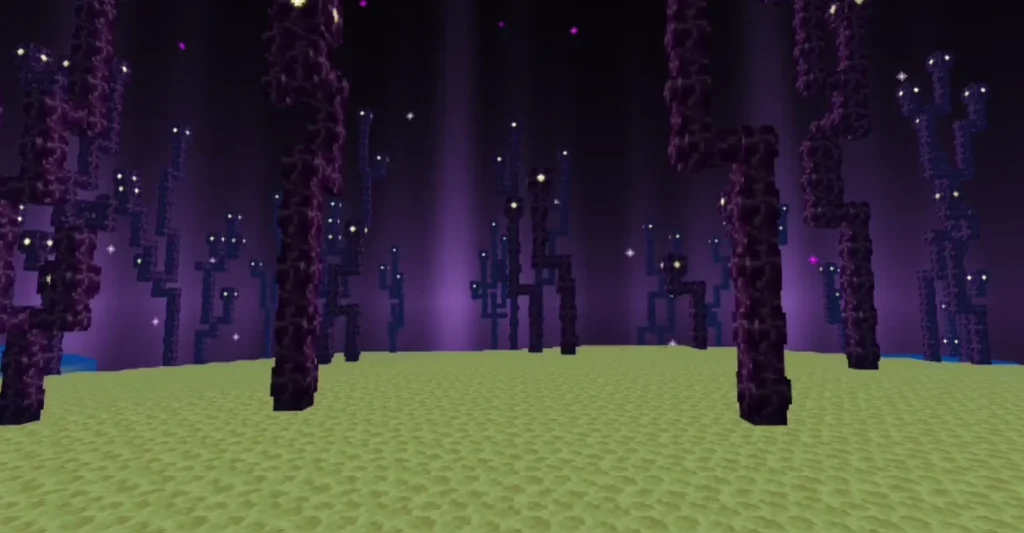
Screenshots:
Performance & Optimization
One of the biggest strengths of BSL X Shader Improvement Shaders is optimization.
✔ Runs smoothly on low to mid-range systems
✔ Adjustable shader settings for better FPS
✔ Compatible with most shader-supported versions
You can fine-tune settings to match your hardware.
Compatibility & Requirements
Supported Minecraft Versions
- Minecraft Poket Edition
- Works with most modern versions that support shaders
Required Tools
- OptiFine or Iris Shaders
- A GPU that supports OpenGL