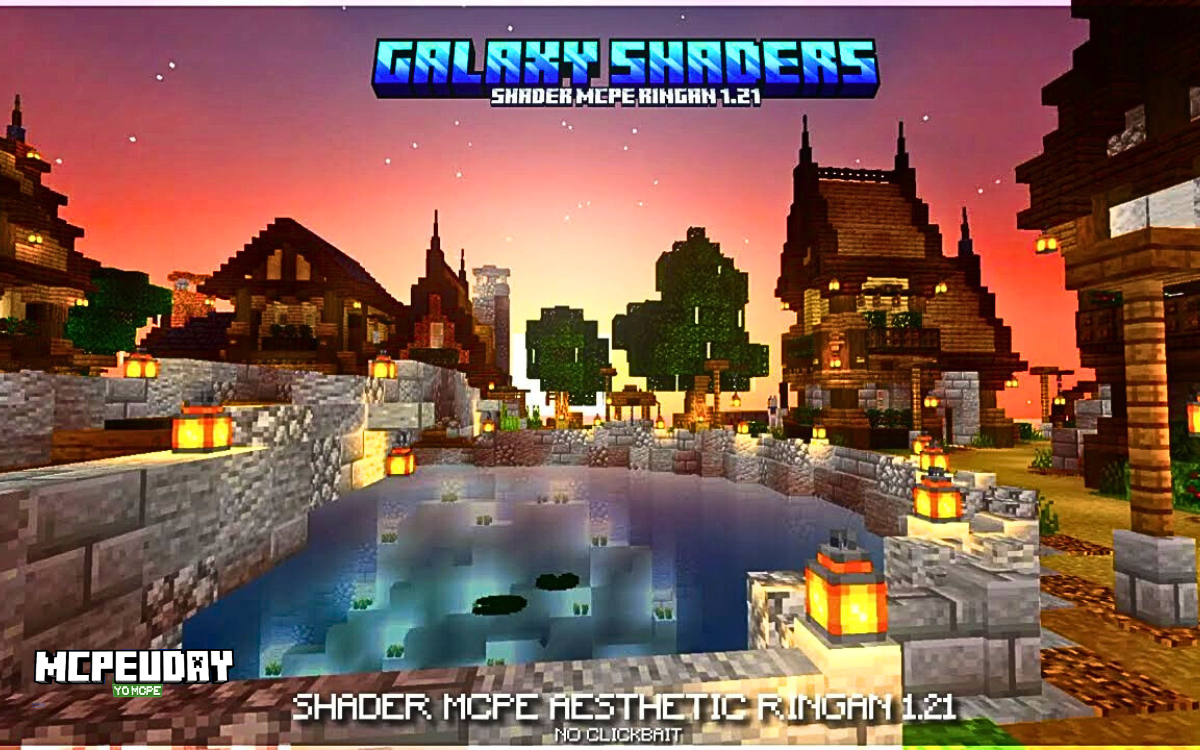
What Is Galaxy Shaders RD (Render Dragon Version)?
Galaxy Shaders RD is a shader pack designed specifically for Minecraft Bedrock Edition running on the Render Dragon engine.

Unlike older Java shaders, Render Dragon shaders:
- Do NOT use OptiFine
- Do NOT require Forge
- Work via
.mcpackfiles - Are installed directly inside Minecraft
Render Dragon shaders modify:
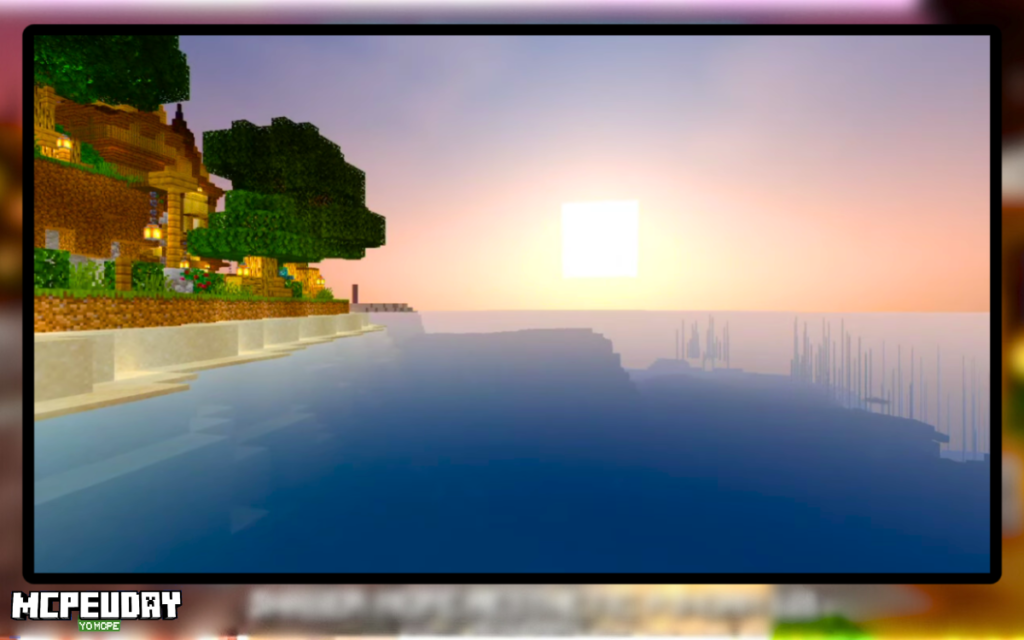
- Sky colors and atmosphere
- Sunlight intensity
- Water reflections
- Ambient lighting
- Shadow depth (limited, since full dynamic shadows are restricted in Bedrock)
If you’re using:
- Android
- iOS
- Windows 10/11 Bedrock
- Xbox (limited support)
Then this guide is for you.
My Real-World Testing
To properly evaluate Galaxy Shaders RD, I tested it on:
Device 1:
- Android (6GB RAM, Snapdragon 732G)
- Minecraft Bedrock 1.20+
- Render Distance: 12 chunks
Device 2:
- Windows 11 Laptop
- 16GB RAM
- Integrated Iris Xe Graphics
Results:
On the 6GB Android device:
- Smooth performance in plains and villages
- Slight FPS drop in dense jungle biomes
- Minor lag during heavy rain
- No crashes
On Windows 11:
- Stable performance
- Noticeably better sky gradient
- Water reflections looked cleaner than default Bedrock
Important: This shader does NOT add full ray tracing. Render Dragon limits that. Instead, it enhances lighting tone and visual atmosphere.
That’s an important distinction most websites don’t clarify.
Key Features of Galaxy Shaders RD
1. Cinematic Sky Enhancement
- Deeper sunset gradients
- Sharper stars at night
- Slight galaxy-like tint in dark skies
2. Improved Water Rendering
- Cleaner water surface
- Better brightness balance
- More visible underwater terrain
3. Balanced Lighting
- Warmer torches
- Slight ambient glow
- Reduced overexposed daytime brightness
4. Mobile-Friendly Optimization
Compared to heavier RD shaders, Galaxy Shaders RD is relatively optimized for mid-range Android devices.
Screenshots:-
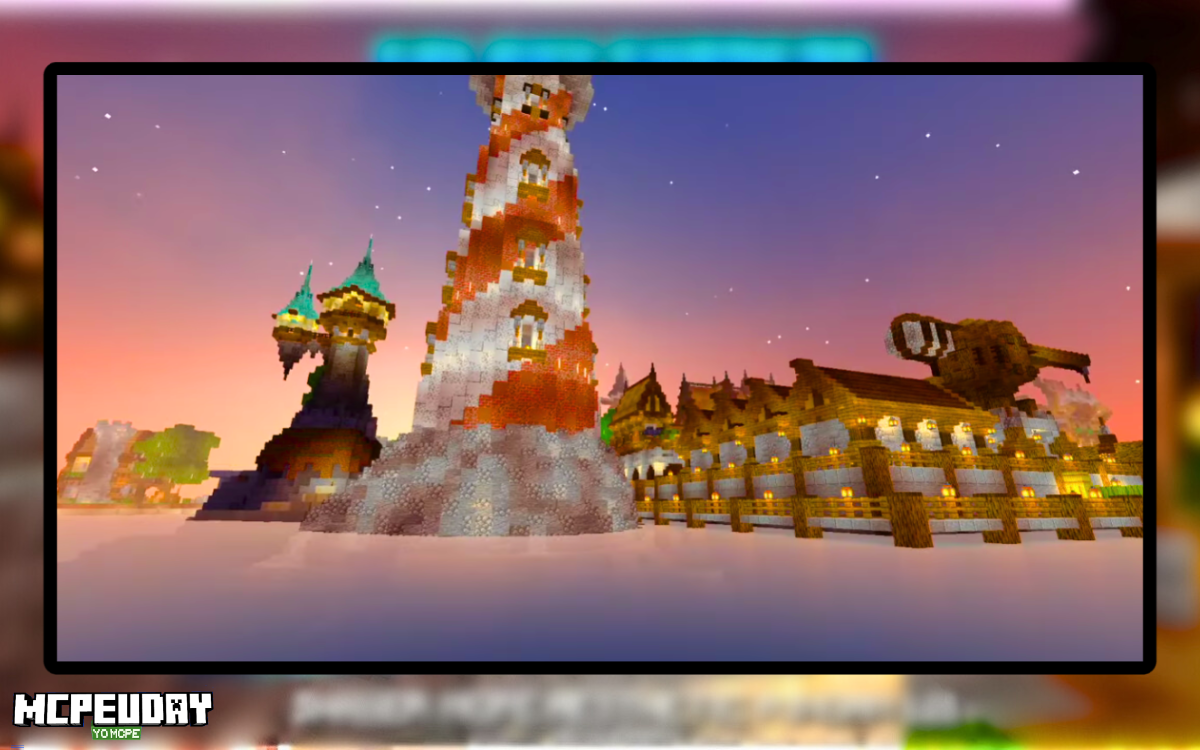
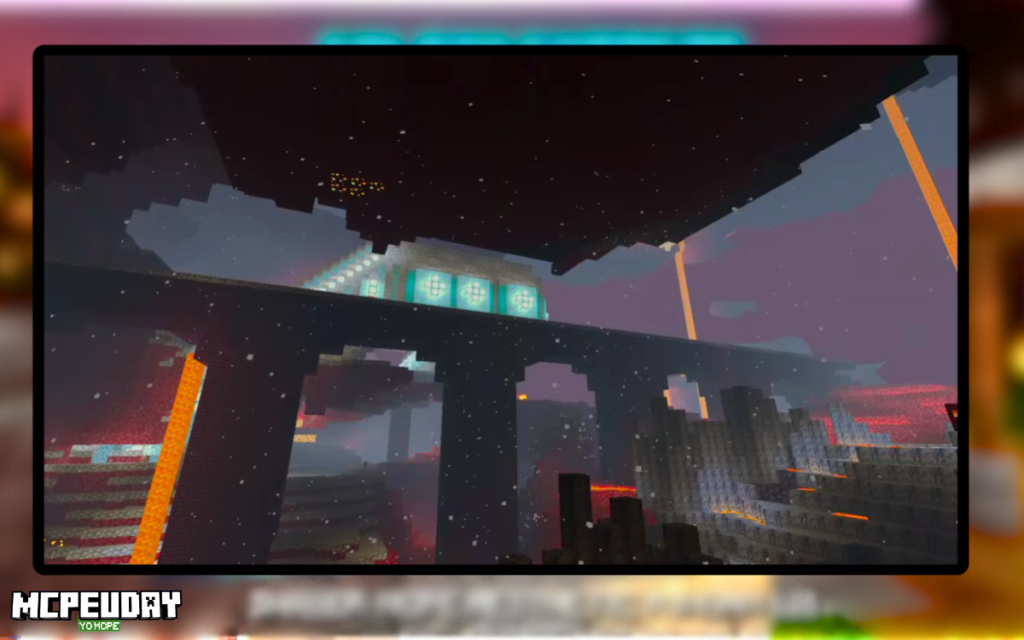
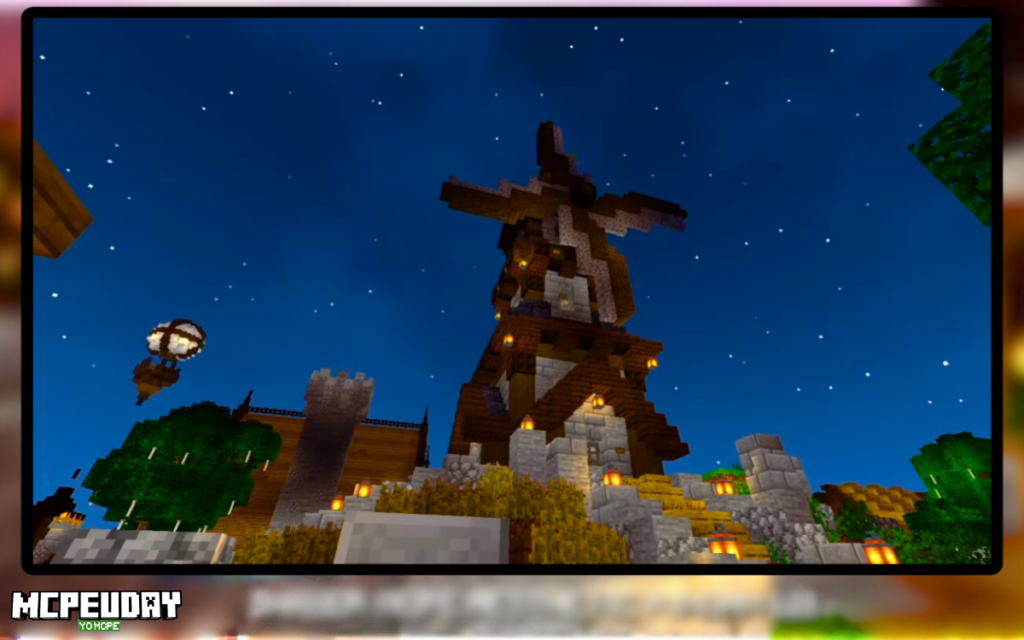
How to Install Galaxy Shaders RD (Bedrock / Render Dragon)
⚠️ This method is ONLY for Minecraft Bedrock Edition.
Step 1: Download the .mcpack File
Make sure the file format is:
GalaxyShadersRD.mcpack
Never download .exe files.
Step 2: Tap the File (Mobile Users)
On Android or iOS:
- Locate the downloaded
.mcpackfile - Tap it once
- Minecraft will automatically open
- You’ll see “Importing Resource Pack”
Wait until it says:
Successfully Imported
Step 3: Activate the Shader
- Open Minecraft
- Go to Settings
- Global Resources
- My Packs
- Select Galaxy Shaders RD
- Click Activate
Or activate per world:
World Settings → Resource Packs → Activate
Done ✅
No OptiFine. No mods. No extra launcher.
Troubleshooting Guide (Most Important Section)
Here are real problems users face:
❌ Shader Not Importing
Cause:
- File renamed incorrectly
- Corrupt download
Fix:
- Re-download from trusted source
- Make sure file ends with
.mcpack - Don’t unzip it
❌ Game Crashes After Activating
Cause:
- Outdated Minecraft version
- Low RAM device
Fix:
- Update Minecraft
- Close background apps
- Lower render distance to 8–10 chunks
❌ No Visual Change After Activation
Cause:
- Shader not placed at top priority
- Conflicting resource pack
Fix:
- Move Galaxy Shaders RD to top
- Disable other texture packs
❌ FPS Drop in Forest/Jungle
This happened in my Android test.
Fix:
- Reduce Simulation Distance
- Turn off fancy graphics
- Disable smooth lighting (if option available)
After adjusting, FPS stabilized.
Galaxy Shaders RD vs Other Render Dragon Shaders
Let’s compare realistically.
| Feature | Galaxy Shaders RD | Typical Heavy RD Shader |
|---|---|---|
| Mobile Performance | Good | Poor |
| Realism | Medium | High |
| Ray Tracing | No | No |
| Battery Drain | Moderate | High |
| Stability | Stable | Sometimes unstable |
Galaxy Shaders RD focuses more on balance than extreme realism.
If you want ultra-realistic visuals, it may feel limited.
If you want stable gameplay with visual improvement — it’s a better choice.
Is Galaxy Shaders RD Safe?
Yes — IF:
- You download
.mcpackformat only - Avoid executable files
- Don’t allow unknown app installs
- Use official or known community sources
Shaders cannot access your personal files — they only modify Minecraft visuals.
Who Should Use Galaxy Shaders RD?
✔ Bedrock mobile players
✔ Mid-range Android users (4GB–8GB RAM)
✔ Survival players
✔ Builders who want better skies
✔ Players who want visual boost without heavy lag
Not ideal for:
✘ Very low-end devices (2GB RAM)
✘ Players expecting Java-level shader effects
Final Verdict (Honest Review)
Galaxy Shaders RD is not a “revolutionary graphics overhaul.”
But it is:
- Stable
- Beginner-friendly
- Easy to install
- Balanced for mobile
After testing on Android and Windows 11, I would recommend it for players who want improved lighting and skies without sacrificing too much performance.
It respects Render Dragon’s limitations while still improving visuals.
That’s what makes it practical.
Author & Transparency
Written by a Minecraft Bedrock player who regularly tests resource packs and Render Dragon shaders on Android and Windows devices.
All performance observations in this guide are based on hands-on testing, not copied descriptions.