Minecraft already has a unique blocky charm.
But let’s be honest…
After playing for a long time, movements start to feel stiff.
- Characters look robotic
- Mobs feel lifeless
- Combat feels outdated
- Actions have no feedback
That is exactly where the Best Animation Mods in Minecraft come in.
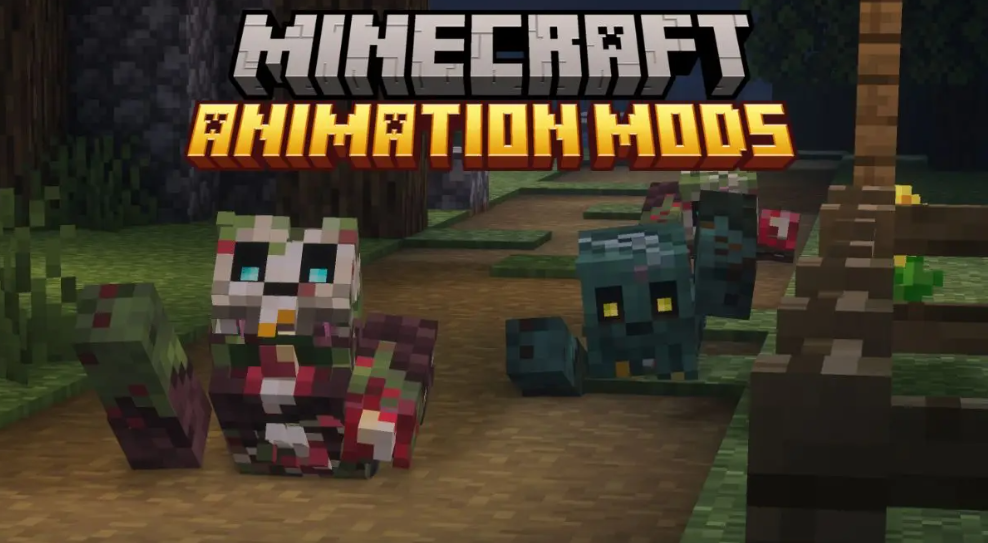
Animation mods completely change how the game feels — not just how it looks.
They:
- Make mobs expressive
- Add realistic movements
- Improve combat feedback
- Add visual reactions to actions
- Make multiplayer far more immersive
Instead of a silent world full of statues, your Minecraft becomes a living world.
- Why You Should Use Animation Mods in Minecraft
- 1. What Are They Up To (WATUT)
- Download Mod
- 2. Fresh Animations
- Download Mod
- 3. Panda’s Falling Trees
- Download Mod
- 4. Blue’s Better Zombies
- Download Mod
- 5. Sitting+
- Download Mod
- 6. Not Enough Animations
- Download Mod
- 7. Detailed Animations
- Download Mod
- 8. Smooth GUI
- Download Mod
- 9. Mas Effects
- Download Mod
- 10. Reanimated Blue
- Download Mod
Why You Should Use Animation Mods in Minecraft
Minecraft is a sandbox game. The more immersive it becomes, the more enjoyable it feels.
Animation mods improve:
| Feature | Vanilla Minecraft | With Animation Mods |
|---|---|---|
| Player actions | No feedback | Visible actions |
| Combat | Basic hits | Impactful attacks |
| Mobs | Stiff | Expressive |
| World | Static | Alive |
| Multiplayer | Confusing | Interactive |
Once you install them, Minecraft feels like a modern game instead of a 2011 game.
1. What Are They Up To (WATUT)
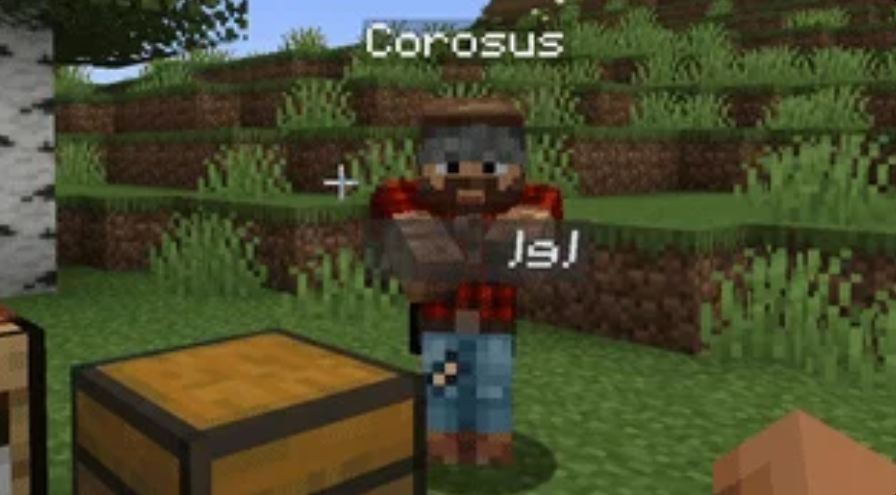
This is one of the most unique entries in the Best Animation Mods in Minecraft list.
Instead of movement animations, it adds activity animations.
Now players:
- Actually type
- Use chests visibly
- Craft items with motion
- Interact with objects
You can literally see what your friend is doing.
No more:
“Bro what are you doing?”
You’ll instantly know.
Why It’s Amazing
This mod changes multiplayer gameplay completely.
Servers feel alive and social.
Download Mod
2. Fresh Animations
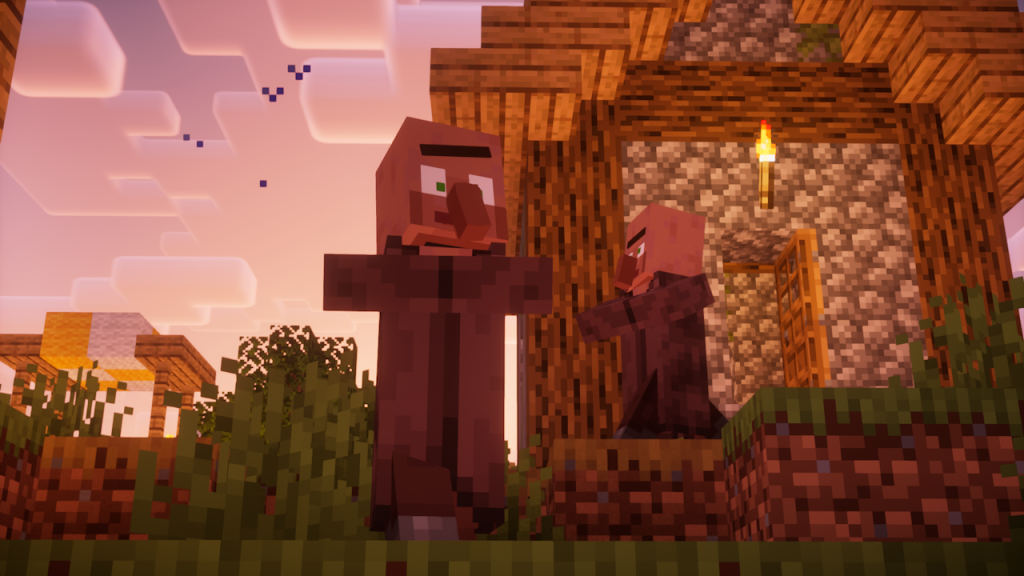
This is probably the most famous entry among the Best Animation Mods in Minecraft.
It upgrades every mob in the game while keeping the vanilla style.
Changes include:
- Facial expressions
- Breathing
- Idle movements
- Natural walking
- Realistic reactions
Villagers blink.
Animals react.
Monsters feel threatening.
Minecraft suddenly feels like an official remaster.
Pro Tip
Use it with:
- Optifine
- Iris Shaders
The result looks almost like Minecraft RTX trailers.Download Mod
Download Mod
3. Panda’s Falling Trees
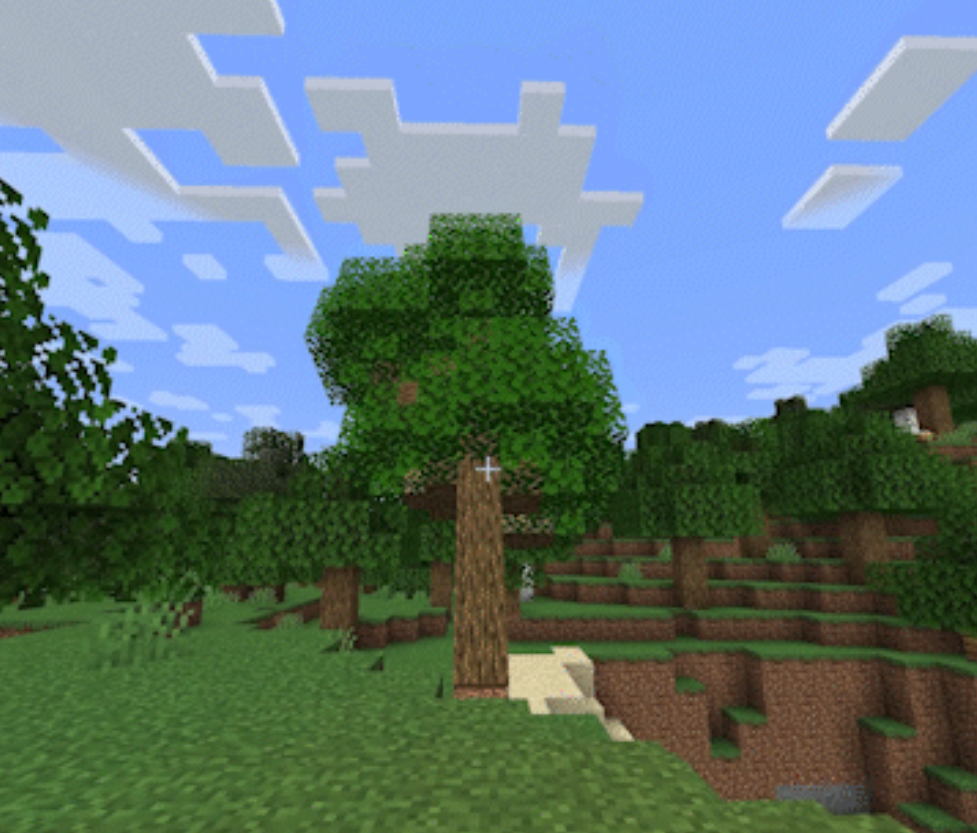
Ever noticed how trees in Minecraft just… disappear?
This mod fixes that.
Now when you chop a tree:
- It tilts
- It cracks
- It falls
Exactly like real life.
You even hear wood cracking sounds.
It doesn’t break world generation, so it’s compatible with almost every modpack.
Perfect for survival players.
Download Mod
4. Blue’s Better Zombies
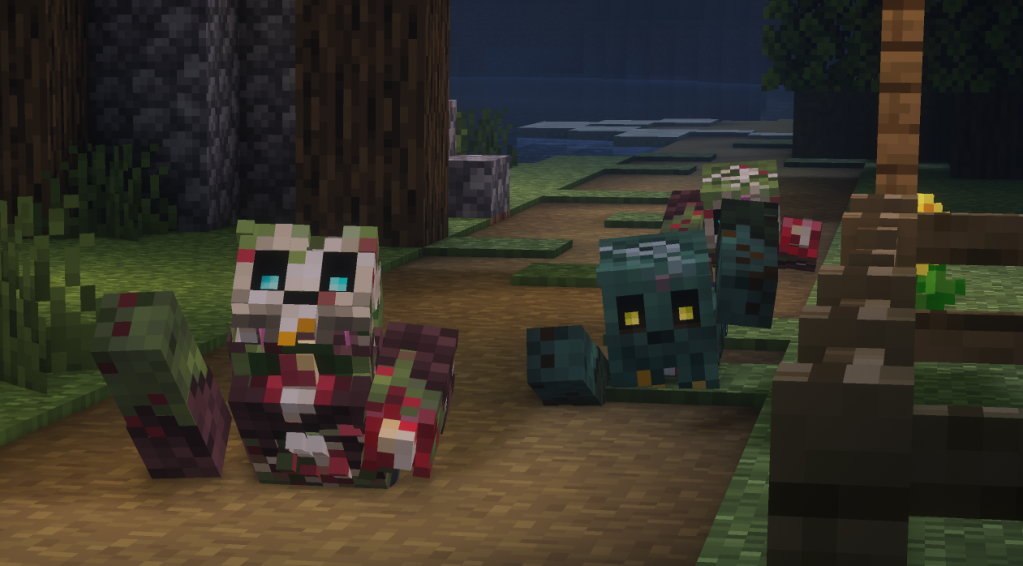
This mod turns Minecraft into a horror game.
Zombies now:
- Crawl
- Lose limbs
- Have custom deaths
- Appear unexpectedly
Nighttime becomes dangerous again.
Hardcore mode players LOVE this mod.
Servers also use it for Halloween events.
Download Mod
5. Sitting+
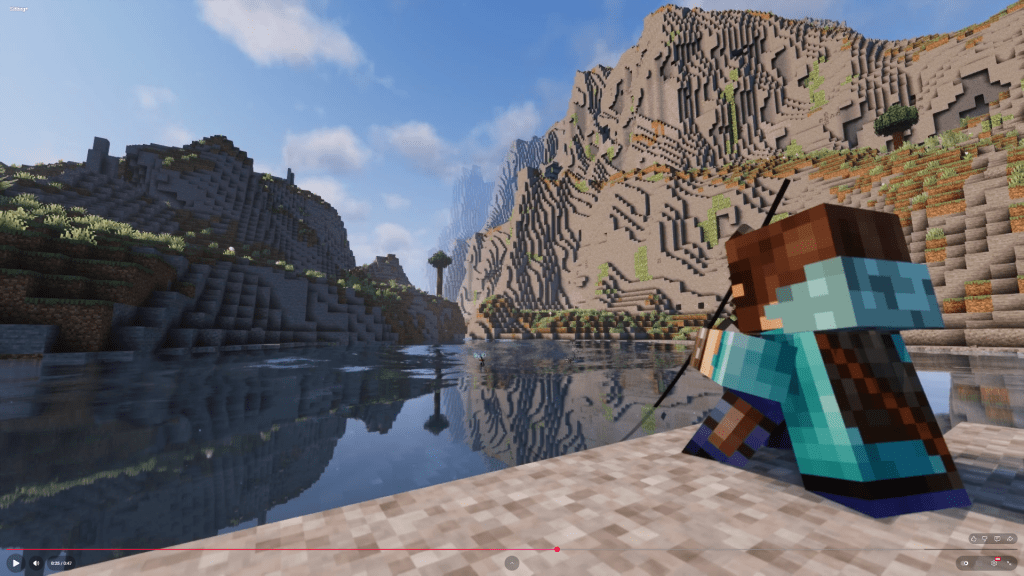
You probably never realized Minecraft is missing one simple thing:
Sitting.
This mod allows:
- Sitting on ground
- Sitting poses
- Roleplay scenes
- Group photos
The pose even changes depending on the item you hold.
Perfect for:
Thumbnails
YouTube content
Roleplay servers
Download Mod
6. Not Enough Animations
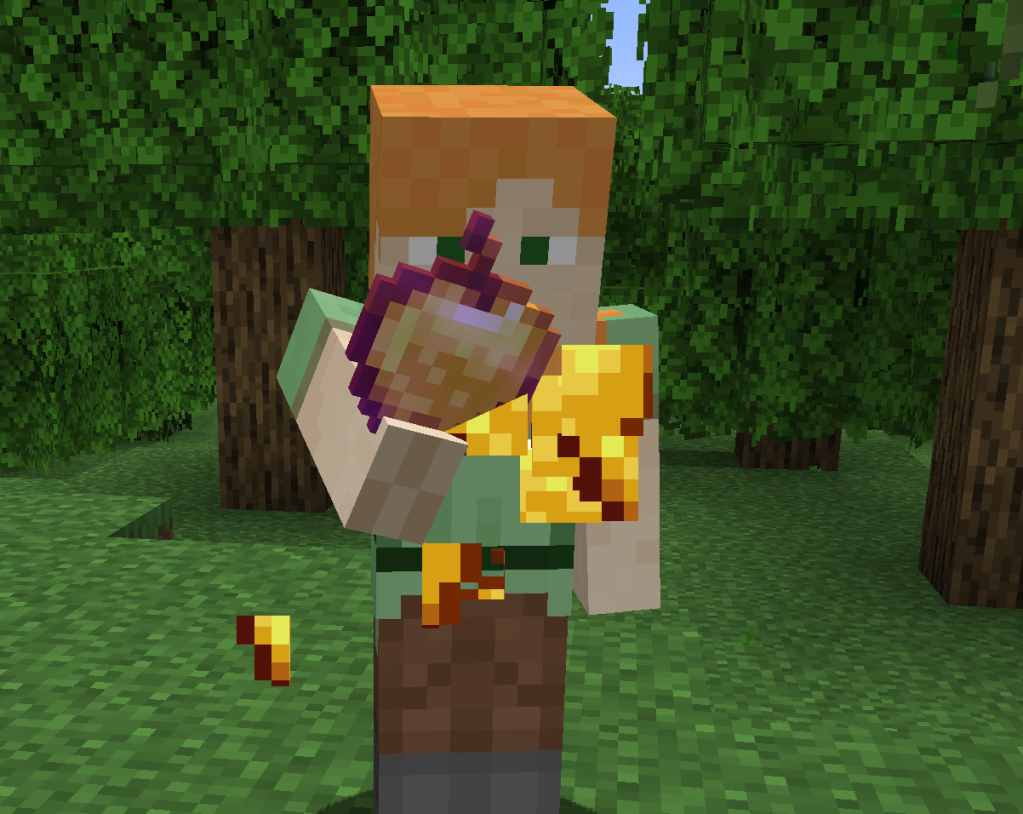
This mod fixes the biggest Minecraft issue:
Third-person looks fake.
Now players visibly:
- Eat food
- Block with shield
- Sneak
- Use items
Your character finally matches your actions.
This is a MUST-INSTALL mod for multiplayer servers.
Download Mod
7. Detailed Animations
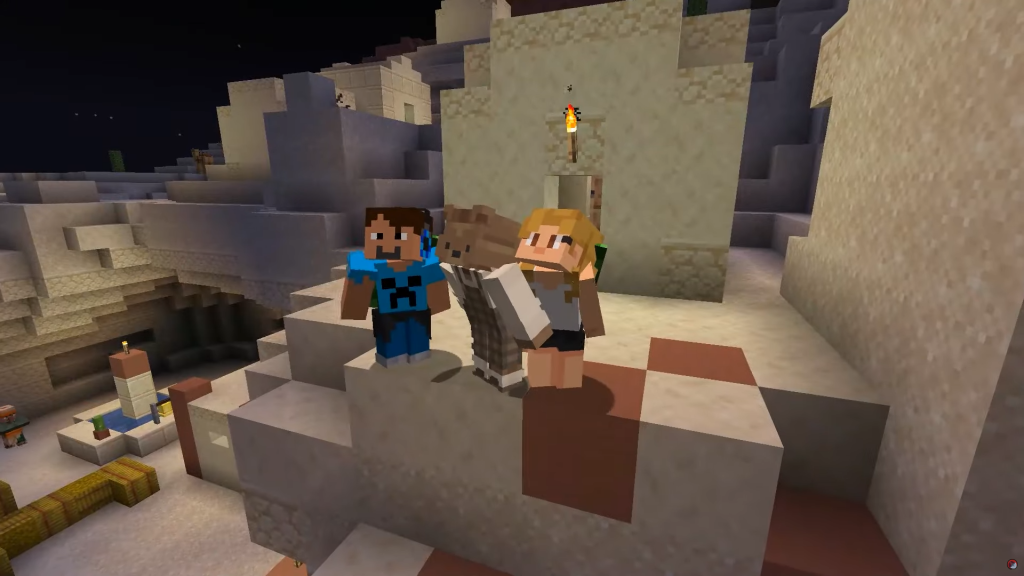
This mod upgrades the player character itself.
Adds:
- Running styles
- Climbing animations
- Landing movements
- Swimming motion
- Parkour reactions
Even Elytra flying looks cinematic.
It honestly feels like a Minecraft movie trailer.
Download Mod
8. Smooth GUI
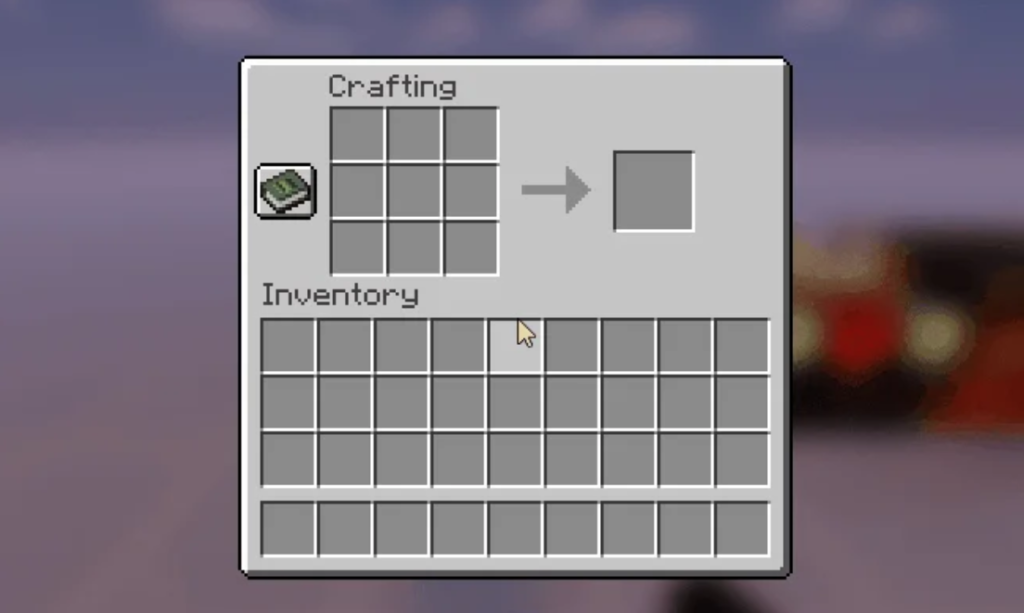
Not all animation mods are about characters.
This one improves the interface.
Opening:
- Chest
- Furnace
- Crafting table
Now happens with smooth transitions instead of instant popups.
It sounds small…
But it massively improves the game feel.
Download Mod
9. Mas Effects
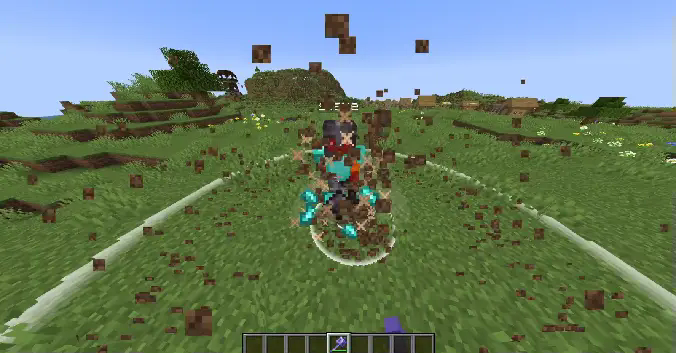
This mod improves particle effects.
Combat finally feels powerful.
Examples:
- Mace smash explosion particles
- Ender pearl effects
- Death smoke animation
Every hit now feels impactful.
Download Mod
10. Reanimated Blue
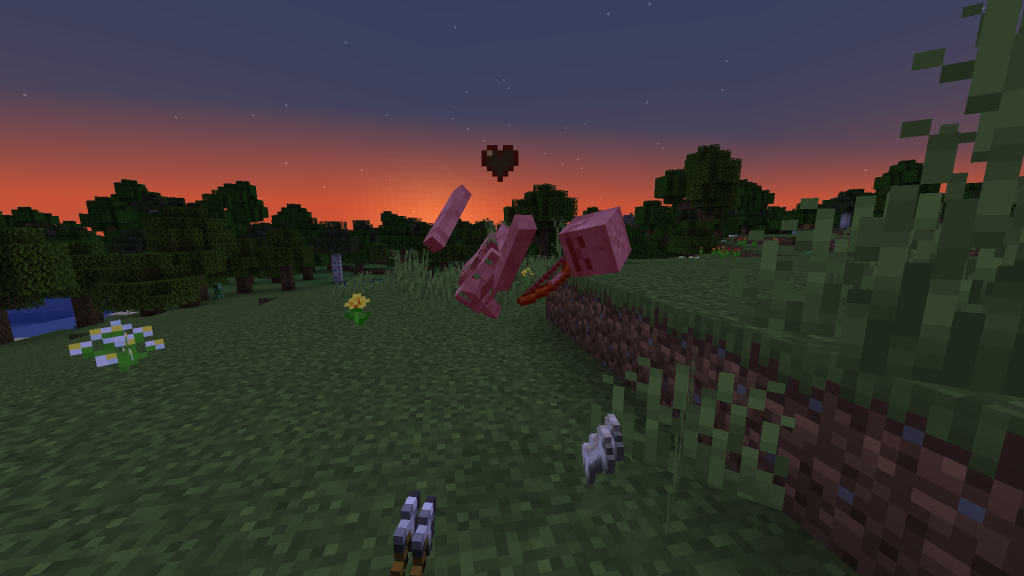
If you want an alternative to Fresh Animations, this is the best choice.
It updates:
- Enemies
- Animals
- Death animations
- Physics reactions
Even jumping and falling feels realistic.
A very underrated entry in the Best Animation Mods in Minecraft list.
Download Mod
How to Install Animation Mods in Minecraft
Follow these steps:
- Install Minecraft Forge or Fabric
- Download the mod
- Open
.minecraft - Go to mods folder
- Paste mod file
- Launch Minecraft
Done ✔
Best Mod Combination (Recommended)
For the ultimate experience install together:
- Fresh Animations
- Not Enough Animations
- Mas Effects
- Smooth GUI
- Detailed Animations
You will literally feel like you installed Minecraft 2.0.
Final Thoughts
The Best Animation Mods in Minecraft don’t just improve visuals.
They improve immersion.
Minecraft stops feeling like blocks and starts feeling like a world.
After installing them you will notice:
- You play longer
- Multiplayer becomes funnier
- Combat feels satisfying
- Exploration feels realistic
Honestly…
Most players never go back to vanilla after using them.
Conclusion
If Minecraft feels boring to you, you don’t need new biomes or new mobs.
You just need better animations.
Install even 2-3 mods from this list and your gameplay experience will completely change.
These truly are the Best Animation Mods in Minecraft in 2026.