Experience vibrant lighting in MCPE 1.21+ with the Newb X Dawn shader – featuring stunning sunrise/sunset skies, volumetric clouds, and realistic water. Easy setup on Android, iOS, or Windows (no RTX required).
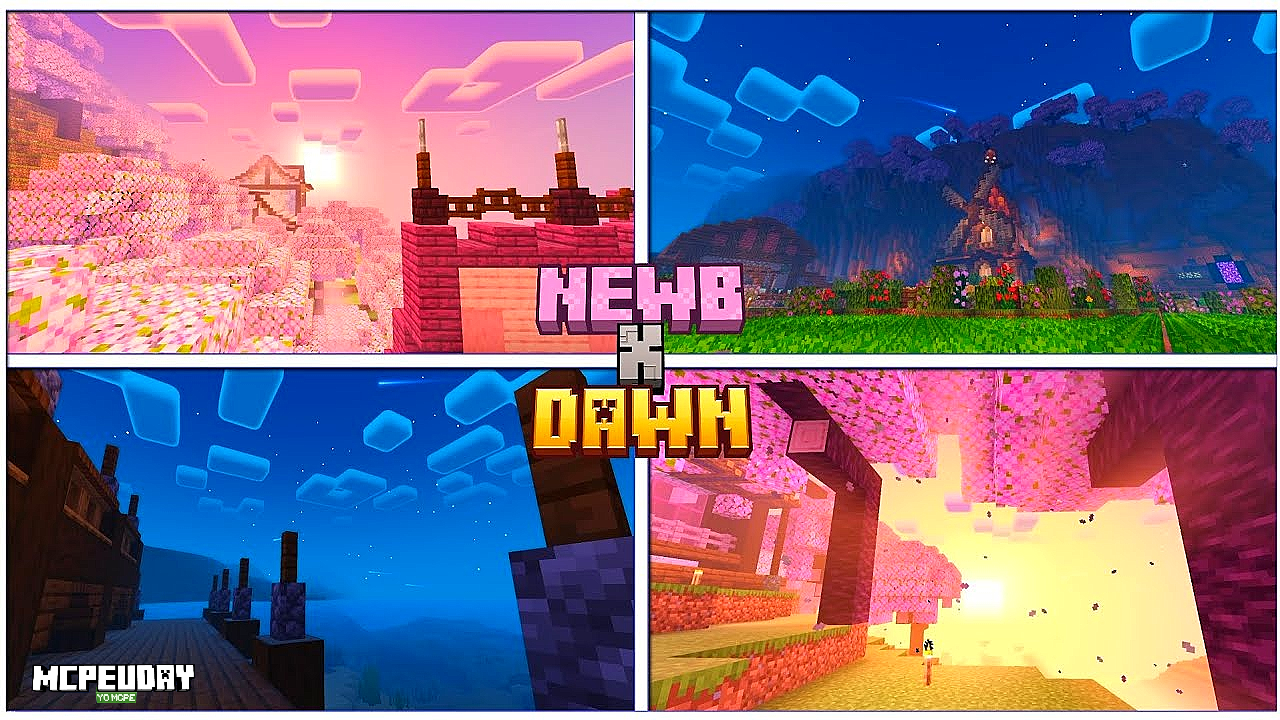
The Newb X Dawn shader is a custom graphics pack for Minecraft Pocket Edition (Bedrock) 1.21 and above. It’s essentially a revamped version of the earlier “Newb X RTX” pack, renamed to clarify that it doesn’t require Nvidia RTX hardware to run. The shader developer notes it “is based on an RTX package, but you don’t need an RTX to use this variant – you can run it on any device”. In its latest 1.21.130+ release, Newb X Dawn brings greatly improved skies, colorful sunsets/sunrises, and new lighting effects that make the Bedrock world look far more vibrant and . Overall, it enhances Minecraft PE with richer colors, dynamic weather, and an immersive atmosphere – all fully tested on MCPE 1.21+.
Key Features of Newb X Dawn Shader
Key Features: This shader adds RTX-style visual effects and new environments to MCPE. Notable features include:
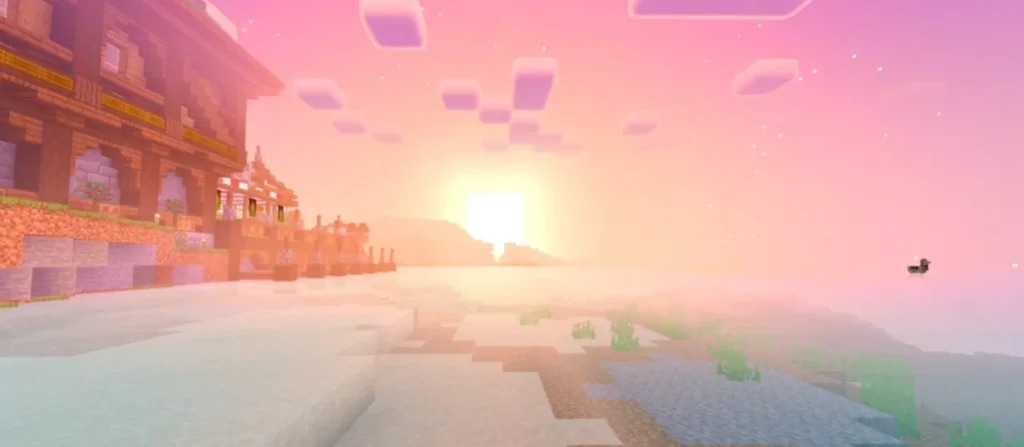
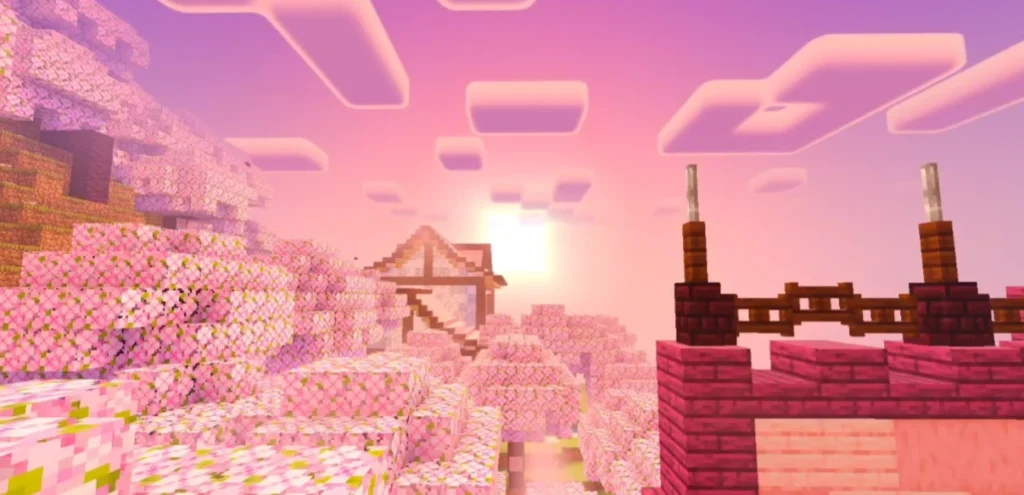
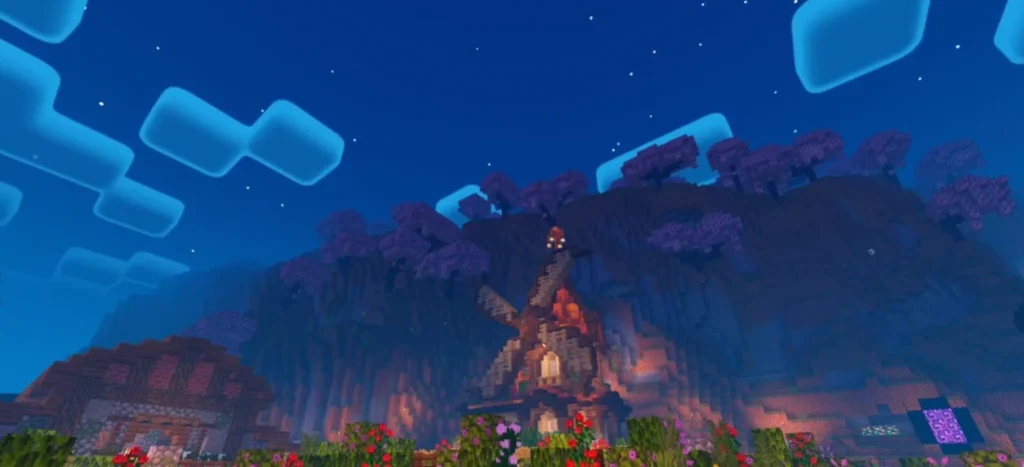
- Dynamic Skies: Vivid sunset and sunrise colors, plus a rich starry night with a new “galaxy” sky effect. (Sun rays and shooting stars were in earlier versions; the current update focuses on a galaxy-themed night sky.)
- Realistic Water & Reflections: Oceans, lakes and rivers now have gently rolling waves and mirror-like reflections of the sky and clouds. Water depth glows and sunbeams under the surface add depth.
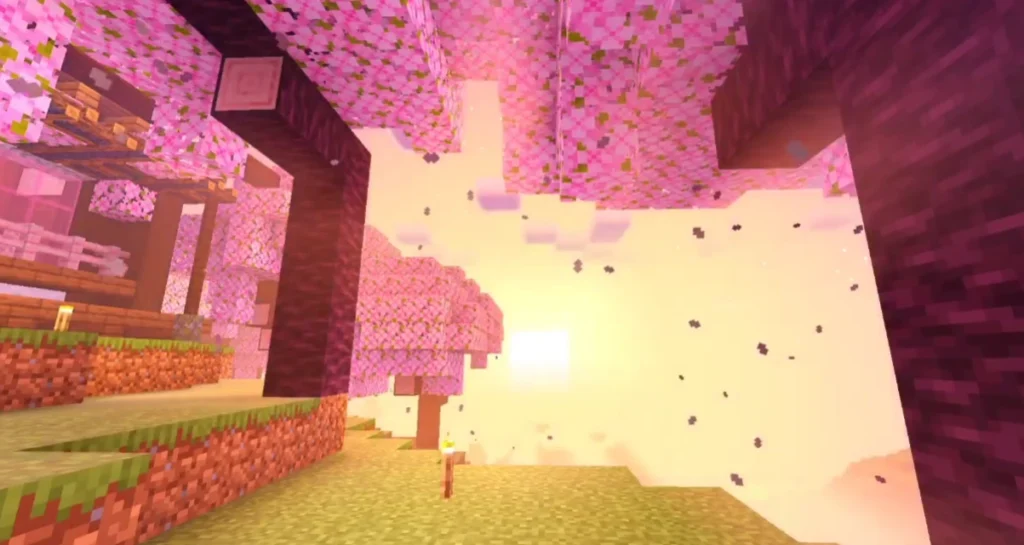
- Advanced Lighting: Volumetric clouds and soft sunbeams (god rays) make daylight scenes atmospheric. Torches, lanterns and glowing blocks emit a subtle bloom, and shiny armor or ores sparkle under the light.
- Animated World: Subtle motion in plants, crops and lanterns brings biomes to life(For example, grass sways and leaves rustle, enhancing realism.)
- Shiny Accents: Many blocks and particles are enhanced – e.g. glowing particles, torch bloom, and even a “nice End sky” with stars Armor and ores get an extra sheen (“shining armor”) for a crisp look.
- Cross-Platform Support: Works on Android, iOS, and Windows Bedrock. A full “REIMAGINED” version offers the complete effect, while a Lite edition (formerly called “Vanilla” mode) is provided for low-end .
Each of these features is fully configurable and aims to boost immersion without altering gameplay. Many of the visuals (sunsets, water detail, clouds) are drawn from popular RTX Java shaders, adapted for MCPE/Bedrock.
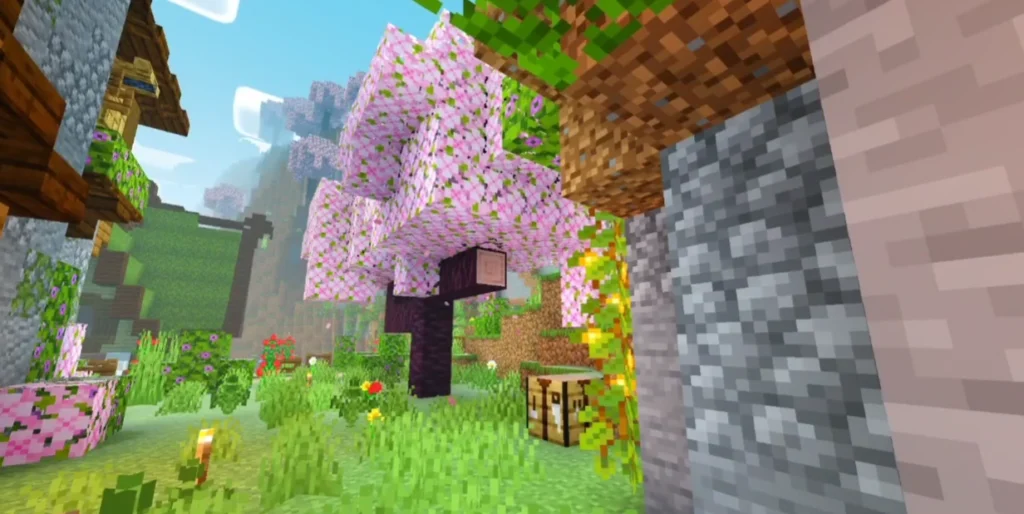
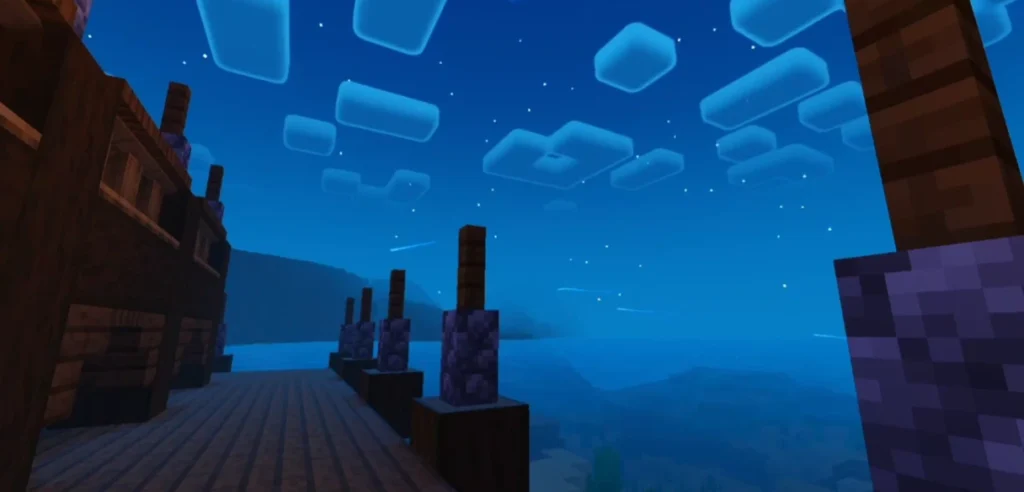
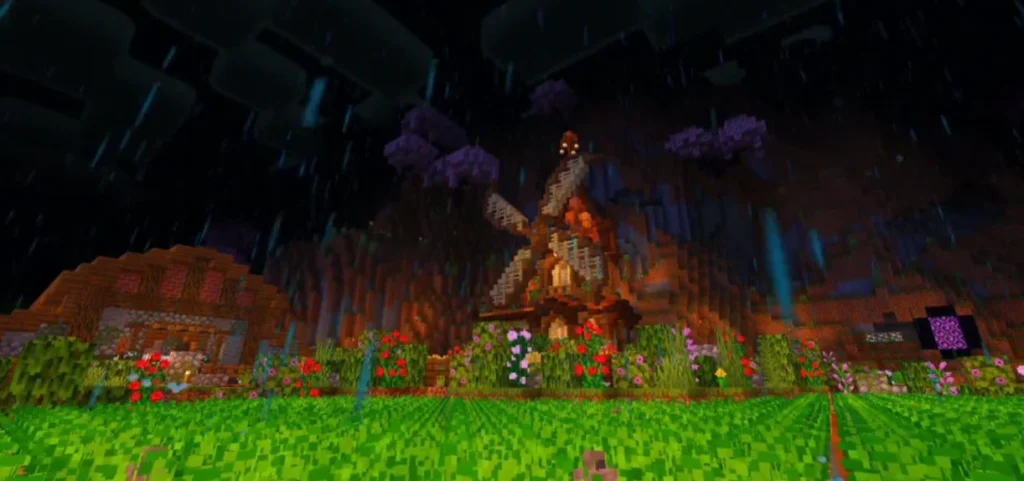
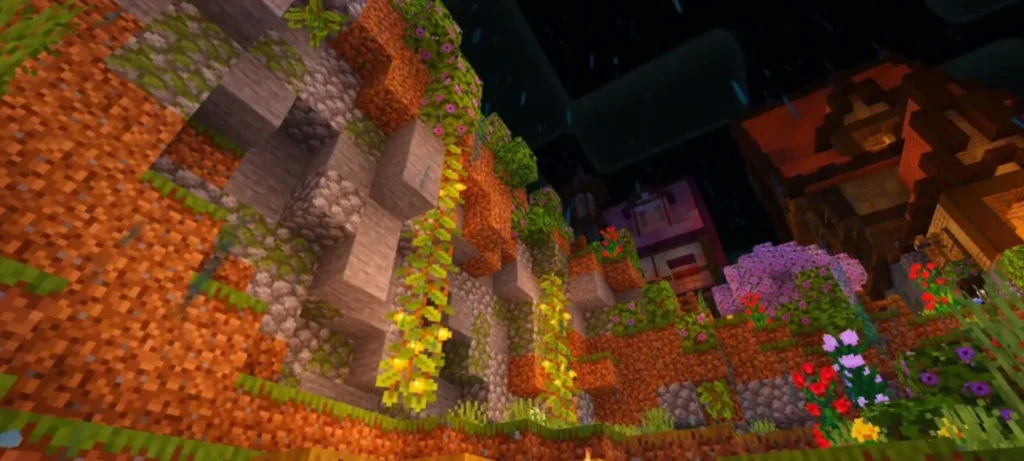
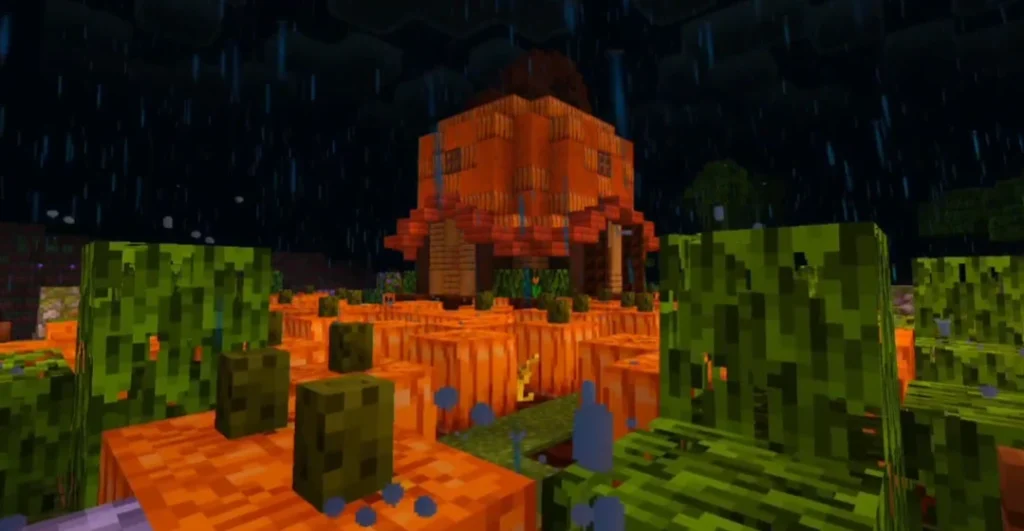
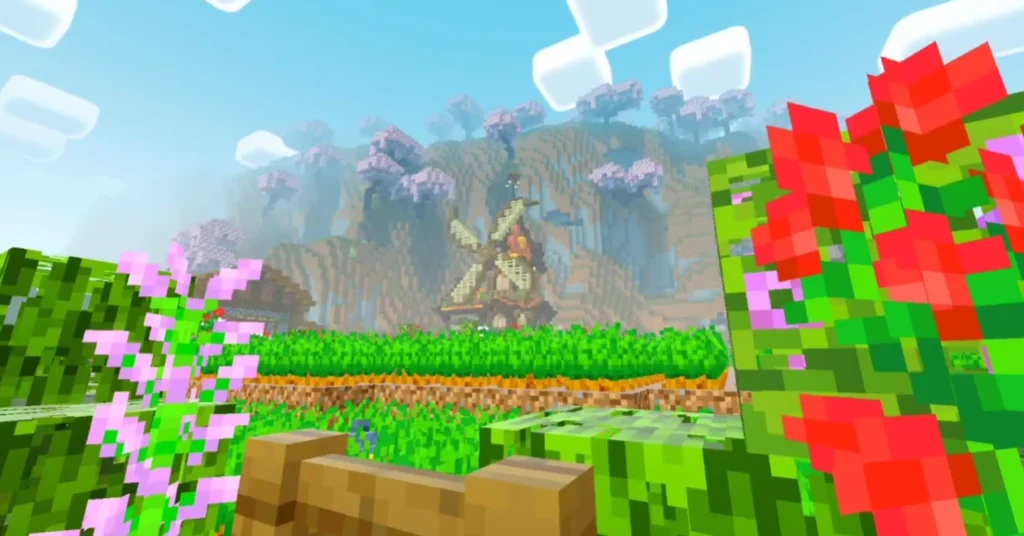
Screenshots:
Visual Enhancements & Realism
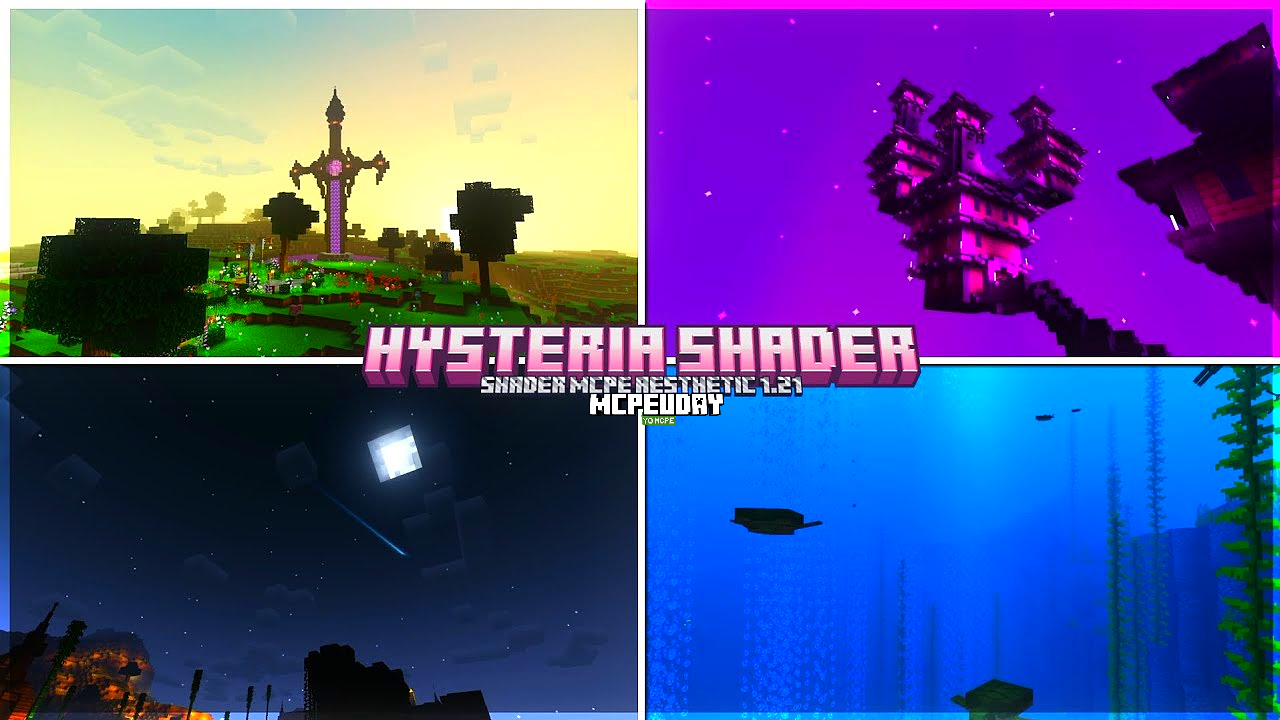
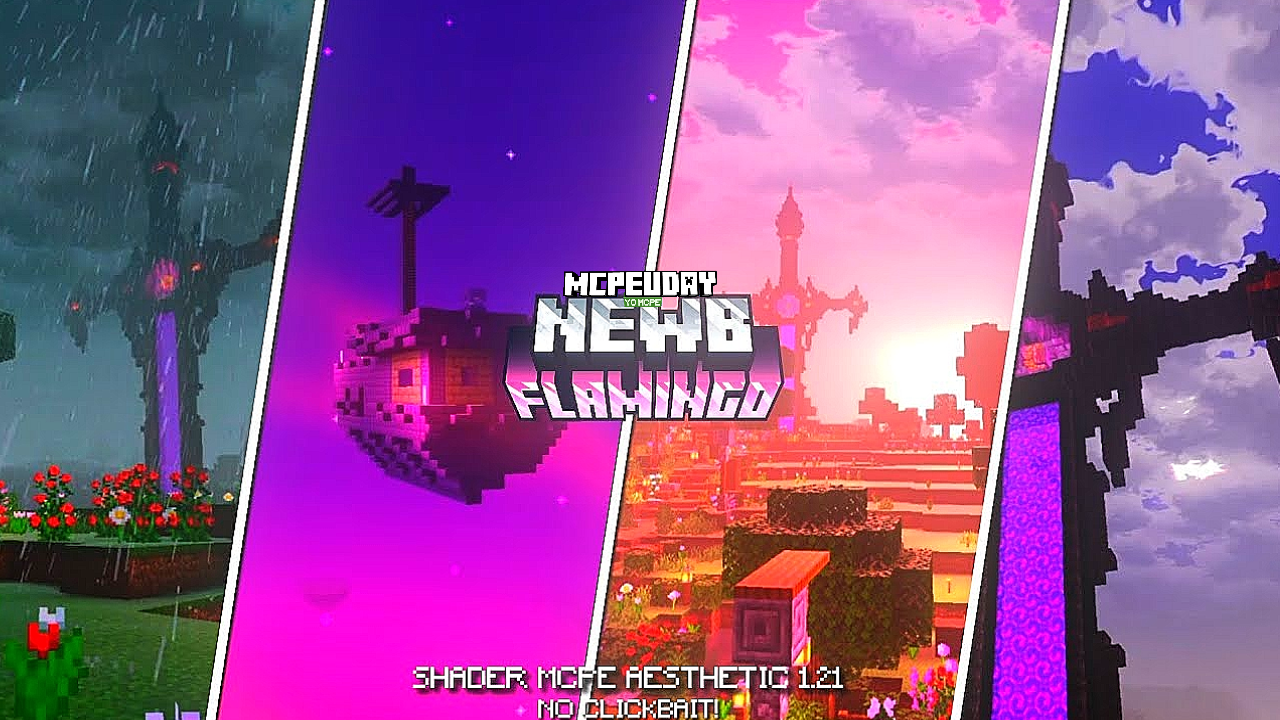
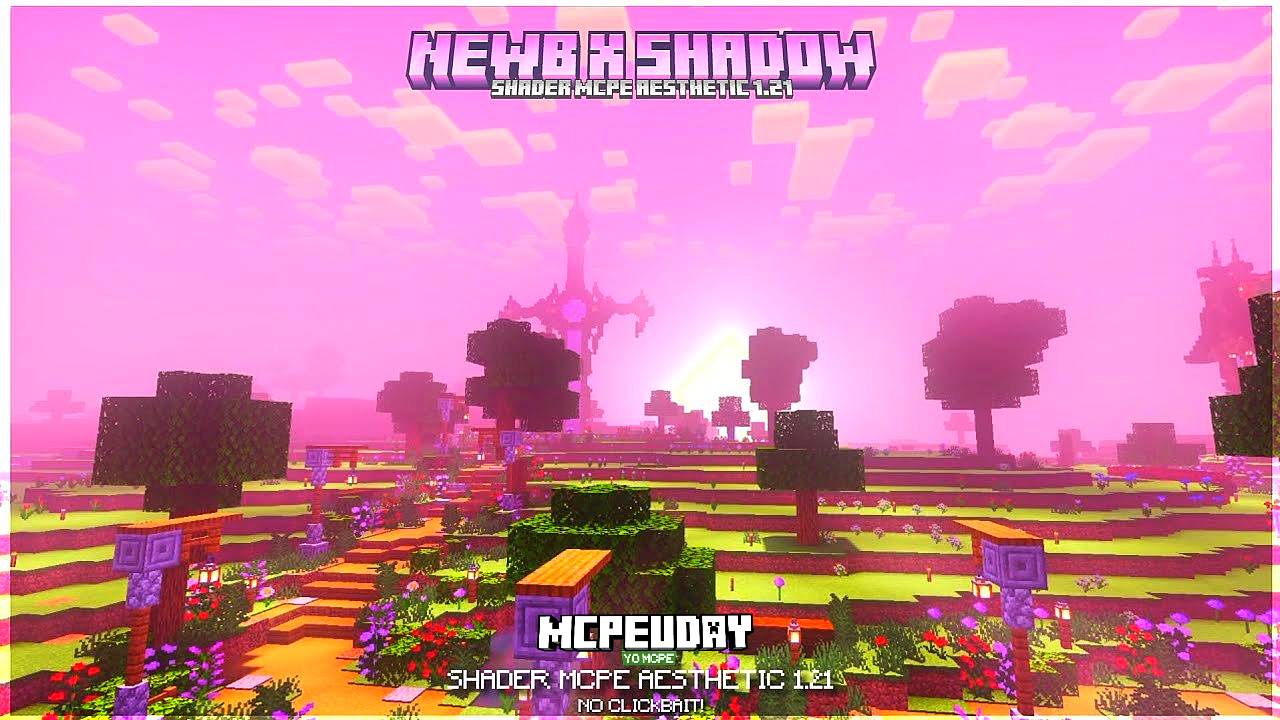
 Visual Upgrades: Once installed, Newb X Dawn dramatically transforms MCPE’s look. Daytime scenes showcase realistic lighting: tall trees cast natural shadows, forests glow under sunrays, and distant terrain is bathed in warm sunset hues. The ocean and lakes truly mirror the sky, creating a lifelike water reflection that matches the overhead clouds. As evening falls, the sky deepens into rich purples and blues with distant galaxies and stars visible, giving you a “Java RTX” night sky feel
Atmospheric effects heighten the sense of realism: soft bloom highlights torches and lanterns, and particles gently glow around light sources. Dense clouds volumetrically billow overhead, letting only streaks of light through. Even the environment itself is more alive – grass and crops subtly move in the breeze and weather changes (sun, rain, night) feel more dynamic. Overall, these enhancements make the Minecraft Bedrock world much more vibrant and immersive, closely resembling a high-end shader experience on mobile devices.
Device Compatibility (MCPE/Bedrock, Performance, Supported GPUs)
Newb X Dawn is built for Minecraft Bedrock (Pocket Edition) 1.21+ on mobile and PC. It officially supports Android, iOS, and Windows 10/11 versions of . (It cannot be used on the Java Edition of Minecraft.) The shader runs on Bedrock’s RenderDragon engine, so on Android devices you may need the “BetterRenderDragon” patch or mod to enable full shader support. On iOS (modern iPhones/iPads) and Windows PCs, it can run out-of-the-box.
A key point: no RTX hardware is required. The pack was explicitly designed to run on standard devices – as the author notes, “you can run it on any device” However, it is a high-fidelity shader, so performance varies by hardware. High-end smartphones and tablets (Adreno 6xx/7xx series, Mali G-series, Apple A11 and above, etc.) will achieve smooth frame rates with all effects on. Mid-range devices can use the shader on lower settings or use the Lite version. Low-end devices should definitely use the Lite edition or disable heavy effects (like clouds) to avoid lag
In summary: the shader is cross-platform and works on any Bedrock device with relatively modern GPUs. For best experience use the full version on high-end Android/Windows, or the Lite version on weaker hardware If you do encounter lag, simply disable volumetric clouds or other intensive options – the author even suggests this as a quick fix for performance issues
How to Install Newb X Dawn Shader (step-by-step)
- Download the Shader: Locate the Newb X Dawn shader pack on trusted sites (like MCPEDL or CurseForge). There are usually two versions – Reimagined (standard) and Vanilla/Lite. Download the
.mcpackfile for your platform (Android, iOS, or Windows). (Avoid unofficial download links; only use reputable Minecraft add-on sites.) - Transfer/Import Pack: On your device, open Minecraft and go to Settings > Global Resources > My Packs. Use the “Import” button to find and import the shader
.mcpackfile you downloaded. On Windows, you can also place the file in theresource_packsfolder if preferred. - Enable the Shader: In Global Resources, find Newb X Dawn and activate it. If you’re adding it to a world, go to your world settings, then Resource Packs and move Newb X Dawn from Available to Active.
- Prepare Your Game: Ensure your Minecraft version is 1.21.130 or higher (the shader won’t run on very old patches) On Android, you may need a patched APK or a mod like BetterRenderDragon to allow shaders in Minecraft. On Windows/PC and iOS, no special mods are typically needed – just make sure your game is updated.
- Activate Experimental Settings (if needed): Some shaders require “Fancy Graphics” or experimental graphics toggled on. In Settings > Video, turn on any advanced graphics or experimental rendering options.
- Restart and Enjoy: After applying the shader, restart Minecraft (if prompted). Load into your world and enjoy the enhanced visuals. You can tweak settings: if the game lags, try switching to the Lite version of Newb X Dawn or disabling volumetric clouds and other heavy effects.
By following these steps, MCPE players can quickly install and experience the Newb X Dawn shader. The shader developer also provides detailed install guides (Android/iOS/Windows) on MCPEDL for reference.
Pros and Cons
- Pros:
- Stunning Realism: Adds vibrant sunsets, lifelike skies and water, volumetric clouds, and subtle animations – greatly enhancing immersion
- No Special Hardware Required: Despite its RTX-style effects, it runs on any Bedrock device (Android, iOS, Windows) without needing an RTX GPU
- Cross-Platform: Works on mobile (MCPE) and Windows Bedrock. Great for players who switch between PC and phone.
- Optimized Versions: Includes a Lite edition for low-end devices, so even older phones can enjoy some effects.
- Free and Updated: Available on community platforms (MCPEDL, CurseForge) with regular updates for new Minecraft versions
- Cons:
- Performance Heavy: On medium or low-end devices, full effects can cause lag or slow-down. The shader notes that disabling clouds or using the Lite version may be necessary for smooth gameplay
- Requires Setup on Android: Non-Raspberry versions of MCPE might need the “Better RenderDragon” mod or a patched APK to load shaders properly, which can be a hurdle for casual users.
- Minor Visual Glitches: A few users have reported occasional brightness issues at night or non-glowing lanterns in some versions (these are expected to be fixed in updates).
- Not Official: As a community shader, it depends on the creator’s updates; major Minecraft engine changes could break compatibility until it’s patched.
Overall, Newb X Dawn is praised for its dramatic graphical improvements, but users should be mindful of performance and installation requirements.
Conclusion
The Newb X Dawn shader stands out as one of the best realistic shaders for Minecraft Bedrock/MCPE 1.21+ (Mobile and Windows). It brings Java RTX–style visuals to the Pocket Edition, with bright sunsets, immersive clouds, and detailed lighting – all without requiring an RTX card. MCPE players looking to elevate their graphics will appreciate how it transforms the game’s atmosphere. Just remember to download it from a trusted source (like MCPEDL or CurseForge) and follow proper install steps. With its cross-device support and user-friendly Lite mode, Newb X Dawn makes next-level graphics accessible to most players. Give it a try on your next MCPE adventure and enjoy the enhanced world!
– Newb X Dawn shader DOWNLOAD –
FAQs
Q: What is the Newb X Dawn shader?
A: It’s a custom shader pack for Minecraft Pocket Edition (Bedrock) 1.21+ that adds realistic lighting, dynamic skies, and other visual enhancements. Originally an RTX-inspired shader, it’s now renamed “Dawn” because no RTX hardware is needed to use it. It features vibrant sunsets, volumetric clouds, water reflections, and more.
Q: Which Minecraft versions are supported?
A: Newb X Dawn works on Minecraft Bedrock (PE) 1.21.130 and aboveMake sure your game is updated to the latest 1.21 patch before installing. Earlier or newer versions beyond 1.21.130 may need to wait for an updated shader release if incompatibilities arise.
Q: Does it work on Android/iOS/Windows?
A: Yes – it supports all major Bedrock platforms. Android phones/tablets (with a patched APK or mod like BetterRenderDragon), iPhones/iPads, and Windows 10/11 (Bedrock) can all run Newb X Dawn. The shader creator even provides a Lite version for low-end devices and a full version for powerful hardware
Q: Do I need an RTX graphics card to use this shader?
A: No! Despite being inspired by RTX shaders, Newb X Dawn does not require an RTX GPUIt uses Minecraft Bedrock’s standard graphics engine. In fact, the name “Dawn” was chosen to clarify that any supported device can run it without actual ray-tracing hardware
Q: How do I install Newb X Dawn on MCPE?
A: Download the shader pack from a site like MCPEDL or CurseForge, import the .mcpack file via Settings > Global Resources, and activate it in your world. On Android, ensure you have a shader-compatible version of Minecraft (often by using a patched APK or BetterRenderDragon) Detailed install guides are available on MCPEDL.
Q: What’s the difference between the Reimagined and Vanilla/Lite versions?
A: The Reimagined (or “standard”) version contains all visual effects for high-end devices. The Vanilla/Lite version has reduced or simpler effects for better performance on weaker hardware. If your device slows down, try the Lite edition for smoother gameplay.
Q: Where can I safely get this shader?
A: Always use trusted Minecraft add-on sites. The Newb X Dawn shader can be found on reputable platforms like MCPEDL and CurseForge, which host the creator’s official files. Avoid unofficial links; downloading from known sites ensures you get the latest, unmodified version of the pack.
[…] For those looking to enhance the visuals of their adventure, you might consider checking out the Newb X Dawn Shader For Mcpe 1 21 Bedrock Edition Download Now for mobile-friendly alternatives, though for the Java version of DawnCraft, internal shaders are […]
[…] you want to grab the files immediately, you can check out the Newb X Dawn Shader for MCPE 1 21 Bedrock Edition Download Now page to start your visual […]
[…] you love this specific time of day, you might also want to check out the Newb X Dawn Shader for MCPE 1 21 Bedrock Edition Download Now for another unique take on early morning and late evening […]
[…] or the Unity-based DawnShader G2 and N5 Update | VFX Shaders | Unity Asset Store — the Dusk Dawn Shader is built natively to work within the constraints of Minecraft Bedrock’s rendering engine. […]
[…] are torn between Columbus and Dawn, it mostly comes down to your device’s capabilities. The Newb X Dawn Shader For Mcpe 1 21 Bedrock Edition Download Now variant is famous for its gorgeous cinematic fog and highly saturated colors. However, it can be […]