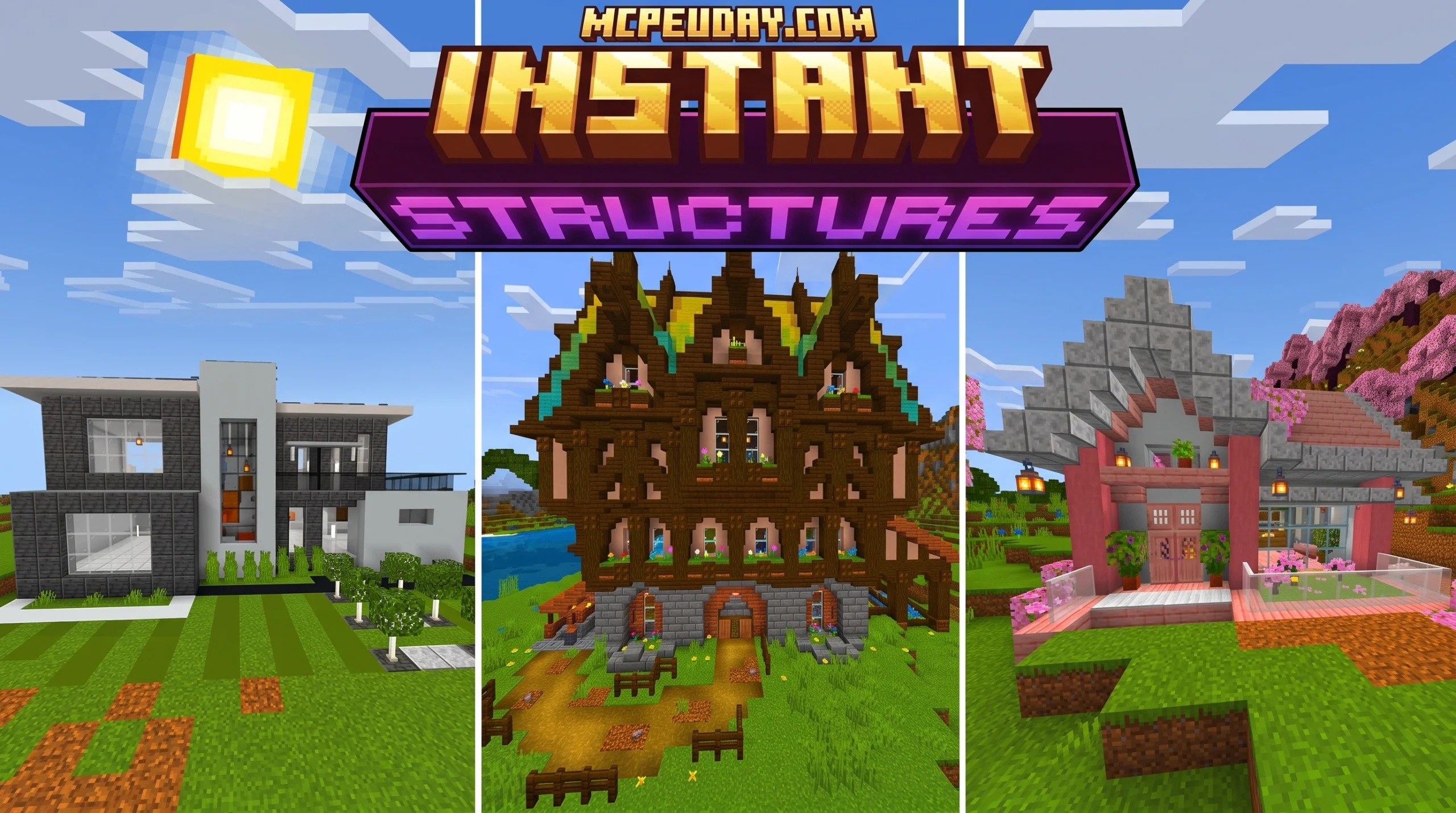
Why the Instant Structures Addon Is a Game-Changer for Minecraft Builders
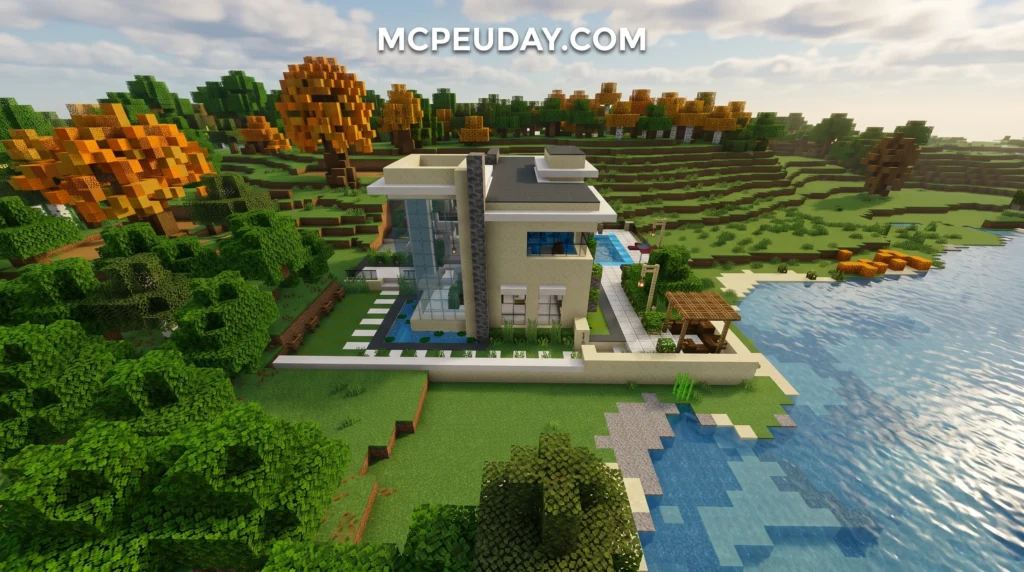
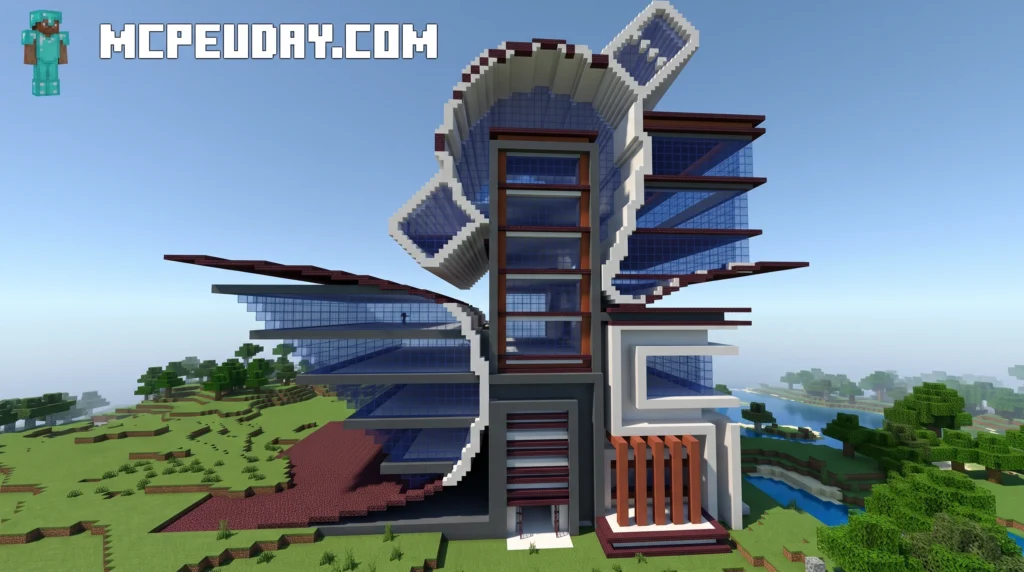
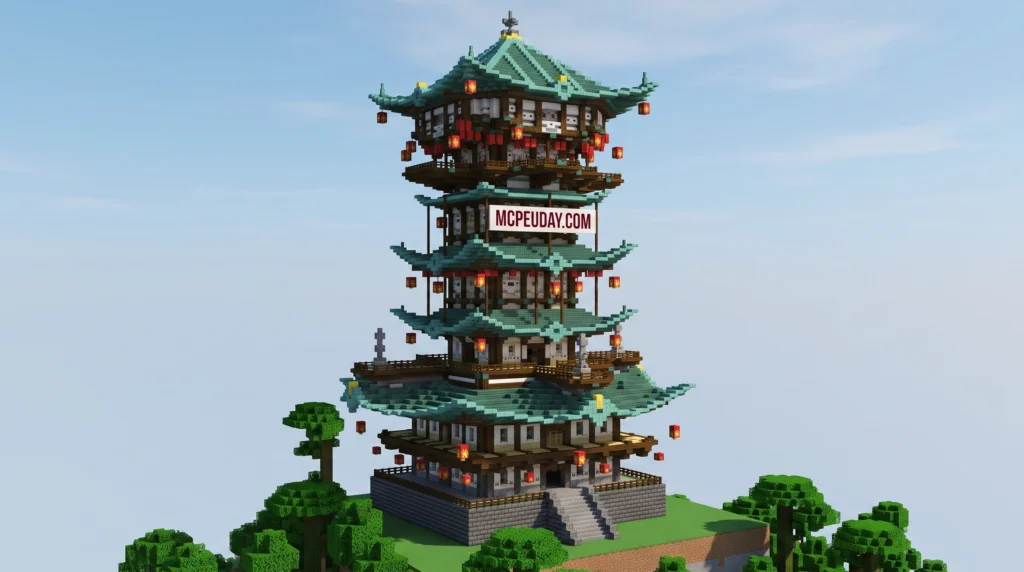
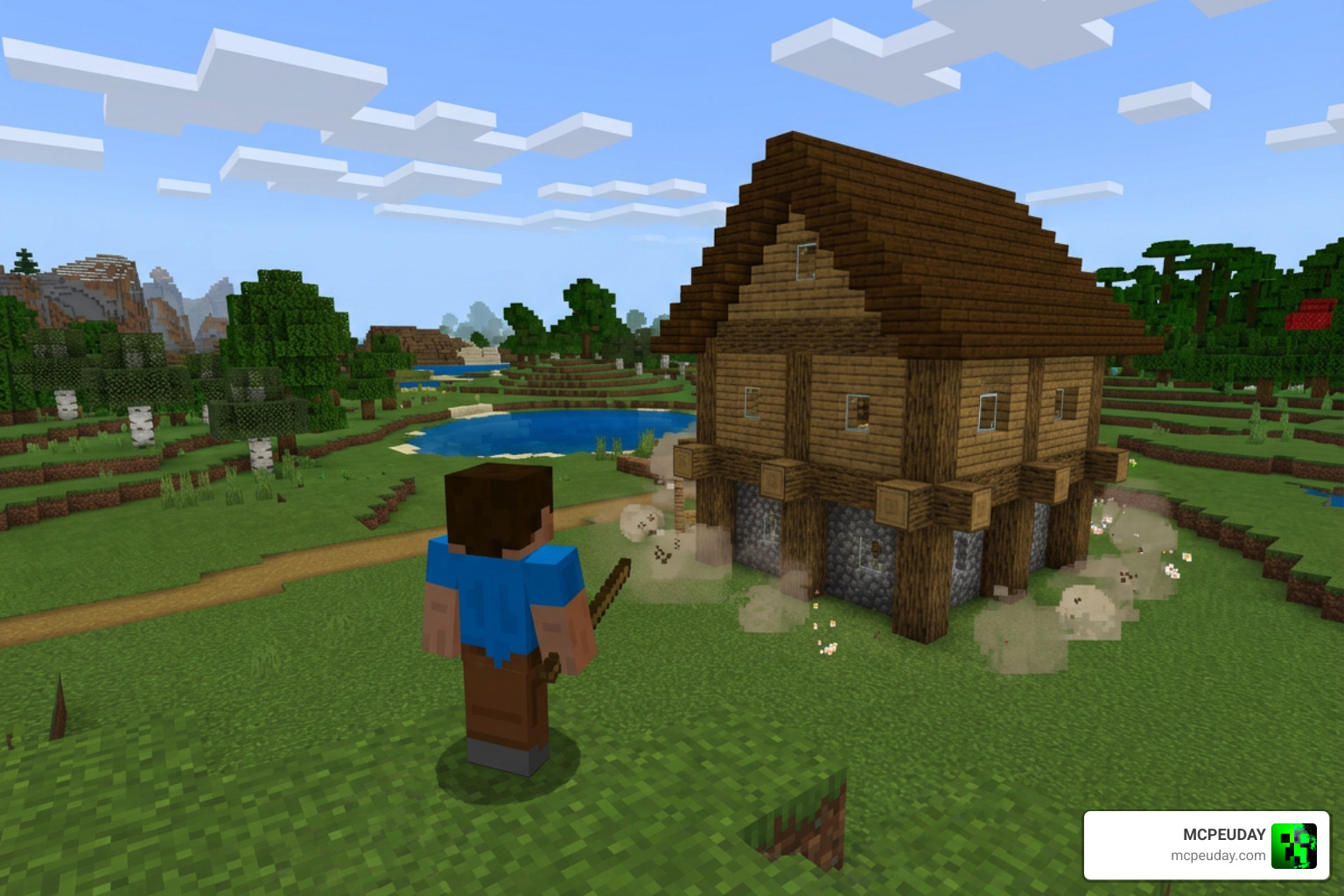
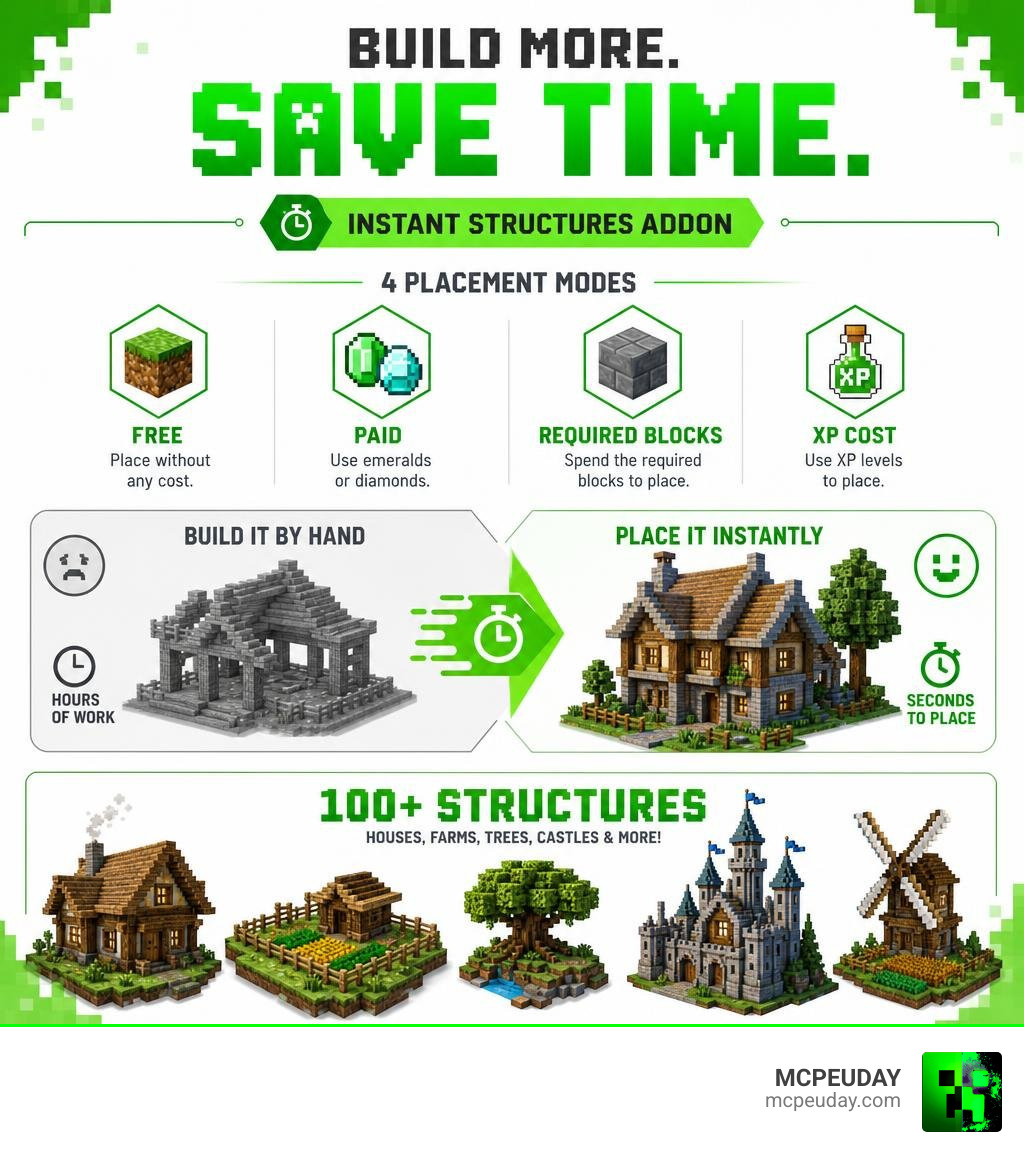
The Instant Structures Addon is a Minecraft Bedrock tool that lets you spawn 100+ pre-built structures — houses, farms, trees, castles, and more — in seconds, without building anything by hand.
Here’s a quick breakdown of what it does:
- What it is: A Bedrock Edition addon (Instant Structures v7) with 100+ ready-made builds
- How you get it: Download the Behavior Pack and Resource Pack, then activate both in your world settings
- How you use it: Craft or find the Structure Selector item, open its menu, pick a structure, and place it
- Modes available: Free, Paid (emeralds/diamonds), Required Blocks, and XP cost
- Works on: Minecraft Bedrock 1.21 and higher (Android, iOS, Windows, Xbox, Switch)
Building a house in Minecraft the normal way can take hours. A full village? Days. The Instant Structures Addon cuts that down to seconds, so you can focus on exploring, surviving, or just making your world look incredible.
With over 813,000 downloads on CurseForge alone, it’s one of the most popular building addons in the Bedrock community — and for good reason.
What is the Instant Structures Addon for Minecraft Bedrock?
If you have ever stared at a blank Minecraft field wishing a beautiful castle would just build itself, we have some fantastic news. The Instant Structures Addon (specifically the updated v7 release) is an incredible world-building tool designed for Bedrock Edition. It allows you to instantly spawn over 100 unique, pre-built structures directly into your game.
Whether you are looking to populate an empty continent, set up a functional survival base in under a minute, or create custom adventure maps, this addon does the heavy lifting for you. From detailed houses and massive custom trees to fully functional crop farms, the addon turns the tedious block-by-block grind into a fun, creative experience.
If you love exploring diverse world generations and unique structures, you can find More info on the Better Structures Addon to see how different mods can completely reshape your Minecraft environment.
How the Instant Structures Addon Works
At the heart of the Instant Structures Addon is a clever, user-friendly system that relies on two main components: a Behavior Pack and a Resource Pack. Once these are active in your world, you obtain a special item called the Structure Selector.
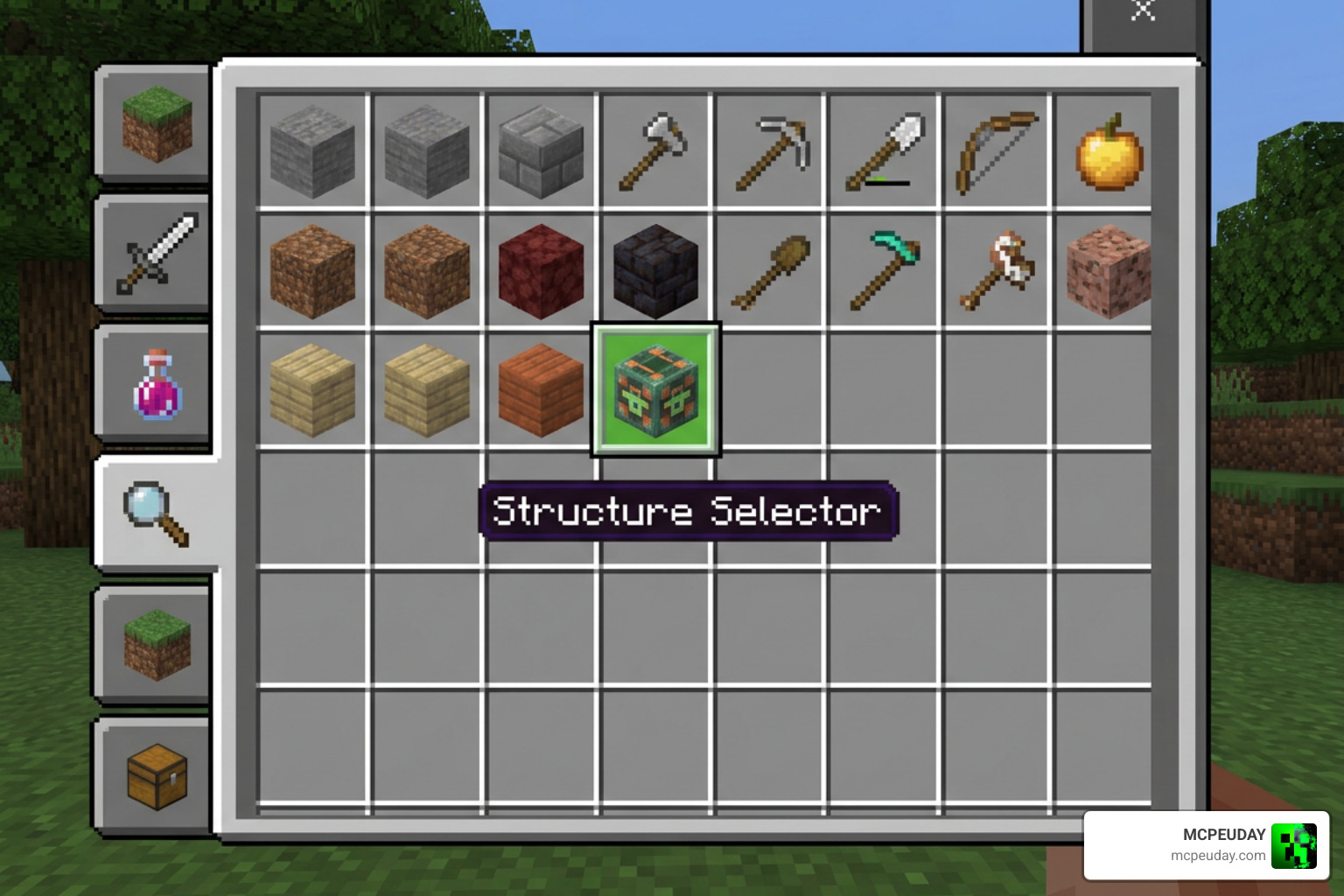
When you hold the Structure Selector and interact with it, a custom user interface (UI) pops up on your screen. This menu allows you to browse through different categories, select the building you want, adjust its placement settings, and spawn it instantly.
In Creative Mode, you can simply pull the Selector from your inventory and start pasting builds wherever you stand. In Survival Mode, the addon remains perfectly balanced because you actually have to craft the Selector and, depending on your settings, pay a resource or experience cost to place your builds.
Available Build Types and Categories
We love the sheer variety of designs included in this addon. It features over 100 hand-crafted, highly detailed structures categorized to keep your building menu organized. Some of the featured categories include:
- Residential: Cozy starter cabins, modern villas, and suburban family homes.
- Farming: Automated crop fields, animal pens, and decorative greenhouses.
- Nature: Giant custom oak, birch, and fantasy trees to spruce up your custom biomes.
- Medieval & Fantasy: Guard towers, grand castles, and rustic stone bridges.
If you are a fan of old-school fantasy aesthetics, you should also Explore the Medieval Structures Addon to further transform your Bedrock worlds into realistic, ancient kingdoms.
Core Features and Customization Options
What sets the Instant Structures Addon v7 apart from older, clunkier building mods is its advanced customization suite. You do not just blindly paste a build and hope it lands in the right spot. Instead, you have total control over how and where the structure spawns.
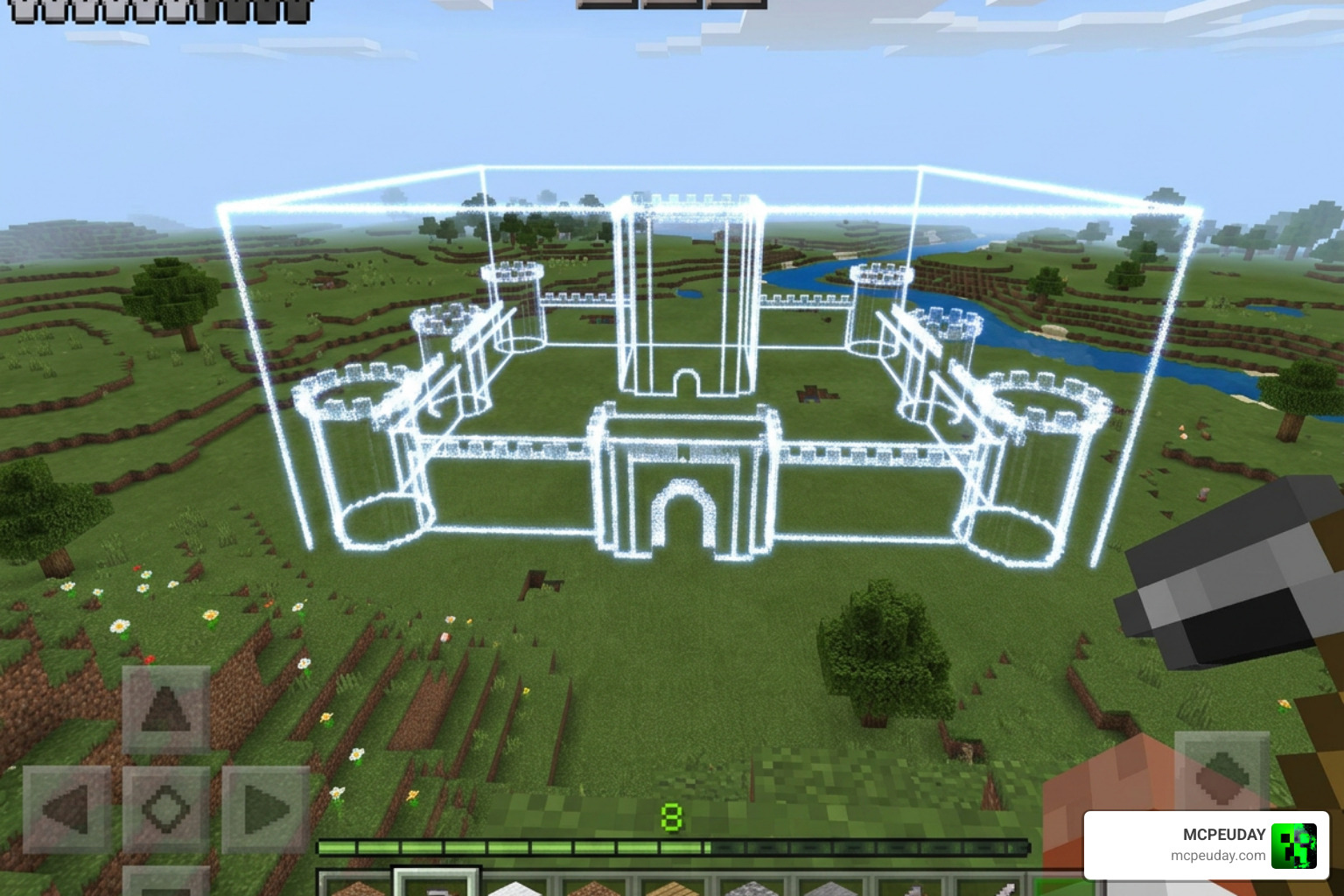
- Particle Outline Preview: Before confirming your placement, the addon projects a glowing particle box showing the exact boundaries of the structure.
- Real-Time Rotation: The structure automatically rotates to face the direction you are looking, but you can also manually rotate it in the menu.
- Mirror Mode: Flip the structure’s layout horizontally to fit specific landscape shapes.
- Vertical Offset: Adjust the height slider to sink a building into the ground or raise it to sit perfectly on a hill.
- Animation Mode: Watch the structure build itself block-by-block with a cool animation, or choose instant placement for maximum speed.
Multi-Structure Spawning and Undo Functionality
Have you ever wanted to build a neat row of houses or a massive orchard of custom trees? Doing that one by one is still tedious. Luckily, the addon includes a Place Multiple option. By using simple slider controls in the menu, you can specify exactly how many structures you want to spawn and how many blocks of spacing to leave between them.
And do not worry about making mistakes! If you accidentally paste a massive castle right on top of your favorite sheep pen, you can instantly hit the Undo button in the Structure Selector menu. The addon will immediately remove the last placed structure and restore the terrain exactly as it was.
Gameplay Modes and Cost Systems
One of our favorite things about this addon is how well it integrates into regular survival gameplay. Rather than feeling like a “cheat” tool, the creator added four distinct gameplay modes that dictate how much it costs to spawn a building.
| Placement Mode | Cost Type | Best Used For |
|---|---|---|
| Free Mode | None | Creative building, map testing, and quick world design. |
| XP Mode | Experience Levels | Survival progression without needing physical items. |
| Paid Mode | Emeralds or Diamonds | Server economies, roleplay worlds, and trading systems. |
| Required Blocks | Actual Building Blocks | Hardcore survival players who want the build but don’t want to skip the resource gathering. |
Free and XP-Based Placement
In Free Mode, you can spawn as many structures as your device can handle without spending a single resource. This is perfect for creative designers.
If you want a light survival challenge, XP Mode is an excellent middle ground. Spawning a simple well might only cost you 2 levels of experience, while a sprawling fortress might require 40 levels. This gives you a great reason to keep hunting mobs and mining quartz!
Paid and Required Blocks Modes
For players who want a truly balanced survival experience, Paid Mode and Required Blocks Mode are fantastic. In Paid Mode, structures cost a set amount of emeralds or diamonds, turning your hard-earned gems into instant real estate.
In Required Blocks Mode, the addon checks your inventory to ensure you actually possess the wood, stone, and glass required to construct the building. This saves you the time of placing the blocks manually while keeping the survival challenge completely intact.
Step-by-Step Installation and Setup Guide
Ready to start building? Let us walk you through getting the addon set up on your device. First, make sure you download the official files directly from the Instant Structures v7 – Minecraft Bedrock Addons – CurseForge page to ensure you have the safest, most stable version.
- Download both the Behavior Pack (BP) and the Resource Pack (RP).
- Double-click or tap the downloaded
.mcpackfiles to automatically import them into Minecraft Bedrock. - Create a new world or select an existing one, and go to the world settings.
- Scroll down to the Experiments tab and ensure that Beta APIs and Holiday Creator Features are turned on (depending on your specific game version).
If you love exploring natural structures alongside your custom-placed ones, check out our Guide to finding structures instantly to easily locate rare in-game monuments and temples.
Activating the Instant Structures Addon in Your World
Once your packs are imported and experiments are enabled, navigate to the Resource Packs section in your world settings and activate the Instant Structures Resource Pack. Next, go to the Behavior Packs section and activate the Instant Structures Behavior Pack.
Tip: We always recommend making a backup copy of your world before activating any new addons, especially those that generate thousands of blocks at once!
If you are looking for even more variety in naturally generating structures, you should also Check out the Structures Arises Remake Addon to add stunning dungeons and towers to your survival exploration.
Frequently Asked Questions about the Instant Structures Addon
How do I obtain the Structure Selector item?
In Creative Mode, you can find it directly in your equipment inventory. In Survival Mode, you can easily craft it on a crafting table using 4 iron ingots arranged in a diamond shape.
Can I undo a structure if I place it incorrectly?
Yes! Simply open the Structure Selector menu again and select the Undo option. It will instantly remove the last structure you placed and restore the ground beneath it.
Is this addon compatible with Minecraft Bedrock 1.21+?
Yes, the v7 release of the Instant Structures Addon is fully updated and optimized to support Minecraft Bedrock version 1.21 and higher across all compatible platforms.
Conclusion
At MCPEUDAY, we believe that Minecraft should be about expressing your creativity without feeling bogged down by repetitive tasks. The Instant Structures Addon is the ultimate shortcut to bringing your wildest world-building dreams to life, whether you want to build a quiet farming village or a massive medieval empire.
Be sure to Explore more Bedrock addons on MCPEUDAY to discover the latest mods, shaders, and resource packs to elevate your gameplay in 2026! Happy building!