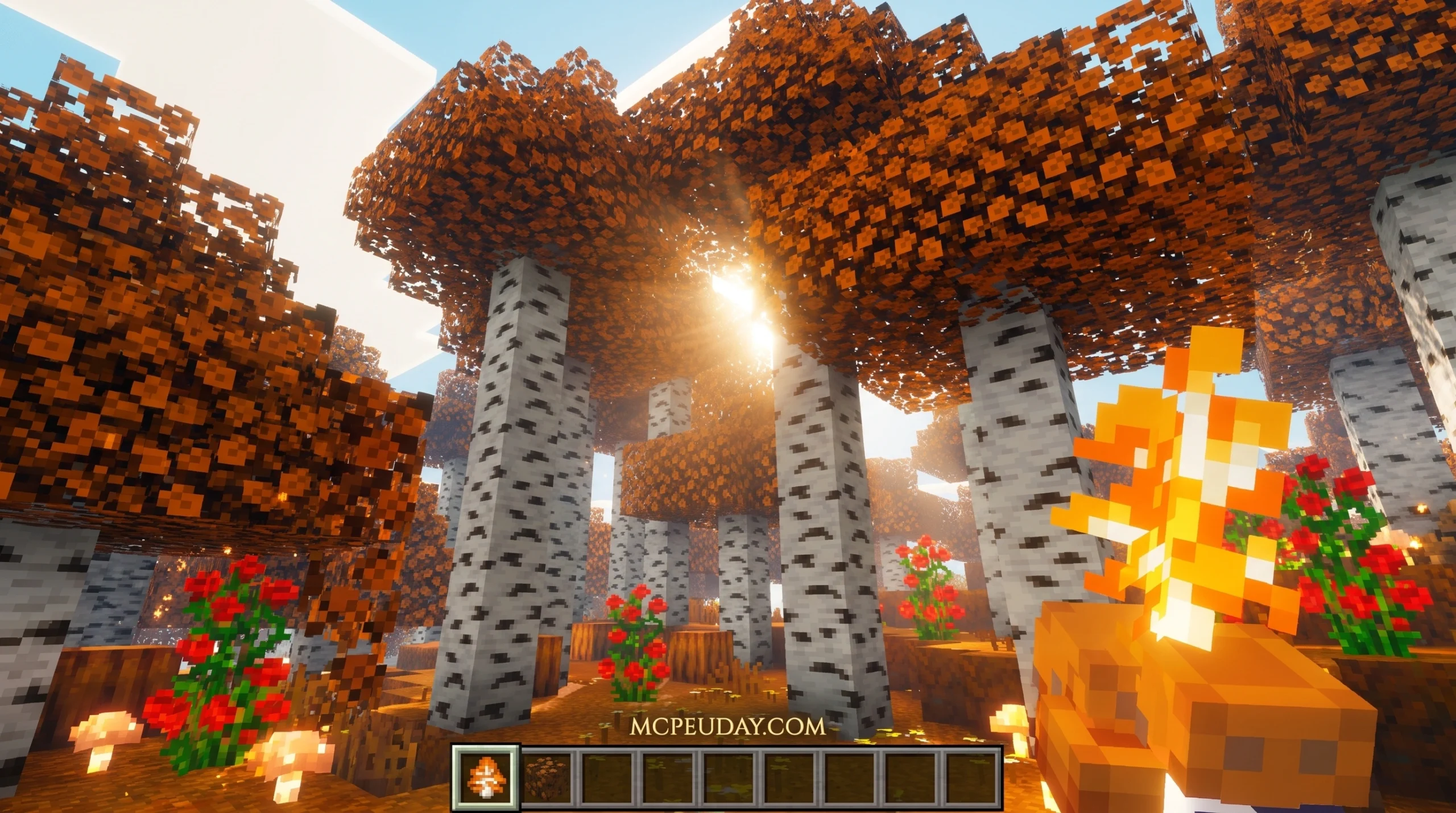
What Is the Orange Trees Addon for Minecraft?
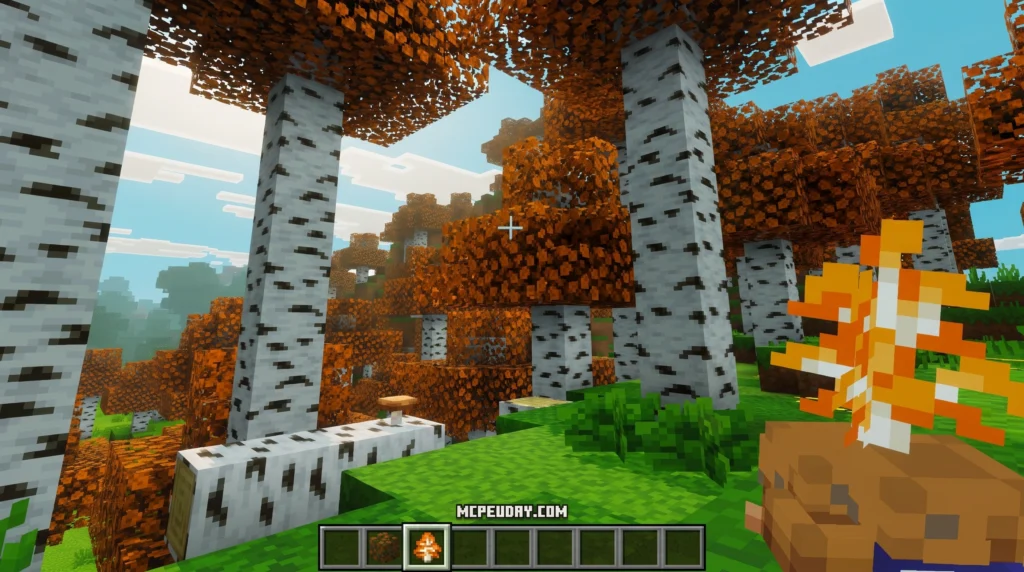
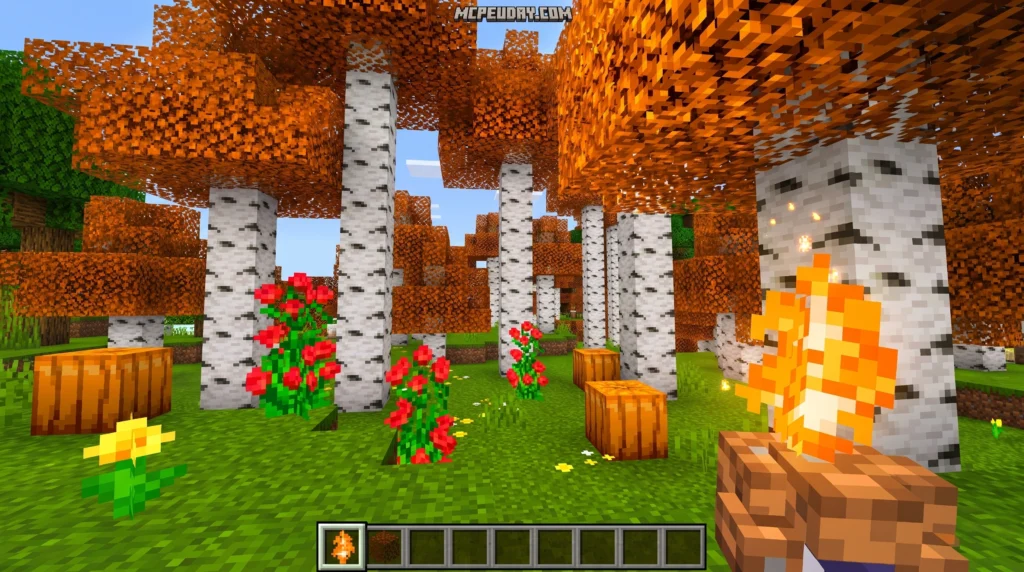
The Orange Trees Addon is a Minecraft Bedrock addon that adds orange trees to your world — complete with natural spawning, growth stages, and harvestable fruit.
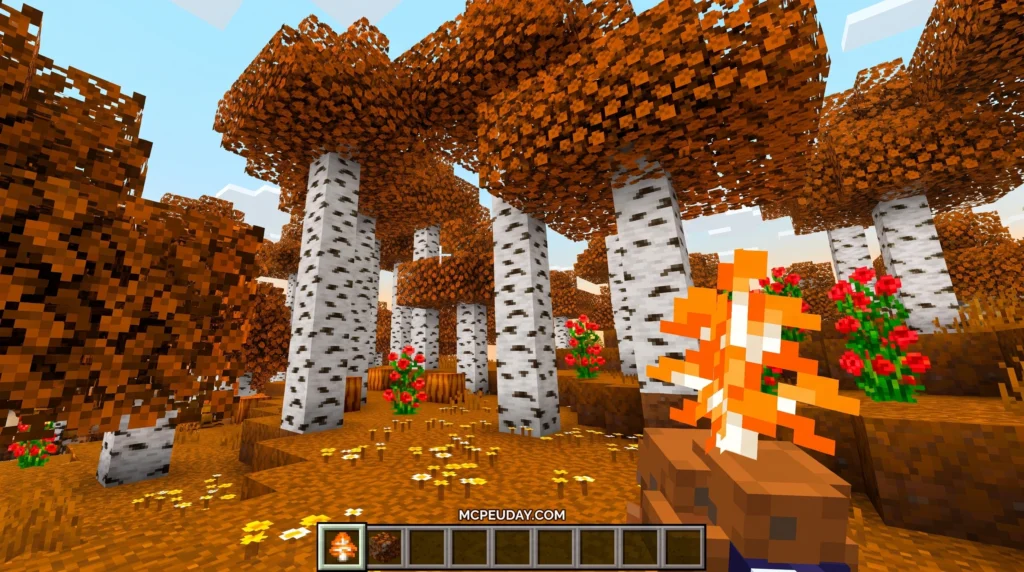
Here’s a quick summary:
- What it adds: Orange trees that grow and drop oranges you can collect
- Where they spawn: Jungle biomes and island surfaces
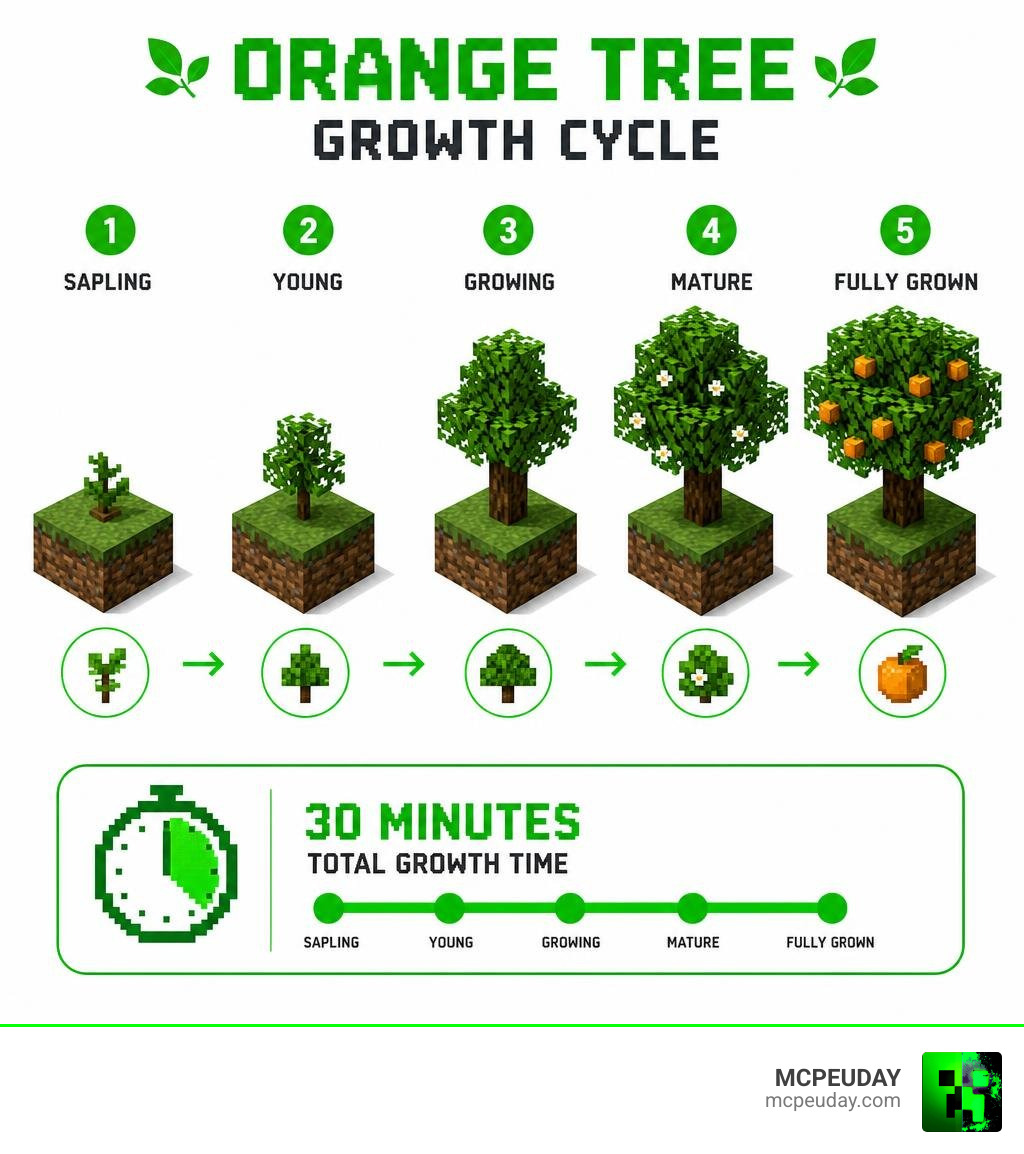
- Growth time: Up to 30 minutes across 5 stages
- Fruit dropped: 2-3 oranges per fully grown tree
- How to harvest: Hit or use shears on a fully grown tree
- Compatible with: Minecraft Bedrock Edition 1.21+
For many players, the standard selection of crops in vanilla Minecraft can feel a bit limited after a while. While wheat, carrots, potatoes, and beetroots are great, they don’t offer the same visual appeal or verticality as fruit-bearing trees. The Orange Trees Addon solves this by introducing a beautiful, functional tree that blends seamlessly into the game’s natural environments. It encourages exploration, as you can’t just craft these seeds from the start; you actually have to venture out into the wild to find your first saplings.
If you love survival mode and want more variety in your food sources, this addon is worth adding to your world. Instead of relying on the same old crops, you can explore jungles and stumble across orange trees growing naturally — just like you’d find in real life.
The addon keeps things simple. Trees grow on their own. You wait. You harvest. You eat. No complicated setups required.
It fits right in with Minecraft’s existing feel, which makes it one of the more popular small-scale fruit addons in the Bedrock community. Whether you are building a cozy cottage with a small backyard orchard or a massive agricultural empire, these trees provide both aesthetic and practical value.
Features of the Orange Trees Addon
The Orange Trees Addon brings more than just a new block to look at. It completely integrates a brand-new farming dynamic into your survival world. Whether you are running a massive orchard or just want to find a quick snack while exploring, this addon makes the world feel much more alive.
Farming in Minecraft has always been a core pillar of the survival experience. However, most vanilla crops are ground-based, requiring flat tilled soil and water sources. The introduction of fruit trees changes how you design your farms. Instead of flat, repetitive fields, you can now design vertical orchards that utilize three-dimensional space. This not only looks much more realistic but also allows for creative landscaping designs that can make your base feel like a true home.
According to technical documentation on the Orange Tree – Podcrash Wiki, these trees are fully integrated with script-based growth systems. When you find or plant one, it behaves like a dynamic entity rather than a static vanilla block.
Here is a quick look at how the orange tree behaves across different popular Minecraft mods and addons:
| Feature/Property | Farming Add-On / Fruits in Trees Bedrock Addon | Aether II Mod Variant |
|---|---|---|
| Primary Biome | Jungle Biomes, Island Surfaces | Surface of all Aether Islands |
| Growth Stages | 5 Stages | 5 Stages (First 2 are 1-block high, last 3 are 2-blocks high) |
| Max Growth Time | Up to 30 minutes | Variable (Accelerated by Swet Gel) |
| Base Yield | 3 Oranges | 2-3 Oranges (Resetting to stage 4) |
| Renewable | Yes (Via planting/saplings) | No (Naturally flammable and non-renewable in Aether) |
| Harvest Tool | Hand, Shears (for decoration) | Hand, Arkenium Shears (faster) |
As shown in the comparison table, the behavior of orange trees can vary depending on the specific mod or addon version you are running. In standard Bedrock farming addons, the focus is on sustainability and ease of use, allowing you to easily replant and harvest your crops. In contrast, dimension-specific variants like those found in the Aether II mod introduce unique survival challenges, such as non-renewable resources and specialized tools. Understanding these differences helps you plan your farming strategy accordingly, ensuring you always have a steady supply of food no matter where your adventures take you.
Whether you are playing a standard Bedrock survival world or exploring custom dimensions, having a fresh citrus food source adds a wonderful layer of immersion to your gameplay.
Spawning and Growth Mechanics
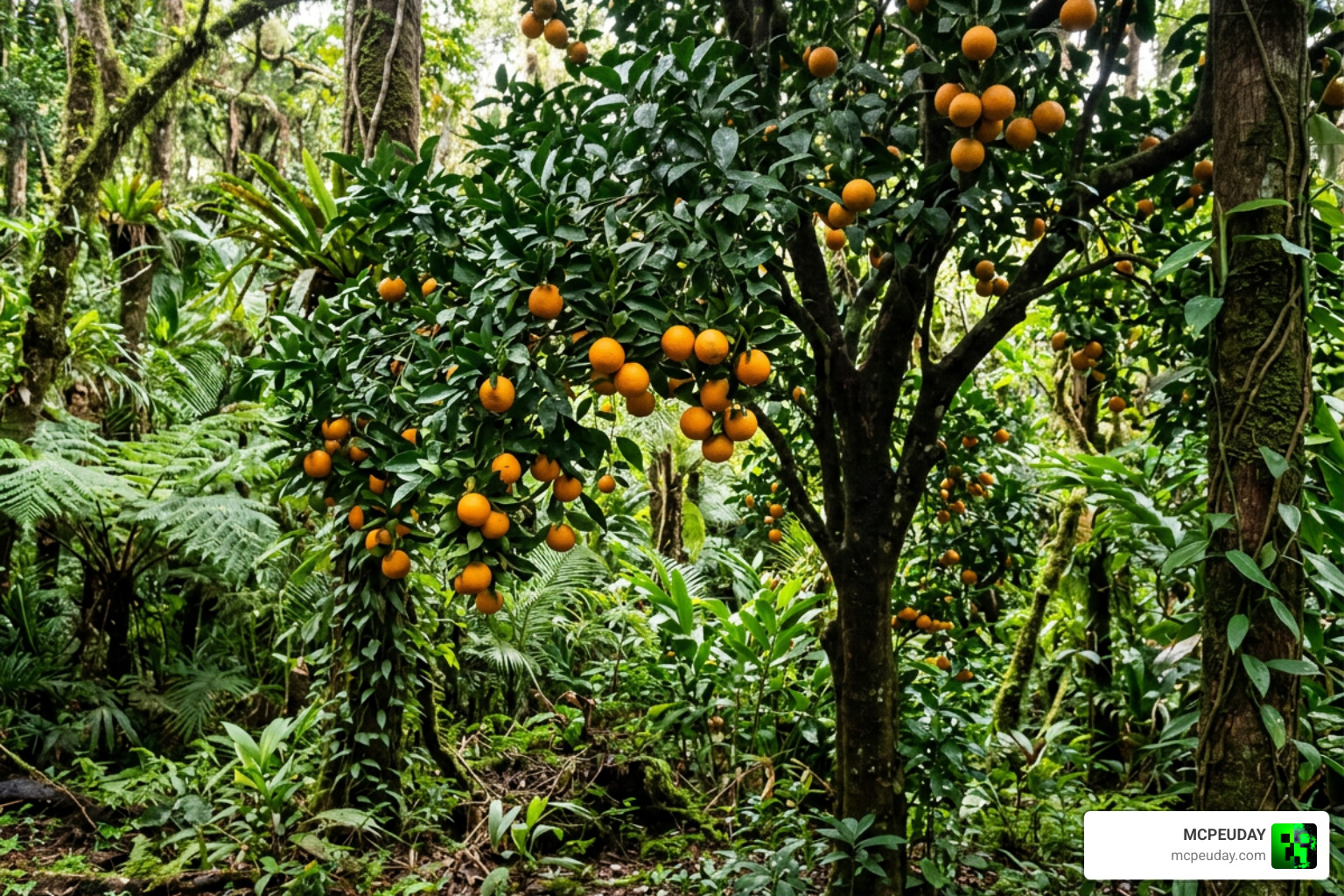
In the Orange Trees Addon, finding these trees is half the fun. They naturally generate on the surface of islands and are commonly found throughout Jungle biomes. Because they blend in with the dense foliage of the jungle, you will want to keep your eyes peeled for those bright orange spots hiding in the green leaves!
Once planted or spawned, the tree begins its growth cycle. The total time it takes to go from a tiny sapling to a fruit-bearing tree is up to 30 minutes. This slow, natural progression makes harvesting your first batch of oranges feel incredibly rewarding.
Growth Stages in the Orange Trees Addon
The growth process is divided into five distinct stages.
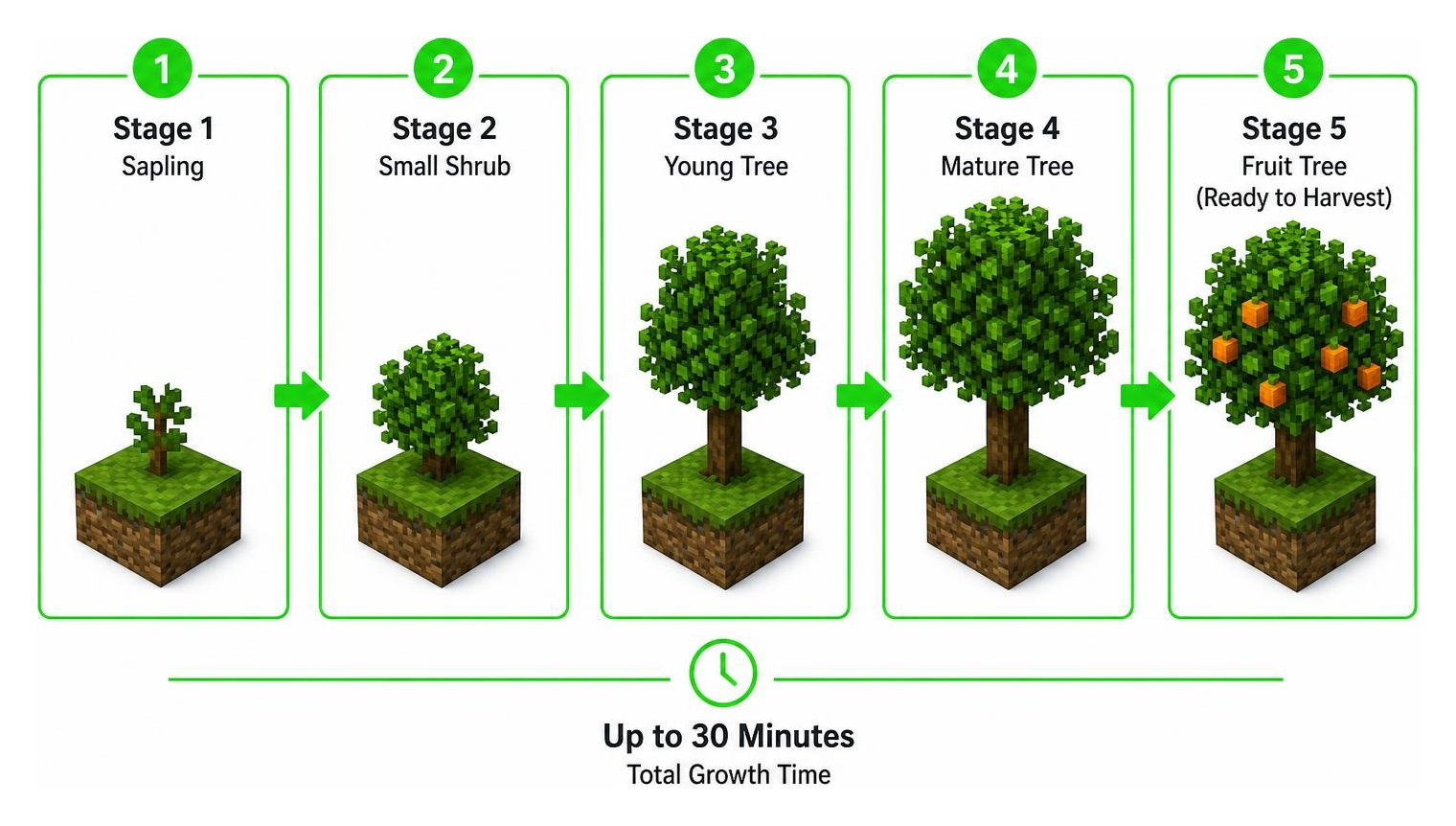
During the first two stages, the tree is only one block high, looking like a small, leafy shrub. By stage three, it stretches into a two-block-high tree. Once it reaches the fifth and final stage, bright orange fruits appear on the branches, signaling that it is ready for harvest.
Understanding the visual cues of each growth stage is essential for efficient farming. During the initial stages, it is easy to mistake the young sapling for a standard decorative bush. However, as it progresses to the third and fourth stages, the trunk solidifies and the canopy expands. Keeping an eye on these changes allows you to estimate when your next harvest will be ready, helping you plan your food consumption during long mining trips or building sessions.
If you are playing a version inspired by classic dimensions, as detailed on the Orange Tree – Aether Wiki – Fandom, you can use special items like Swet Gel to accelerate the growth stages. Additionally, planting these trees on Enchanted Aether Grass will cause an extra orange to drop during harvest!
Harvesting and Using Oranges
When your orange tree is fully grown, harvesting is simple. You can hit the tree once with any tool or your bare hand. Doing so drops 2-3 oranges and resets the tree back to stage four, allowing it to grow fruit all over again without you needing to replant it.
If you prefer to use the orange blocks for decoration rather than eating them, you can collect the intact fruit blocks using shears. This is perfect for builders who want to design custom orchards, grocery stores, or tropical gardens. Eating the harvested oranges restores your hunger bar, making them an excellent and easily renewable food source for your long survival journeys.
For builders, the ability to collect intact fruit blocks using shears is a game-changer. In vanilla Minecraft, creating realistic fruit trees often requires using colored wool or concrete blocks, which can look out of place up close. With this addon, you can place actual orange blocks directly onto leaf structures, creating highly detailed custom trees that look incredibly realistic. This opens up endless possibilities for creative builds, from bustling marketplace stalls filled with fresh produce to sprawling tropical estates with custom-designed gardens.
Technical Integration and Modeling
For creators and technical players, understanding how custom tree assets are designed and coded can be fascinating. While players enjoy the addon in Bedrock, the developers behind these mods often use advanced programming and 3D modeling pipelines to bring these trees to life.
On the backend, some developers utilize specialized library frameworks. For instance, the veeso/orange-trees Rust library provides a generic tree data structure implementation that developers can use to manage hierarchical data structures in game design.
Designing Custom Trees with Modular Tree
When it comes to creating the actual 3D models for Minecraft addons or external animations, developers frequently turn to Blender. The Modular Tree — Blender Extensions addon is a procedural node-based tree generator that makes creating realistic foliage incredibly easy.
By using forks like GitHub – GoodPie/modular_tree at 5.3.2 · GitHub or the older GitHub – GoodPie/modular_tree at 5.1.4 · GitHub, mod creators can procedurally generate branches, leaf distributions, and trunk shapes using L-system growth rules. This allows for highly detailed tree models that can then be optimized, pixelated, and imported directly into Minecraft as custom blocks or structures.
How to Install the Orange Trees Addon
Ready to get some fresh fruit in your world? Installing the Orange Trees Addon on Minecraft Bedrock is a straightforward process:
- Download the addon’s
.mcaddonor behavior and resource pack files from a trusted source. - Double-click or tap on the downloaded files to automatically import them into Minecraft.
- Create a new world or go to the settings of an existing world.
- Scroll down to Active Packs and enable both the Resource Pack and Behavior Pack for the addon.
- Crucial Step: Go to the “Experiments” tab in your world settings and enable “Beta APIs”, “Holiday Creator Features”, and “Custom Biomes” to ensure the trees spawn and grow correctly.
- Launch your world and start exploring!
If you encounter any issues during the installation process, the most common culprit is forgetting to enable the experimental toggles. Minecraft Bedrock requires these toggles to be active because custom blocks and behaviors rely on APIs that are still being tested by Mojang. Without them, the orange trees may not spawn naturally, or they might appear as invisible blocks in your inventory. Always double-check your world settings before loading in, and make sure that both the resource pack and behavior pack are active and properly prioritized in your active packs list.
For players who love technical tweaks and utility mods, you might also want to check out development tools like orange0513/OrangeAddons on GitHub, which showcases how custom scripts and UI alerts can be integrated into specialized Minecraft setups.
Frequently Asked Questions
Where do Orange Trees naturally spawn?
Orange trees naturally generate on the surface of islands and are commonly found in Jungle biomes. Their bright orange fruits make them easy to spot against the green jungle background.
How long does it take for an Orange Tree to grow?
An orange tree goes through five growth stages, taking up to 30 minutes to fully mature. You can speed up this process using bone meal or custom modded items like Swet Gel.
Can you harvest orange blocks with shears?
Yes! If you want to use the orange blocks for decoration instead of harvesting them for food, using shears allows you to collect the intact fruit blocks.
Conclusion
Adding the Orange Trees Addon to your Minecraft Bedrock world is a fantastic way to bring more life, color, and flavor to your survival experience. From exploring lush jungles in search of wild saplings to building your very own automated citrus orchard, this addon provides simple yet deeply satisfying mechanics.
If you are looking to upgrade your survival gameplay even further with high-quality mods, don’t stop at farming! Check out our guide on the 5 Best Minecraft Bedrock Gun Mods for Survival & PVP in 2026 to add some serious firepower to your world. Keep exploring, keep crafting, and enjoy your fresh Minecraft oranges!