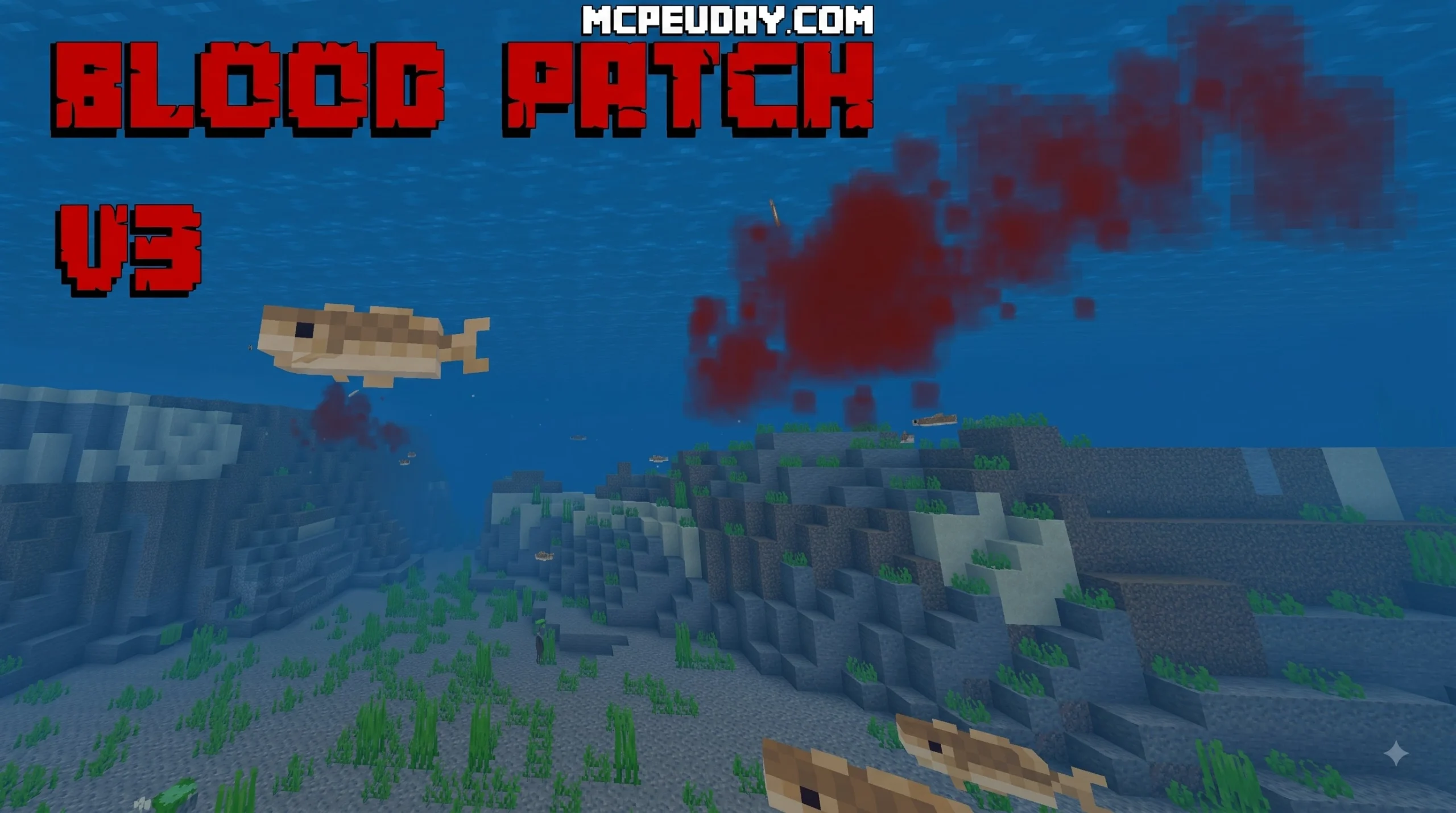
Overview of the Blood Patch Texture Pack for Minecraft PE
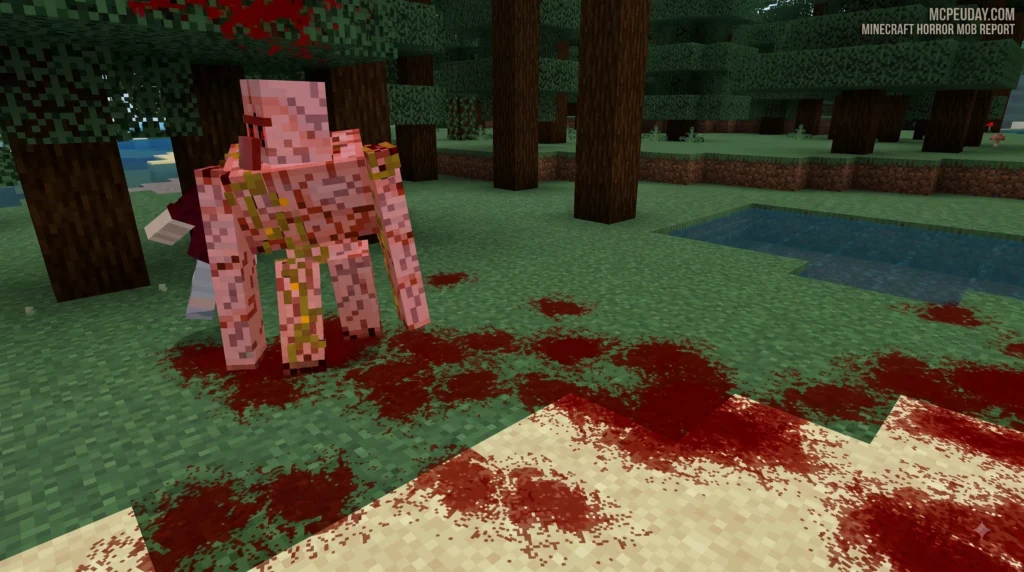
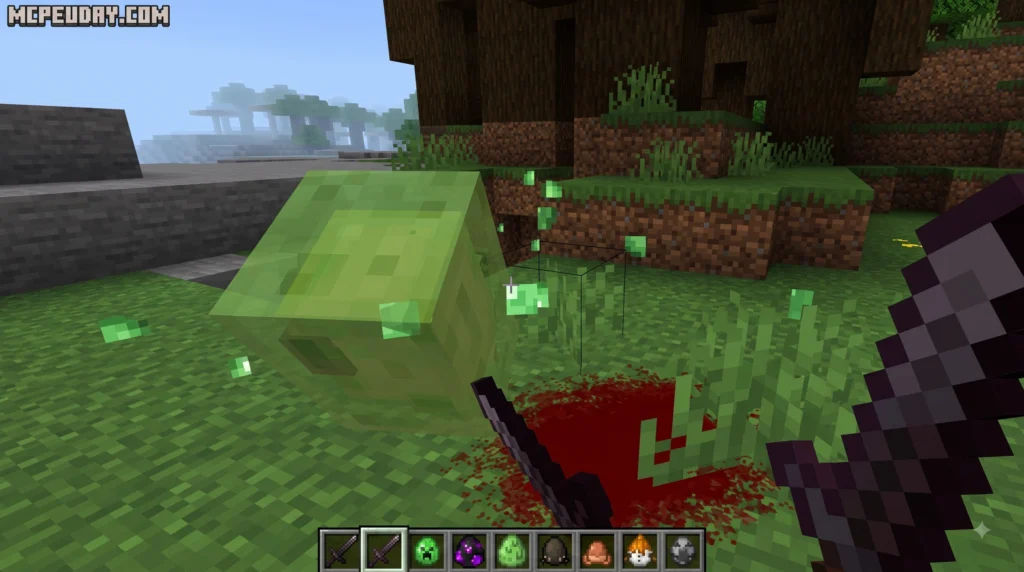
When you engage in combat across Minecraft PE (Bedrock Edition), landing a critical hit usually spawns default, colorful starburst particle effects. While functional, these stock visuals can feel a bit underwhelming if you are aiming for a darker, more intense combat environment. The Blood Patch texture pack modifies these default hit particles, replacing them with custom blood particle animations whenever you deal extra damage to mobs or other players.
Since its release on February 18, 2025, the Blood Patch texture pack has gained significant traction within the Bedrock modding community. It has recorded over 49.2k downloads and holds a steady 3.9-star user rating. Because it exclusively modifies particle textures rather than full-block models, it delivers a distinct cosmetic update without burdening your device’s hardware.
Origin and Purpose of the Resource Pack
Created by community developers focused on Bedrock Edition resource customization, the pack was designed to give PvP fighters and horror fans clearer, more thematic visual combat feedback. By transforming the standard critical hit indicators into visceral animations, every landed strike feels heavier and more impactful. Whether you are battling hostile mobs in deep caves or participating in competitive Bedrock server minigames, this particle modification bridges the gap between classic sandbox visuals and immersive action mechanics.
In Minecraft PE, clear visual feedback is critical during high-speed PvP encounters. Standard critical stars can sometimes blend into bright terrain or get obscured by potion particle clouds. The dark red hue and sharp splash animation of the Blood Patch make it immediately obvious when a critical strike connects, allowing players to adjust their movement and combo timings with greater precision.
Technical Specifications and File Sizes
One of the greatest strengths of the Blood Patch texture pack is its extremely tiny footprint. Unlike heavy 3D resource packs that require high-end devices, this pack is exceptionally lightweight:
- BloodPatchRPV2.mcpack: 17.78 KB
- BloodPatchRPV3.mcpack: 19.87 KB
Both distributions use the standard .mcpack file format native to Bedrock Edition. Because it functions purely as an asset override pack, there are zero required dependencies, script setups, or experimental toggle requirements. It runs smoothly on mobile phones, tablets, and consoles running supported Bedrock versions as of August 2026 without requiring experimental gameplay features.
Key Features, Particle Animations, and Version Comparison
The primary draw of the Blood Patch texture pack lies in its particle animation sequence. Rather than displaying static red pixels, the pack triggers a multi-frame animation whenever a critical hit lands. This visual sequence simulates a sudden splash or splatter effect that disappears quickly to avoid cluttering your screen during fights.
| Feature / Attribute | BloodPatchRPV2.mcpack | BloodPatchRPV3.mcpack |
|---|---|---|
| File Size | 17.78 KB | 19.87 KB |
| Particle Type | Legacy custom hit particles | Animated critical hit particle |
| Frame Rendering | Basic multi-pixel sequence | Refined high-speed splash animation |
| Compatibility | All MCPE / Bedrock clients | All MCPE / Bedrock clients |
| Recommended Use | Ultra-low performance testing | Standard PvP & horror gameplay |
Features of the Blood Patch Texture Pack V2 vs V3
The key difference between the two downloadable files comes down to the frame rendering logic introduced in version 1.0.0. The changelog for version 1.0.0 specifically highlights the addition of a brand-new animated critical hit particle effect.
While V2 (BloodPatchRPV2.mcpack, 17.78 KB) serves as the earlier iteration featuring basic splash assets, V3 (BloodPatchRPV3.mcpack, 19.87 KB) utilizes the updated animation sheet. This updated version renders a far smoother particle expansion upon impact, making V3 the recommended download for modern Bedrock updates.
Upgrading Combat Visuals with the Blood Patch Texture Pack
Integrating custom particle effects enhances gameplay immersion across multiple modes:
- PvP Combat: Gives immediate visual confirmation when you successfully execute a jump-attack critical hit against opponents, helping monitor hit registration.
- Horror Survival Maps: Enhances the atmospheric tension when fighting custom monsters in dark environments.
- Low-Spec Gaming: Delivers dynamic visual feedback without lowering framerates or heating up mobile devices.
- Custom PvE Arenas: Adds dramatic flair to mob grinding and boss fights, making action sequences visually engaging.
How the Blood Patch Texture Pack Compares to Other Modding Assets
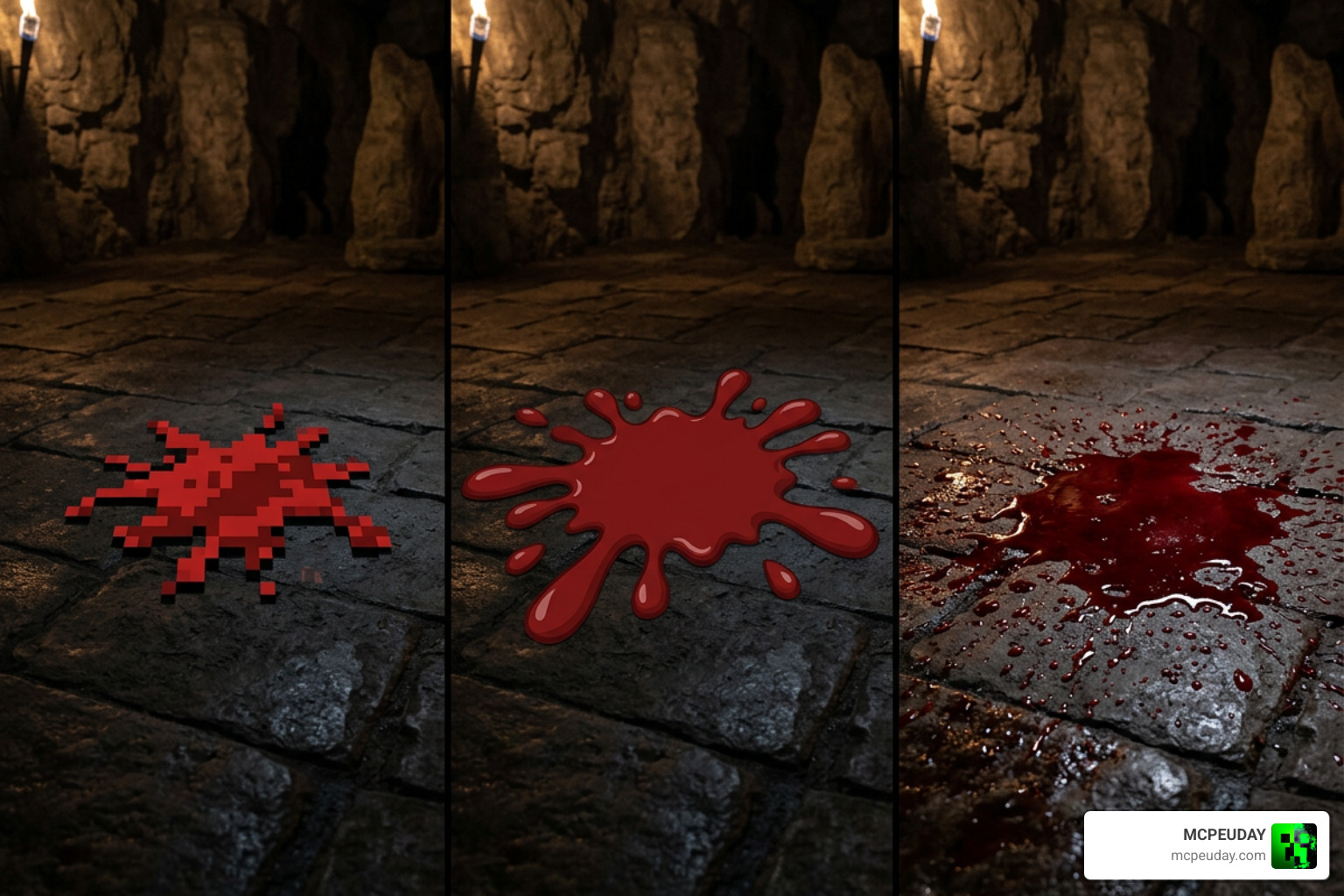
To understand where the Blood Patch texture pack fits into the broader modding ecosystem, it helps to compare particle tweaks with full texture overhauls found in other gaming communities.
Comparison with Other Minecraft and Game Assets
While the Blood Patch texture pack focuses solely on low-overhead particle replacement in Minecraft PE, developers across different platforms approach visceral aesthetics in unique ways:
- Particle Mods vs. Environmental Packs: Unlike sweeping visual overhauls such as the Bloody Cellar – PSX Texture Pack by SnowyCocoon—which provides over 1,300 environmental wall and floor textures in 128×128 and 256×256 resolutions—the Blood Patch only edits combat particles, keeping world terrain entirely normal.
- Individual Texture Assets: In general 3D modeling and game design, creators use raw assets like Blood Variation 1 (High and Low Quality Textures) | HIVE or high-definition PBR surface sets like the Texture Blood Veins Skin HQ PBR Textures Set VR / AR / low-poly | CGTrader . By contrast, MCPE particle packs rely on small, low-resolution sprite sheets optimized for real-time rendering.
- Classic Map Overhauls: Historical map re-skins, such as the classic Bloodgulch Re-texture (1) | Miscellaneous | DS-Servers , change entire terrain color palettes. The Blood Patch leaves biome colors untouched, focusing exclusively on active hitboxes.
By restricting changes strictly to the critical hit particle sheet, the Blood Patch ensures complete compatibility with existing block resource packs and custom UI add-ons.
Step-by-Step Installation Guide for Minecraft PE
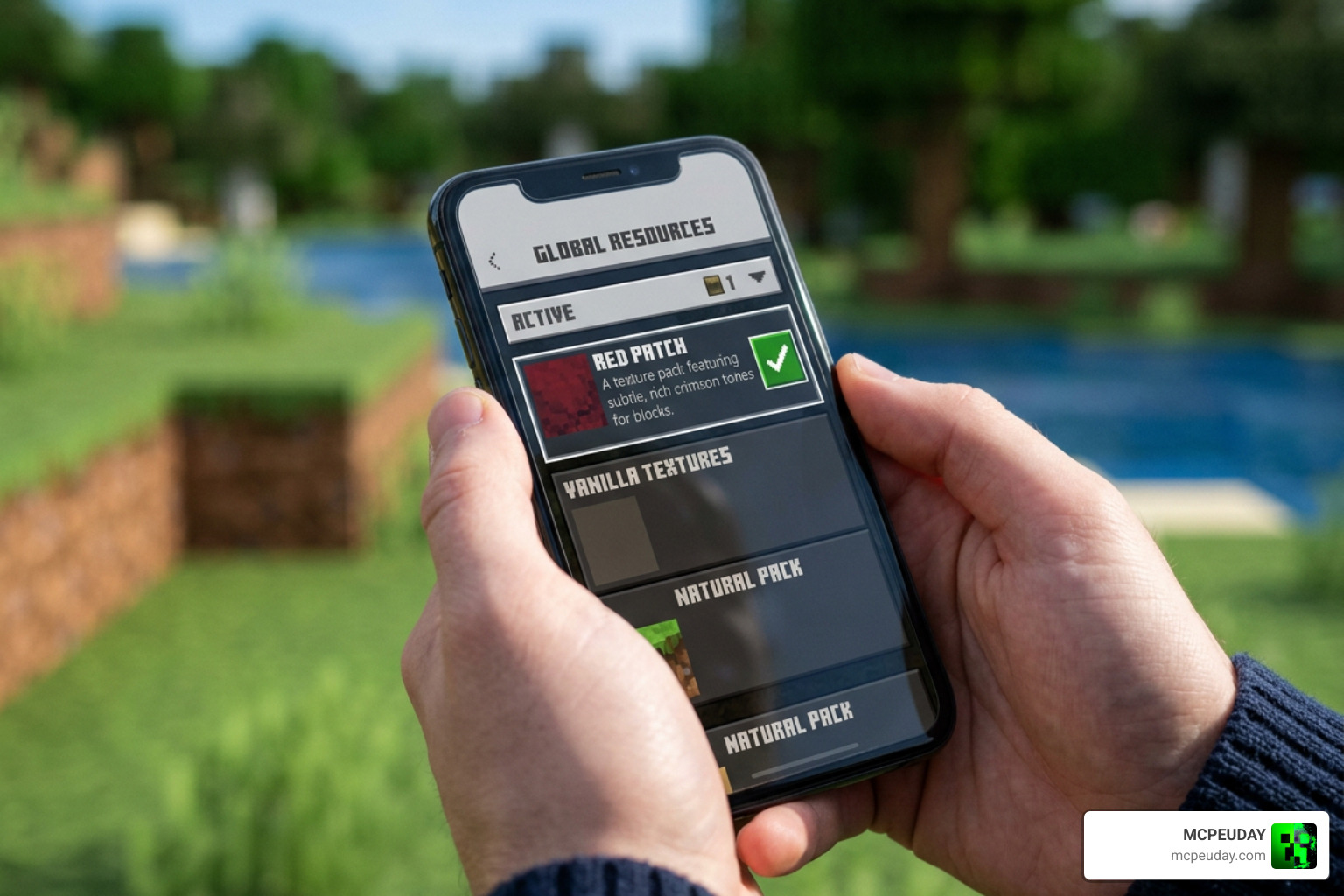
Installing the Blood Patch texture pack on Bedrock Edition is quick and straightforward thanks to native .mcpack file support across supported operating systems.
Downloading and Importing .mcpack Files
Follow these simple steps to activate the pack on your device:
- Download the File: Choose your preferred version (we recommend
BloodPatchRPV3.mcpackat 19.87 KB for updated animations). - Open the File: Locate the file in your device’s downloads folder using a file manager and tap it.
- Automatic Import: Select Minecraft PE to launch the app. The game will automatically display an “Import Started” banner at the top of the screen.
- Activate Global Resources: Go to Settings > Global Resources > My Packs.
- Enable Pack: Tap on Blood Patch and select Activate.
World-Specific Activation
If you prefer to enable the particle effects only for specific survival worlds or custom maps:
- Open your world settings menu before entering the world.
- Scroll down to the Resource Packs tab on the left menu.
- Expand My Packs, locate Blood Patch, and click Activate.
- Load into the world to enjoy custom combat particles!
Frequently Asked Questions
What is new in version 1.0.0 of the Blood Patch texture pack?
Version 1.0.0 introduced a completely reworked animated critical hit particle effect. This update replaced static splash textures with a smoother multi-frame animation sheet when landing critical hits.
Does the Blood Patch texture pack work on both Minecraft PE and Java Edition?
No, this specific pack is designed exclusively for Minecraft PE (Bedrock Edition) using the .mcpack structure. Java Edition utilizes a different resource pack folder setup and particle file format. However, it functions across all Bedrock platforms including mobile, console, and Windows PC.
Are there any performance drops when using this particle pack?
Not at all. With a total file size under 20 KB (17.78 KB for V2 and 19.87 KB for V3), the pack carries virtually zero performance impact and causes no FPS drops, even on older mobile devices.
Is the Blood Patch texture pack compatible with multiplayer servers?
Yes. Because the pack modifies client-side particle rendering only and does not alter core game mechanics, it can be used on public Bedrock multiplayer servers without issue.
Conclusion
The Blood Patch texture pack remains one of the simplest and most efficient ways to customize your combat feedback in Minecraft PE. By replacing standard critical hit bursts with responsive animated blood particles, it adds extra flair to PvP battles and survival encounters without sacrificing device performance or requiring complex setup steps.
Whether you select the classic V2 file or the enhanced V3 animation sheet, this lightweight pack delivers immediate tactical visual feedback.
Looking to enhance your game even further? Find more Minecraft PE resource packs and mods at MCPEUDAY to customize your world today!
