What Is the CobbleDrock Addon for Minecraft PE/Bedrock?
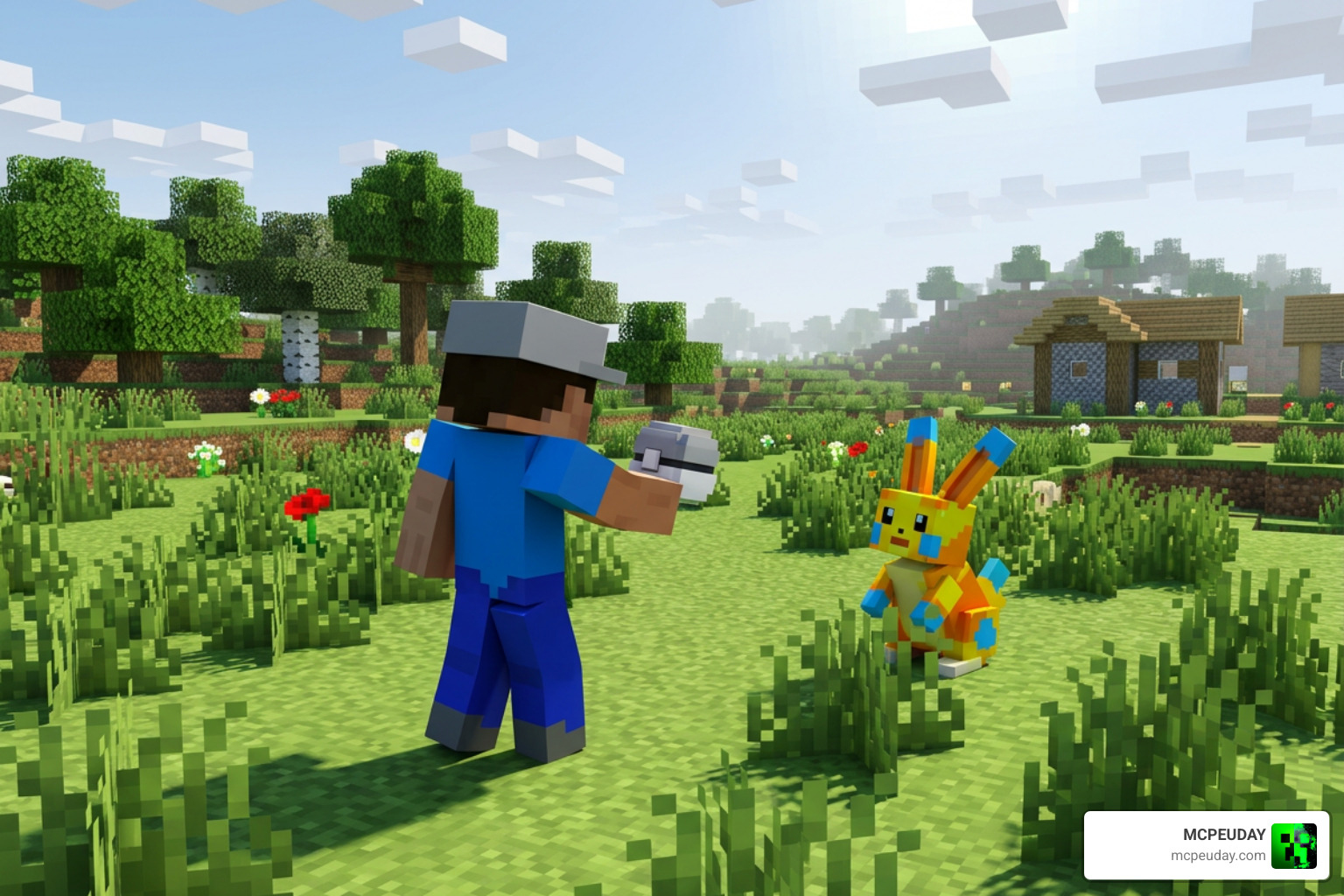
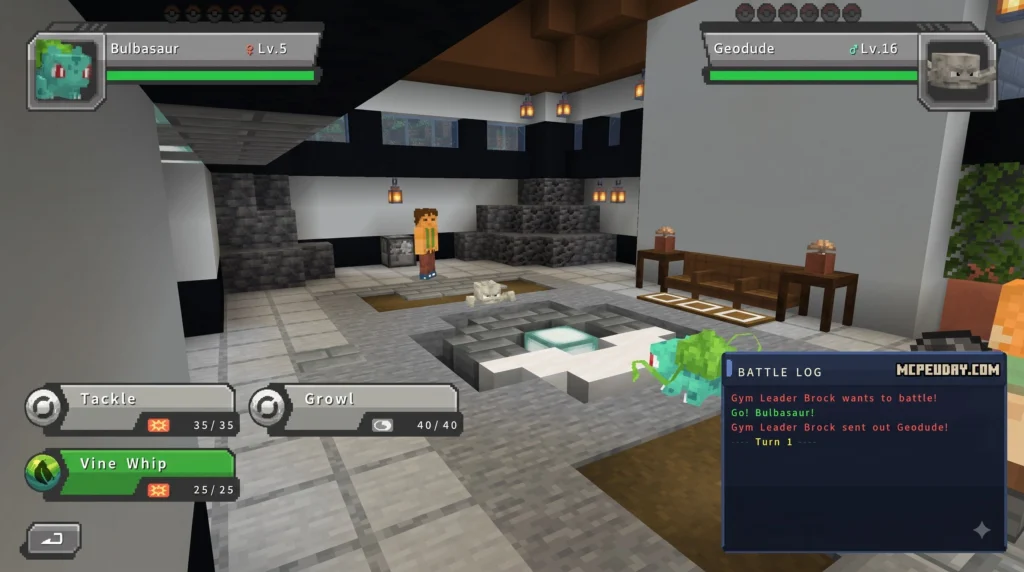
CobbleDrock Addon for Minecraft PE/Bedrock is a Pokémon-style creature addon for Minecraft Bedrock and Pocket Edition. It brings Cobblemon-inspired gameplay to Bedrock worlds, including wild creature encounters, catching, ball crafting, and battles.
| Quick answer | What it means |
|---|---|
| What it is | A Bedrock/PE take on the Cobblemon concept, originally popular as a Java Edition mod. |
| What you can do | Find creatures, catch them with crafted balls, tame companions, and battle. |
| How it installs | Most releases use an .mcaddon file that Minecraft can import automatically. |
| Is it the Java mod? | No. It is a Bedrock adaptation, so its creature roster and features may be more limited or different. |
| Is it free? | Community addon files may be free, while separate mobile addon apps can offer optional paid features or subscriptions. |
The name can be confusing because several Cobblemon-related Bedrock projects and apps exist. Some are open-source ports that move Java Cobblemon assets into Bedrock-compatible packs, while others package a similar experience for mobile players. That distinction matters when checking features, supported Minecraft versions, multiplayer behavior, and download safety.
This guide separates those options clearly, then walks through what to expect before you add CobbleDrock to a survival world or play with friends. I am UDAY GAMER, and I will help you get the fun parts working without the usual Bedrock addon headaches.
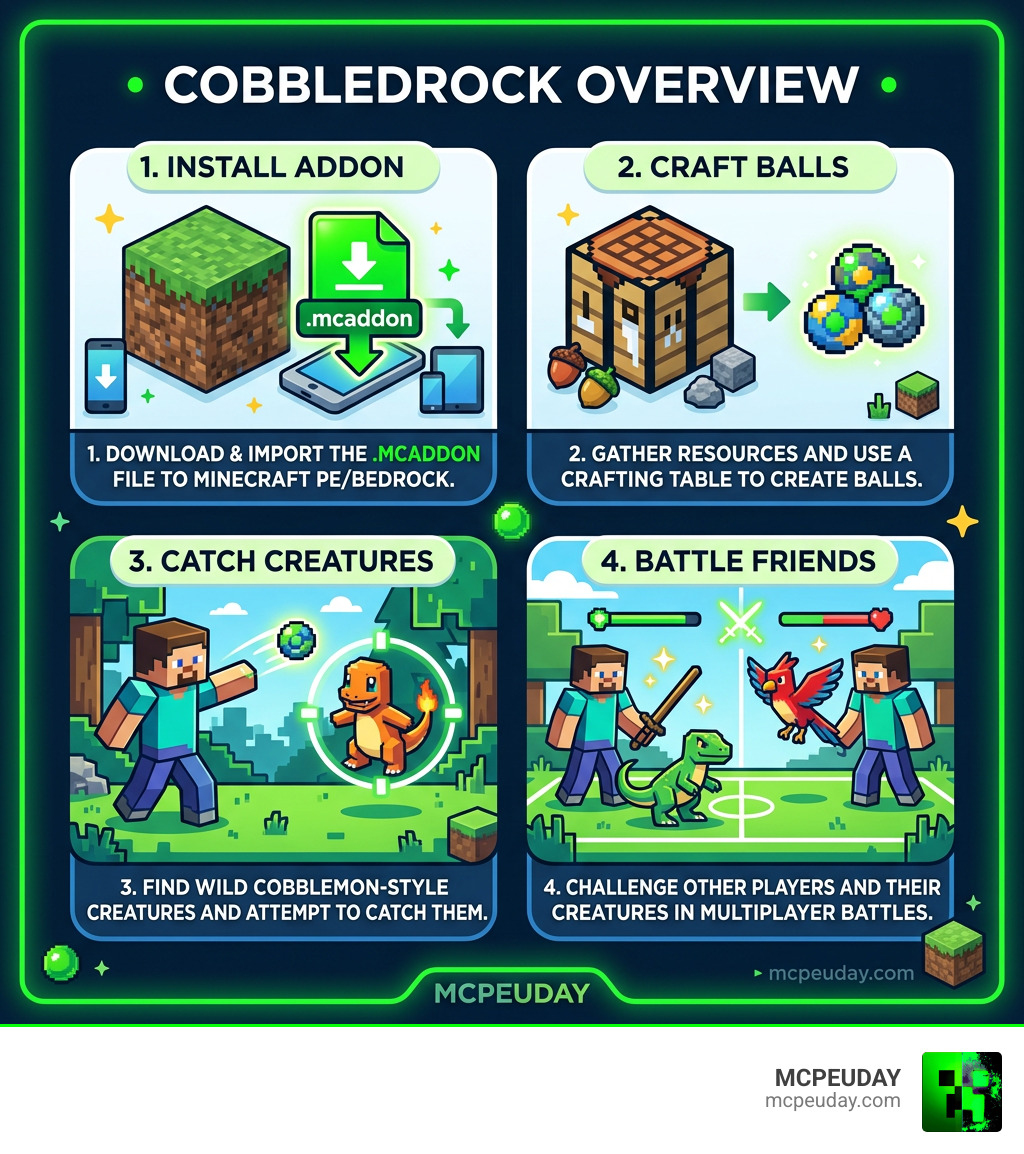
Cobblemon originally took the Java Minecraft community by storm due to its seamless integration into the standard Minecraft art style. CobbleDrock adapts those core design principles for the Bedrock engine, allowing players on Android, iOS, Windows, and consoles to experience open-world creature taming without needing Java Edition.
Differences Between CobbleDrock and Kirbycope’s Cobblemon Bedrock
While navigating the Bedrock community, you will likely encounter both CobbleDrock releases and open-source projects like kirbycope’s cobblemon-bedrock. While both attempt to bring the creature-taming universe to Minecraft PE, they use different development models.
The open-source project created by kirbycope relies on an automated Python conversion pipeline (port.py) to convert textures, models, and animations directly from Java Cobblemon sources and asset databases into Bedrock format. It is lightweight, licensed under the MIT License, and hosted on GitHub with 17 stars and 7 forks.
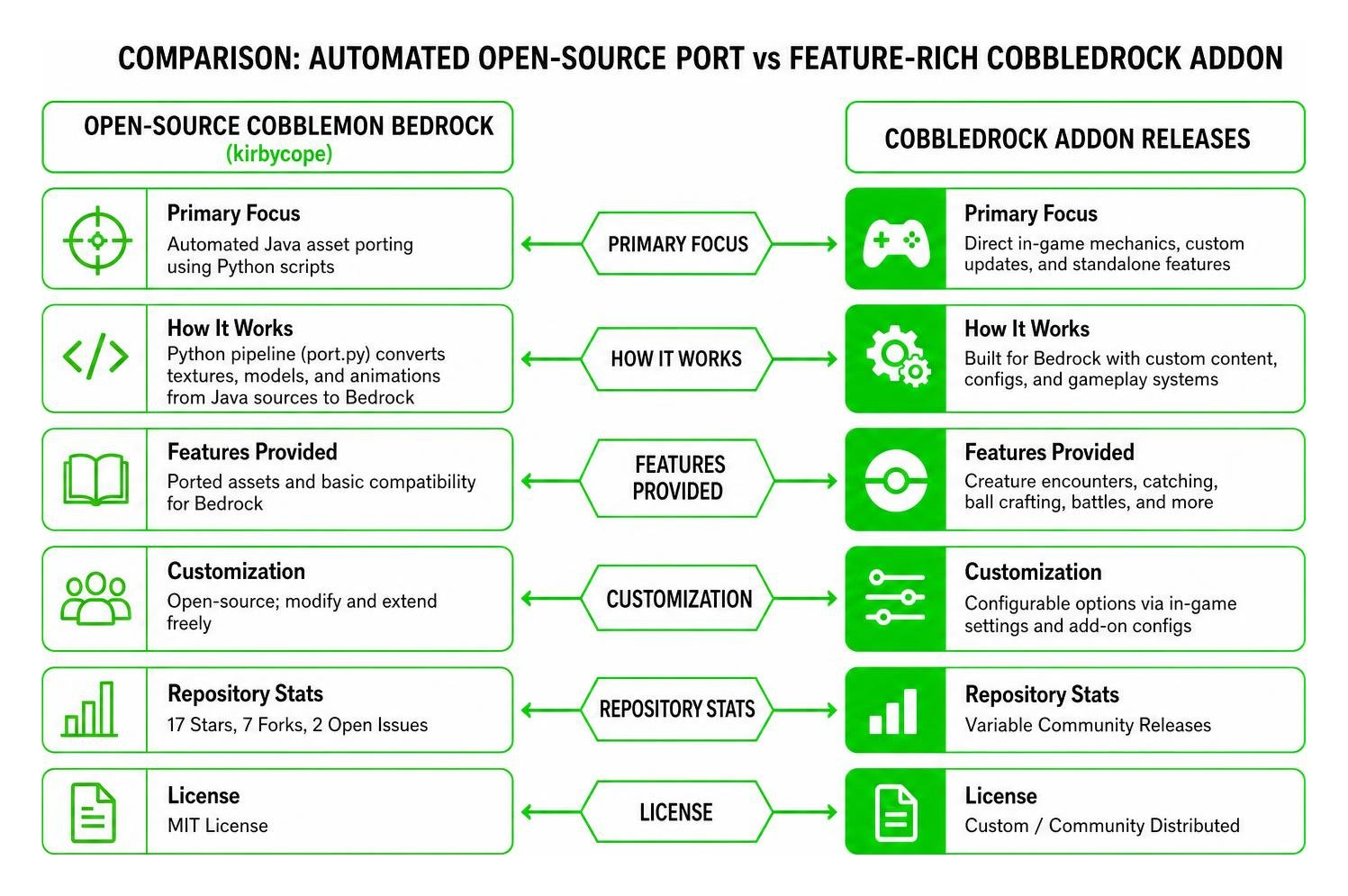
| Feature | Open-Source Cobblemon Bedrock (kirbycope) | CobbleDrock Addon Releases |
|---|---|---|
| Primary Focus | Automated Java asset porting using Python scripts | Direct in-game mechanics, custom updates, and standalone features |
| License | MIT License | Custom / Community Distributed |
| Repository Stats | 17 Stars, 7 Forks, 2 Open Issues | Variable Community Releases |
| Gameplay Systems | Basic model replacement, spawn eggs, and basic Bedrock entities | Integrated battling mechanics, ball crafting, and boss encounters |
If you want a curated experience with custom gameplay features out of the box, standalone addon releases like CobbleDrock 1.2.2 — Mega Evolution & Legendary Encounters Update focus heavily on polished encounters and expanded entity interactions.
Supported Pokémon Species, Mega Evolutions, and Legendaries
We often get asked if the CobbleDrock Addon for Minecraft PE/Bedrock contains every single creature found in the original Java mod. Because Bedrock entity processing works differently than Java, the addon introduces species in structured update cycles rather than all at once.
Recent update releases have focused on high-tier end-game content. The addition of Mega Evolutions and rare Legendary encounters allows players to track down high-stat wild spawns in specific biomes. Legendary creatures spawn with lower probabilities in biome-appropriate environments (such as high mountain peaks or deep ocean trench areas), requiring special high-tier craftable balls to successfully capture.
Gameplay Mechanics and Core Features
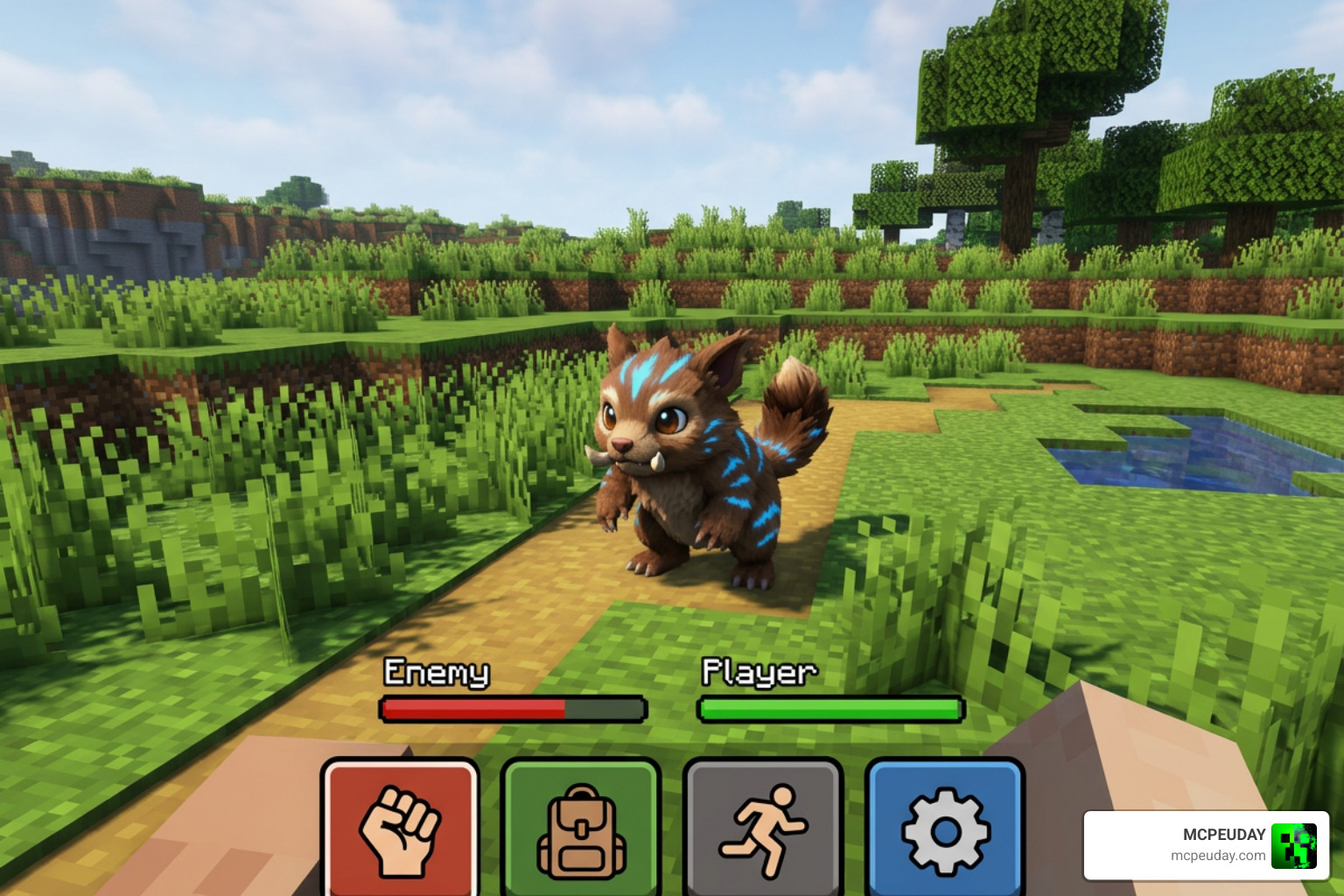
Playing with the CobbleDrock Addon for Minecraft PE/Bedrock transforms standard survival gameplay. Instead of just hunting regular mobs for food and materials, your primary focus shifts to exploring biomes, gathering crafting ingredients for gear, and building a balanced team of wild companions.
Crafting Pokeballs and Catching Cobblemons
Catching wild creatures requires specific gear. Instead of finding catching items in chest loot, you craft them directly from resources scattered across your survival world:
- Gathering Apricorns: Search forest biomes for Apricorn trees. Harvesting these crops gives you base materials needed to forge ball lids.
- Smelting & Forging: Cook Apricorns in a regular furnace to turn them into cooked variants, then combine them with iron or copper ingots on a crafting table to make capture ball bases.
- Throwing & Capturing: Target a wild creature with your crafted ball. The capture success rate depends on the creature’s current health, status conditions, and the quality tier of the ball used.
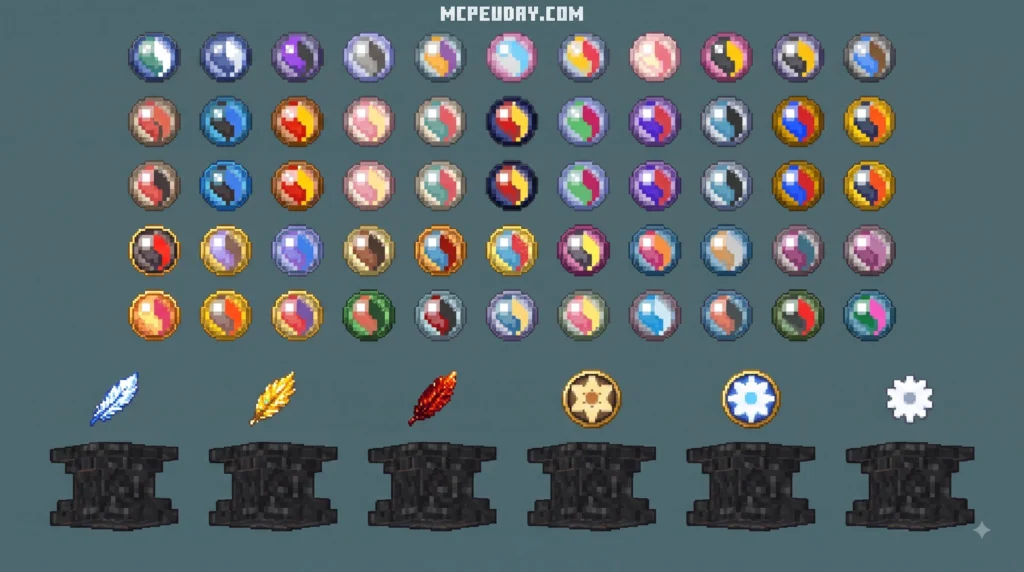
Here are some standard craftable ball types available in the addon gameplay loop:
- Poke Ball: The standard low-tier option for catching early-game wild spawns.
- Great Ball: Features an improved catch multiplier for mid-tier creatures.
- Ultra Ball: Craftable using refined materials, essential for capturing high-level or stubborn wild spawns.
- Master Ball: An exceptionally rare end-game ball that guarantees success on any wild entity encounter.
Multiplayer Battles and Companion Addons
Multiplayer interaction is one of the best parts of playing on Bedrock servers or local LAN worlds. CobbleDrock allows players to engage in head-to-head battles, trade captured entities, or explore biomes together as a team. Some mobile implementations even utilize Cobblemon Showdown duel mechanics to process turn-based battle formulas accurately behind the scenes.
To further automate resource management while exploring with friends, many players combine creature addons with resource-generating mods such as ChauhanSai/Cobble-Semantics. This JavaScript-based Bedrock port allows survival bases to automatically supply unlimited cobblestone and lava through 9 generator tiers, freeing up your playtime so you can focus on creature catching and training instead of tedious mining tasks.
Installation Guide for Mobile and PC
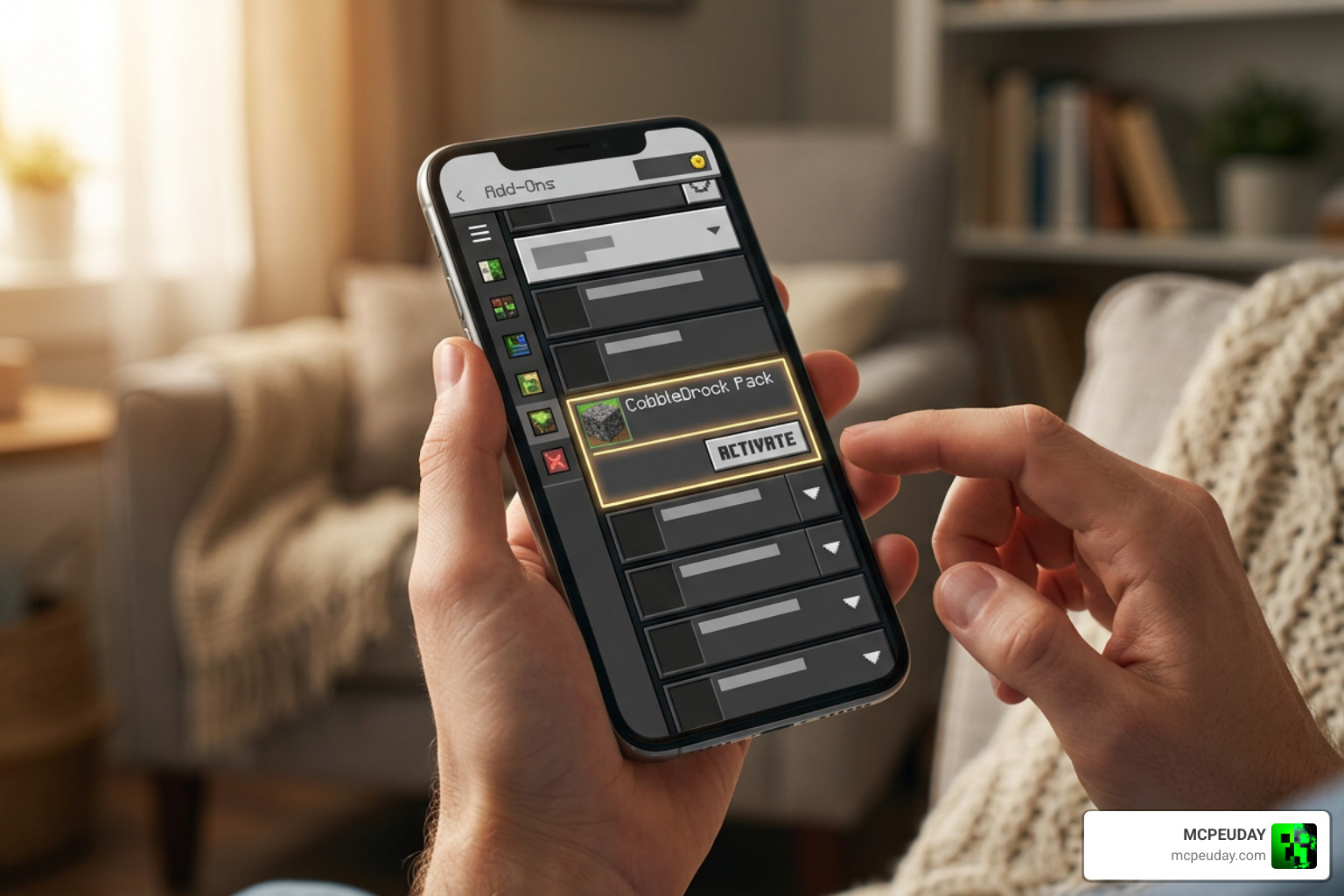
Installing the CobbleDrock Addon for Minecraft PE/Bedrock is simple across supported devices, including Android, iOS, and Windows PC.
How to Install CobbleDrock Addon for Minecraft PE/Bedrock
- Download the File: Acquire the
.mcaddonor.mcpackfiles directly onto your device. - Import into Minecraft: Tap or double-click the downloaded
.mcaddonfile. Minecraft will launch automatically and display an “Import Started” banner at the top of your screen. - Activate Packs in World Settings: Create a new survival world or edit an existing one. Navigate to the Resource Packs tab and click Activate on the CobbleDrock Resource Pack. Next, go to the Behavior Packs tab and activate the matching Behavior Pack.
- Enable Experimental Toggles: Scroll down to the Experiments section in your World Settings menu. Turn on toggles for Holiday Creator Features, Upcoming Creator Features, and Beta APIs. These toggles are strictly required for custom entity scripts and animations to run properly.
System Requirements for Android and iOS Devices
Because running custom entity animations and script engines requires extra computing overhead, ensure your mobile device meets these hardware specifications:
- iOS Operating System: Requires iOS 13.0 or later (for iPadOS, version 13.0 or later; for macOS, version 11.0 or later with Apple silicon).
- Android Operating System: Android 8.0 or higher recommended.
- RAM / Memory: Minimum 3 GB RAM (4 GB+ recommended for smooth multiplayer rendering and stable entity spawning).
- Storage Space: Allocate at least 200 MB of free internal storage to handle pack assets, textures, and world save files.
Troubleshooting Bugs and Experimental Features
If creatures do not spawn or show up as missing missing-texture blocks, review these common fixes:
- Missing Textures: Double-check that both the Behavior Pack and Resource Pack are activated in the active world slot simultaneously.
- Scripting Errors: Ensure all experimental gameplay toggles are enabled under world settings.
- Manual File Directory Cleanup: If manual installation is required on PC or Android, check the local
com.mojangfolder path. Replace pack folders insideresource_packs/andbehavior_packs/directly if the automatic import process fails.
Free Downloads vs App Store Purchases
Players often ask why some versions of Cobblemon mobile apps cost money while community project files are available for free.
Open-source repositories (such as kirbycope’s GitHub port) and community sites provide downloadable .mcaddon files completely free of charge. However, third-party companion apps listed on storefronts—such as the Cobblemon PE app on the App Store—package these features into an easy-to-use mobile installer app. These listings (around 87.4 MB in size with a 4.6 out of 5-star rating) may include optional in-app purchases, such as a monthly renewable subscription (49.00 kr) or a direct one-time unlock (79.00 kr) for premium map downloads, skin packs, and mob transformation utilities.
Always review whether you are downloading a direct standalone .mcaddon file or an App Store wrapper before purchasing optional in-app options.
Frequently Asked Questions About CobbleDrock Addon for Minecraft PE/Bedrock
Is the CobbleDrock Addon free to download?
Yes, direct .mcaddon community files hosted on platform sites are free to download and use in your personal Minecraft Bedrock worlds. Only secondary app-store utility launchers offer optional paid subscriptions or unlock fees.
Does CobbleDrock support multiplayer battles on Bedrock servers?
Yes! As long as the host world or Bedrock server has both the Behavior and Resource packs active, all connected players can catch creatures, trade, and battle together in multiplayer worlds.
Does CobbleDrock include every Pokémon from the Java Cobblemon mod?
Not all creatures are available simultaneously. Because Bedrock uses a different animation and entity scripting format, species rosters are expanded progressively across version updates like the Mega Evolution and Legendary Encounters releases.
Conclusion
The CobbleDrock Addon for Minecraft PE/Bedrock brings the excitement of creature taming, ball crafting, and strategic battles directly to your favorite Bedrock devices. Whether you are building an automated survival base or catching Legendaries with friends in multiplayer, this addon offers a fresh adventure.
We invite you to Explore top Bedrock mods on MCPEUDAY to discover more high-quality addons, shaders, and world packs for your game!