BICUBIC Shader for Minecraft (Bedrock & MCPE) – Ultra Realistic Graphics, Smooth Lighting & FPS Friendly

BICUBIC Shader transforms Minecraft visuals with realistic lighting, soft shadows, enhanced water reflections, and smooth performance, making your gameplay more immersive and beautiful.
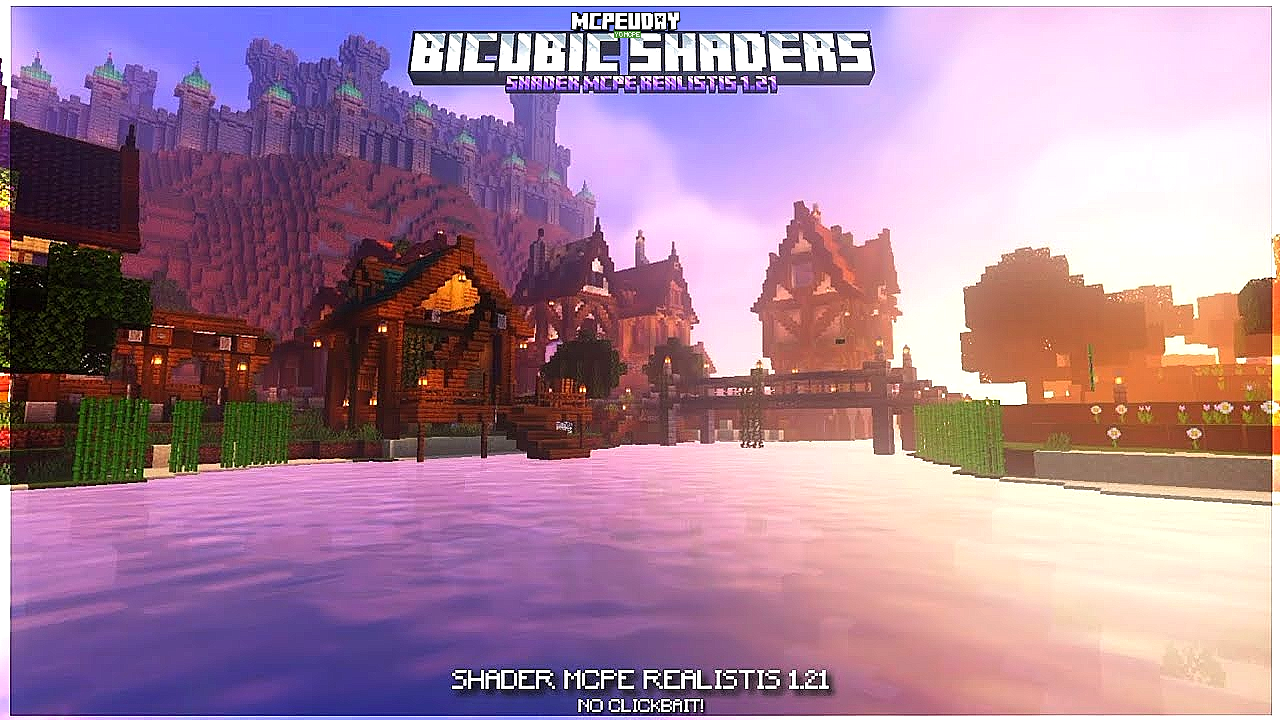
BICUBIC Shader is a popular Minecraft Bedrock / MCPE shader designed to enhance the game’s visuals without heavy lag. It focuses on smooth lighting, soft shadows, realistic sky, and beautiful water effects, while still maintaining good FPS on low-end devices.

Unlike heavy shaders, BICUBIC Shader is optimized for players who want realistic graphics with stable performance.
- ✨ Key Features of BICUBIC Shader
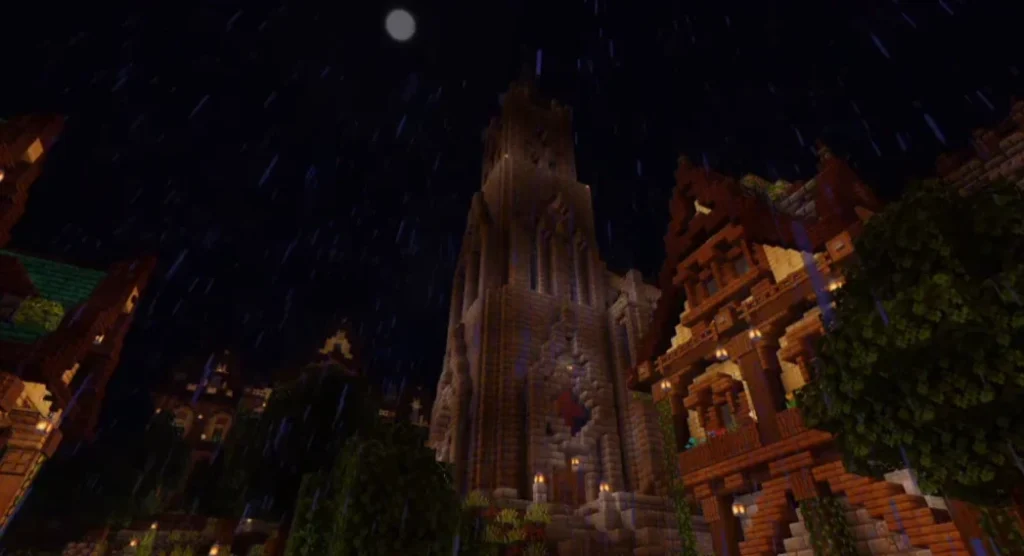
- Screenshots:
- 📱 Compatible Minecraft Versions
- 🛠️ How to Install BICUBIC Shader (Step-by-Step)
- 🎮 Why Choose BICUBIC Shader?
- 📌 Is BICUBIC Shader Safe to Use?
- 🧠 Tips for Best Performance
- 🏁 Final Conclusion
- ❓ Frequently Asked Questions (FAQ)
- – BICUBIC Shader DOWNLOAD –Download Shader
✨ Key Features of BICUBIC Shader
🌤️ Realistic Lighting
- Natural sunlight and moonlight
- Smooth brightness transitions
- No harsh shadows
🌊 Enhanced Water Effects
- Realistic water reflections
- Transparent water visuals
- Better wave animations
☁️ Improved Sky & Clouds
- Dynamic sky colors
- Beautiful sunrise & sunset effects
- Soft, cinematic clouds
🌿 Natural Environment Colors
- Enhanced grass and leaves
- Better biome color blending
- Clean and vibrant textures
⚡ FPS Friendly Shader
- Works smoothly on low-end devices
- No heavy lag or crashes
- Perfect for survival worlds
Screenshots:
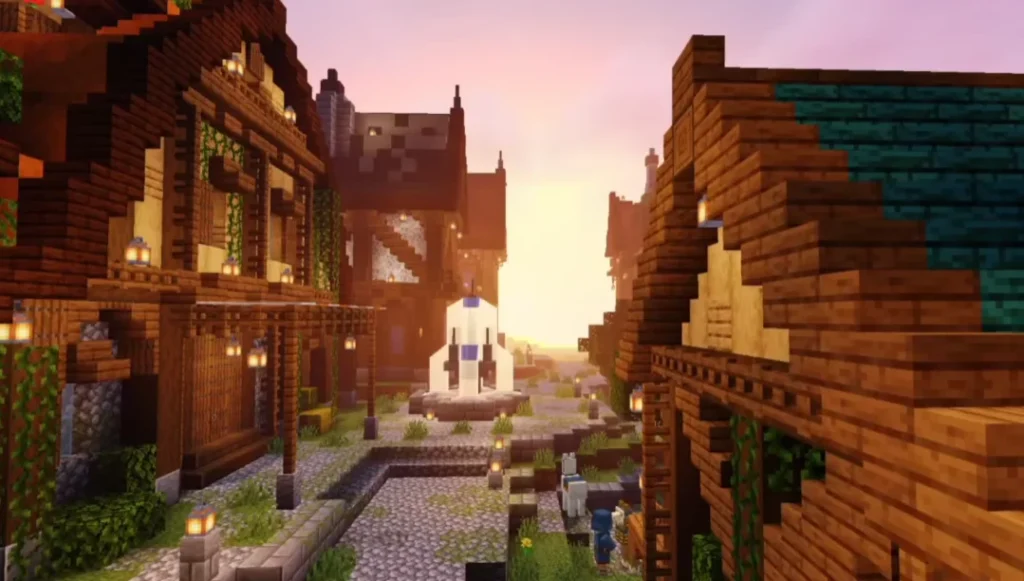
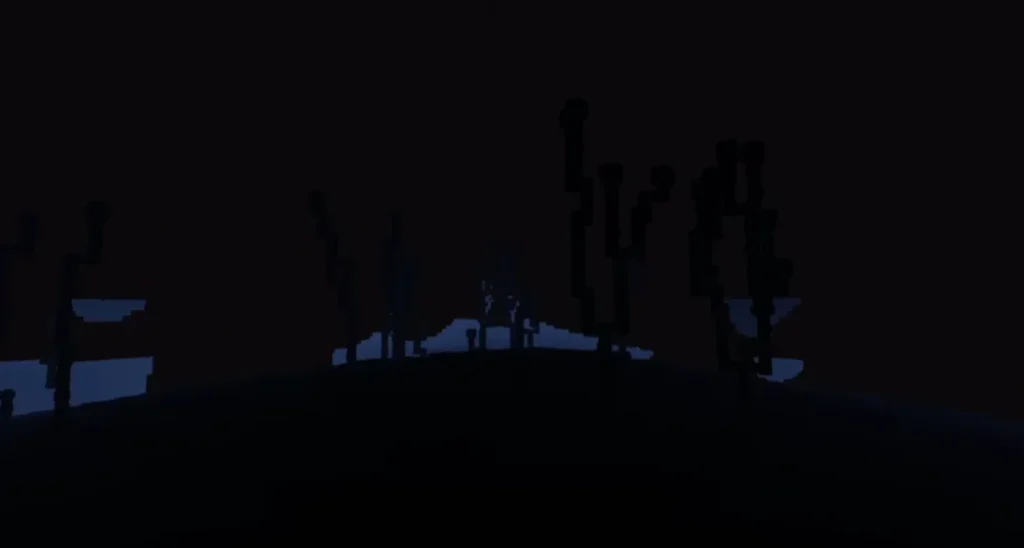
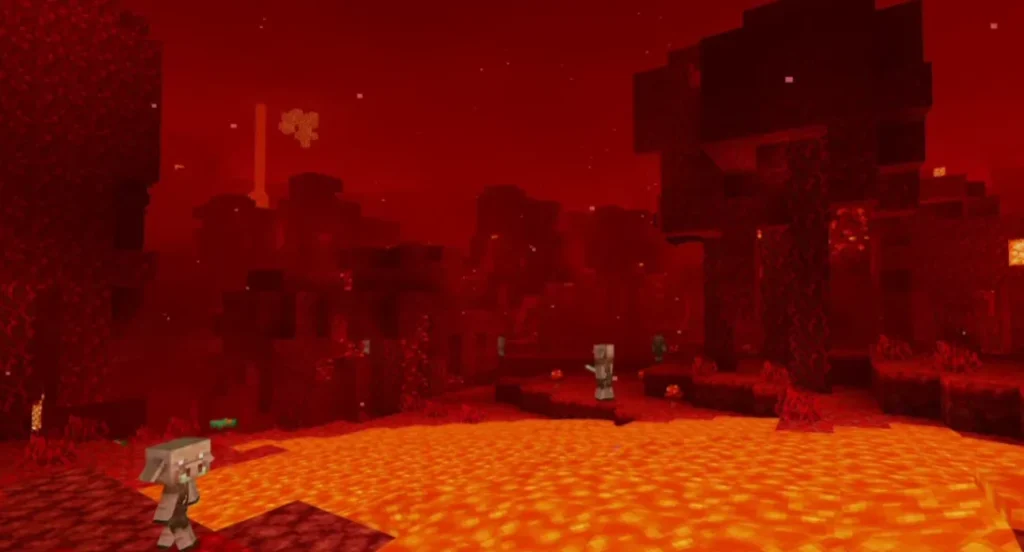
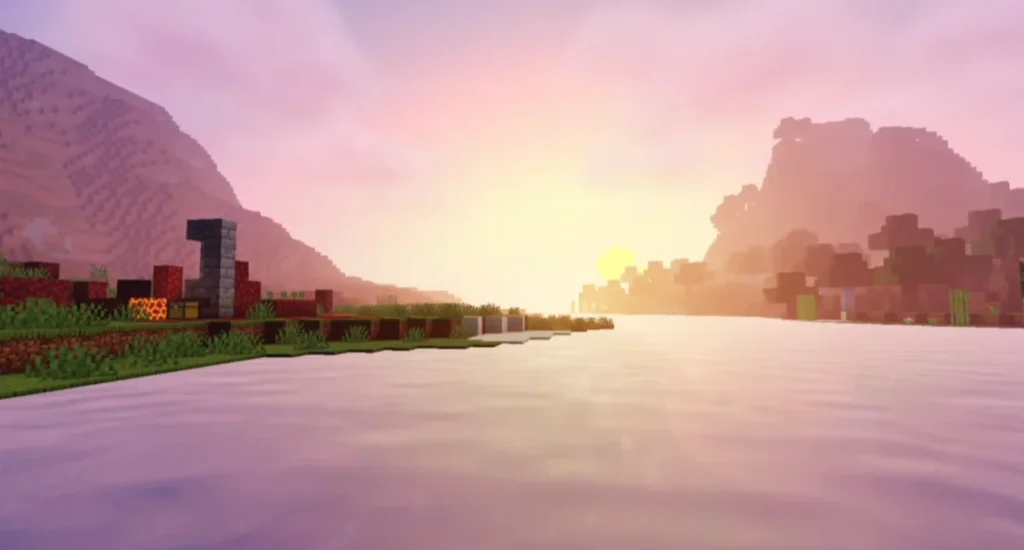
📱 Compatible Minecraft Versions
BICUBIC Shader works with:
- Minecraft Bedrock Edition
- Minecraft Pocket Edition (MCPE)
- Android & iOS
- Latest Minecraft versions (varies by release)
⚠️ Note: Shader support depends on your Minecraft version and RenderDragon compatibility.
🛠️ How to Install BICUBIC Shader (Step-by-Step)
📌 For Android / MCPE:
- Download the BICUBIC Shader (.mcpack) file
- Tap the file to import it into Minecraft
- Open Minecraft → Settings → Global Resources
- Activate BICUBIC Shader
- Restart the game and enjoy!
📌 For Bedrock Edition:
- Import the shader file
- Apply it from Resource Packs
- Enable it in world settings
🎮 Why Choose BICUBIC Shader?
✔ Lightweight and optimized
✔ Perfect for survival & creative mode
✔ No extreme hardware requirements
✔ Clean and realistic visuals
✔ Trusted by MCPE players
BICUBIC Shader is ideal if you want realistic graphics without sacrificing performance.
📌 Is BICUBIC Shader Safe to Use?
Yes, BICUBIC Shader is completely safe if downloaded from trusted sources. It does not modify game files illegally and follows Minecraft’s resource pack system.
🧠 Tips for Best Performance
- Turn off unnecessary graphic options
- Use default texture packs
- Close background apps
- Use latest Minecraft version
🏁 Final Conclusion
If you are searching for a realistic, smooth, and FPS-friendly Minecraft shader, BICUBIC Shader is an excellent choice. It enhances lighting, water, and environment visuals while keeping gameplay smooth and enjoyable.
❓ Frequently Asked Questions (FAQ)
❓ Is BICUBIC Shader free?
Yes, BICUBIC Shader is completely free to use.
❓ Does BICUBIC Shader work on low-end phones?
Yes, it is optimized for low-end and mid-range devices.
❓ Is it compatible with RenderDragon?
Compatibility depends on the Minecraft version. Some features may vary.