If you’ve ever felt that Minecraft’s default first-person view looks unrealistic (just floating hands), you’re not alone. The Dynamic First Person Model Addon (1.21) completely changes that experience by showing your full player body in first person — making gameplay feel more immersive and realistic.
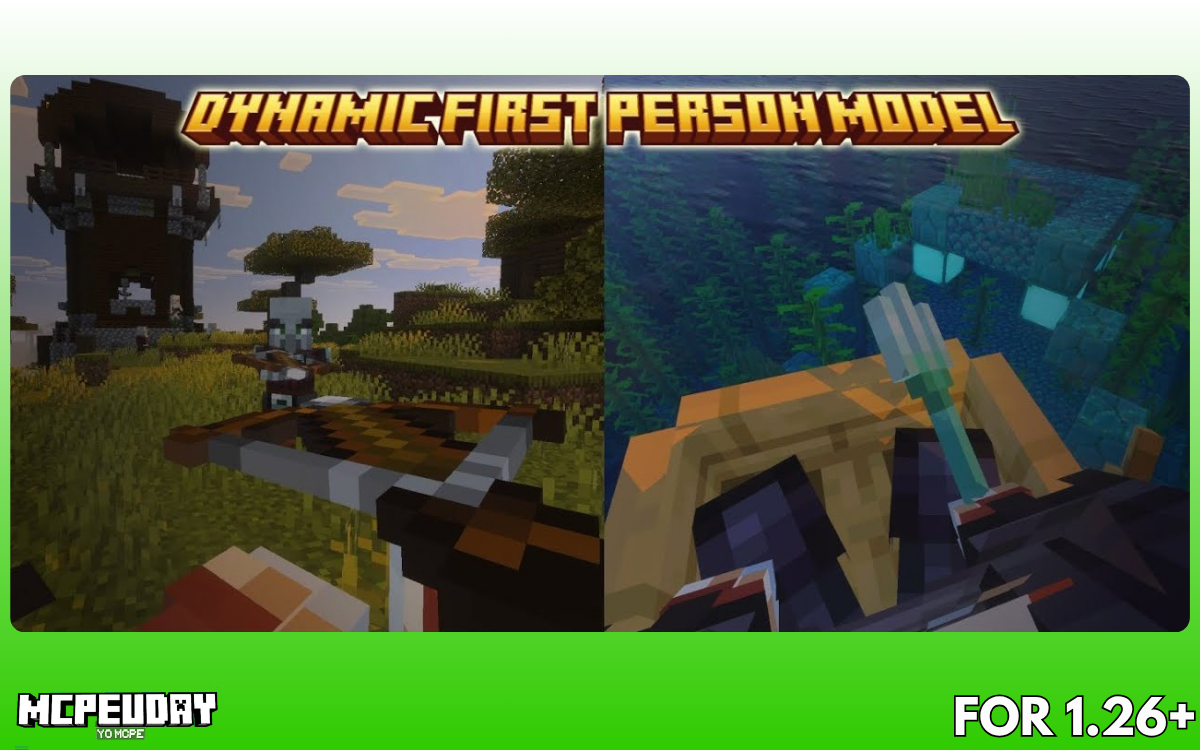
In this guide, you’ll learn what this addon does, features, installation steps, and why it’s worth using in Minecraft PE/Bedrock 1.21+.
What is Dynamic First Person Model Addon?
The Dynamic First Person Model Addon is a Minecraft Bedrock (MCPE) addon that allows players to see their full character model (body, arms, armor) instead of just hands in first-person view.
Unlike vanilla Minecraft, this addon:
- Displays your entire body
- Syncs animations with gameplay
- Improves realism and immersion
👉 In simple words: It makes first-person gameplay feel like real life.
Why This Addon is So Popular
Minecraft normally shows only your hand holding items, which feels unrealistic. This addon fixes that by aligning your camera with your character model.
Key benefits:
- Better combat timing and spacing
- Improved parkour and building accuracy
- More realistic movement and animations
- Great for cinematic gameplay & screenshots
It even helps with positioning in tight spaces because your body aligns properly with blocks.
Features of Dynamic First Person Model Addon (1.21)
1. Full Body in First Person
You can now see:
- Arms
- Legs
- Armor
- Movement animations
This creates a much more immersive gameplay experience.
2. Realistic Animations
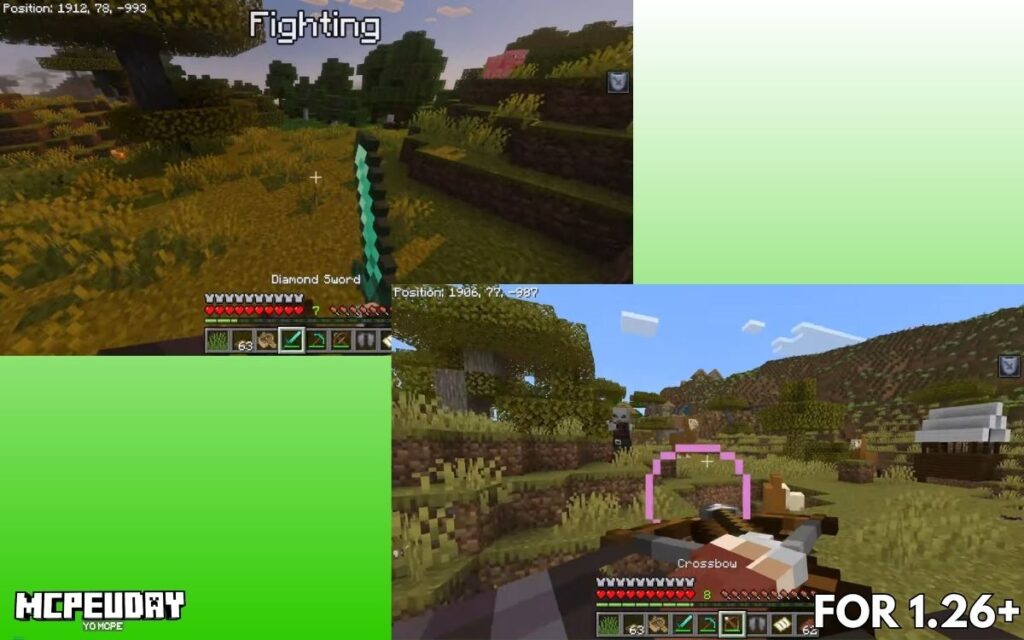
Actions like:
- Attacking
- Jumping
- Climbing
- Using weapons
…look more natural because your entire body moves accordingly.
3. Toggle System (Very Important)
You can switch between:
- Default view
- Dynamic first-person view
Using command:
ae_fpm:toggle_model
4. Camera Customization
You can adjust:
- Camera position
- Movement smoothness
- Screen shake
Using:
ae_fpm:camera_settings
5. Performance-Friendly Design
The addon is optimized to reduce visual glitches and maintain smooth gameplay.
👉 Tip: Lower render distance if you face lag (especially on mobile).
6. Developer-Friendly Tags (Advanced)
For addon creators:
ae_fpm.is_first_personae_fpm.disable_animationae_fpm.disable_first_person
These allow customization and compatibility with other addons.
Screenshots:-
Supported Versions
This addon supports:
- Minecraft PE / Bedrock 1.21+
- Versions like 1.21.111, 1.21.120, 1.21.132, etc.
Latest version (as of 2026):
- v1.5.2 (26.x support)

Home Electronics Addon (1.26, 1.21) for MCPE – Download, Features & Full Guide
If your Minecraft house looks good but still feels empty, you’re not alone. Most players…
Structures Arises Remake Addon (26.x, 1.21) – Download, Features & Installation Guide
If you’re bored of exploring the same villages and biomes again and again in Minecraft,…
True Survival: Zombie Apocalypse Addon 1.21 / 1.26.0
By The Epic Crafter – A Hardcore Undead Overhaul for Minecraft Bedrock If you’ve ever…

Minecraft Age Verification Goes Live in the UK: What It Means for Players in 2026
Minecraft players in the United Kingdom are now seeing a new requirement when trying to…
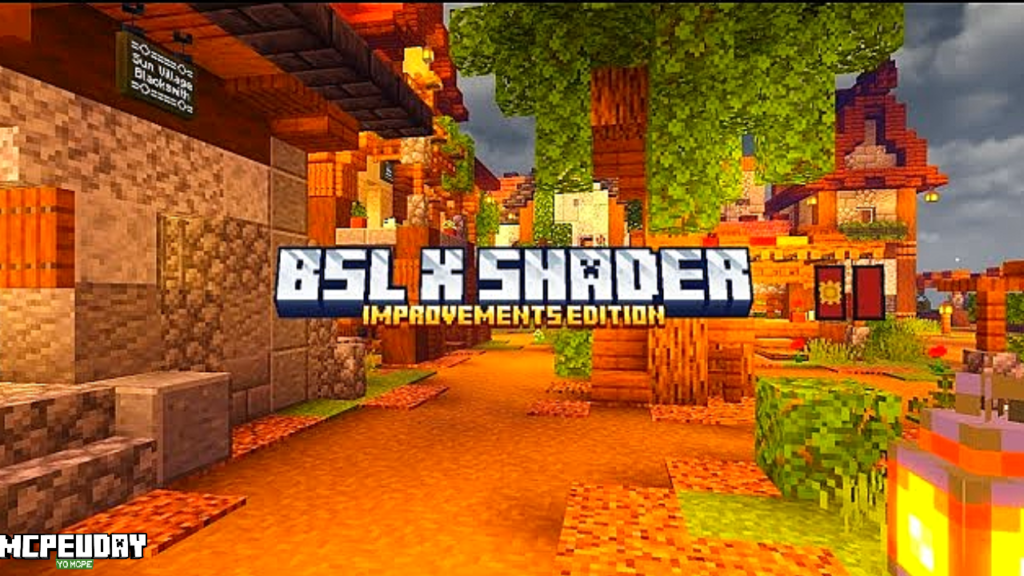
BSL X Shader Improvement Shader – The Best Realistic & Smooth Shader for Minecraft PE
BSL X Shader Improvement Shaders bring realistic lighting, smooth shadows, vibrant colors, and cinematic visuals…
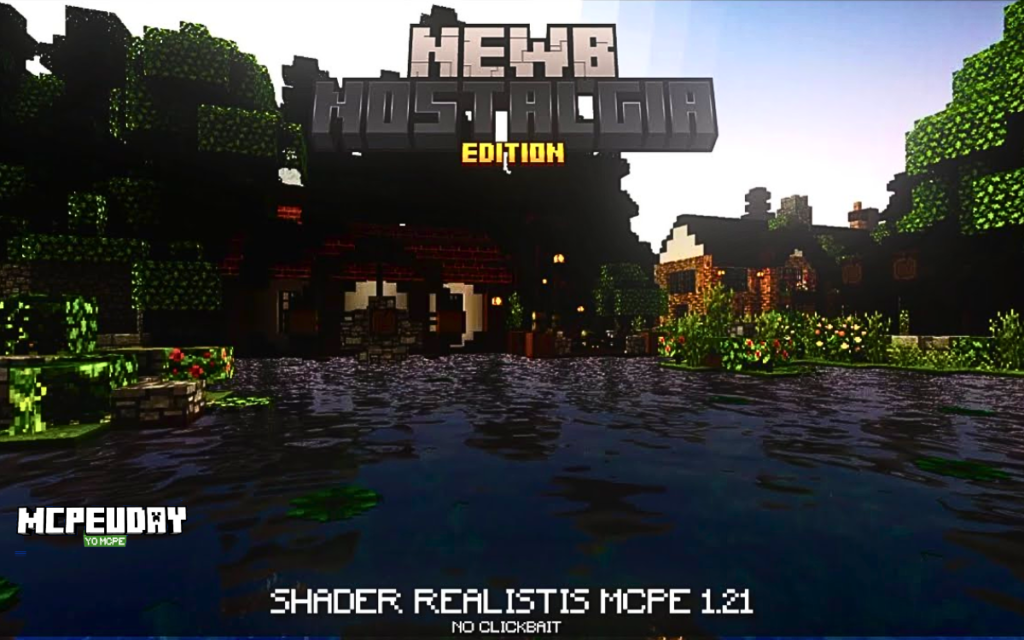
Newb Nostalgia Edition Shader.mcpack
Modern shaders often try to turn Minecraft into a cinematic movie. While that looks impressive…
Step 2: Install
- Open the
.mcaddonfile - Minecraft will automatically import it
- Activate it in:
- Behavior Packs
- Resource Packs
Step 3: Enable in World
- Create or edit a world
- Turn on the addon
- Enter the game
Step 4: Use Commands
- Toggle model:
/function ae_fpm:toggle_model
- Open settings:
/function ae_fpm:camera_settings
Best Settings for Smooth Gameplay
For best experience:
- Set FOV around 70
- Reduce camera shake
- Adjust sensitivity if movement feels heavy
This improves visual clarity and reduces lag.
Pros and Cons
✅ Pros
- Highly immersive gameplay
- Better combat and movement visuals
- Easy to toggle ON/OFF
- Lightweight and optimized
❌ Cons
- May cause minor visual glitches
- Can lag on low-end devices
- Not 100% perfect animation sync
Is This Addon Safe?
Yes — it is:
- Widely used in MCPE community
- Created by known developer (AlienEdds)
- Does not modify core game files
👉 Always download from trusted sources only.
Who Should Use This Addon?
This addon is perfect for:
- 🎮 Survival players
- ⚔️ PvP players
- 🎥 Content creators (YouTube, reels)
- 🏗️ Builders who want better perspective
FAQs
Does this addon work on Minecraft 1.21?
Yes, it supports multiple 1.21 versions including latest updates.
Can I turn it off anytime?
Yes, using:
ae_fpm:toggle_model
Does it cause lag?
Slightly on low-end devices, but settings can reduce it.
Is it better than default first-person?
For realism — YES
For competitive precision — depends on preference
Final Verdict (Honest Review)
The Dynamic First Person Model Addon (1.21) is one of the best immersion-focused addons for Minecraft PE right now.
It doesn’t just change visuals — it changes how you feel the game:
- Combat feels tighter
- Movement feels real
- Gameplay feels alive
👉 If you want a realistic Minecraft experience, this addon is 100% worth trying.
Author
By AlienEdds
Minecraft addon reviewer & MCPE content writer with experience testing 50+ Bedrock addons. I personally analyze performance, gameplay impact, and compatibility before recommending any addon.