The Movie Posters Addon adds stylish, high-quality posters to Minecraft Bedrock. Perfect for decorating bedrooms, theaters, bases, and modern houses with realistic movie art across MCPE 1.21 and 1.20.
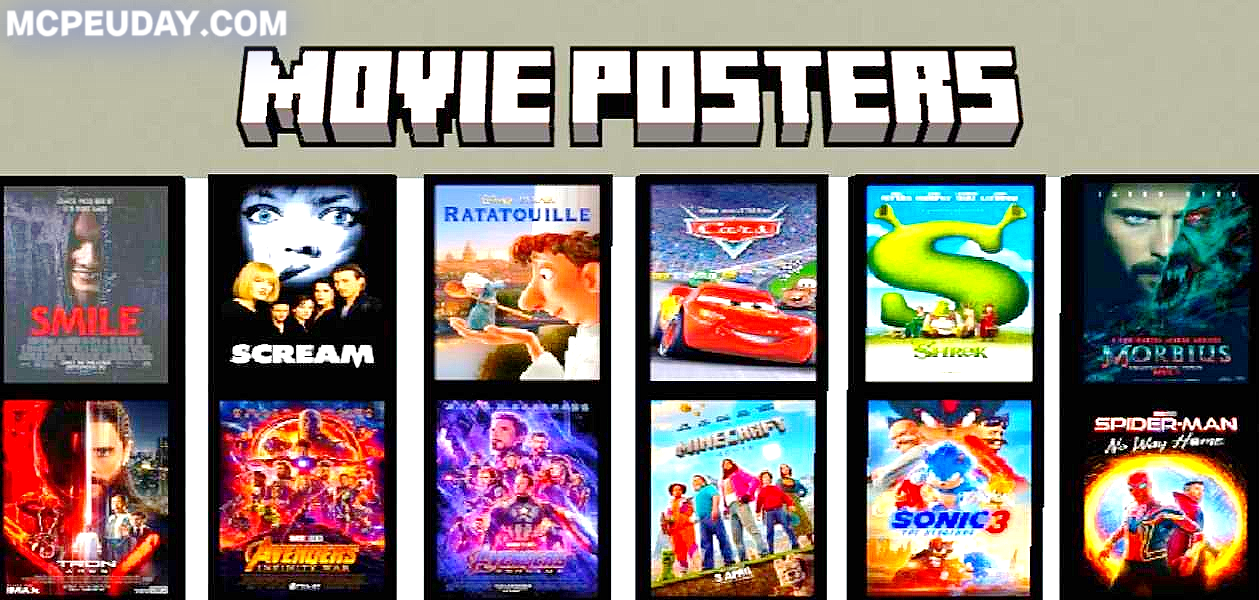
Addon BY:- Flappyguy
The Movie Posters Addon (1.21, 1.20) for MCPE/Bedrock is one of the best decoration mods for players who love building aesthetic rooms, theaters, or modern houses. This addon adds a wide range of high-quality movie posters that bring a realistic and stylish look to your Minecraft world. Whether you’re designing a gaming base, city apartment, cinema hall, or creative studio, this addon gives you a fresh way to customize your interiors.
🎬 What Is the Movie Posters Addon?
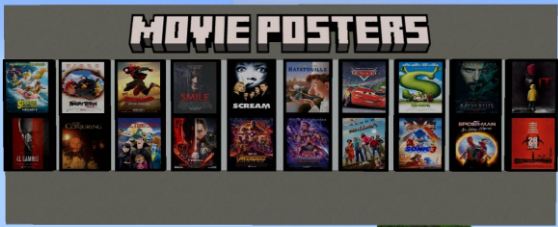
The Movie Posters Addon MCPE introduces placeable decorative posters inspired by popular movies, retro films, animations, and modern cinematic artwork. Each poster features clean HD textures, making them look sharp even in survival builds.
Instead of using maps or custom item frames, this addon provides ready-to-use posters, making decoration simple and instant.
⭐ Key Features
✔ HD Movie Posters
- Crystal-clear textures
- Smooth edges
- Vibrant colors
- Works perfectly with shaders
✔ Decorate Any Type of Build
This addon is perfect for:
- Bedrooms
- Cinemas & theaters
- Living rooms
- Gaming rooms
- Modern houses
- Restaurants or cafes
- Creative studios
✔ Supports Minecraft 1.21 & 1.20
Updated for the latest Minecraft Bedrock versions:
- MCPE 1.21
- MCPE 1.20
- Works with Android, iOS, and Windows Bedrock Edition
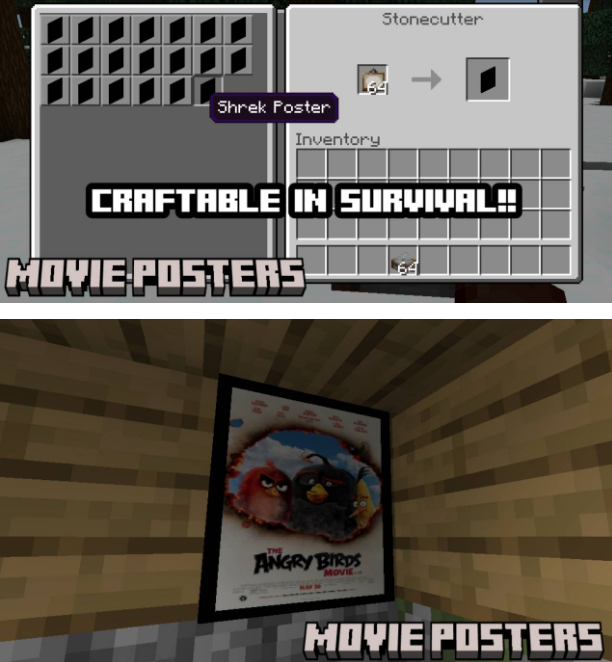
✔ Place & Remove Easily
The posters act like simple decorative blocks—
No commands, no maps, no complicated steps.
✔ Low Performance Usage
Optimized textures ensure:
- Zero lag
- No FPS drops
- Smooth gameplay even on low-end devices
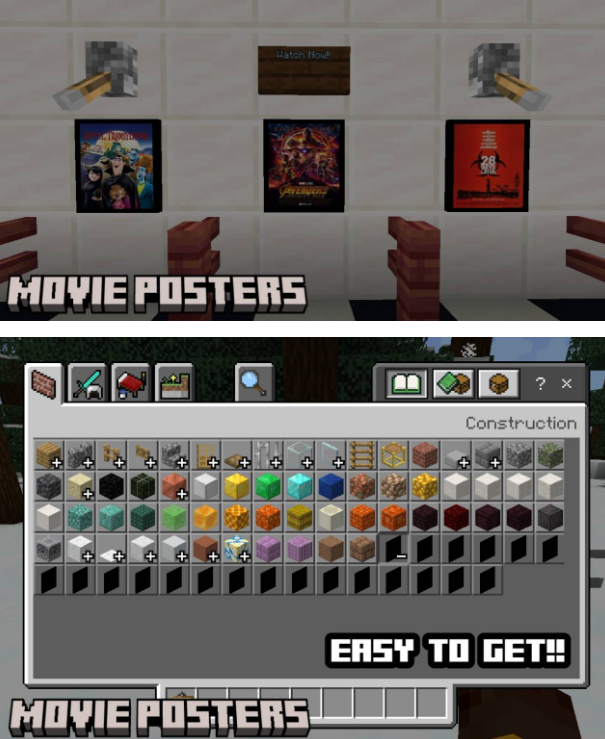
Screenshots:
🎨 Poster Categories Included
The addon usually includes a variety of thematic posters such as:
- Action movie posters
- Animated movie posters
- Retro & classic posters
- Horror film posters
- Fantasy & adventure designs
- Minimalist art posters
(Actual selection depends on developer updates.)
⚙️ How to Use the Movie Posters Addon
- Install the addon (BP + RP).
- Activate it in your world settings.
- Enable Experimental Features if required.
- Enter the world and open your inventory.
- Search for Movie Posters in the creative tab.
- Place them anywhere like normal blocks.
📥 Compatibility
- Minecraft Bedrock / MCPE
- Versions: 1.21, 1.20
- Devices: Android, iOS, iPadOS, Windows 10/11
- Works with most shaders and texture packs
📘 Installation Guide (Step-by-Step)
1. Download the Addon
Obtain the RP (Resource Pack) and BP (Behavior Pack) files.
2. Open the File
Tap the .mcaddon, .mcpack, or .zip file to import it into Minecraft.
3. Apply Packs
- Go to Settings → Global Resources
- Enable Movie Posters Addon
4. Create a New World (or Edit Existing)
- Activate both RP + BP
- Turn on required experimental features
5. Play & Decorate
Load your world and start building your movie-themed environment.
🧱 Why This Mod Is Perfect for Builders
If you love building stylish interiors, this addon is a game-changer. It helps you:
✔ Add realism to houses
✔ Create themed rooms
✔ Build cinemas
✔ Improve role-play worlds
✔ Make your base look modern and aesthetic
It’s widely used by YouTubers, builders, and interior-design players.
🏁 Conclusion
The Movie Posters Addon for MCPE (1.21 & 1.20) is a standout decoration pack that brings modern, stylish, and realistic movie artwork into Minecraft Bedrock Edition. Whether you’re designing a gaming room or constructing a full cinema complex, this addon gives your builds a fresh creative edge. With HD textures, easy placement, and strong version compatibility, it’s a must-have for any interior-building fan.